
hotspot-meter.loam.sk/
Hotspot Meter 是什么?
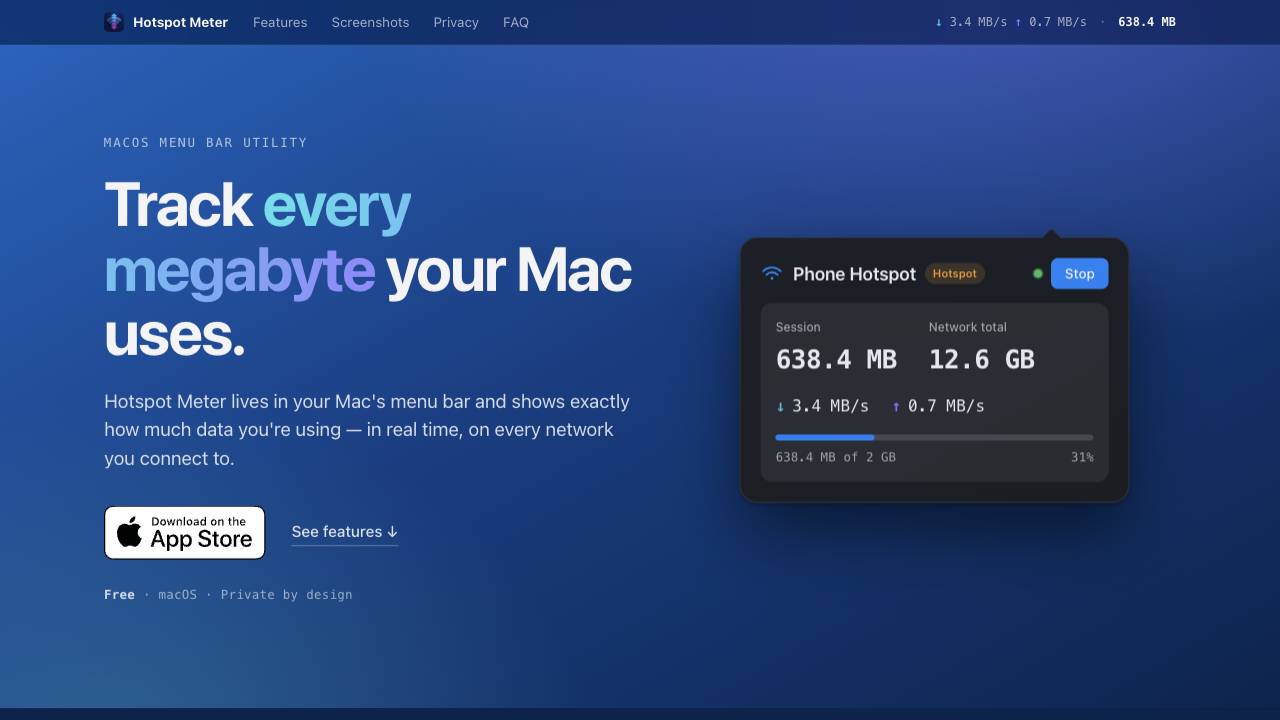
Hotspot Meter is a free macOS menu-bar app that tracks Wi-Fi and hotspot data usage in real time, showing live speeds, per-network totals, and usage alerts before you hit your cap.
A private data-usage meter for your Mac menu bar
核心功能
Real-time download and upload rates in the menu bar
Session and per-network data totals at a glance
Per-network history with cumulative data and first/last-seen dates
Usage alerts with customizable limits from 100 MB to 10 GB
Auto-tracking when joining a hotspot or tethered connection
Flexible menu bar display: icon only, session total, network total, or both
热门使用场景
- Monitoring data usage on metered connections like phone hotspots
- Avoiding overage fees on hotel or café Wi-Fi
- Tracking usage on travel routers or limited data plans
- Keeping an eye on data consumption during remote work
功能对比
基于工具方提供的信息进行功能对比。
待核实
对比信息仅供参考,请以官方网站的最新信息为准。
如何使用
- Download and install Hotspot Meter on your Mac (macOS 10.15 or later).
- Launch the app; it appears in the menu bar with no setup needed.
- View live upload/download speeds and per-network data totals directly from the menu bar.
- Optionally set a data limit (100 MB to 10 GB) to receive native macOS notifications as you approach it.
- Enable auto-tracking to start monitoring automatically when joining a hotspot or tethered connection.
定价
Hotspot Meter 采用 Free 定价模式,价格和功能可能会随时间变化。
Free
$0
待核实
Pro
待核实
待核实
Team
待核实
待核实
Enterprise
待核实
待核实
优惠 / 优惠码
暂无优惠码。
大家喜欢它的原因
暂时还没有评价标签。
还有哪些可以改进
暂时还没有评价标签。
常见问题
验证信息
工具状态
待核实
定价已核验
待核实
创始人已认领
否 / 待核实
来源
官网 / 社区提交
相关标签
AI WritingContent GenerationResearchEmail WritingSummarizationRewritingAcademic Research浏览器扩展Freemium
你是这个工具的官方团队吗?
认领这个资料页后,你可以更新产品信息、定价和官方回复。
