Glideo
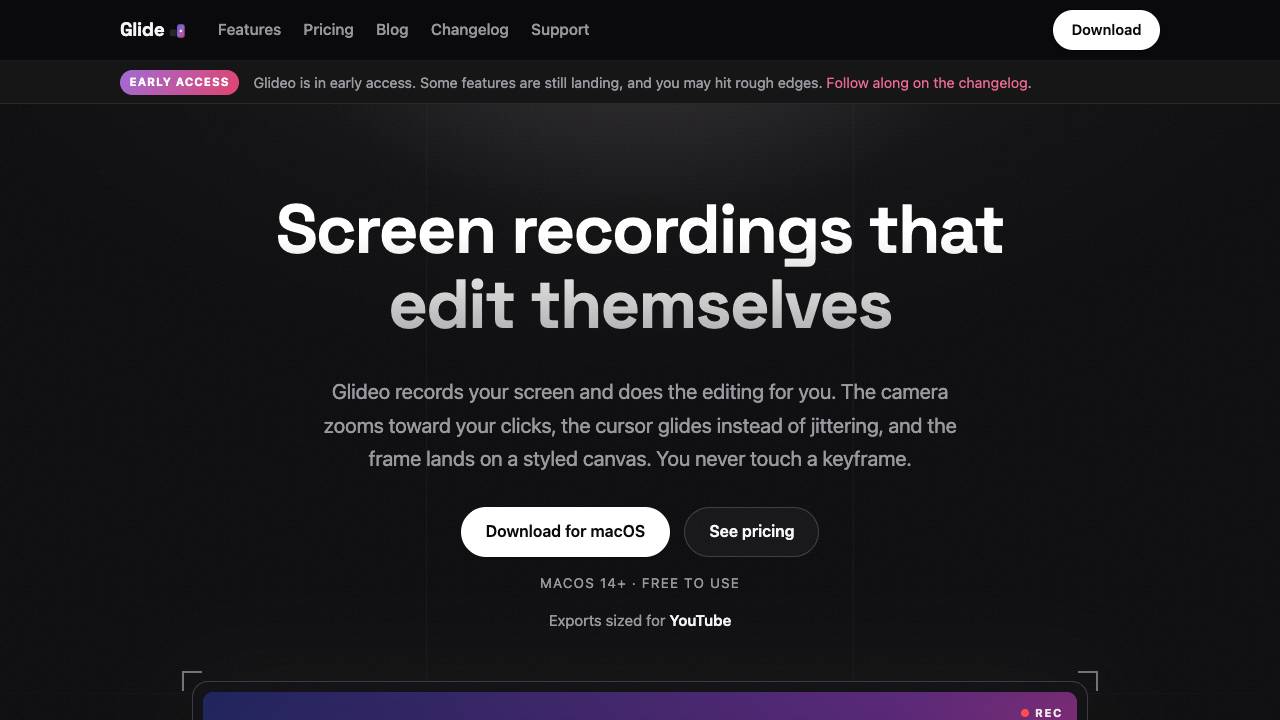


Glideo is a free macOS screen recorder that automatically edits screen recordings into polished demo videos by zooming toward clicks, smoothing cursor movement, and applying a styled canvas—no manual keyframing required.
Screen recordings that edit themselves
- Creating polished product demos for software and apps
- Recording dev tool walkthroughs and changelogs
- Producing tutorial videos for YouTube, Shorts, Reels, or TikTok
- Embedding short clips in READMEs, documentation, and support answers
- Download and install Glideo on macOS 14+.
- Record your screen while performing actions; Glideo logs mouse movements and clicks.
- Review the automatically planned camera zooms and pans on the timeline.
- Adjust any zoom segment: retime, resize, or reset as needed.
- Choose export format (16:9 for YouTube, 9:16 for Shorts/Reels/TikTok) and render the final video.
- Reopen the project anytime to re-render with updated styles or content.

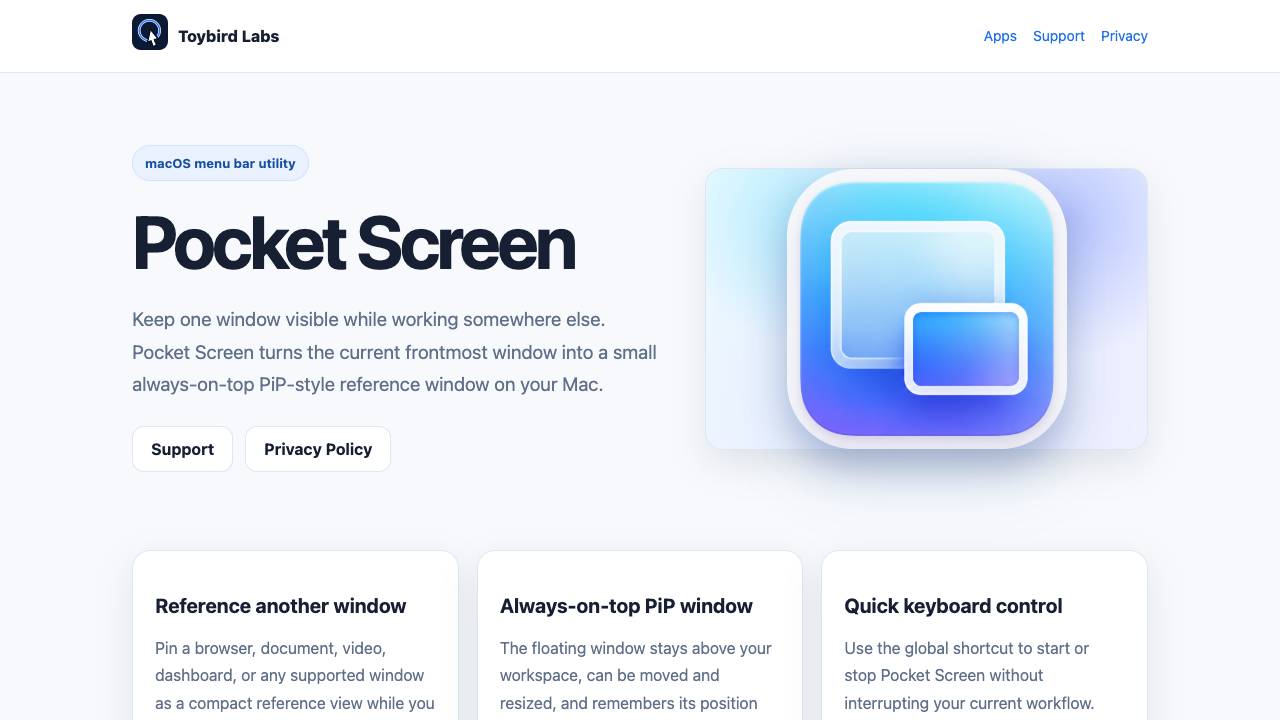
Keep any Mac window visible in a floating mini screen

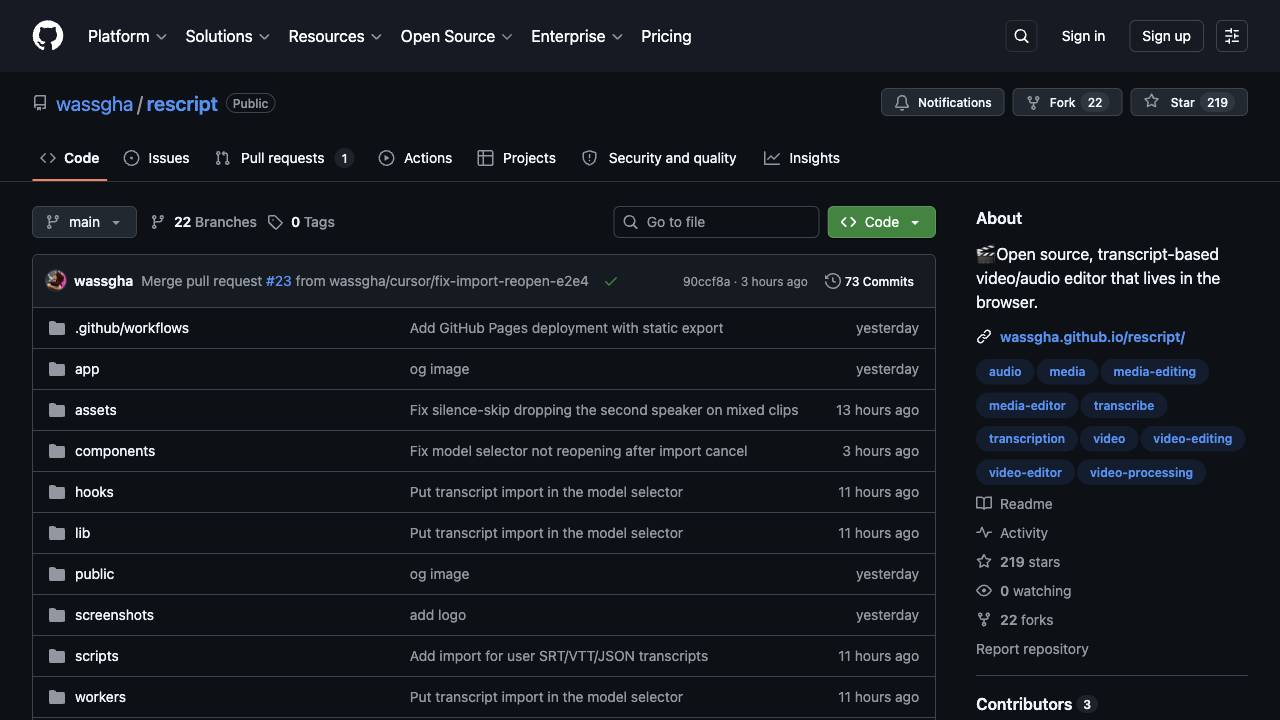
A free, open source, Descript alternative. Runs in-browser.

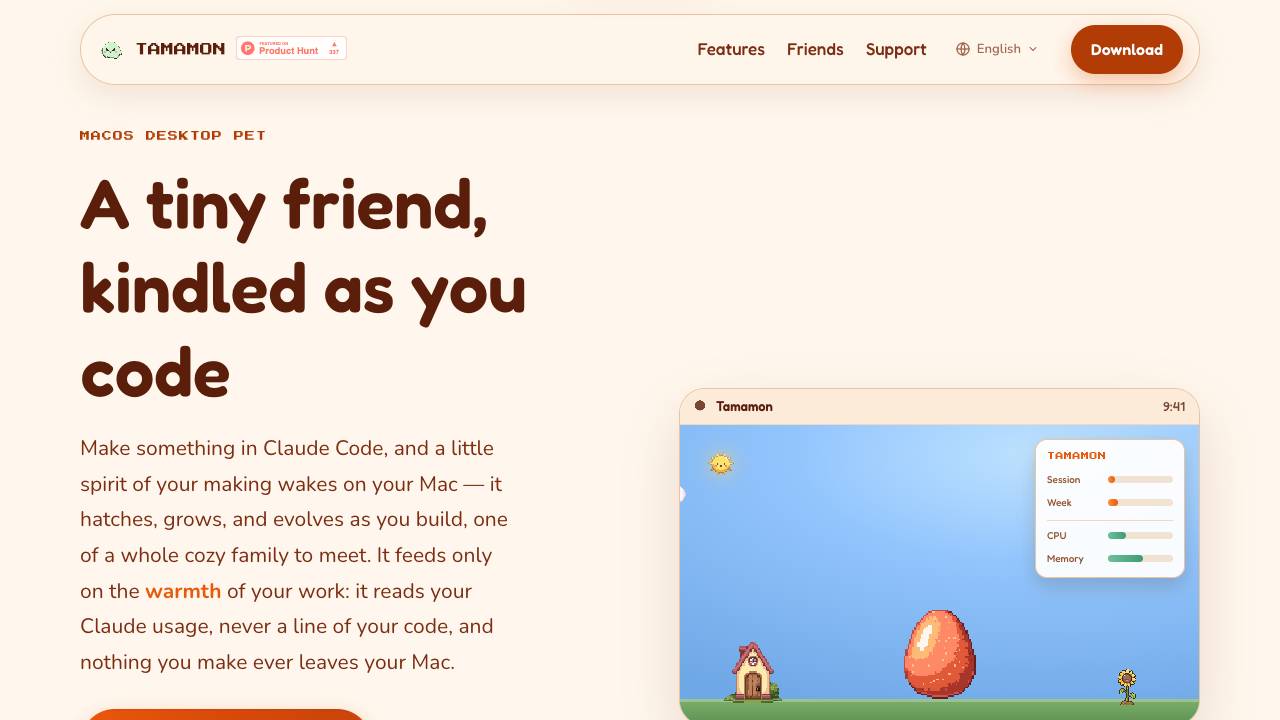
Tamamon is a free macOS desktop pet that grows as you code with Claude Code. It reads your Claude usage to evolve the pet, but never accesses your code or data. The pet appears on your desktop, reacts to your activity, and can be fed and played with.

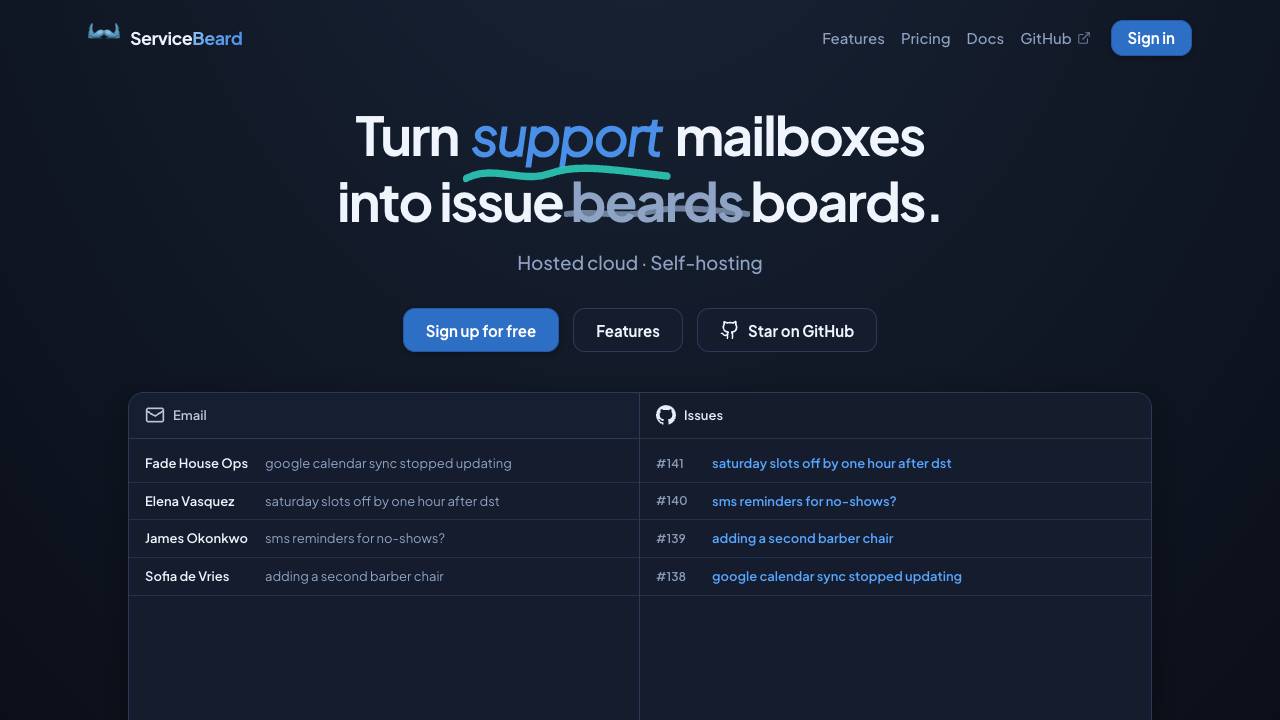
Sync your mailbox with your issue tracker

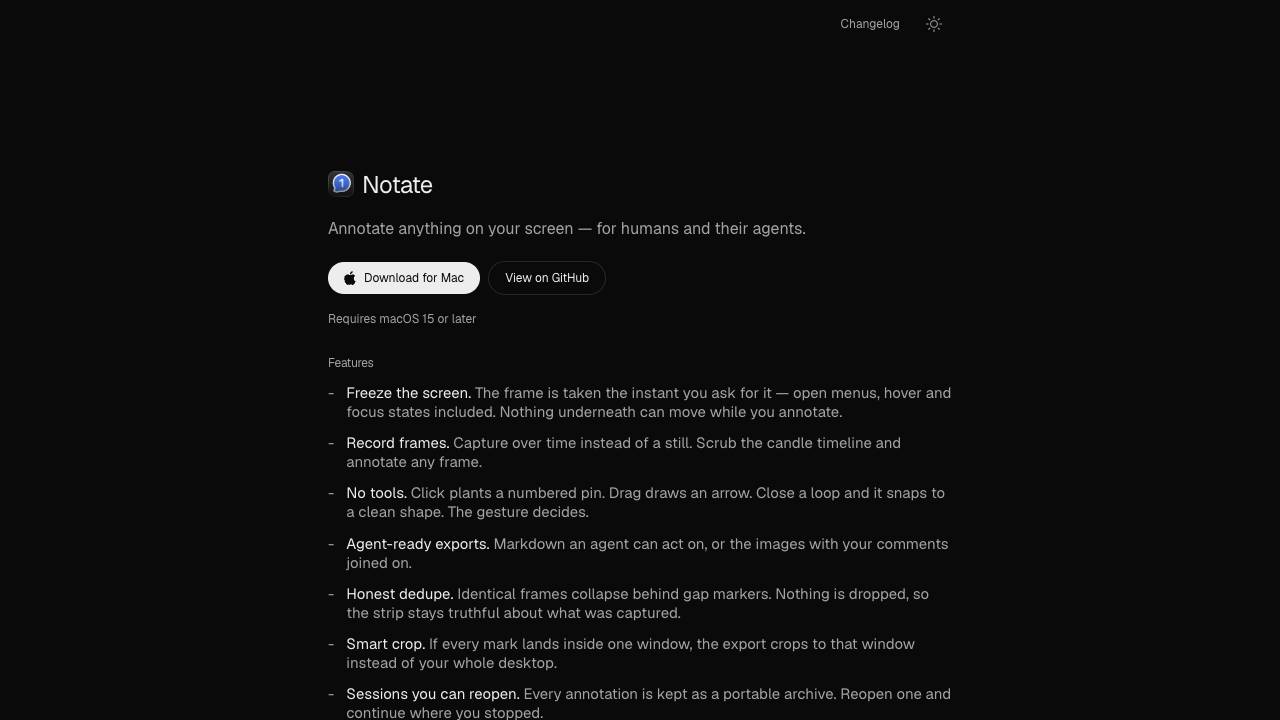
Annotate anything for humans and their agents

A modern, visual file manager for the terminal

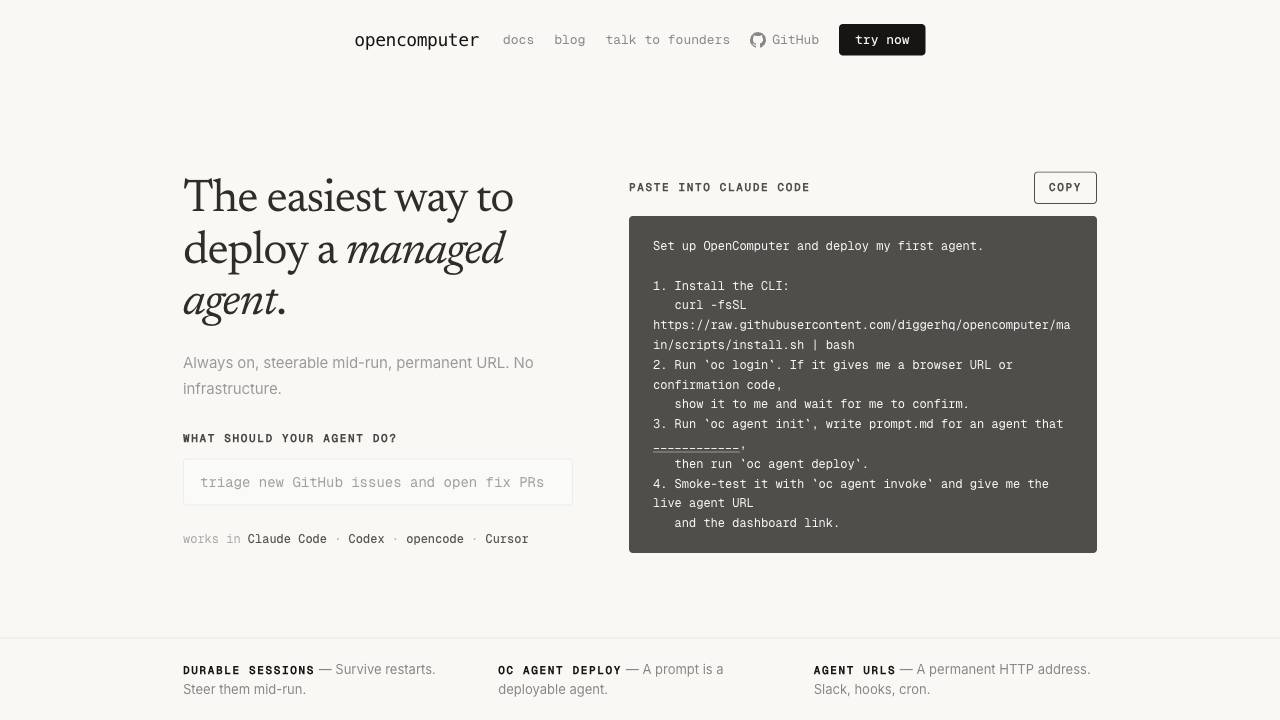
The easiest way to deploy a managed agent.

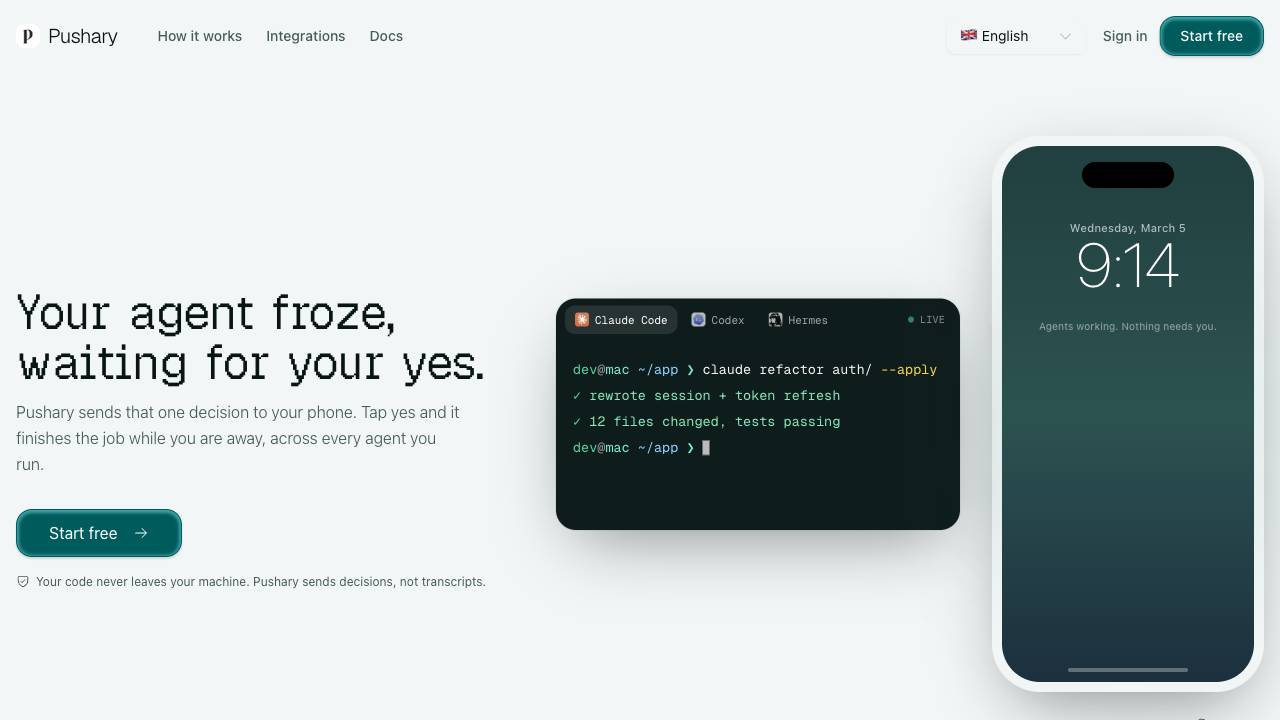
Control panel for AI agents on your lock screen

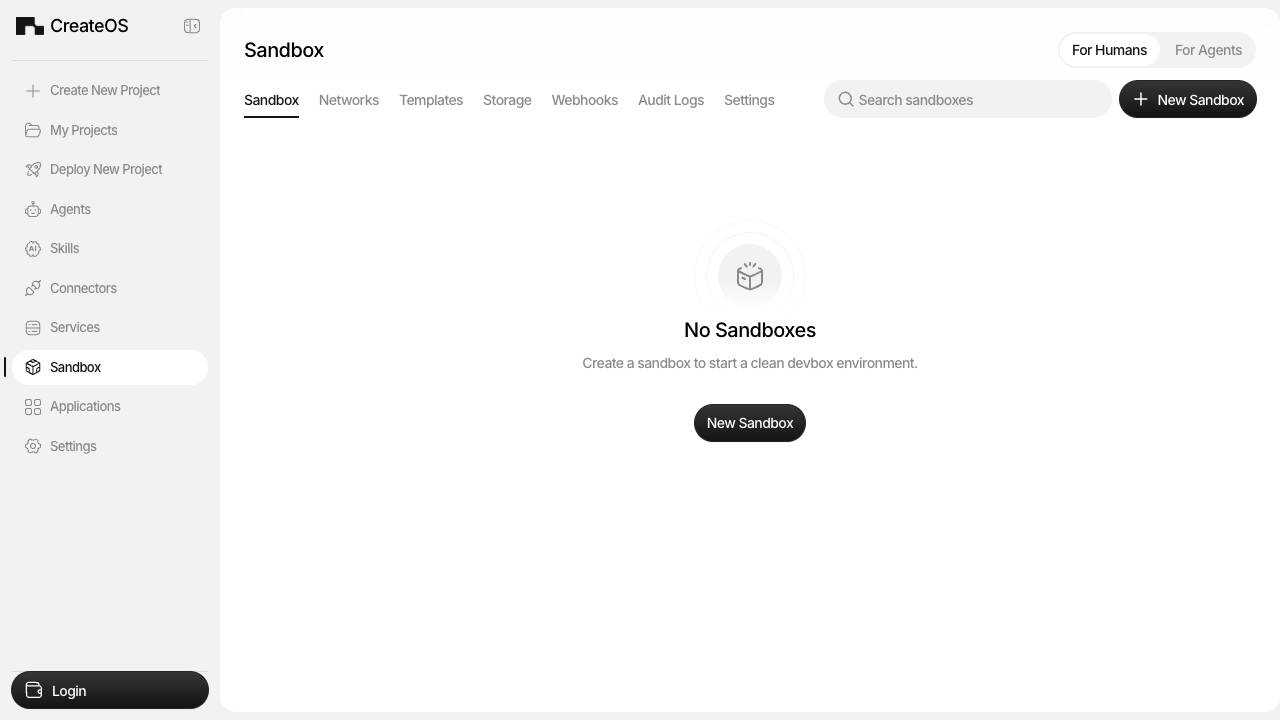
Instant, hardware Isolated Sandboxes for AI agents

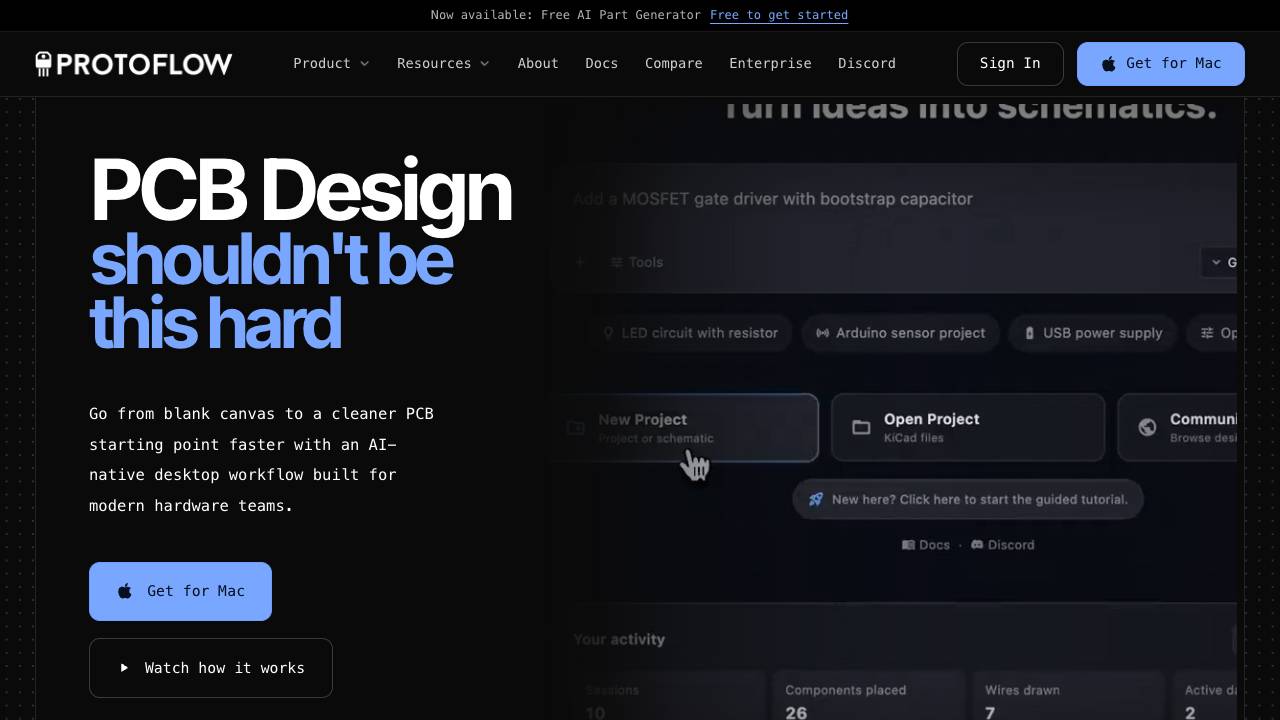
AI-powered schematic design tool for PCB making

Caps Lock keeps your Mac awake, even with the lid closed

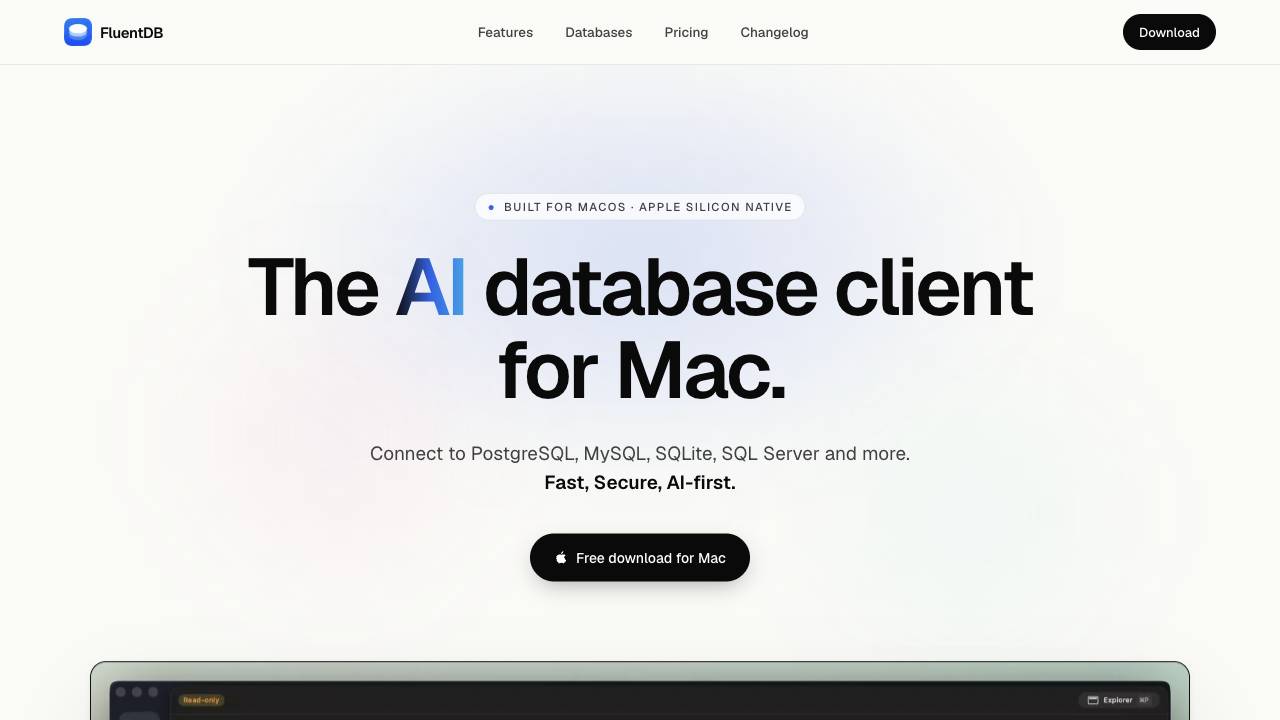
The AI database client for Mac

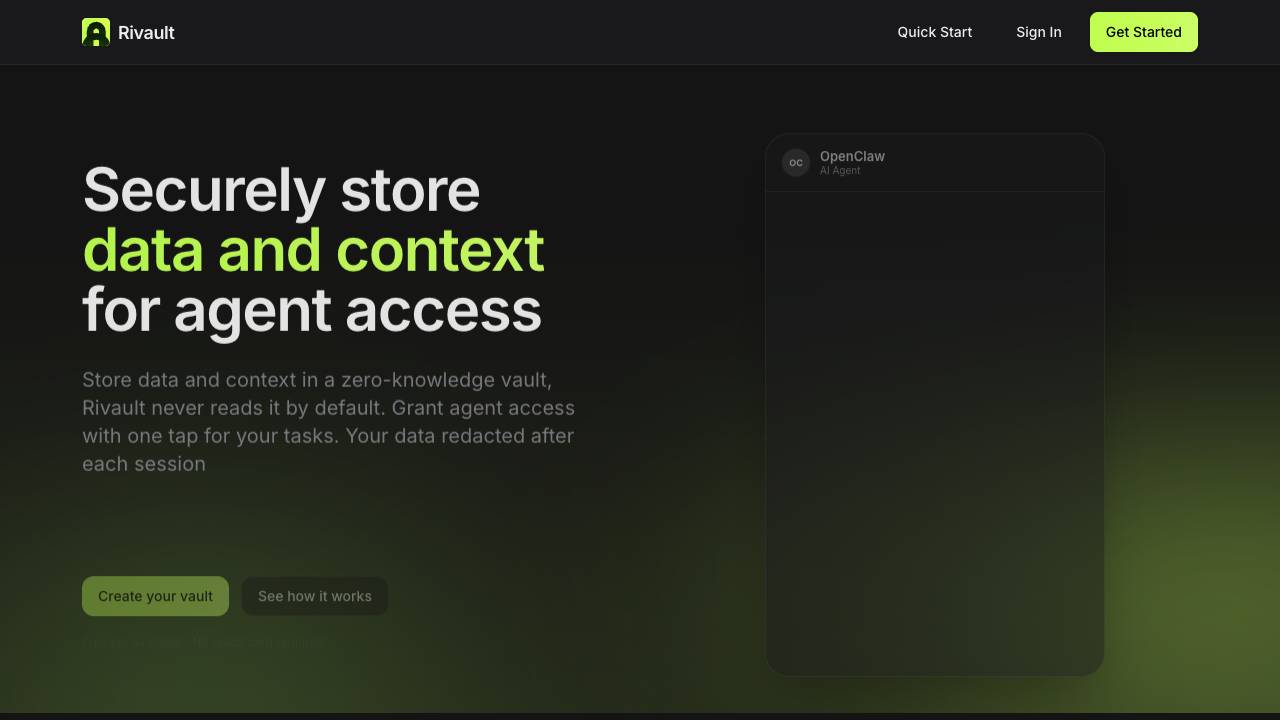
Approve AI agent data access with Face ID

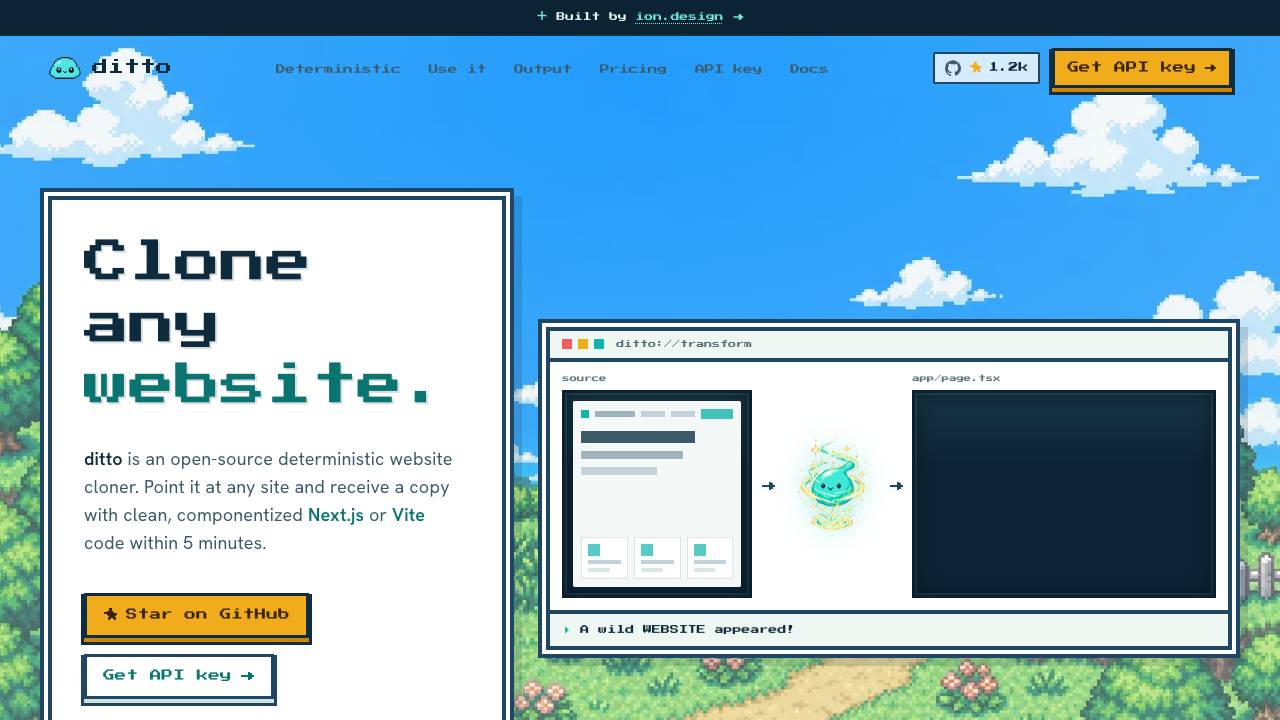
Clone any website into clean code. Free & open source

Give Claude Code and Codex a voice

Fastest LLM runtime on Apple Silicon

Manage your team of AI agents by voice, from anywhere

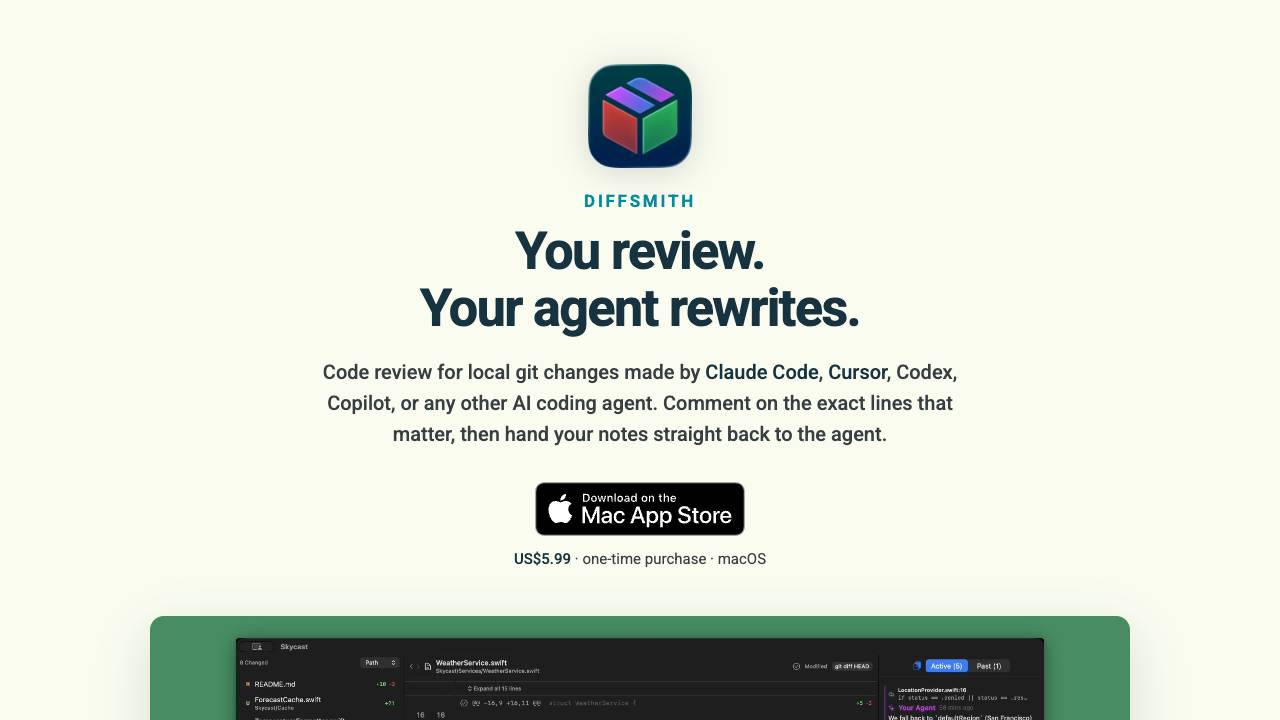
Comment on your AI agent's code & collaborate on changes