

概览
Pocket Screen 是什么?
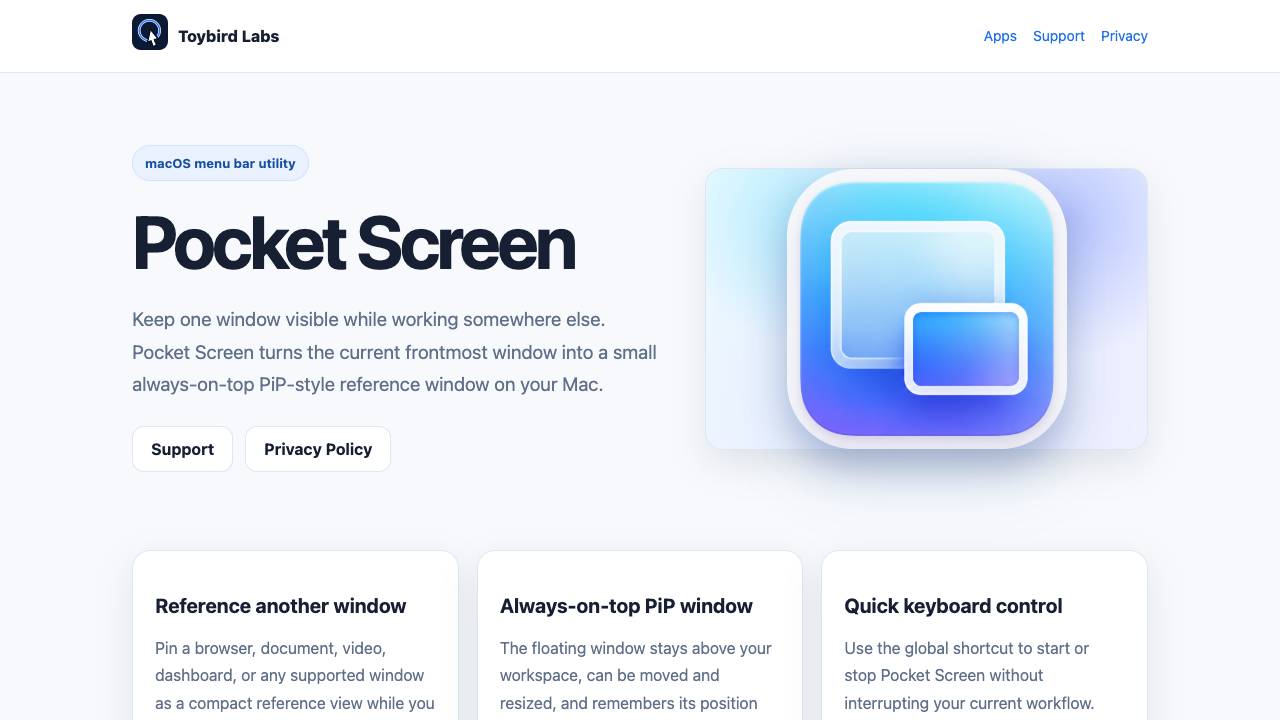
Pocket Screen is a macOS menu bar app that turns the current frontmost window into a small always-on-top PiP-style reference window, allowing you to keep one window visible while working elsewhere.
Keep any Mac window visible in a floating mini screen
核心功能
Always-on-top PiP window that stays above your workspace
Global keyboard shortcut to start/stop the floating window
Continuous live mirroring using macOS ScreenCaptureKit
Space-aware behavior: hides PiP when switching Spaces
Local-only display: no upload of captured pixels
Remembers window position and size for everyday use
热门使用场景
- Reference a document or spreadsheet while typing in another app
- Keep a video or live stream visible while browsing or working
- Monitor a dashboard or analytics window without switching tabs
- Pin a tutorial or instructions while following along in another window
如何使用
- Bring the window you want to keep visible to the front.
- Choose Pocket Screen from the menu bar or press the configured shortcut.
- Move or resize the floating PiP window as needed.
- Press the shortcut again or use the menu bar to stop.
定价
Pocket Screen 采用 Free 定价模式,价格和功能可能会随时间变化。
Free
$0
待核实
Pro
待核实
待核实
Team
待核实
待核实
Enterprise
待核实
待核实
优惠 / 优惠码
暂无优惠码。
大家喜欢它的原因
暂时还没有评价标签。
还有哪些可以改进
暂时还没有评价标签。
常见问题
产品时间线
待核实
Pocket Screen 评价
社区已经提交了 0 条关于 Pocket Screen 的评价,分享他们喜欢什么、哪些地方还可以改进,以及更多实际体验。
—
基于 0 条评价
Ease of Use
Output Quality
Reliability
Value for Money
Customization
评价 Pocket Screen?
优点 (0)
暂无标签。
缺点 (0)
暂无标签。
还没有评价。
验证信息
工具状态
待核实
定价已核验
待核实
创始人已认领
否 / 待核实
来源
官网 / 社区提交
相关标签
AI WritingContent GenerationResearchEmail WritingSummarizationRewritingAcademic Research浏览器扩展Freemium
你是这个工具的官方团队吗?
认领这个资料页后,你可以更新产品信息、定价和官方回复。
Top alternatives

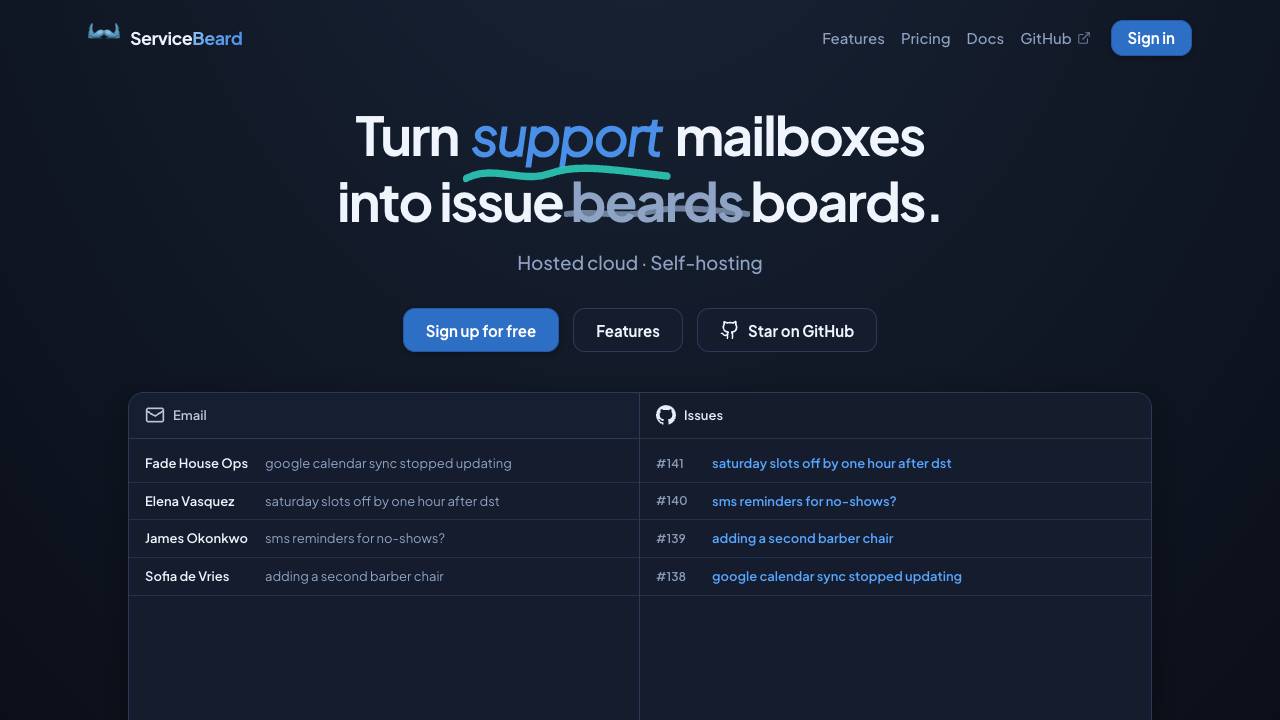
ServiceBeard
Sync your mailbox with your issue tracker

superfile
A modern, visual file manager for the terminal


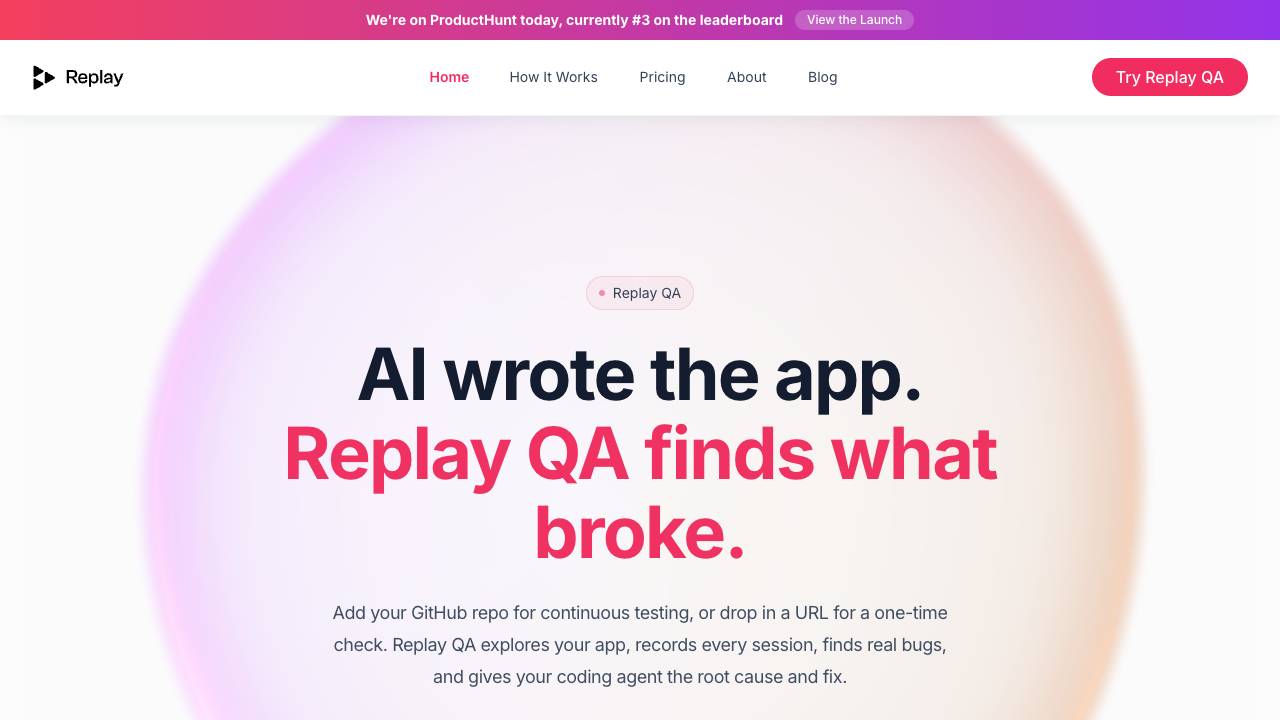
Replay
Your time travel debugger

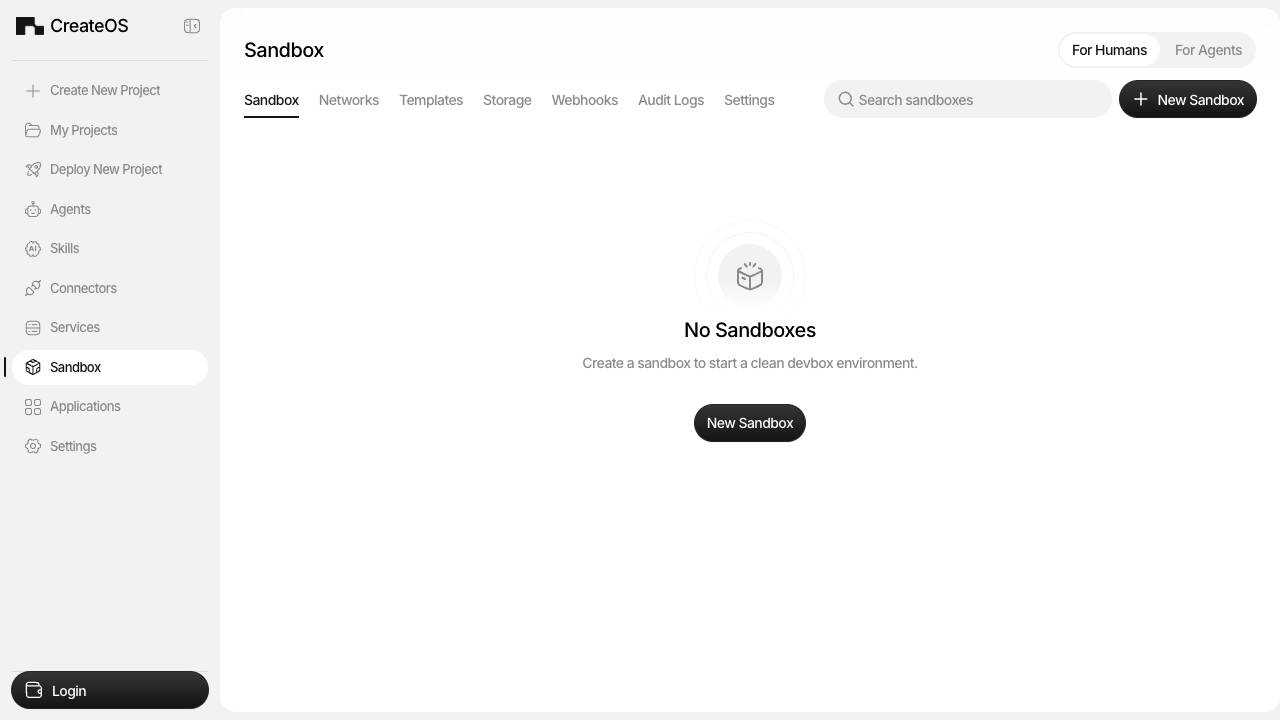
CreateOS Sandbox
Instant, hardware Isolated Sandboxes for AI agents

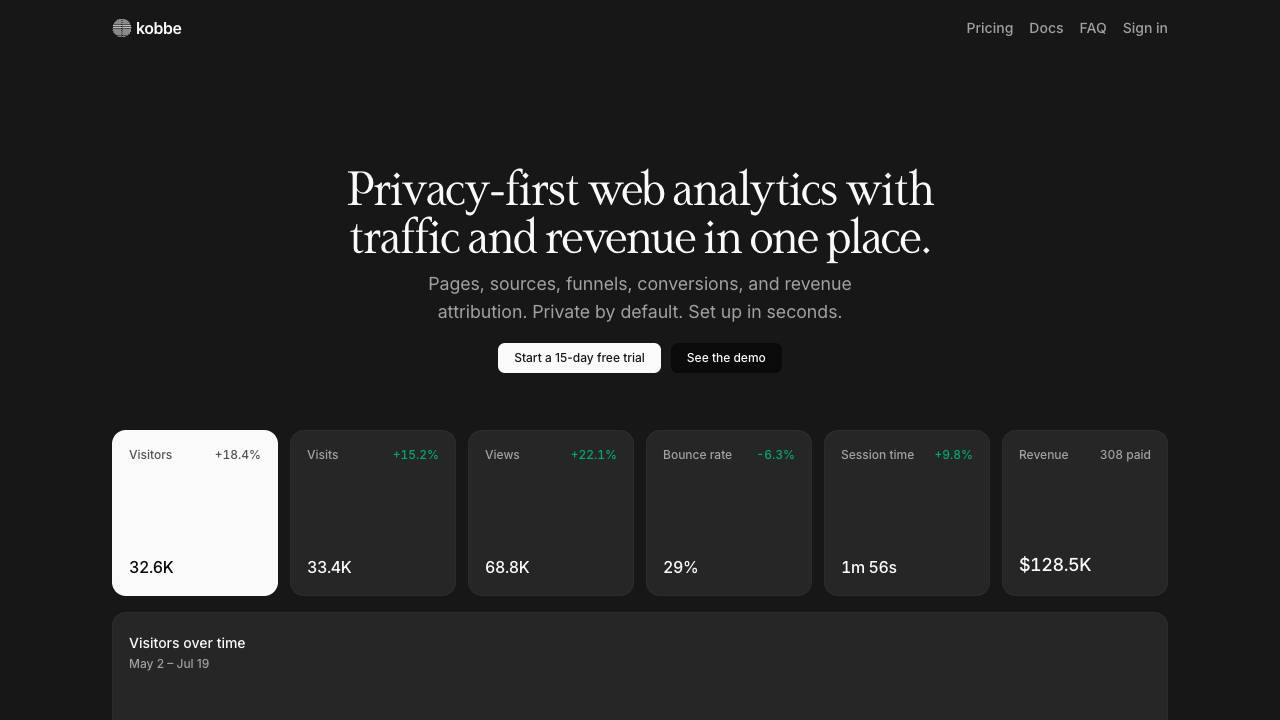
Kobbe
Privacy-friendly web analytics with traffic and revenue.

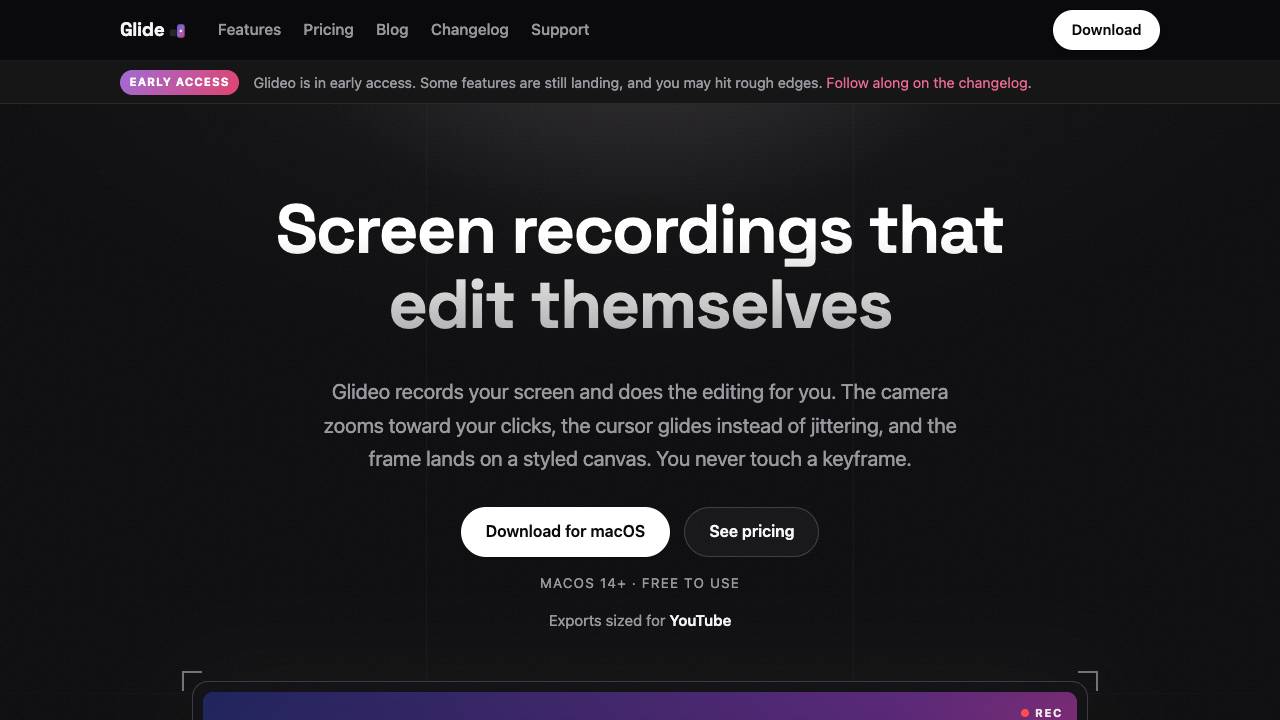
Glideo
Screen recordings that edit themselves

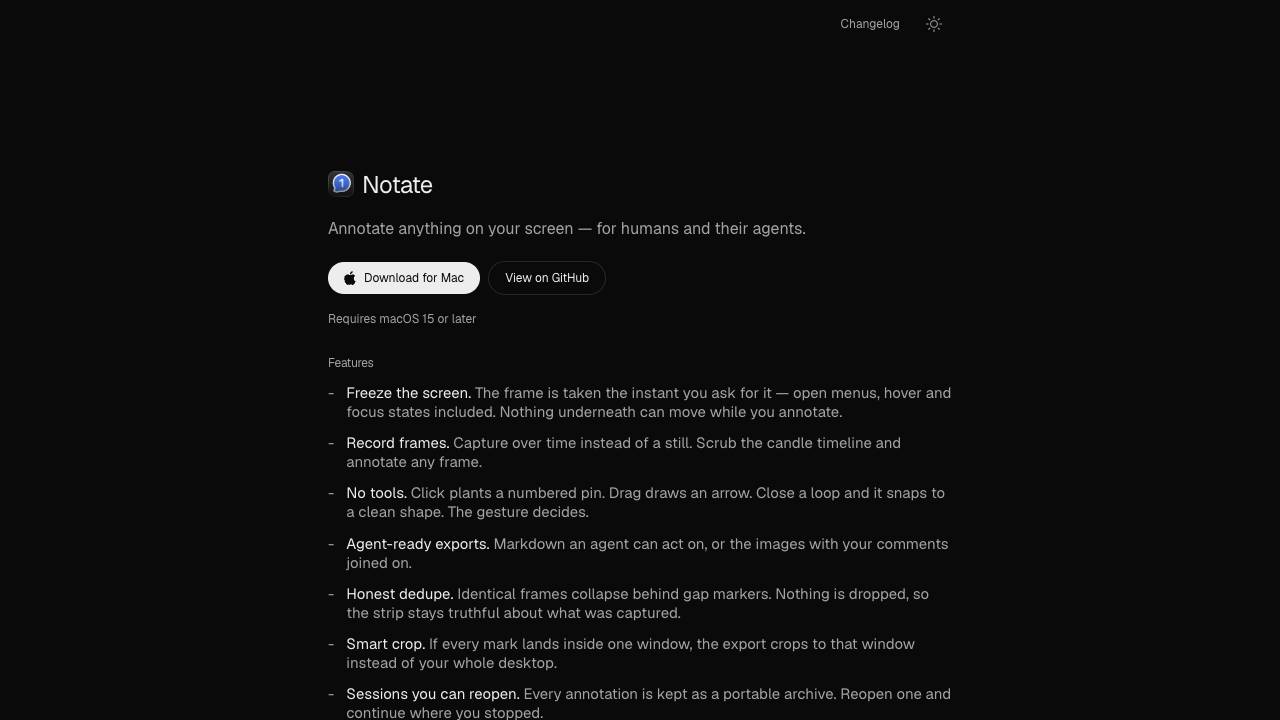
Notate
Annotate anything for humans and their agents

OpenComputer
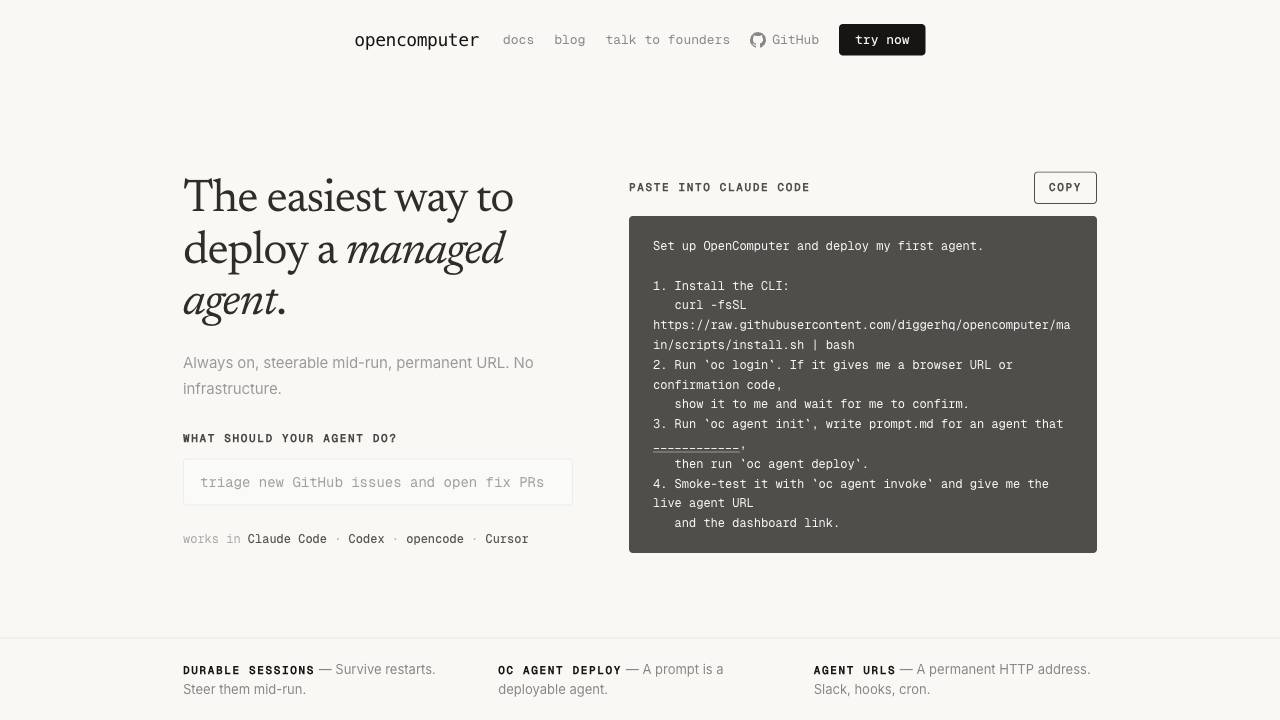
The easiest way to deploy a managed agent.

Rivault
Approve AI agent data access with Face ID