Pocket Screen
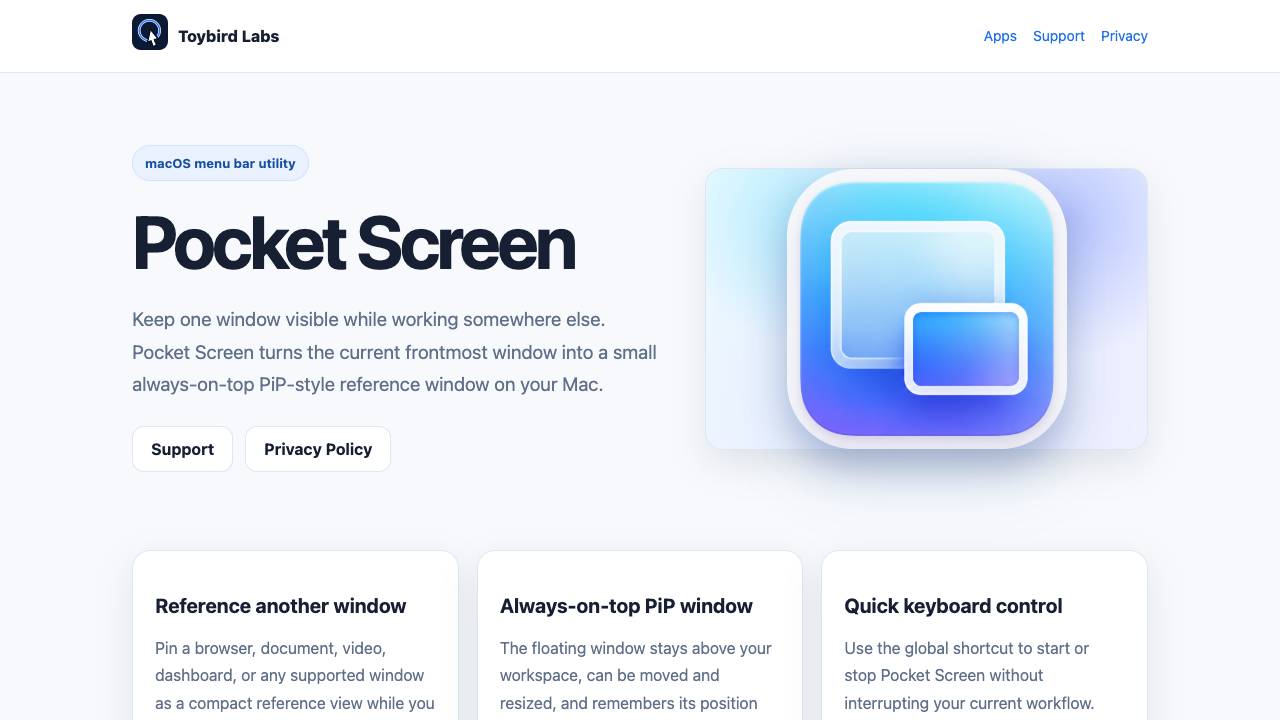


Pocket Screen is a macOS menu bar app that turns the current frontmost window into a small always-on-top PiP-style reference window, allowing you to keep one window visible while working elsewhere.
Keep any Mac window visible in a floating mini screen
- Reference a document or spreadsheet while typing in another app
- Keep a video or live stream visible while browsing or working
- Monitor a dashboard or analytics window without switching tabs
- Pin a tutorial or instructions while following along in another window
- Bring the window you want to keep visible to the front.
- Choose Pocket Screen from the menu bar or press the configured shortcut.
- Move or resize the floating PiP window as needed.
- Press the shortcut again or use the menu bar to stop.

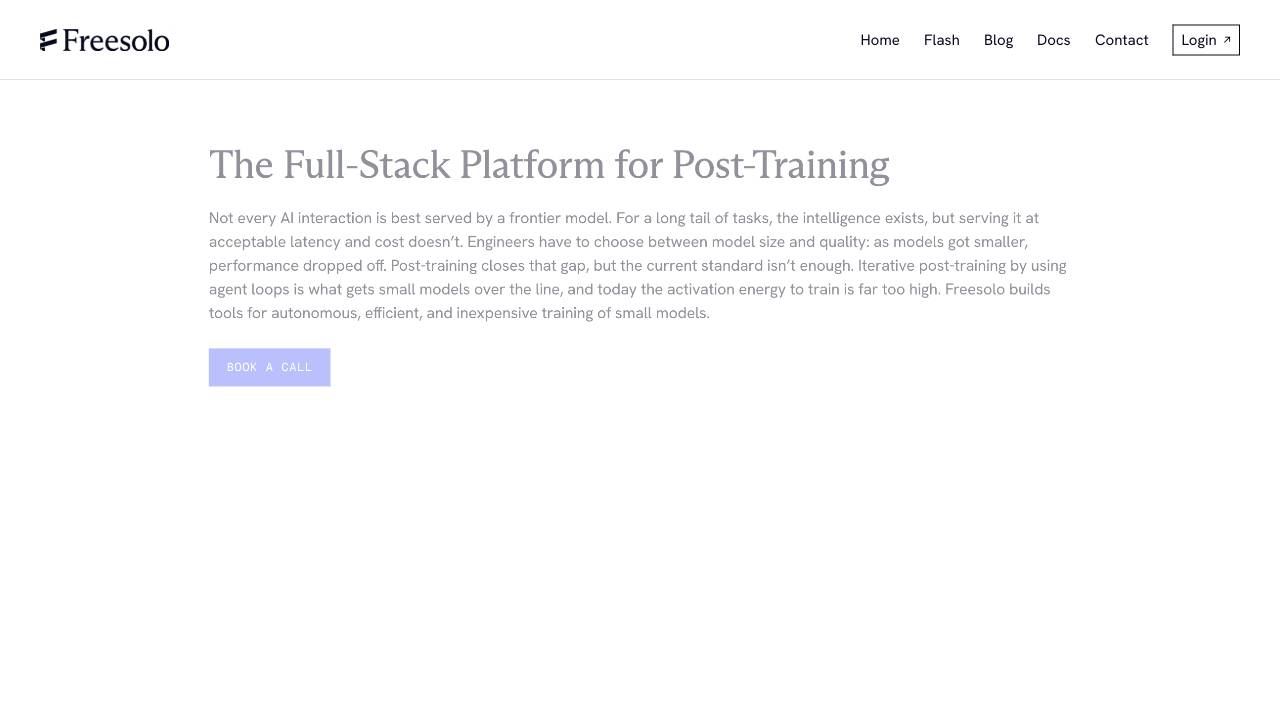
Full-Stack Platform for Training Small Language Models

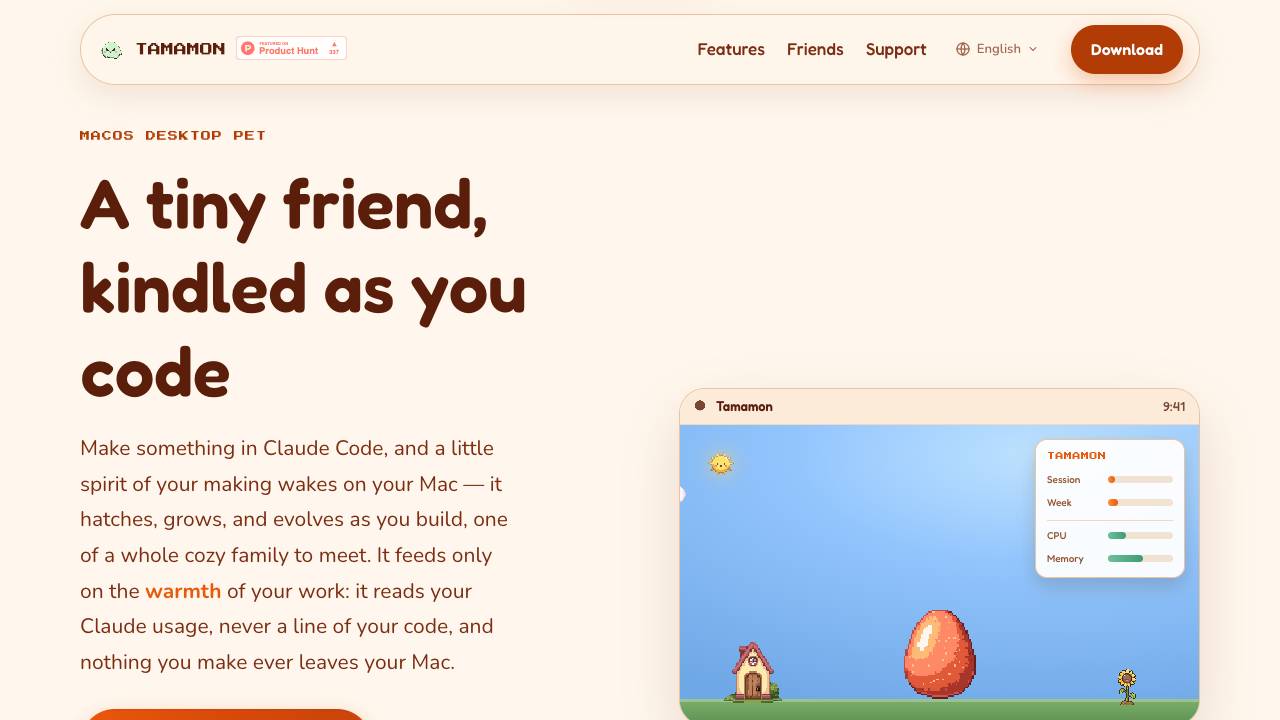
Tamamon is a free macOS desktop pet that grows as you code with Claude Code. It reads your Claude usage to evolve the pet, but never accesses your code or data. The pet appears on your desktop, reacts to your activity, and can be fed and played with.

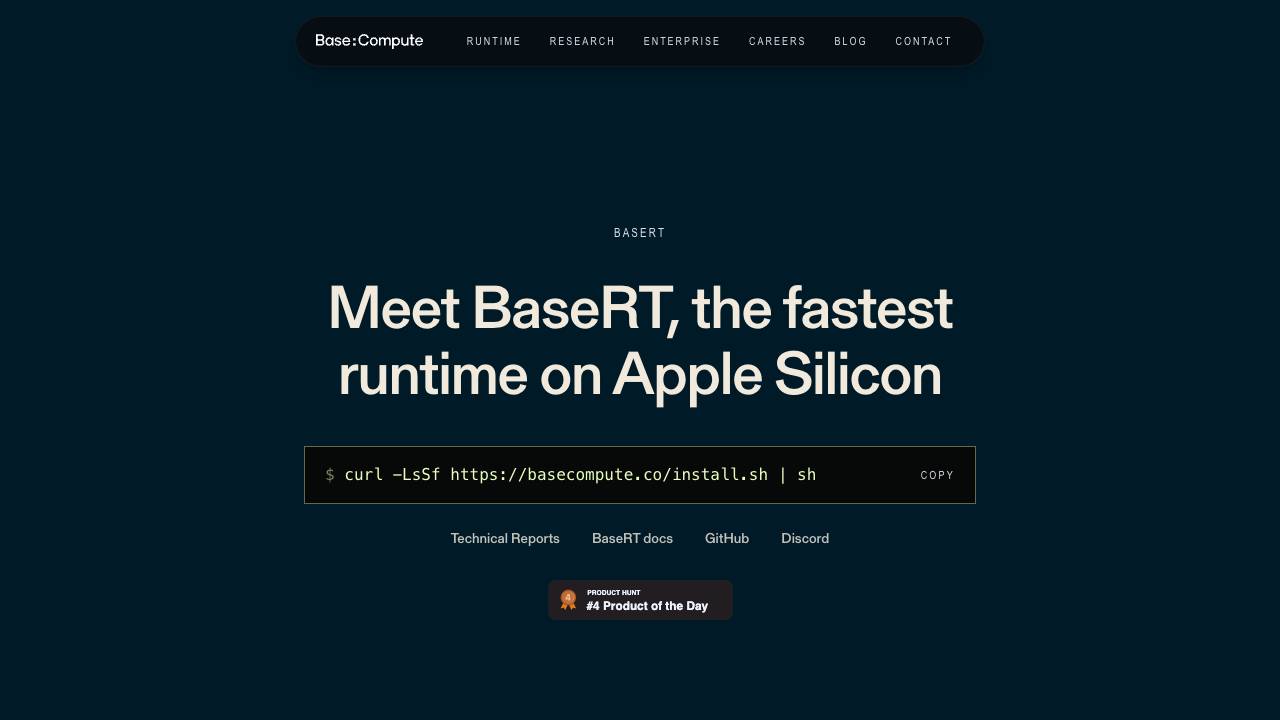
Fastest LLM runtime on Apple Silicon

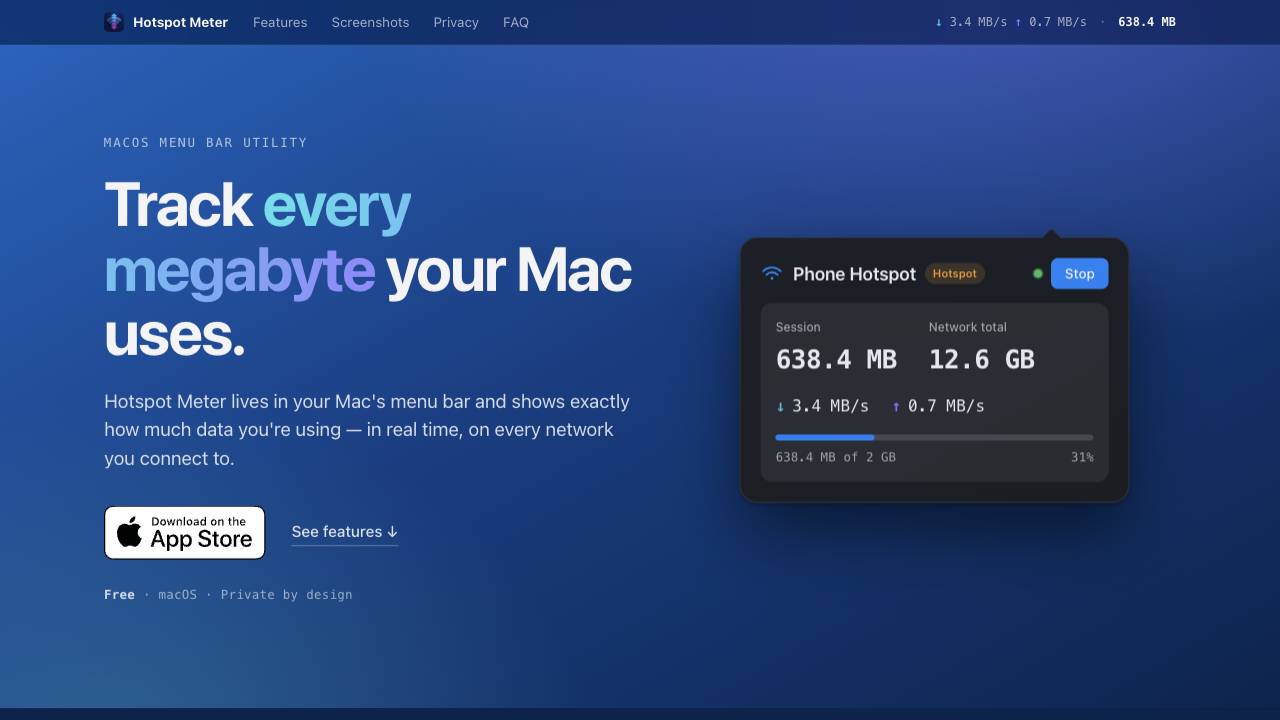
A private data-usage meter for your Mac menu bar

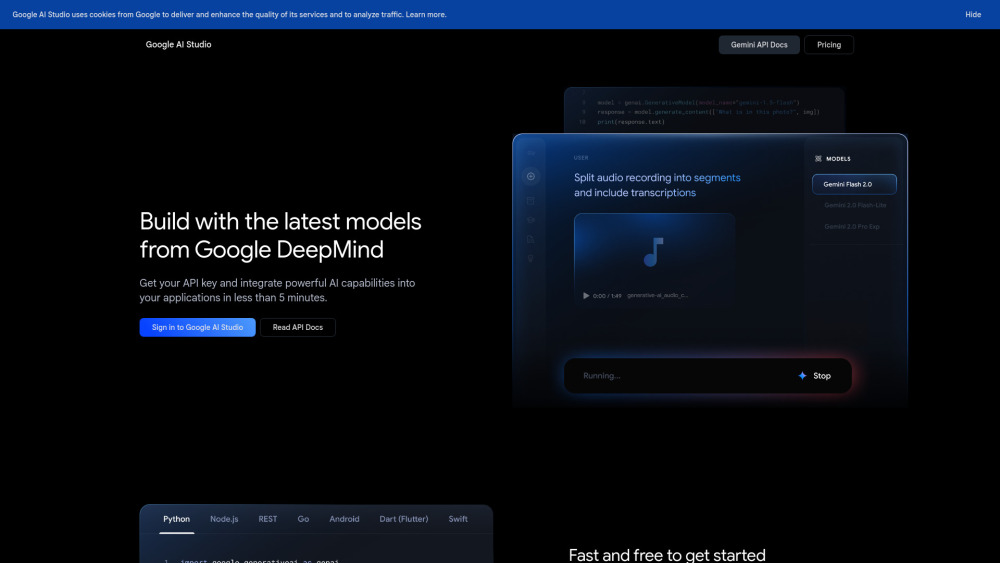
Platform for building with Google's Gemini AI models.

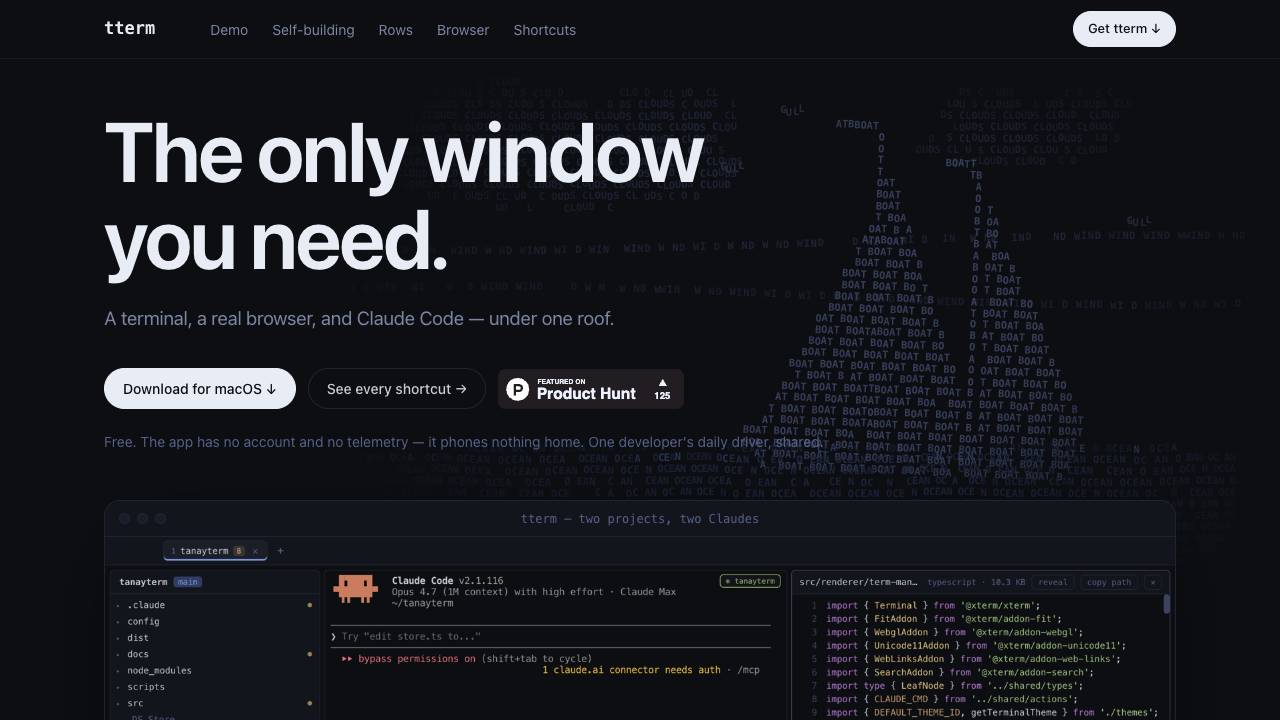
A terminal, a real browser, and Claude Code under one roof

The Web Data API for AI Agents and Developers


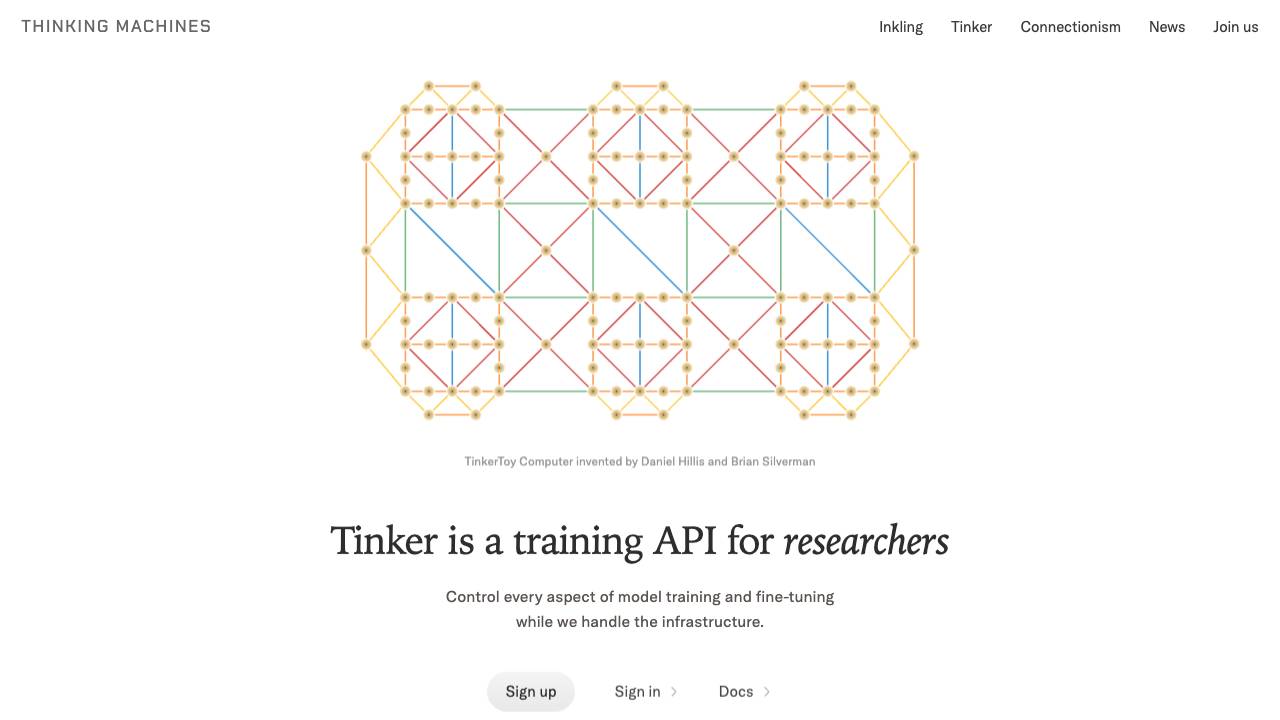
Control every aspect of model training and fine-tuning

The terminal and Mac menu bar companion for Kickbacks.ai


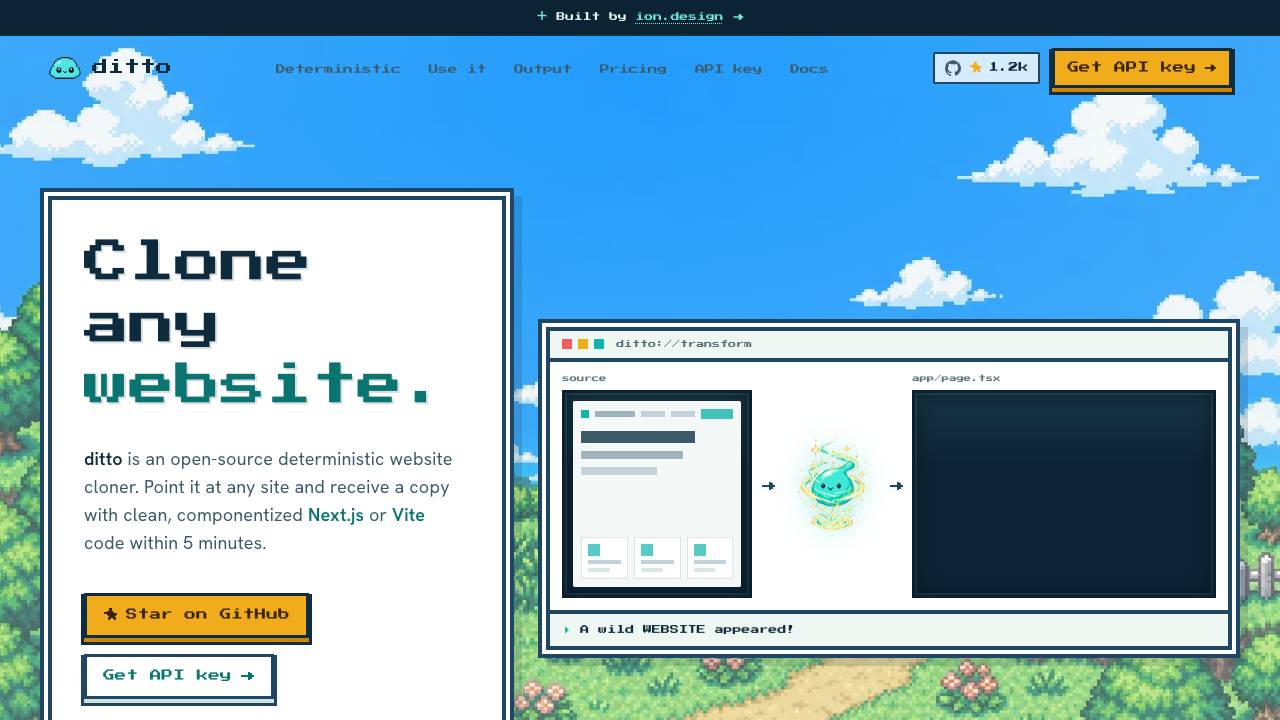
Clone any website into clean code. Free & open source

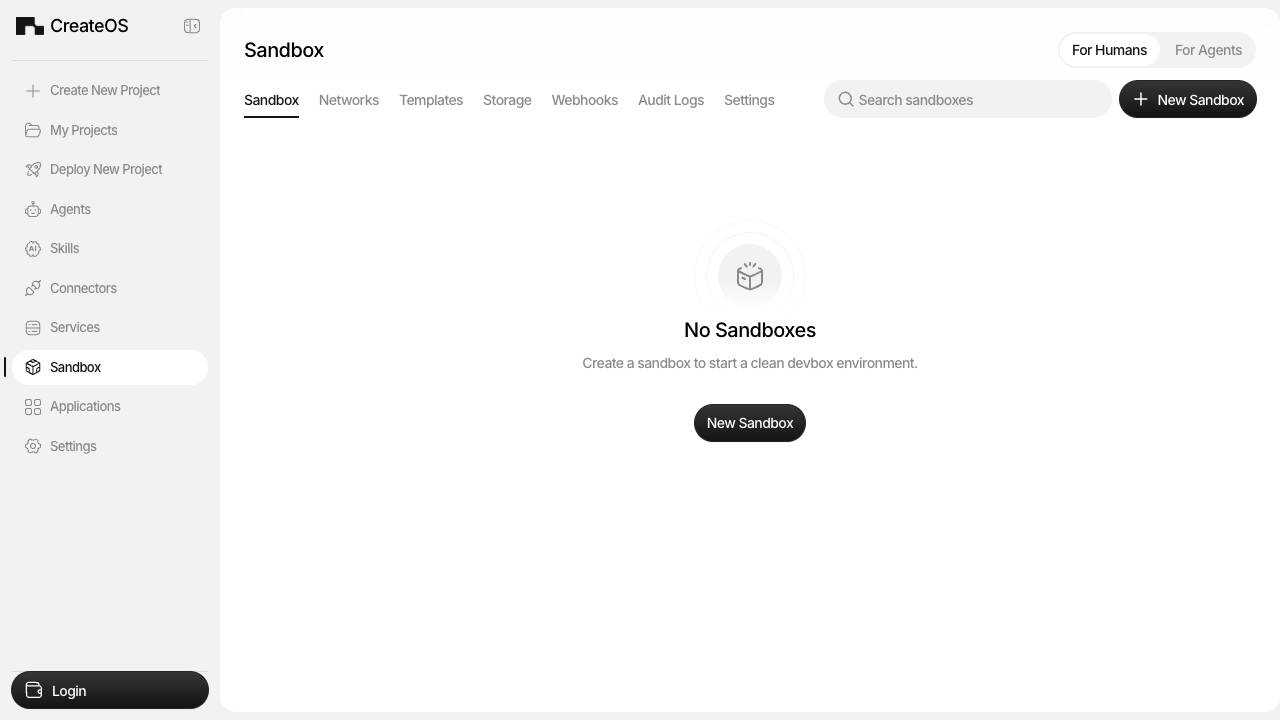
Instant, hardware Isolated Sandboxes for AI agents

Manage your team of AI agents by voice, from anywhere


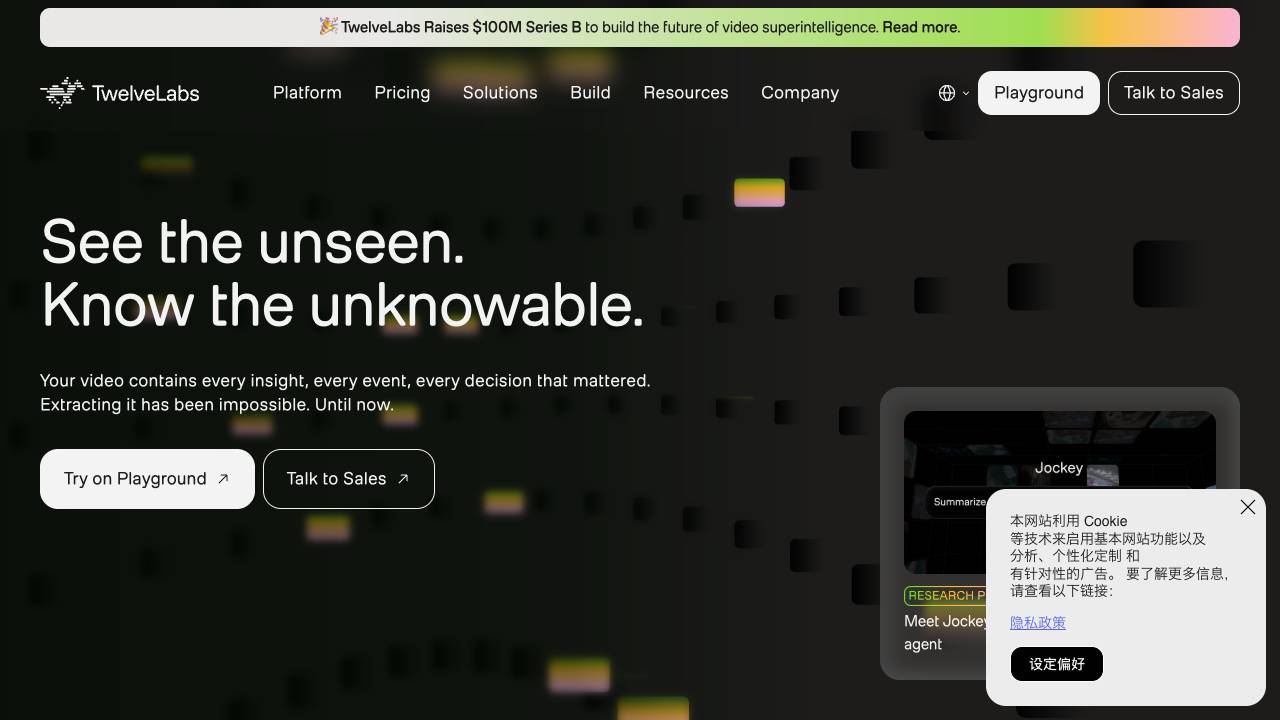
AI platform for deep video understanding

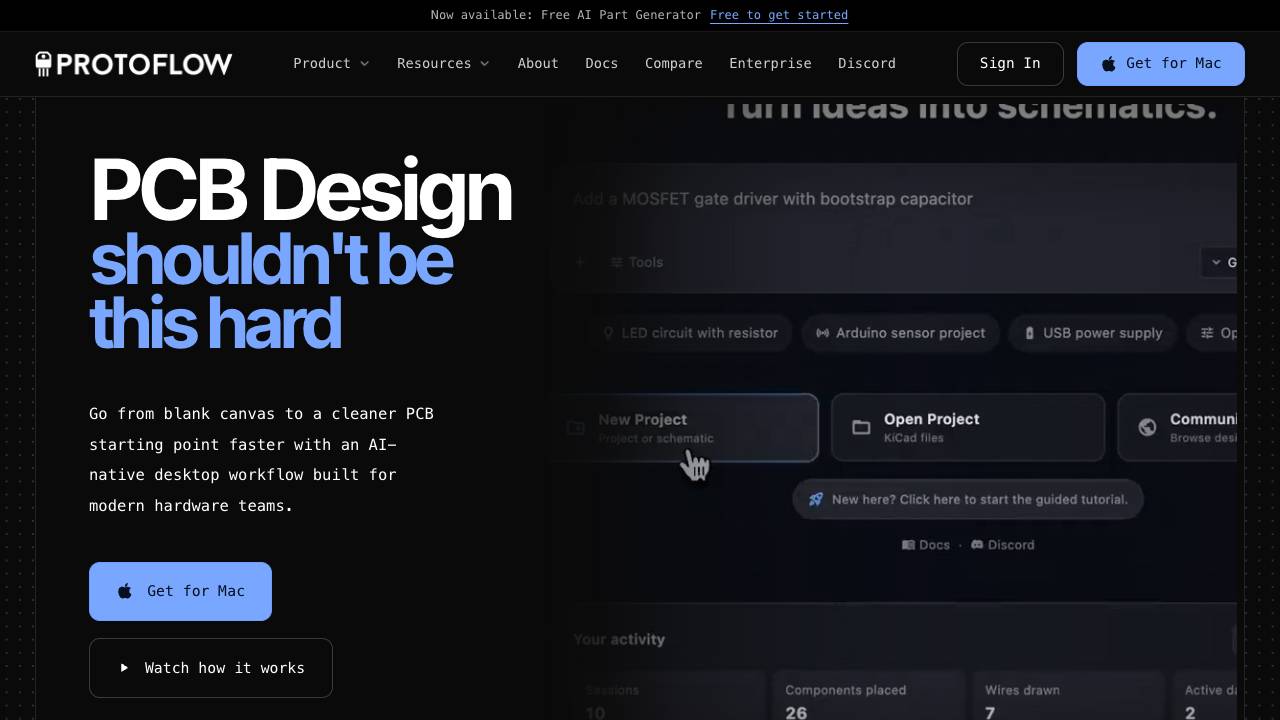
AI-powered schematic design tool for PCB making

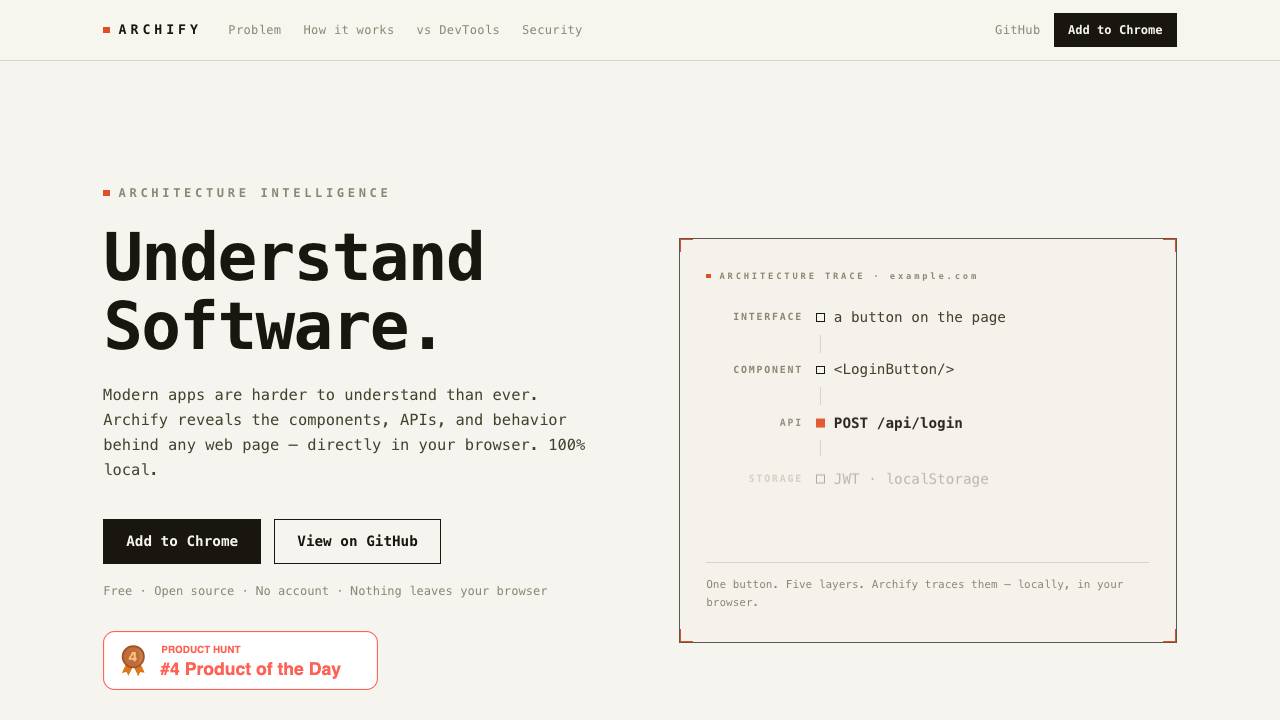
Archify reveals the components, APIs, and behavior behind any web page directly in your browser. It operates 100% locally, with no data leaving your device, and requires no account.

Find & fix live vulnerabilities in Vibe Apps with 1-prompt.


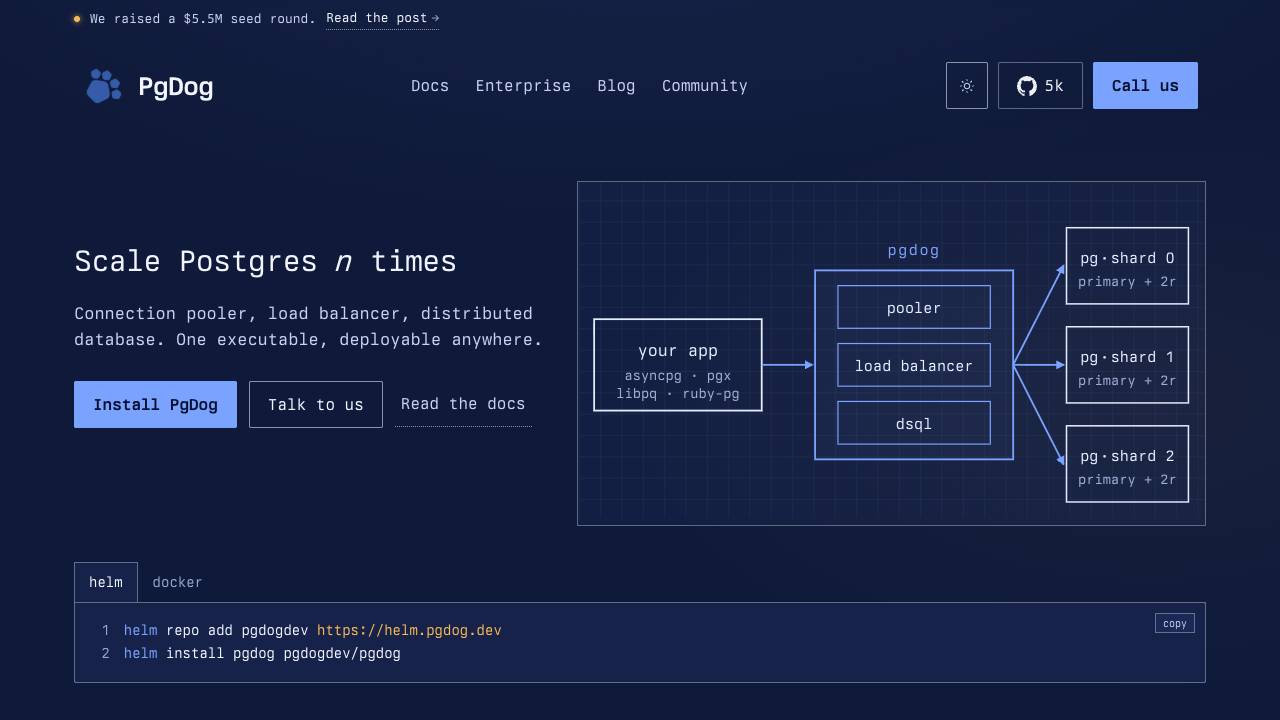
Scale PostgreSQL without changing your app

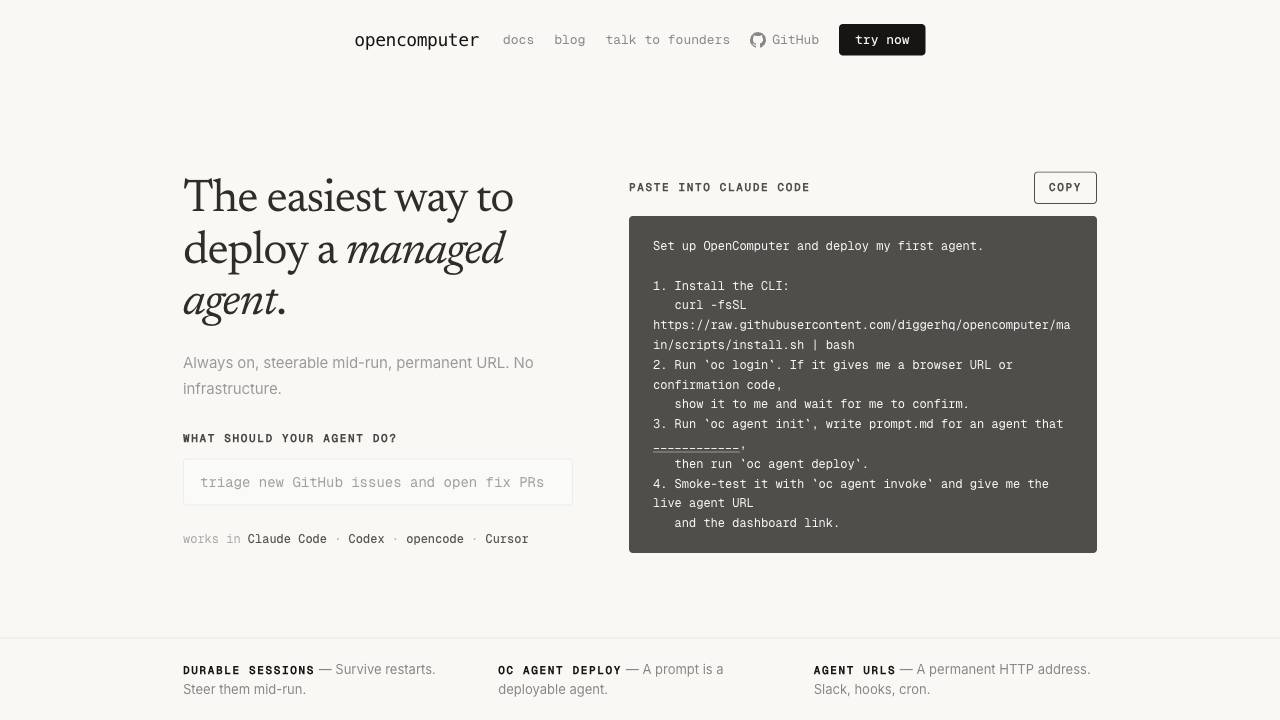
The easiest way to deploy a managed agent.