Notation
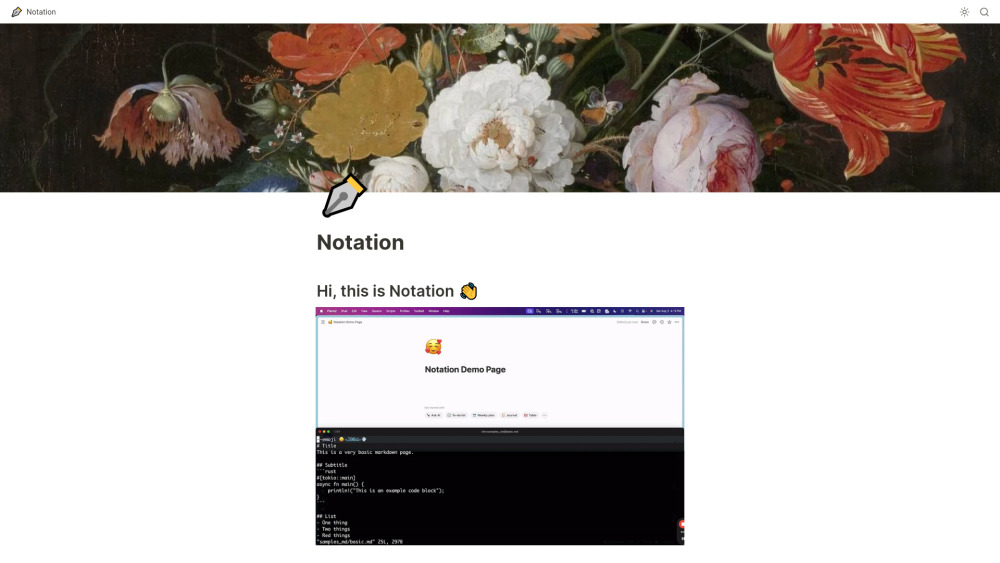


Notation allows you to write markdown and automatically publish it to Notion. Once it's in Notion, it can be internal, password protected, personal, or you can ship it as a public website. You also get all of Notion's AI, search, and formatting for free. It's designed to keep documentation close to the code, avoiding separate service logins and complex frontend frameworks.
Markdown to Notion publishing tool with built-in AI, search, and formatting.
- Publishing documentation to a Notion workspace
- Creating a public website from markdown documentation
- Maintaining documentation alongside code in a repository
- Write documentation in markdown
- create a Notion page
- grab an API key from Notion
- put the API key in a ~/.notation/Notation.toml file
- and run notation ship --src </path/to/you/docs>.

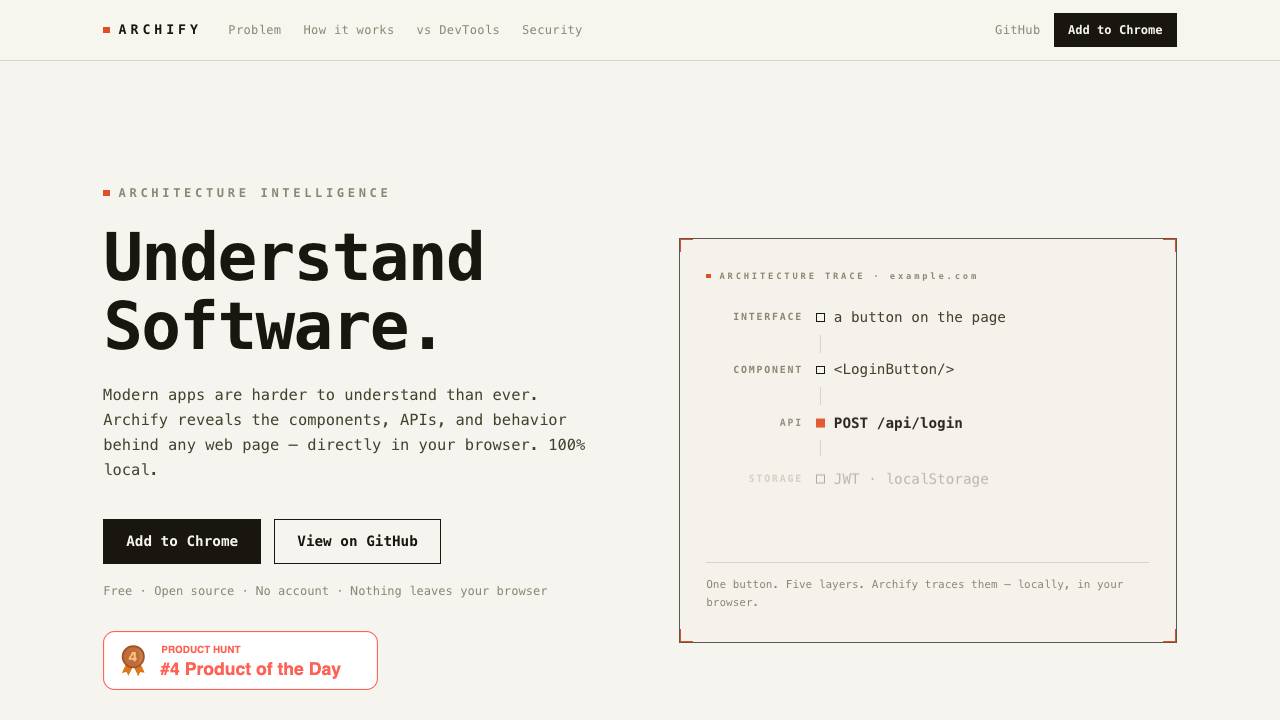
Archify reveals the components, APIs, and behavior behind any web page directly in your browser. It operates 100% locally, with no data leaving your device, and requires no account.

Full-Stack Platform for Training Small Language Models

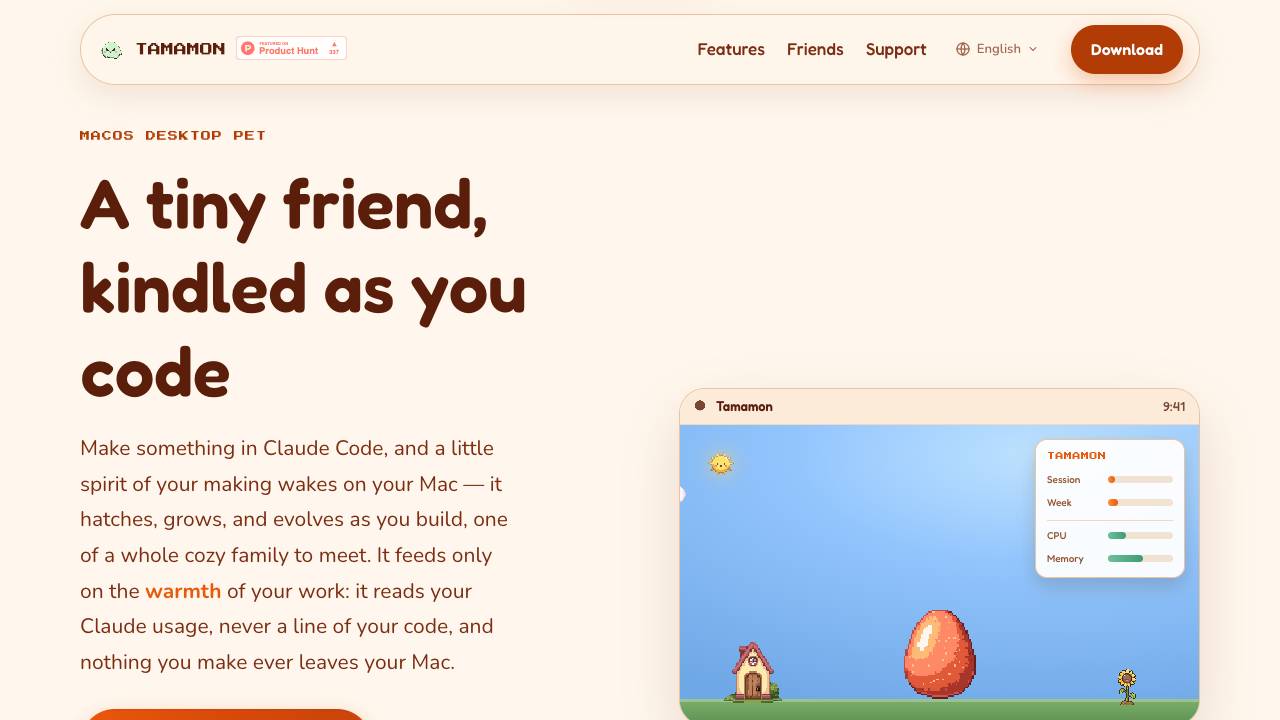
Tamamon is a free macOS desktop pet that grows as you code with Claude Code. It reads your Claude usage to evolve the pet, but never accesses your code or data. The pet appears on your desktop, reacts to your activity, and can be fed and played with.

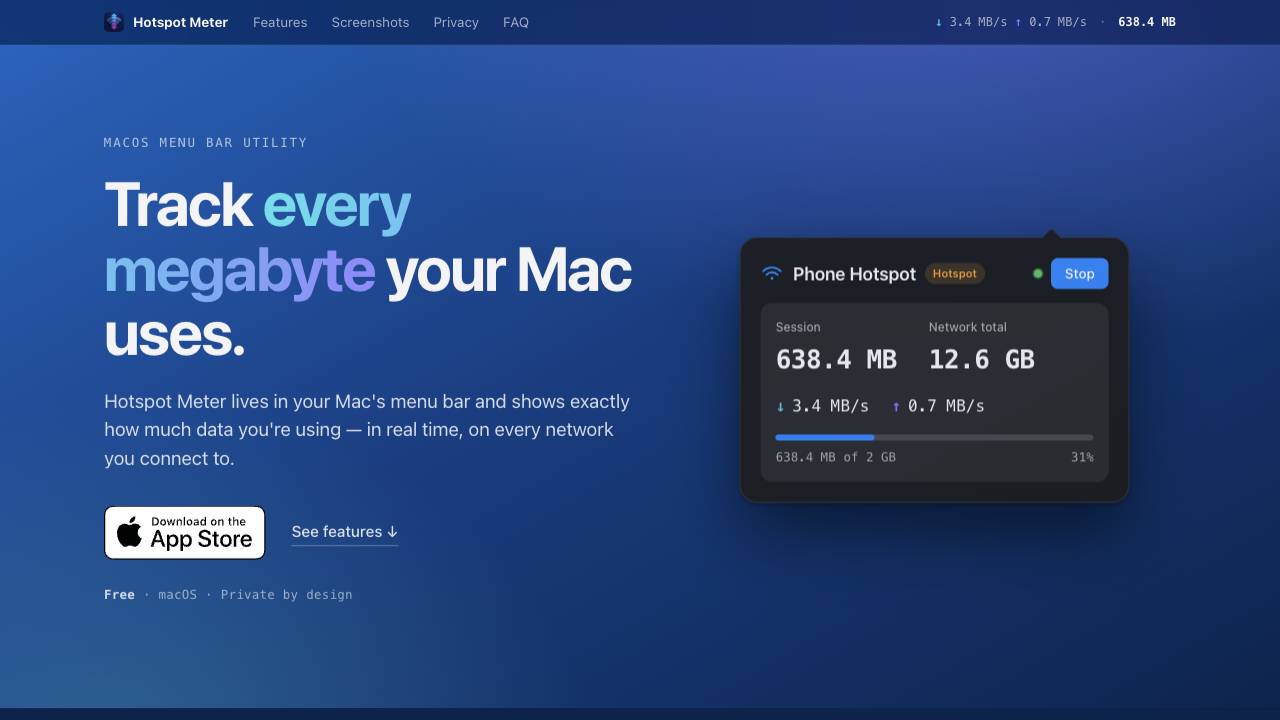
A private data-usage meter for your Mac menu bar

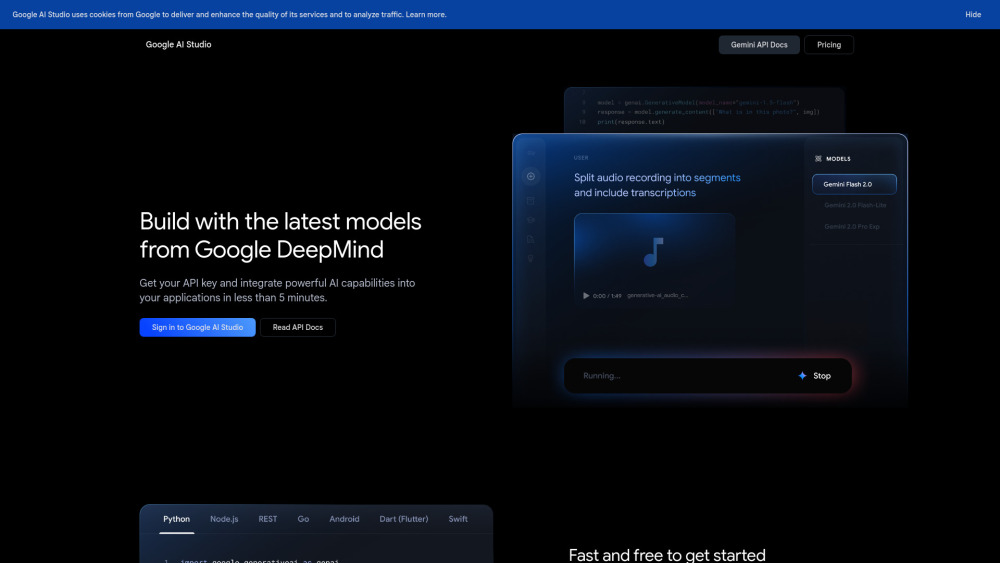
Platform for building with Google's Gemini AI models.

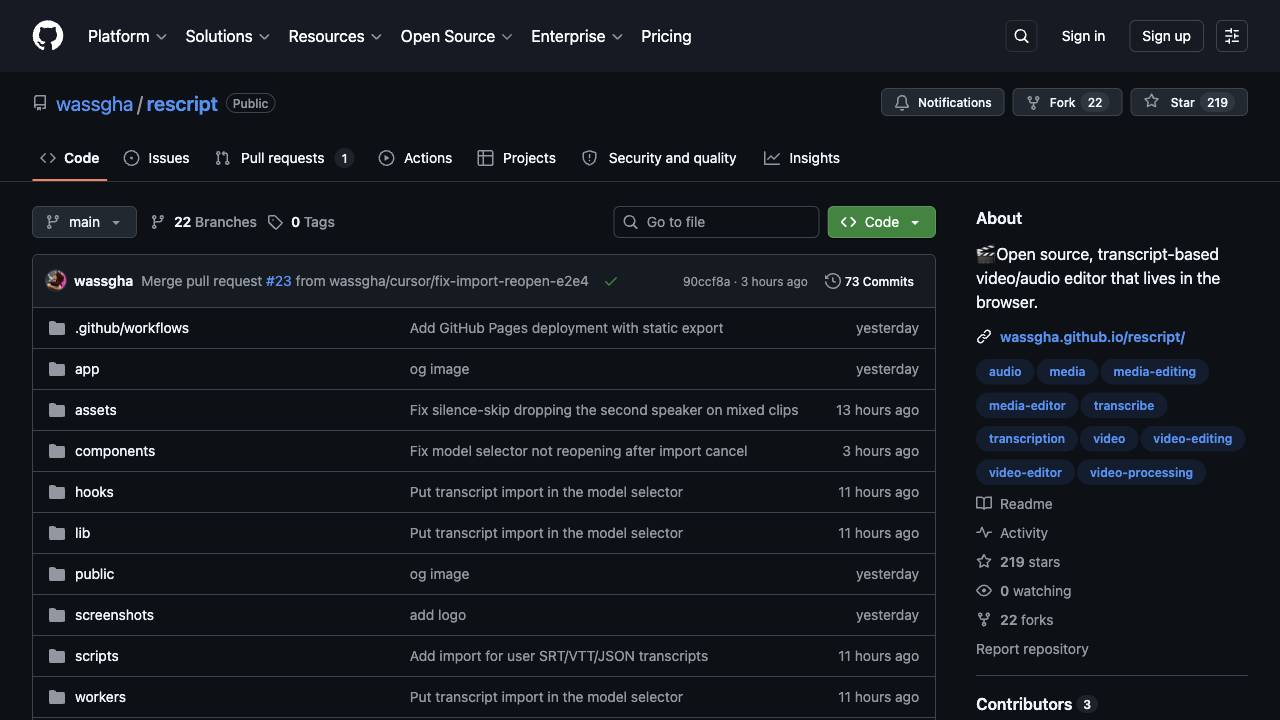
A free, open source, Descript alternative. Runs in-browser.

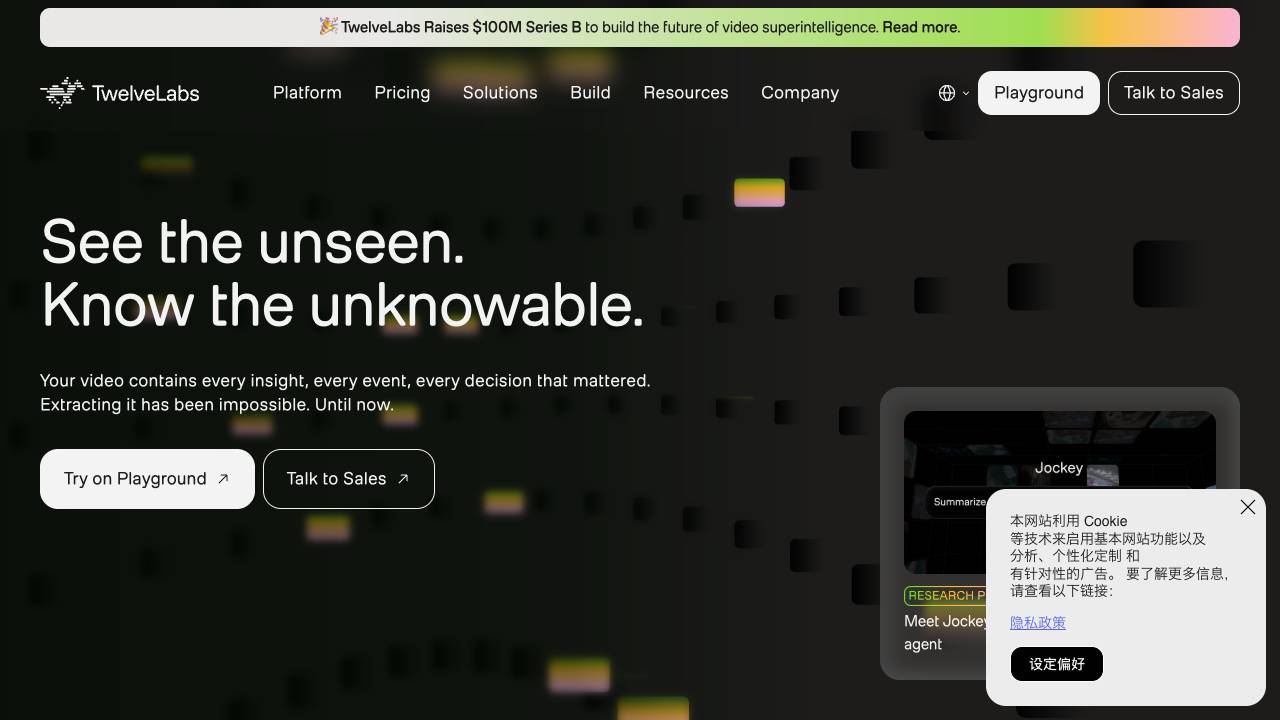
AI platform for deep video understanding

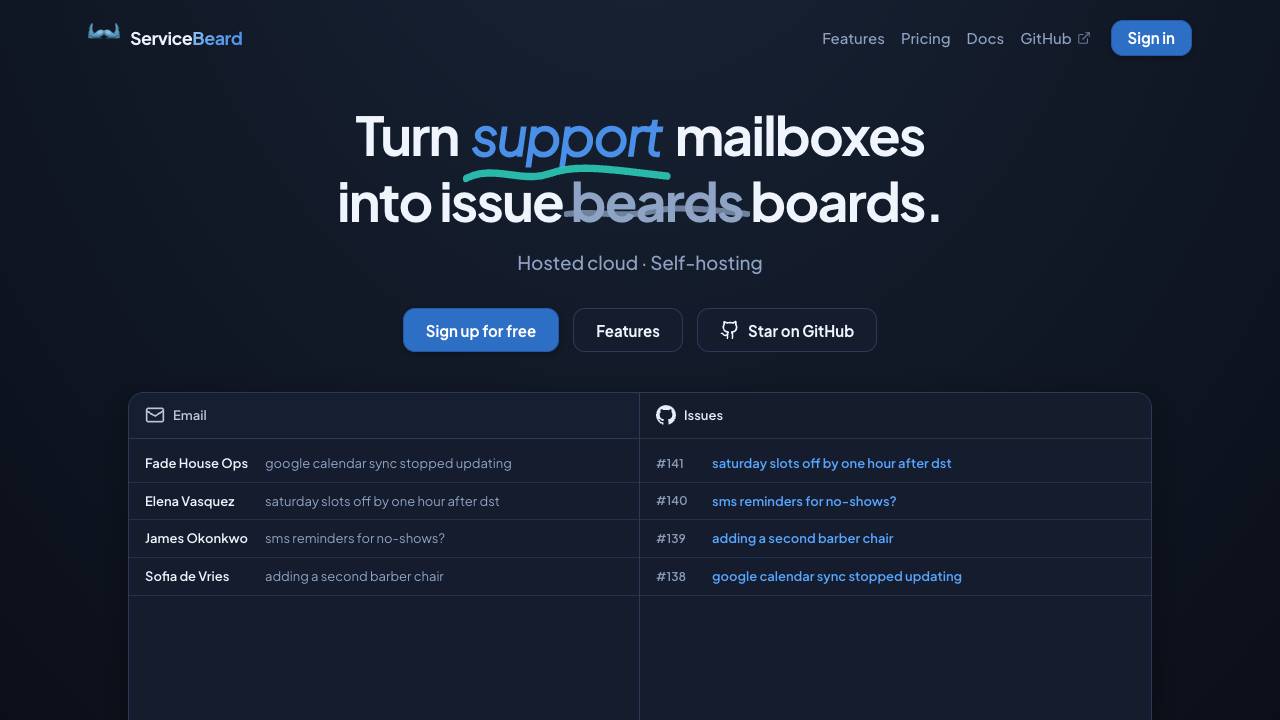
Sync your mailbox with your issue tracker

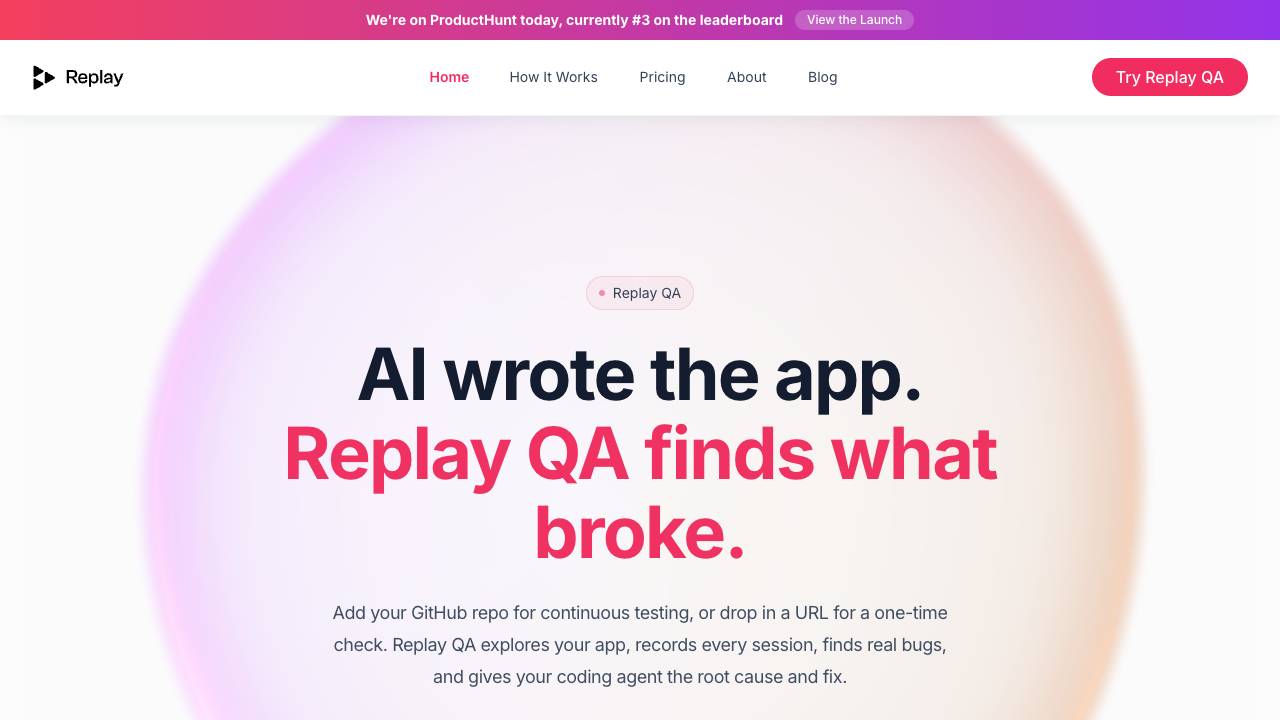
Your time travel debugger

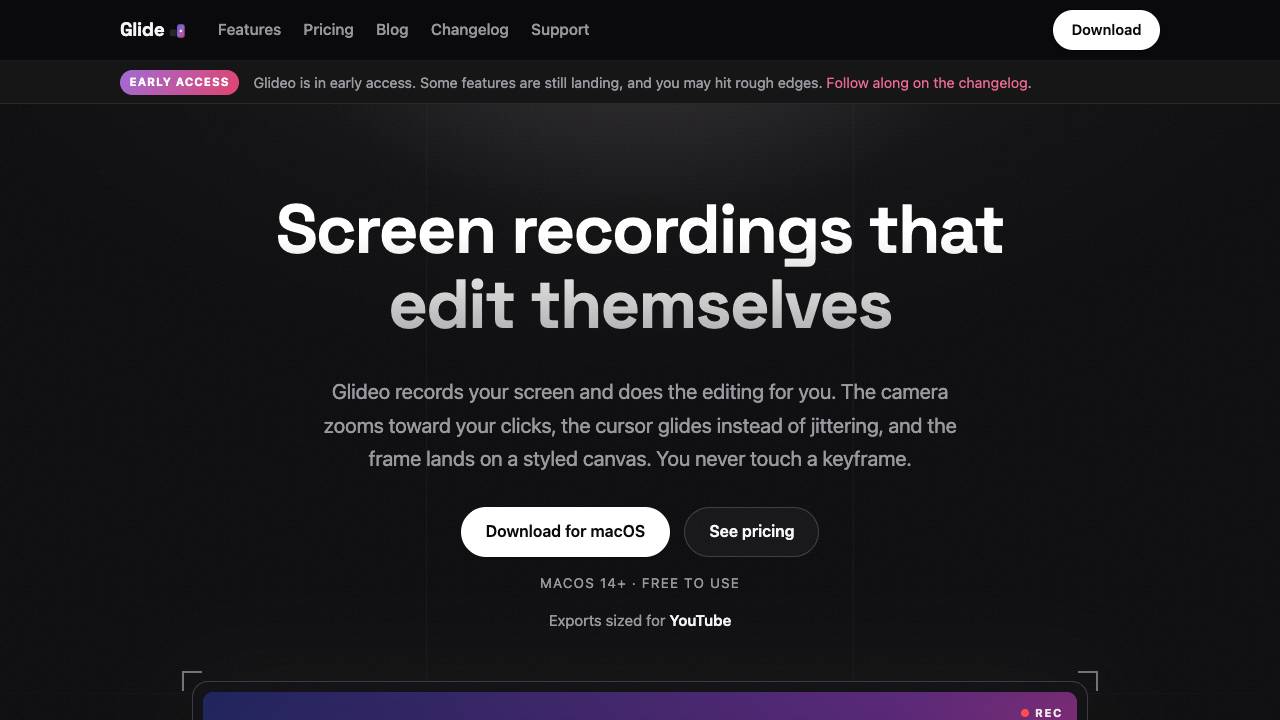
Screen recordings that edit themselves

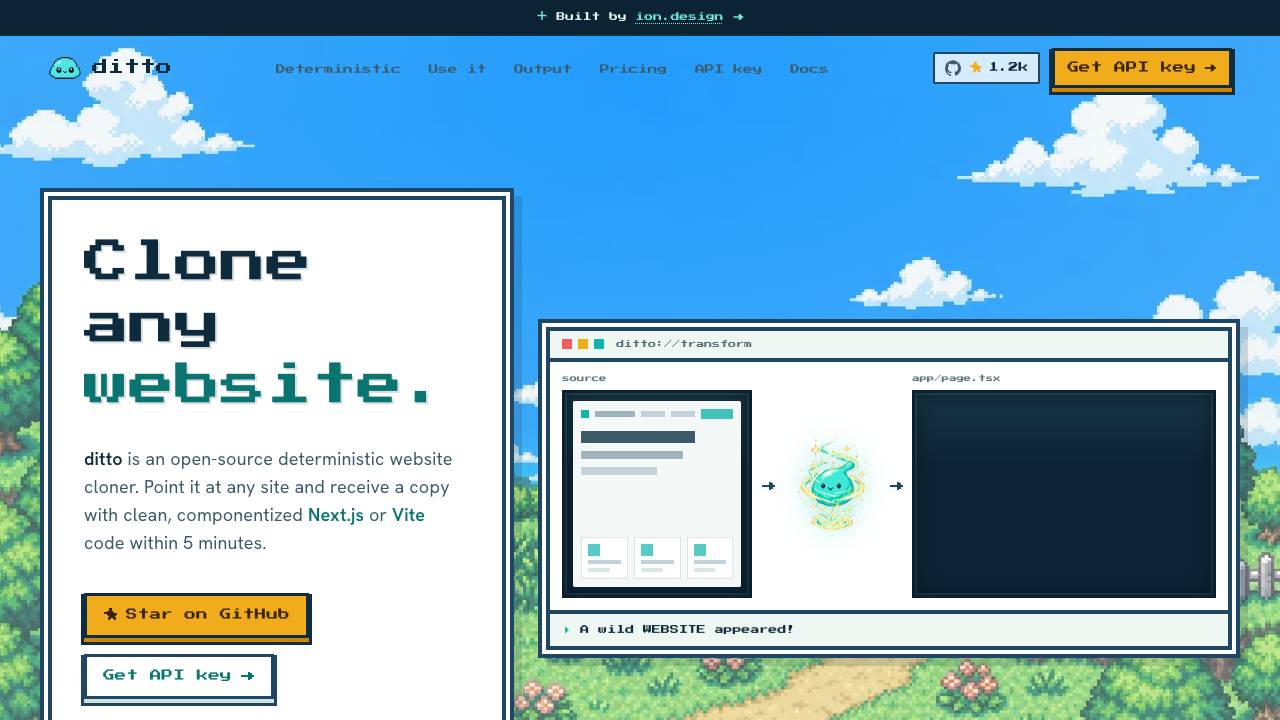
Clone any website into clean code. Free & open source

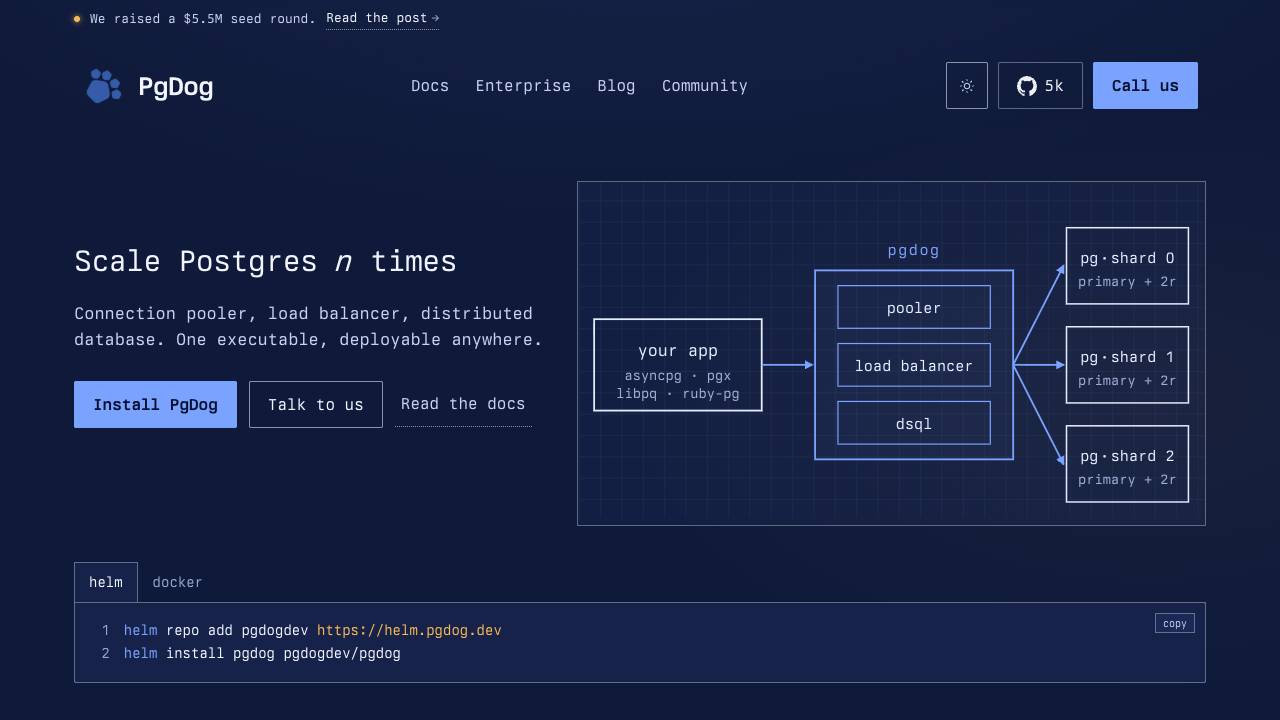
Scale PostgreSQL without changing your app

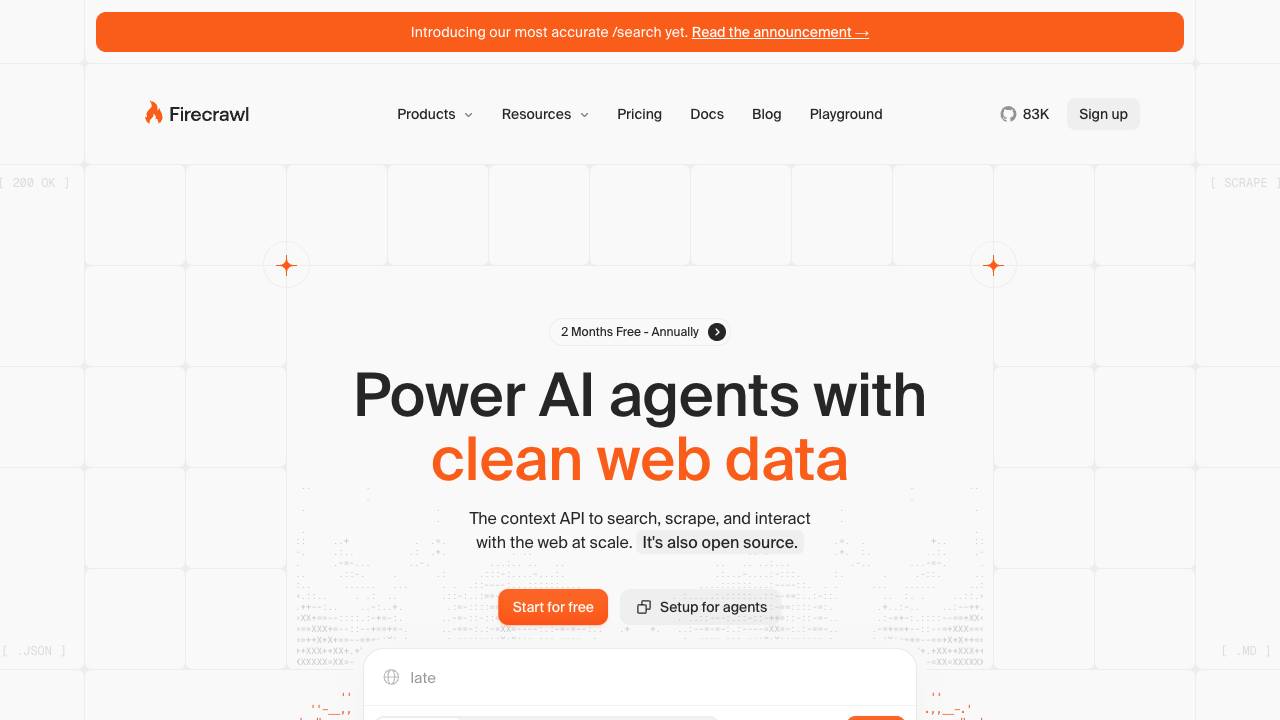
The Web Data API for AI Agents and Developers

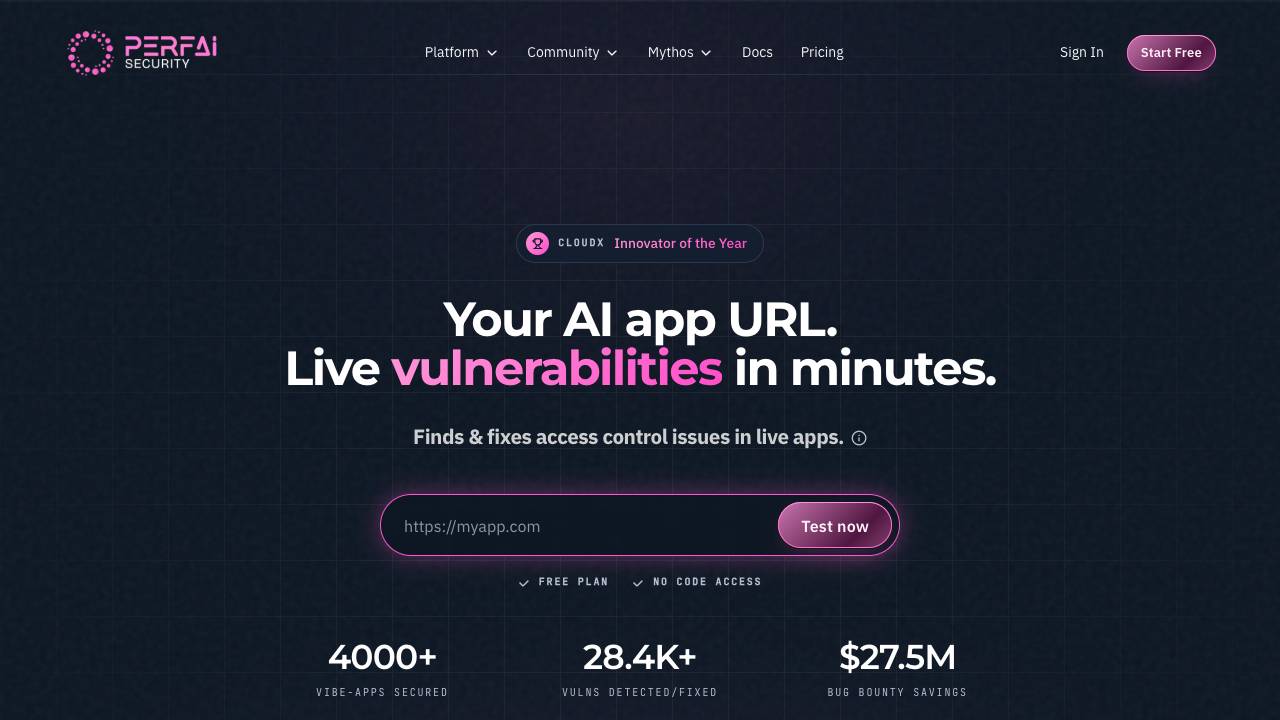
Find & fix live vulnerabilities in Vibe Apps with 1-prompt.

Give Claude Code and Codex a voice


The terminal and Mac menu bar companion for Kickbacks.ai

The web performance & security company

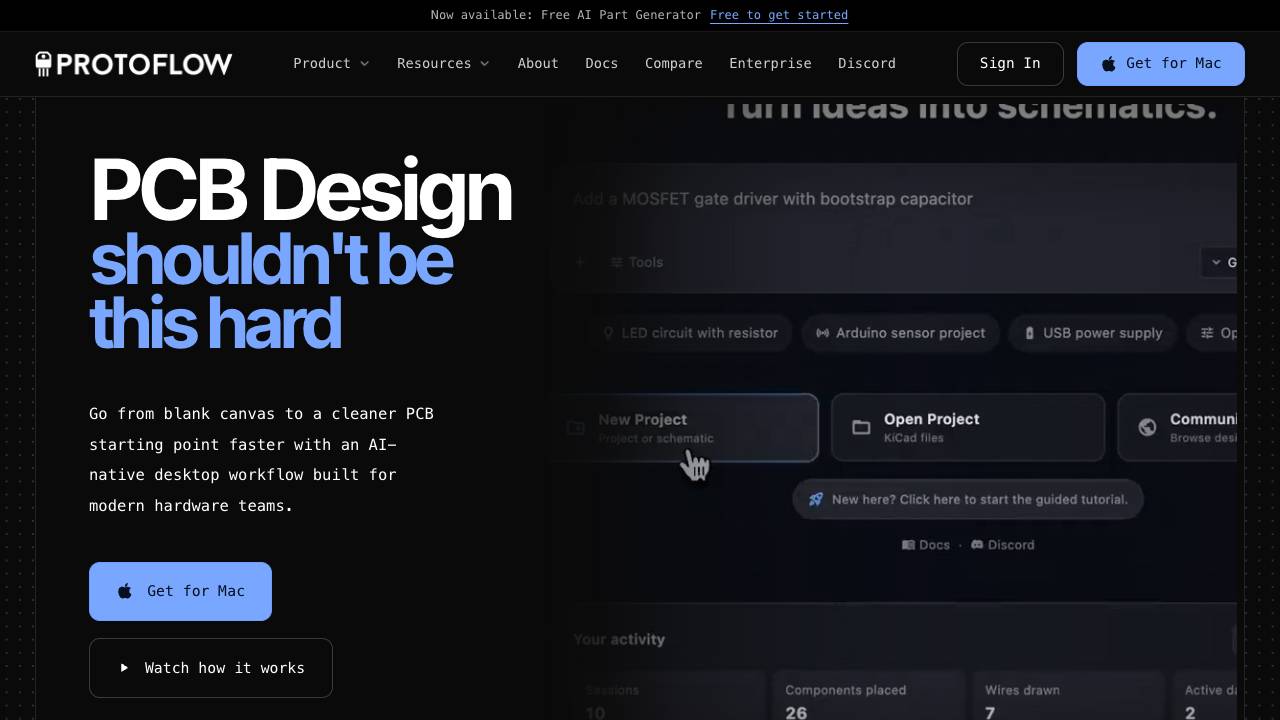
AI-powered schematic design tool for PCB making