Archify
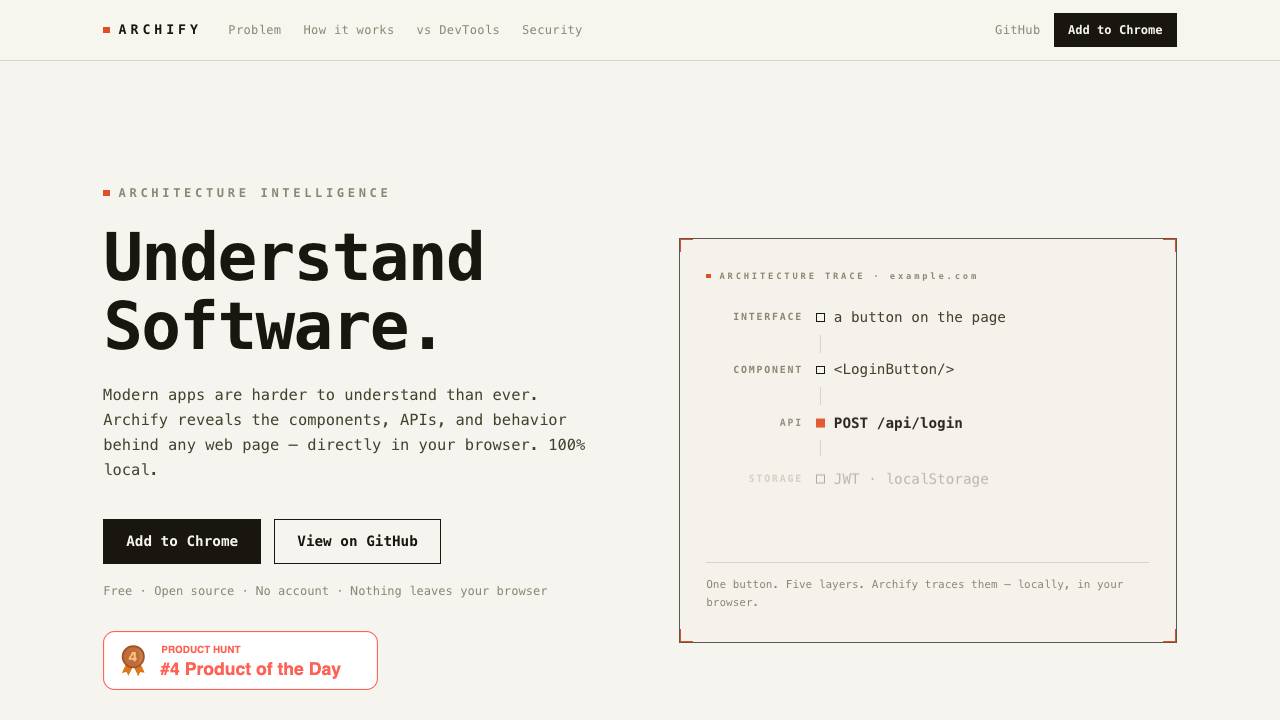


Archify is an open-source browser extension that helps developers quickly understand the structure, technologies, and runtime behavior of any web application. It automatically detects frameworks, libraries, analytics, and more with confidence scores, providing a comprehensive view of the software stack.
Archify reveals the components, APIs, and behavior behind any web page directly in your browser. It operates 100% locally, with no data leaving your device, and requires no account.
- Frontend engineers: quickly onboard to unfamiliar projects or debug third-party code.
- QA engineers: verify component behavior and data flow across the application.
- Technical founders: audit what third-party scripts and trackers are present on their site.
- Security researchers: inspect data exposure and storage usage in web apps.
- Install the Archify browser extension from your browser's extension store.
- Navigate to any web page you want to inspect.
- Hover over any element to see its detected framework, component, and runtime details.
- Click the toolbar icon to view a whole-page profile including stack, host, trackers, and scripts.
- For interactive tracing, click on elements like buttons to see API calls, storage, and listeners.

Annotate anything for humans and their agents

The Web Data API for AI Agents and Developers

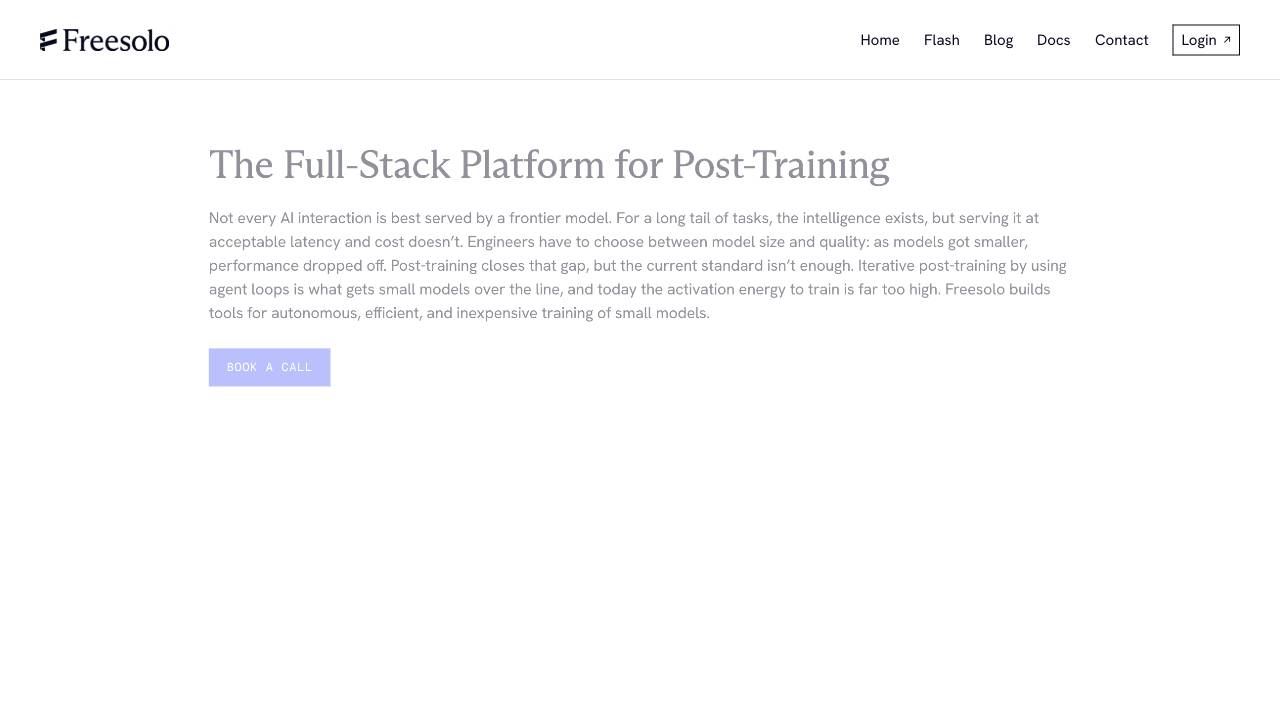
Full-Stack Platform for Training Small Language Models

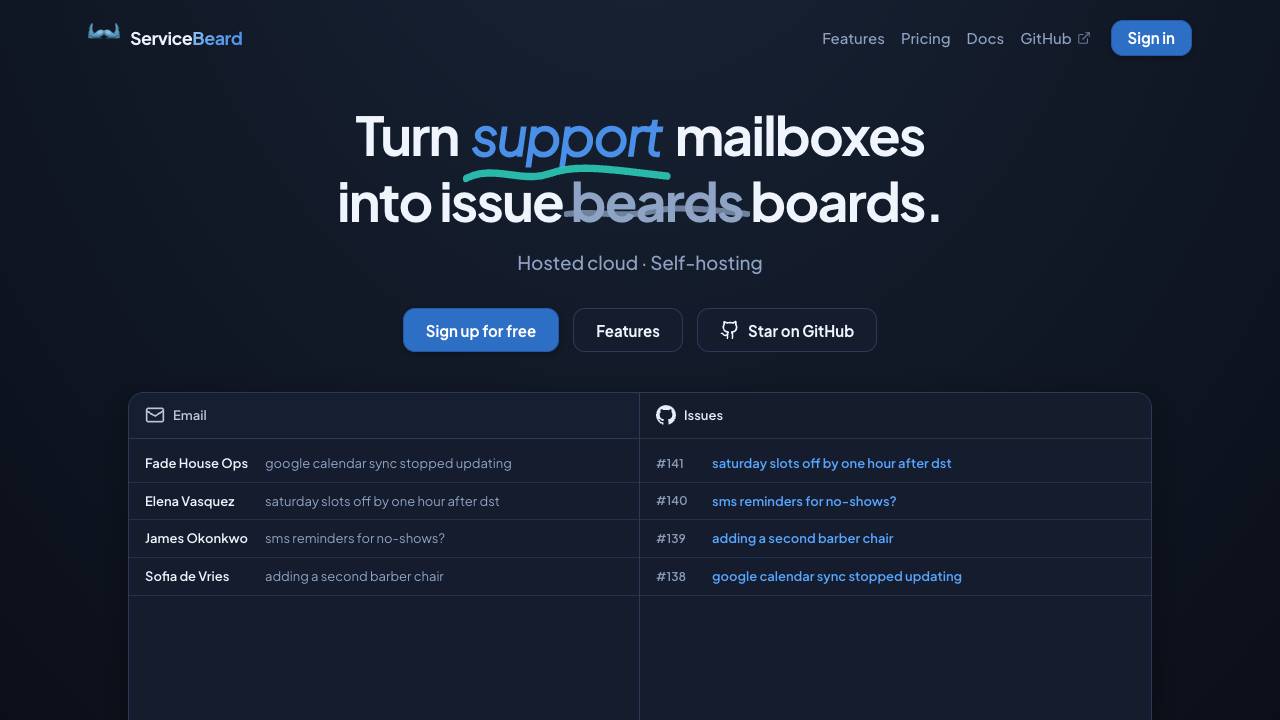
Sync your mailbox with your issue tracker

The terminal and Mac menu bar companion for Kickbacks.ai

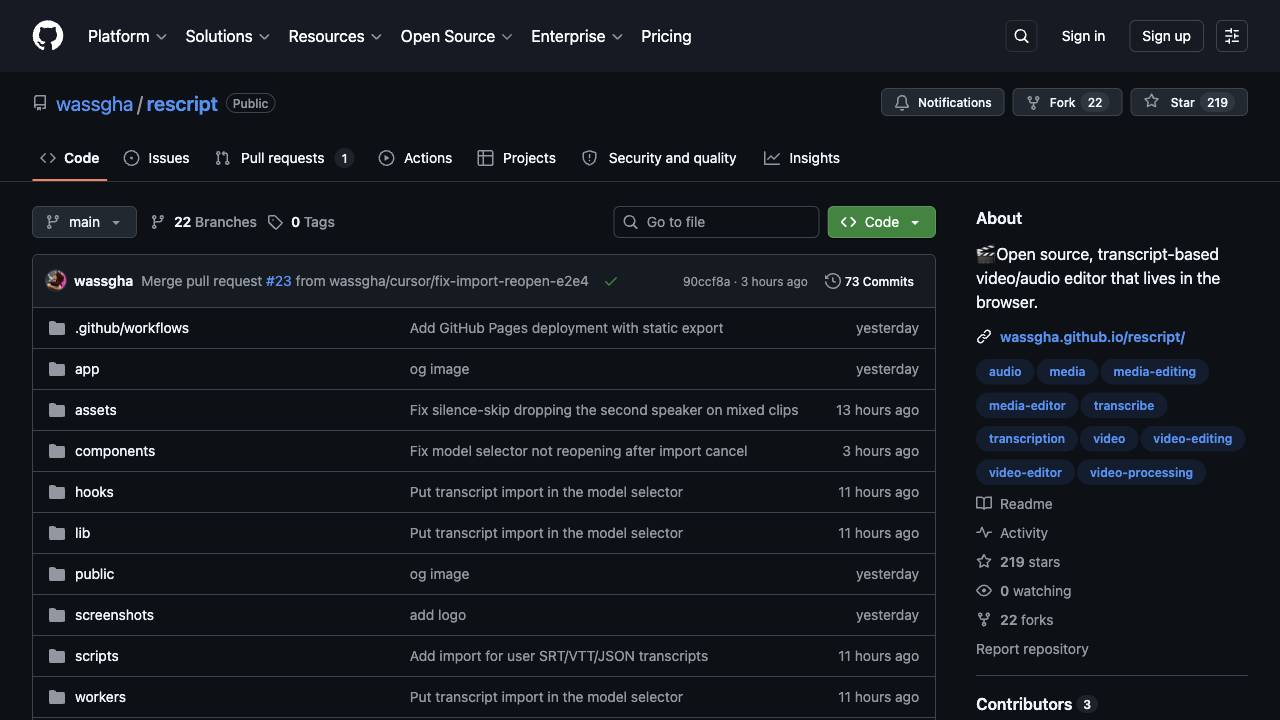
A free, open source, Descript alternative. Runs in-browser.

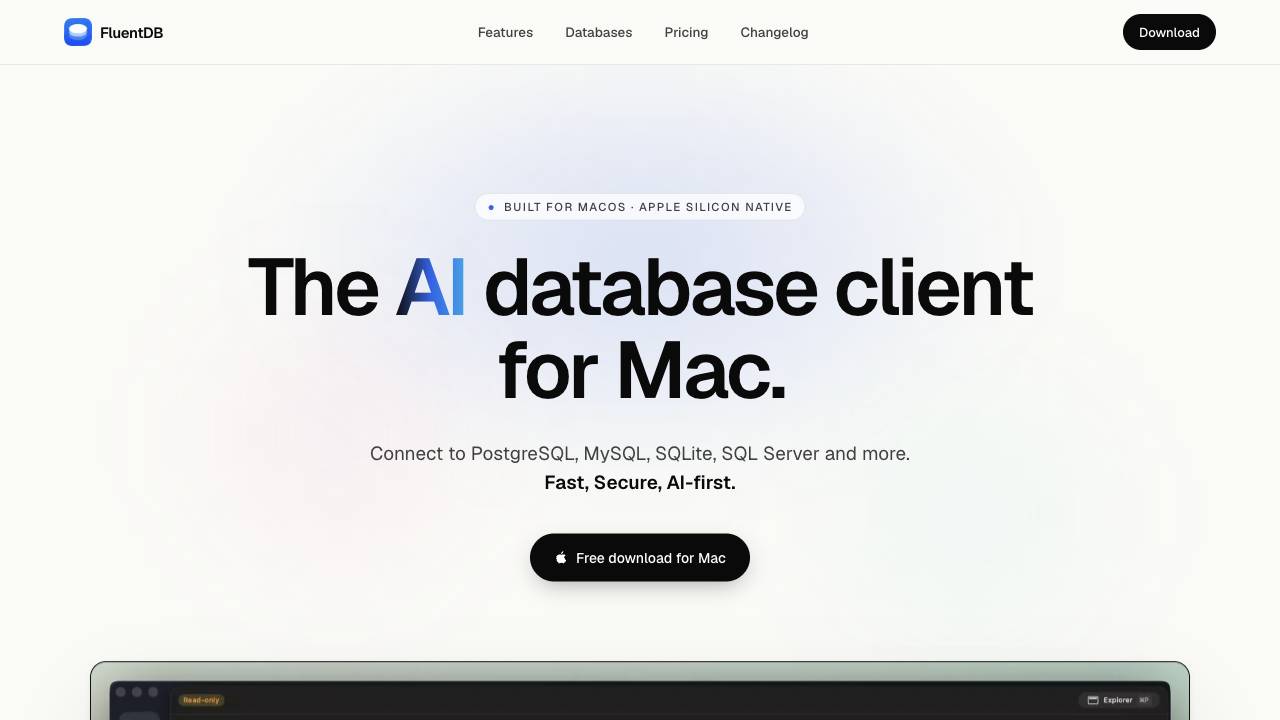
The AI database client for Mac

Caps Lock keeps your Mac awake, even with the lid closed


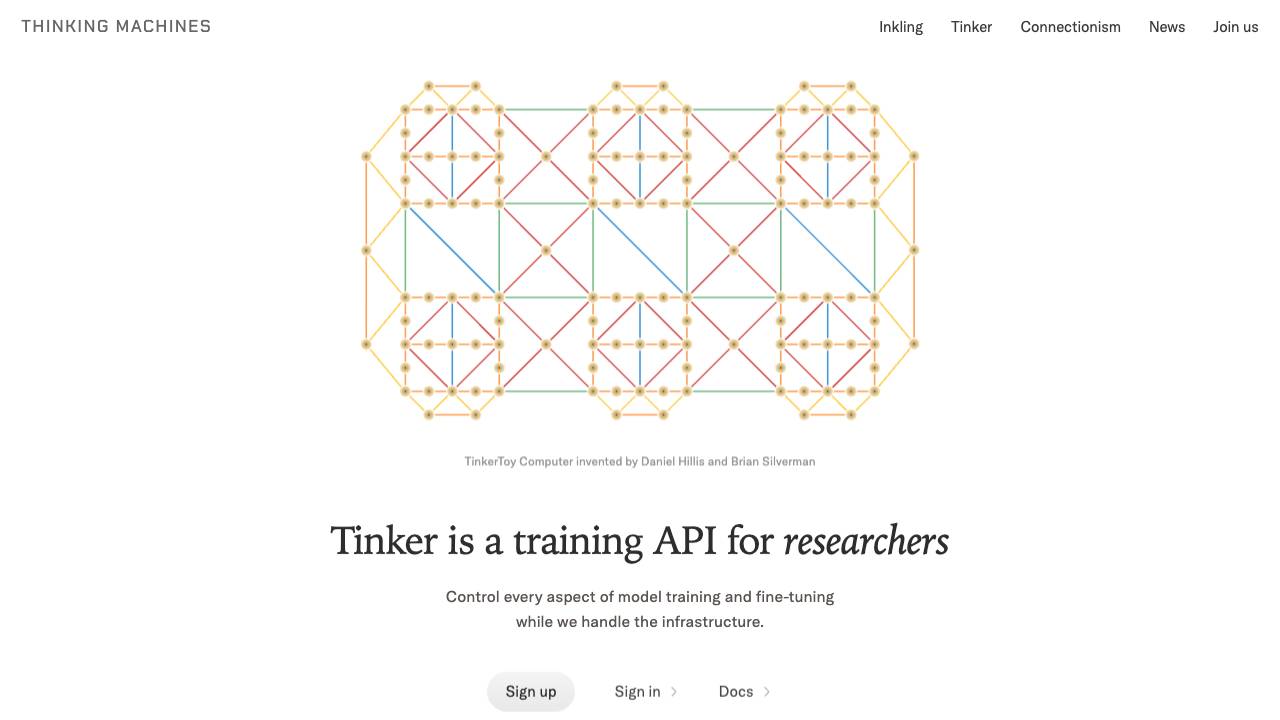
Control every aspect of model training and fine-tuning

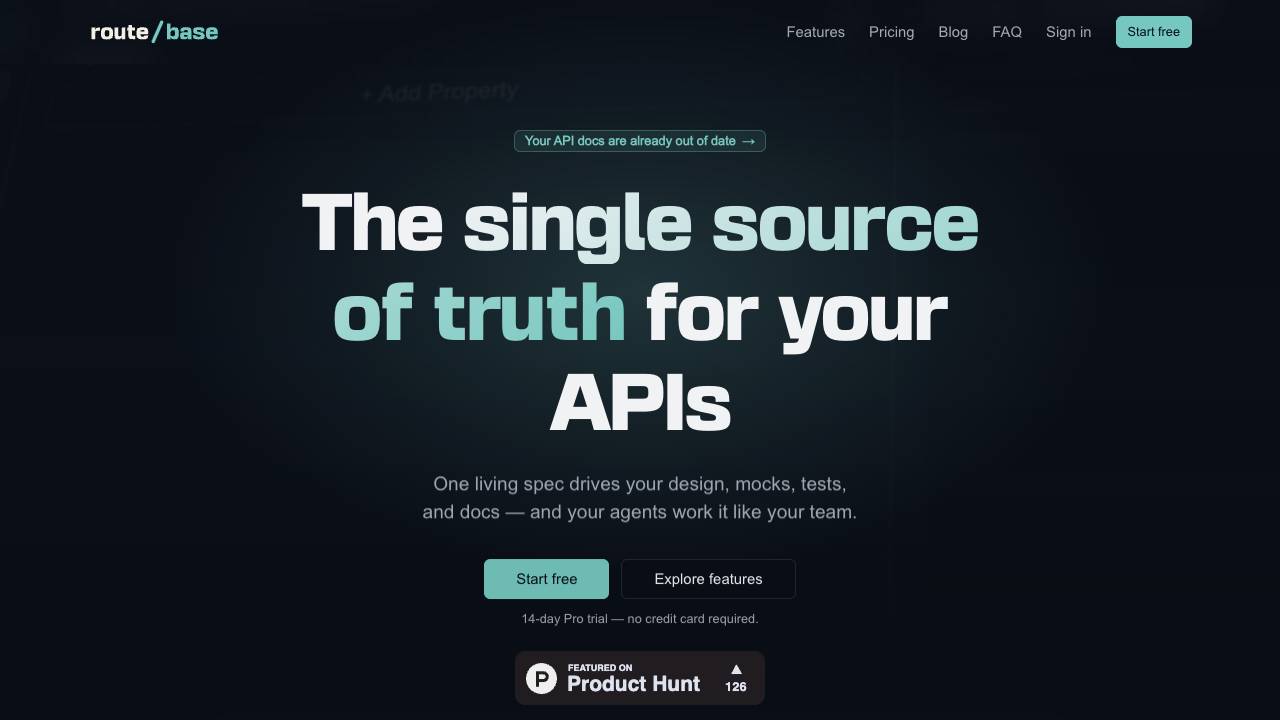
Catch API drift before your customers do

Manage your team of AI agents by voice, from anywhere


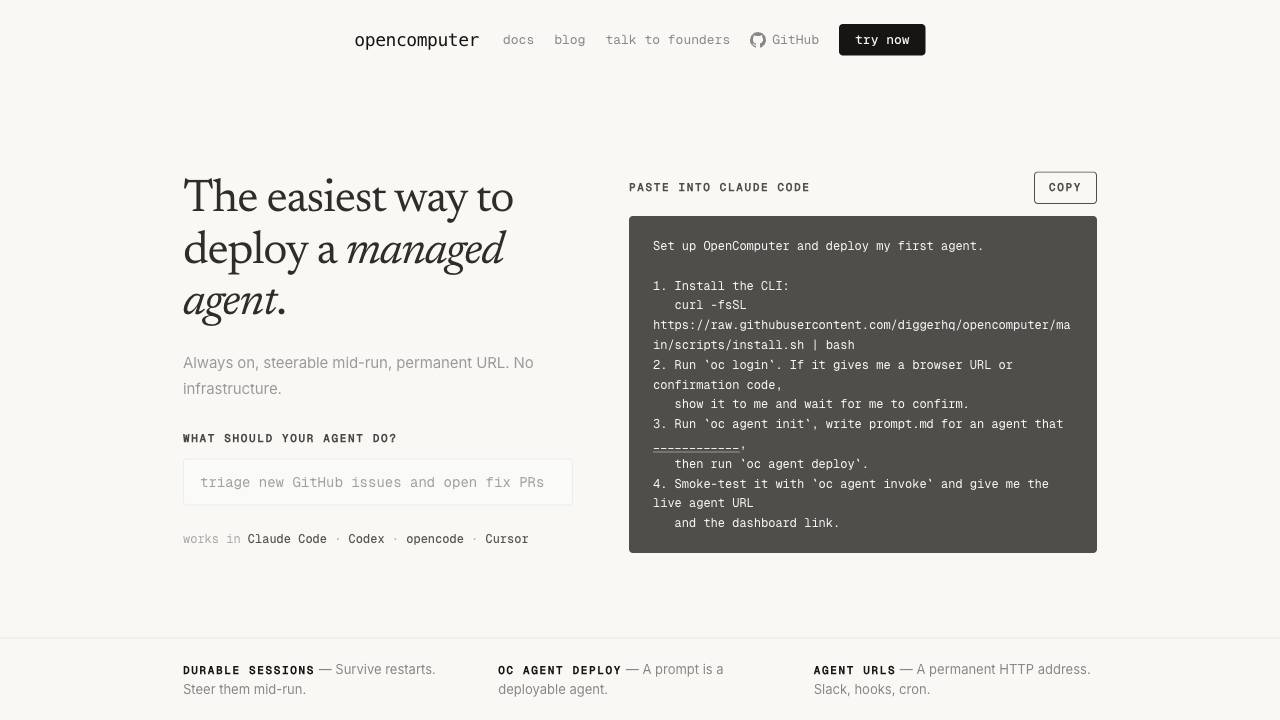
The easiest way to deploy a managed agent.

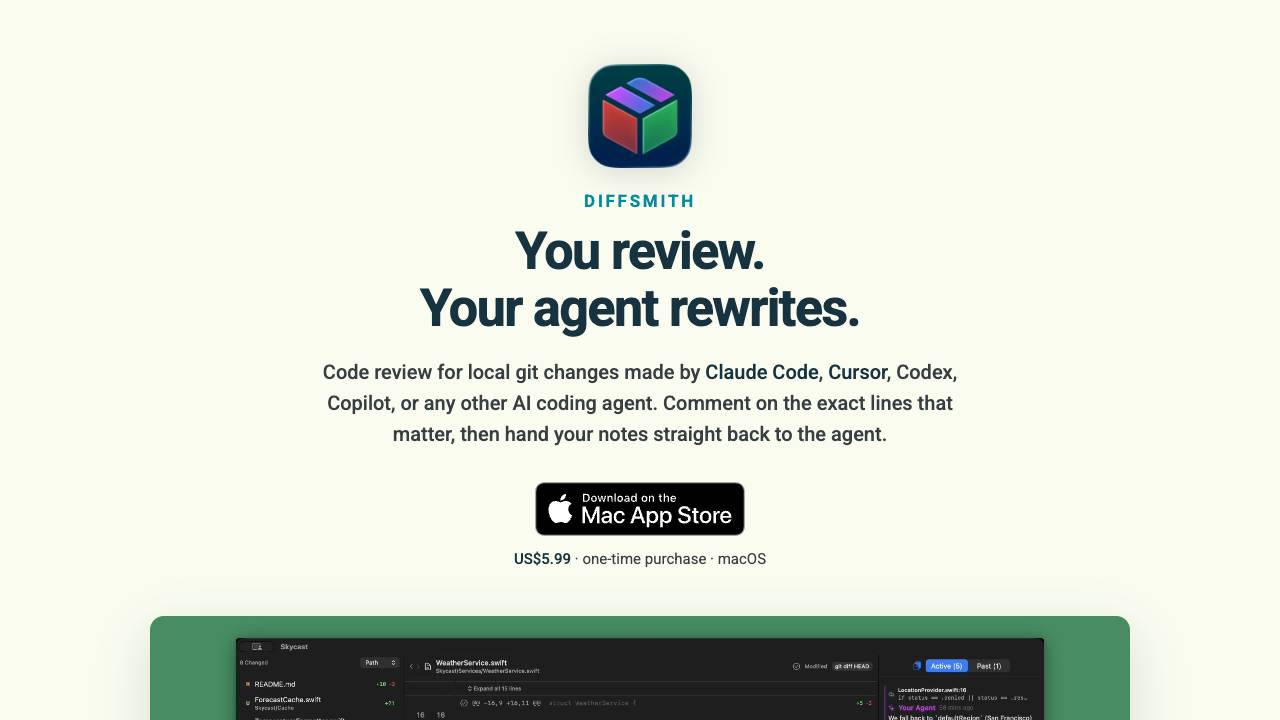
Comment on your AI agent's code & collaborate on changes

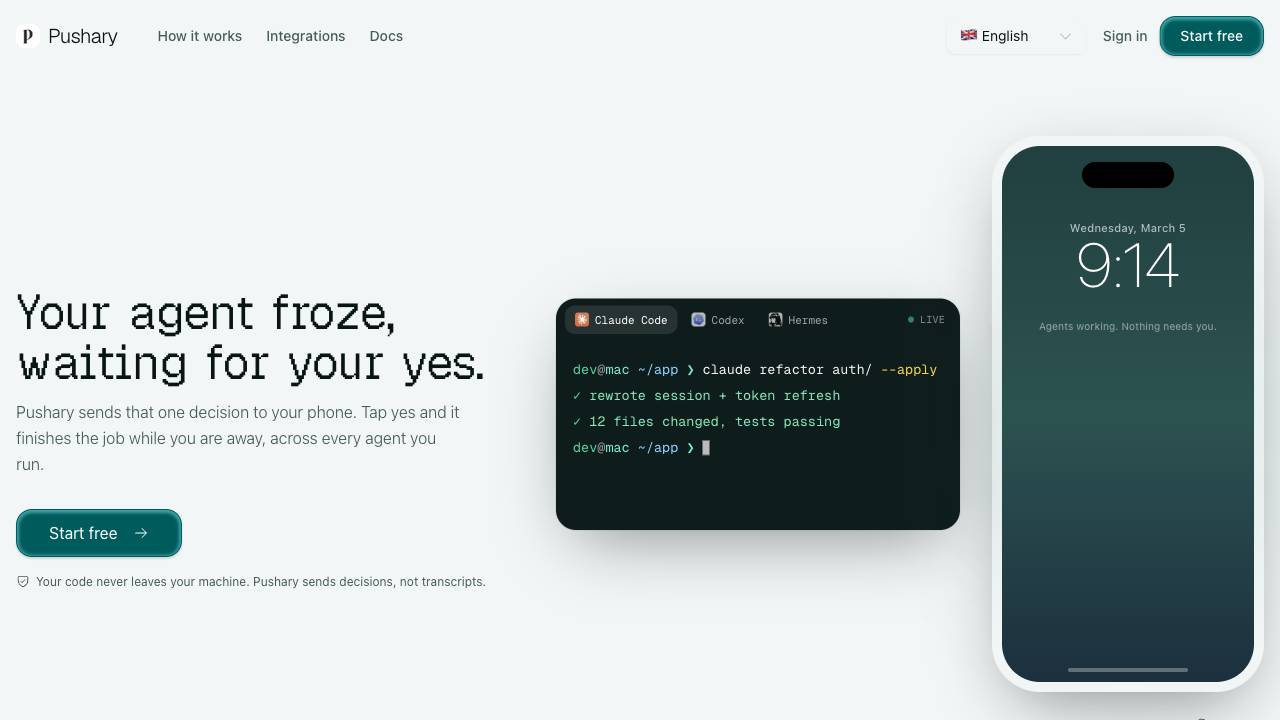
Control panel for AI agents on your lock screen

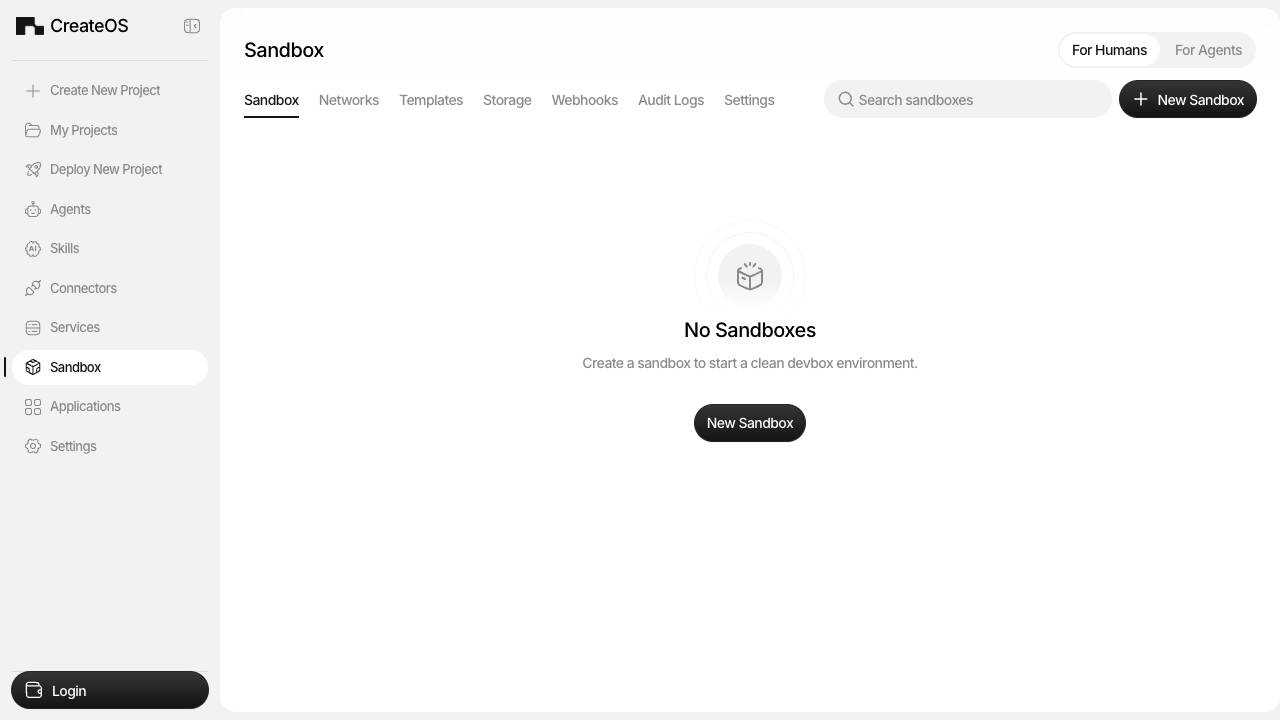
Instant, hardware Isolated Sandboxes for AI agents

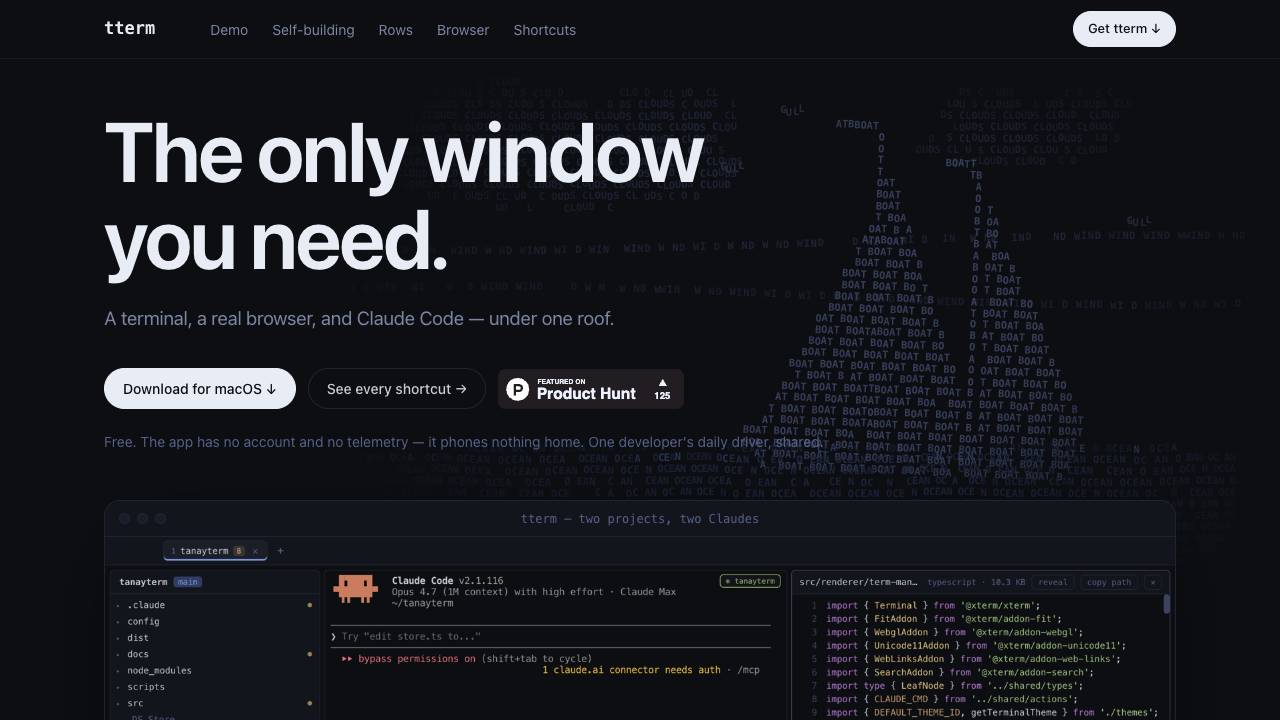
A terminal, a real browser, and Claude Code under one roof

The web performance & security company


A private data-usage meter for your Mac menu bar