Panofy
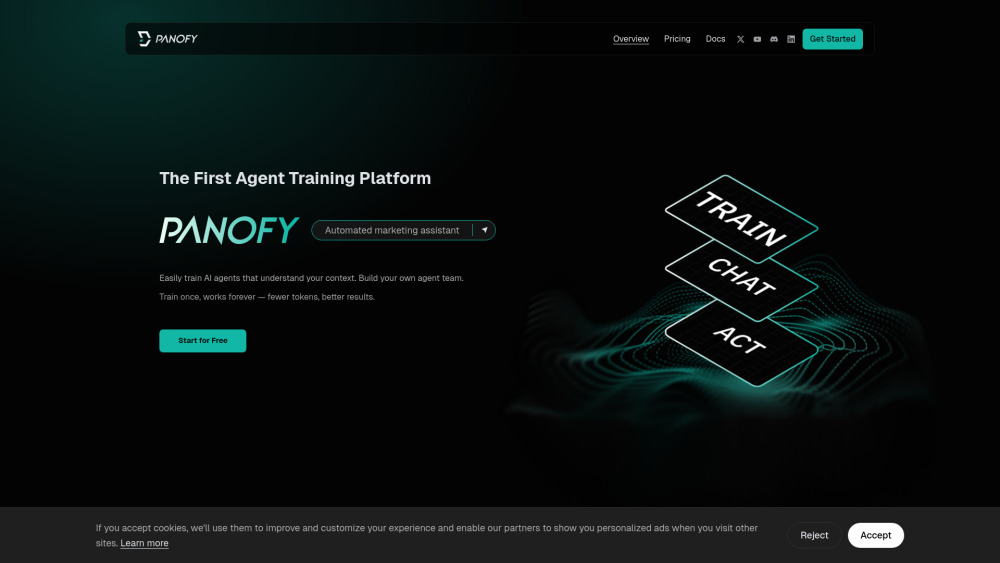


Easily train AI agents that understand your context. Build your own agent team. Train once, works forever — fewer tokens, better results. No code. No data annotation. No GPU setup. No prompt engineering loops. Just tell Panofy what you need — and your agent learns to do it in your way. Training an AI agent has traditionally been an exhaustive process — requiring labeled datasets, environment setup, hyperparameter tuning, and expensive GPU resources. Panofy eliminates all of that. Simply upload your raw files and provide your requirements. Panofy handles the rest automatically.
The world's first agent training platform
- You can train a content assistant that understands your brand voice and continuously generates on-tone copy and content ideas.
- You can upload your
- Activating an Invite Code After registering on the homepage
- you will automatically be added to the invite code waitlist. Check your email for your invite code. Training Your Agent Training is the core step in Panofy. Once training is complete
- your agent retains the role definition
- task scope
- and output requirements you have set
- and applies them consistently in every subsequent conversation — no need to re-explain the background each time. 1. In the Agent Workspace
- click "+ New Agent" in the top-right corner to begin the creation process. 2. Name your agent based on its intended function — for example
- "TweetForge". 3. In the training input field
- provide instructions or knowledge content for your agent. Define its role
- task scope
- output format requirements
- and tone preferences. 4. Upload files to accelerate knowledge building. Suitable materials include SOPs

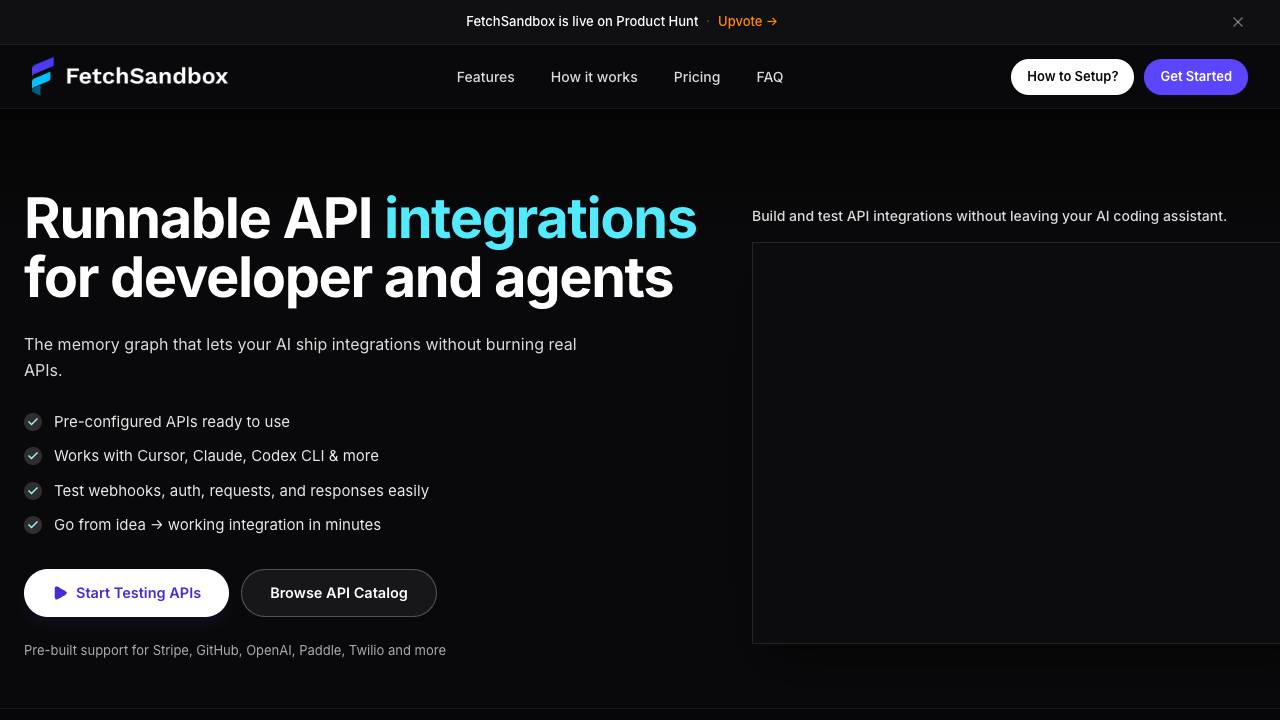
API integration testing that remembers what breaks

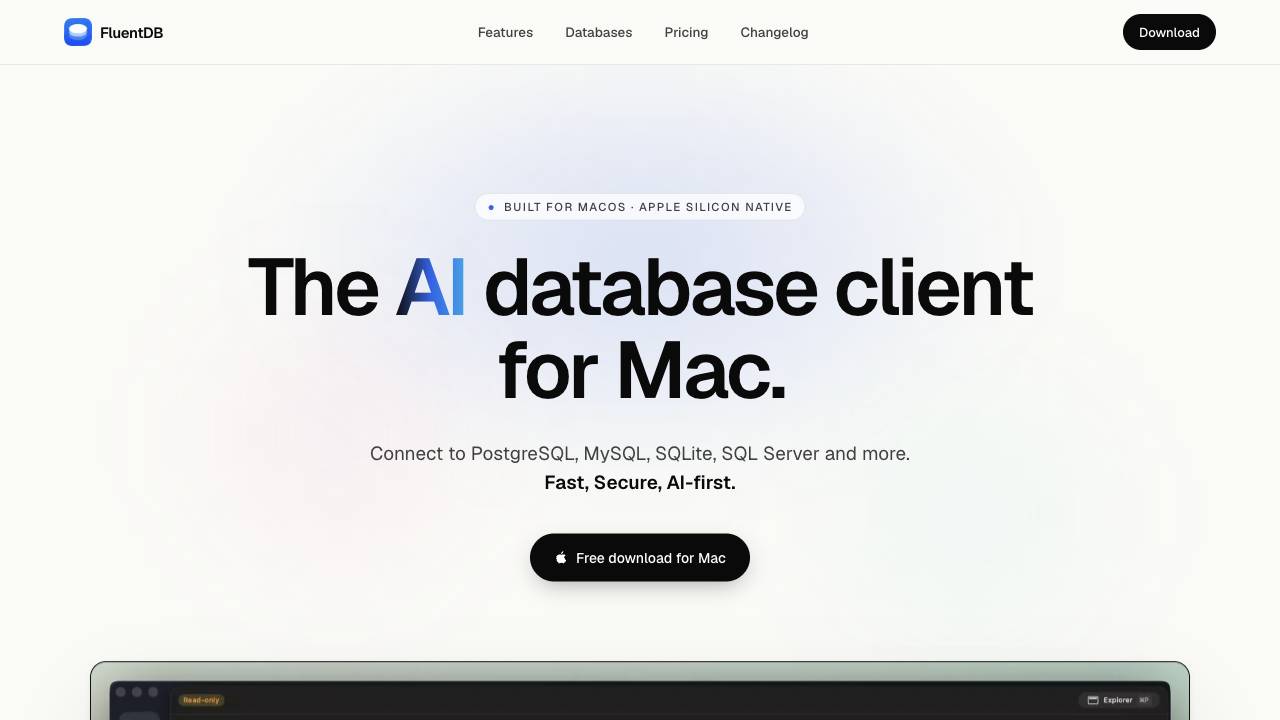
The AI database client for Mac

A modern, visual file manager for the terminal

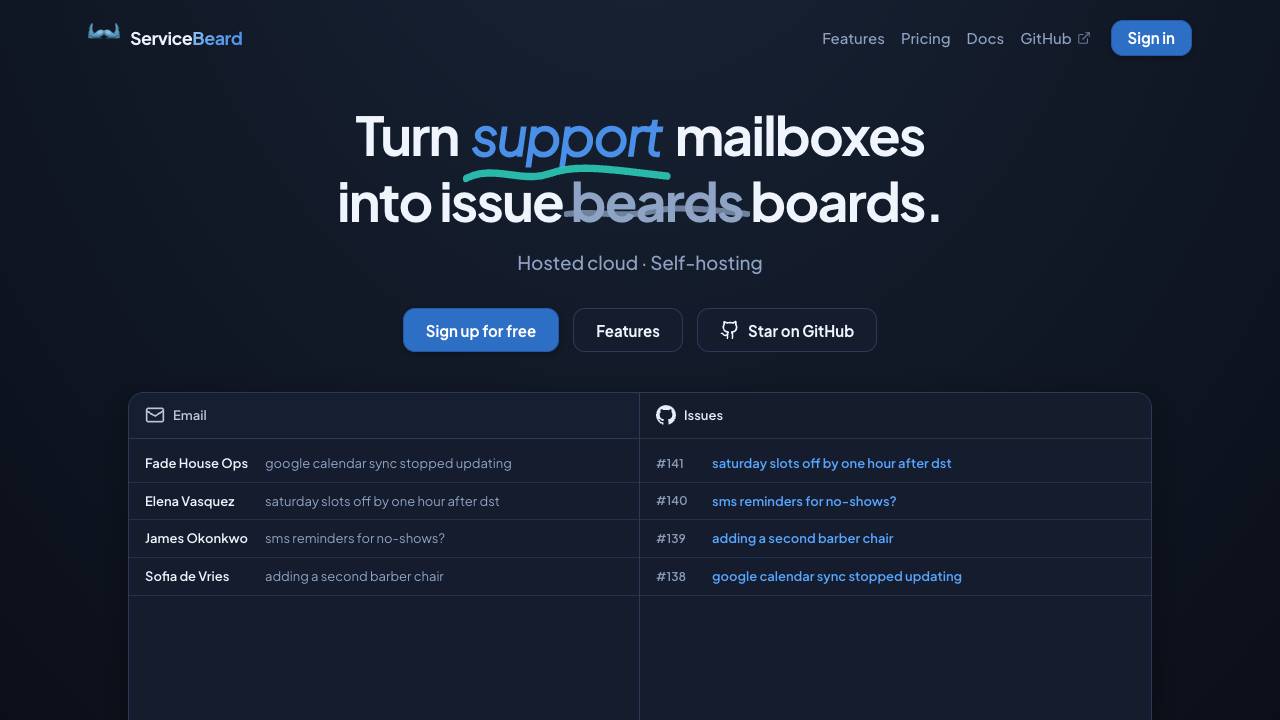
Sync your mailbox with your issue tracker

The terminal and Mac menu bar companion for Kickbacks.ai

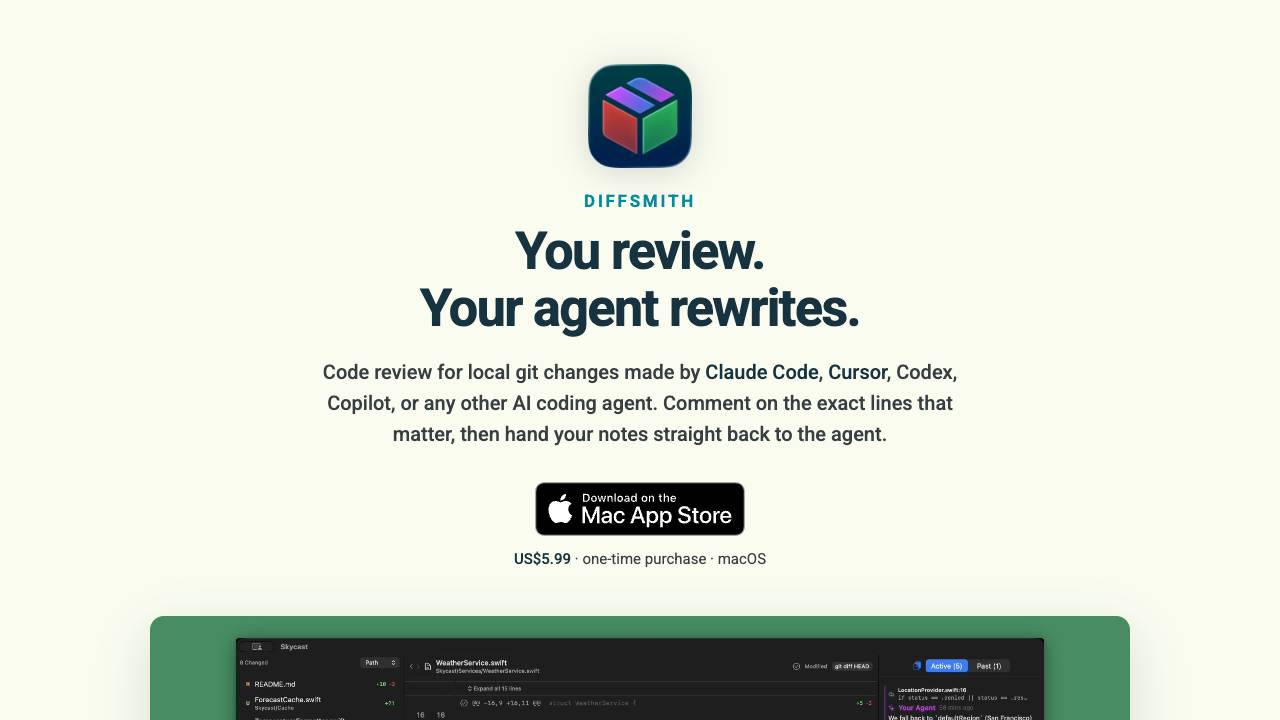
Comment on your AI agent's code & collaborate on changes

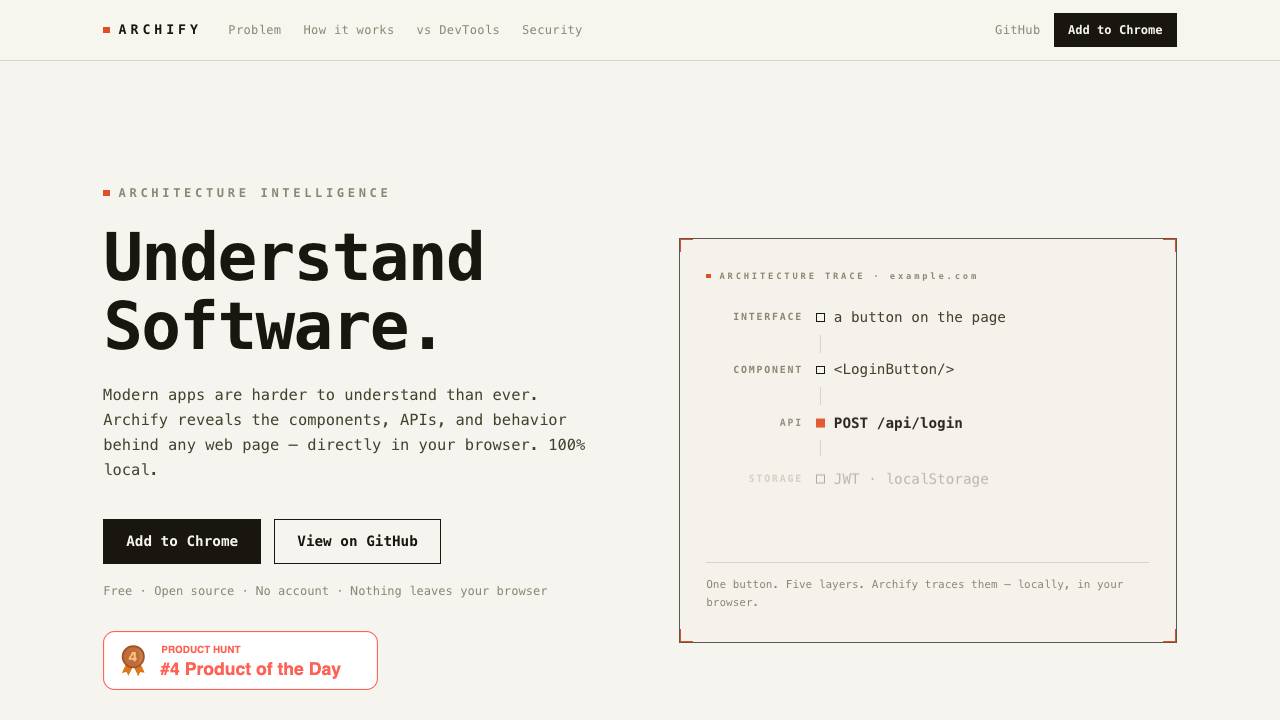
Archify reveals the components, APIs, and behavior behind any web page directly in your browser. It operates 100% locally, with no data leaving your device, and requires no account.

Full-Stack Platform for Training Small Language Models

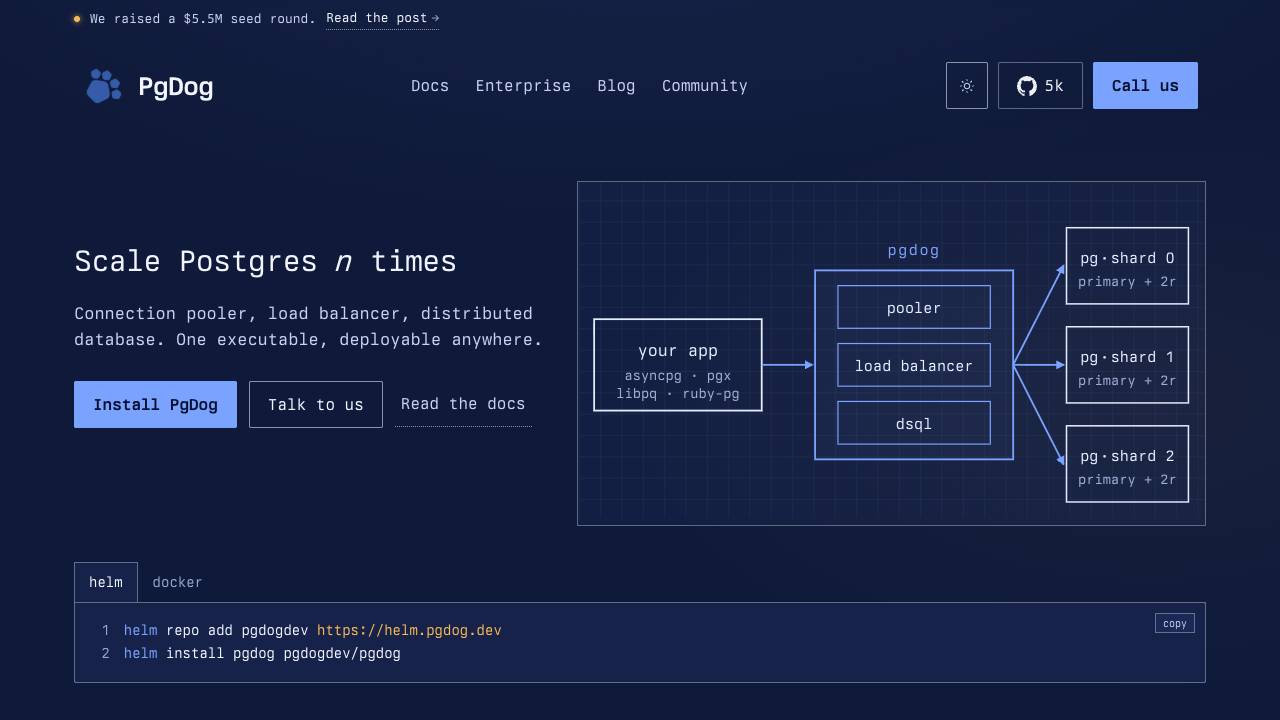
Scale PostgreSQL without changing your app

The open source Ahrefs alternative

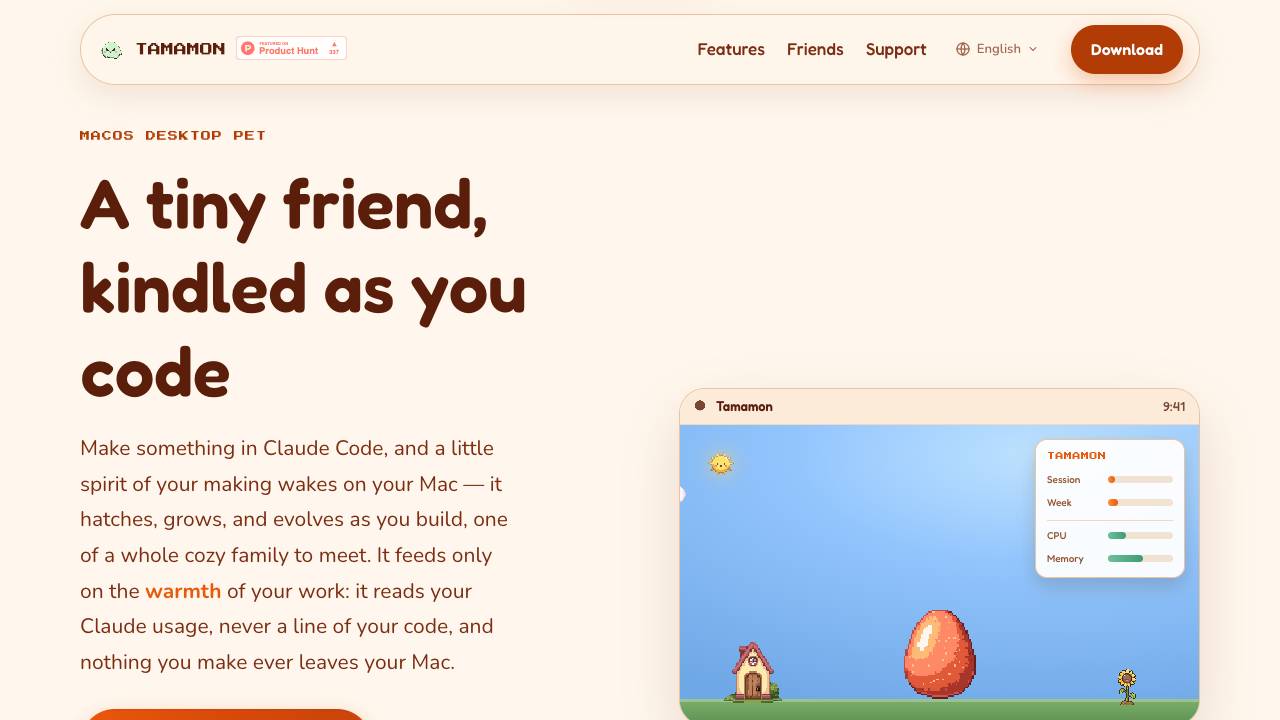
Tamamon is a free macOS desktop pet that grows as you code with Claude Code. It reads your Claude usage to evolve the pet, but never accesses your code or data. The pet appears on your desktop, reacts to your activity, and can be fed and played with.

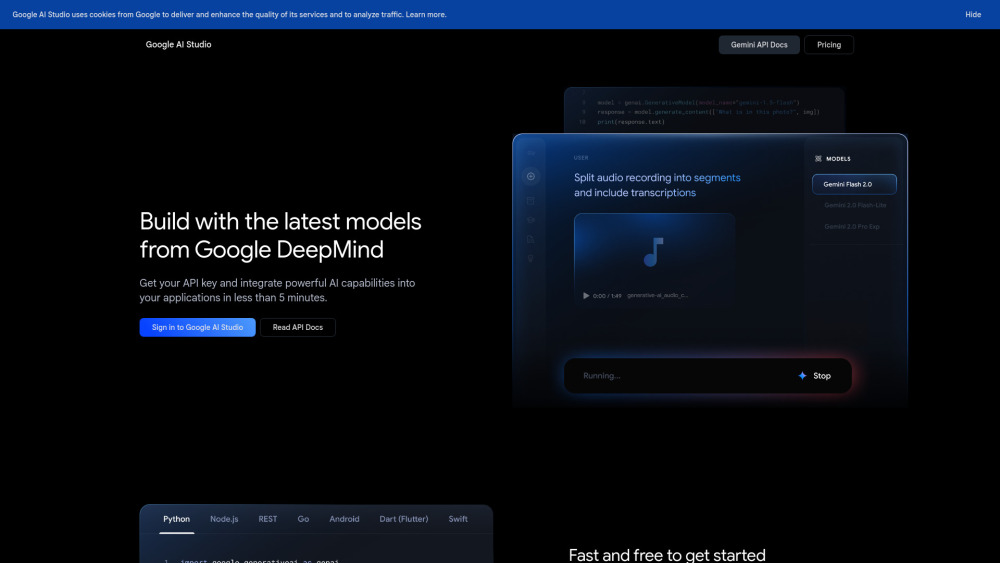
Platform for building with Google's Gemini AI models.

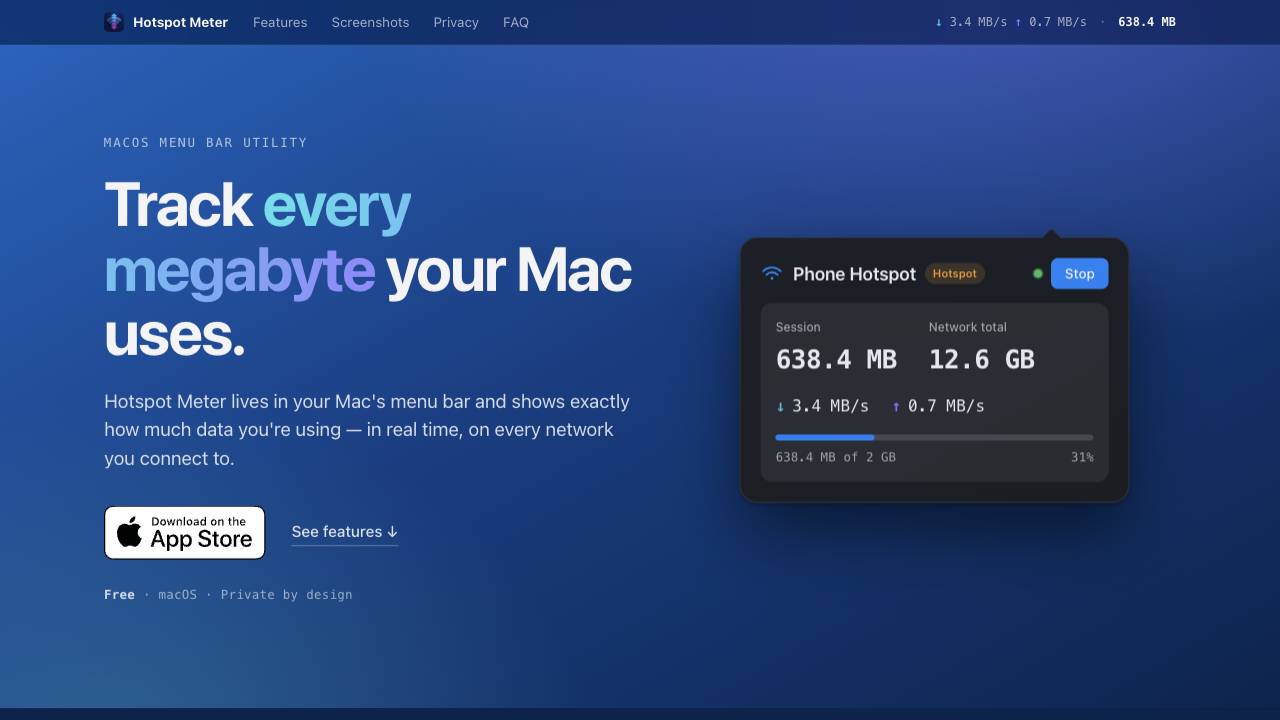
A private data-usage meter for your Mac menu bar

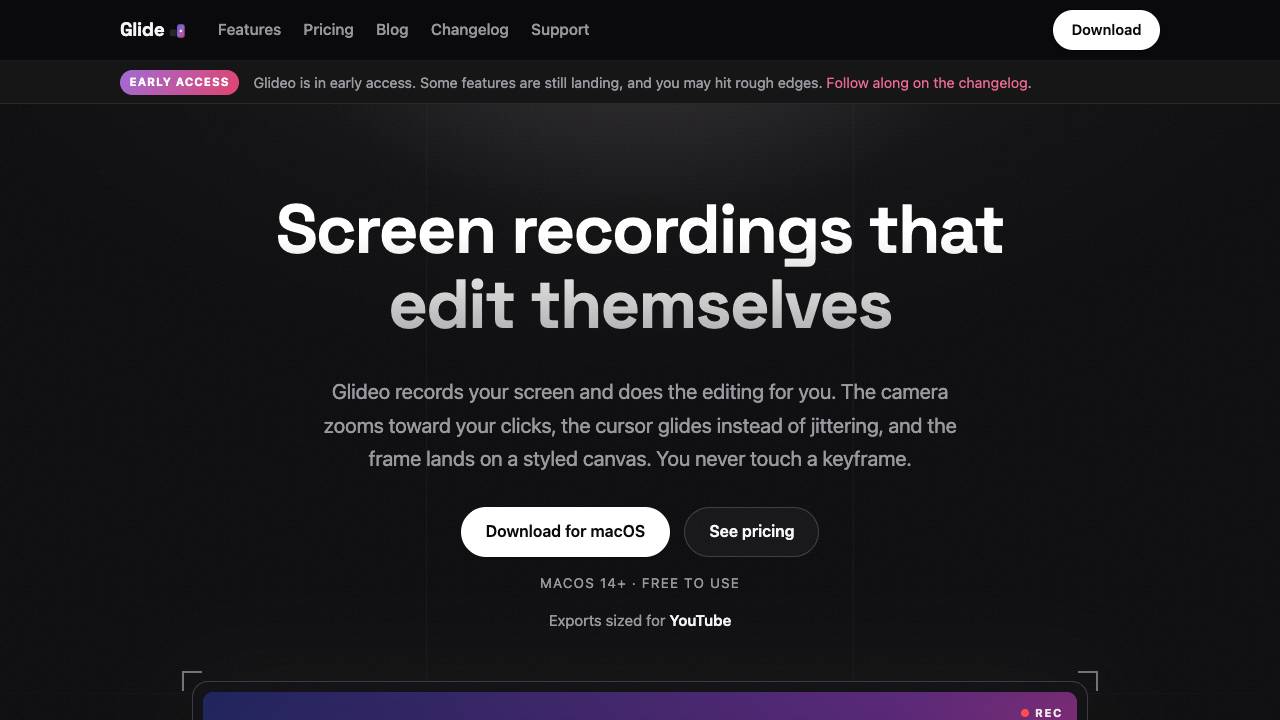
Screen recordings that edit themselves

Your time travel debugger
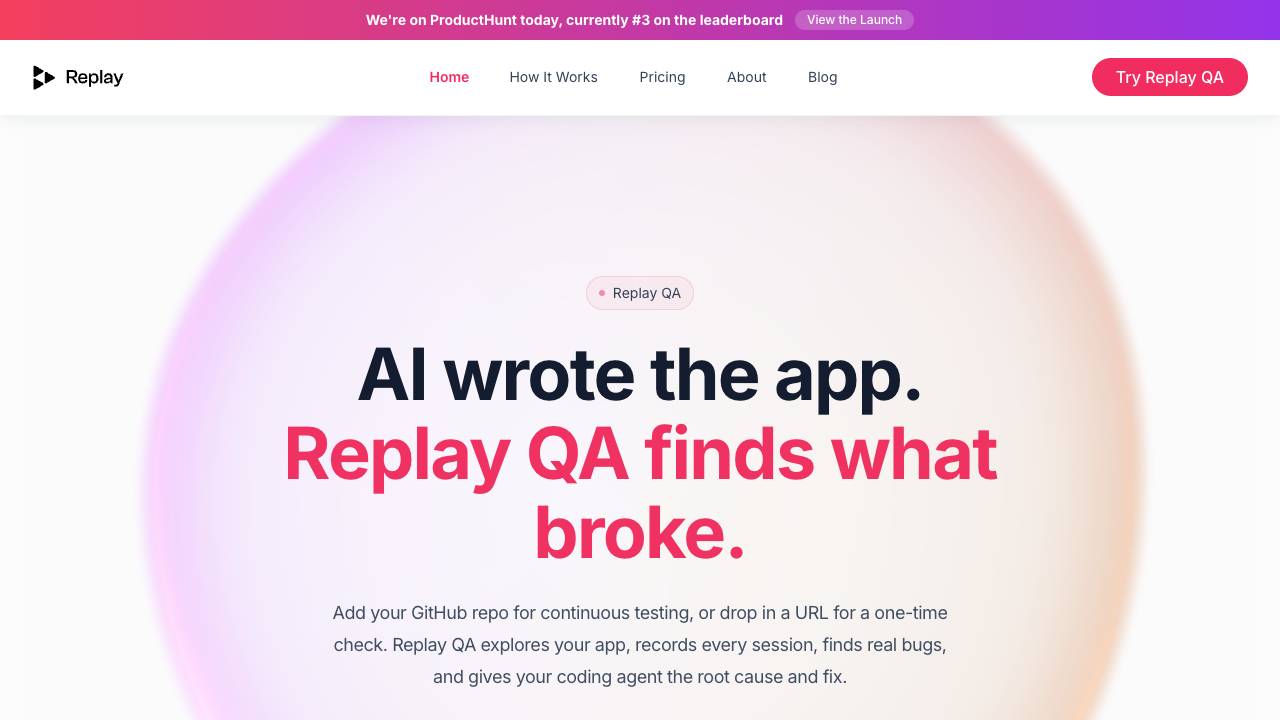

Manage your team of AI agents by voice, from anywhere


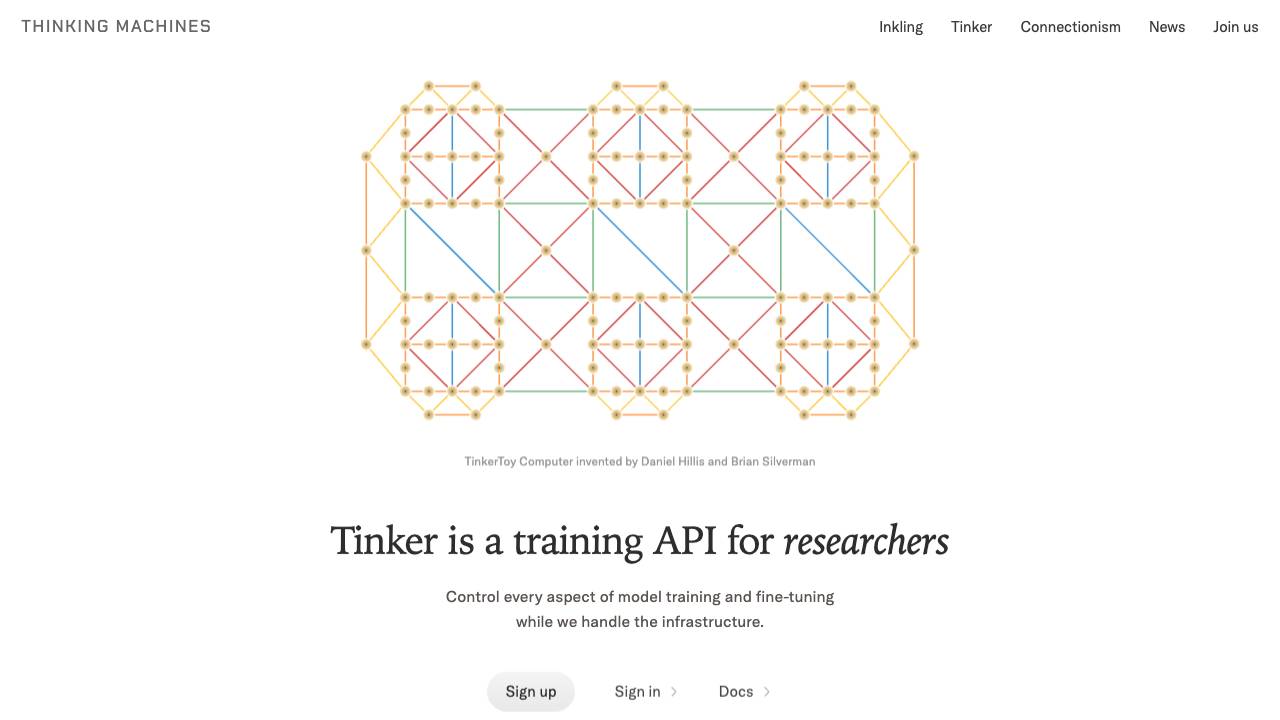
Control every aspect of model training and fine-tuning

Caps Lock keeps your Mac awake, even with the lid closed