Bestpdf


BestPDF is an all-in-one online PDF editor and converter designed to help users manage their PDF documents efficiently. It offers a comprehensive suite of tools including merging, splitting, editing, compressing, and converting PDFs to and from various formats such as Word, Excel, PowerPoint, and JPG. The platform also features AI PDF tools for enhanced productivity, including a translation feature that supports over 200 languages. BestPDF emphasizes speed, security (with TLS encryption and GDPR/CCPA compliance), and ease of use, providing a no-watermark experience for millions of global professionals.
All-in-one online PDF editor, converter, and manager.
- Modifying text and images within PDF documents.
- Reducing PDF file size for faster sharing and storage.
- Combining multiple reports or documents into a single PDF.
- Extracting specific pages or sections from a large PDF.
- Transforming PDFs into editable Word, Excel, or PowerPoint files.
- Creating professional PDFs from Word, Excel, or PowerPoint presentations.
- Converting images to high-resolution PDFs and vice versa.
- Translating research papers or documents into multiple languages while preserving formatting.
- To use BestPDF
- select the desired tool (e.g.
- 'Edit PDF'). Then
- upload or drag your PDF file into the designated area. Make the necessary changes using the online editor. Once done
- click 'Download' to save your processed file instantly. The platform is mobile-friendly and supports bulk file processing.

Online tool to convert and edit PDF files for free.
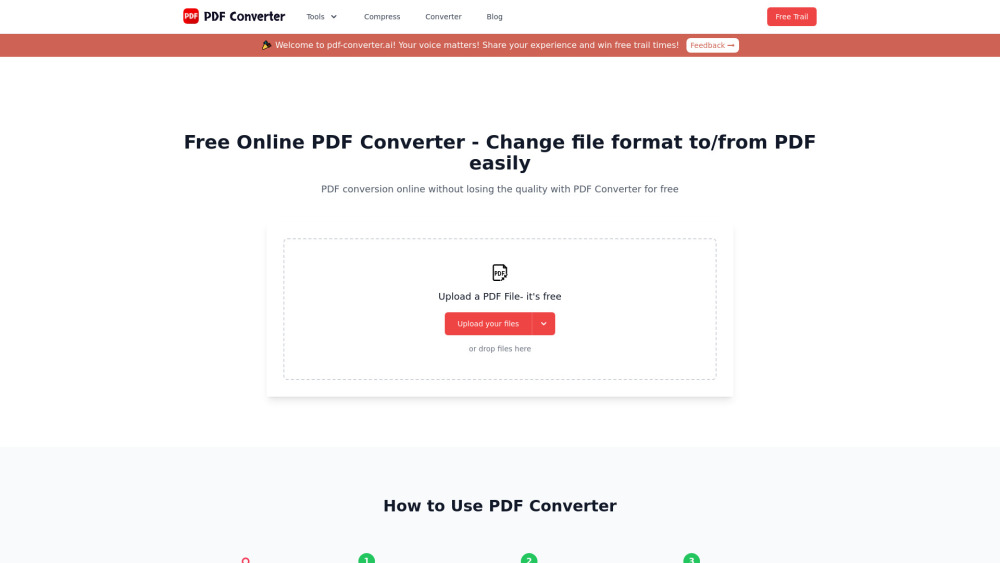

Doclingo AI is a smart document translation tool that translates your PDFs, Word, Excel, PPT or image files into 90+ languages at a click while preserving the original layout and formatting.
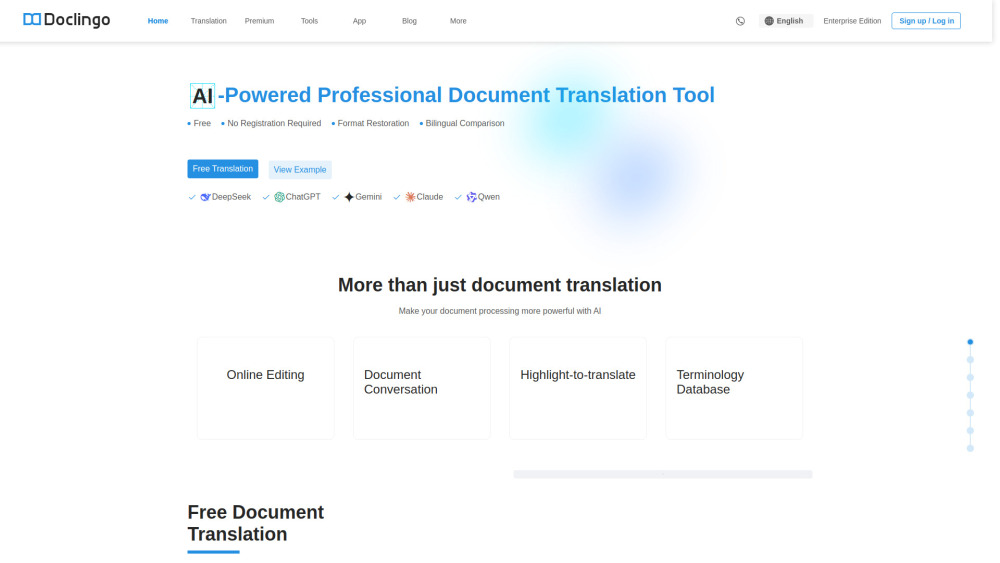

AI-powered online PDF tool for merging, splitting, converting, and compressing PDFs.

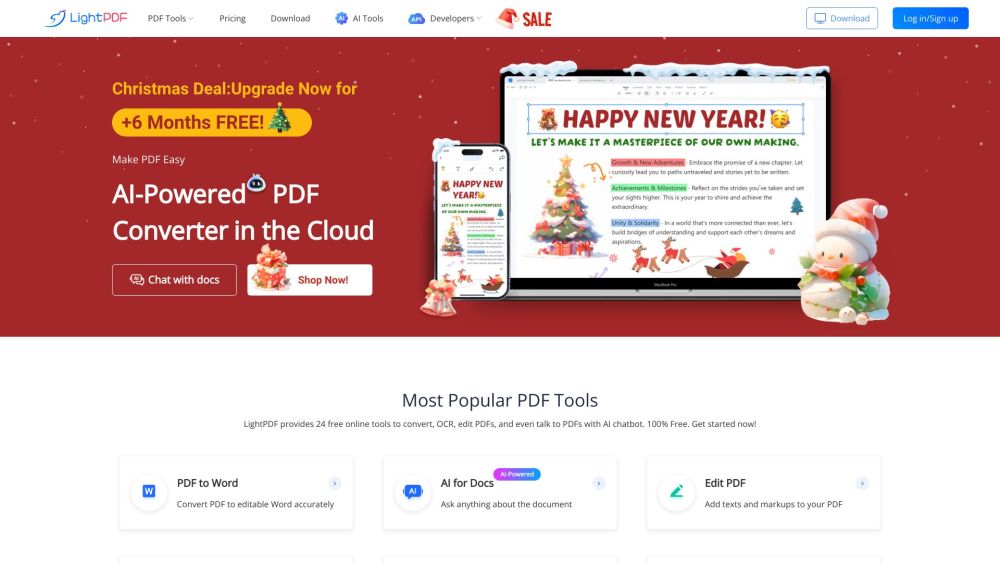
AI-powered PDF editor for Windows and Mac with comprehensive PDF management features.
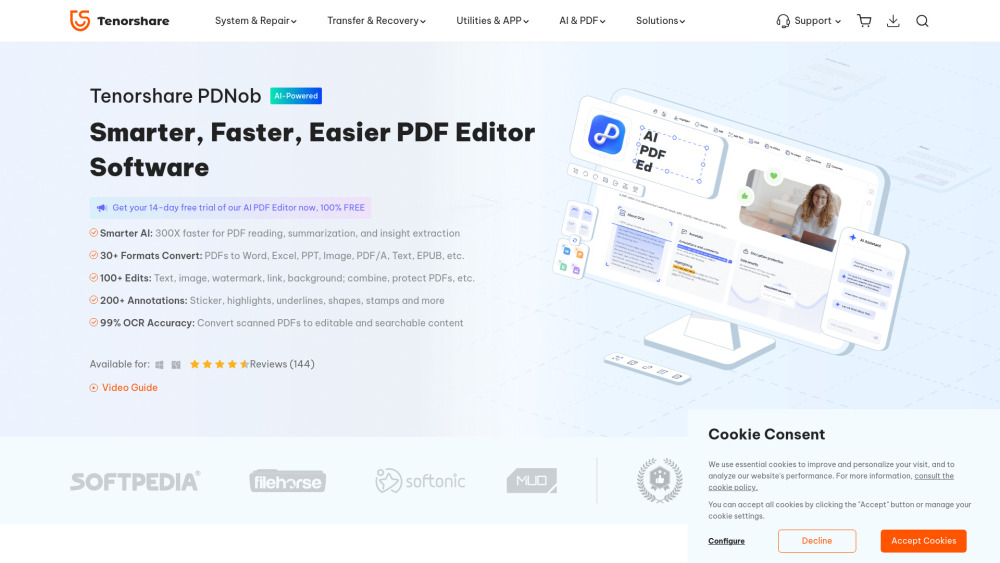

AI-powered online PDF editor, converter, and reader.

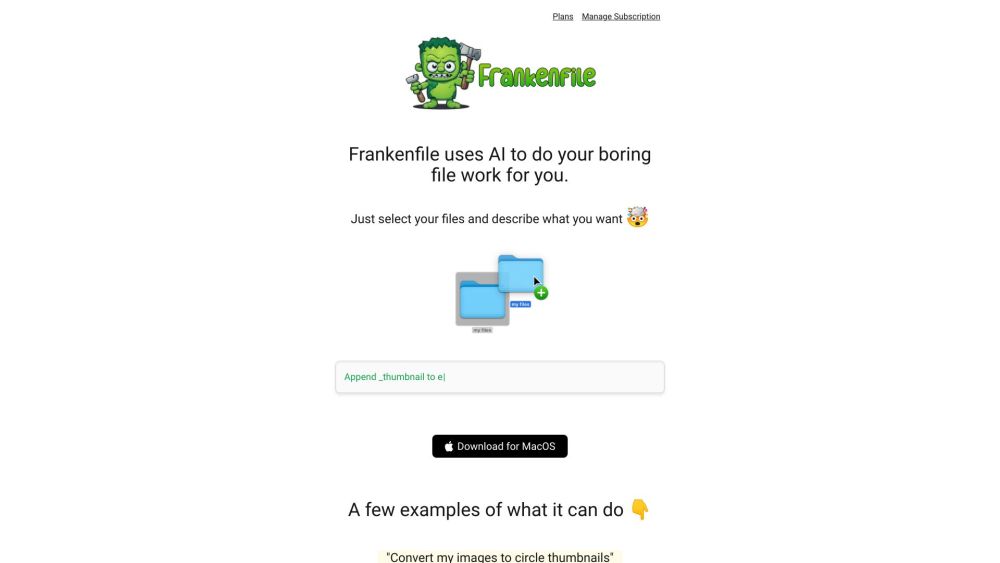
AI-powered file productivity tool for Mac to perform tasks on files.

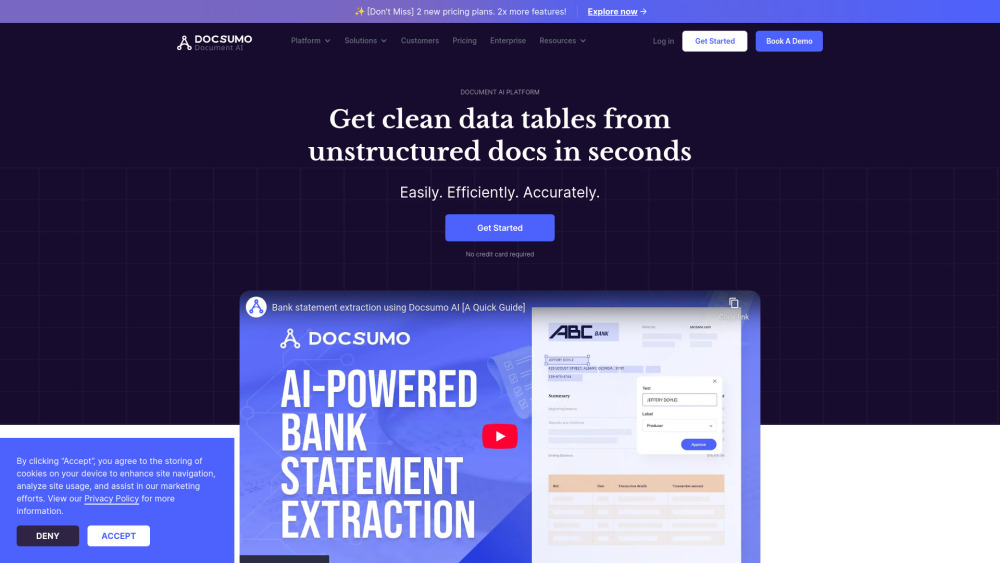
Docsumo automates data extraction from unstructured documents with high accuracy and efficiency.

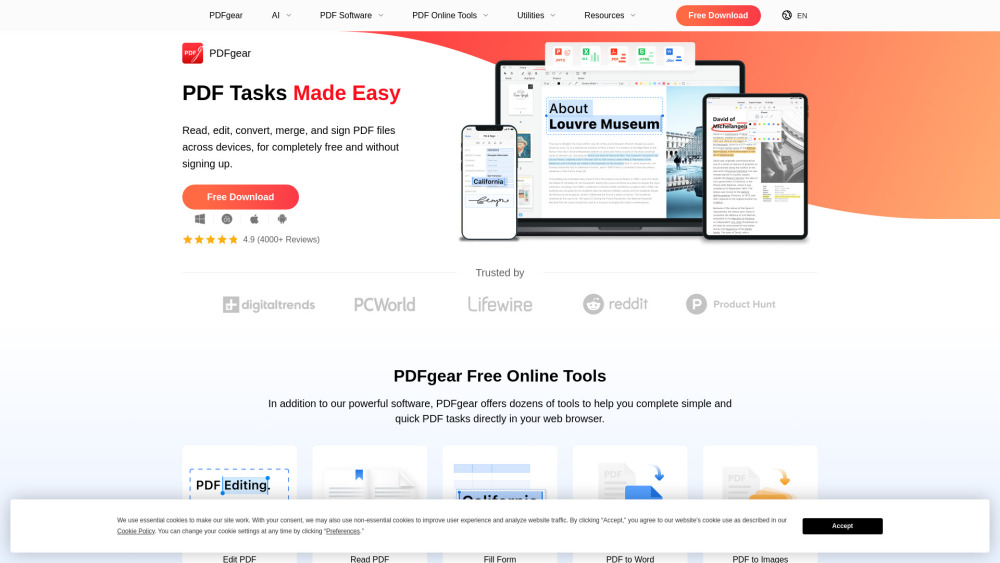
Free PDF software for editing, converting, and managing PDF documents.

Versatile PDF maker and editor for creating, customizing, and managing documents.