Doclingo
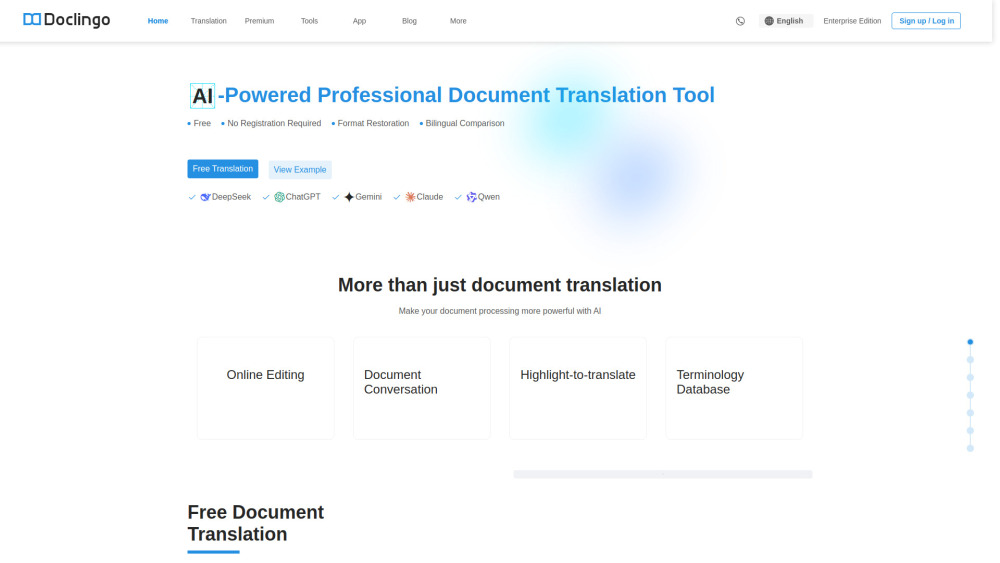




Doclingo AI combines powerful OCR and multi‑engine translation to deliver high‑fidelity translations of complex documents. It supports multiple file formats (PDF, Word, Excel, PowerPoint, images, etc.) and restores layouts, tables and images accurately. With built‑in AI editing and highlight‑to‑translate features, you can edit translated text online and manage terminology. The platform translates into more than 90 languages and offers a free tier as well as PDF PRO for advanced layout replication and OCR translation. Trusted by over 500,000 users in 60+ countries, Doclingo ensures secure, efficient document translation with privacy and compliance standards.
Doclingo AI is a smart document translation tool that translates your PDFs, Word, Excel, PPT or image files into 90+ languages at a click while preserving the original layout and formatting.
- Researchers and students quickly translate academic papers and technical literature from foreign languages.
- Businesses translate multi-page documents with complex layouts (contracts, manuals, marketing materials) into multiple languages while maintaining formatting.
- Professional translators and content creators ensure consistent terminology and style using AI editing tools, highlighting translation and terminology database.
- 1. Visit Doclingo.ai and sign in or continue for free. 2. Upload your document (PDF
- Word
- Excel
- PPT
- image) or drag and drop it into the web interface. 3. Select the original language and the target language you want to translate into (auto‑detection is supported). 4. Click "Translate" to start the translation; Doclingo AI will process the document and preserve the original layout and formatting. 5. Use the online editing tools or highlight‑to‑translate functions to refine the translation and manage terminology. 6. Download the translated document or copy the translated text for your use.

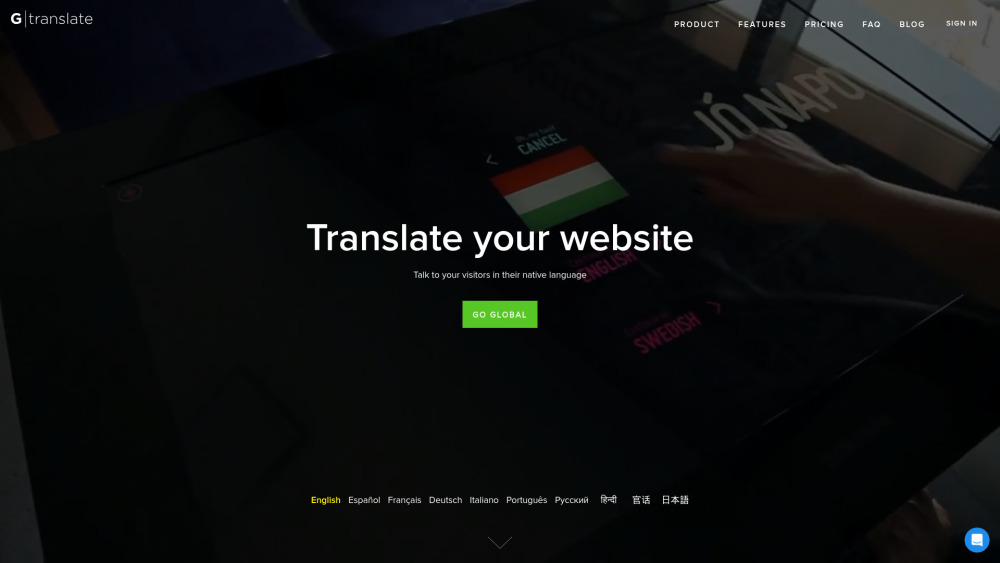
GTranslate is a website translator that automatically translates websites into any language.

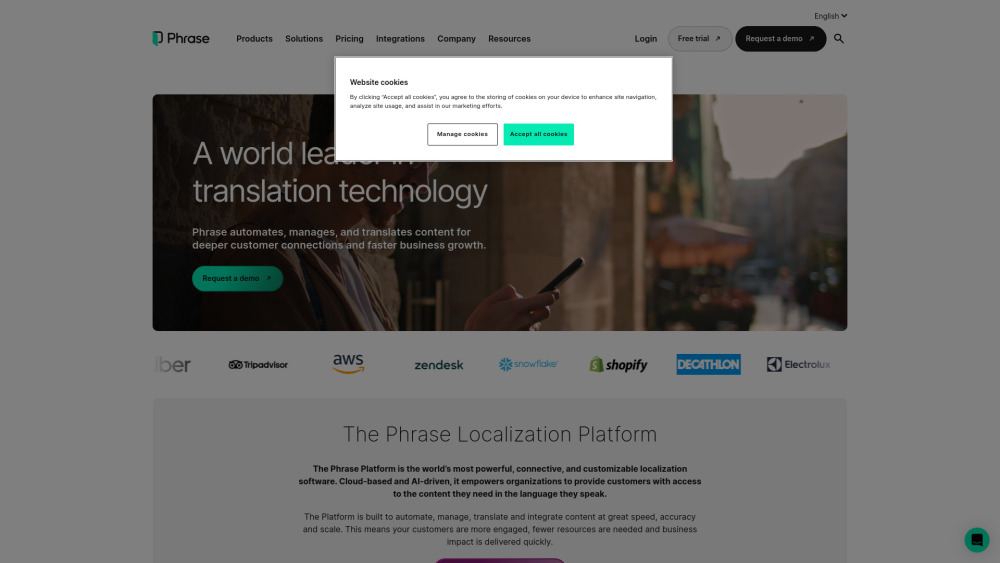
Cloud-based localization platform for multilingual content management and translation.
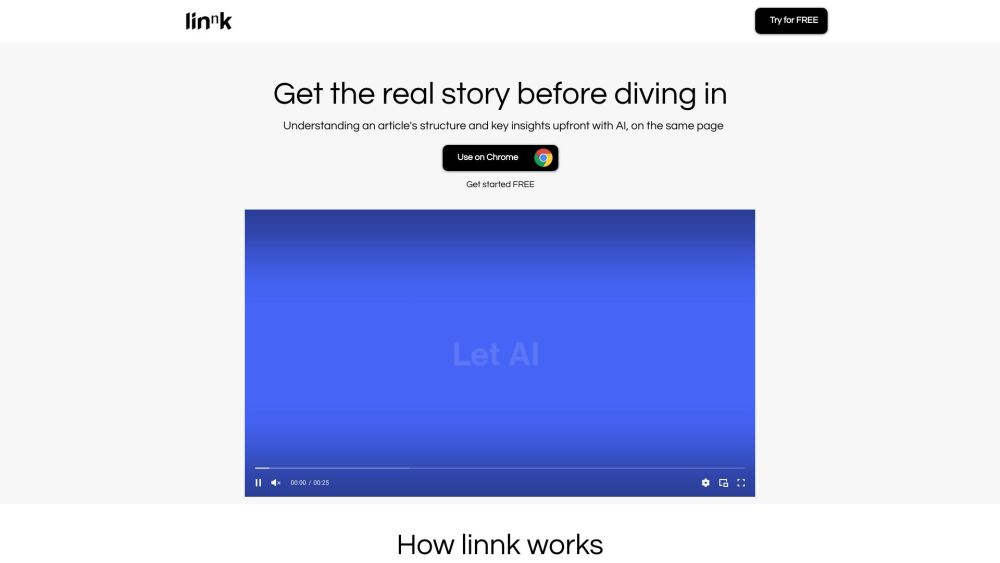
AI summarizer & translator for documents and web content, streamlining research and workflow.

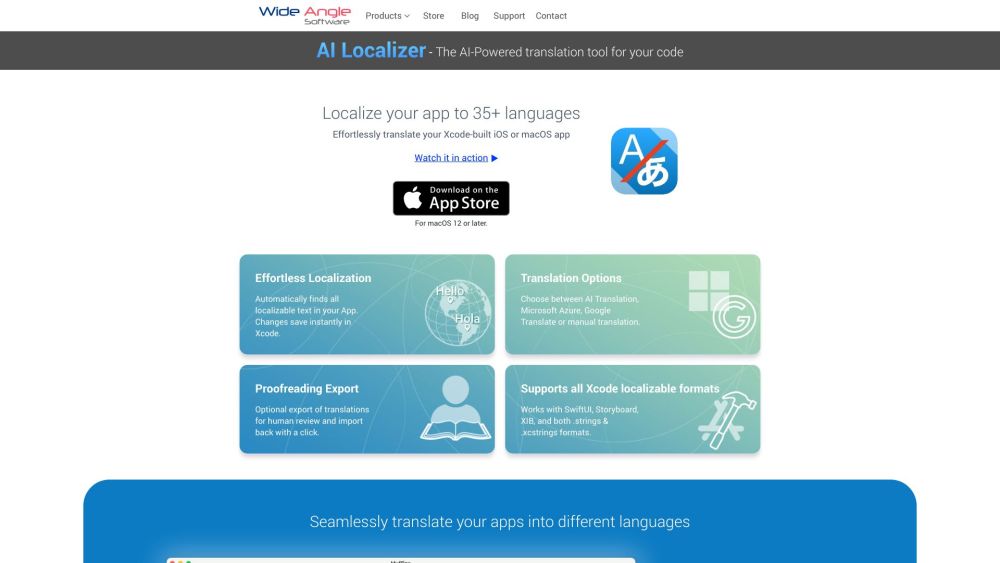
AI-powered tool for translating Xcode projects into multiple languages.

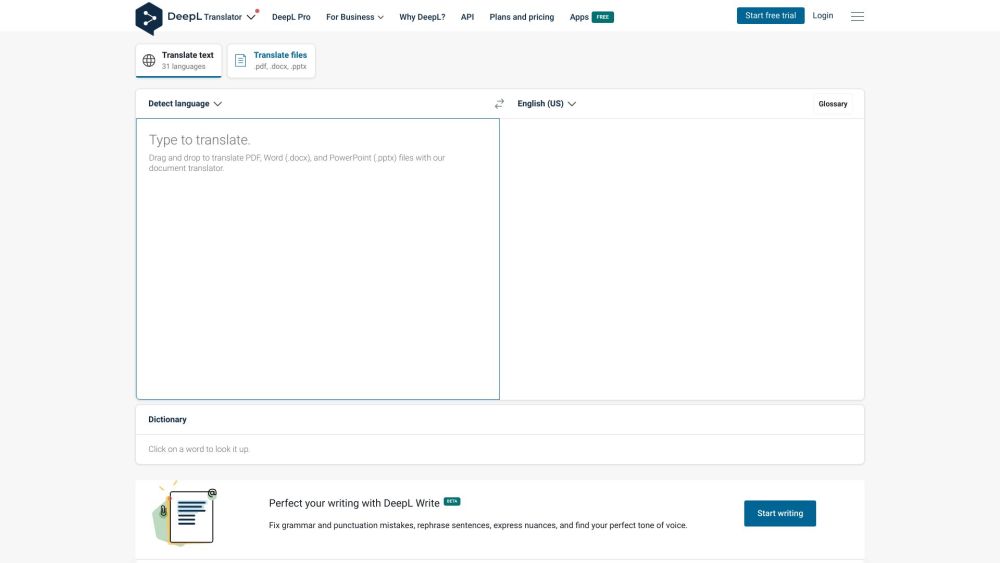
Accurate machine translation and AI-powered writing assistance for text and documents.

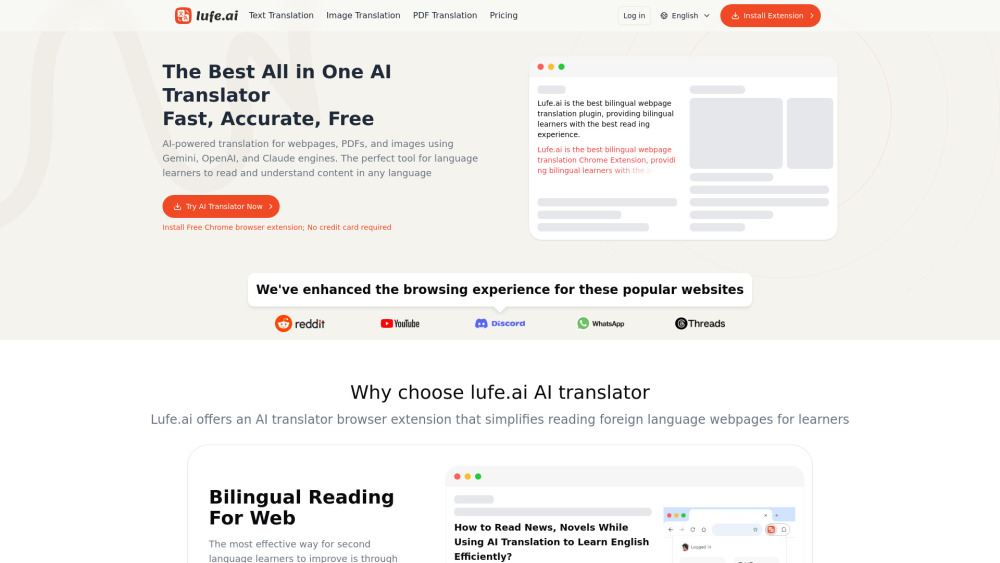
AI-powered bilingual translation extension for web, PDF, and images.

AI platform for capturing, transcribing, translating, and analyzing language data.

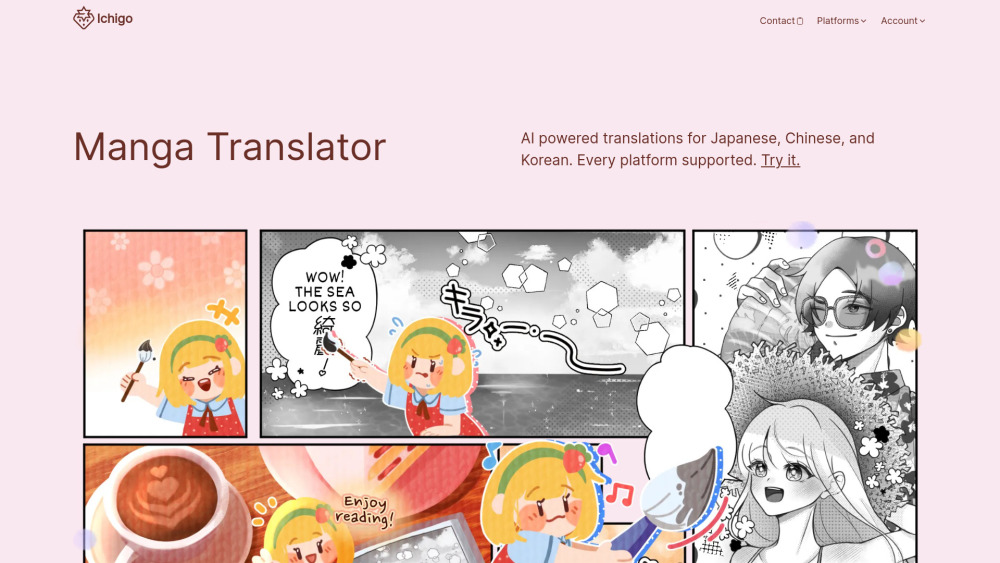
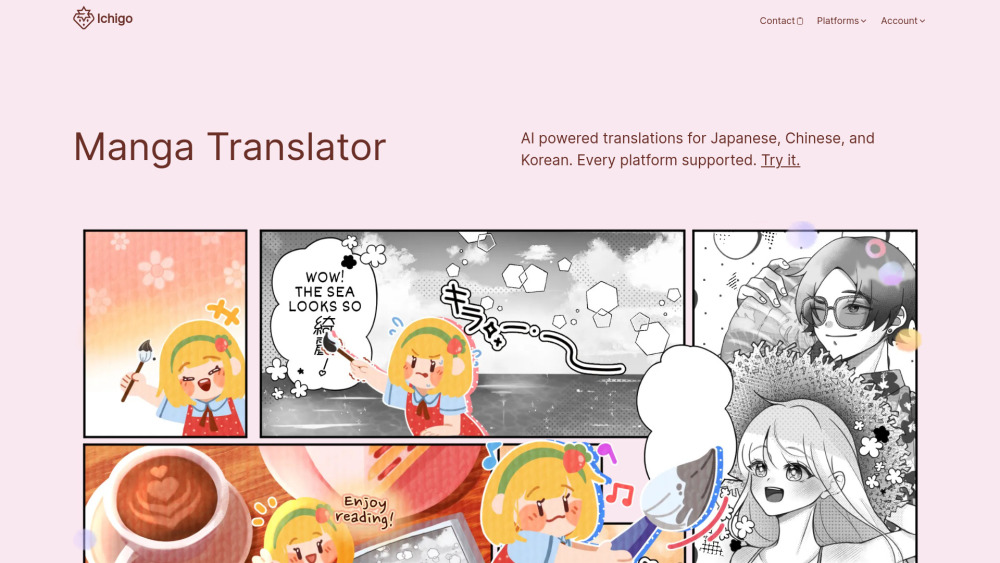
AI-powered manga translator for Japanese, Chinese, and Korean.

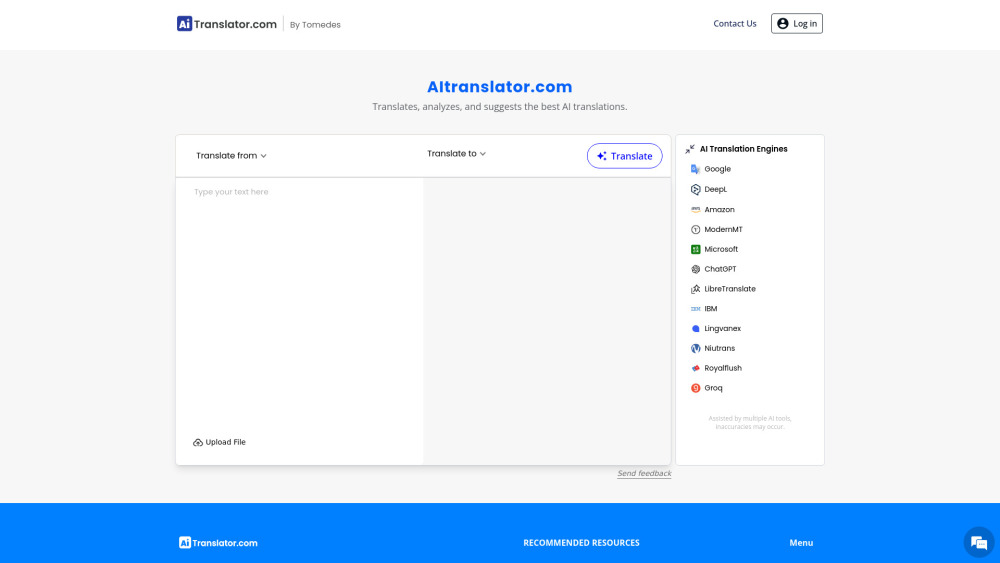
AI translation tool offering fast, accurate, and affordable translations in over 240 languages.