Pdnob Pdf Editor
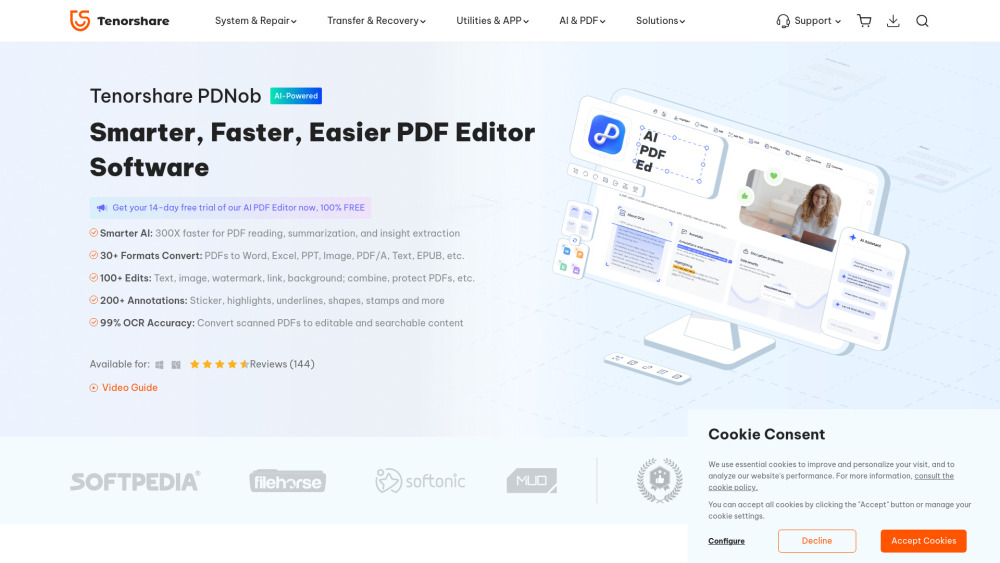


PDNob PDF Editor is an AI-powered PDF editor software available for Windows and Mac. It allows users to view, edit, convert, annotate, extract, create, compress, and organize PDF files. The software integrates DeepSeek R1 Model for faster PDF reading, summarization, and insight extraction. It supports converting PDFs to various formats like Word, Excel, PPT, and images, and offers extensive editing features for text, images, watermarks, and links. PDNob PDF Editor also provides OCR functionality for converting scanned PDFs into editable content.
AI-powered PDF editor for Windows and Mac with comprehensive PDF management features.
- Editing text and images in PDF documents
- Converting PDFs to editable formats like Word and Excel
- Annotating and highlighting important information in PDFs
- Compressing large PDFs for easier sharing
- Protecting PDFs with password encryption
- Organizing PDF pages by reordering, splitting, or merging
- To use PDNob PDF Editor
- download and install the software
- open a PDF file
- and select the desired task from the Comment
- Edit
- Convert
- Page
- or Protect tabs. After making changes
- save the file.

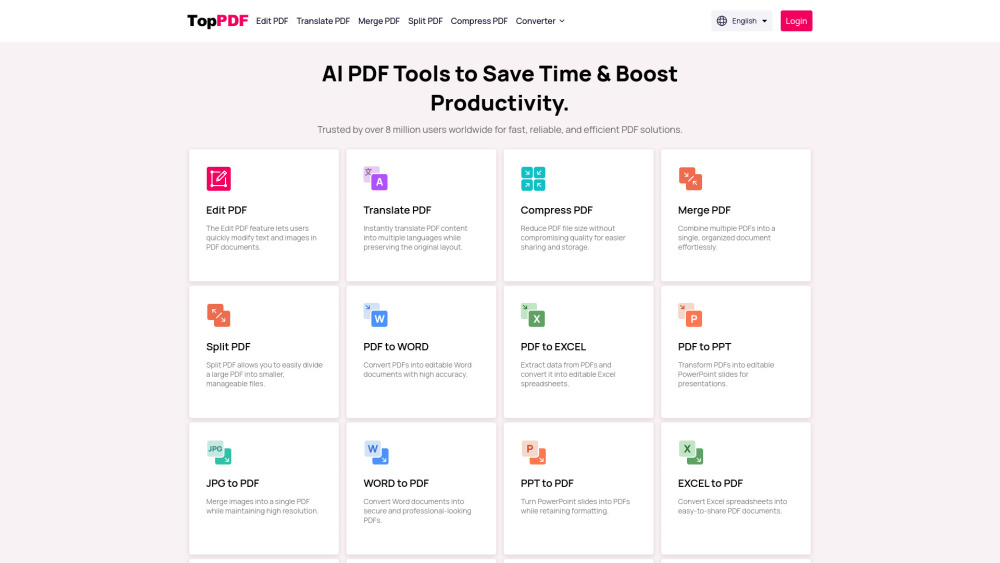
AI-powered PDF tools for editing, translating, compressing, and converting PDFs.

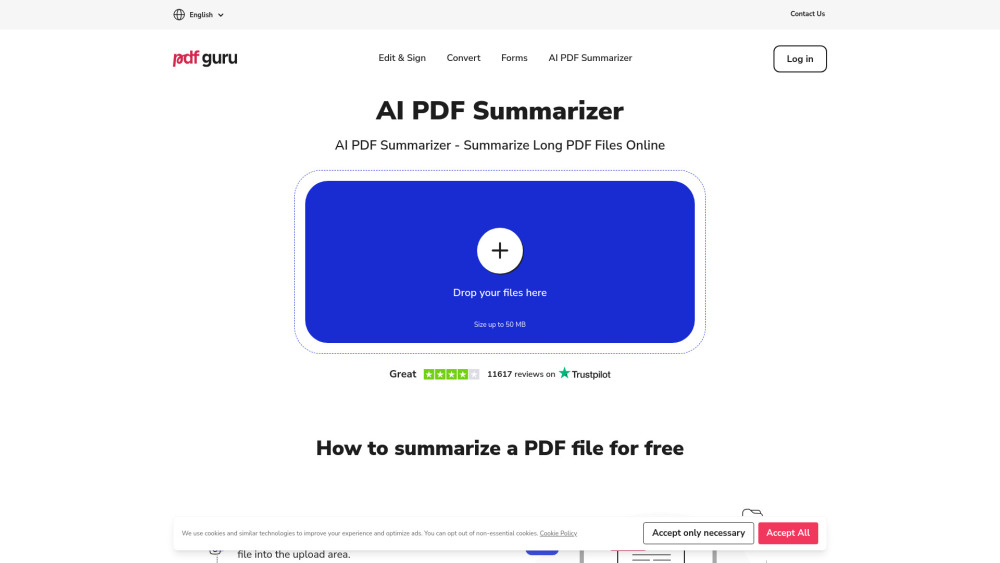
Online PDF tool for summarizing, editing, converting, signing, and form filling.

PDF.co is a Web API for PDF document processing and automation with AI-powered features.
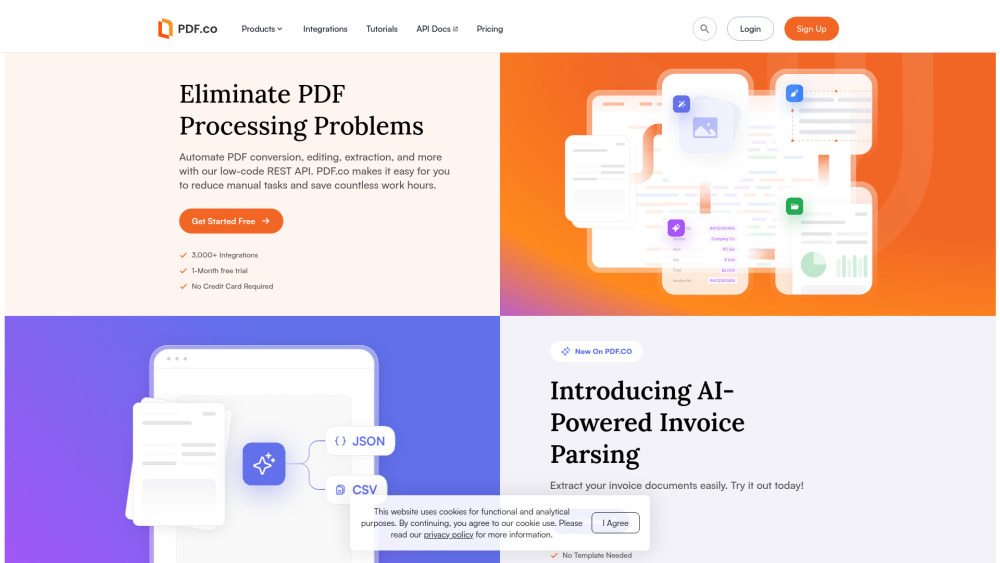

PDF.co is a Web API for PDF document processing and automation.


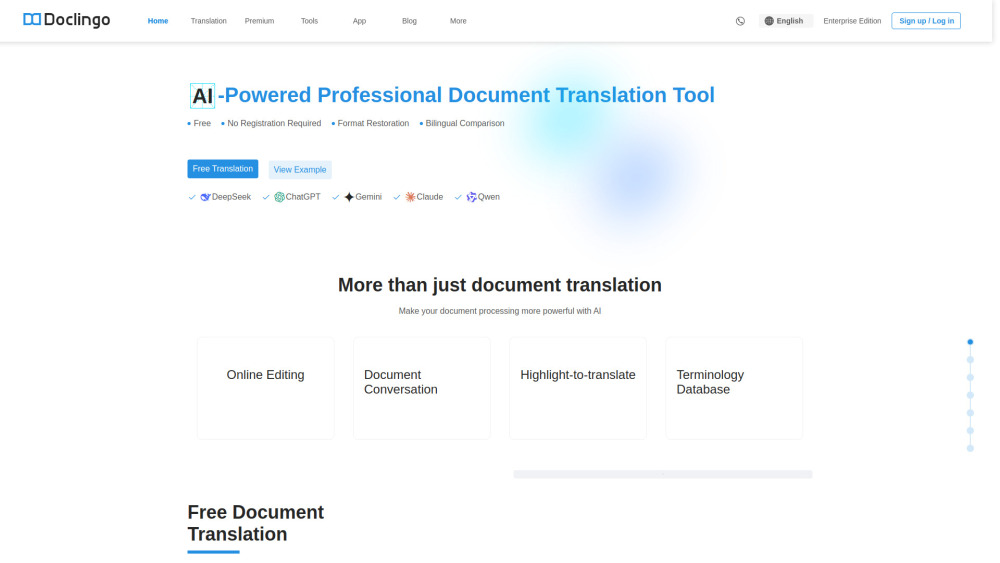
Doclingo AI is a smart document translation tool that translates your PDFs, Word, Excel, PPT or image files into 90+ languages at a click while preserving the original layout and formatting.

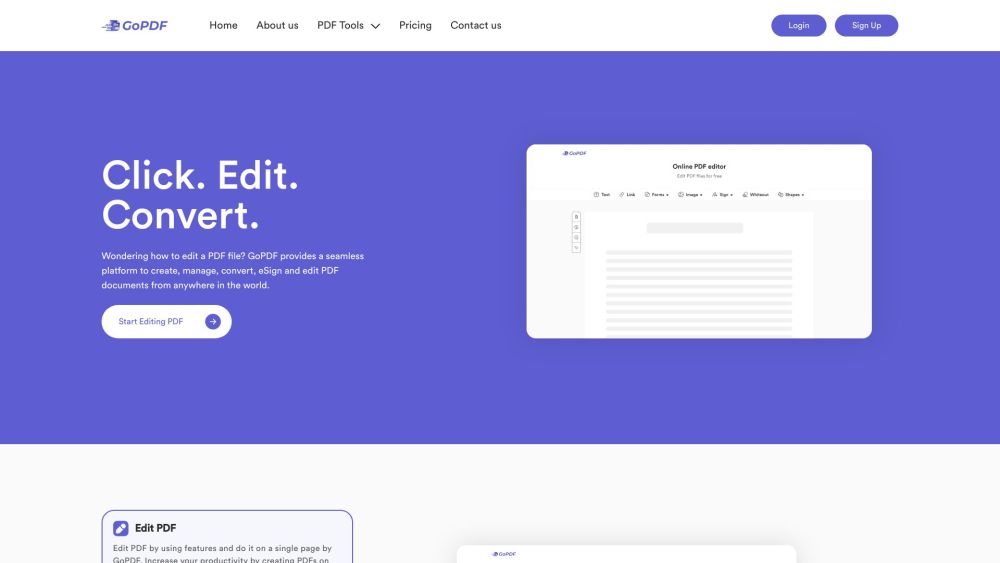
All-in-one PDF editor and AI-powered management tool.

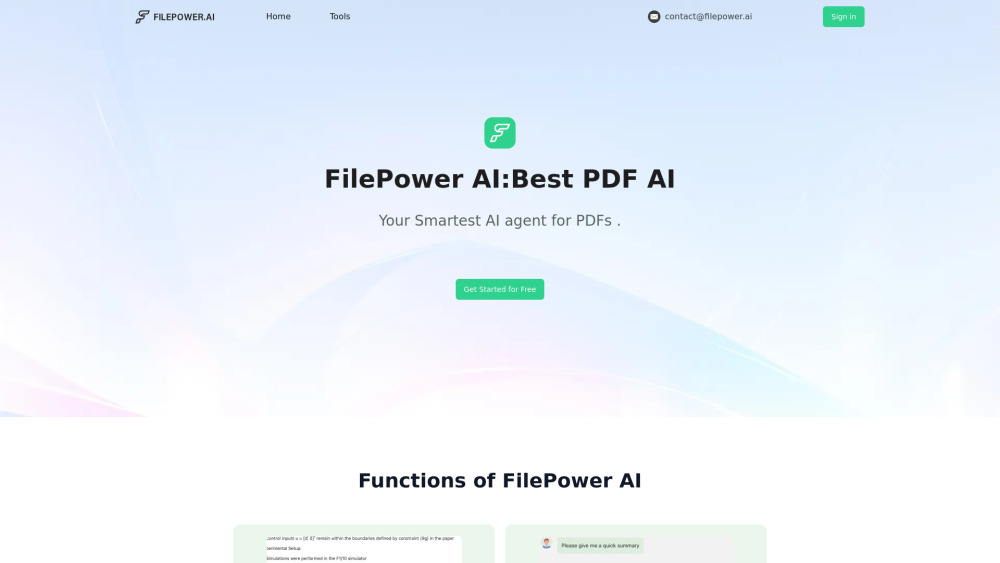
AI chat for documents, supporting summary, translation, and Q&A for PDFs, PPTs, and Docs.

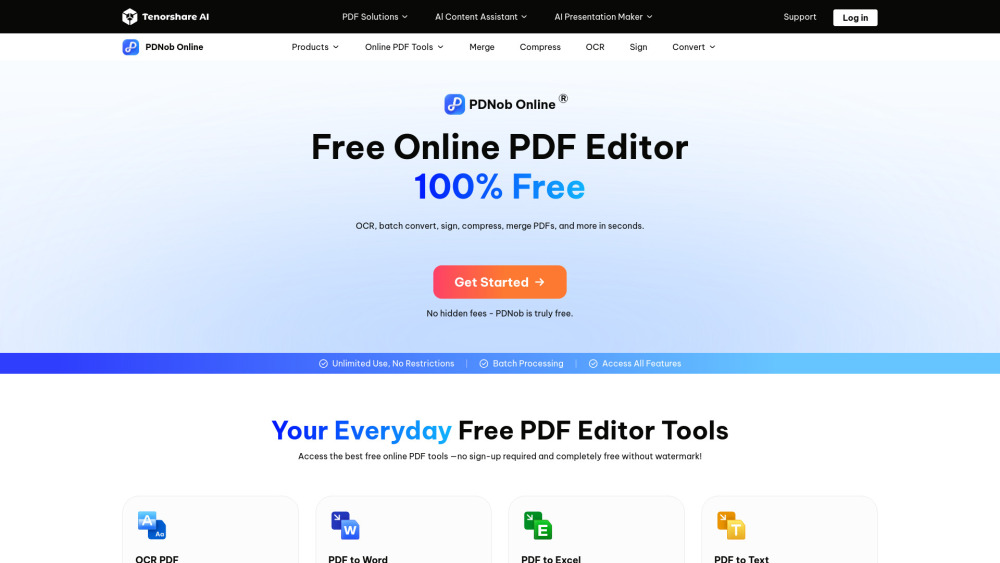
PDNob Online is a free online PDF tool that lets you AI OCR, merge, compress, sign, convert and protect PDFs directly in your browser — no install needed.

Versatile PDF maker and editor for creating, customizing, and managing documents.