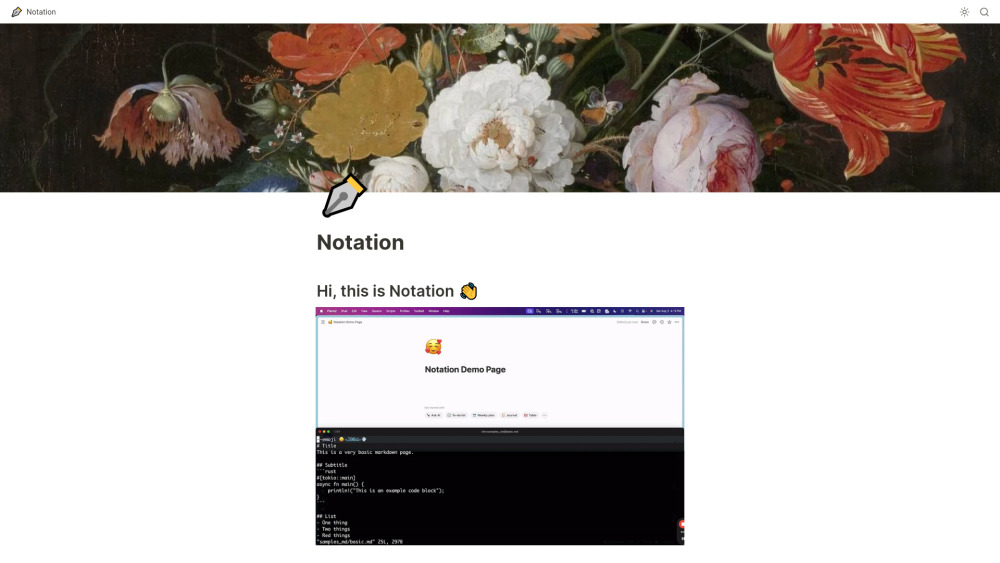


Notation allows you to write markdown and automatically publish it to Notion. Once it's in Notion, it can be internal, password protected, personal, or you can ship it as a public website. You also get all of Notion's AI, search, and formatting for free. It's designed to keep documentation close to the code, avoiding separate service logins and complex frontend frameworks.
Markdown to Notion publishing tool with built-in AI, search, and formatting.
- Publishing documentation to a Notion workspace
- Creating a public website from markdown documentation
- Maintaining documentation alongside code in a repository
- Write documentation in markdown
- create a Notion page
- grab an API key from Notion
- put the API key in a ~/.notation/Notation.toml file
- and run notation ship --src </path/to/you/docs>.

API integration testing that remembers what breaks

Your time travel debugger

Instant, hardware Isolated Sandboxes for AI agents

The web performance & security company

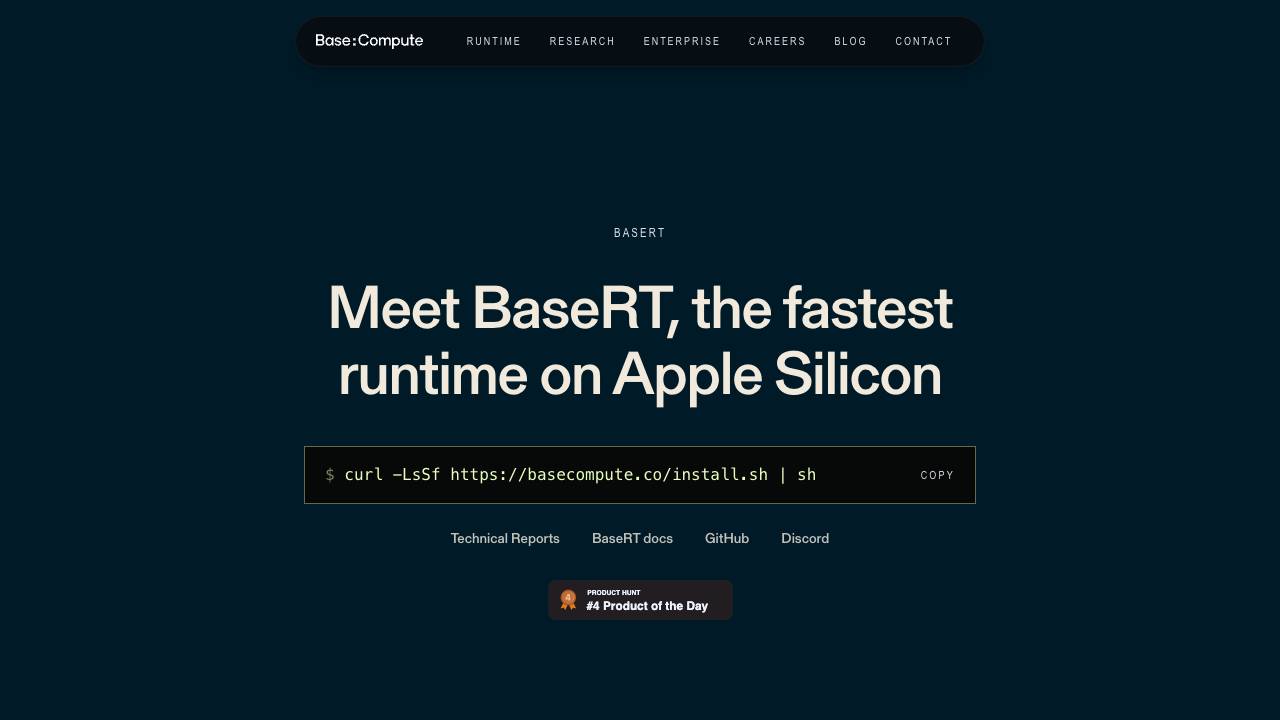
Fastest LLM runtime on Apple Silicon

Give Claude Code and Codex a voice


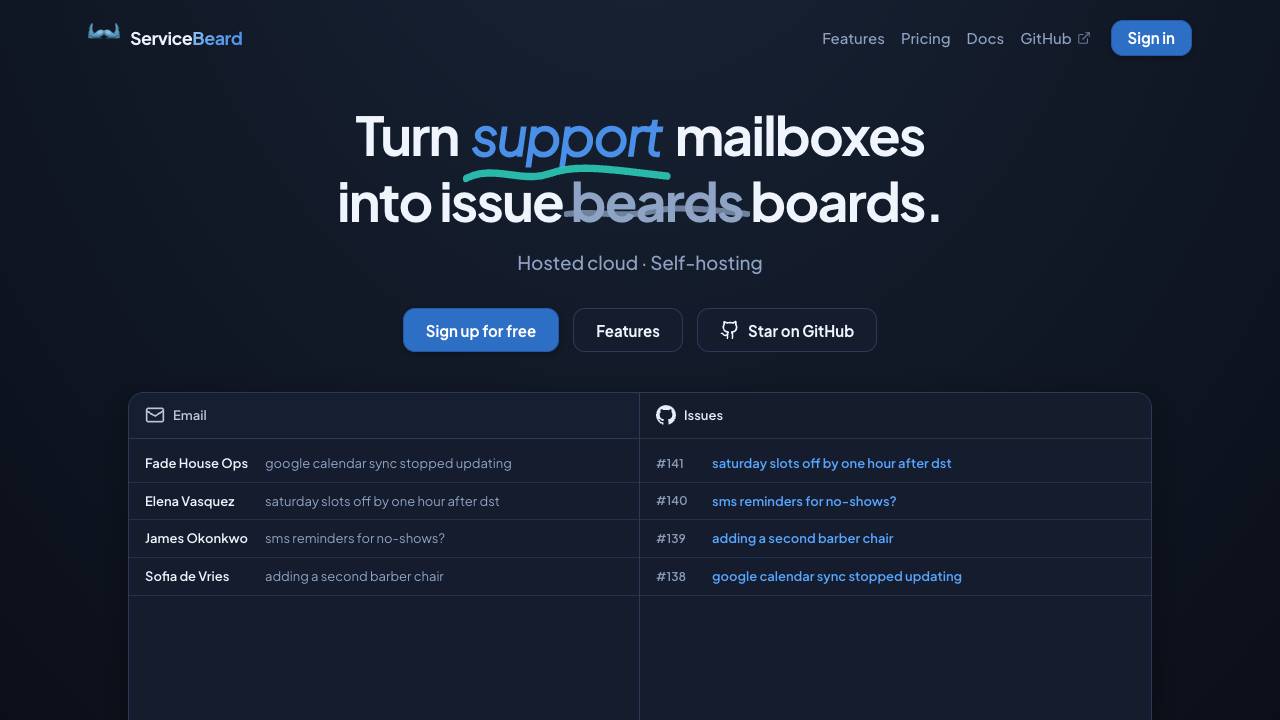
Sync your mailbox with your issue tracker

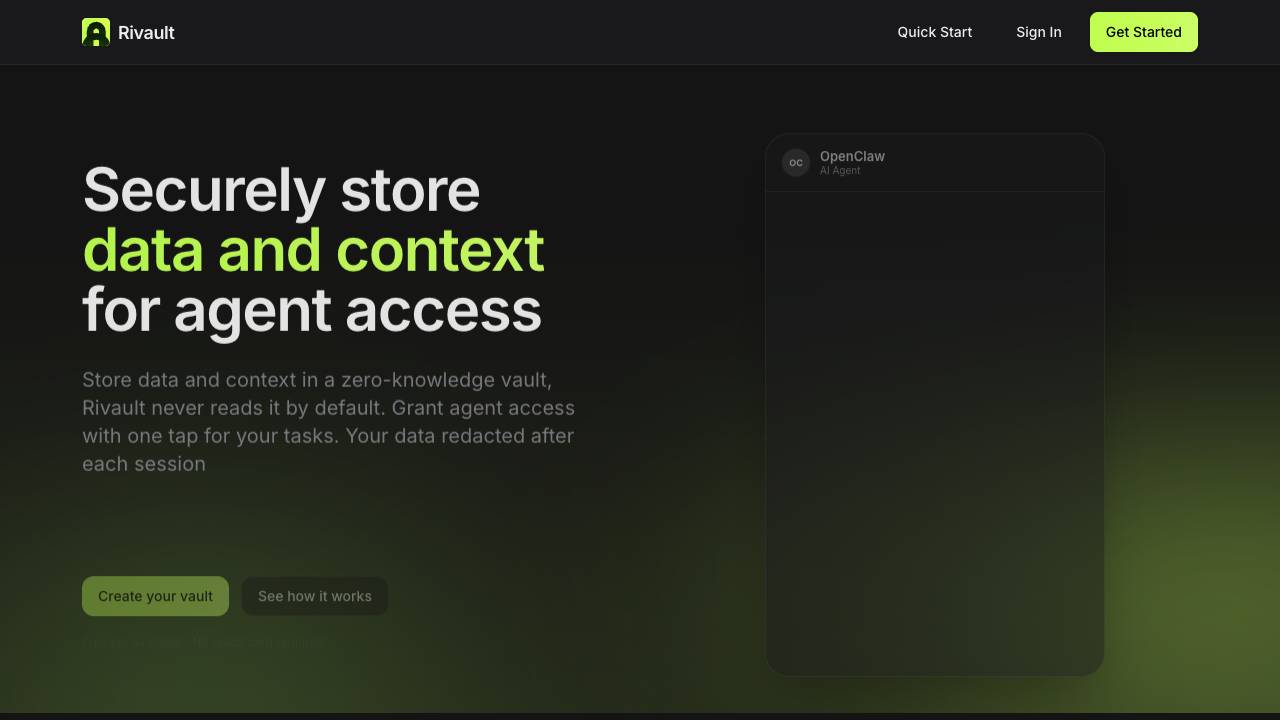
Approve AI agent data access with Face ID

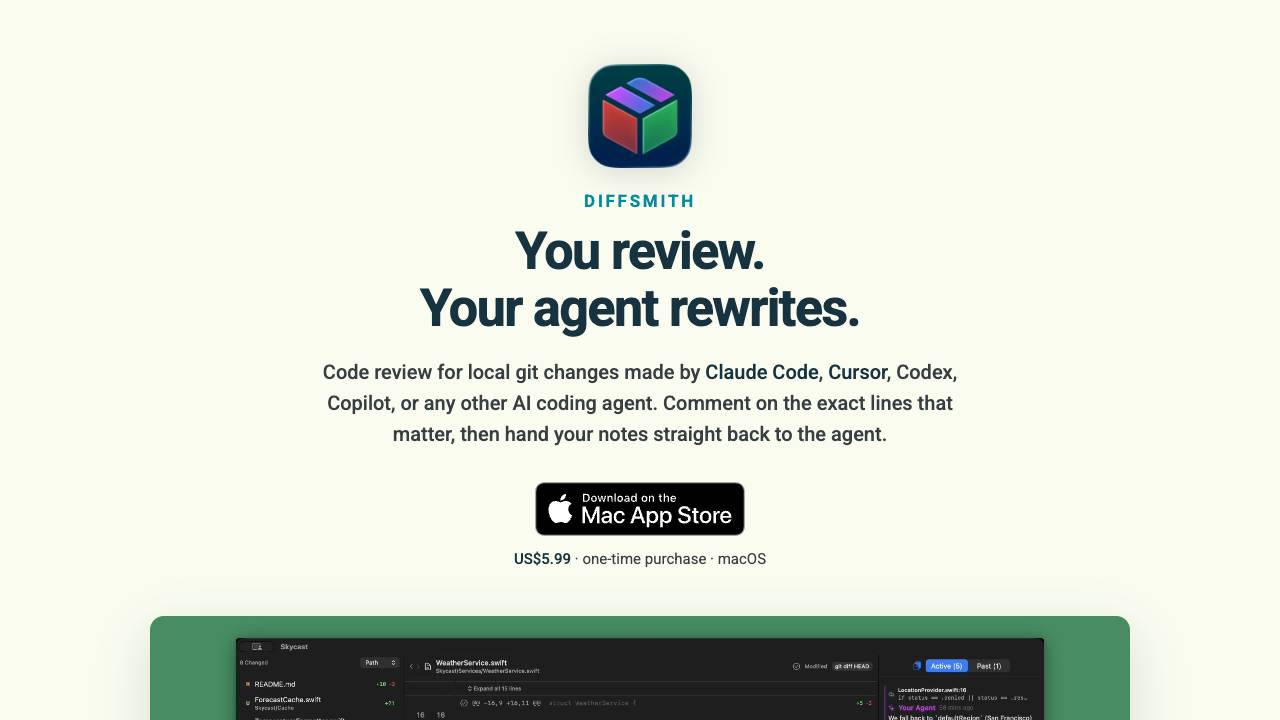
Comment on your AI agent's code & collaborate on changes

Full-Stack Platform for Training Small Language Models

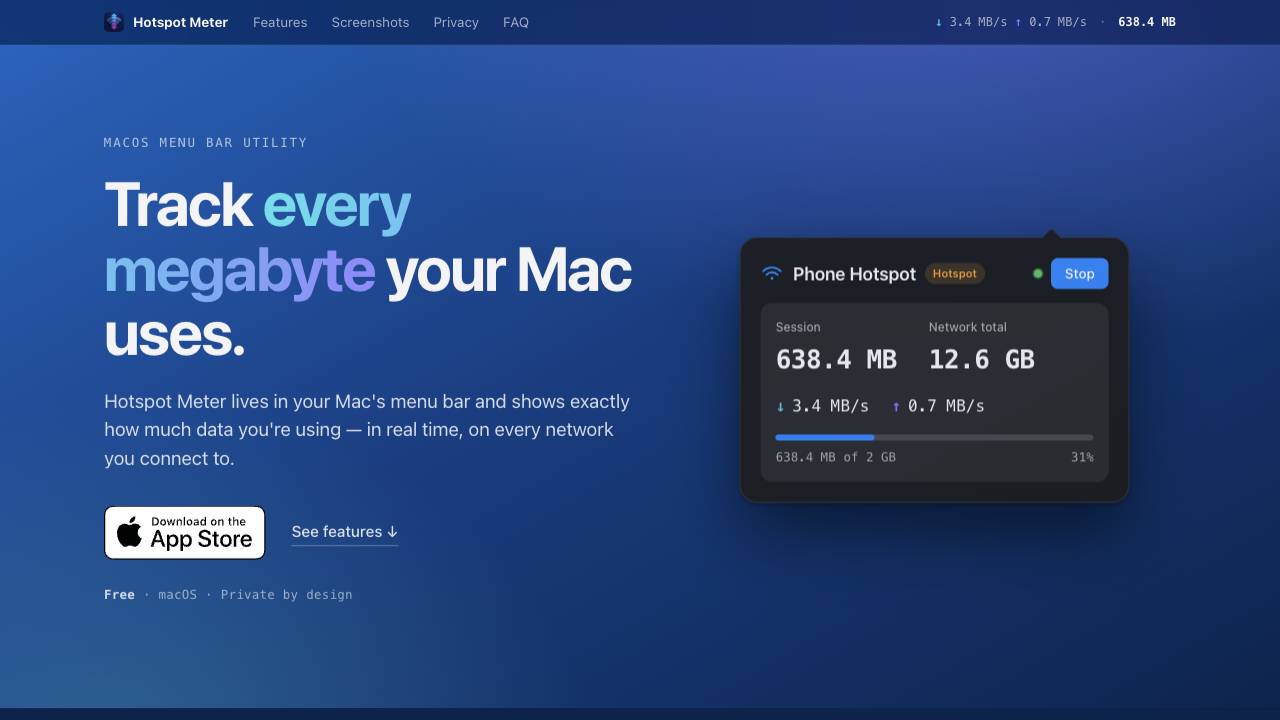
A private data-usage meter for your Mac menu bar

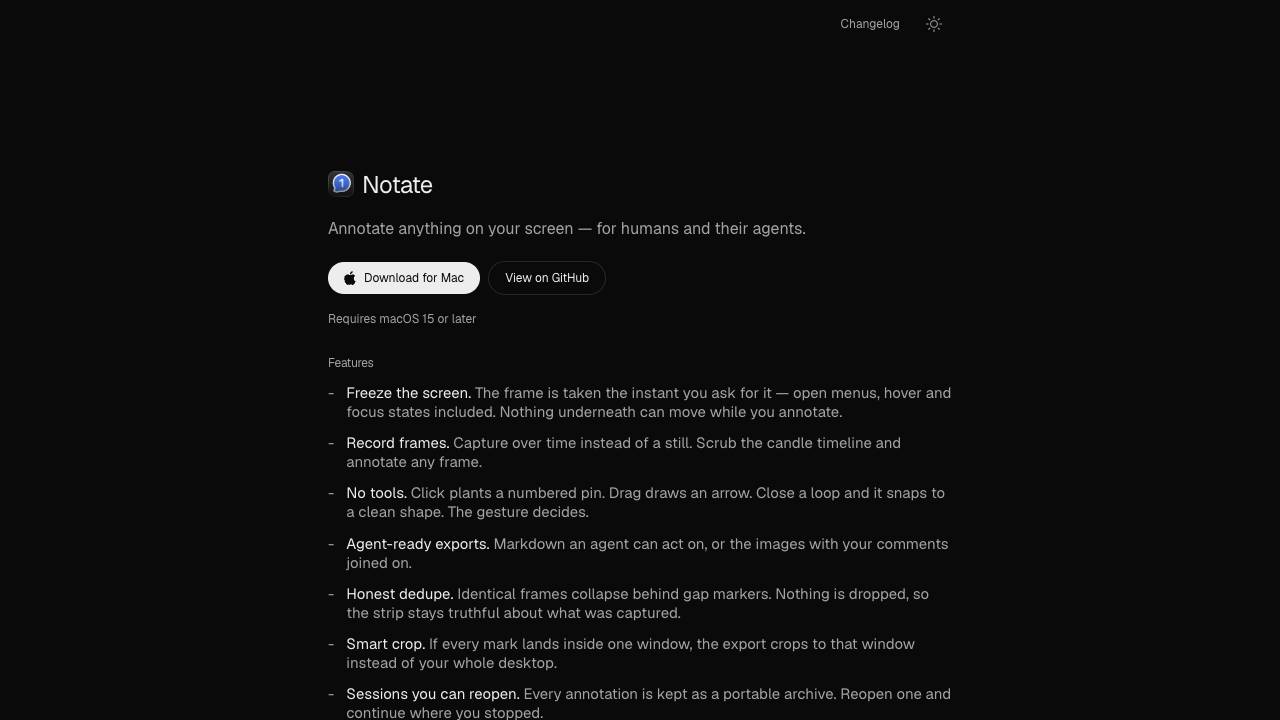
Annotate anything for humans and their agents

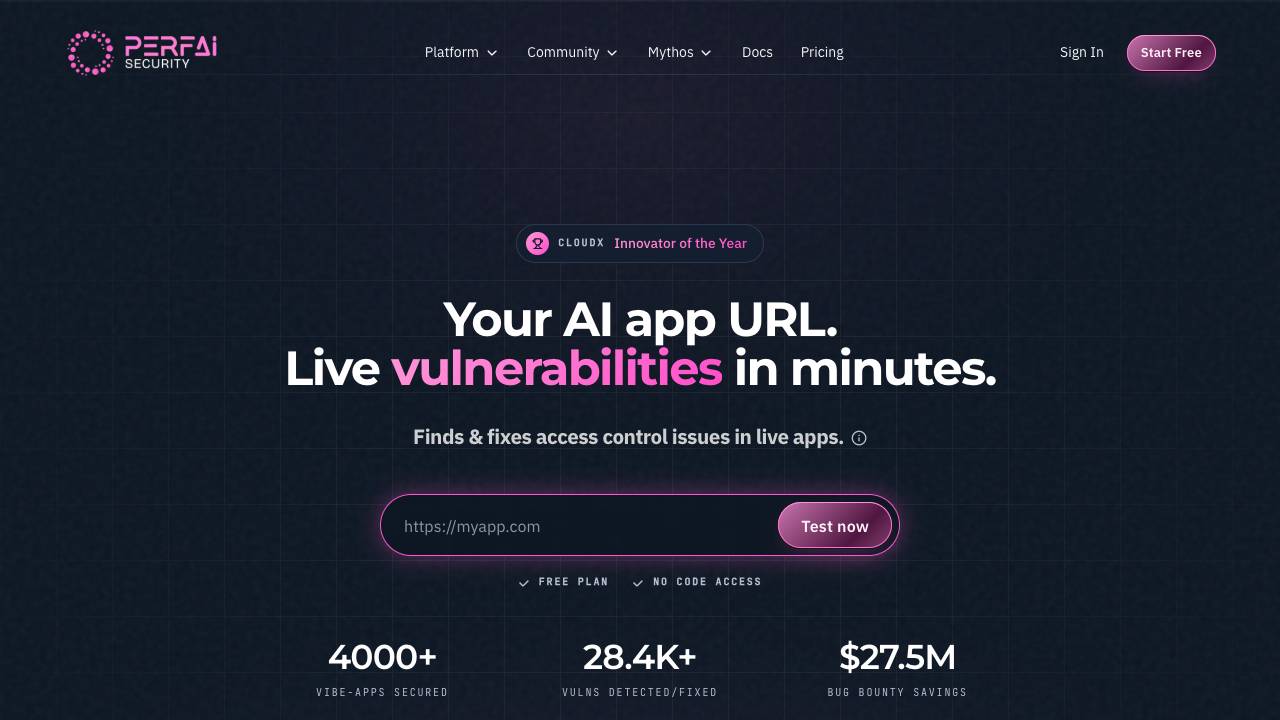
Find & fix live vulnerabilities in Vibe Apps with 1-prompt.

A modern, visual file manager for the terminal

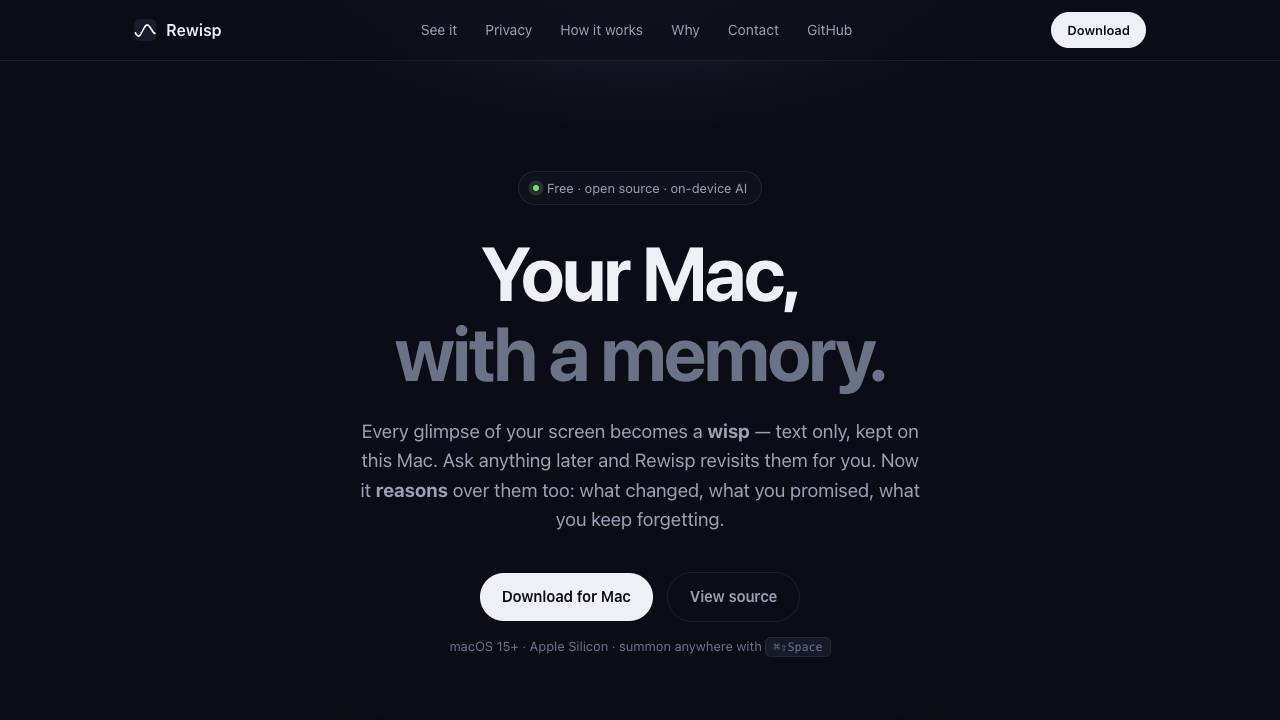
See it once. Ask forever.

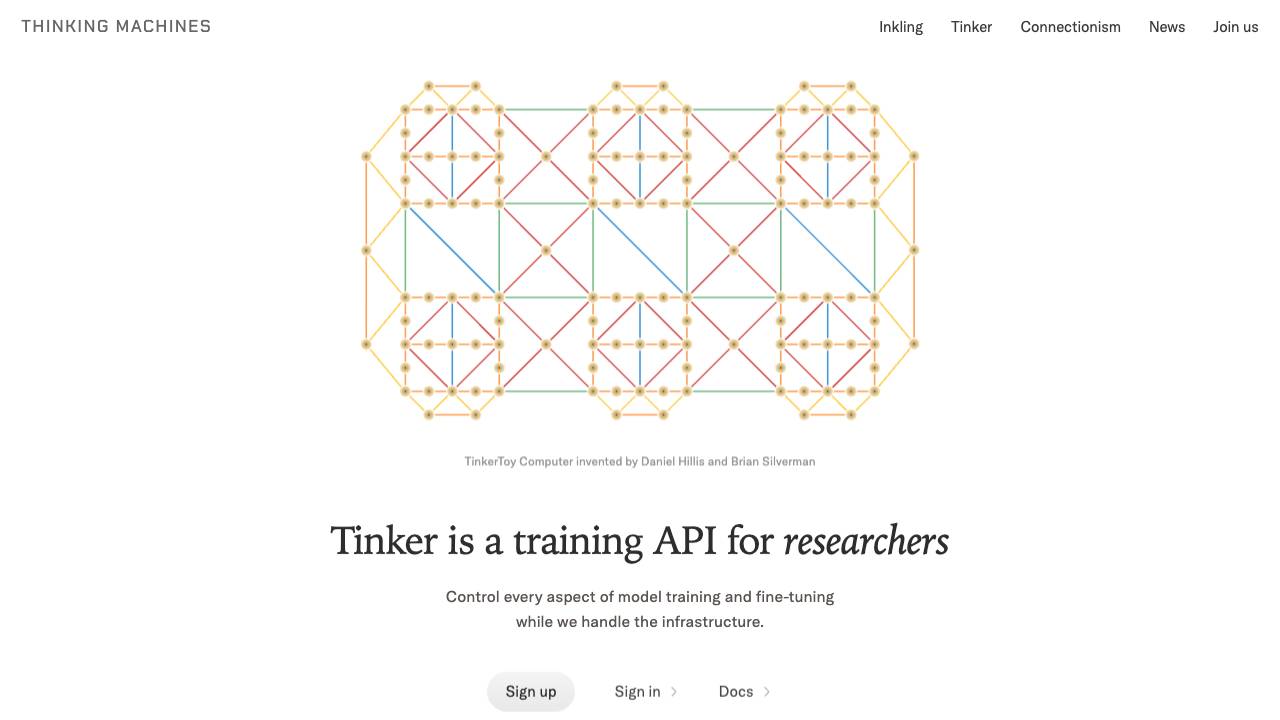
Control every aspect of model training and fine-tuning

Caps Lock keeps your Mac awake, even with the lid closed


The open source Ahrefs alternative