
Happyhorse 2


HappyHorse (https://happyhorse.mov) is the next-generation AI video generation engine, currently ranked #1 on the Artificial Analysis Video Arena. HappyHorse 1.0 empowers creators to write a scene, cast AI characters, and render full short films—all from a single text prompt. It marks a shift from simple clip generation to comprehensive AI filmmaking. Key Features of HappyHorse 1.0: 1.Narrative
Ranked #1 on Artificial Analysis, HappyHorse.mov is a premier AI platform for cinematic storytelling. It features multi-shot consistency, native 1080p rendering, and 7-language lip-syncing. Cast AI characters and render full short films from a single prompt with perfect audio-video harmony. The ultimate tool for creators to produce professional, watermark-free AI movies in seconds.
- for AWS Speech to Text Technology 10 Easy Steps to Transcribe YouTube Videos to Text More Tools transcription audio en texte online audio transcription free audio file transcription free ai audio transcription audio transcription service audio transcription online free audio transcription free online audio to transcription software audio and transcript ai audio transcription free voice recording to text converter translate voice recording to text record voice to text audio recording to text converter voice recording and transcription chatgpt voice to text gmail voice to text speech to text reader speech to text ai free speech to talk Recommend Create Stunning Animated Websites with HTML and CSS From Smart Bins to Connected Cars: The IoT Infrastructure Already Changing Daily Life Why Dating Apps Feel Like a Second Job Unveiling the Power of Image Prompting and Style Reference in AI Google's Nano Banana AI: Revolutionizing Image Generation Evergreen vs. Trending: How to Pick Affiliate Offers That Last Maximize Performance & Security with Reverse Proxy in Janitor AI AI Marketing Automation: A Comprehensive Guide for Small Businesses Top AI Design Tools in 2025: Boost Your Creativity Top AI Marketing Tools: A Comprehensive Guide for 2025 Resourse Blog AI News GPTS Stable Video Diffusion Gemini AI Hardware Top AI Tools Is It Down? Browse by Alphabet A B C D E F G H I J K L M N O P Q R S T U V W X Y Z Other Top 1000 AI Tools Directory 06/26 06/25 06/24 06/23 06/21 06/18 06/16 06/12 06/11 Read more Create Stunning Animated Websites with HTML and CSS One AI Model API: Use 500+ Models Without Juggling SDKs Top AI Video Generators: Pika Labs vs. Alternatives in 2025 Best LLM SEO Tools Compared: 6 Platforms for AI Visibility (2026) Top Free AI Video Generators: Latest Tools Compared! Why Do Most Companies Ignore AI Strategy Consulting and What Are the Consequences of This? Mastering DALL-E: Image Editing with ChatGPT's Inpainting Feature Which AI Answering Service Platforms Are Worth Buying for an SMB in 2025? AI for Qualitative Analysis: Language Models & Practical Use From Smart Bins to Connected Cars: The IoT Infrastructure Already Changing Daily Life About Fulfillment Policy Privacy Policy Contact Us business@toolify.ai Toolify Toolify, The Best AI Websites & AI Tools Directory English 简体中文 繁體中文 한국어 日本語 Português Español Deutsch Français Tiếng Việt Copyright ©2026 Toolify. All Rights Reserved. Credits Limited No Buy more
- 1.Define Scene: Enter your vision in the prompt box. HappyHorse 1.0 supports complex narratives and specific camera movements (e.g.
- "slow tracking shot
- cinematic"). 2.Configure Settings: Choose your duration (up to 15s)
- aspect ratio (16:9
- 9:16
- etc.)
- and select 1080p for native HD quality. 3.Maintain Consistency: Leverage multi-shot consistency to keep your characters and environments identical across different scenes. 4.Auto Lip-Sync: The model automatically generates synchronized audio and lip-movements in 7 languages (English
- Mandarin
- Japanese
- etc.). 5.Render & Export: Click "Generate" and receive your high-fidelity
- watermark-free cinematic masterpiece in seconds.

Best AI Image & Video APIs, the Ultimate AI Media Generation Platform for Developers


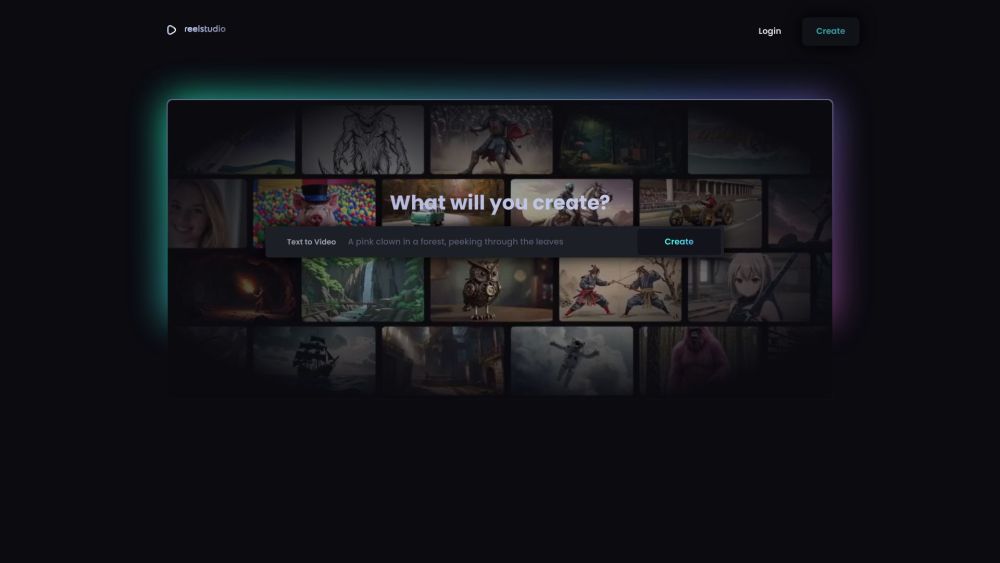
The latest AI video generation platform for the next generation, which can generate short videos by inputting text or images, and supports transition between the first and last frames as well as video stylization.


Generate, edit, and export video using the best AI models without juggling tabs, tools, or workflows.
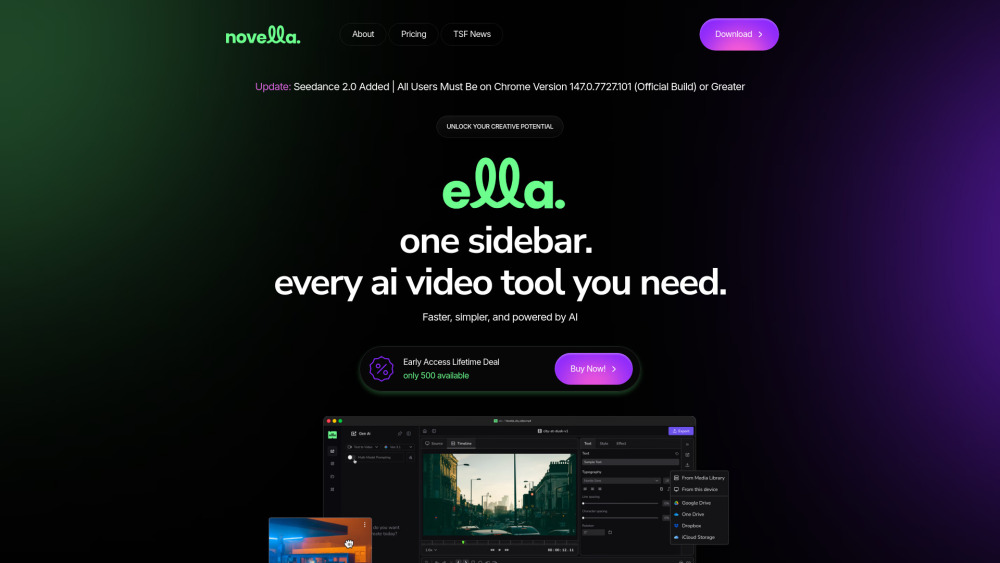

AI platform for generating videos, music, sound effects, and voiceovers from text and images.

Kinovi is a free AI video generator powered by Seedance 2.0. Supports real man, text to video, image to video. No watermark, commercial use allowed.


UnificAlly - Your Gateway to Affordable AI APIs

The most cheapest veo3 AI video generator platform
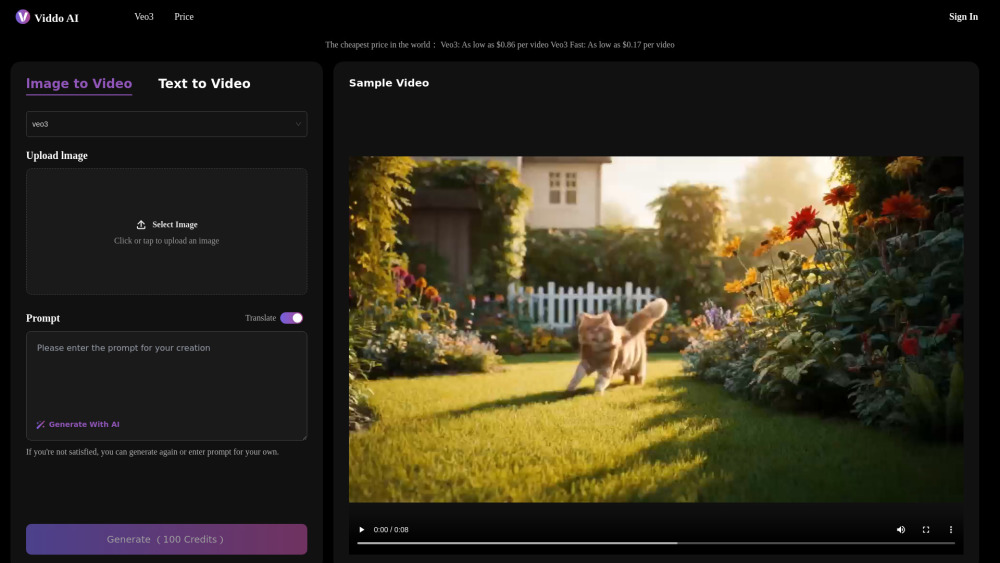

Generate AI videos fast without losing creative control.


UGC Maker: Generate Authentic UGC Ad Videos in Minutes, Scaled by AI


Seedance2 AI video generator for text-to-video and image-to-video — create cinematic short videos in minutes.


All-in-one AI video agent that helps you create viral AI videos
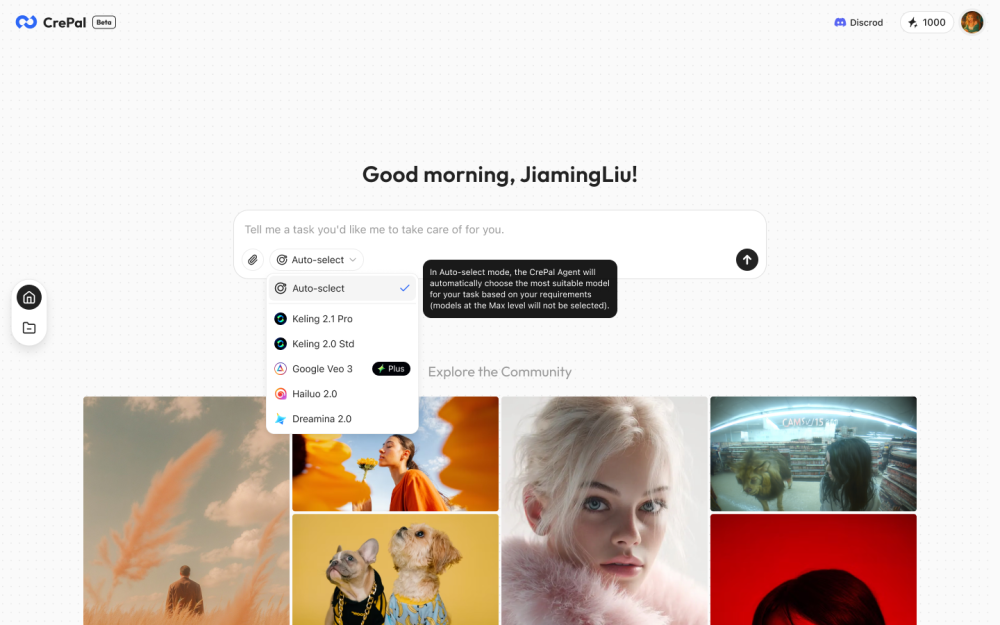

PopcornAI is an all-in-one AI creative platform giving creators and marketers access to 14+ top AI models — including Seedance, GPT Image 2, and more — for video and image generation in a single Freemium subscription.


Cinema-quality romantic kiss animations.


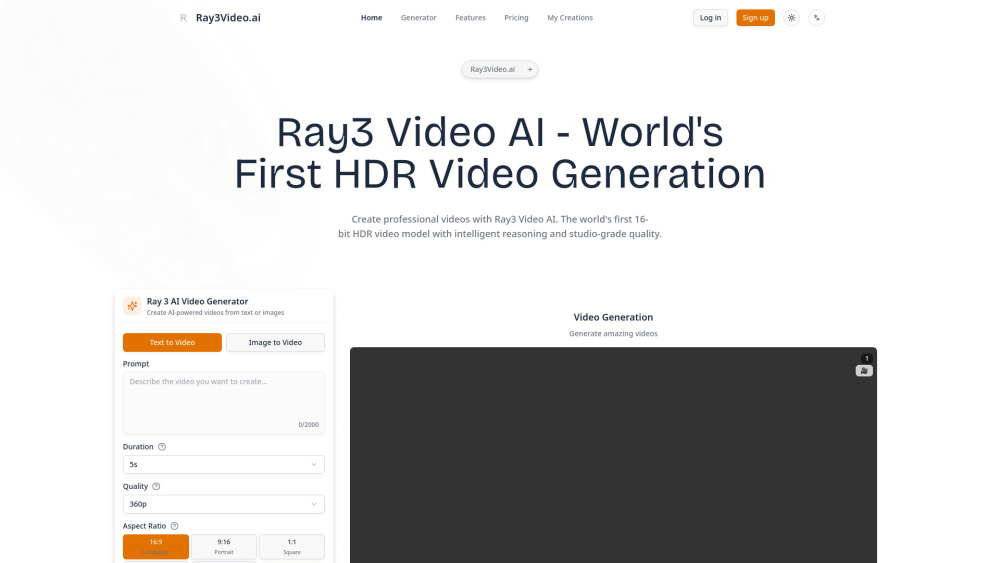
Hey there! Meet Ray3 - the world's first AI video model that generates stunning HDR videos from simple text prompts. Think of it as your creative co-pilot that can actually think in visuals and bring your wildest ideas to life. Whether you're a content creator, filmmaker, or just someone who loves making cool videos, Ray3 is here to make your creative process 5x faster and way more fun!

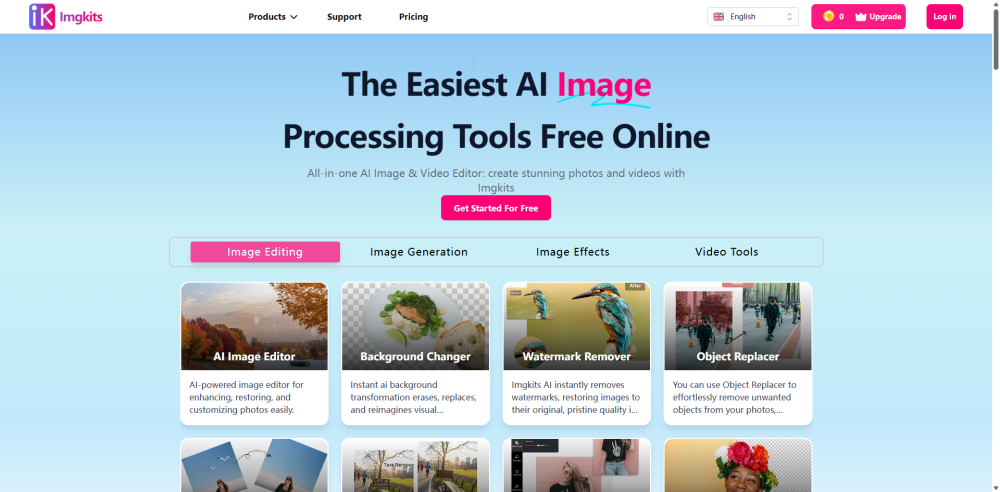
All-in-one AI Image & Video Editor: create stunning photos and videos with Imgkits

Free Nano Banana Pro AI editor for prompts, image generation, editing, and AI video creation.


Create scroll-stopping AI videos in minutes with Seedance 2.0. Turn text or images into short cinematic clips for TikTok, Instagram Reels, YouTube Shorts, Facebook Reels, and paid social ads worldwide


Create cinematic, story‑driven videos from a single text prompt — and put yourself in the video using a single photo — with background music, voices, and sound effects auto‑synced.

