
Frameloop Ai


Frameloop AI is an AI video creation platform built for creators, marketers, and growth teams who want to create high-quality videos fast without losing creative control. Unlike typical AI video generators that produce generic, one-click output, Frameloop combines AI automation with a powerful scene-based editor. This allows you to edit, refine, and control every part of your video, including visuals, voiceovers, captions, pacing, and overall flow at the scene level. With Frameloop, you can turn scripts, ideas, or prompts into cinematic shorts, ads, explainer videos, product demos, and faceless content in minutes. Instead of being locked into a single generated result, you can adjust individual scenes, fix weak visuals, and improve storytelling without starting over. The platform supports 32+ languages, multiple visual styles,
Generate AI videos fast without losing creative control.
- Realistic looking Ad Creatives (UGC, Brand & TVC)
- Faceless YouTube Channels & Social Media Shorts
- Professional Explainer Videos & Product Demos
- Automate Video Content with API
- 1. Generate Your Script Go to your Frameloop dashboard. You will be given two choices: type in a short idea to have the AI write a script for you
- or paste your exact script. Select your preferred Video Duration (e.g.
- 30 seconds) and Language. Click Generate Script. The AI will break your idea down into a sequence of scenes. You can easily modify the text or create new scenes if you aren't happy with the results. 2. Customize Characters and Style Consistent Characters: The system automatically detects characters from your script (like "Matt" the astronomer) and generates a visual description for them. You can freely edit this description and regenerate the character's appearance until it's perfect. Narrator Voice: Pick a voiceover from the provided AI voices (e.g.
- Brian). Aspect Ratio: Choose an aspect ratio based on where you are publishing (e.g.
- 16:9 for YouTube
- 9:16 for TikTok/Reels). Visual Style: Select a core aesthetic for your video
- such as "Cinematic"
- "Cyberpunk"
- or "Realistic". 3. Generate Storyboard and Animate Once you confirm your settings
- Frameloop will take 1-2 minutes to generate a storyboard. Each scene will have a static preview image and an audio preview of the narration. Animate Scenes: Go through your scenes and select Animate Scene. You can choose a specific motion prompt (like a slow camera pan or handheld shake) or let the system automatically choose the best motion based on context. This step also takes a minute or two per scene. 4. Add Music and Export Head over to the Music tab to add a background track that fits the mood of your video. Preview the completed
- fully animated video to ensure everything looks and sounds great. Add your brand identity
- save your progress

Ranked #1 on Artificial Analysis, HappyHorse.mov is a premier AI platform for cinematic storytelling. It features multi-shot consistency, native 1080p rendering, and 7-language lip-syncing. Cast AI characters and render full short films from a single prompt with perfect audio-video harmony. The ultimate tool for creators to produce professional, watermark-free AI movies in seconds.


This is the most practical commercial-grade AI video + image platform I’ve used: Sora 2 for video, Nano Banana for images, plus pro tools (enhancement, face swap, ad creatives) to ship marketing-ready assets fast.


UGC Maker: Generate Authentic UGC Ad Videos in Minutes, Scaled by AI


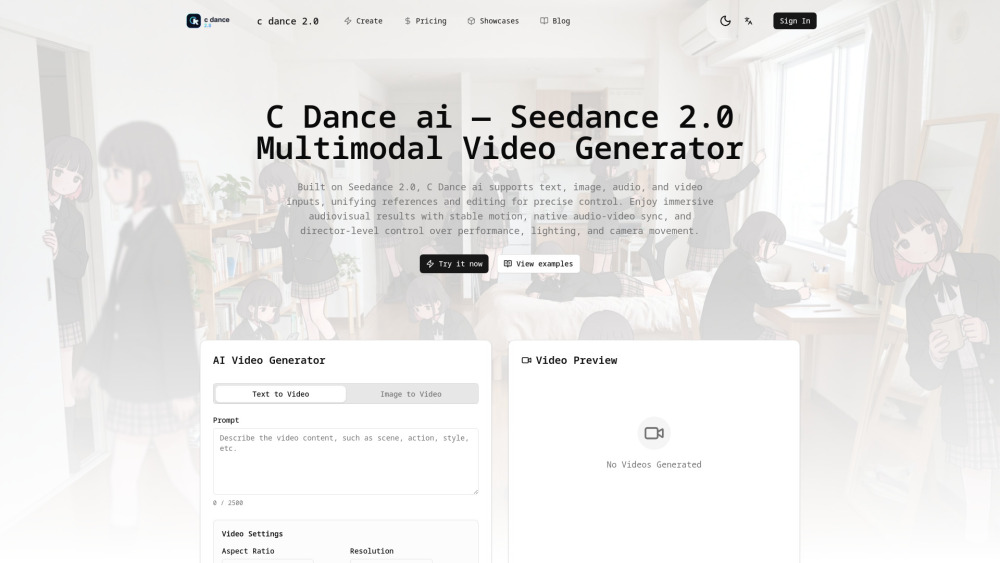
C Dance AI - Seedance 2.0 AI Video Generator

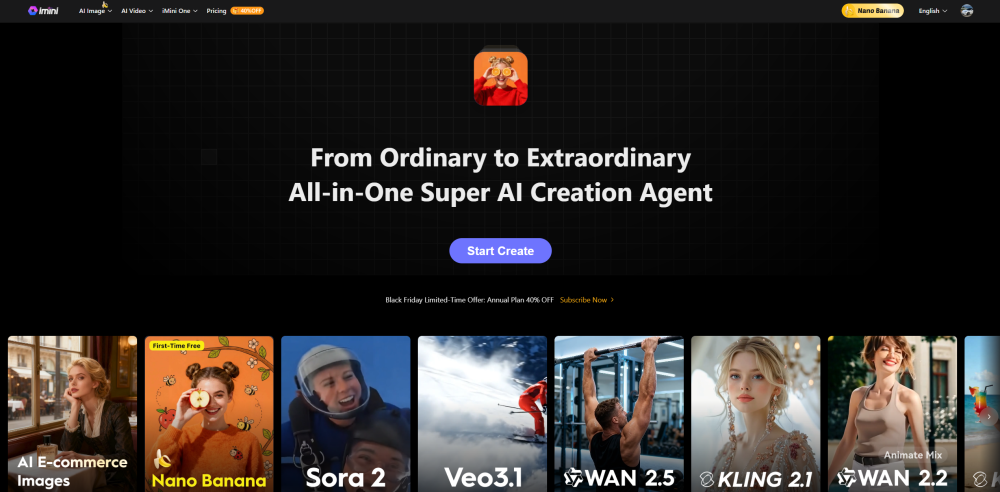
All-in-One AI Image and Video Creation Platform

Create scroll-stopping AI videos in minutes with Seedance 2.0. Turn text or images into short cinematic clips for TikTok, Instagram Reels, YouTube Shorts, Facebook Reels, and paid social ads worldwide


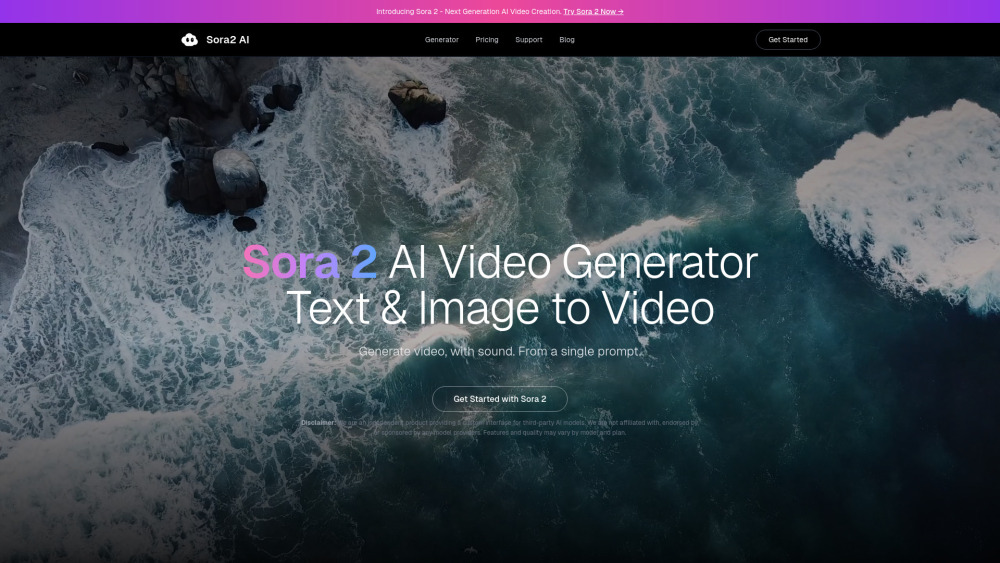
Sora2 AI is an AI-powered platform that helps users generate high-quality short-form videos and images from text prompts or reference materials. The tool is designed for creators, marketers, and digital teams who need fast, reliable visual content generation.

Kinovi is a free AI video generator powered by Seedance 2.0. Supports real man, text to video, image to video. No watermark, commercial use allowed.


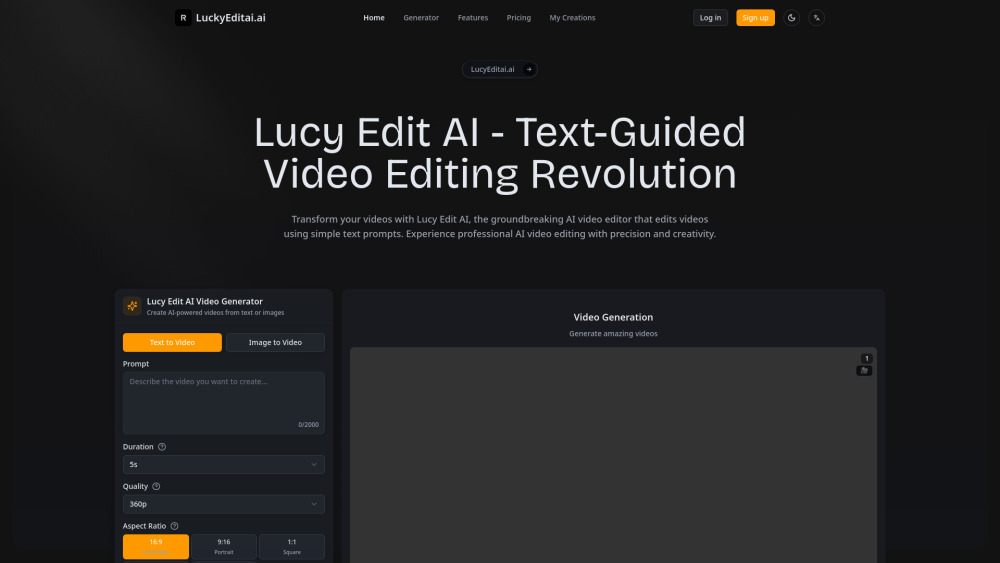
Lucy Edit AI is the world's first text-guided video editing platform that transforms videos using simple text prompts while preserving original motion and timing. Edit clothing, characters, backgrounds, and objects with professional-quality results through advanced AI technology.

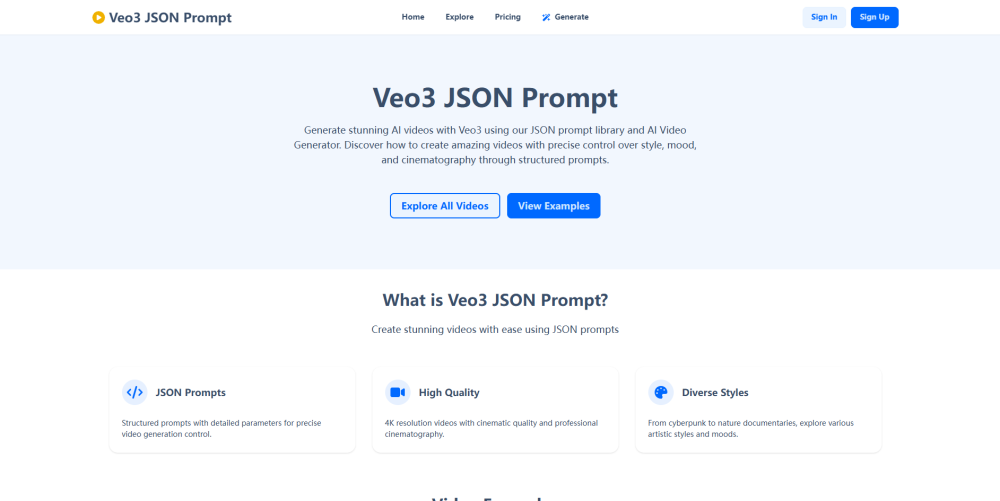
Rich Veo3 JSON Prompt templates and video generator.
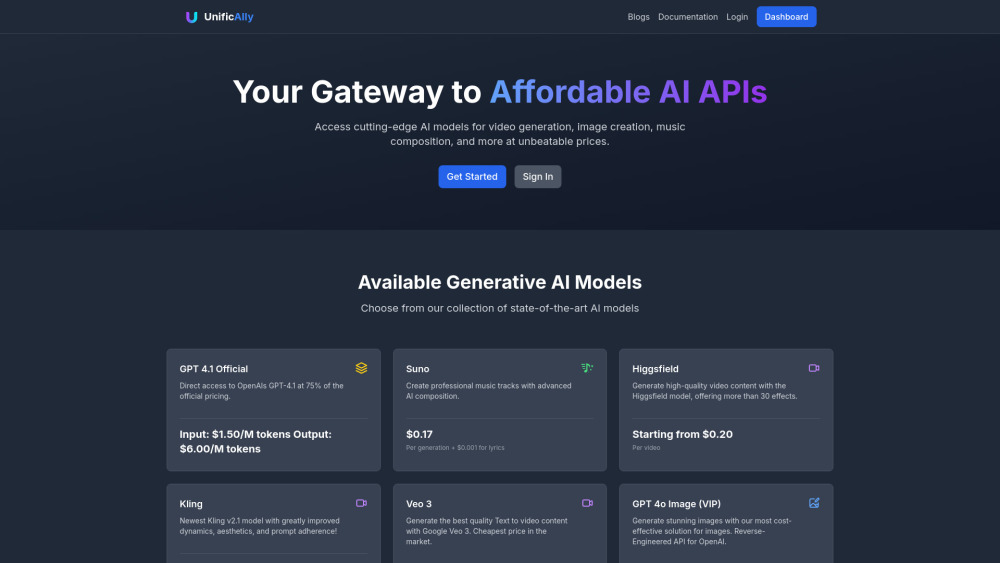
UnificAlly - Your Gateway to Affordable AI APIs

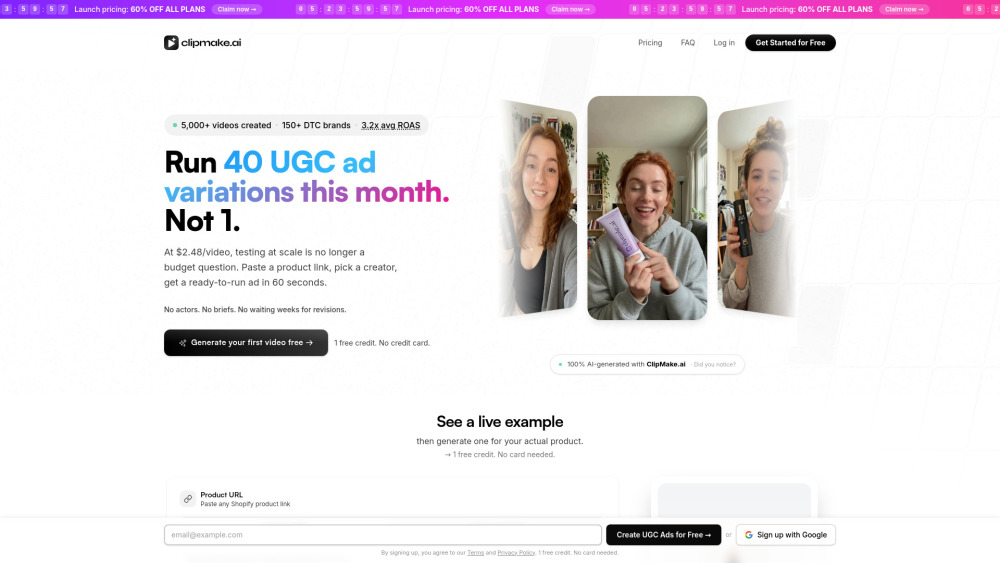
AI UGC video generator for creating ad creatives with 300+ AI actors. Generates ready-to-run video ads for Meta, TikTok, and YouTube in under 3 minutes. Supports 20+ languages with voice-matched dubbing, product placement in scenes, and batch generation. Plans from $39/month ($2.50/video).
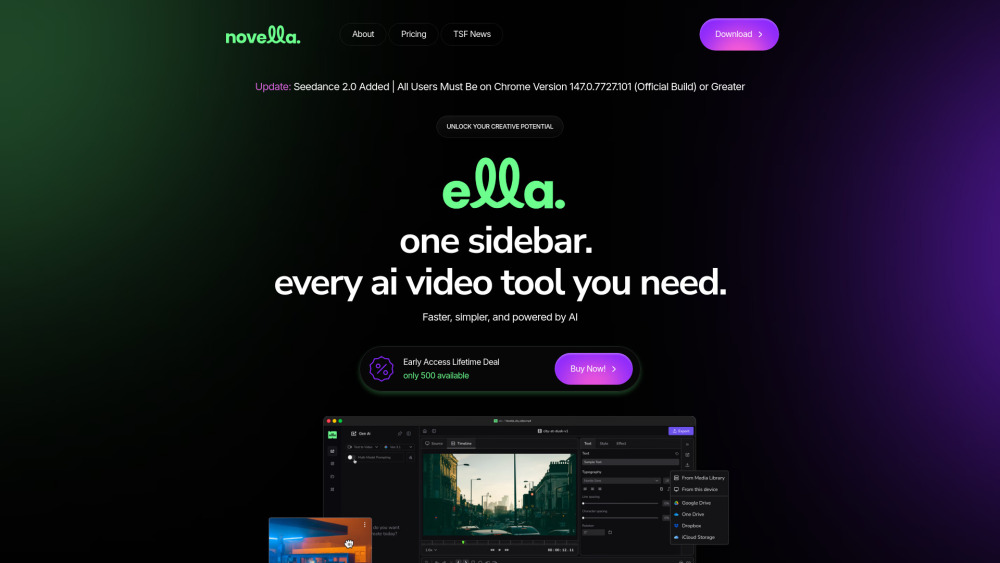
Generate, edit, and export video using the best AI models without juggling tabs, tools, or workflows.

Best AI Image & Video APIs, the Ultimate AI Media Generation Platform for Developers


Intellemo AI is a powerful cinematic AI video generator designed to transform simple text prompts into high-quality, story-driven videos. Built for marketers, brands, and agencies, it enables scalable AI video creation, helping users produce engaging video content for ads, campaigns, and storytelling without complex production processes.


Create cinematic, story‑driven videos from a single text prompt — and put yourself in the video using a single photo — with background music, voices, and sound effects auto‑synced.


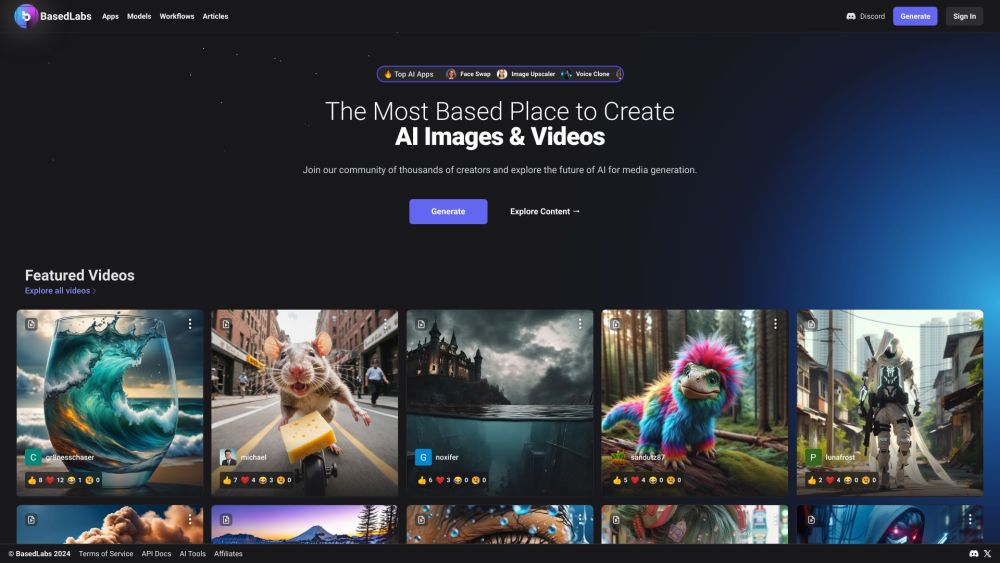
BasedLabs.ai offers AI tools for image, video, and audio content creation and collaboration.

Footage is an AI-powered video platform that lets you create, edit, and share professional-quality video

