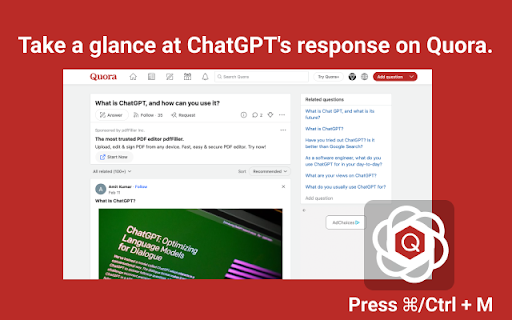


ChatGPT Quora Extension ai chrome extension? The ChatGPT Quora Extension is a browser extension designed to enhance content creation on Quora by leveraging the power of ChatGPT. It allows users to quickly generate replies, comments, shorten content, or add a fun twist to their Quora interactions.
A browser extension to use ChatGPT for content creation on Quora.
- Generating quick and effective responses to Quora questions
- Creating engaging comments on Quora posts
- Summarizing lengthy content for Quora
- Adding humor or creativity to Quora interactions
- 1. Highlight content. 2. Open the extension (Cmd+M/Ctrl+M). 3. Select an action. 4. Click the switch icon to go to ChatGPT. 5. Copy the response back to Quora.

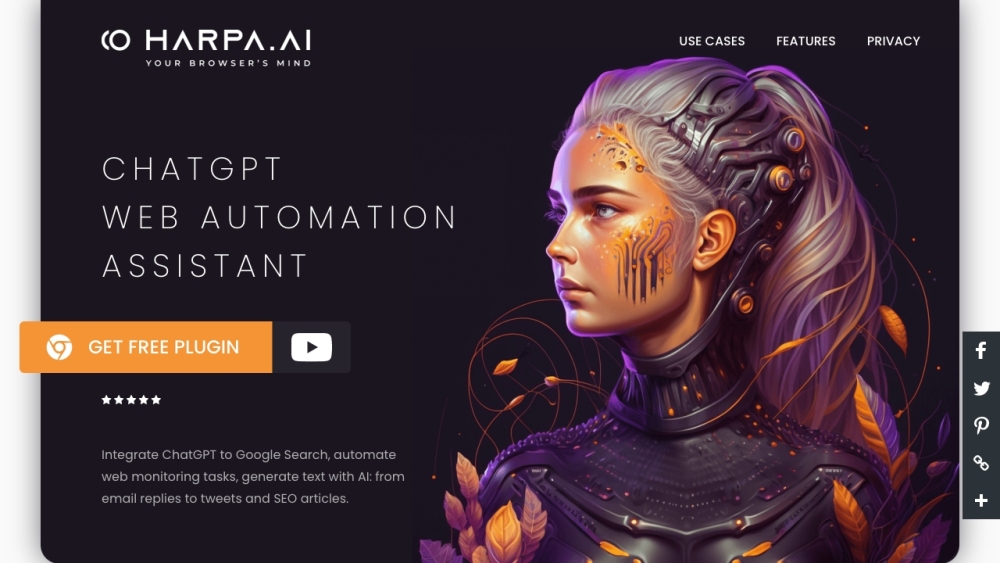
HARPA AI: Chrome extension for web automation using AI.

The trust layer for online shopping

Fellou is an AI agentic browser for deep search and automation of complex tasks.
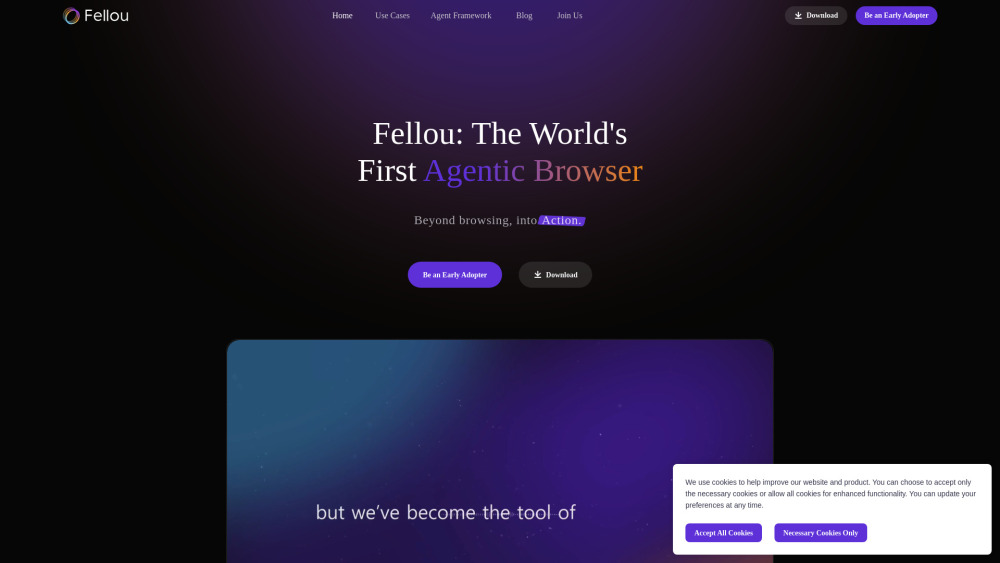

Your teachable AI intern for everyday browser work
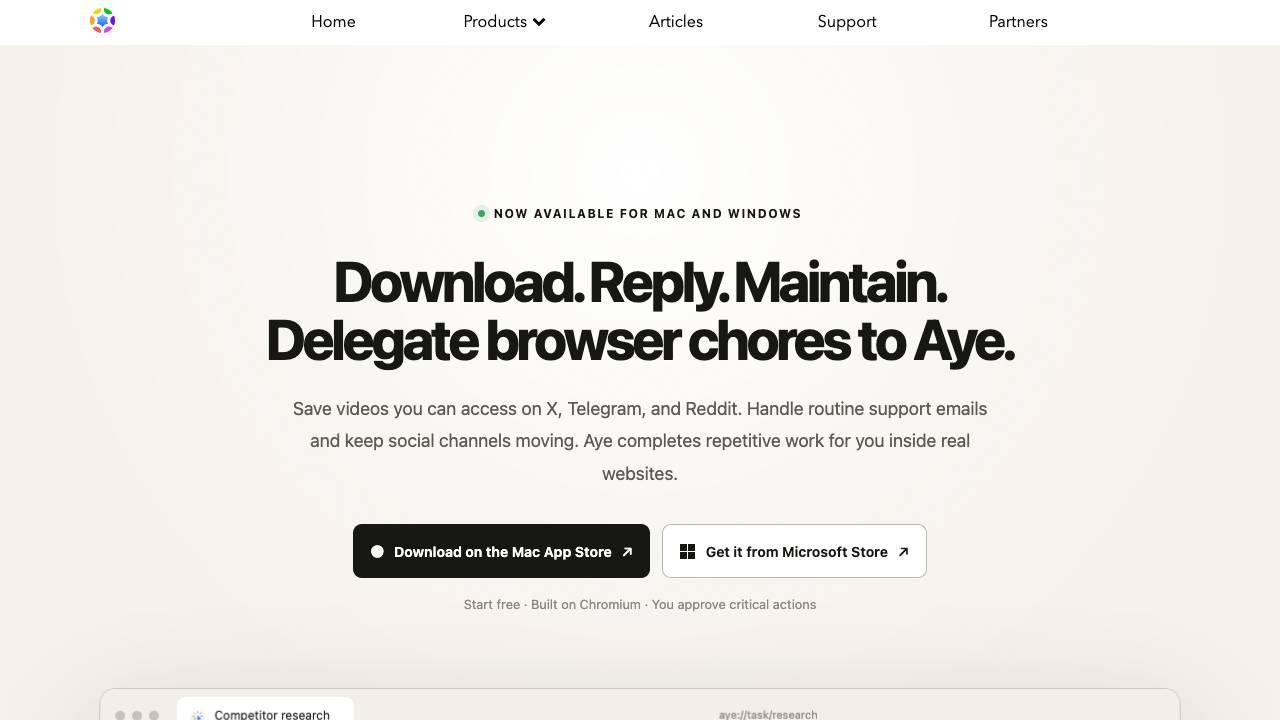

All-in-one AI browser extension for accessing multiple AI models on any website.
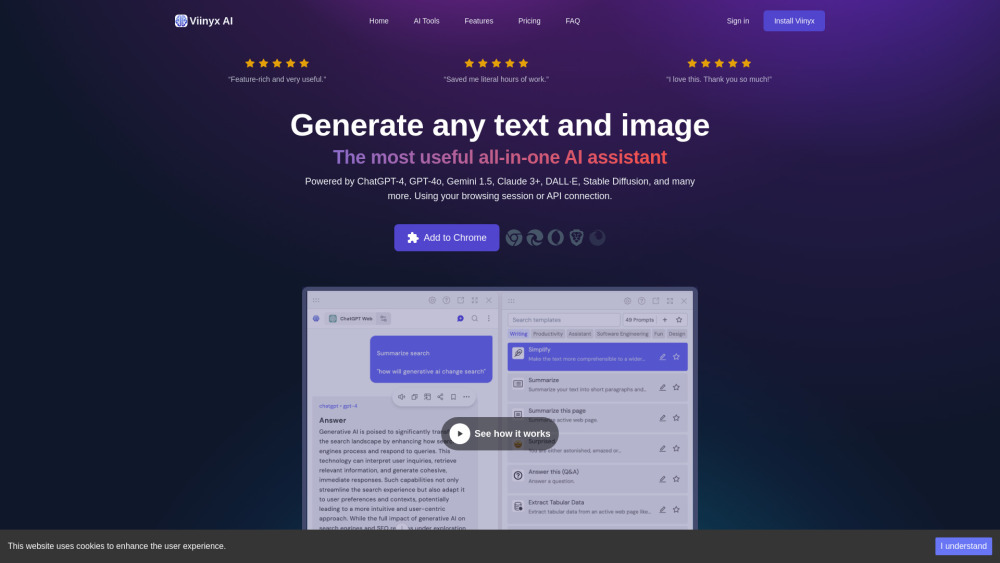

Kid-safe AI browser with personalized content and parental controls.
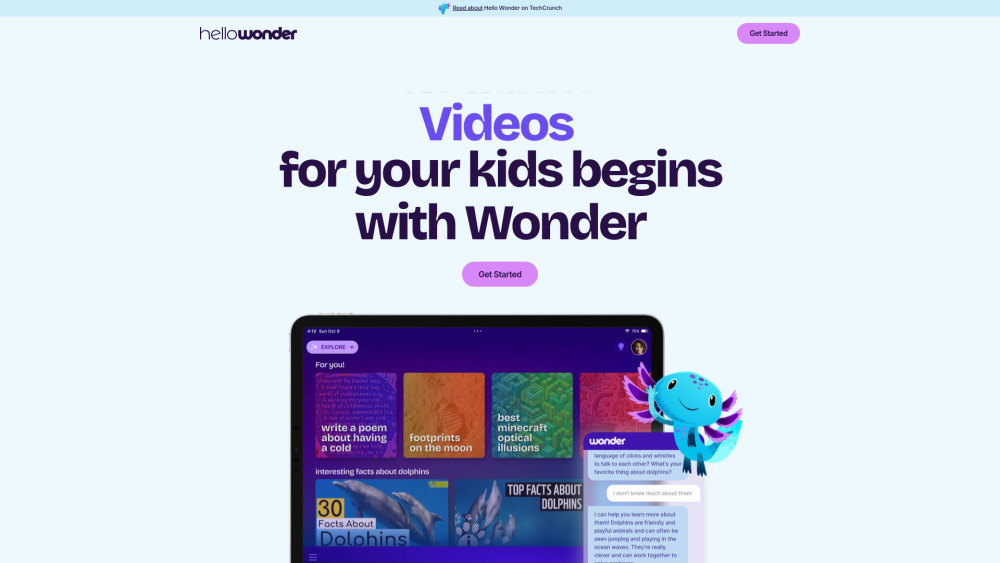

AI-powered intelligent notebook for web, files, and personal thought.


AI companion browser and workspace for smart, automated browsing.


AI-native browser with context-aware chat, task automation, and intelligent tab organization.
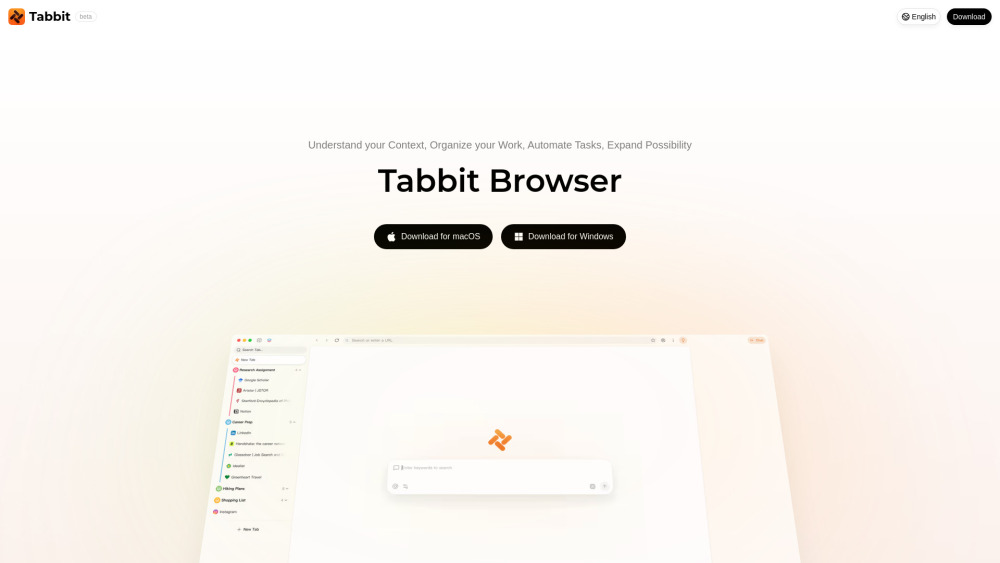

Agentic AI browser for task automation and context-aware assistance.
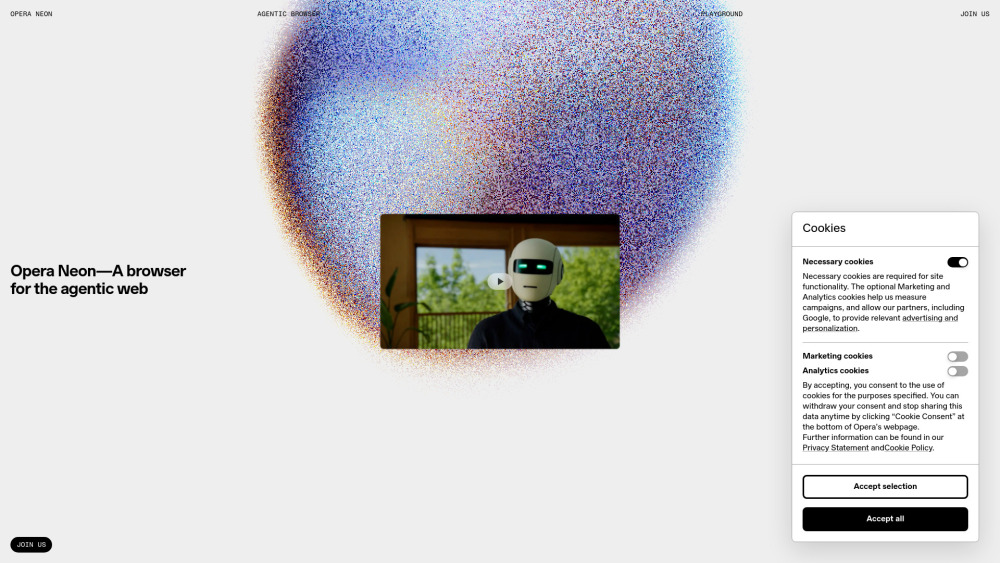

A terminal, a real browser, and Claude Code under one roof
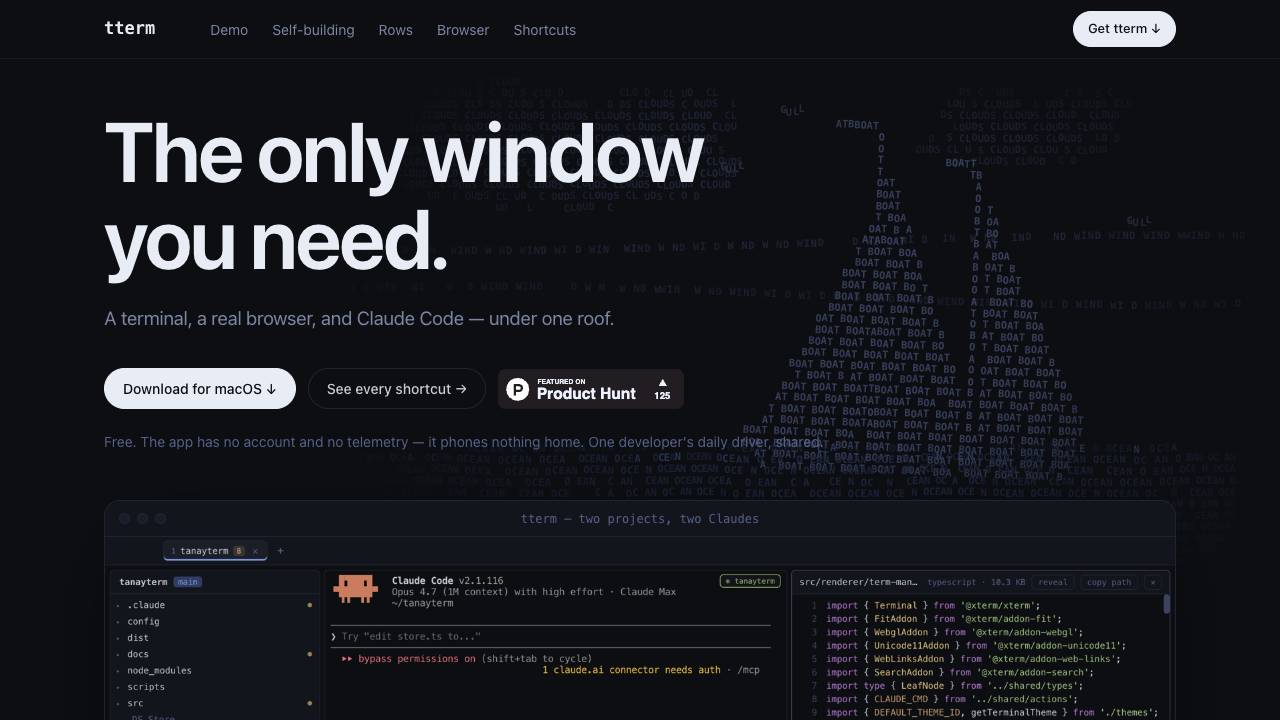

Gologin Cloud Browser is a web browser for AI and automation that allows teams and developers to run, control, and scale real browser sessions in the cloud via UI or API.


Open-source AI agent for automating browser-based workflows using LLMs and Computer Vision.


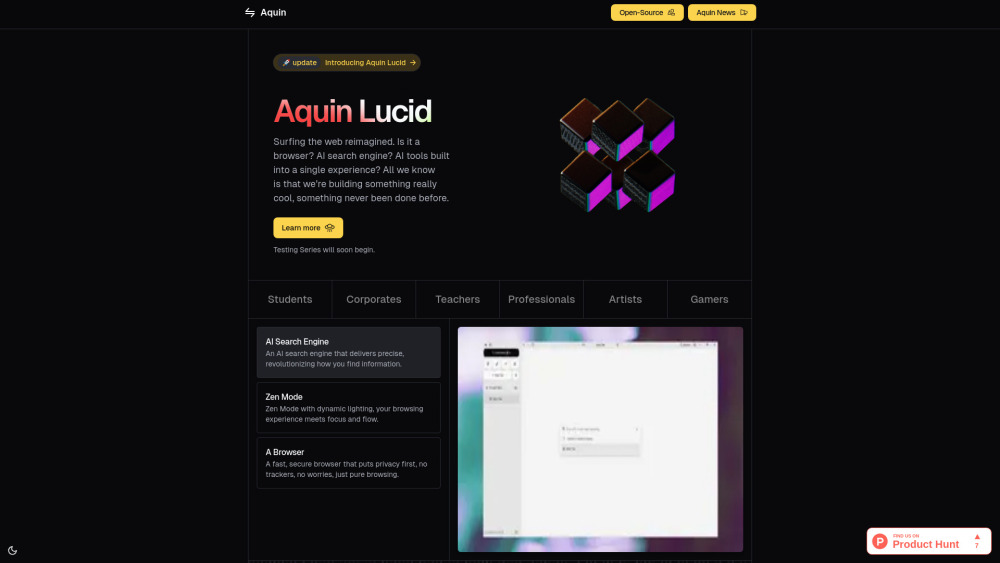
Aquin Lucid is an AI-powered browser focused on productivity and ease of use.

Intelligent cloud image browser with AI-powered search and organization features.

AI browser extension for tab organization, workflow automation, and task management.


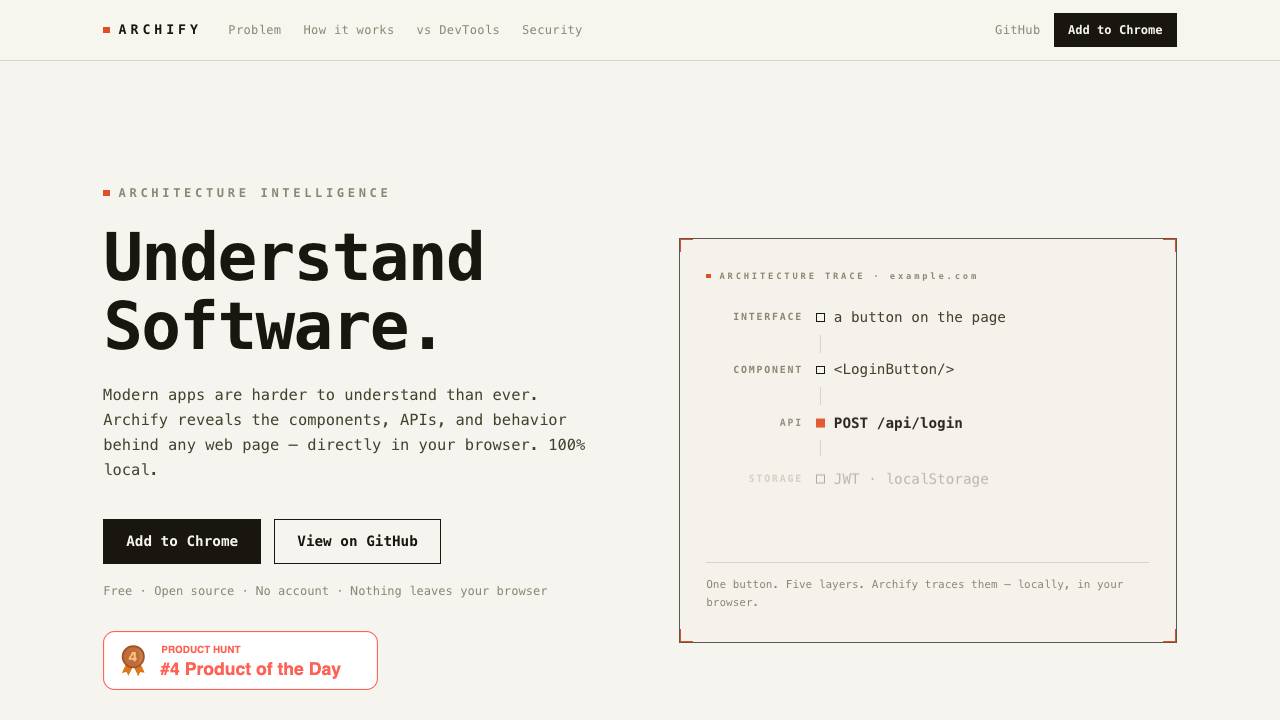
Archify reveals the components, APIs, and behavior behind any web page directly in your browser. It operates 100% locally, with no data leaving your device, and requires no account.