
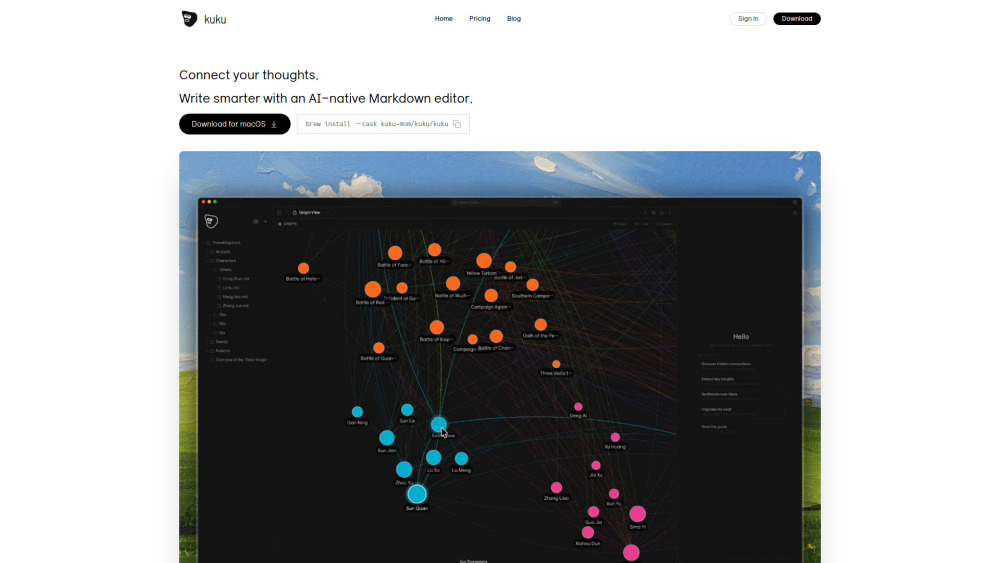



Kuku is a truly native, local-first markdown editor designed for macOS, built using Tauri for superior performance and minimal resource
A native, local-first macOS Markdown editor with tool-calling AI and diff previews.
- Connecting and organizing complex ideas using graph visualization and wikilinks.
- Using AI commands to instantly summarize meeting notes or generate new project documents.
- Taking and transcribing notes offline using the local speech-to-text functionality.
- Transitioning from Obsidian without migrating data, as Kuku is compatible with existing Obsidian vaults and syntax.
- Users must download and install Kuku for macOS (either via the website or using Homebrew). Notes are written in standard Markdown format. Users utilize bidirectional links by typing [[ for navigation and structure. The AI Agent is activated via prompts to perform complex tasks like searching the vault
- summarizing documents
- or creating new files
- with suggested changes displayed as reviewable diffs.

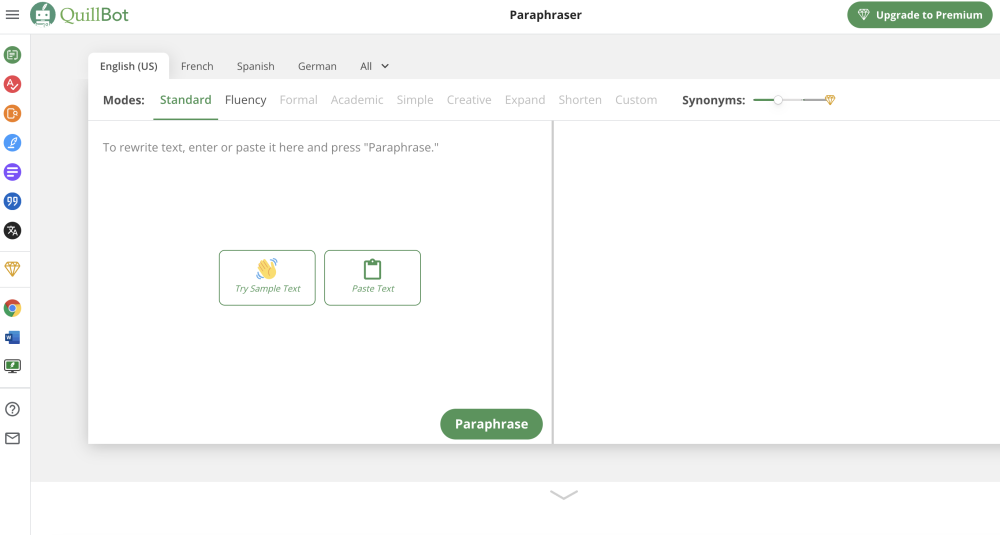
AI-powered writing tool for paraphrasing, grammar checking, and more to improve writing.

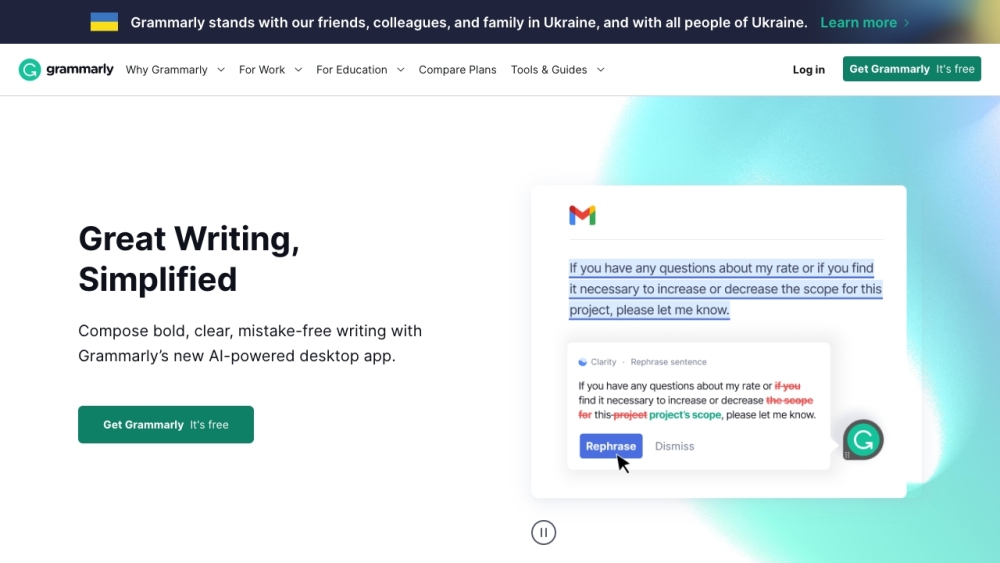
AI writing assistant for grammar, style, and tone correction and improvement.

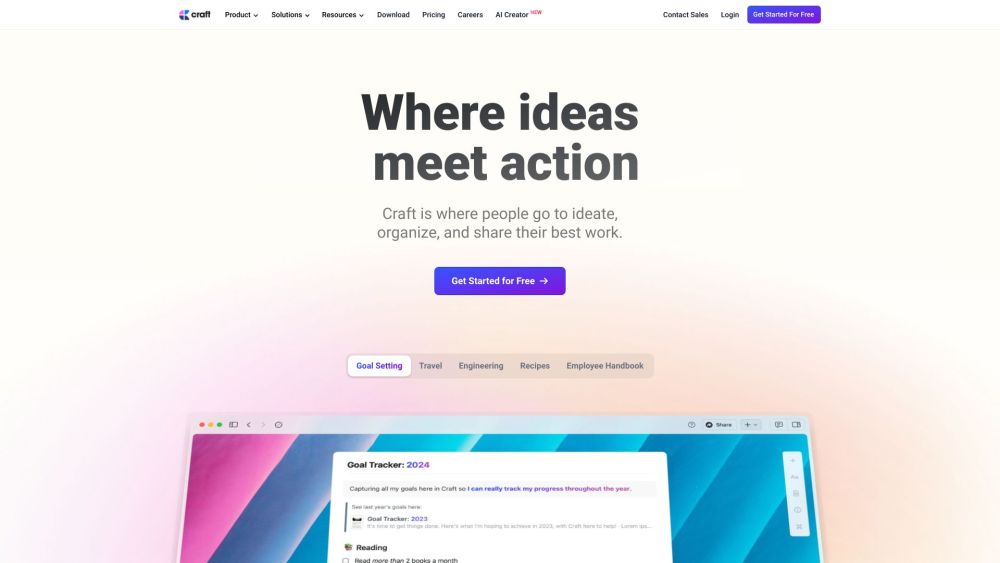
An all-in-one workspace for notes, tasks, planning, and research with offline capabilities.

An AI writing tool for researchers to proofread, paraphrase, generate text, detect plagiarism & cite—all in one. Works on web, Google Docs & Word


Hemingway Editor helps make writing clear and concise by highlighting errors and suggesting improvements.
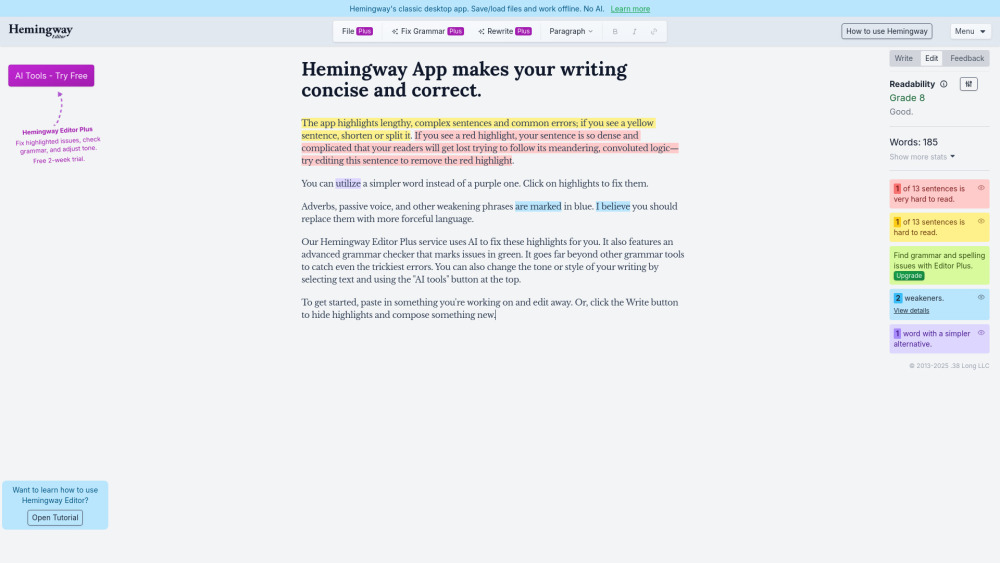

AI copywriting tool for marketers to create content faster and improve marketing ROI.
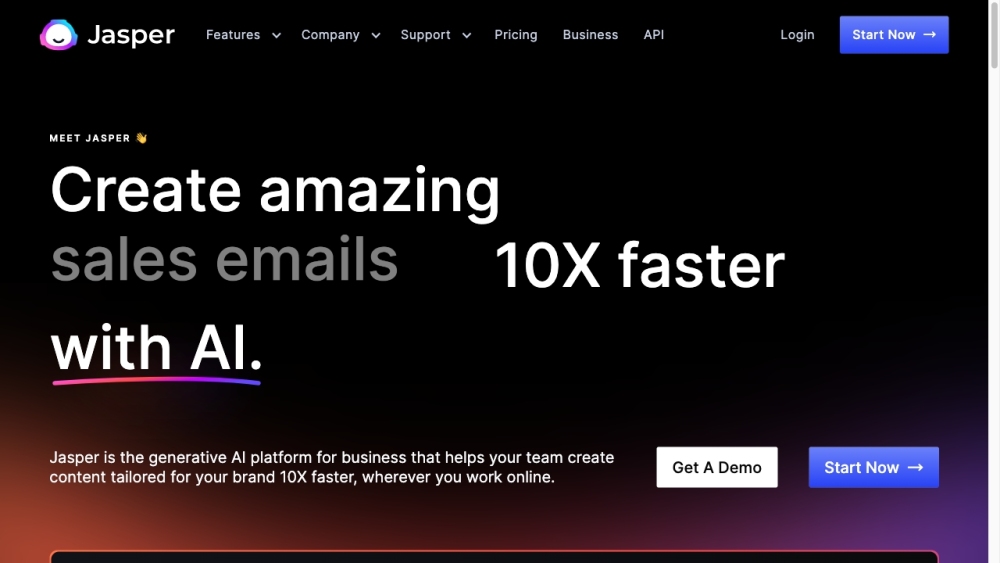

All-in-one AI platform for content, images, audio, and transcription.
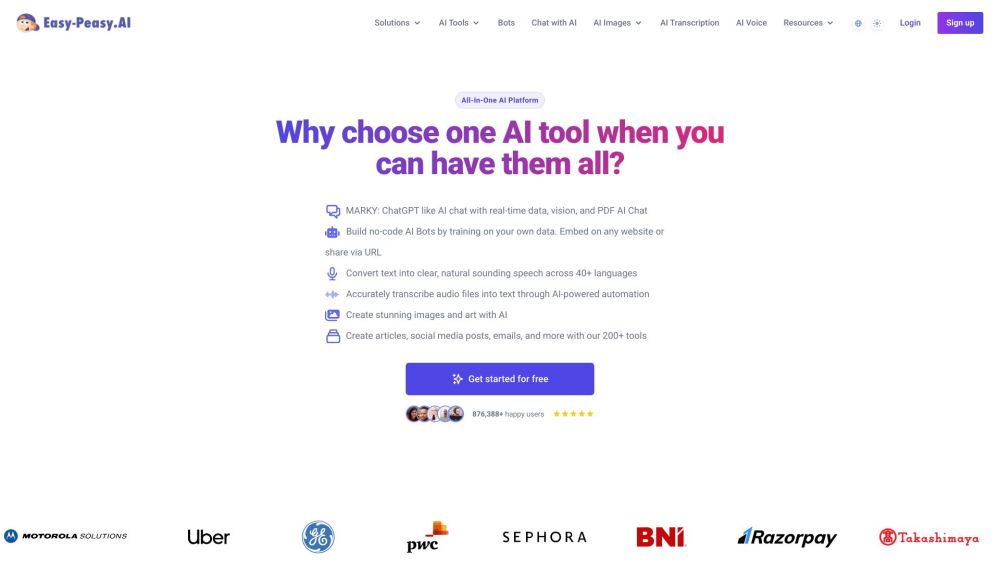

AI writer for SEO content, ads, blogs, paraphrasing, and AI chatbot/image generation.


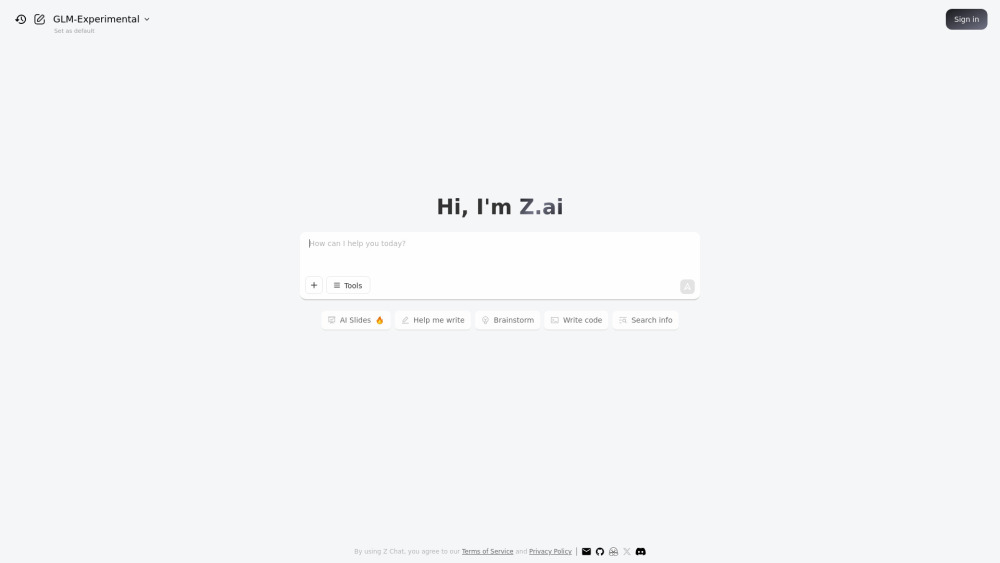
Free AI assistant for presentations, writing, and coding.

AI writing assistant and document editor for professionals to write faster and better.

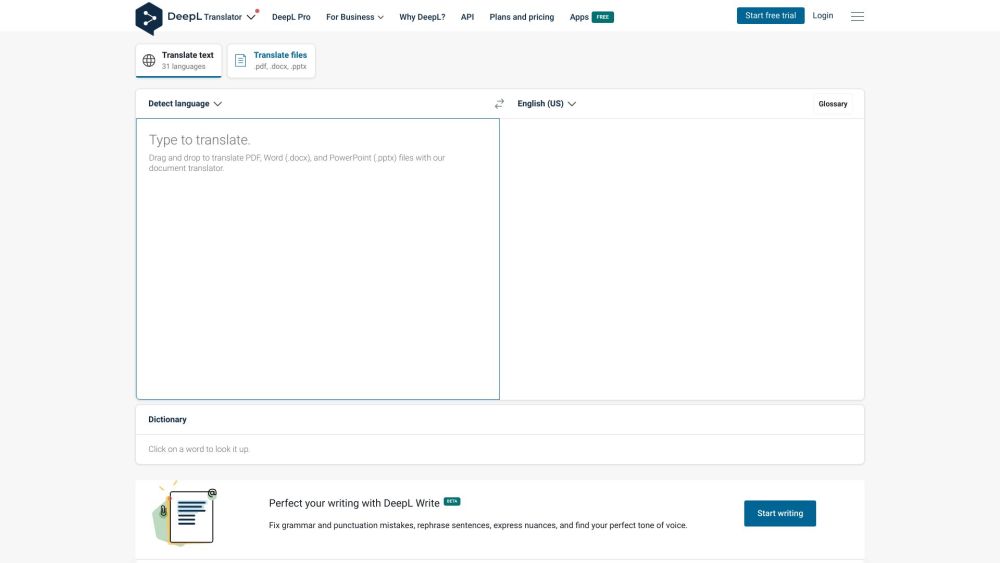
Accurate machine translation and AI-powered writing assistance for text and documents.

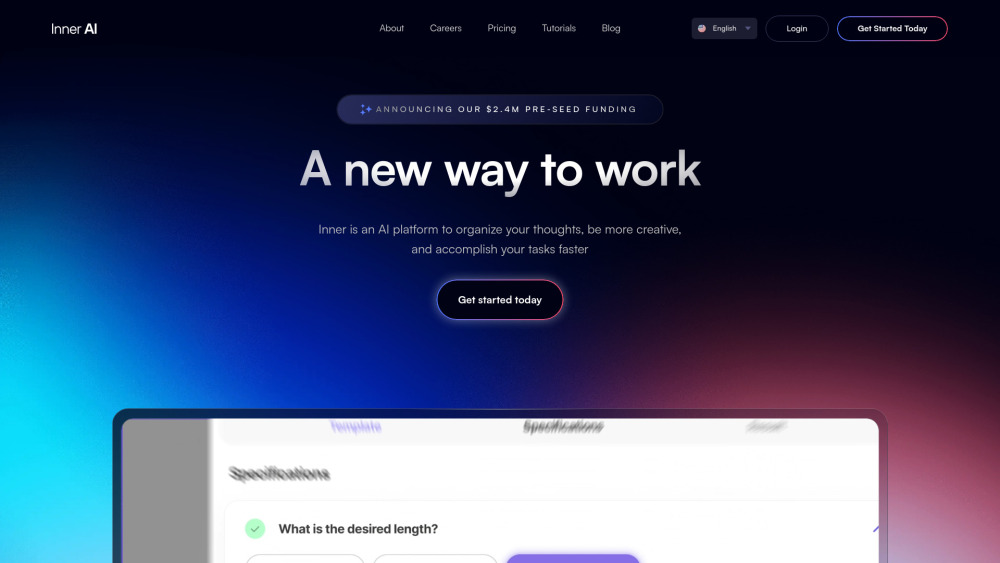
AI platform for content creation, thought organization, and task acceleration.

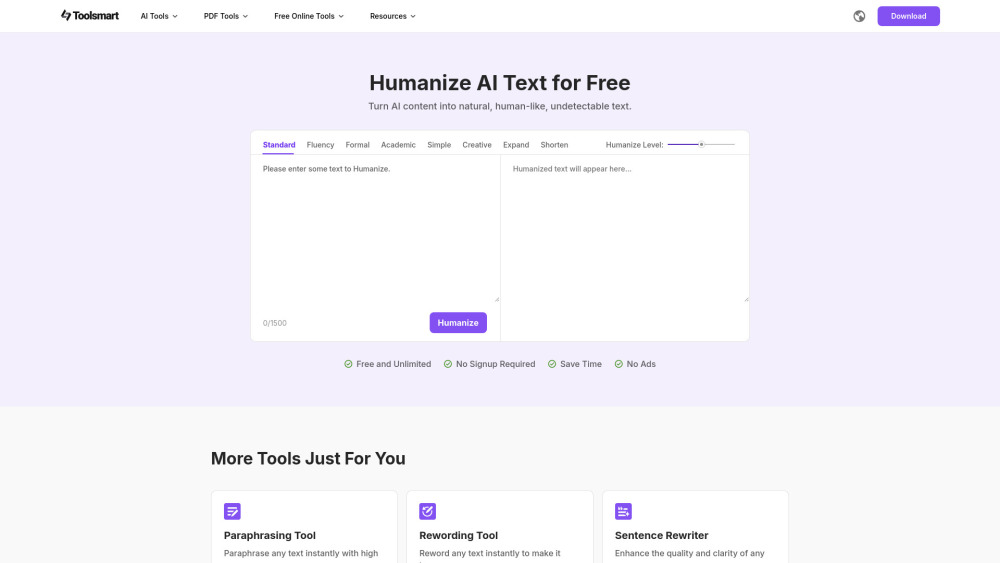
Free Humanize AI is a free tool that transforms stiff AI text into fluent, natural human language. With 8 unique rewrite modes, adjustable polish levels, and no sign-up or ads, it's perfect for making AI content sound truly human—clear, smooth, and real.

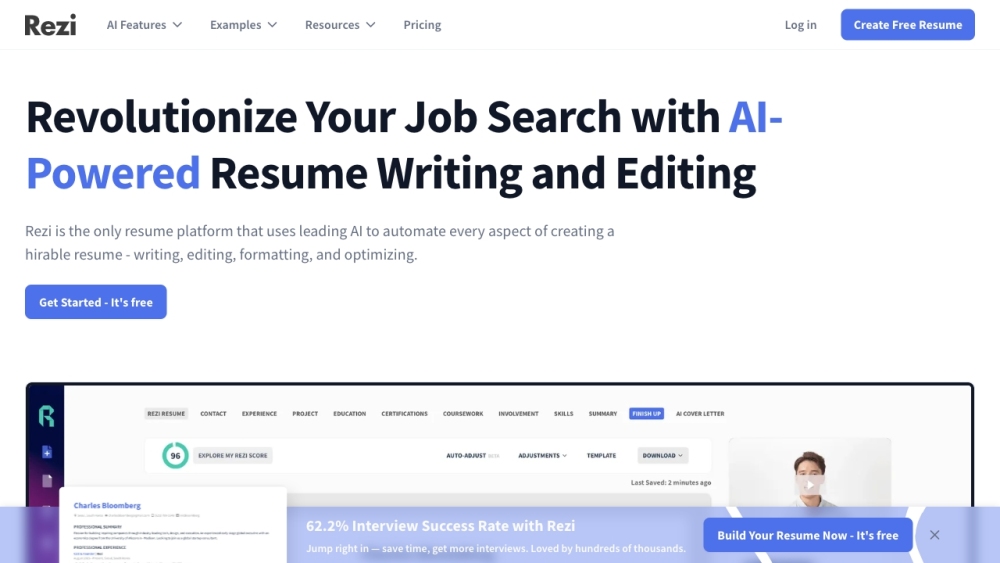
AI resume builder with templates, AI writing, and ATS optimization.

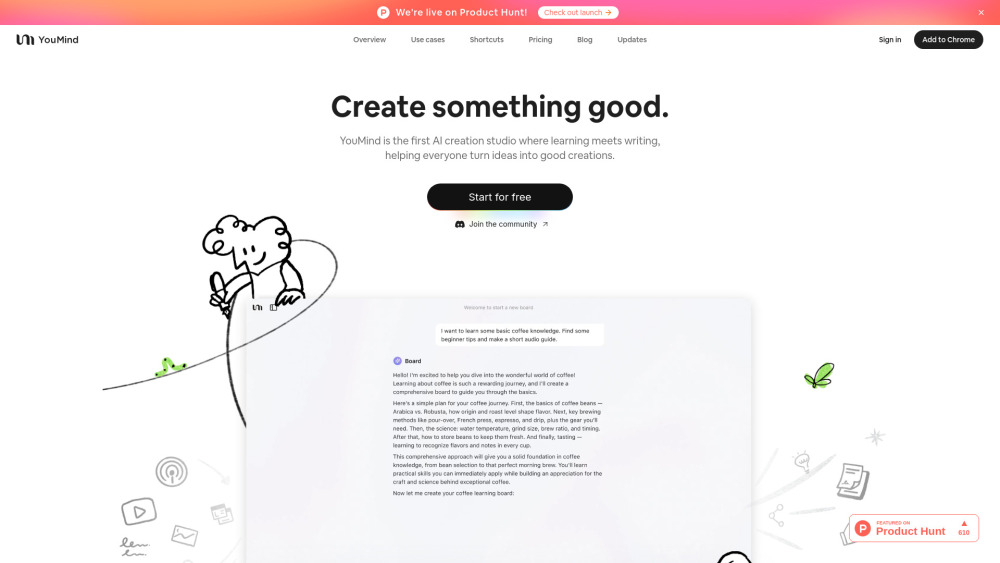
AI Creation Studio for turning ideas into diverse content.

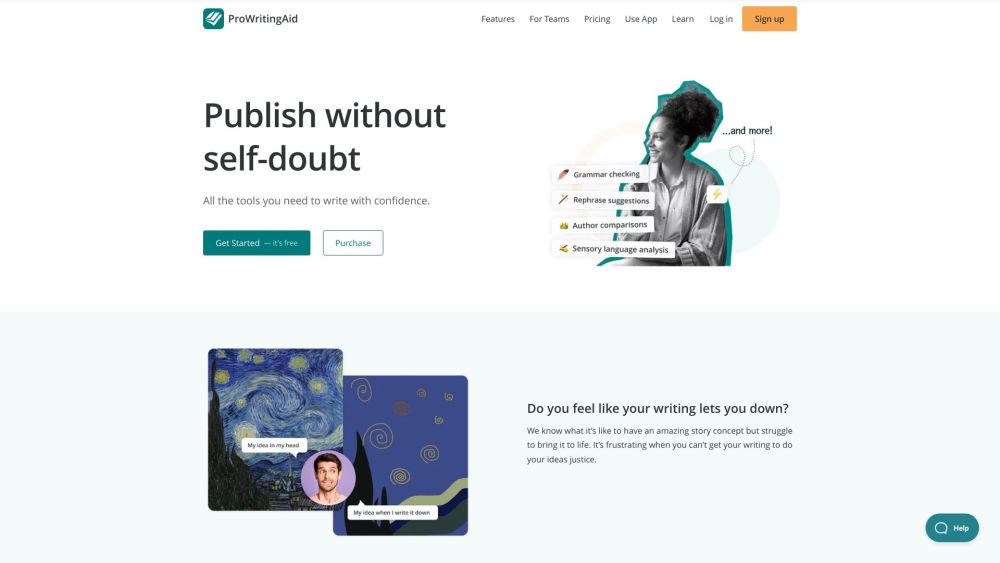
A writing tool that combines grammar check, style editing, and writing mentorship.

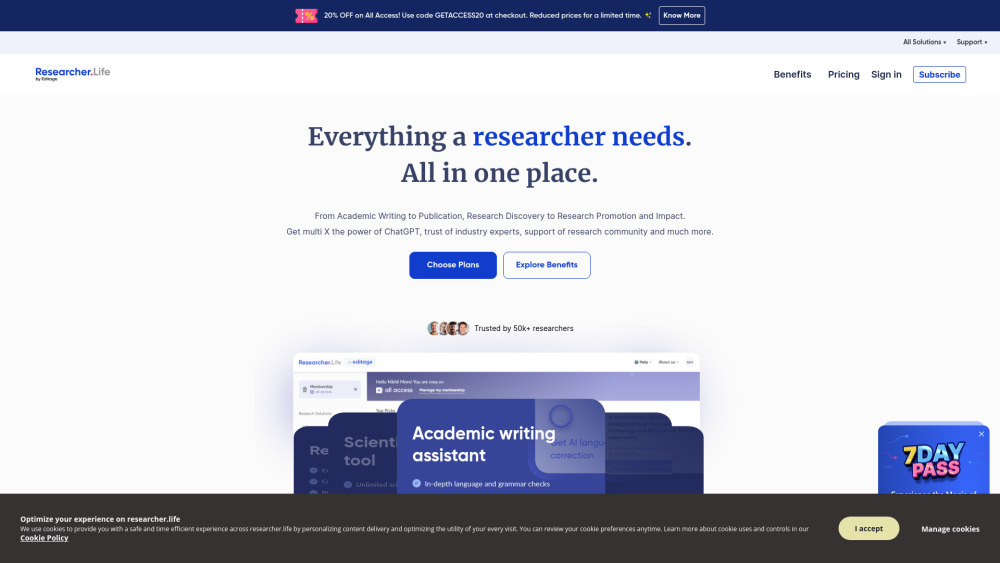
Researcher.Life offers AI tools and expert services for researchers through a subscription model.

AI workspace for collaborative content creation, presentations, and data analysis.

