Toolsmart Free Humanize Ai
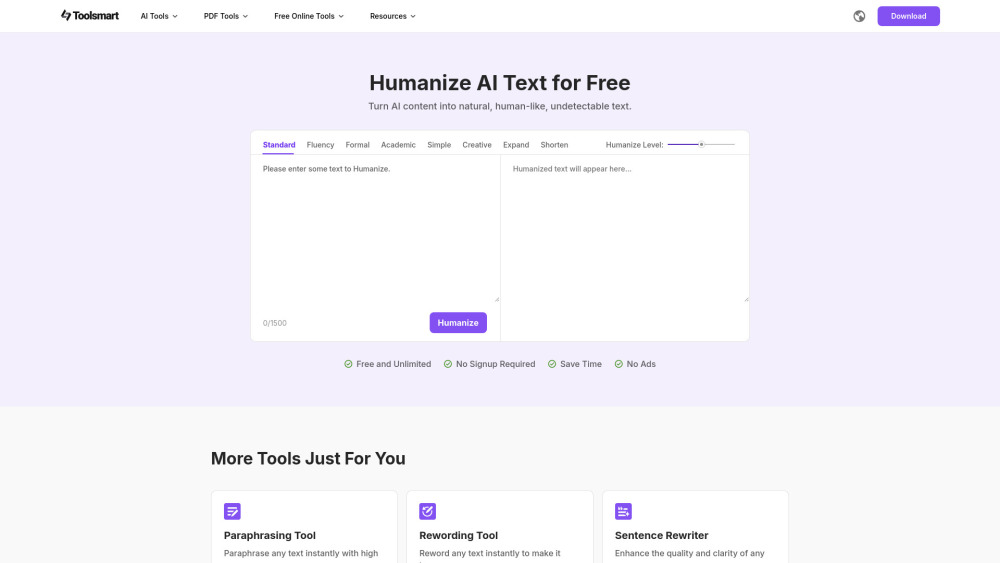


Why Toolsmart Free Humanize AI? AI writing is powerful, but often lacks that natural, human touch. Toolsmart Free Humanize AI gives your content the fluency, tone, and polish it needs to sound like it came from a real person—not a machine. Key Features: 1. Natural Human-Like Rewriting – Transforms awkward or robotic text into clear, smooth language while keeping your original meaning intact and improving overall readability. 2. 8 Humanizing Modes – Choose from Standard, Fluency, Formal, Academic, Simple, Creative, Expand, and Shorten to match your writing style and intent. 3. Adjustable Polishing Level – Control how natural or transformative the rewrite is—from light touch-ups to full rewrites. 4. 100% Free & Unlimited – Edit up to 1500 words per session with no sign-up, no ads, and no limits—ever. Why You'll Love It: 1. Makes AI-generated content sound natural and human 2. Ideal for marketers, students, bloggers, and AI tool users 3. Clean interface with instant results 4. No usage caps, logins, or distractions Use Cases: Whether you're editing blog posts, marketing copy, academic writing, or chatbot outputs—Free Humanize AI helps you bridge the gap between AI and human expression. Try it now and give your AI content a real voice!
Free Humanize AI is a free tool that transforms stiff AI text into fluent, natural human language. With 8 unique rewrite modes, adjustable polish levels, and no sign-up or ads, it's perfect for making AI content sound truly human—clear, smooth, and real.
- Make AI-generated blog posts or video scripts sound authentic and engaging.
- Polish essays, reports, or summaries that were drafted with AI tools for a more natural academic tone.
- Humanize product descriptions or ad copy for better audience connection.
- 1. Visit the Website Go to the official Toolsmart Humanize AI page in your web browser. 2. Input Your Text Paste or type the text you want to humanize into the text box. The tool supports up to 1500 characters per session. 3. Choose a Mode Select one of the eight available rewriting modes
- including standard
- fluency
- formal
- academic
- simple
- creative
- expand and shorten. Each mode offers a different style of rewriting based on your needs. 4. Set the Humanize Level Choose how closely the rewritten text should resemble the original. A higher similarity retains more of the original phrasing
- while a lower one rewrites it more freely. 5. Click the “Humanize” Button After setting the mode and similarity level
- click the Humanize button to process your text. 6. Review and Copy the Output The humanized text will appear shortly. Review it
- and if satisfied
- copy it for your intended use.

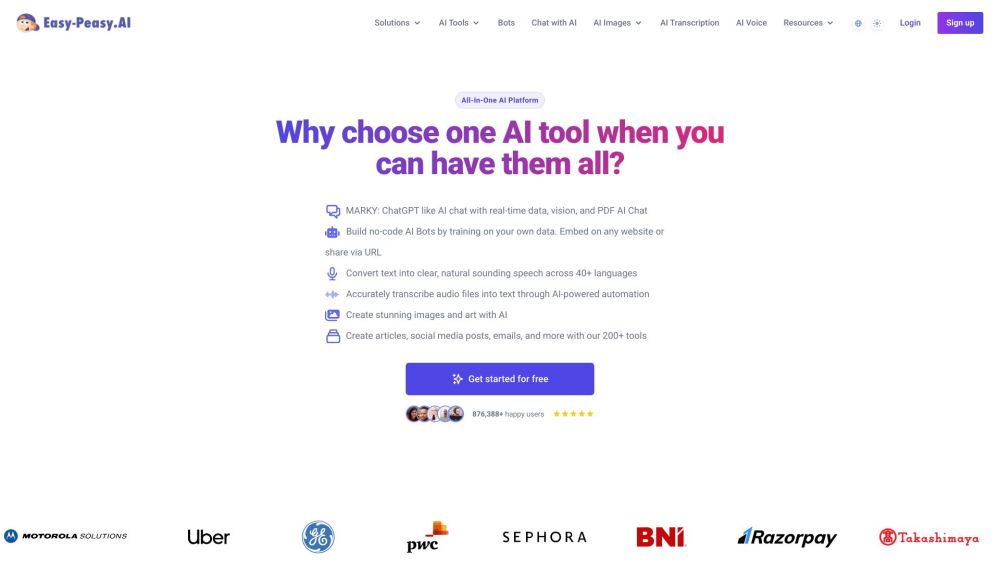
All-in-one AI platform for content, images, audio, and transcription.

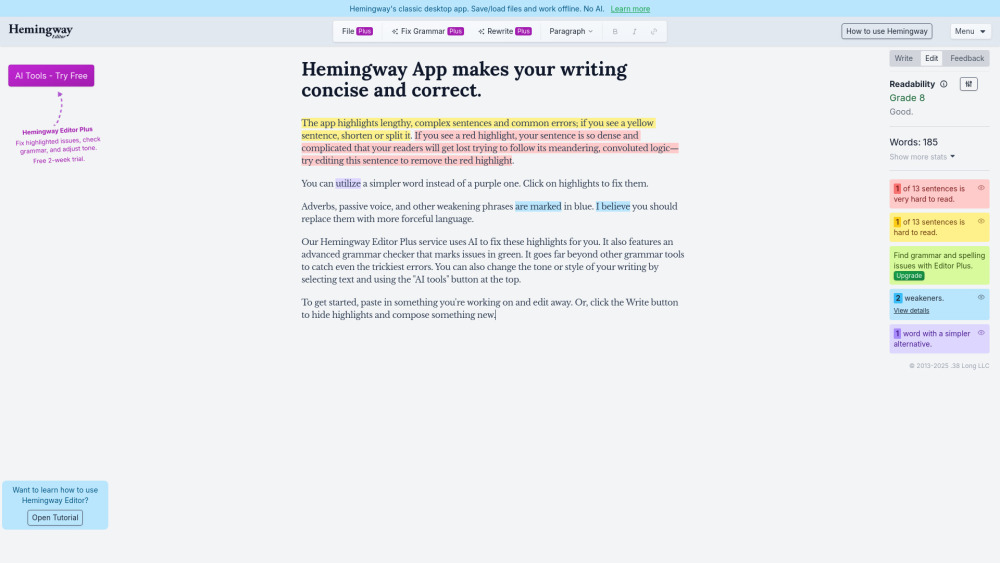
Hemingway Editor helps make writing clear and concise by highlighting errors and suggesting improvements.

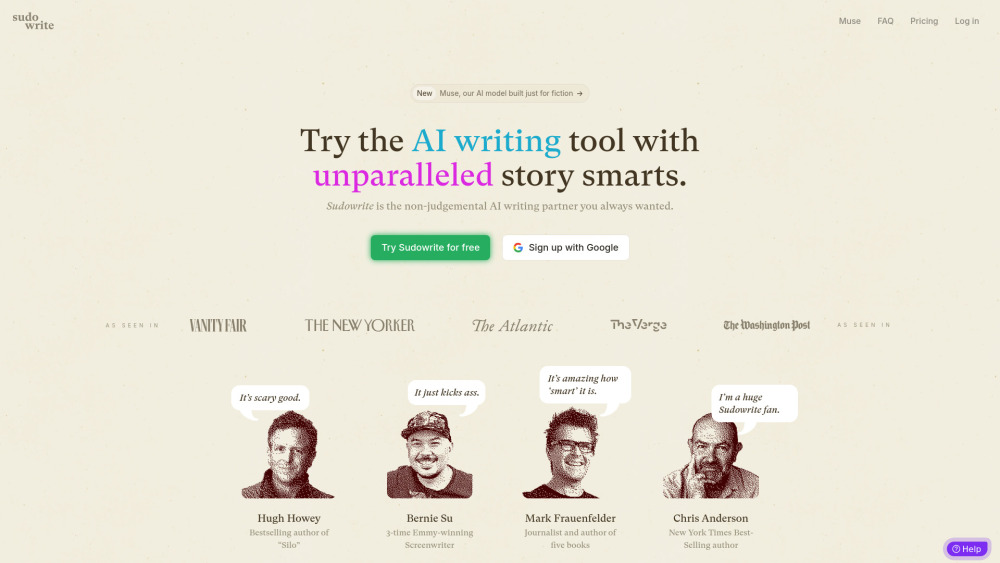
AI writing partner for fiction, helps overcome writer's block and speed up writing.

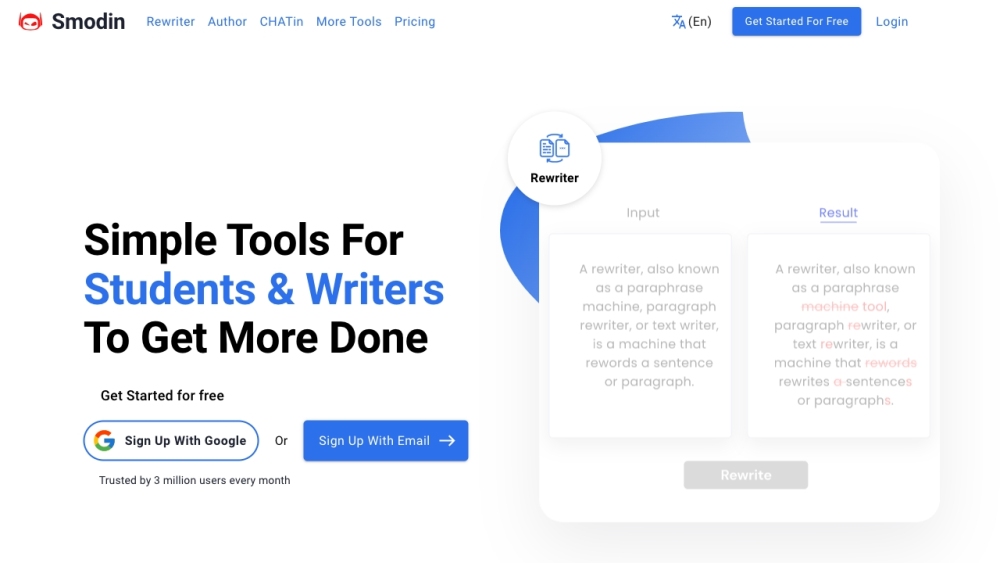
AI writing assistant with tools for rewriting, plagiarism checking, citation, and translation.

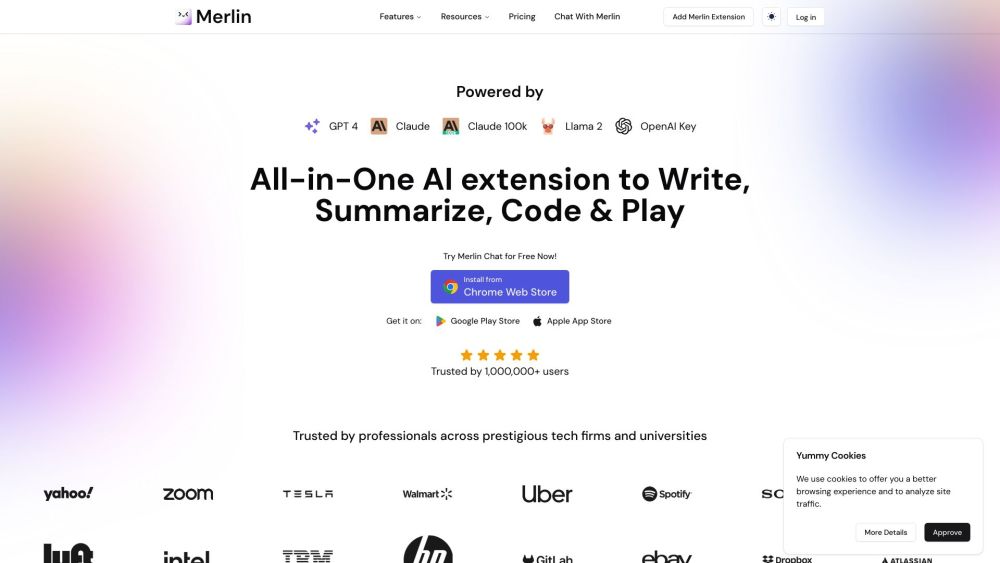
AI assistant for research, writing, and summarization with multiple AI models.

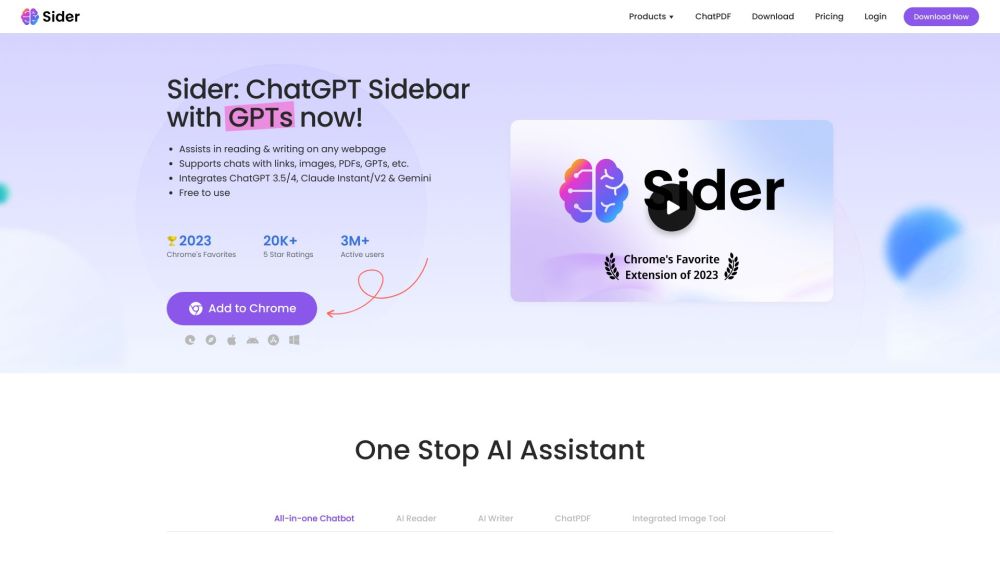
AI assistant integrating ChatGPT, Claude, and Gemini for reading, writing, and more on any webpage.

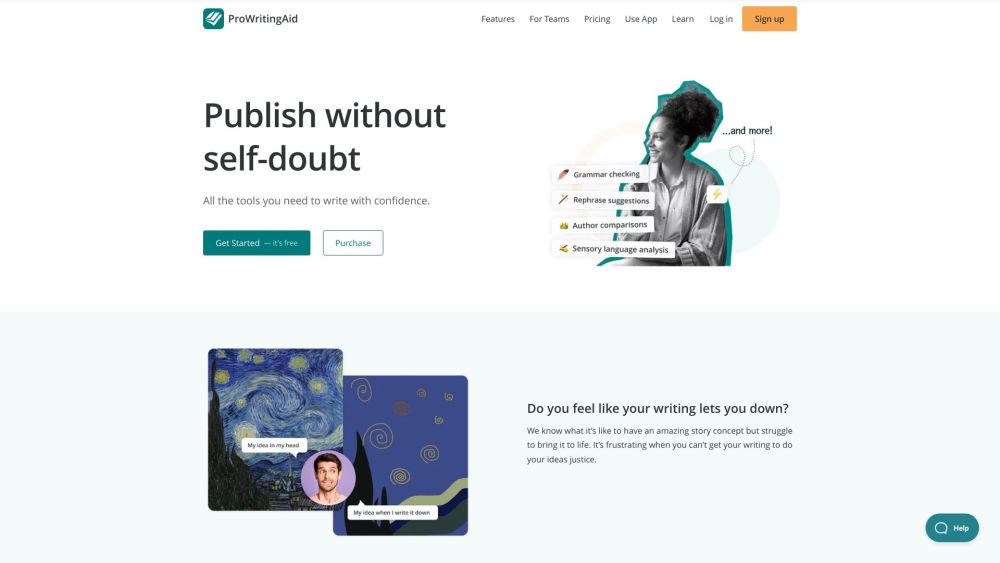
A writing tool that combines grammar check, style editing, and writing mentorship.

AI writing assistant for efficient academic writing and research.

AI copywriting tool for marketers to create content faster and improve marketing ROI.