
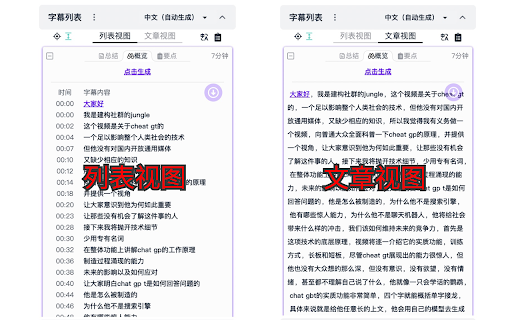


Bilibili Subtitle Extension ai chrome extension? This extension displays a subtitle list on the right side of the video (above the comment section) when watching videos on Bilibili (https://www.bilibili.com/). It allows users to easily navigate through the video by clicking on the subtitles.
Bilibili extension for displaying and navigating video subtitles.
- Quickly find specific parts of a video by reading the subtitles.
- Download subtitles for offline use or language learning.
- Summarize subtitles to get a quick overview of the video content.
- Translate subtitles to understand videos in different languages.
- Install the extension. When watching a video on Bilibili
- a subtitle list will appear on the right side of the video player. Click on a subtitle to jump to that point in the video.

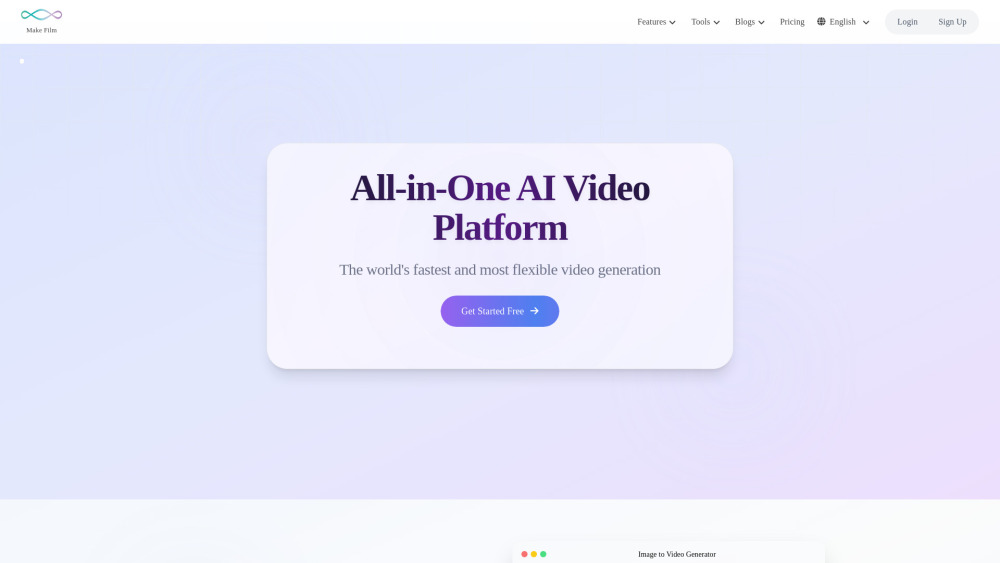
All-in-one AI video platform for creation, editing, and summarization.

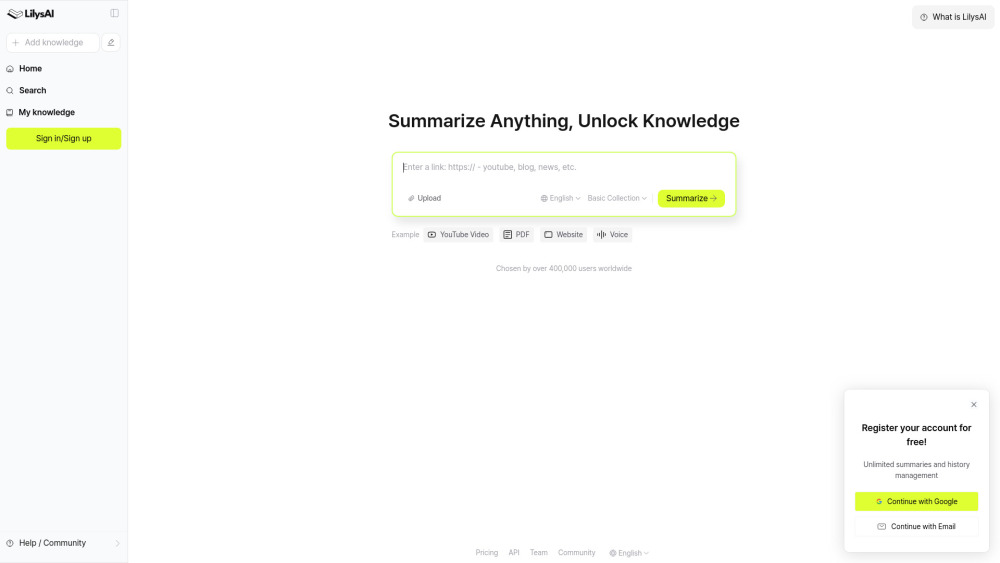
AI-powered summarization tool for videos, audio, PDFs, websites, and text.

Vedeeo connects customers with showrooms via one-click video calls for a Phygital shopping experience.


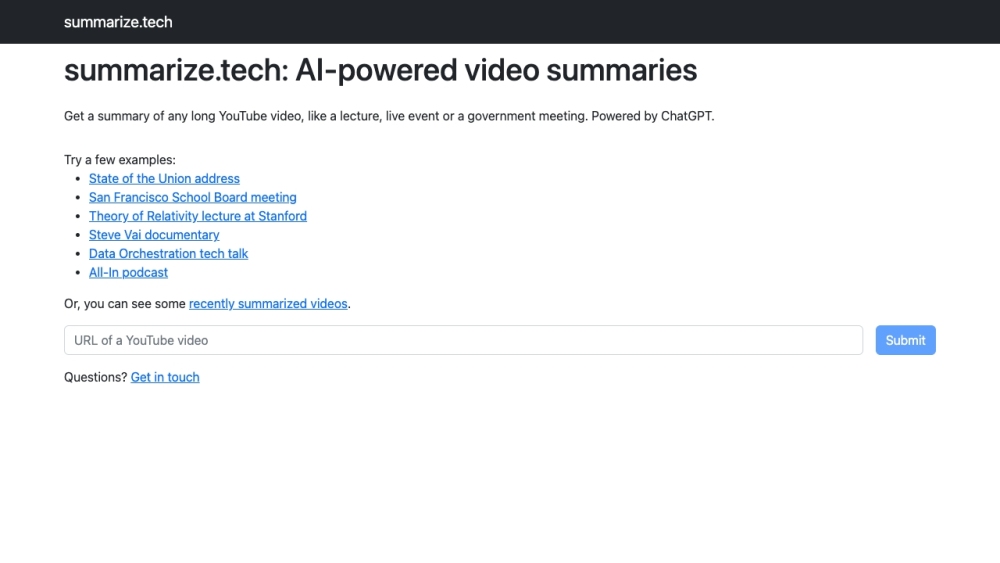
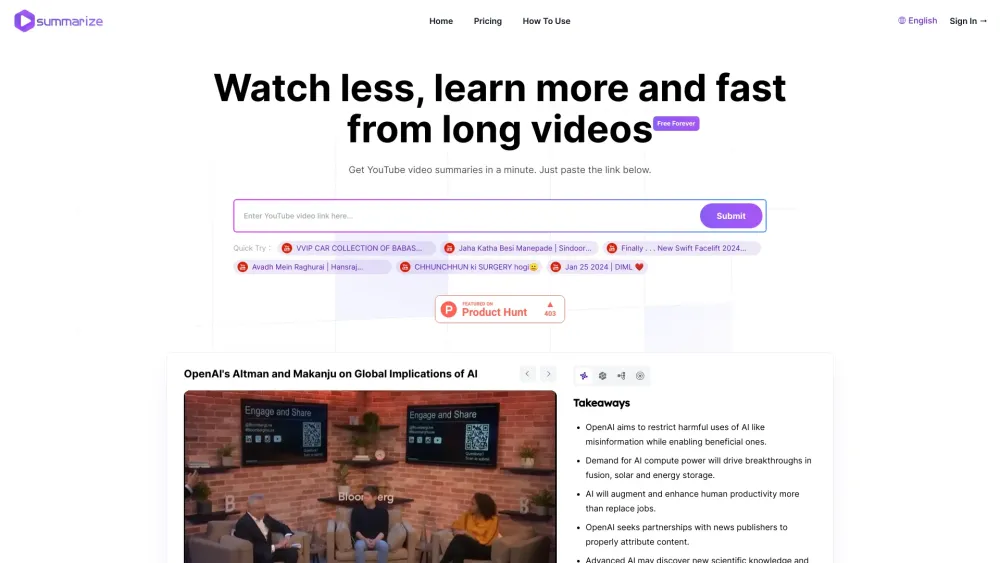
AI-powered tool to summarize long YouTube videos.

AI-powered YouTube summarization tool for productivity.


PlotSnippets offers spoiler-free movie summaries and uses AI to find target audiences.


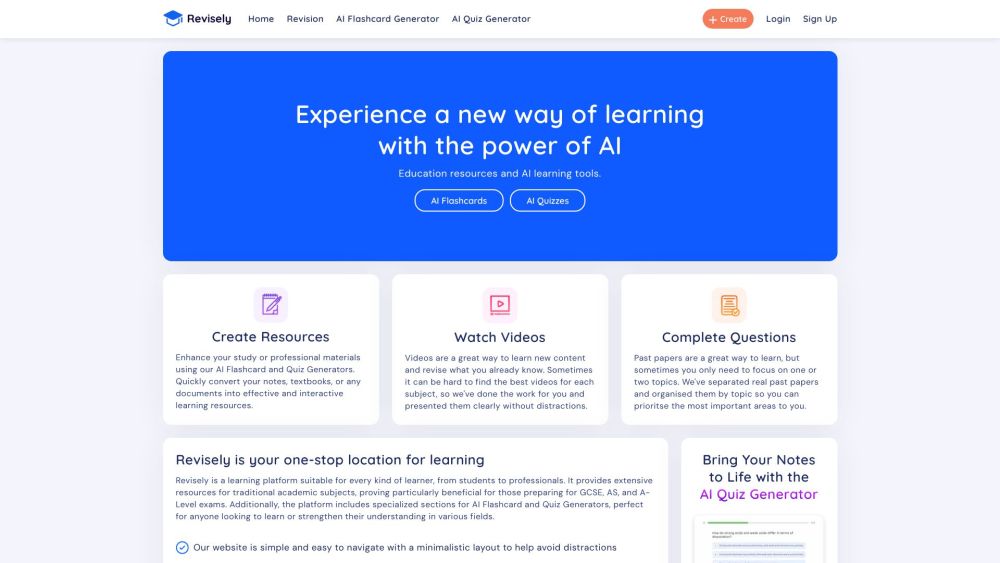
AI-powered learning resources for students and professionals.

Instantly understand videos with automated insights, mind maps, and interactive Q&A.

AI-powered tool for instant, multi-format YouTube video summaries.

Mixpeek: Multimodal data warehouse for developers, processing and extracting features from various media types.


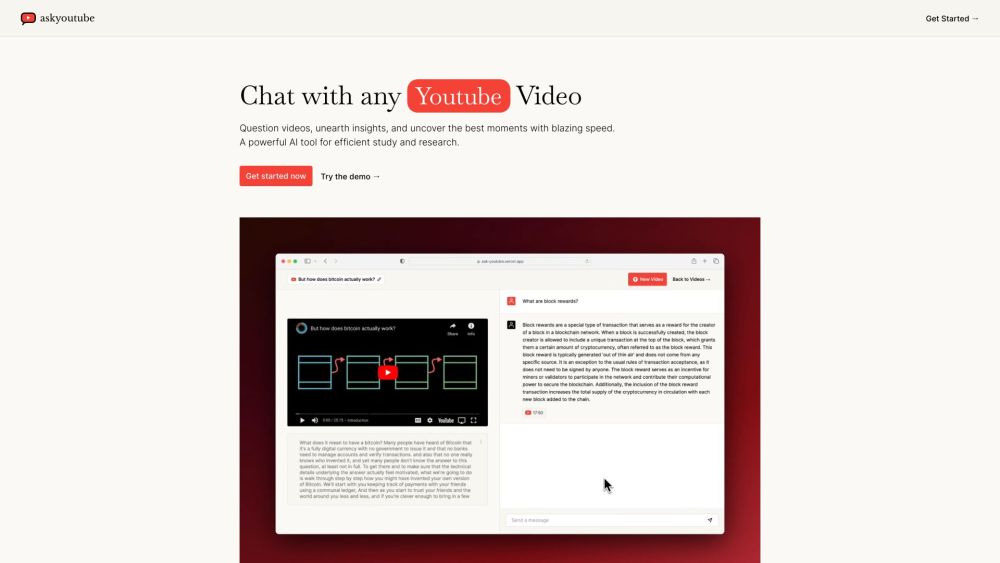
Ask Youtube is an AI tool for video insights, summaries, and key moments.

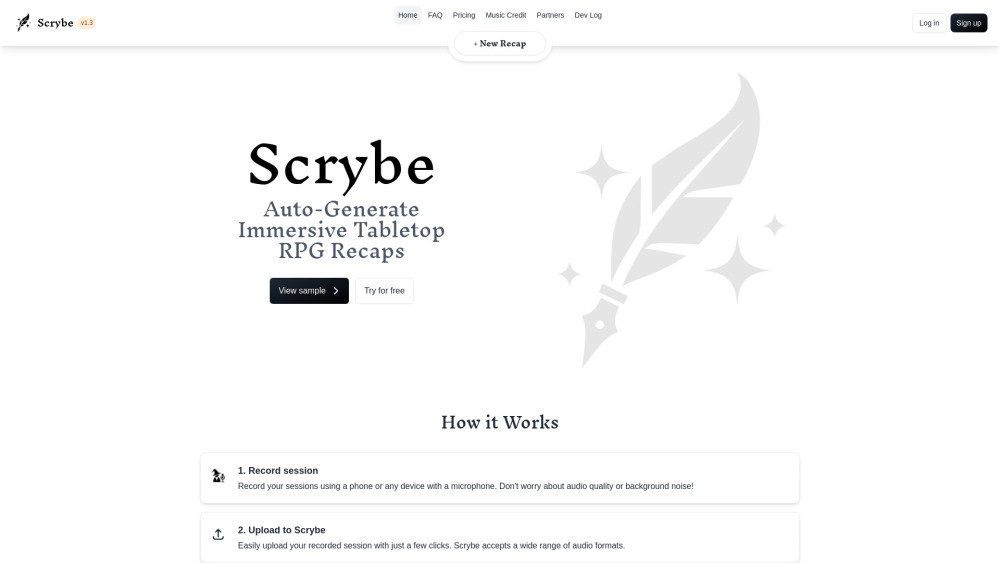
Scrybe is a TTRPG tool that transcribes and summarizes game sessions into narrated recaps.

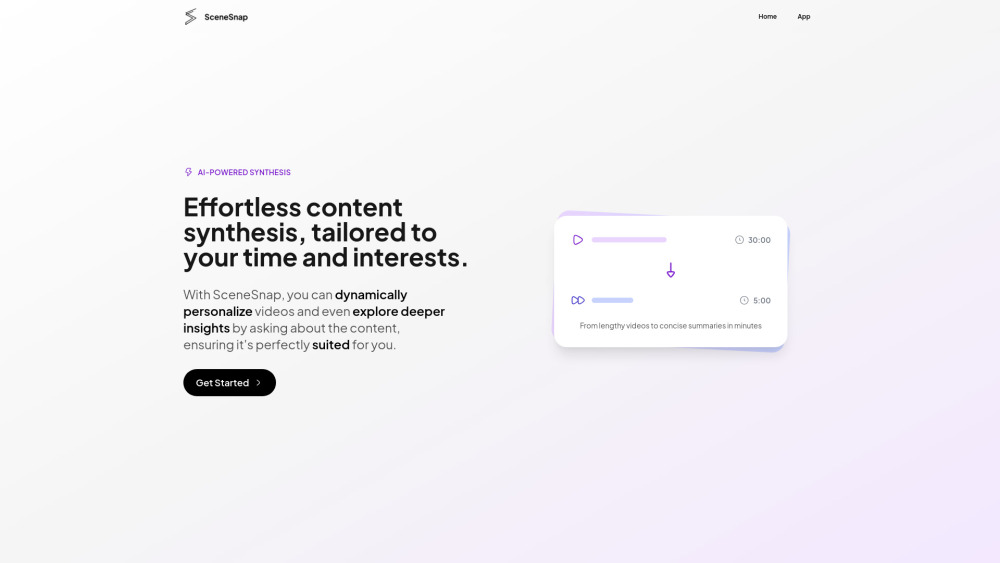
GenAI tool for summarizing and personalizing video content for efficient learning.

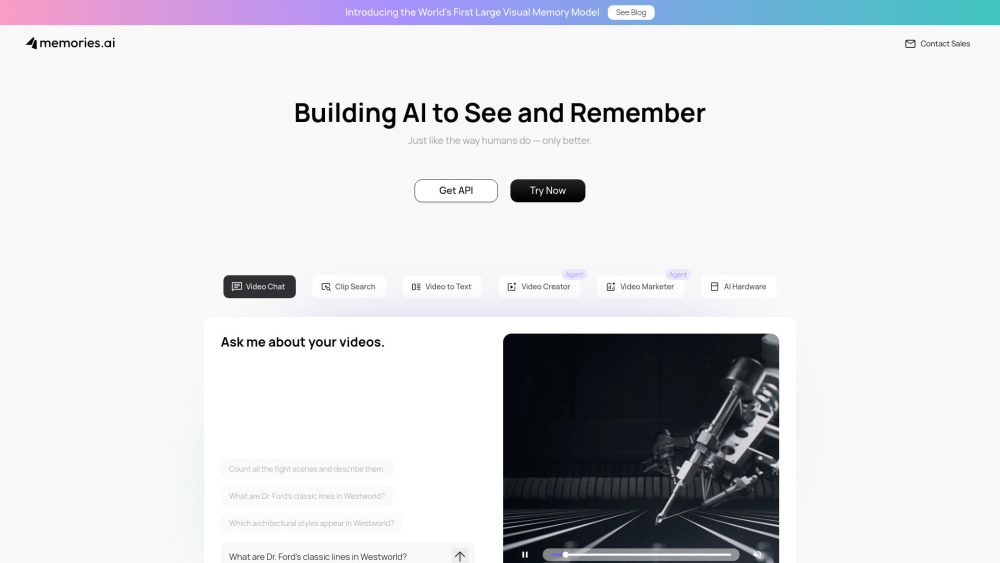
AI that sees, remembers, and analyzes video for insights.

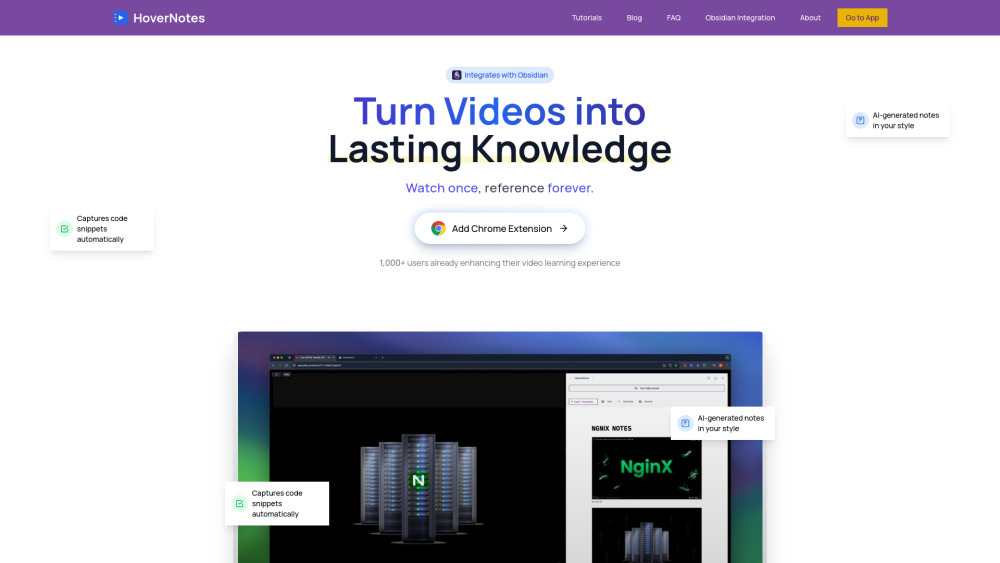
AI-powered tool to transform video tutorials into Obsidian notes.

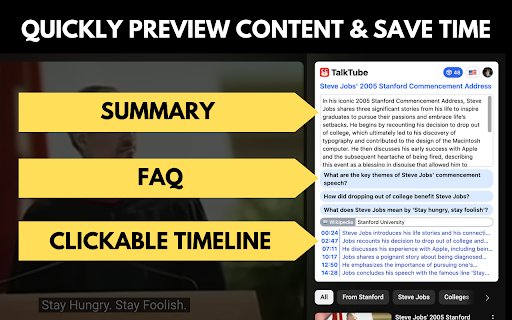
AI-powered tool for efficient video understanding with summaries, timelines, and FAQs.

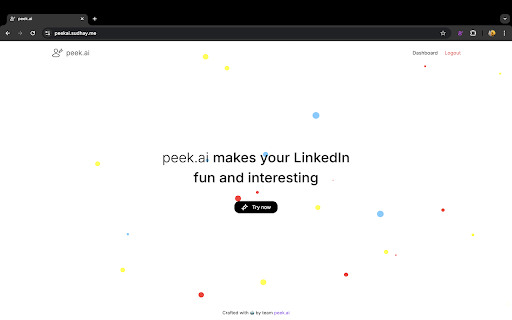
AI-powered Chrome extension for creating video summaries of LinkedIn profiles.

Instantly convert any video into clear summaries online, ideal for YouTube, Zoom, and MP4 files.

