
Hovernotes
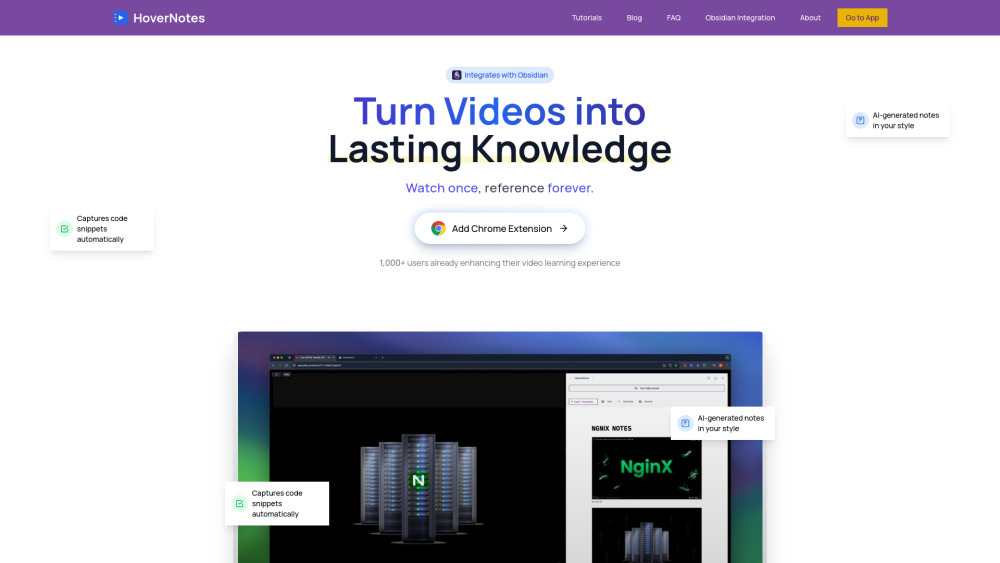




HoverNotes is a Chrome Extension designed to transform video tutorials from platforms like YouTube, Udemy, Coursera, and any other video source into instant, organized Obsidian notes. It utilizes AI to generate comprehensive notes, automatically captures code snippets, includes timestamped screenshots, and provides clear explanations. The tool emphasizes local storage within the user's Obsidian vault, ensuring privacy and complete control over their knowledge. It aims to enhance video learning by offering a distraction-free environment and smart, real-time note-taking capabilities.
AI-powered tool to transform video tutorials into Obsidian notes.
- Transforming online course videos (Udemy, Coursera) into organized, searchable notes.
- Taking efficient and comprehensive notes from coding tutorials on YouTube or other platforms.
- Creating permanent, easily referenceable knowledge from educational videos.
- Enhancing video learning for students, professionals, and lifelong learners.
- Documenting technical content, including code examples, diagrams, and equations, from video sources.
- To use HoverNotes
- users install the Chrome Extension. While watching videos on supported platforms (including YouTube
- Udemy
- Coursera
- Vimeo
- Bilibili
- and any university or company website)
- the extension opens alongside the video
- creating a focused learning environment. The AI actively analyzes the video content in real-time to generate notes
- capture code snippets
- and allows for one-click timestamped screenshots. These generated notes are then stored locally in the user's Obsidian vault in pure markdown format.

AI-powered tool for instant, multi-format YouTube video summaries.

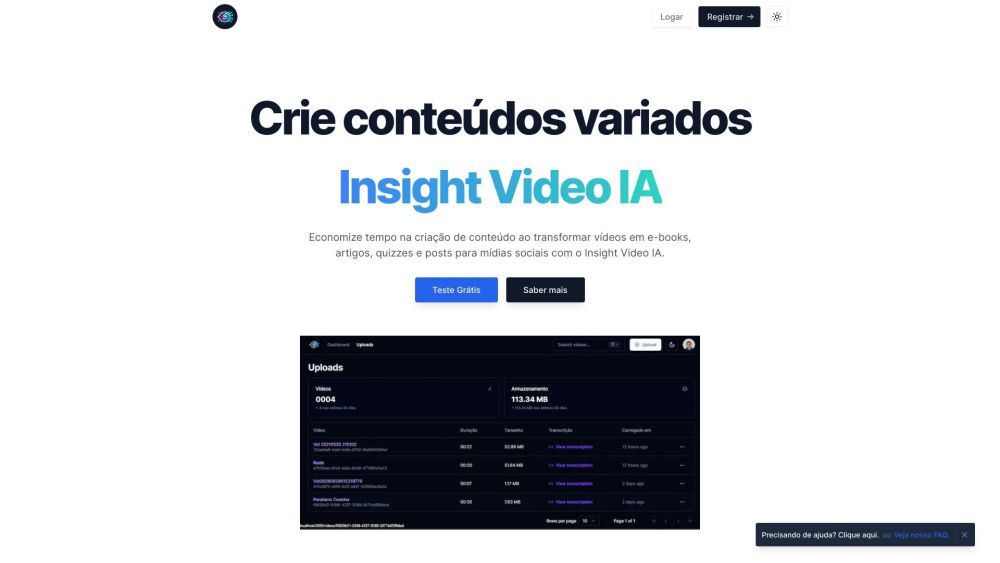
AI-powered tool to repurpose videos into diverse content formats for education.

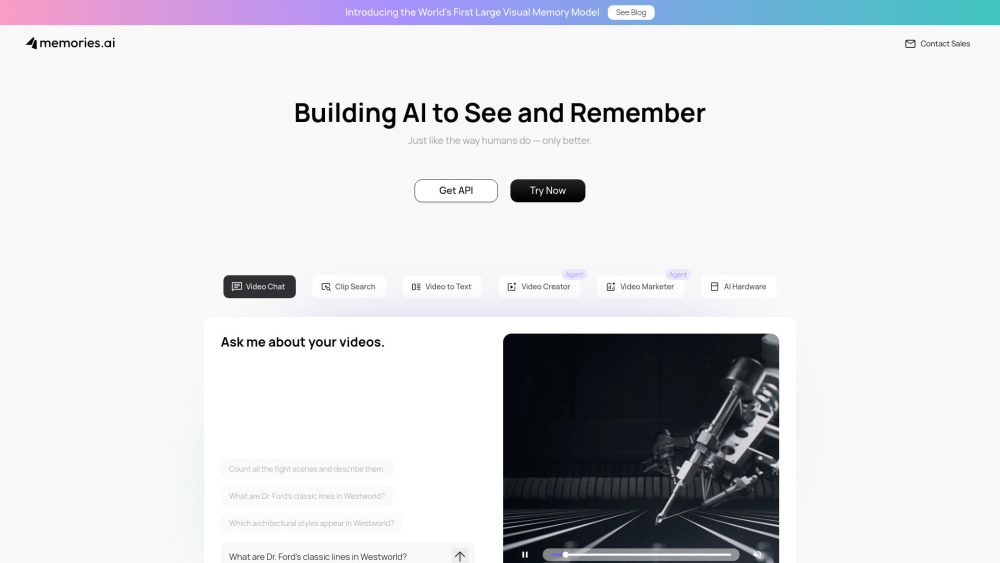
AI that sees, remembers, and analyzes video for insights.

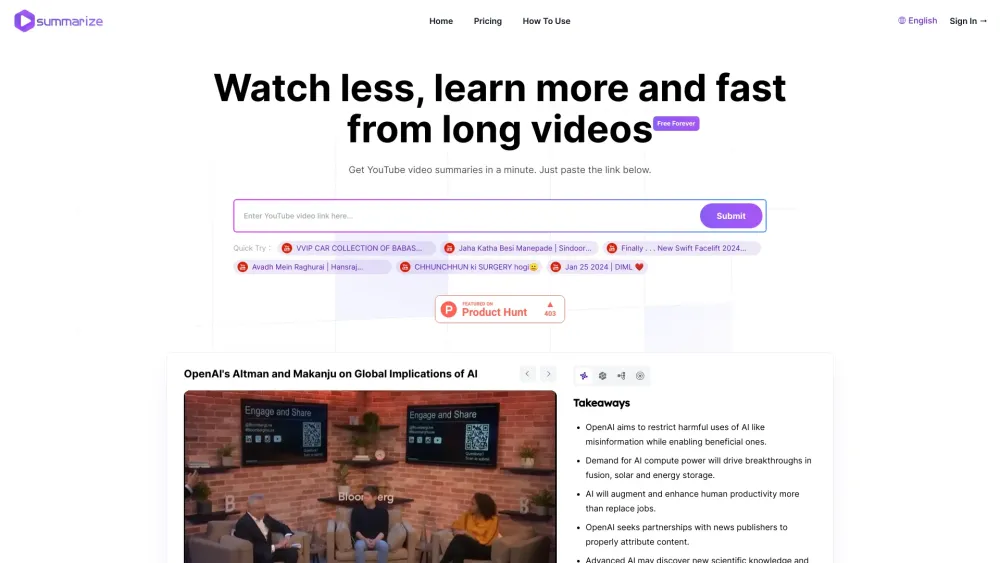
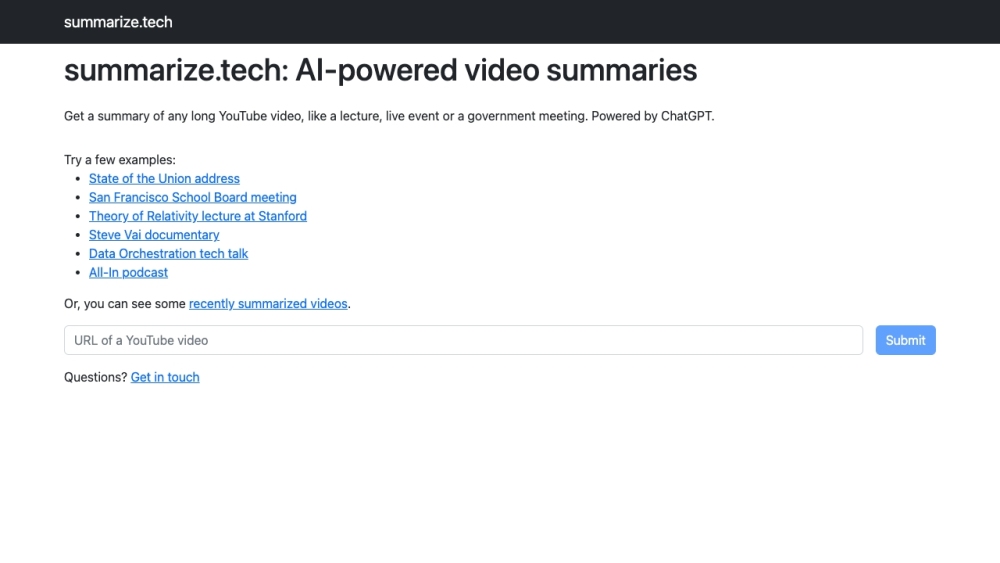
AI-powered tool to summarize long YouTube videos.

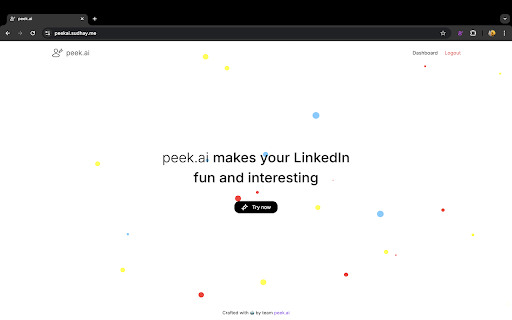
AI-powered Chrome extension for creating video summaries of LinkedIn profiles.

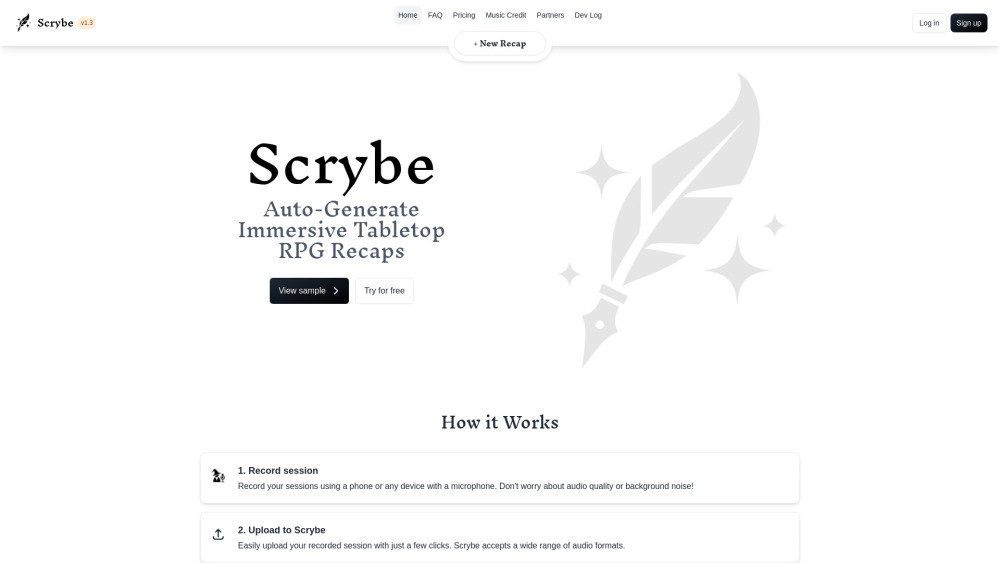
Scrybe is a TTRPG tool that transcribes and summarizes game sessions into narrated recaps.

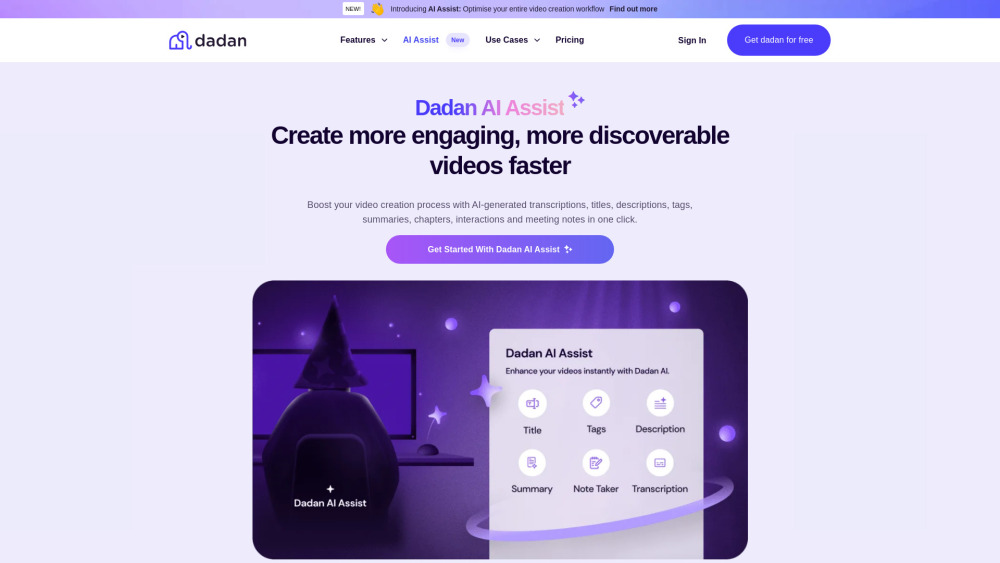
AI video tools to enhance video production workflow and improve discoverability.

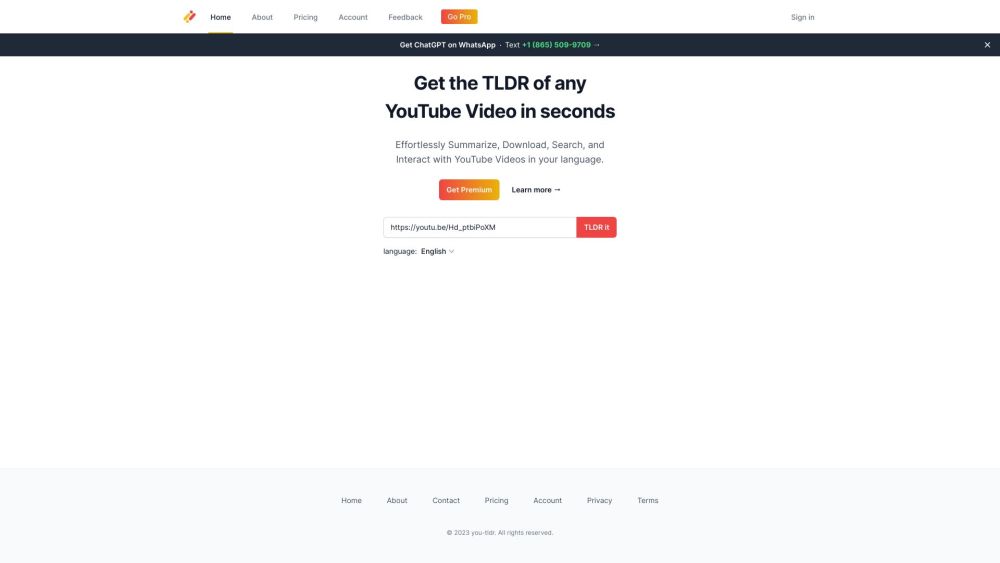
Summarize, download, search, and interact with YouTube videos in multiple languages.

PlotSnippets offers spoiler-free movie summaries and uses AI to find target audiences.

