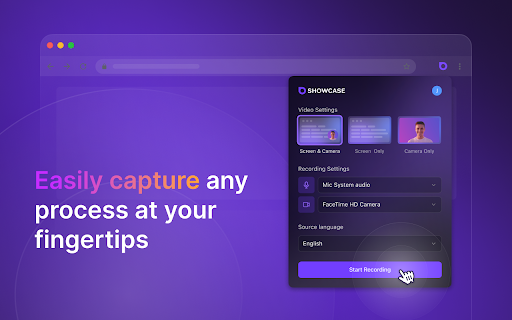
Motionik

Motionik is a screen recorder with a built-in editor designed for creating engaging product demos, tutorials, and explainer videos. Its
Screen recorder and editor for product demos, tutorials, and explainer videos.
- Creating engaging product demos
- Producing informative tutorials
- Developing clear explainer videos
- Making promotional videos
- To use Motionik
- simply record your screen (full display
- specific window
- or selected area)
- webcam
- and microphone. Then
- utilize the intuitive built-in editor to polish your videos. This includes applying auto or manual zoom
- customizing cursor styles and click effects
- trimming unwanted sections
- adding motion blur
- incorporating audio tracks
- images

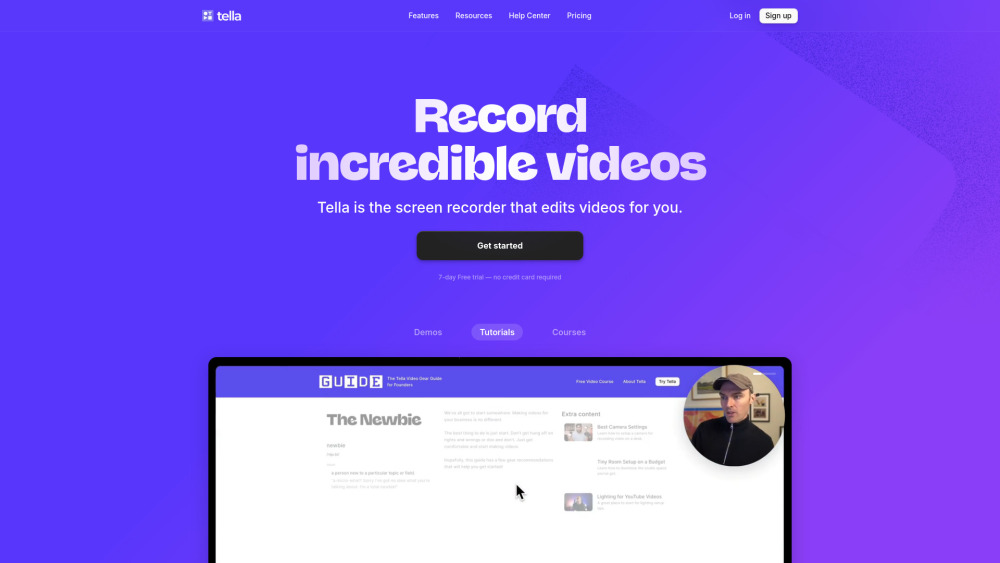
All-in-one screen recorder with AI editing for demos, tutorials, and courses.


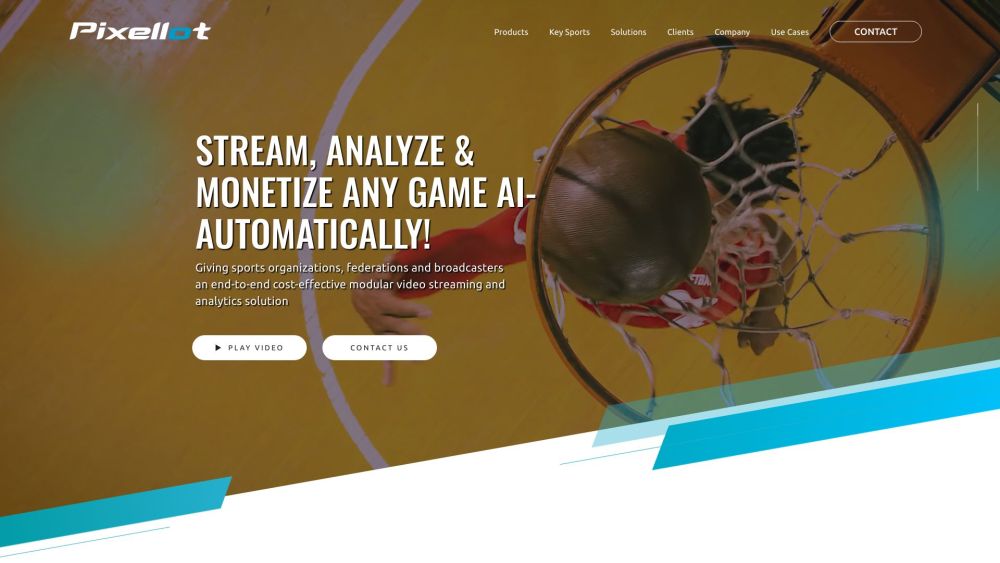
Sports tracking cameras and AI analysis tools for recording and improving team performance.

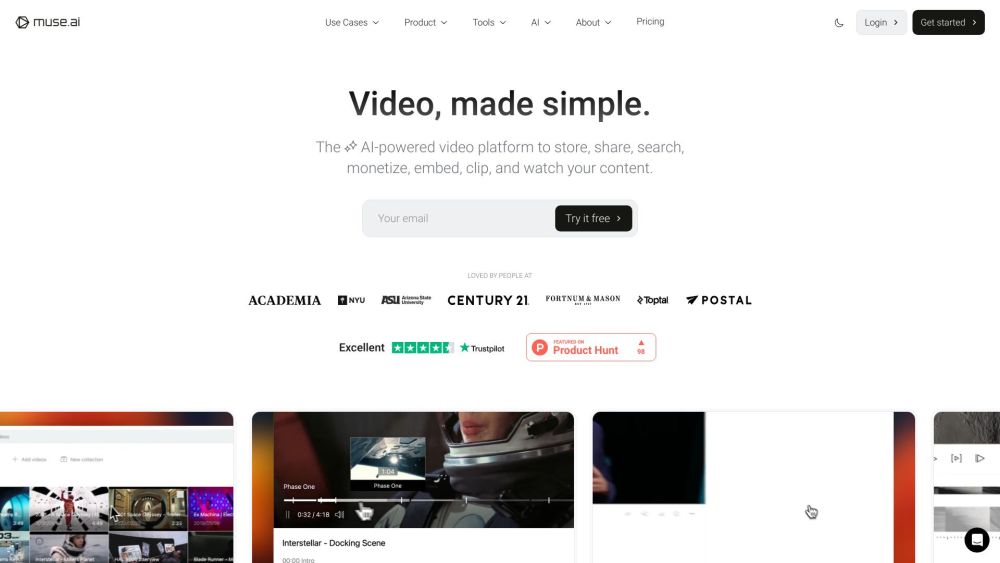
Ad-free video hosting with AI-powered search, embedding, and monetization tools.


Mac video app for professional live presentations and screen recordings with no editing.


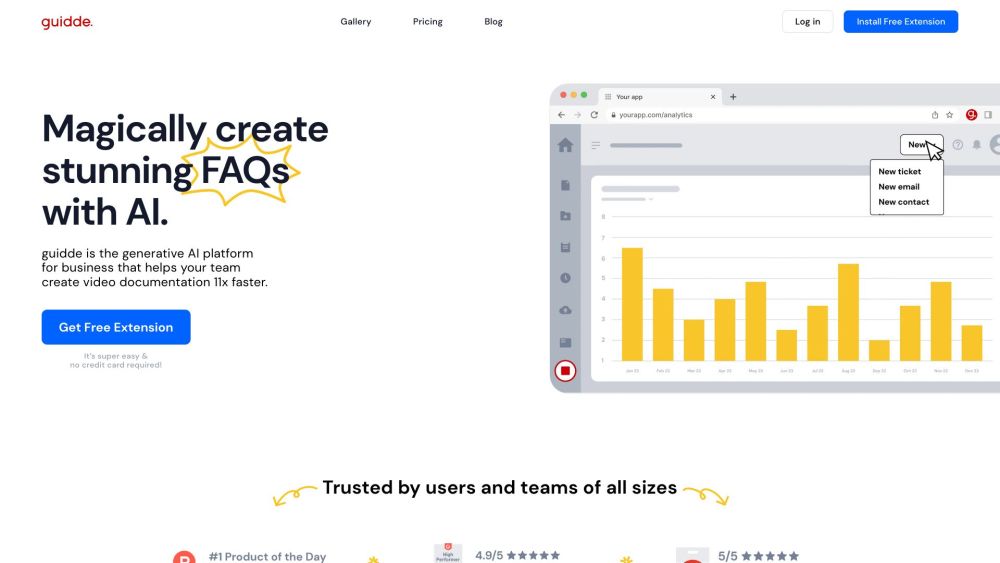
AI platform for creating video documentation and guides 11x faster.

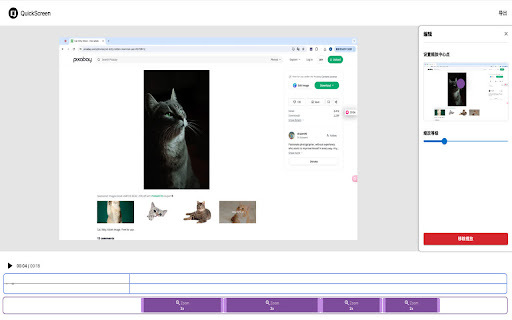
Screen recording tool with automatic zoom and editing features.
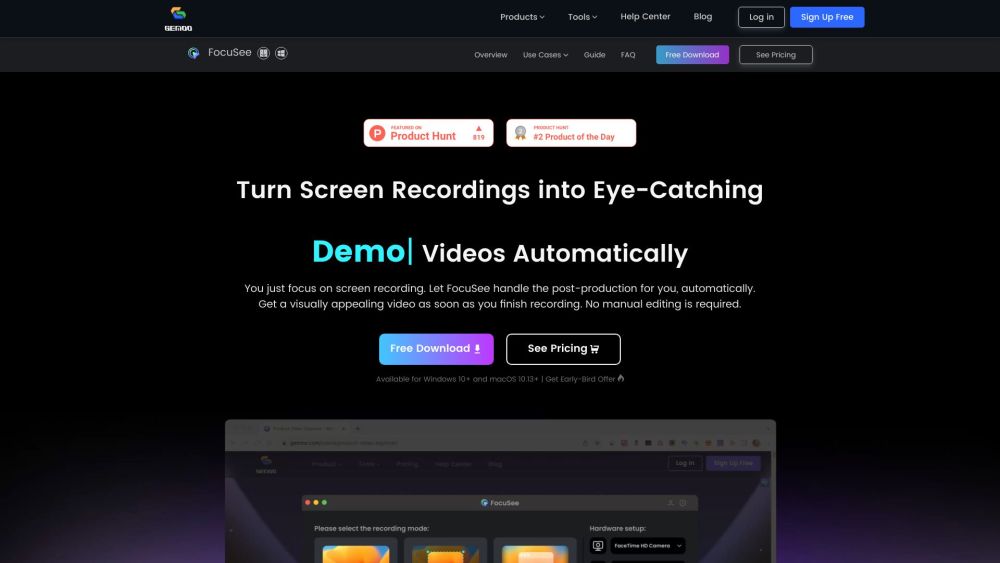


A screen recording tool with automatic zoom and easy editing.


AI-automated sports camera, streaming, and analytics for live game broadcasts and analysis.


Video and podcast recording and editing platform with AI-powered features.
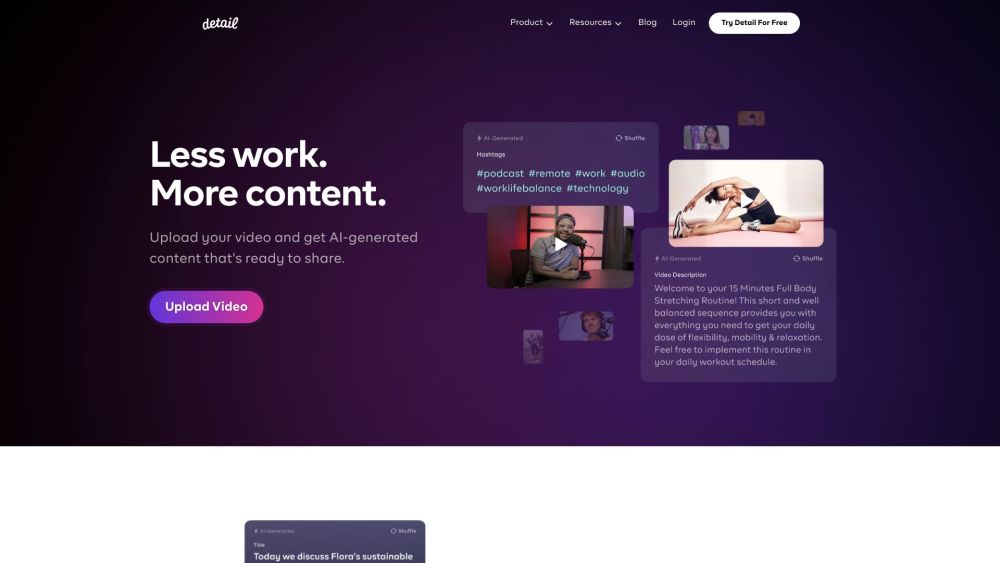

AI-powered screen recorder for creating professional videos easily.
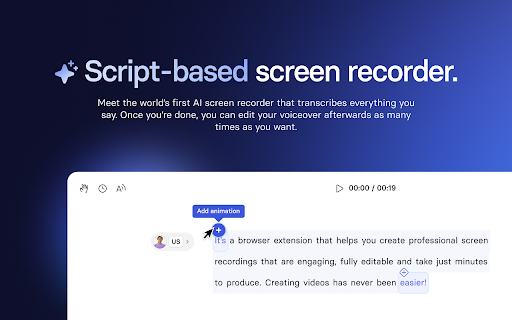

Screen recording extension with interactive elements for sales and training.
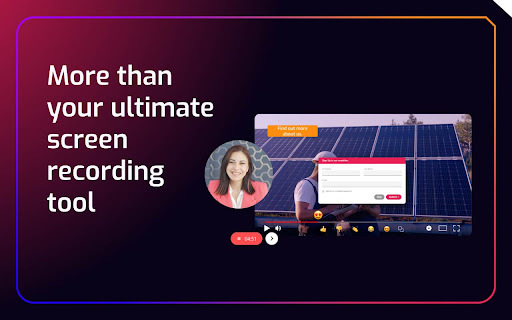

Intelligent screen recorder and video translator for global audiences.