Vois


Vois is a professional desktop AI voice studio designed for high-quality audio production. It allows users to transform scripts, ebooks, articles, and podcasts into natural-sounding speech using over 63 expressive voices and voice cloning technology. Unlike cloud-based competitors, Vois operates 100% locally on the user's laptop or desktop, meaning there are no per-character fees, no usage caps, and complete privacy for uploaded scripts. It functions as an all-in-one production suite where users can write scripts with multi-speaker support, generate audio, arrange clips on a multi-track timeline, and apply professional mastering tools like LUFS normalization, de-esser, and EQ.
Offline desktop AI voice studio with unlimited generation, voice cloning, and multi-track mastering.
- Creating professional audiobooks with ACX-ready mastering
- Producing multi-speaker podcasts without recording equipment
- Generating voiceovers for faceless YouTube channels and tutorials
- Developing immersive game NPC dialogue and character voices
- Creating multi-language e-learning and training content
- Users start by writing or importing a script (supporting PDF
- EPUB
- and DOCX) into the built-in editor. After casting voices from the library or cloning a custom voice
- they generate audio clips. These clips are then arranged on a multi-track timeline where timing and crossfades can be adjusted. Finally
- users apply professional mastering presets and export the finished audio for platforms like Spotify
- YouTube
- or ACX.

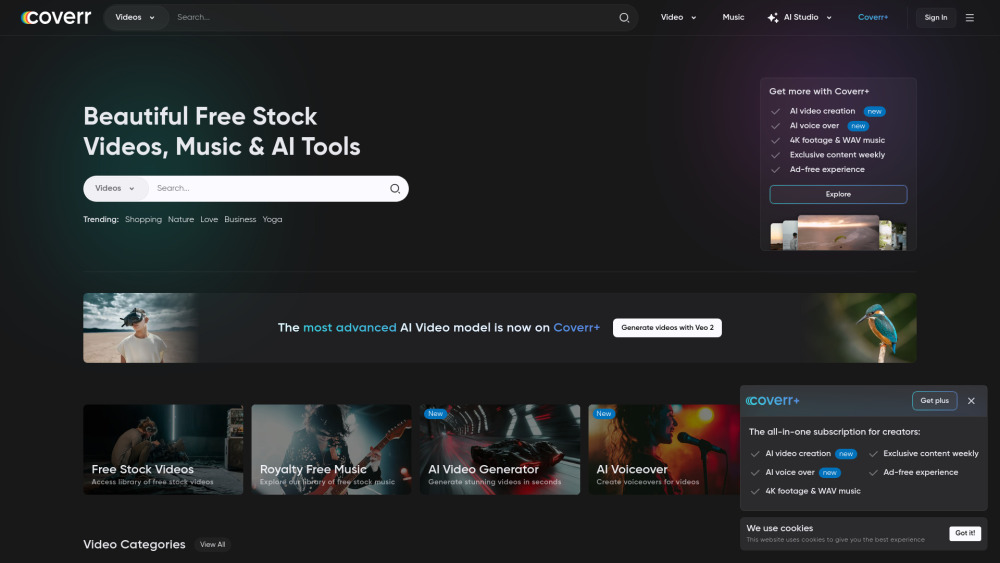
Free and premium stock videos, music, and AI tools.

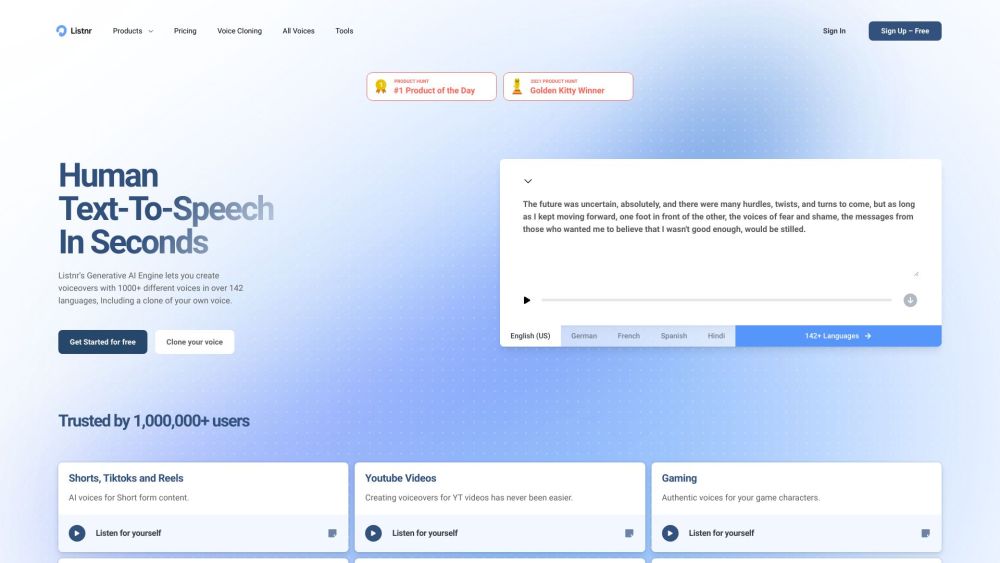
AI voice generator with 1000+ voices in 140 languages and voice cloning.

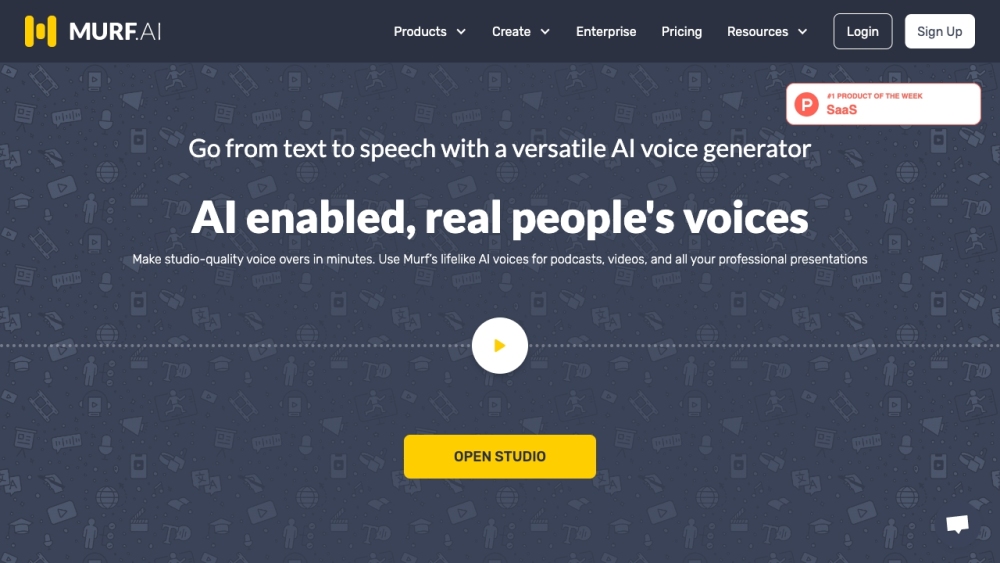
Versatile AI voice generator for text to speech, voiceovers, and translations.

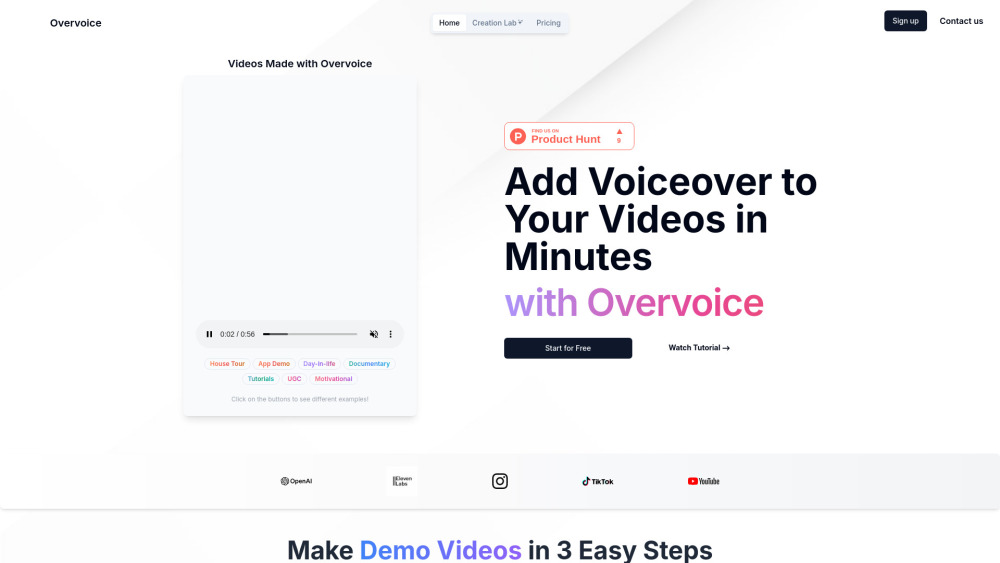
AI tool for quick, professional video voiceovers using GPT-4o and ElevenLabs.

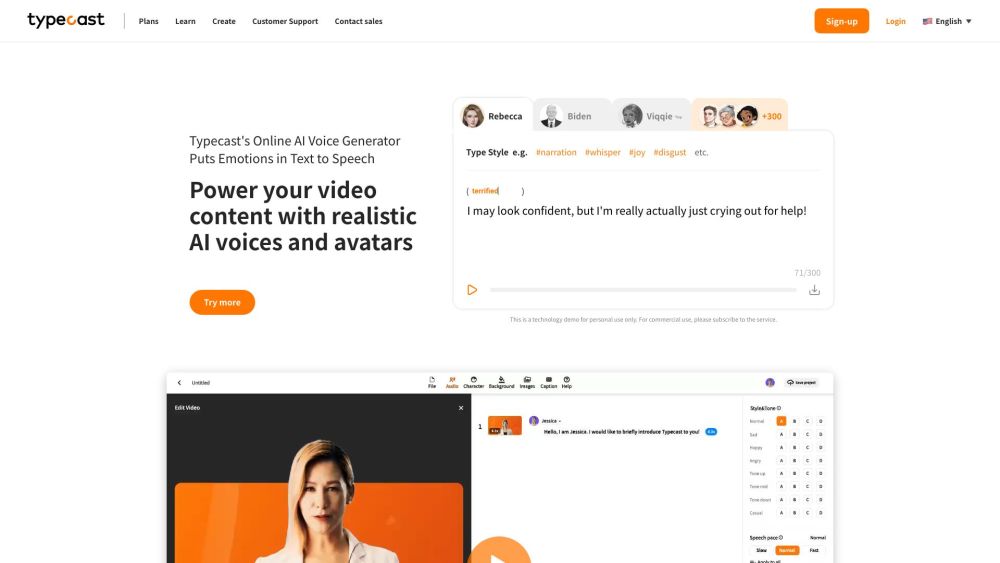
AI voice generator and content creation tool with realistic AI voices and avatars.

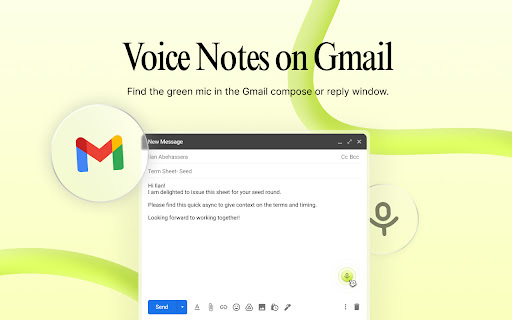
Async enhances Gmail and Chrome with voice notes, transcriptions, AI summaries, and voiceovers.

A virtual simultaneous interpreter for YouTube videos, translating subtitles and speaking them out.

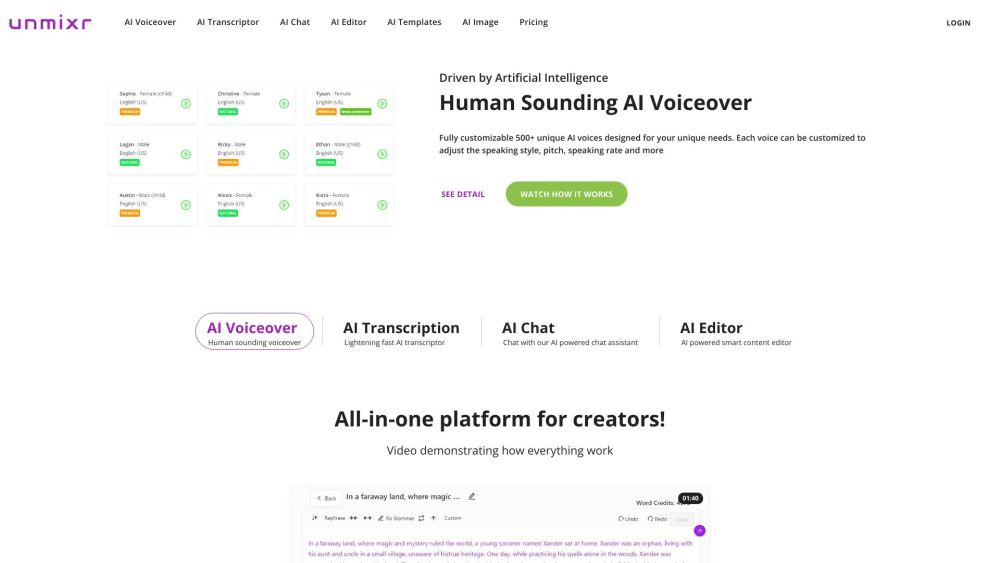
All-in-one platform with AI voiceover, transcription, editor, chat, templates, and image generator.

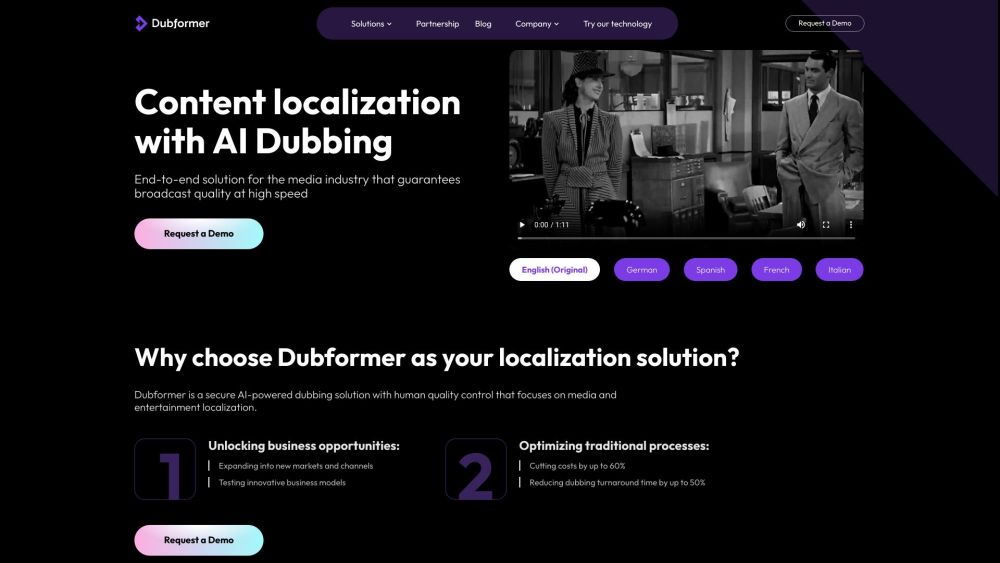
AI dubbing and voiceover tool for media and entertainment with cost-effective localization.

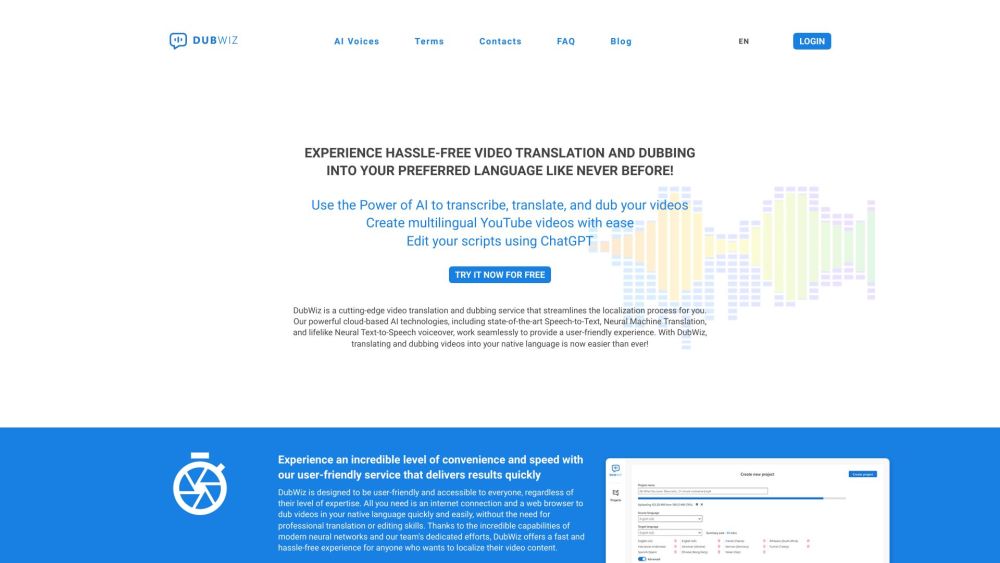
AI-powered video dubbing and translation service for creating multilingual videos.

AI voice over generator with human-like voices for diverse content creation.


Free online AI tool for voice and language transformation.


AI-powered audio processing platform for voice cloning, noise reduction, and audio translation.

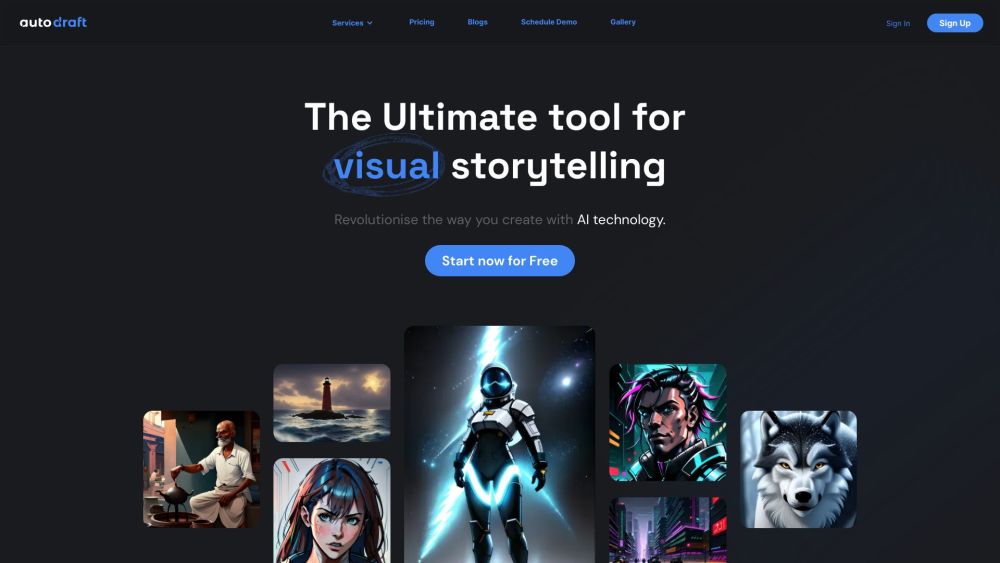
AI tool for generating comics, webtoons, and animations with custom character models.
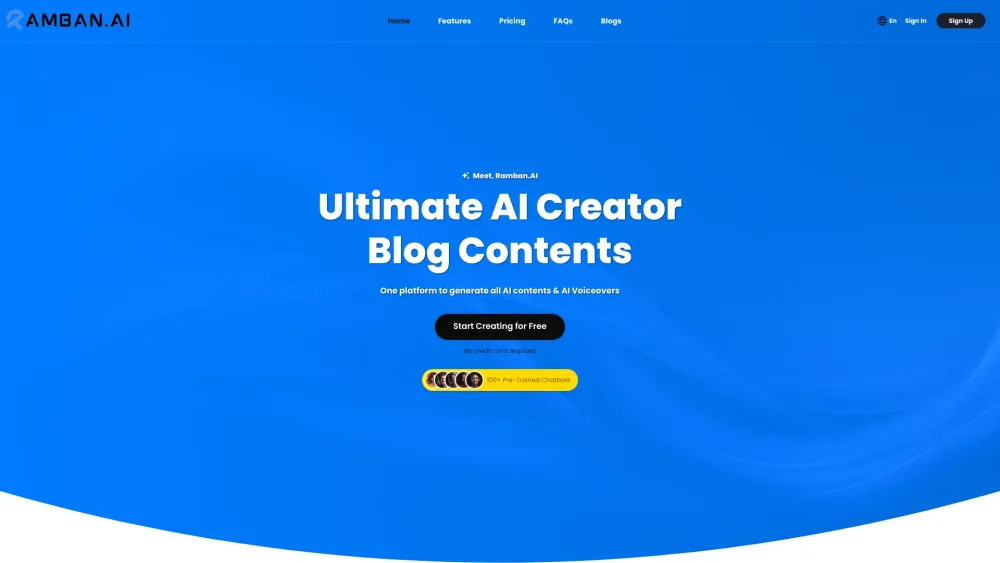
All-in-one AI platform for content creation, multimedia, and collaboration.

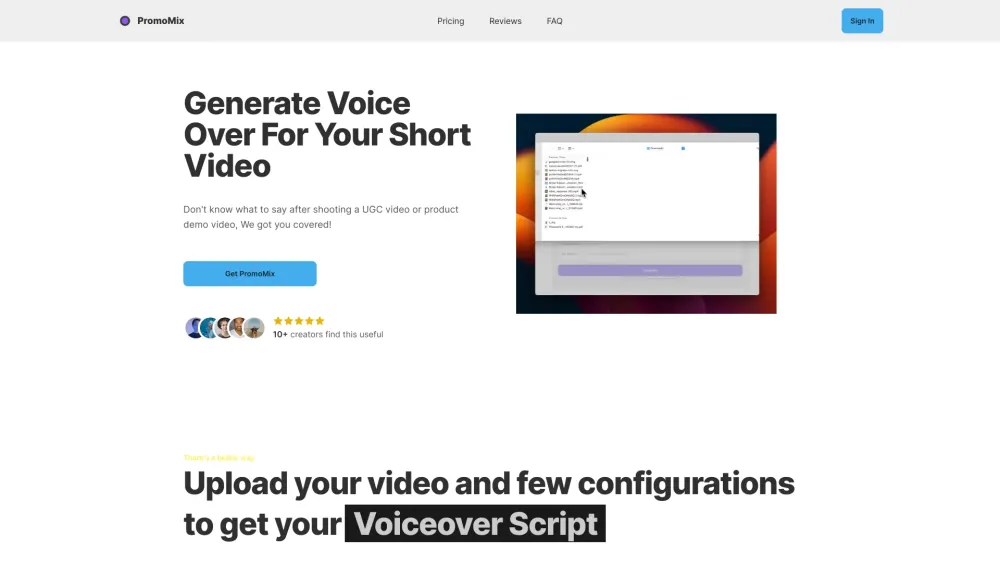
AI tool for generating voiceover scripts and voices for short videos.

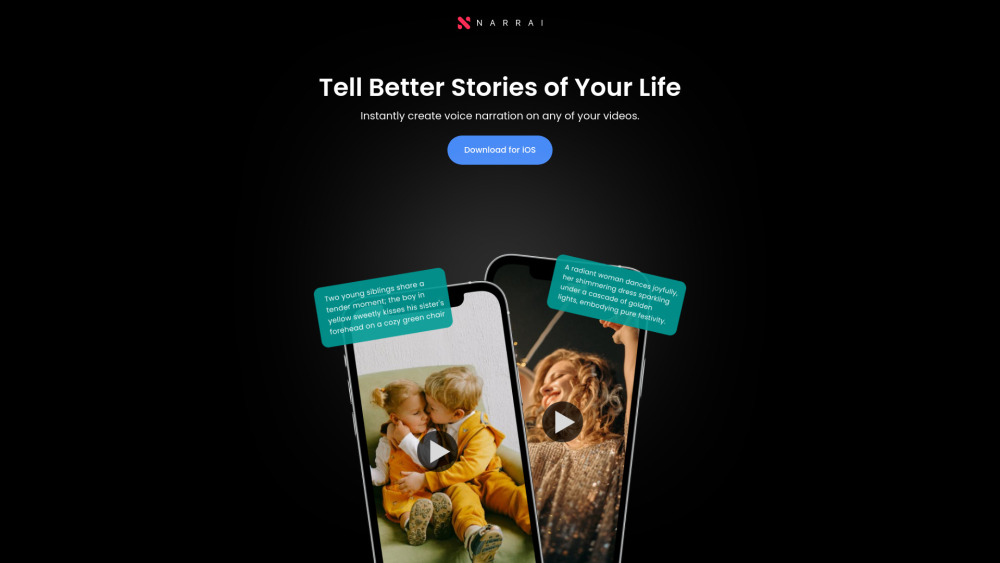
Narrai simplifies adding voiceovers to videos with AI-generated scripts and music.

AI voiceover tool for video creators, offering realistic text-to-speech conversion.