Simintpr Translate Speak Youtube Subtitle




SimIntpr ai chrome extension? SimIntpr is a virtual Simultaneous Interpreter for YouTube videos. It translates YouTube video subtitles and speaks them out. It translates YouTube subtitles/captions into almost all widely used languages and reads them out using a state-of-the-art Text-To-Speech (TTS) Engine, supporting as many as 67 voices covering almost 30 different languages. To make the extension work, the YouTube video should have at least one official subtitle. The translated voice does not conflict with the YouTube original one.
A virtual simultaneous interpreter for YouTube videos, translating subtitles and speaking them out.
- Watch YouTube videos in your preferred language with simultaneous voice translation.
- Install the SimIntpr extension. Choose a YouTube official subtitle as the translation source
- then select your preferred voice language
- tune
- and speed. The translated voice will then play alongside the original YouTube audio. Pin the extension and left-click the icon to set up language
- voice and other settings.

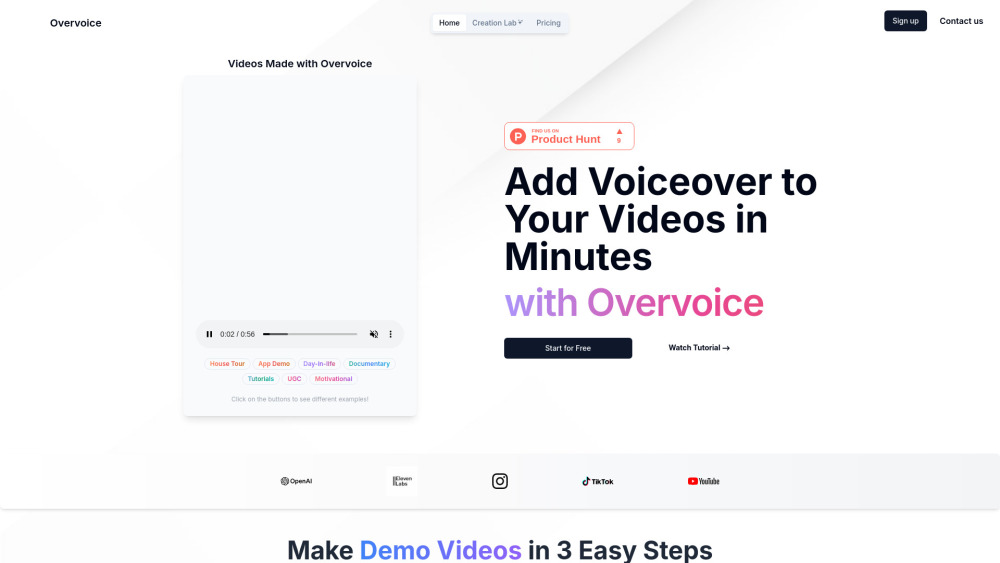
AI tool for quick, professional video voiceovers using GPT-4o and ElevenLabs.

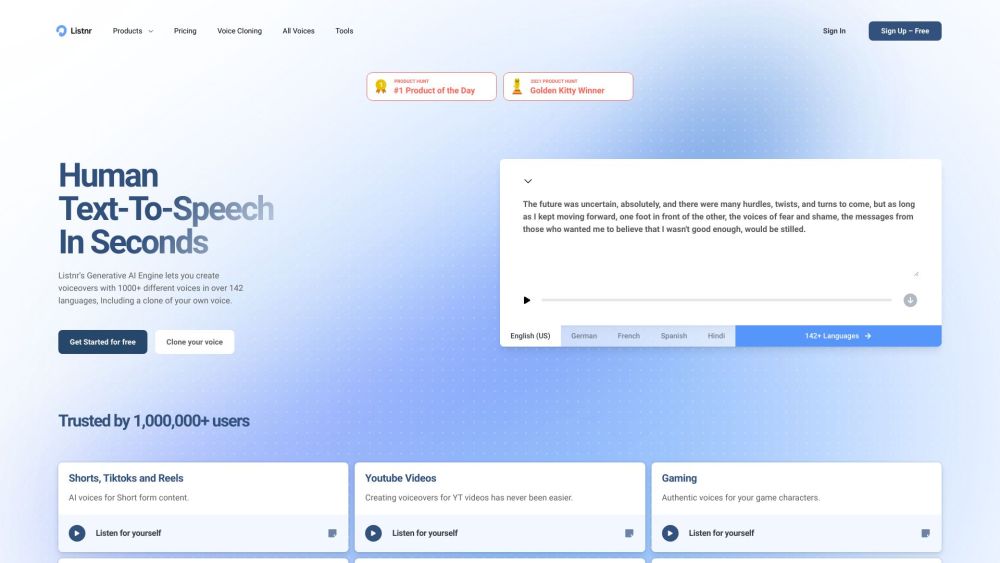
AI voice generator with 1000+ voices in 140 languages and voice cloning.

AI-powered video dubbing and translation service for creating multilingual videos.
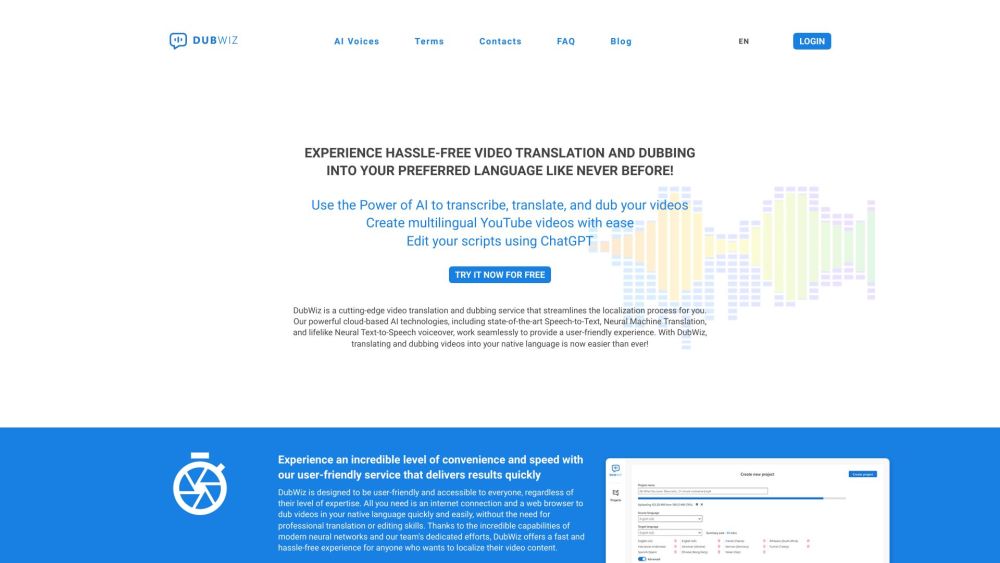

AI-driven content creation platform with writing, coding, image, voice, and music tools.

All-in-one AI platform for content creation, multimedia, and collaboration.

Voicefy is a text-to-speech platform with lifelike voices for various applications.


AI dubbing and voiceover tool for media and entertainment with cost-effective localization.
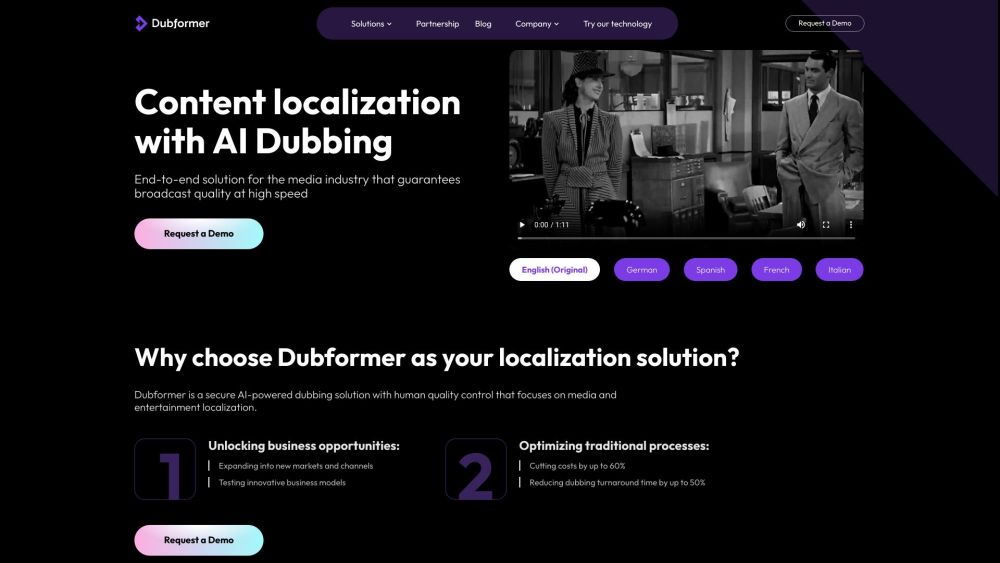

AI-powered platform for generating professional voice-overs for videos.


Free online AI tool for voice and language transformation.


AI-powered platform for creating interactive product demos to improve communication and engagement.


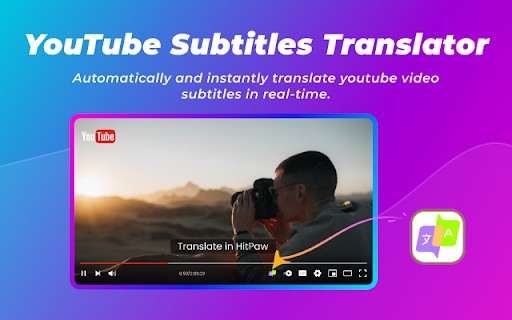
Chrome extension for real-time spoken subtitles on YouTube with translation and customization.

AI-powered platform automating video content creation workflows for marketing teams.
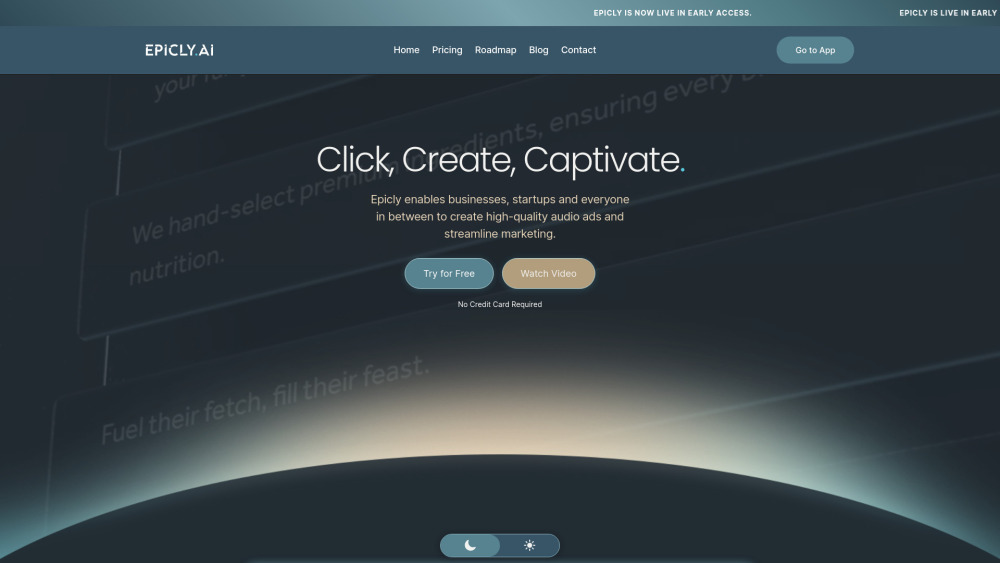

AI voice over generator with human-like voices for diverse content creation.


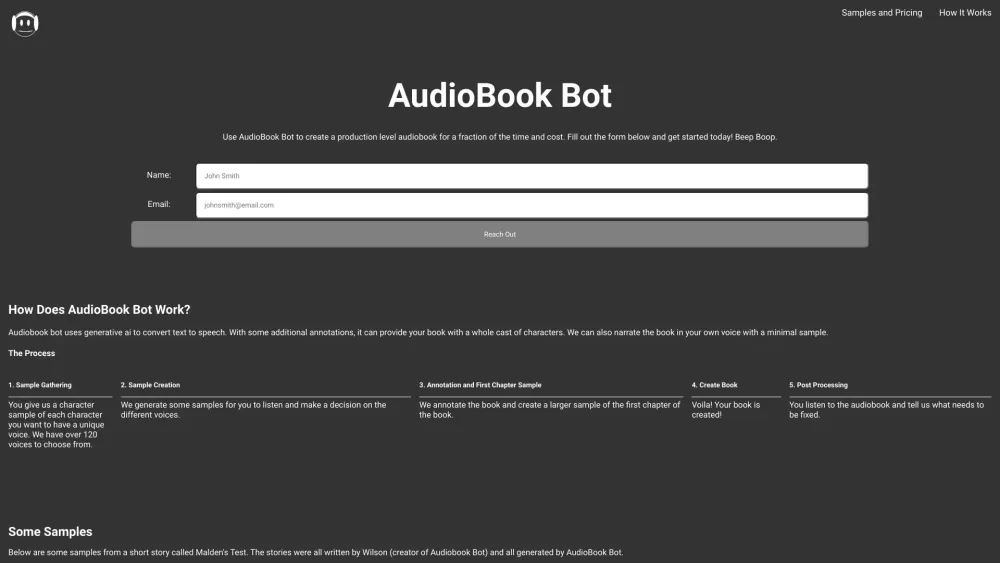
AudioBook Bot uses AI to convert text to audiobooks with multiple voices.

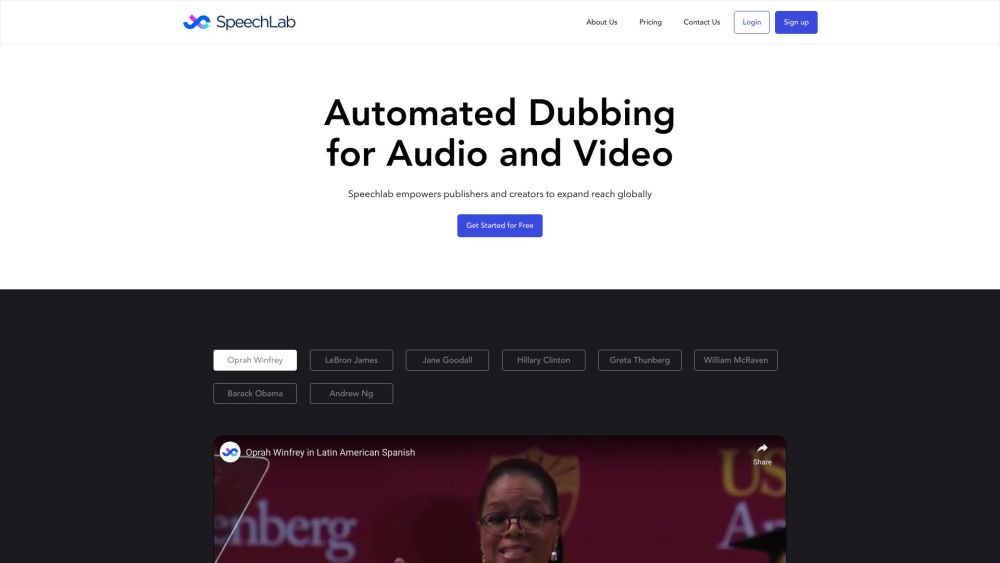
AI-powered service for transcript, translation, and dubbing with original voices.

AI-powered platform that converts text content into engaging podcasts with distribution and monetization features.


AI platform for generating videos, music, sound effects, and voiceovers from text and images.

AI-powered add-on for YouTube that translates and overdubs video audio into 57 languages.