Videotok
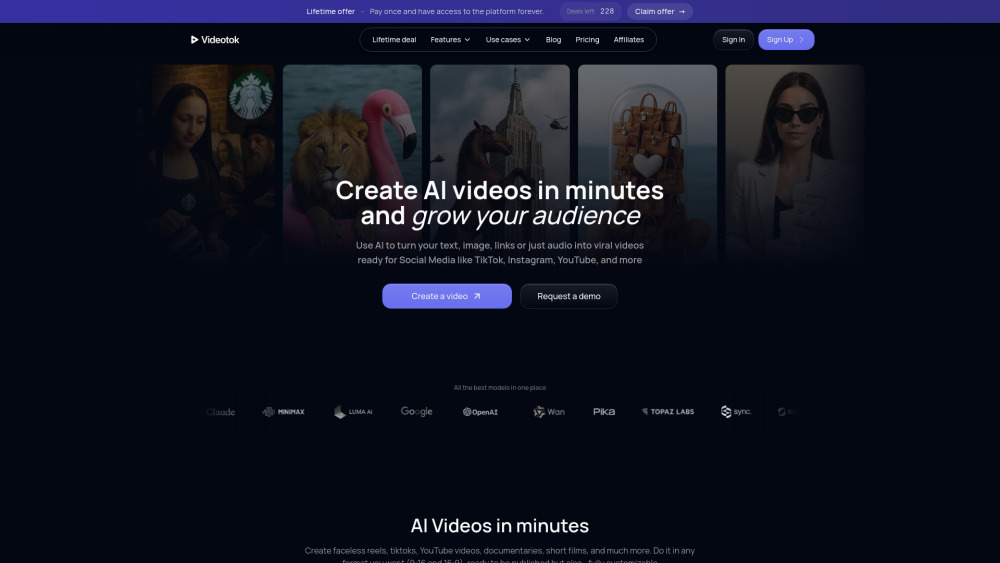



Videotok is an AI video generator for content creators and brands that automates the whole video creation process. Videotok replaces all the tools used in the traditional video production workflow. ––– This was the video creation workflow BEFORE Videotok: 1. Create the script and image prompts using ChatGPT, etc. 2. Copy the image prompts and generate each image in Leonardo, Midjourney, etc. 3. Copy the animation prompts and generate each animation in tools like Kling, Sora, etc. 4. Record or generate voiceovers separately using the ChatGPT-generated script 5. Manually edit and assemble everything in CapCut or similar tools 6. Spend hours on each video trying to find the best video editing setup ––– This is today’s video creation workflow WITH Videotok: 1. Type a topic or video description using natural language, or paste a link (article, YouTube video, etc.) 2. Get a ready-to-publish video in one minute complete with visuals, animations, voiceovers, and transitions 3. No editing skills needed: everything is automated. But if you want to add your personal touch, or you're a Pro or a brand, you can customize every element of the video in the editor (For instance, a brand can create visuals featuring its products by changing settings and scenes to generate all the assets needed for marketing campaigns)
AI video generator for content creators and brands. Automate the video creation process with images, animations, voiceovers, and transitions in just a few minutes.
- Creating marketing and social media videos
- Automate YouTube channel content
- Produce professional videos for brands and businesses
- Generate high-converting advertising videos
- Make UGC-style promotional videos
- Create AI-powered talking avatars
- 1. Enter a video description in natural language
- or provide a link to an article or video related to your topic
- or upload your script 2. Choose your video features (aspect ratio
- language
- voice type
- image or animation style
- consistent characters
- etc.) 3. Get a ready-to-publish video or customize it using the editor’s features (sound effects
- music
- AI-generated music based on the video scene
- transition
- add logos

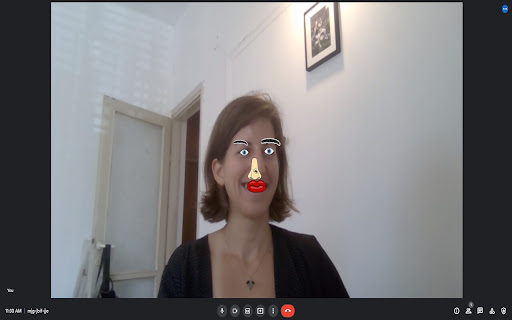
Overlays cartoon parts on faces in meeting videos using p5.js and face-api.js.

AI-powered animation and avatar video creator for marketing and education.


AI video generator for creators with advanced video generation models to create premium AI videos by text-to-video, image-to-video, video-to-video, and AI video effects.


Generate AI videos fast without losing creative control.


Pixwit.ai — AI Video & Image Creator That Brings Your Ideas to Life Pixwit.ai is an innovative AI‑powered creative platform designed to make professional video and visual content creation accessible to everyone — from content creators and marketers to storytellers and businesses. Whether you’re crafting short social media clips, dynamic product ads, animated avatars, or multi‑scene long‑form videos, Pixwit offers an all‑in‑one solution powered by cutting‑edge artificial intelligence. Pixwit At the heart of Pixwit is its suite of advanced AI video models, enabling users to turn text prompts or static images into stunning, high‑quality videos with just a few clicks. You can: ✨ Generate videos from text prompts — describe your idea and watch AI render it into vibrant visuals with synchronized audio and cinematic motion. Pixwit 🎨 Transform photos into animated sequences — upload images and let the platform animate them into rich, engaging video stories. Pixwit 📈 Create UGC ad reels and marketing clips tailored for social platforms with multiple aspect ratios and eye‑catching effects. Pixwit 🧑🎤 Generate AI avatar videos — bring selfies or portraits to life with expressive movement and lip‑sync animation. Pixwit 📽 Produce longer narrative videos — craft multi‑scene content with consistent characters and smooth transitions using conversational feedback. Pixwit Pixwit.ai combines multiple powerful AI models and creative tools in one centralized platform, eliminating the need to hop between separate apps or subscriptions. Its interface is built for ease of use — no advanced technical skills are required, and you can start creating immediately with free credits after signup. Pixwit From social media creators seeking viral content to professionals producing polished visual projects, Pixwit.ai unlocks a new era of creative freedom by letting artificial intelligence do the heavy lifting while you focus on ideas. Pixwit


Create Halloween videos, photos, music, and filters with AI! Media.io Halloween AI Generator lets you transform media with face swaps, spooky effects, and themed visuals — powered by top models like Sora, Veo, Kling, Seedream, and Runway etc.

All-in-one AI Studio for Character-consistent Anime Videos


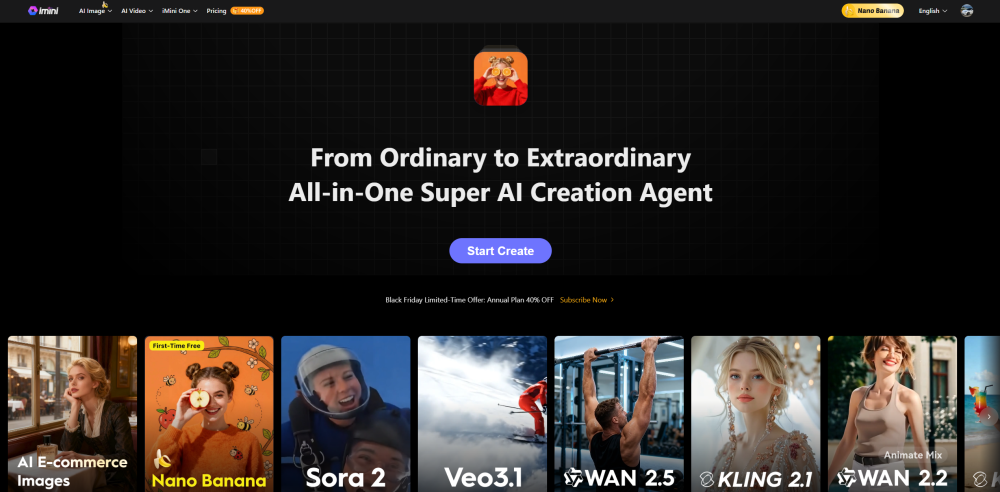
All-in-One AI Image and Video Creation Platform

Medeo Seedance 2.0 is a multimodal AI video generator that creates videos through a chat-based workflow.


AI Image to Video Generator powered by VEO3, SORA2.


Knowlify is an AI-powered animated explainer video generator for companies. Upload documents, scripts, or ideas and get professional animated videos in minutes — no design skills, camera, or voiceover artist needed.


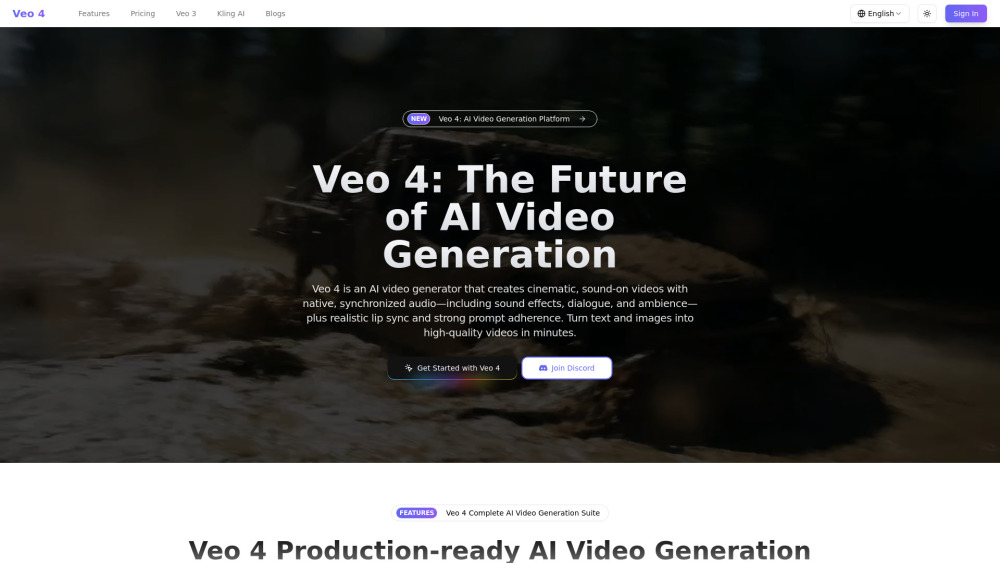
Veo 4 is a production‑ready AI video generation platform that creates cinematic videos with native audio—sound effects, dialogue, and ambience—perfectly synced to the visuals, plus realistic lip sync and strong prompt adherence.

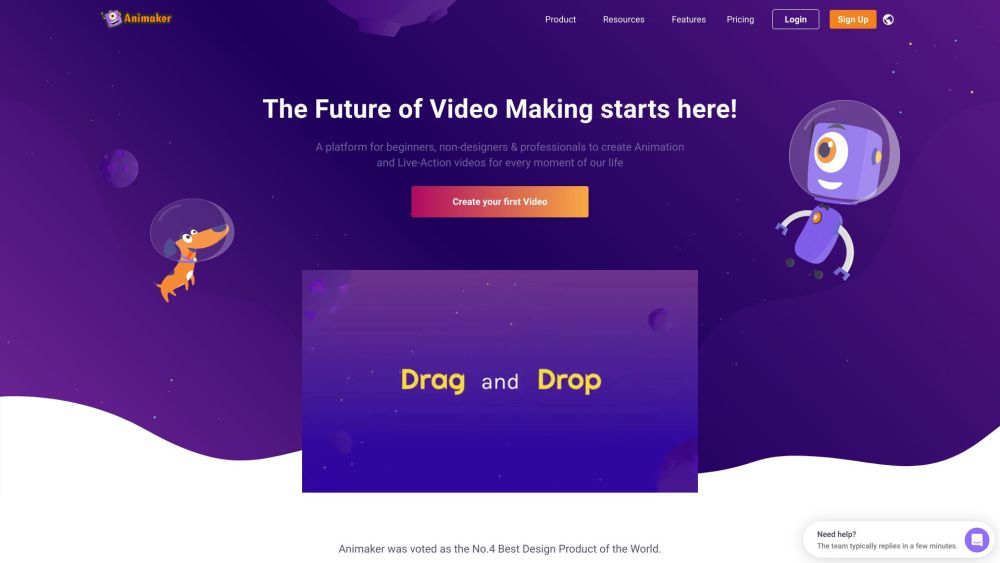
Online AI animation and video maker for studio-quality content creation.

Auto generate story shorts for Youtube / Tiktok in seconds


Best AI Image & Video APIs, the Ultimate AI Media Generation Platform for Developers


Sora 2 Web


Kinovi is a free AI video generator powered by Seedance 2.0. Supports real man, text to video, image to video. No watermark, commercial use allowed.


Morphic is an all-in-one AI studio for generating everything from images and videos to ads and in-game assets.