
Video Transcriber Ai






Video Transcriber AI instantly converts videos and audio from YouTube, Podcasts, Bilibili, and more into accurate text online for free. No login or download needed — just upload or paste a link, and Video Transcriber AI will transcribe your content in seconds with AI-powered accuracy and multi-language support.
Transcribe Videos to Text with AI Free Online, Unlimited & No Sign-up.
- Transcribe Online Lectures and Courses: Students can use Video Transcriber AI to turn online classes from YouTube, Bilibili, or recorded Zoom sessions into clear, searchable notes for study and review.
- Convert Podcasts into Readable Articles: Podcasters and bloggers can use Video Transcriber AI to transform podcast episodes into full transcripts or blog-ready text — perfect for SEO and content repurposing.
- Capture Meeting and Interview Notes: Professionals and journalists can rely on Video Transcriber AI to quickly convert meeting recordings or interviews into accurate written summaries and documentation.
- Create Captions and Subtitles Automatically: With Video Transcriber AI, content creators can easily generate subtitles for YouTube or Bilibili videos, improving accessibility and engagement for global audiences.
- Support Academic Research and Documentation: Researchers can use Video Transcriber AI to transcribe video lectures, presentations, or research discussions, making it easier to quote, analyze, and archive findings.
- Enhance Content Creation Efficiency: From video tutorials to vlogs, Video Transcriber AI helps creators extract text scripts, repurpose content, and save time — all powered by fast, AI-based transcription.
- 1. Go to the website Visit VideoTranscriber AI (https://videotranscriber.ai/) in your browser — no download or sign-up required. 2. Upload your video Click “Upload Video” and choose any file from your device. Video Transcriber AI supports YouTube links
- Zoom recordings
- MP4
- MOV
- AVI
- and more. 3. Select your language and options Choose the spoken language and desired transcription accuracy mode. Video Transcriber AI can detect multiple speakers and over 90+ languages. 4. Start transcribing Hit the “Transcribe” button. Video Transcriber AI will instantly process your file and generate an accurate text transcript. 5. Download or copy the transcript Save the transcription as a text file or copy it directly to your clipboard. Video Transcriber AI lets you export your text for use in captions
- summaries
- or notes.

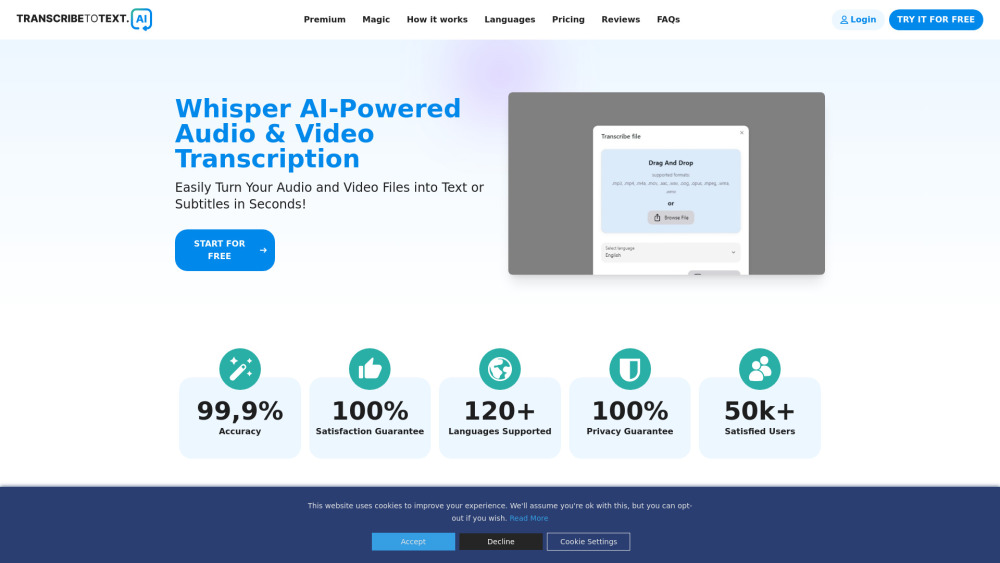
AI-powered audio and video transcription service with high accuracy and multi-language support.
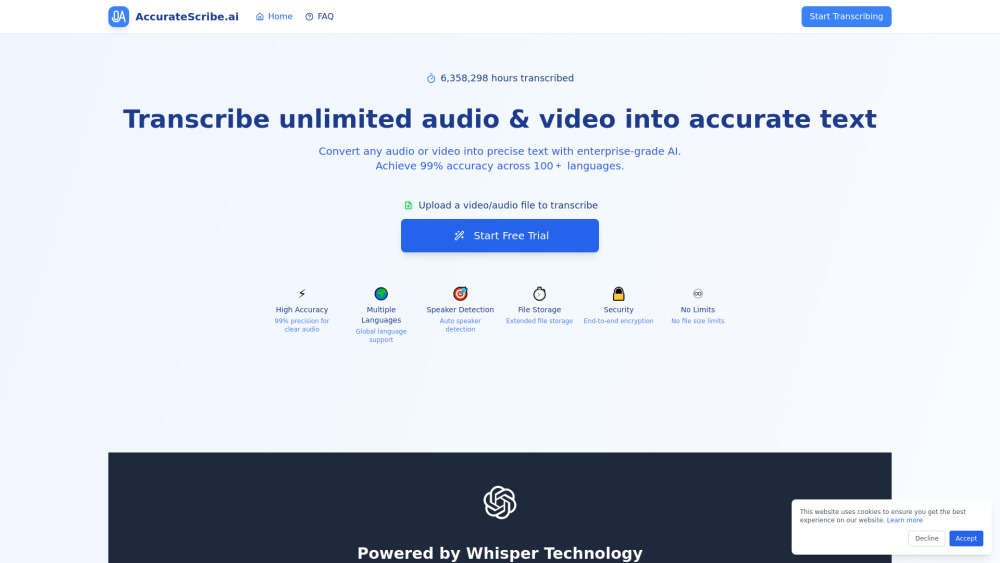

AI-powered transcription service converting audio and video to text in 117+ languages.

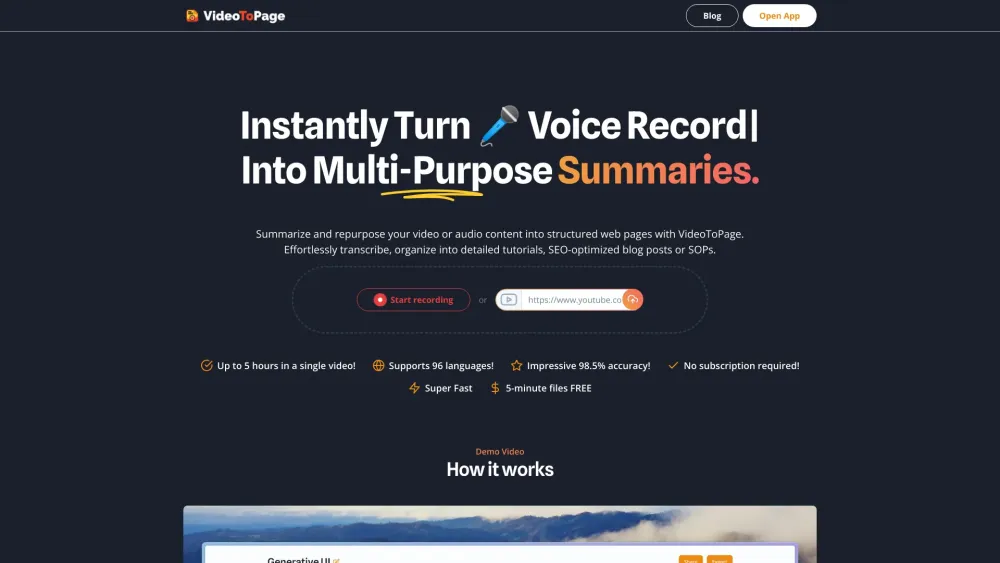
VideoToPage summarizes and repurposes video/audio into blogs, articles, and social media posts.

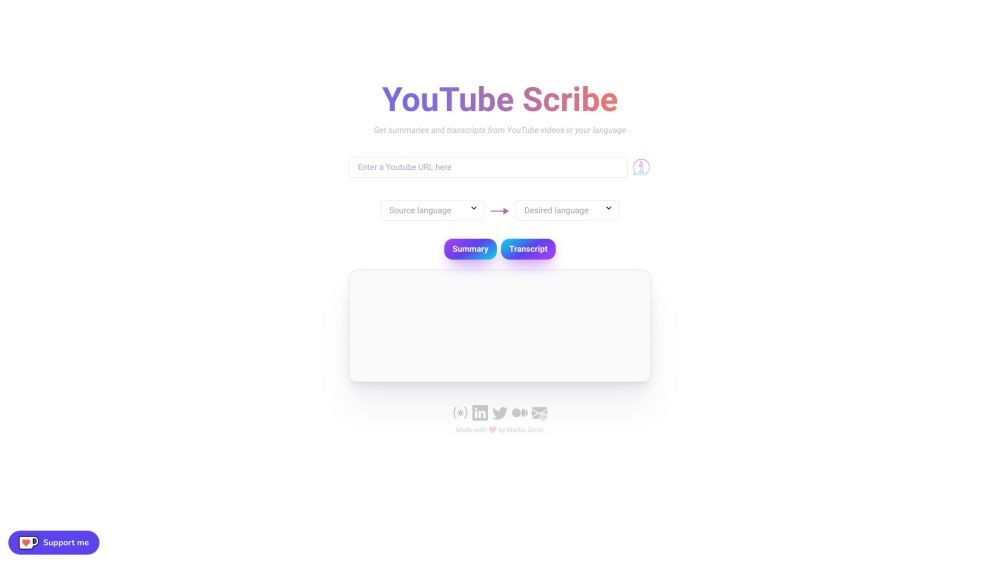
YouTube Scribe provides English summaries and transcripts from Japanese YouTube videos.

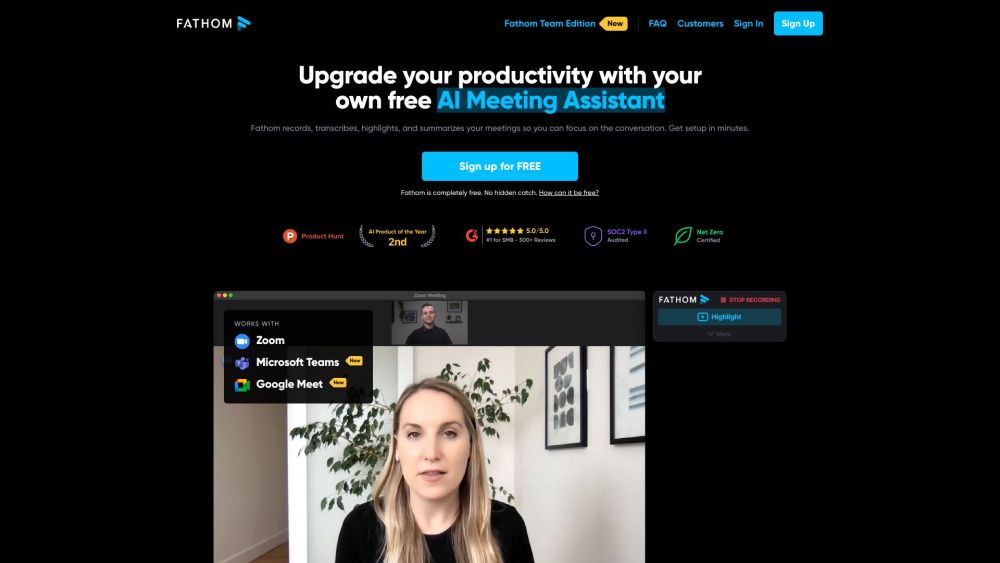
AI notetaker for recording, transcribing, and summarizing meetings on Zoom, Google Meet, and Teams.

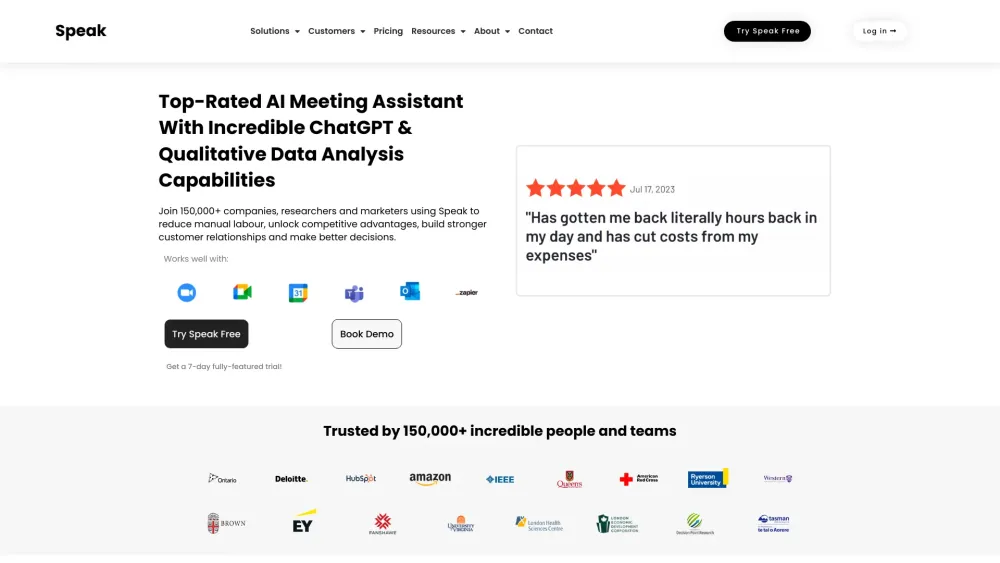
AI platform for capturing, transcribing, translating, and analyzing language data.

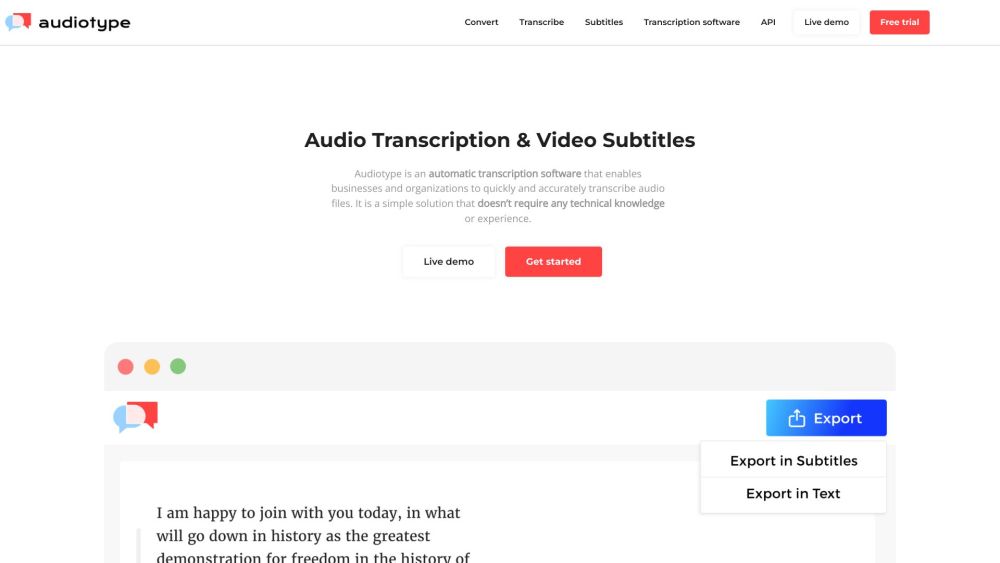
Automatic transcription software converting audio and video to text with high accuracy and multi-language support.

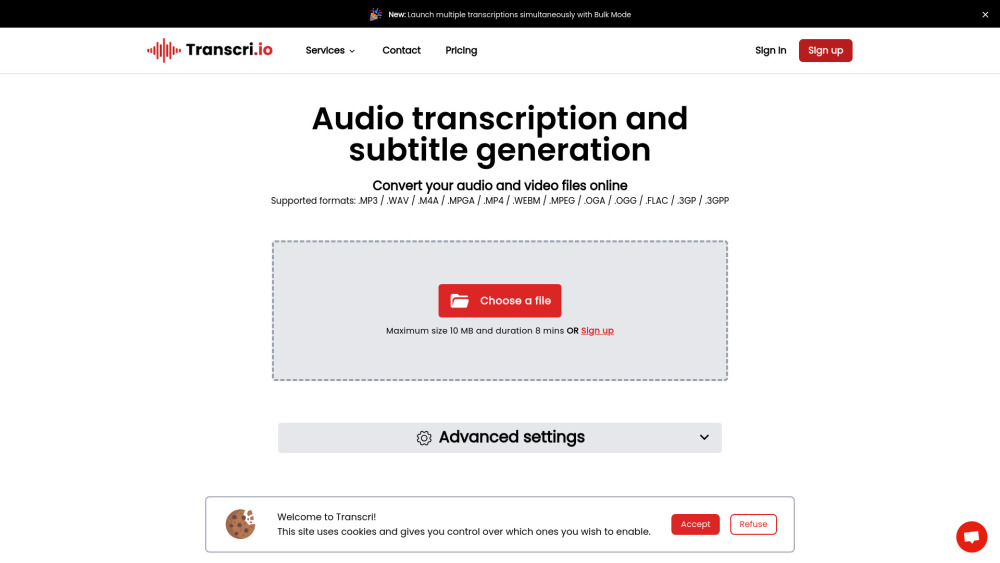
AI-powered transcription and subtitle generation service supporting 50+ languages.

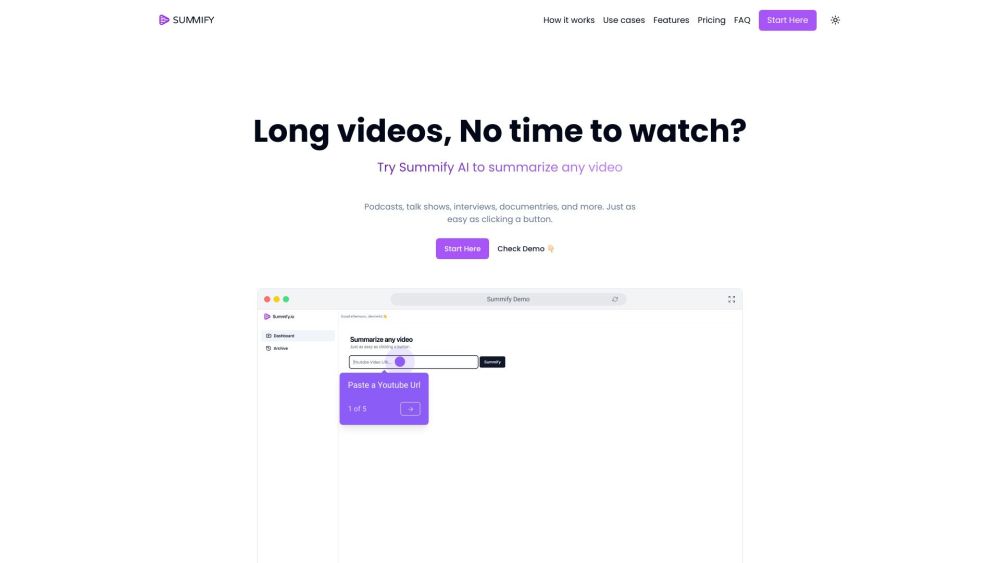
AI-powered tool to summarize and transcribe videos and audio files quickly.

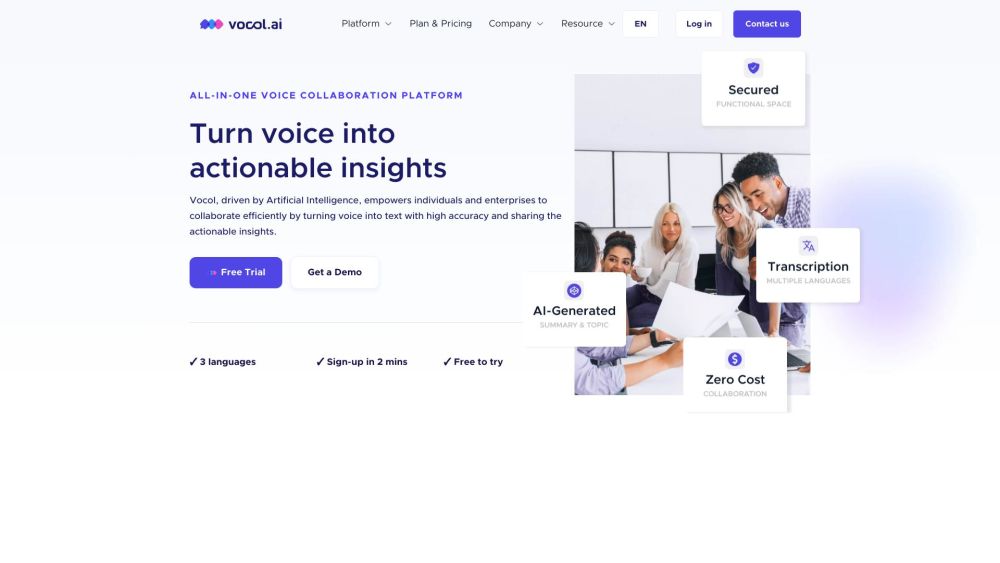
AI-powered voice collaboration platform for transcription, summarization, and actionable insights.

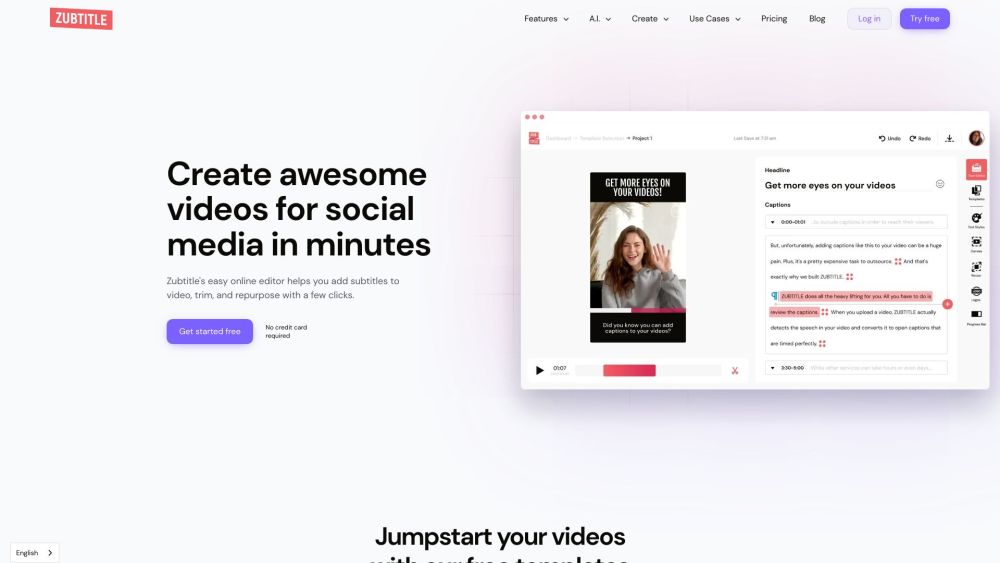
AI-powered online video editor for subtitles, resizing, trimming, and social media optimization.

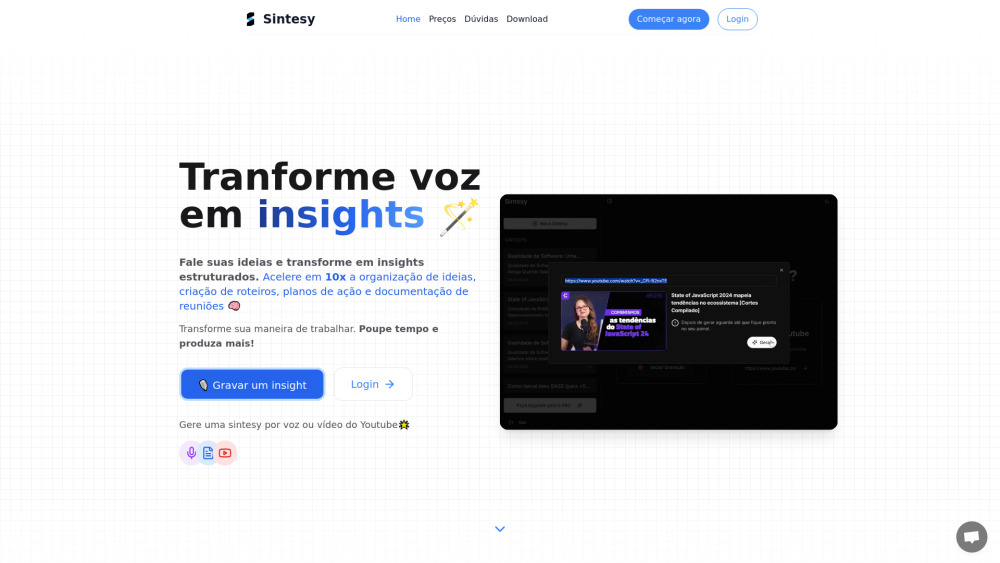
AI-powered app for transcribing and summarizing audio and video content.

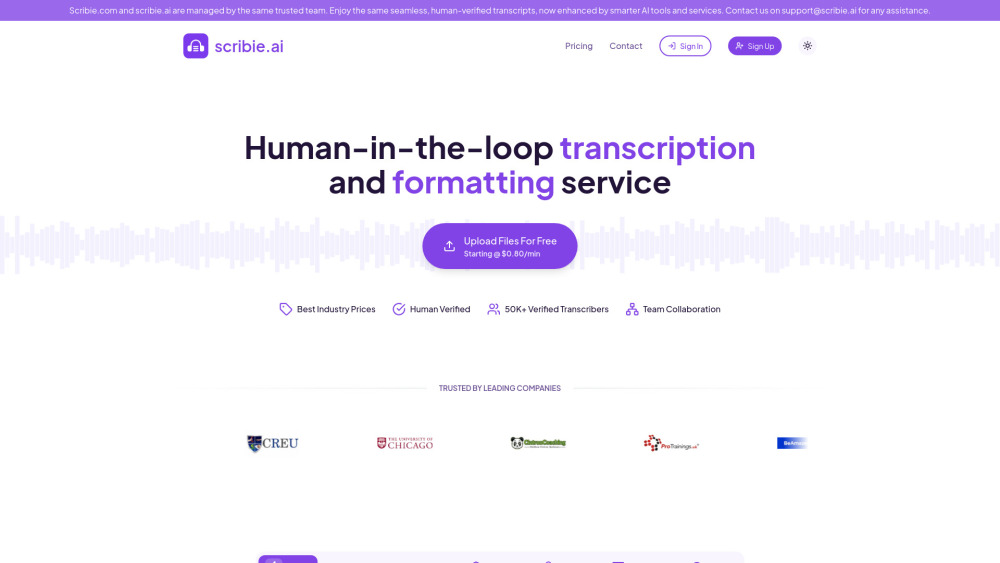
Accurate and affordable human-verified transcription services with AI enhancement.

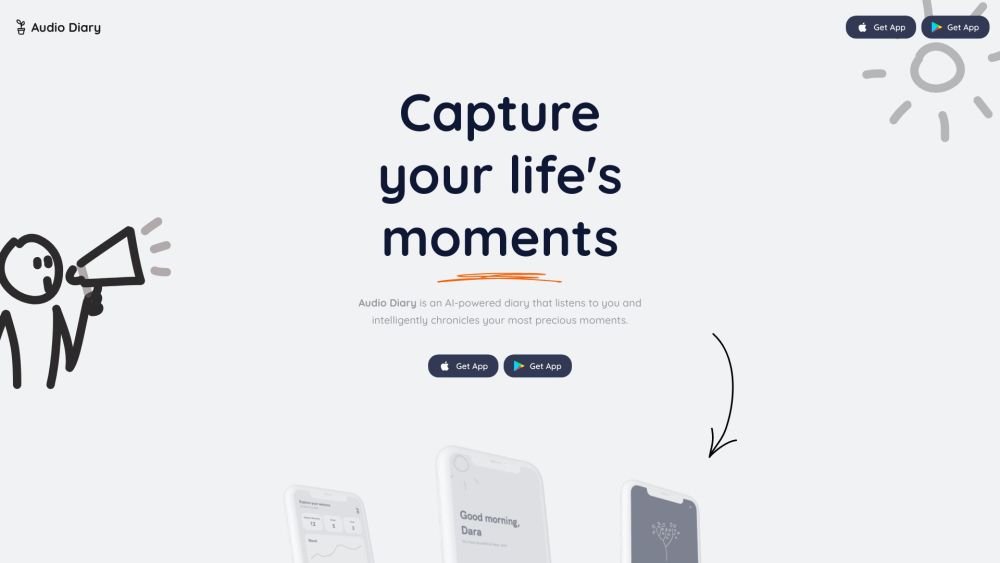
AI-powered voice journal that understands you, helps set goals, and reflects on your past.

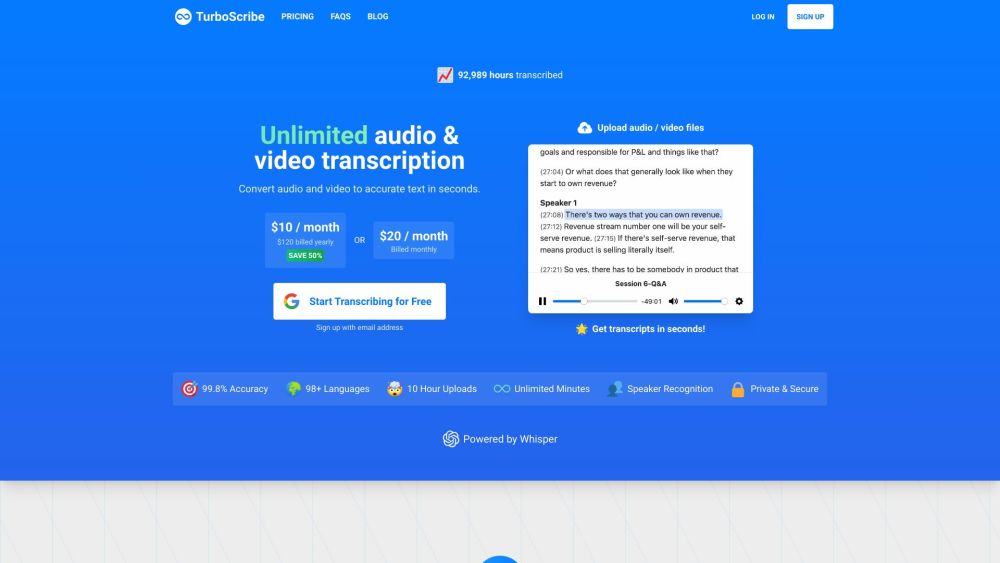
AI transcription service converting audio and video to text in 98+ languages.

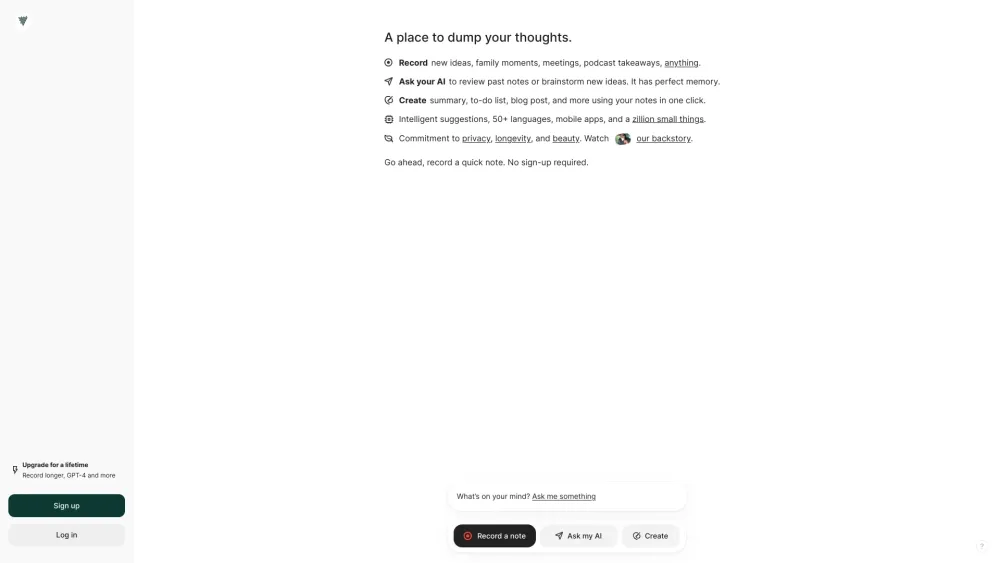
AI note-taker to transcribe voice notes and meetings in 100+ languages.

AudioShake uses AI to split audio recordings into stems for various interactive and customizable uses.

AI tool to extract Spotify transcripts, generate summaries, and chat with podcast episodes.

