Surfsense
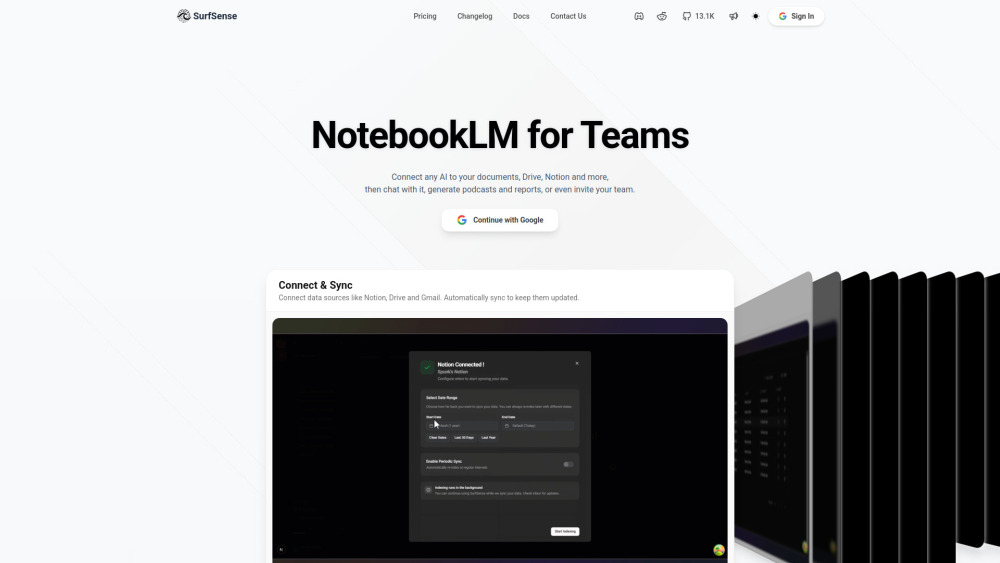


SurfSense is a highly customizable AI research agent, connected to external sources such as search engines, Google Drive, Slack, Microsoft Teams, Linear, Jira, ClickUp, Confluence, BookStack, Gmail, Notion, YouTube, GitHub, Discord, Airtable, Google Calendar, Luma, Circleback, Elasticsearch, Obsidian, and more to come. With
Open Source alternative to NotebookLM for teams.
- Report generations with build in exports of PDF & DOCX and more to come
- Real-time collaborative group chats with your team members to move fast
- Multimedia artifacts support podcasts and image generation, with slides and videos to come soon.
- Access to shared team context so you don't have to wait for your team members to respond.
- Self-hostable and open source for privacy-focused individuals
- Connects with more than 20 external connectors and services. SurfSense Reddit Here is the SurfSense Reddit: https://www.reddit.com/r/SurfSense/ SurfSense
- 1. Go to https://www.surfsense.com and log in. 2. Connect your connectors and sync. Enable periodic syncing to keep connectors synced. 3. While connector data is indexing
- upload documents. 4. Once everything is indexed
- ask away (use cases): - Basic search and citation - Report generation and exports (PDF
- DOCX for now) - Podcast generation - Image generation - Real-time collaborative group chats with your team members - Long Document Q&A - All use cases at https://github.com/MODSetter/SurfSense#how-to-use-surfsense

Pentra automates pentest reporting using AI, saving time and streamlining workflows.


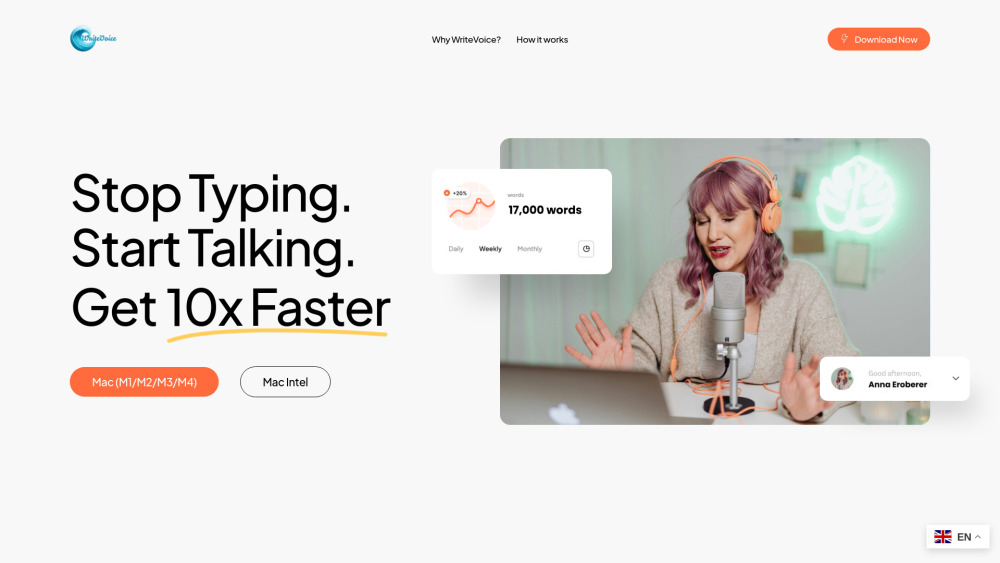
Super-accurate, fast voice-to-text for teams & professionals. Privacy-first: no recordings or transcripts stored.

AI-powered business analysis tool for faster, secure report building.

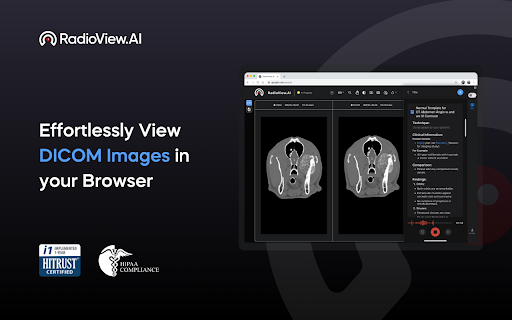
Chrome extension for automated radiology report generation with ICD-10 and CPT codes.

AI software for psychological report writing, reducing hours to minutes.
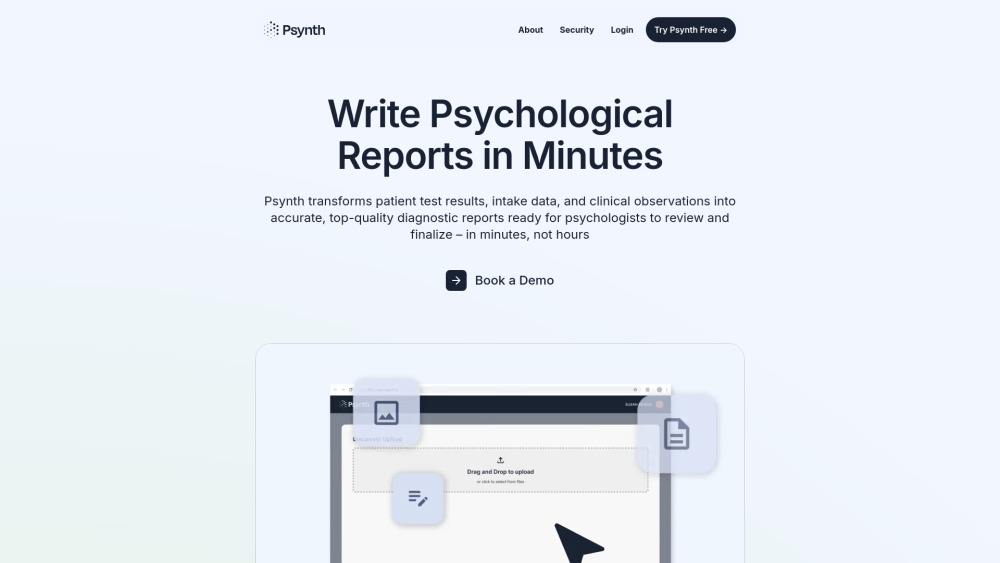

Allable is an all-in-one AI marketing tool that handles every marketing task from a single chat interface — keyword research, SEO audit, AI content creation, competitor analysis, social media posts, campaign setup, and more. Built for marketing agencies, small businesses, and solopreneurs who want to save 10+ hours a week without juggling multiple tools.


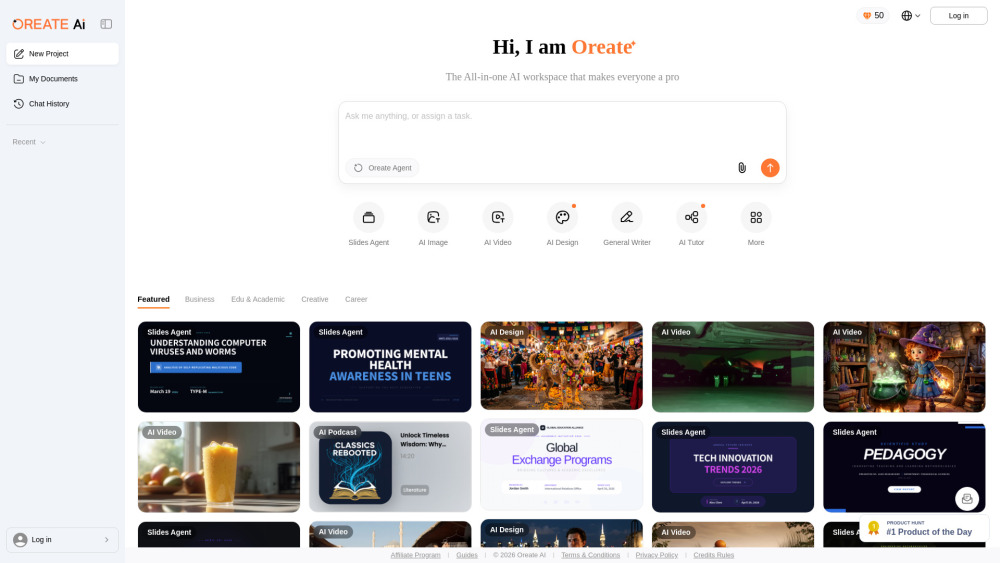
All-in-one AI Workspace: Create professional slides, essays, videos, images, podcasts, and deep research in minutes.

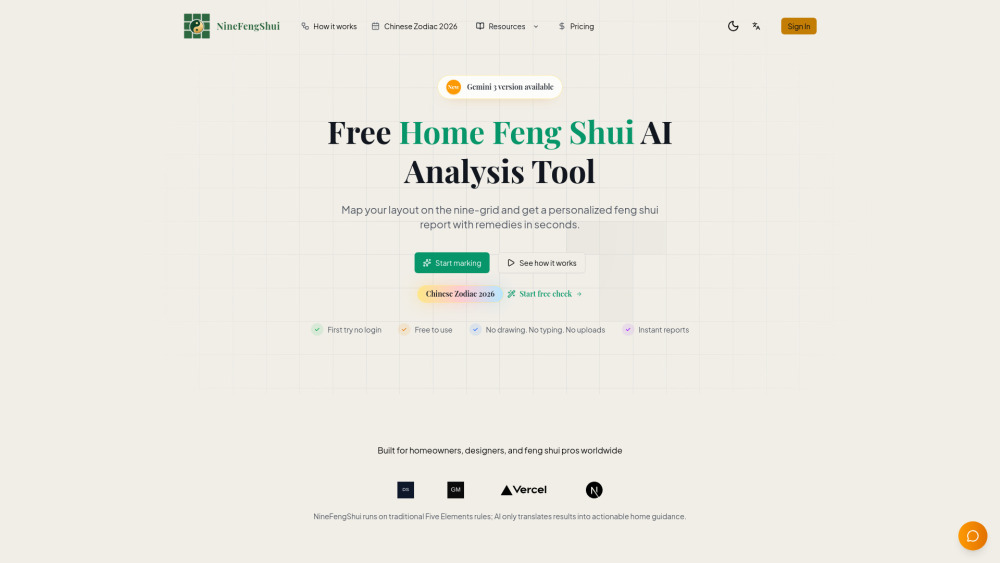
Trace your actual floor plan to get accurate, expert-level Feng Shui analysis and personalized remedies with AI.
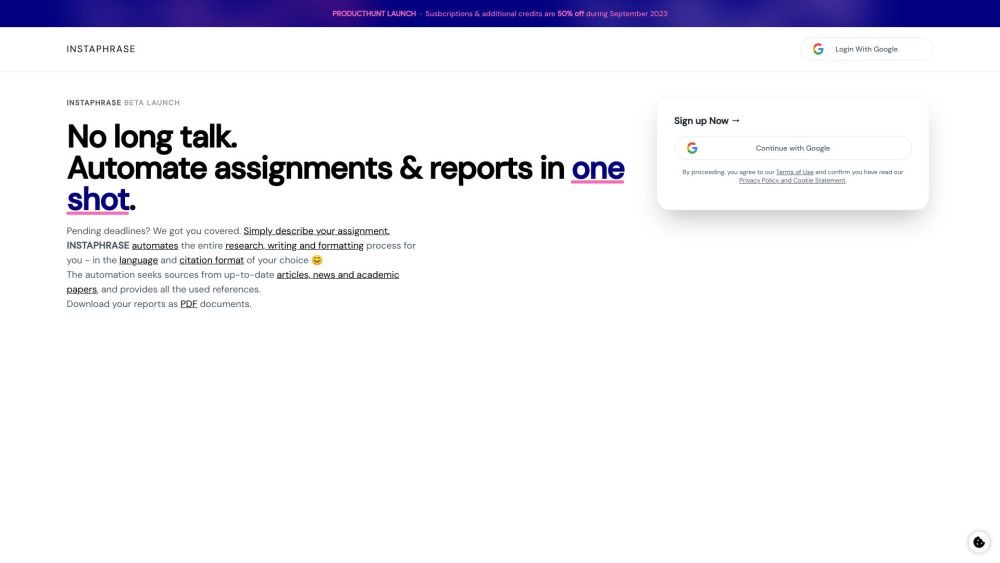
Instaphrase automates research, writing, and formatting of assignments and reports.