P



Pentra automates pentest reporting by logging your actions in Linux CLI & Burp, and turning them into a detailed report using generative AI. It saves hours of manual writing and allows users to focus on testing by generating the report automatically, streamlining the workflow. Pentra provides an out-of-the-box platform for logging actions and automatically writing reports using generative AI. It integrates with Burp Suite and allows users to start the logger in the CLI to save commands and Burp Requests. The platform then allows users to group vulnerabilities and generate a pentest report, which can be edited and exported to PDF.
Pentra automates pentest reporting using AI, saving time and streamlining workflows.
- Automating the creation of pentest reports
- Streamlining the pentesting workflow
- Logging and grouping vulnerabilities
- Generating detailed reports with minimal manual effort
- 1. Start the logger in the CLI using the access token from your pentest dashboard. 2. Use the Pentra Burp Suite plugin to log proxied network requests. 3. Group vulnerabilities on the pentest's website. 4. Generate and export your report after you are done. You can edit the content and then export it to PDF format.

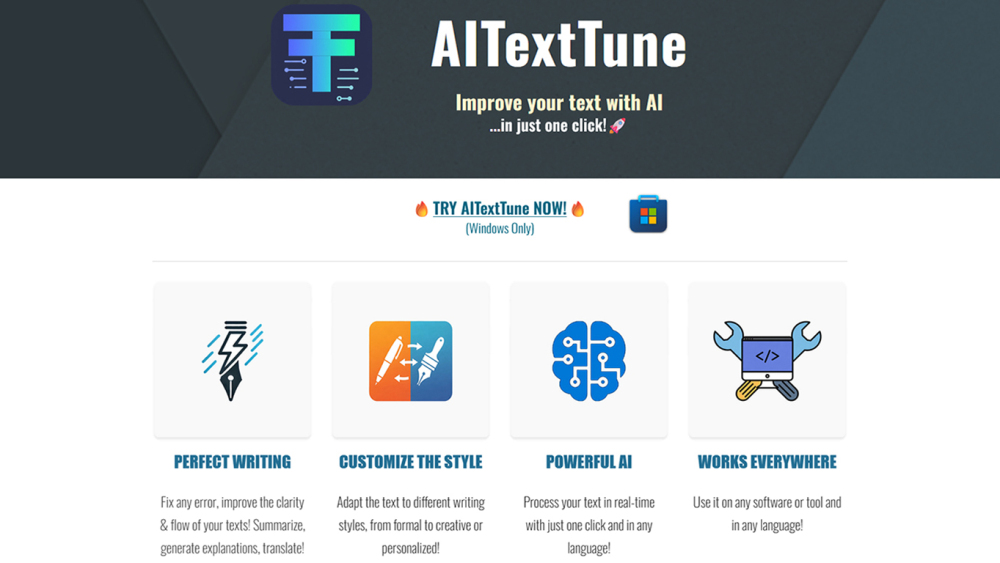
Improve your text with AI in just one click! Correct any errors, improve clarity and flow… change the style! Generate summaries, explanations and translate texts in 25+ different languages. Use it on any tool or software you're writing on and in any language. Revolutionize your writing in an instant!

Time attendance and daily reporting tool with AI-powered insights for workforce management.


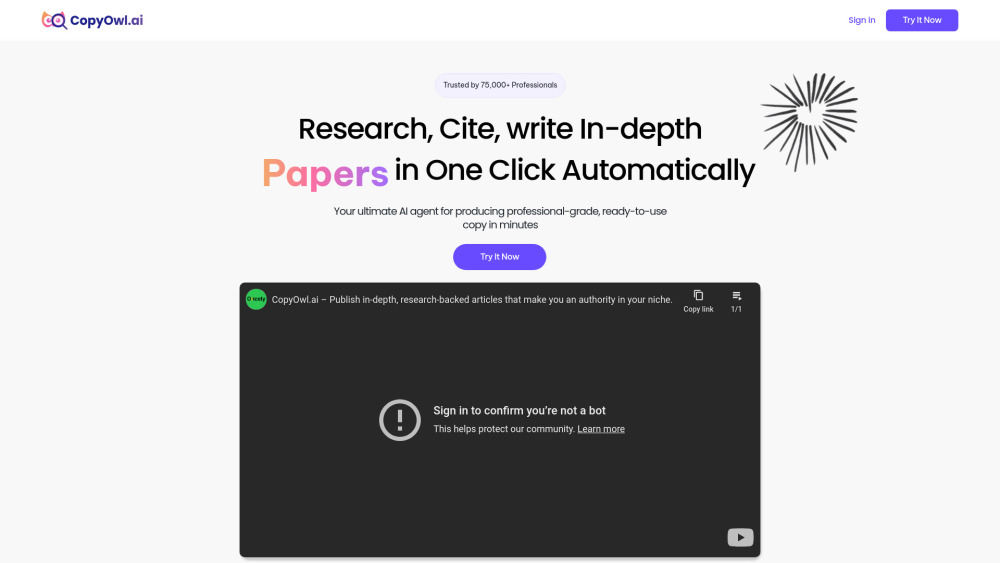
AI tool for research, citation, and writing essays, blogs, papers, and reports.

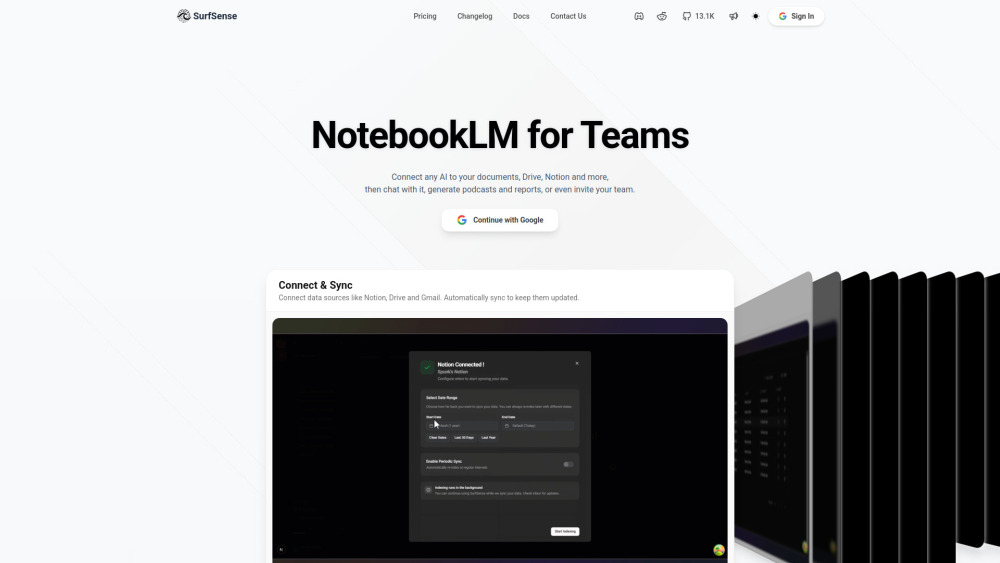
Open Source alternative to NotebookLM for teams.

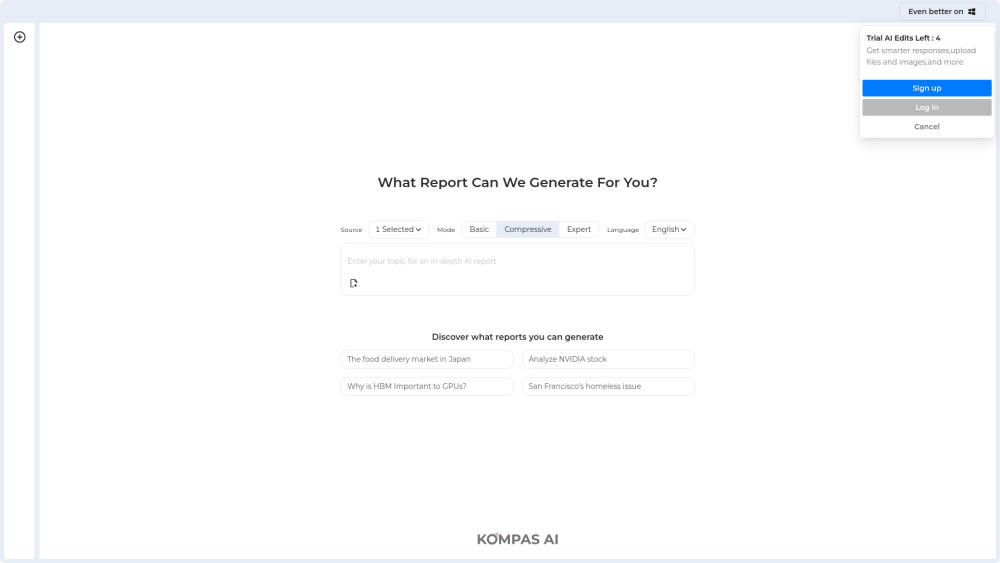
Deep research and report generation platform.

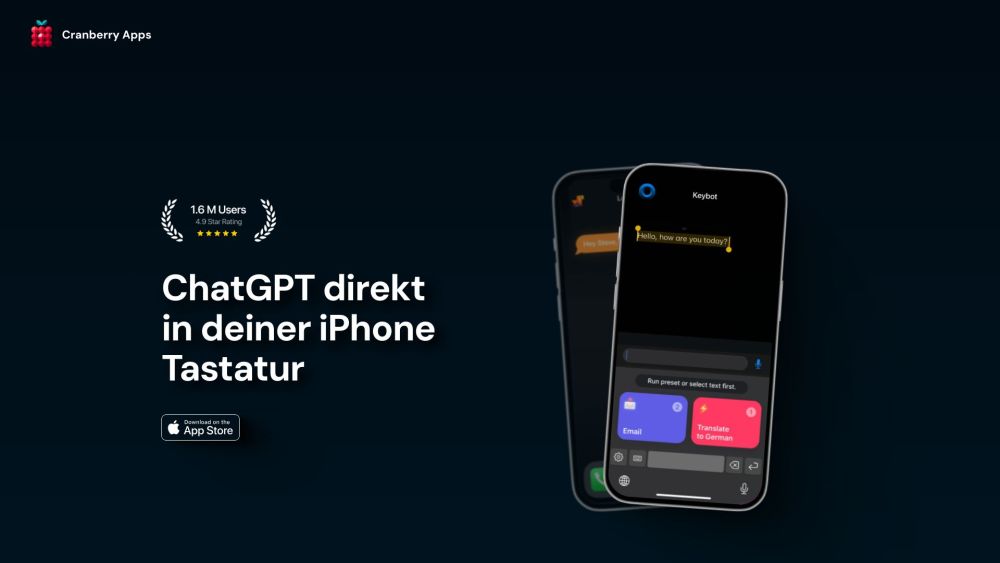
AI keyboard extension for smarter, faster, and more convenient typing.

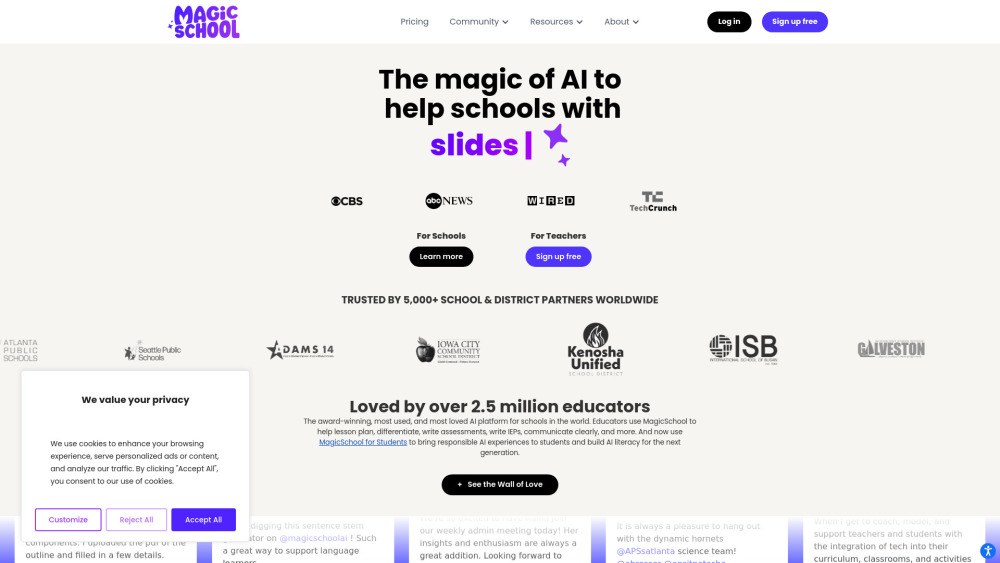
AI platform with 80+ tools for educators, schools, and students to save time.

AI-powered app for generating personalized student reports quickly and easily.


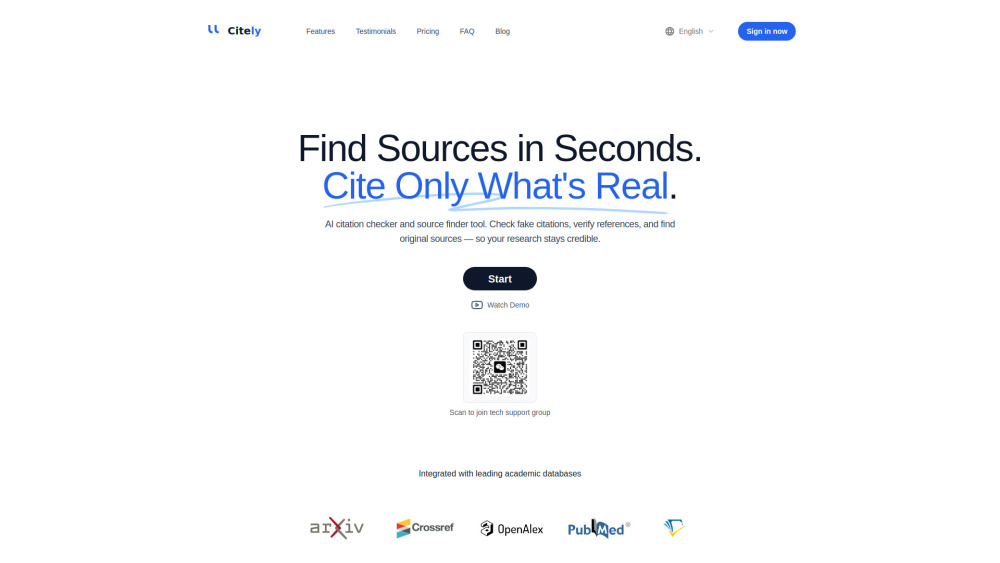
Citely is your AI-powered citation tool for tracing sources and validating references — no fake papers, no hallucinations, just real research you can trust.