
Sora 2 Ai Video Generator Text Image To Video Online By Insmind


Sora 2 is more than a text-to-video geneor image-to-video generator — it’s a full creative engine. Describe your scene, upload an image, or design a talking avatar; Sora 2 automatically brings it to life with realistic motion, lighting, and sound. Choose from cinematic, anime, or artistic styles to match your story’s tone. Every video on insMind exports in HD without watermarks, ready to share anywhere. Whether it’s a “cat exploring Mars” or a “romantic sunset by the sea,” Sora 2 creates videos that look and feel like they were captured by a professional camera crew.
Sora 2 AI Video Generator – Text & Image to Video Online by insMind turns imagination into cinematic reality. Powered by OpenAI’s next-generation model, it lets anyone create stunning, high-definition videos from text or images in seconds — no filming, editing, or special equipment required. Whether you’re a storyteller, content creator, educator, or brand marketer, Sora 2 transforms your ideas into emotionally engaging, visually rich motion.
- Social Media Content – Generate viral TikToks, Reels, or YouTube Shorts with cinematic flair.
- Brand Marketing – Turn slogans or product shots into emotionally charged brand videos.
- Product Demos & Ads – Present products dynamically with motion and voiceover.
- Storytelling & Filmmaking – Visualize scripts or storyboards in minutes.
- Music Videos – Pair your track with AI-generated visuals that follow rhythm and mood.
- Education & Training – Convert lessons or reports into animated explainers.
- Art Animation – Animate digital artwork or illustrations with cinematic motion.
- Entertainment & Memes – Create funny, surreal, or trending videos for instant engagement.
- Virtual Avatars – Build talking AI characters for tutorials or digital hosts.
- Corporate Communications – Produce announcement or explainer clips fast and professionally.
- How to Use Sora 2 on insMind? Step 1 – Describe Your Scene Type a detailed prompt explaining your idea — include the subject
- action
- environment
- lighting
- and style (e.g.
- “cinematic
- ” “anime
- ” “Pixar”). Step 2 – Upload an Image (Optional) Switch to “Image to Video” mode in the top-right corner and upload a photo to guide composition or design. Perfect for turning portraits or product shots into motion scenes. Step 3 – Choose a Model & Generate Select from Sora 2
- Sora 2 Pro
- or Sora 2 Pre
- depending on your creative needs. Every model produces HD videos with no watermark
- so your results are always ready for professional use and sharing. Sora 2 Pro – Delivers maximum realism

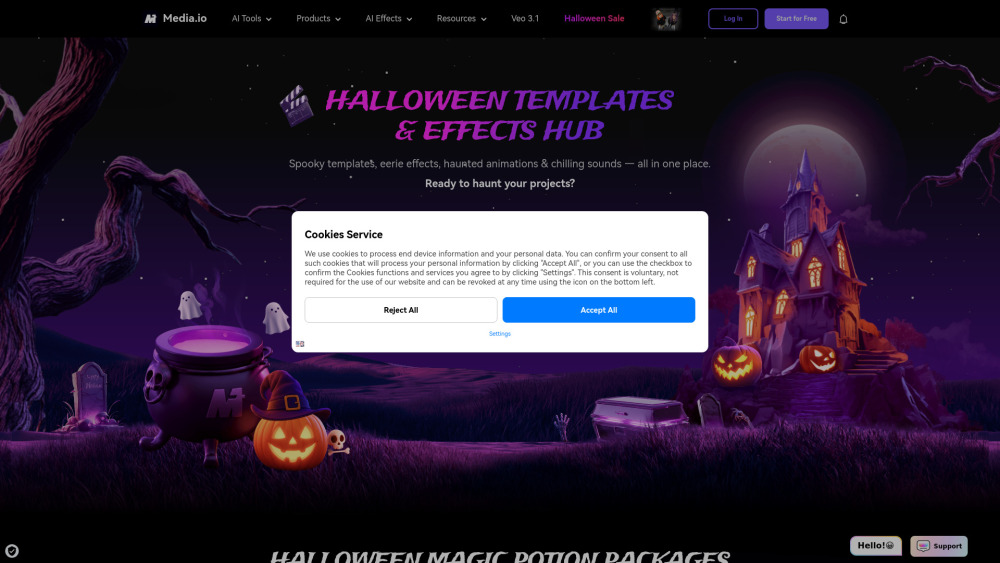
Create Halloween videos, photos, music, and filters with AI! Media.io Halloween AI Generator lets you transform media with face swaps, spooky effects, and themed visuals — powered by top models like Sora, Veo, Kling, Seedream, and Runway etc.

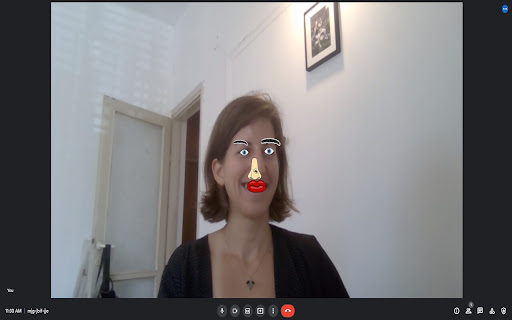
Overlays cartoon parts on faces in meeting videos using p5.js and face-api.js.
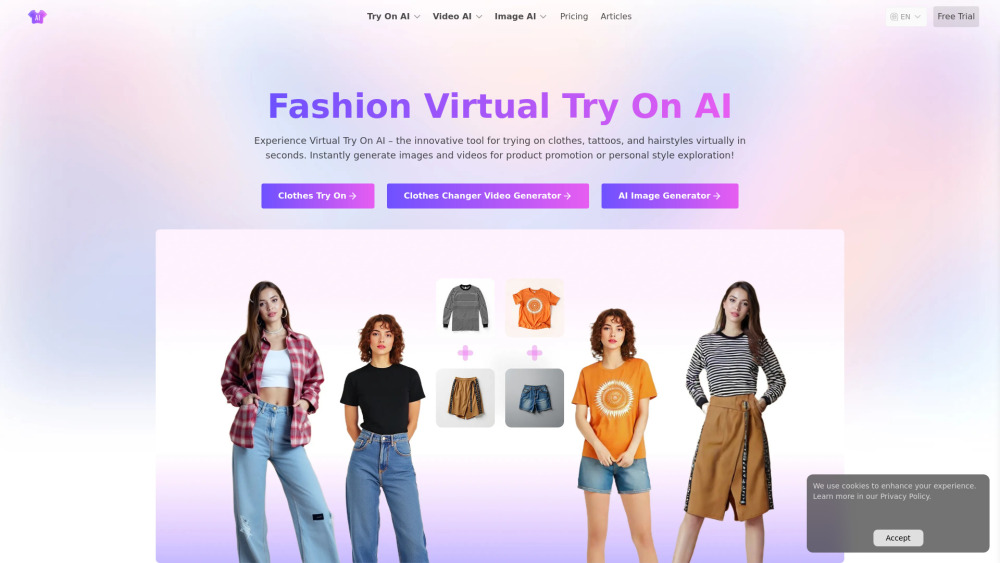
#1 Free Virtual Try On Fashion Image & Video AI
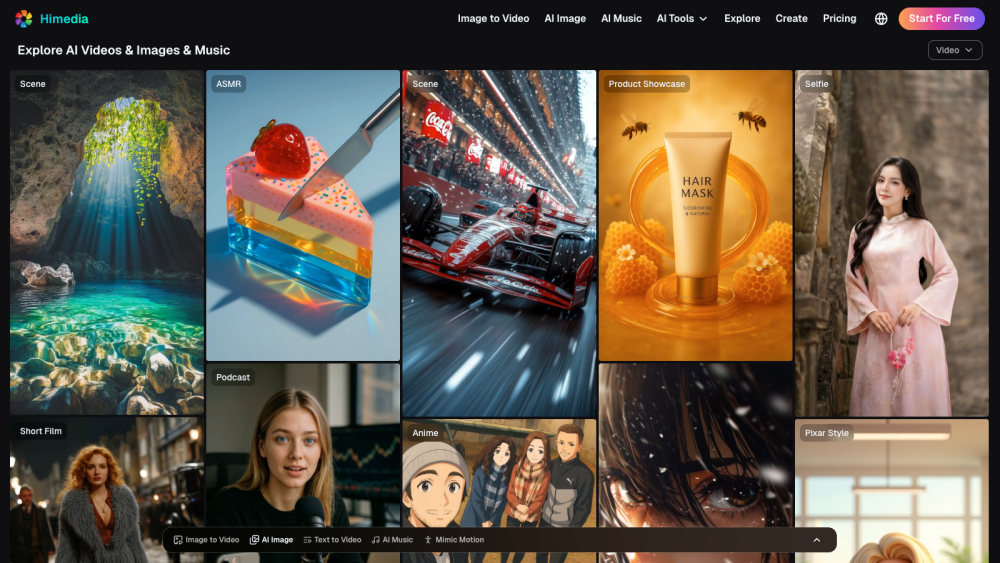
An all-in-one AI Video, Image, and Music Generator - 100% Free to Try

Auto generate story shorts for Youtube / Tiktok in seconds


AI Image to Video Generator powered by VEO3, SORA2.


AI art generator and video to animation converter with various AI-powered tools.

Best AI Image & Video APIs, the Ultimate AI Media Generation Platform for Developers


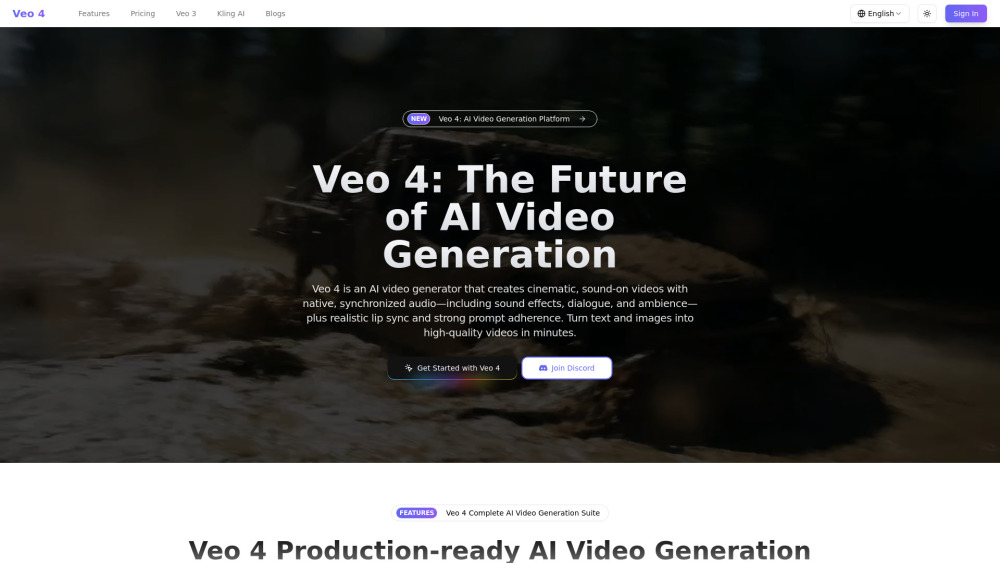
Veo 4 is a production‑ready AI video generation platform that creates cinematic videos with native audio—sound effects, dialogue, and ambience—perfectly synced to the visuals, plus realistic lip sync and strong prompt adherence.

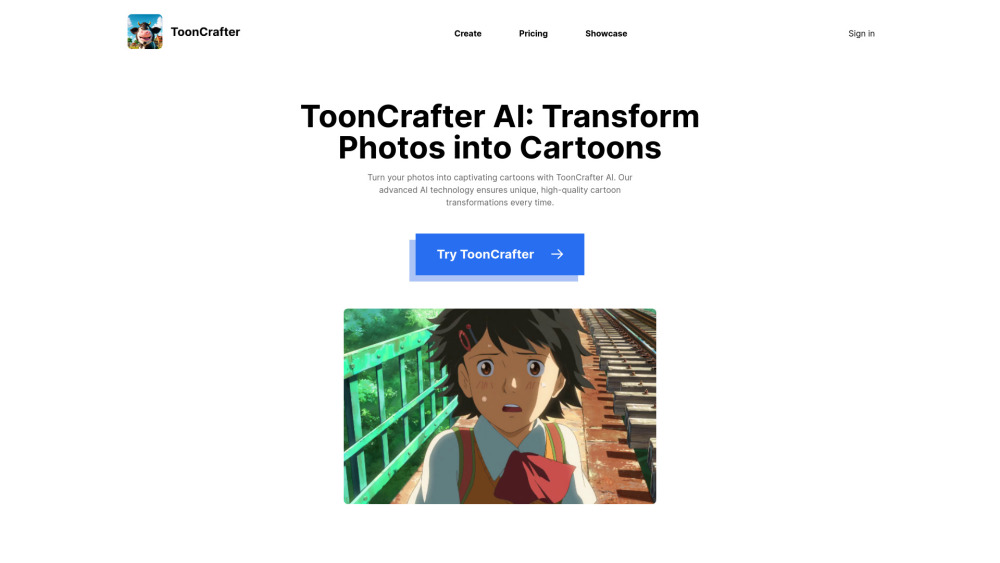
AI tool for transforming photos and cartoons into dynamic animations.

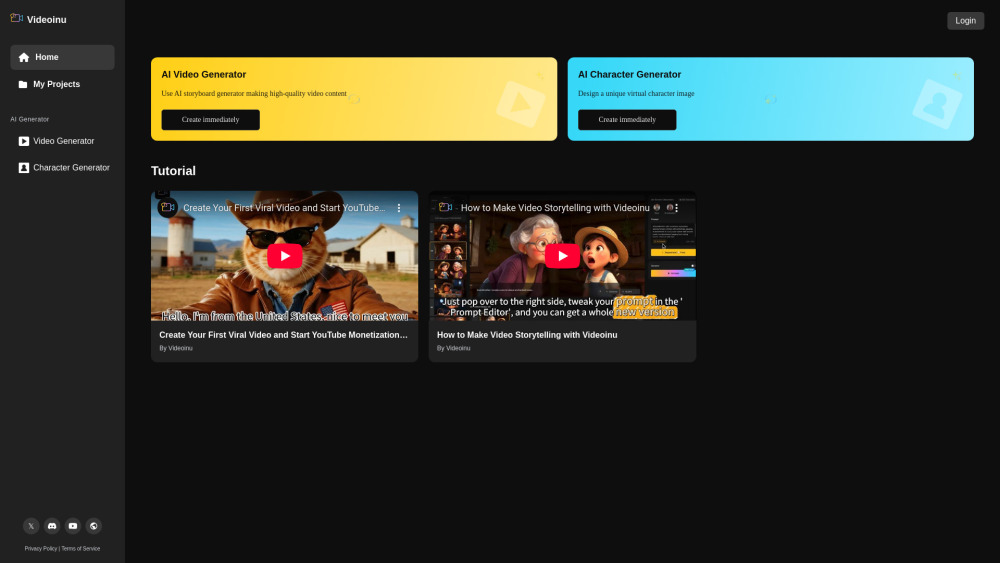
All-in-one AI video creation platform for transforming ideas into video stories.

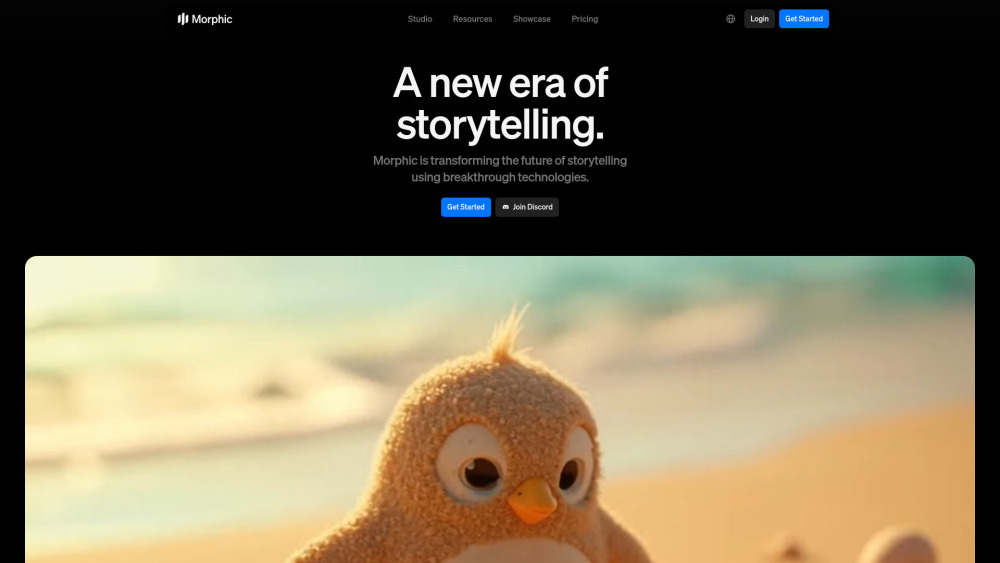
Morphic is an all-in-one AI studio for generating everything from images and videos to ads and in-game assets.

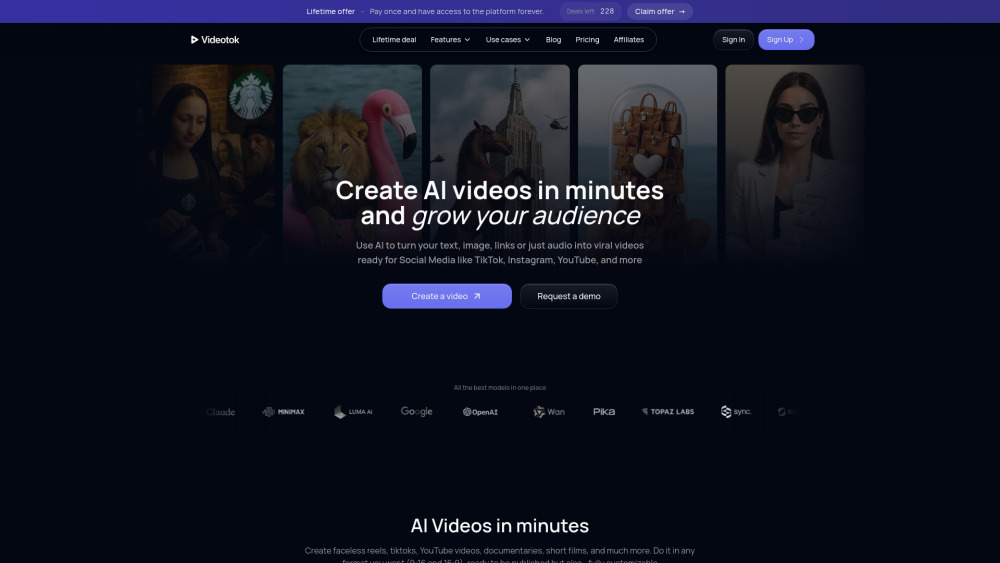
AI video generator for content creators and brands. Automate the video creation process with images, animations, voiceovers, and transitions in just a few minutes.

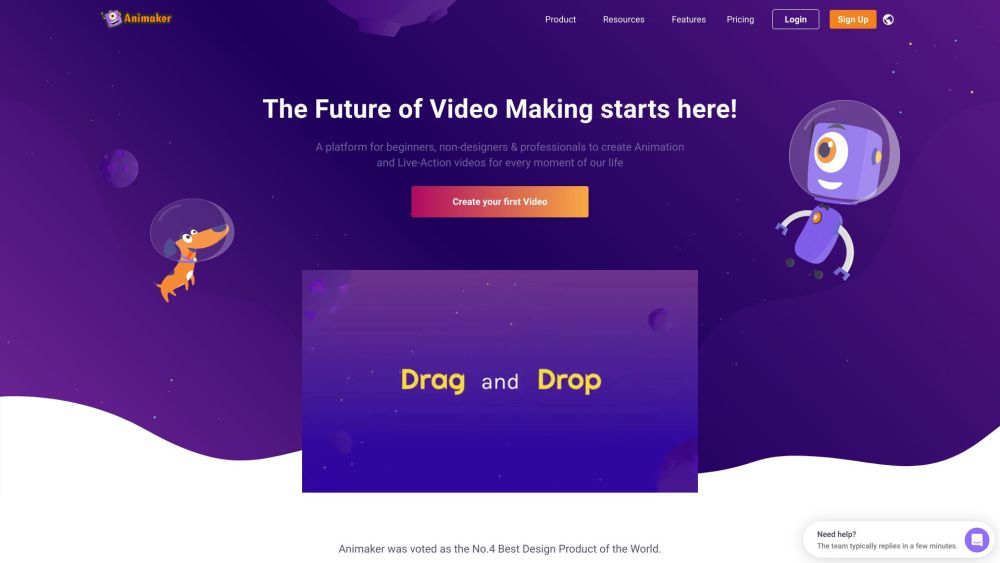
Online AI animation and video maker for studio-quality content creation.

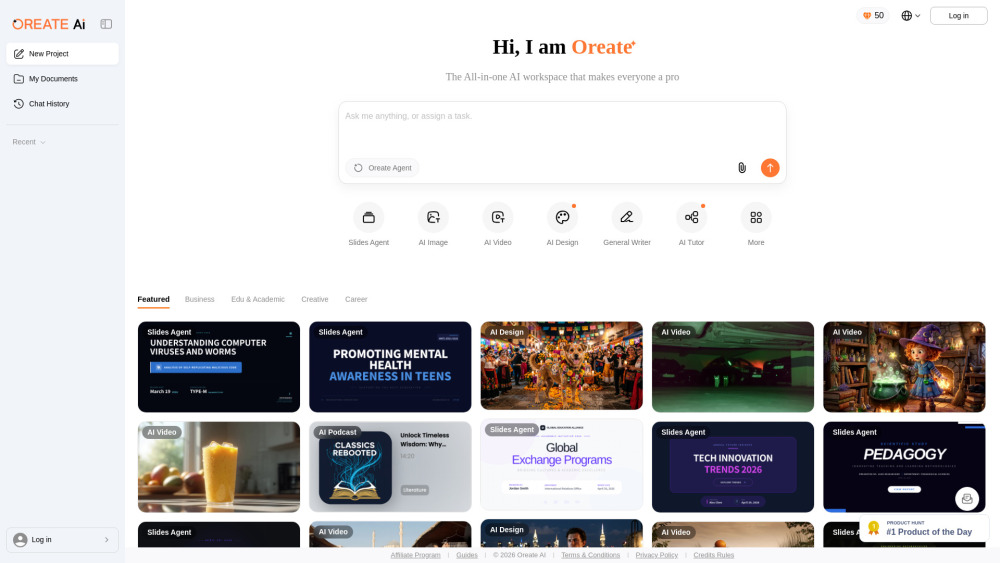
All-in-one AI Workspace: Create professional slides, essays, videos, images, podcasts, and deep research in minutes.

AI-powered tool for professional lip sync animation and auto audio-video synchronization.


All-in-one AI video agent that helps you create viral AI videos
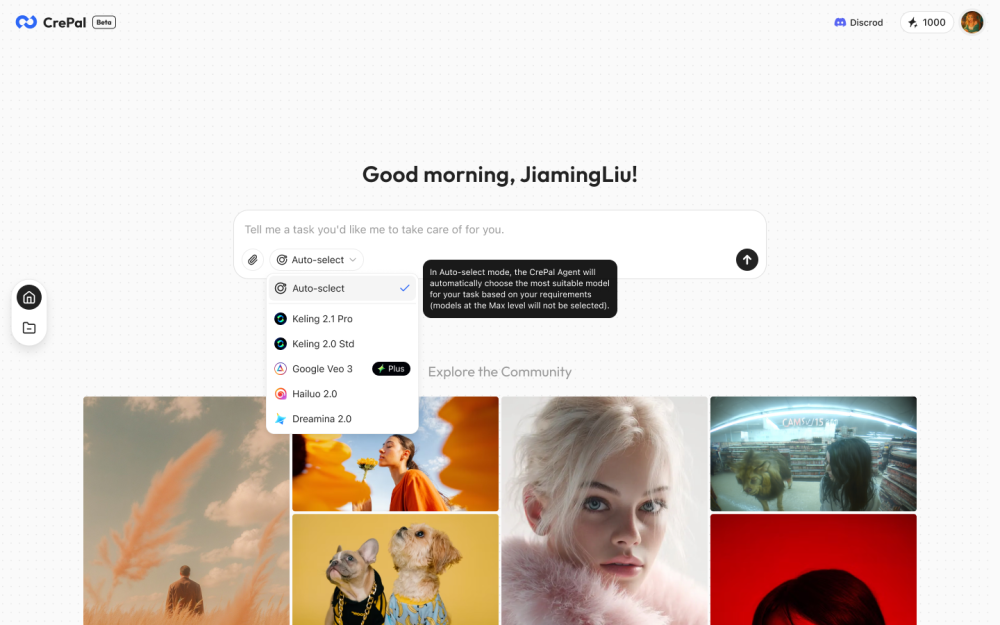

AI video generator for creators with advanced video generation models to create premium AI videos by text-to-video, image-to-video, video-to-video, and AI video effects.

