Ray 3
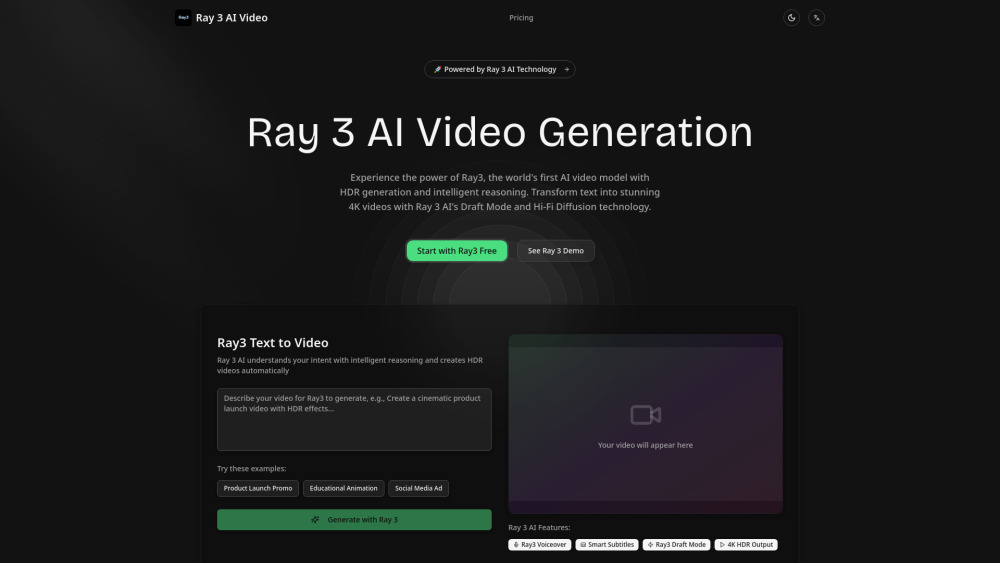


Ray 3 AI Video Generator is an advanced AI-powered platform designed to transform text into stunning 4K HDR videos. It leverages intelligent reasoning, HDR generation, Draft Mode for faster iteration, and Hi-Fi Diffusion technology for professional video creation. The platform aims to provide an all-in-one solution for video creation, from idea to finished video, supporting various styles from realistic to animated. It also offers professional tools like intelligent scene understanding, multi-platform HDR export, and enterprise solutions for teams and studios, integrating seamlessly with leading creative platforms.
AI video generator for 4K HDR videos from text.
- Product Launch Promo
- Educational Animation
- Social Media Ad
- Professional HDR video creation for studios and teams
- Integrating AI video generation into applications via API
- To use Ray 3 AI
- users input their script or text
- and the AI automatically generates matching visuals
- transitions
- and background music. The platform also supports image animation
- AI voiceovers
- and auto subtitles. Users can start with Draft Mode for quick creative exploration and then use Hi-Fi Diffusion for 4K HDR mastering and export.

AI-driven content creation platform with writing, coding, image, voice, and music tools.


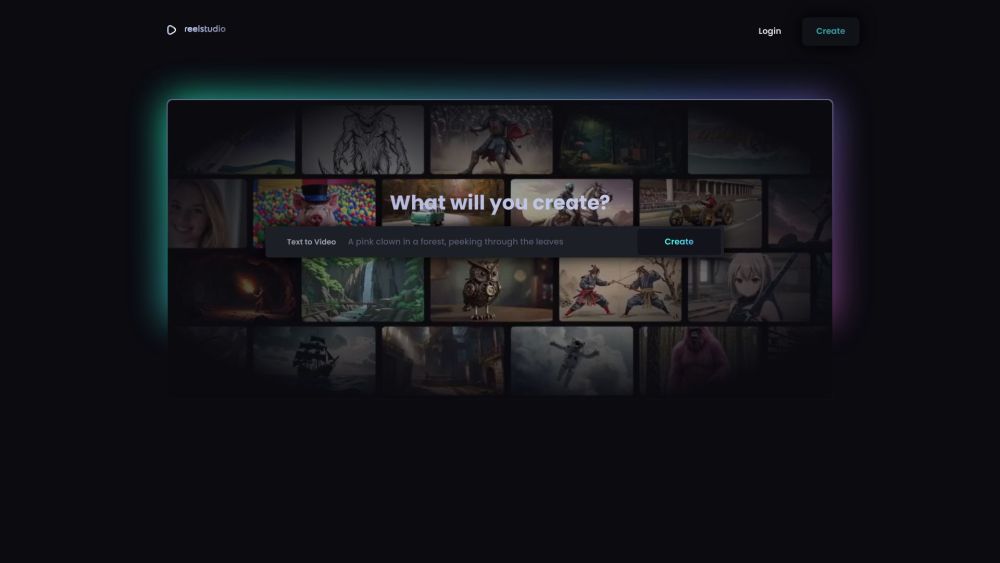
AI platform for generating videos, music, sound effects, and voiceovers from text and images.

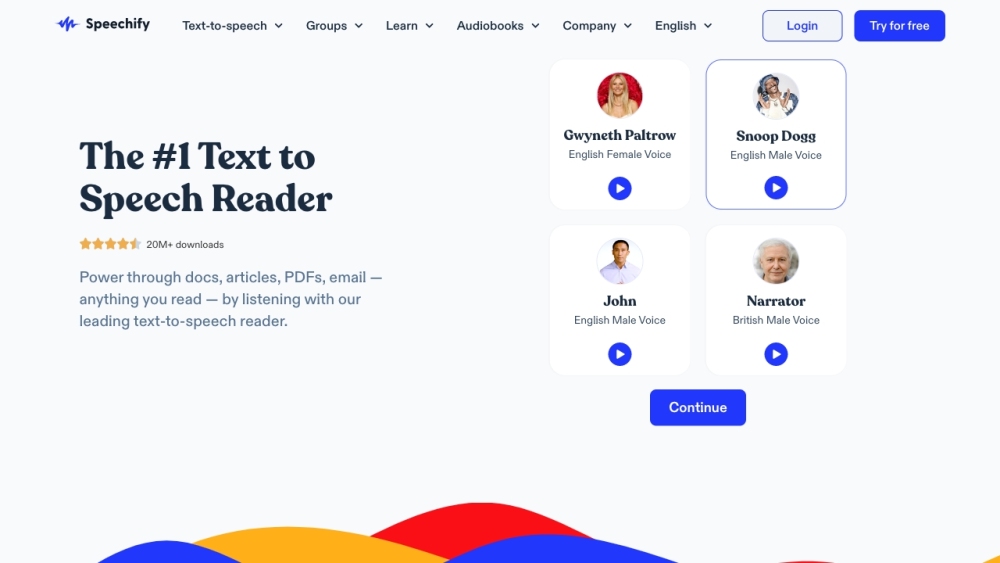
Text-to-speech app for listening to digital content on any device.

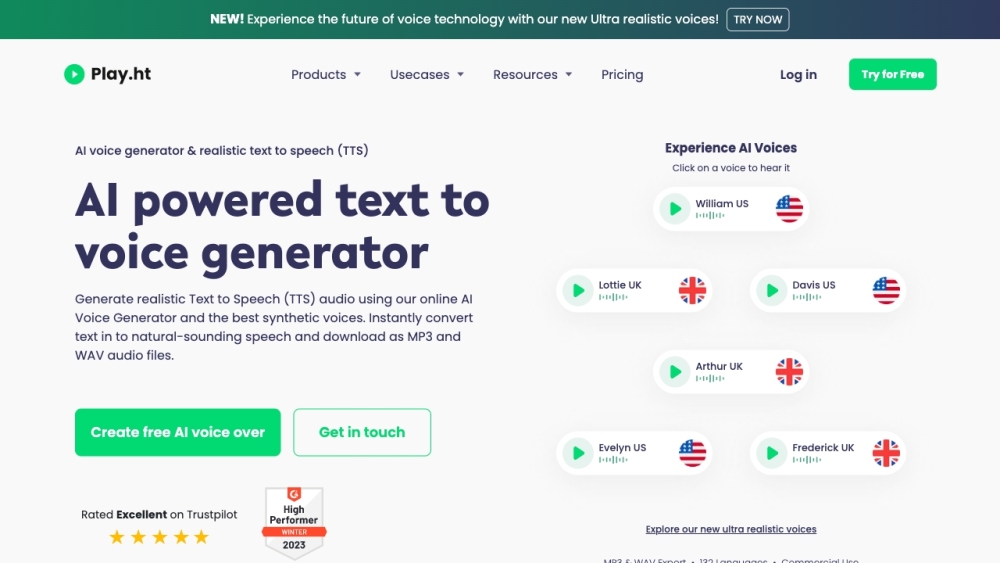
AI-powered text to voice generator with realistic voices for creators and enterprises.

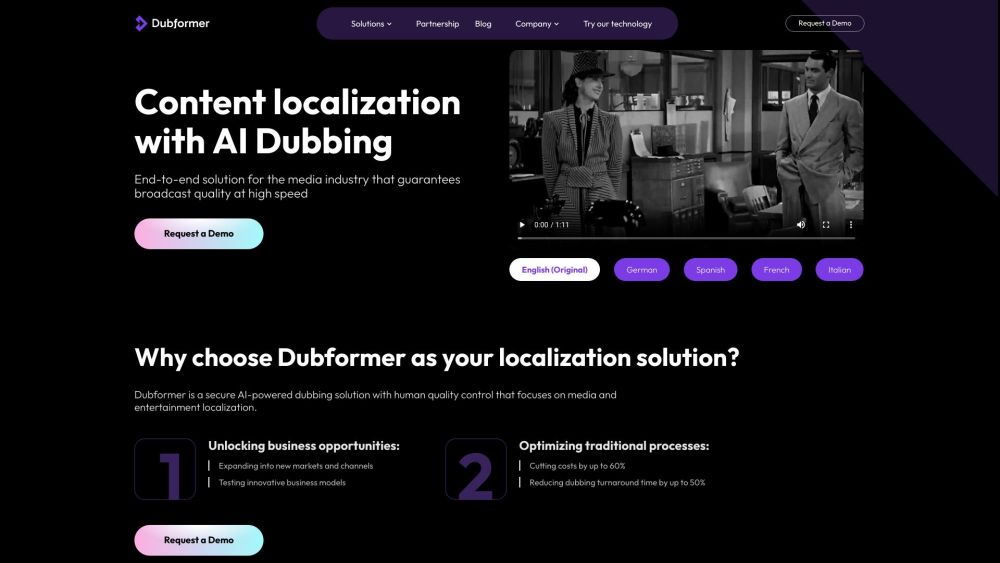
AI dubbing and voiceover tool for media and entertainment with cost-effective localization.

Generative AI platform for content creation: music, audio, voiceovers, images, videos, and text.

AI voice over generator with human-like voices for diverse content creation.


EaseUS provides data recovery, backup, partition management, and multimedia software.


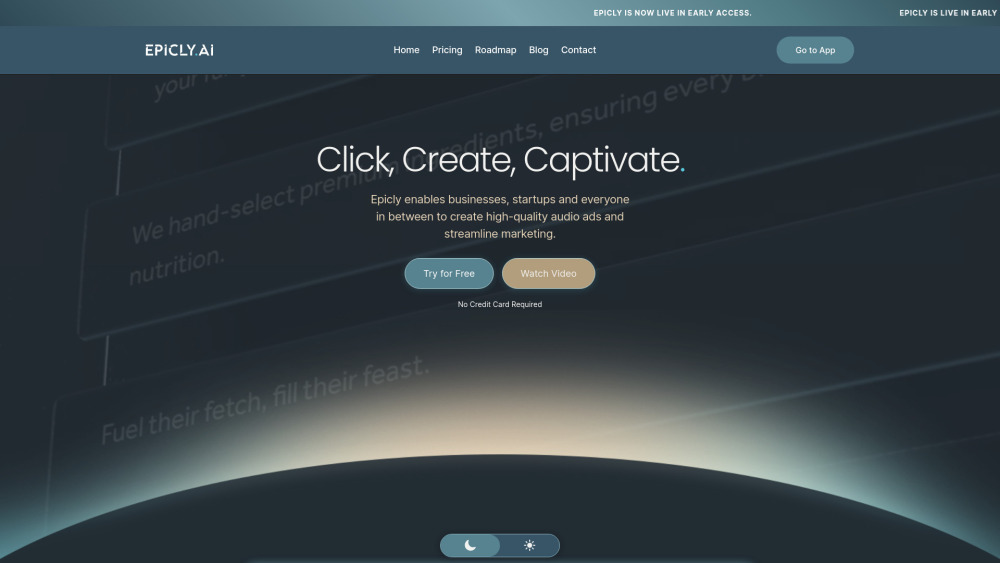
AI-powered platform automating video content creation workflows for marketing teams.

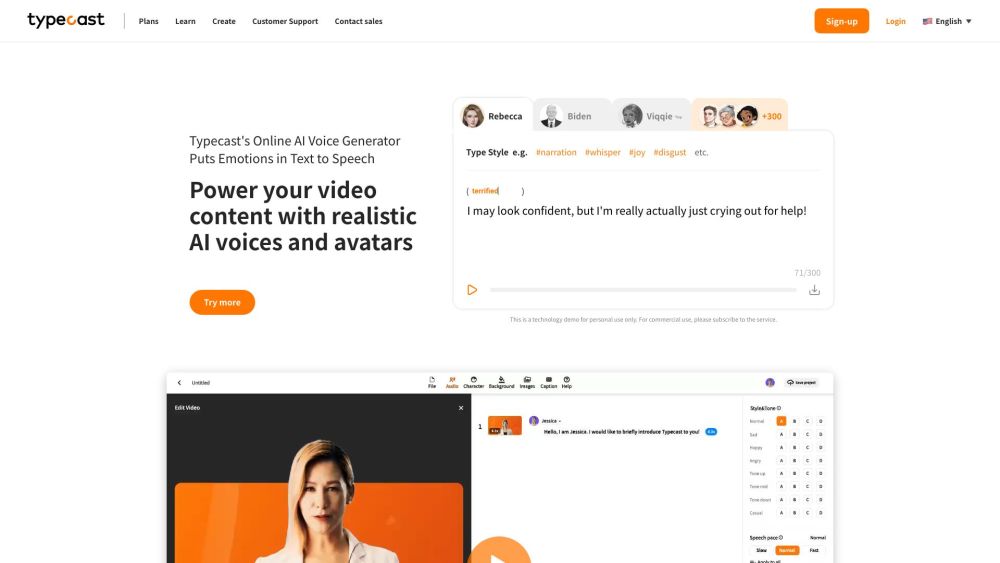
AI voice generator and content creation tool with realistic AI voices and avatars.

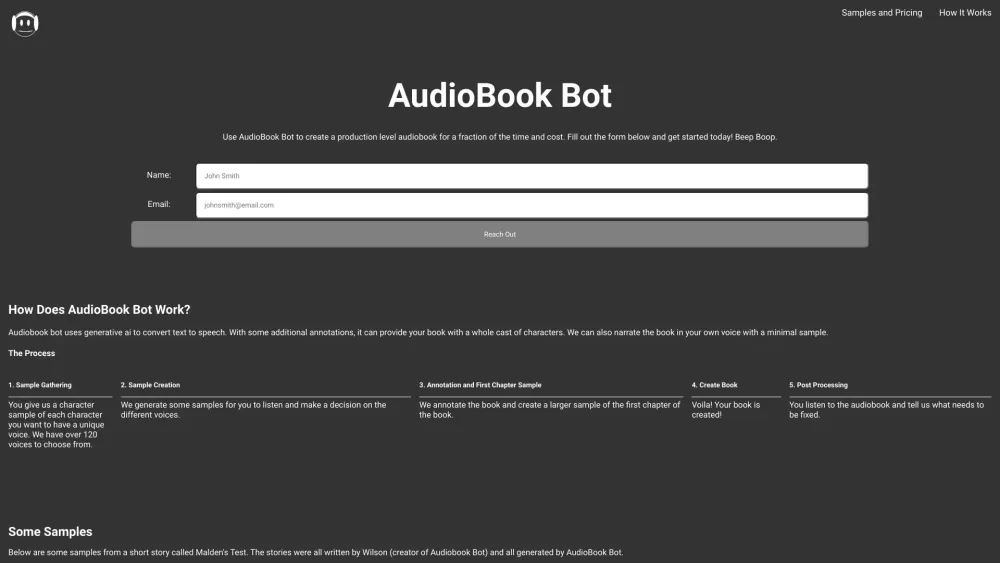
AudioBook Bot uses AI to convert text to audiobooks with multiple voices.

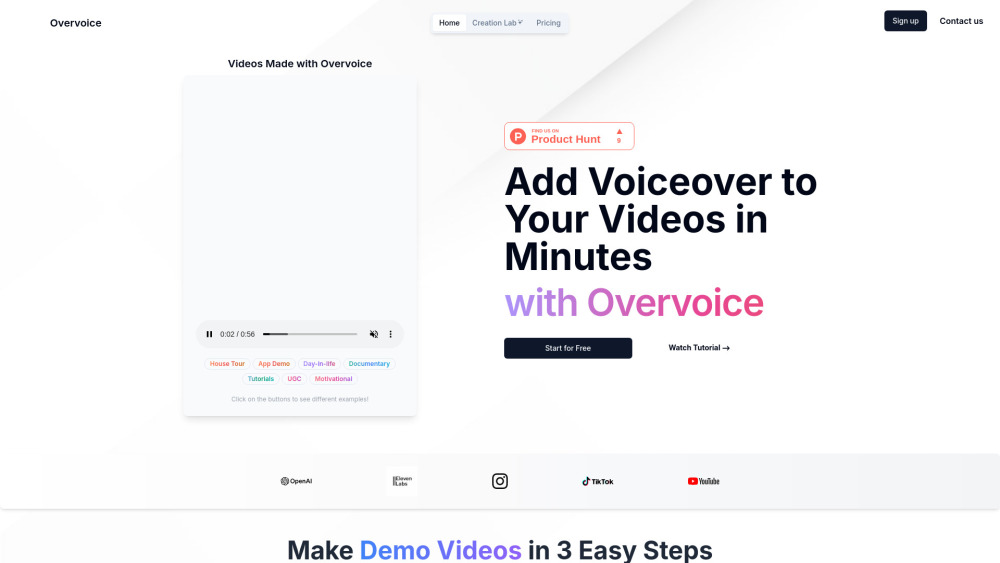
AI tool for quick, professional video voiceovers using GPT-4o and ElevenLabs.

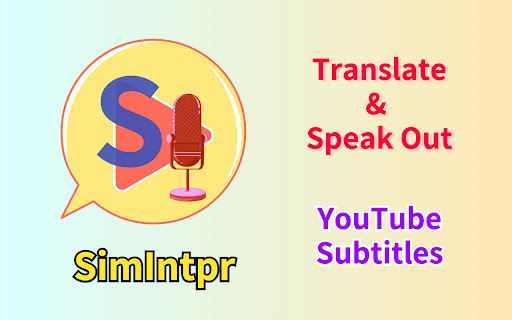
A virtual simultaneous interpreter for YouTube videos, translating subtitles and speaking them out.

AI-powered add-on for YouTube that translates and overdubs video audio into 57 languages.

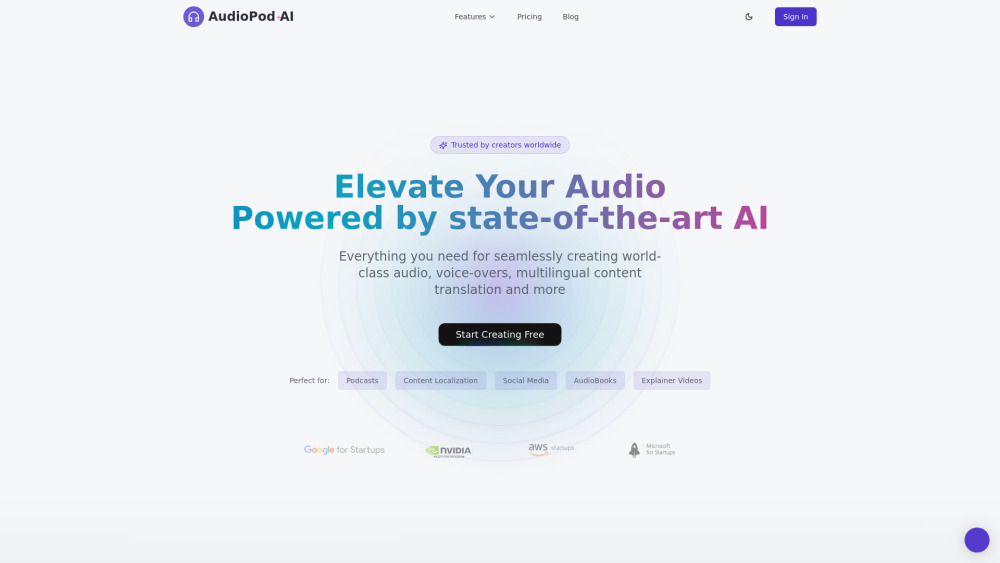
AI-powered audio processing platform for voice cloning, noise reduction, and audio translation.

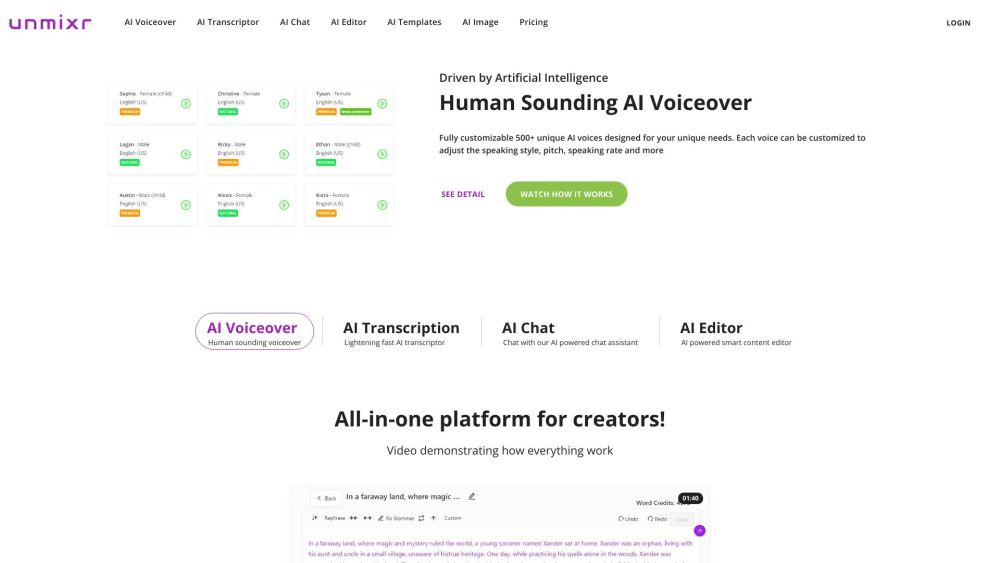
All-in-one platform with AI voiceover, transcription, editor, chat, templates, and image generator.

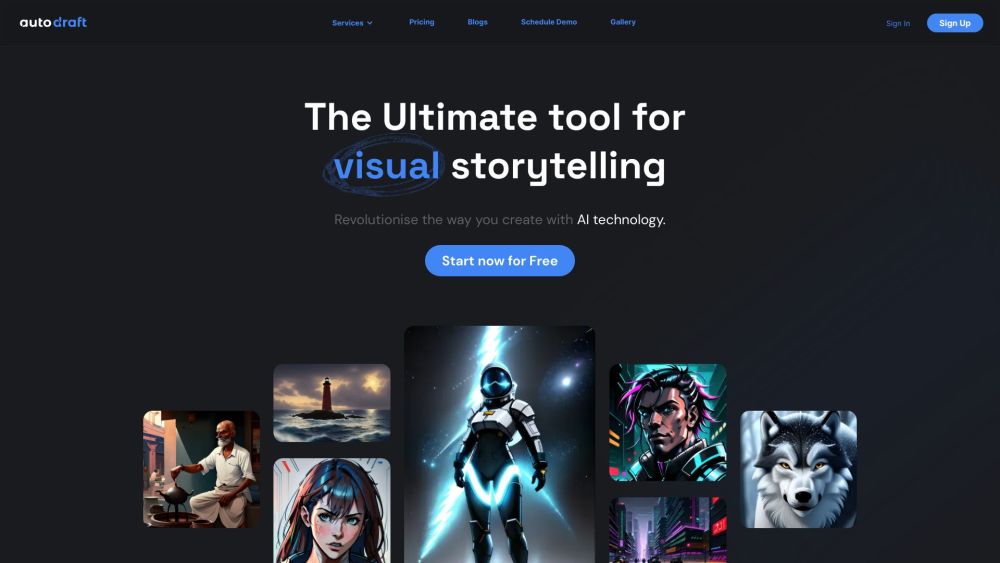
AI tool for generating comics, webtoons, and animations with custom character models.
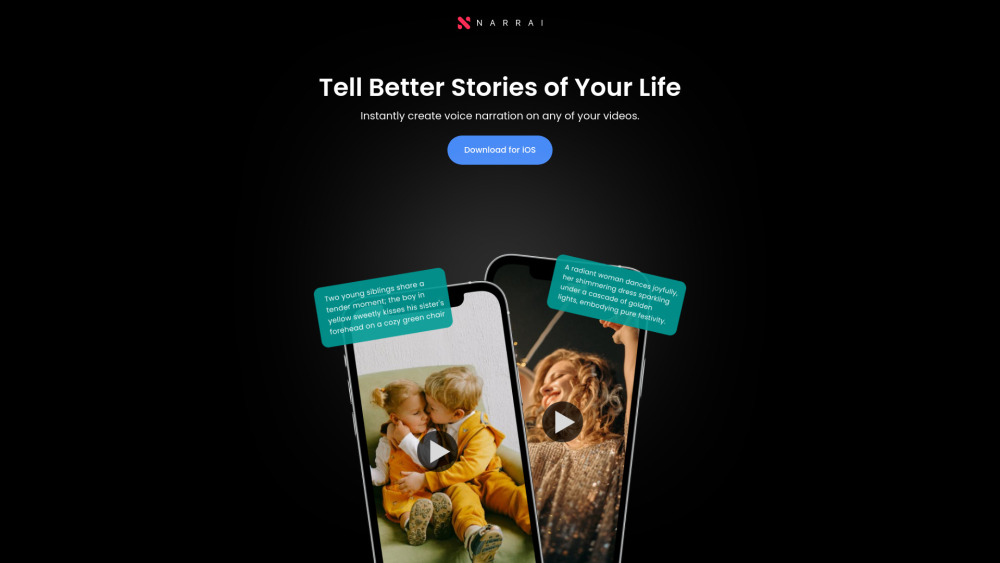
Narrai simplifies adding voiceovers to videos with AI-generated scripts and music.