
Expense Sorted
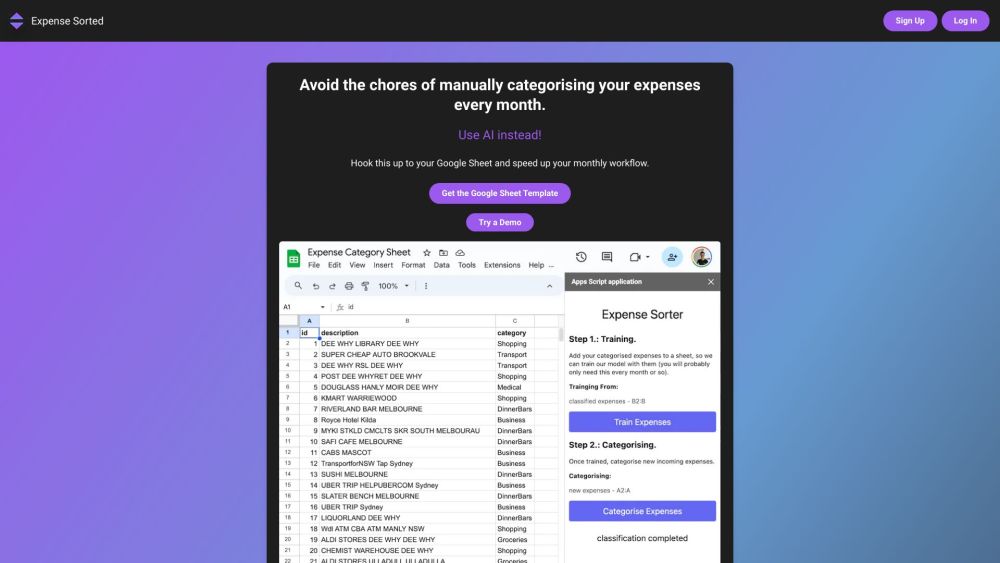


Expense Sorted is an AI-powered tool designed to automatically categorize monthly expenses. It integrates with Google Sheets, Lunch Money, Tiller, and soon PocketSmith, allowing users to streamline their budgeting process. The tool eliminates the need for manual categorization by using AI to analyze transactions and assign them to appropriate categories. It also offers a free Google Sheet template to help users get started quickly.
AI-powered expense categorization tool for Google Sheets and other platforms.
- Automatically categorize bank transactions
- Simplify expense tracking in Google Sheets
- Classify expenses for budgeting and financial analysis
- 1. Import transactions into Google Sheets. 2. Click the Expense Sorted add-on to auto-categorize transactions with AI. 3. Review and analyze the categorized data in your sheet.

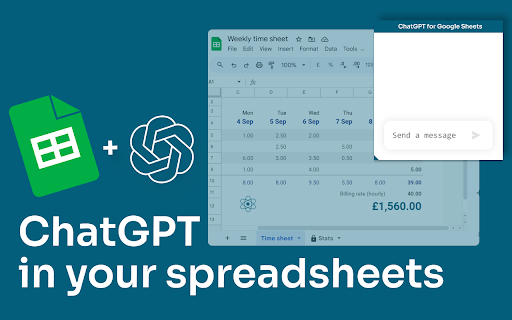
AI-powered data manipulation in Google Sheets using text commands.
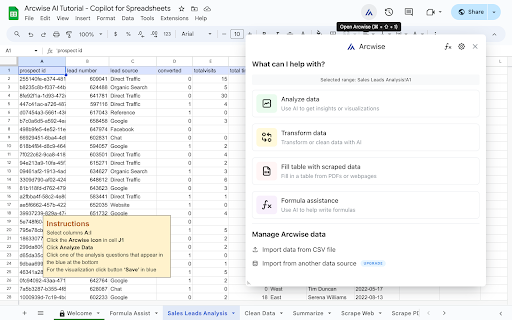

AI-powered Excel data analysis, visualization, and automation tool.


AI-powered platform for data extraction, analysis, and workflow automation using GPTs in a spreadsheet.


GRID turns spreadsheets into RESTful APIs for AI integration.


AI-powered spreadsheet for data analysis, cleaning, and reporting with 100+ integrations.
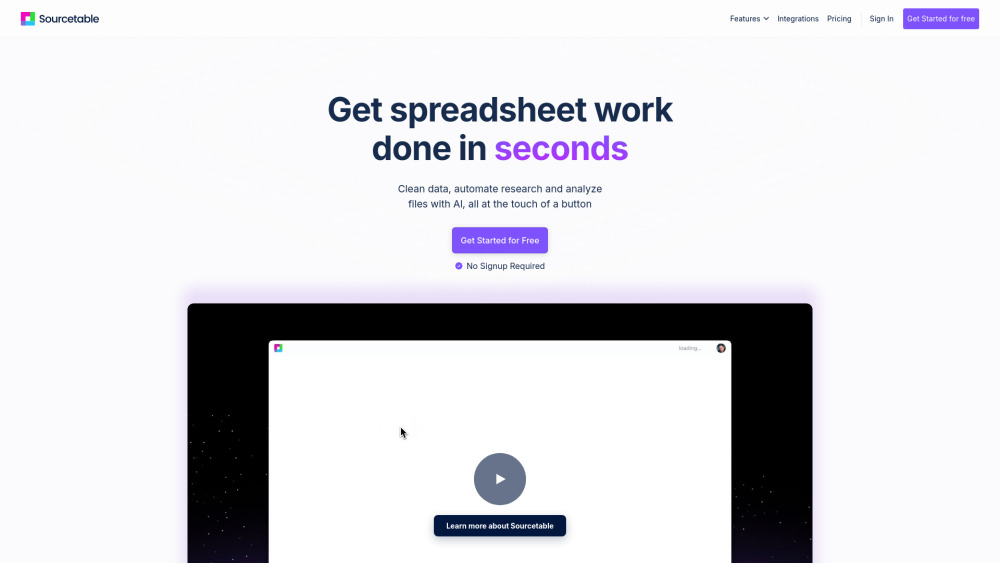

AI-powered extension for Google Sheets, enabling intelligent data analysis and collaboration.

An AI-powered workspace for data analysis, spreadsheet management, and automated presentation generation.


AI for Sheets and Excel that does your work


AI-native spreadsheet enabling AI to edit data and formulas using natural language.

