Gpt For Work


GPT For Work provides advanced AI add-ons for Google Workspace and Microsoft Office. It integrates leading models like GPT-4o, Claude, and Gemini into spreadsheets and documents. Users can automate bulk translation, data cleaning, and content generation at scale. It is an essential productivity tool for analysts and marketers seeking highly efficient workflows.
AI for Sheets and Excel that does your work
- product management
- SEO database
- outbound sales database management GPT For Work
- Install: Add the GPT for Sheets/Docs add-on or GPT for Excel add-in to your respective application. Open the Add-on: Access the tool via the sidebar menu under "Extensions" in Sheets or "Home" in Excel. Use the Agent: Select the "Agent" option
- click "Examples
- " or type instructions to perform tasks like summarizing
- translating
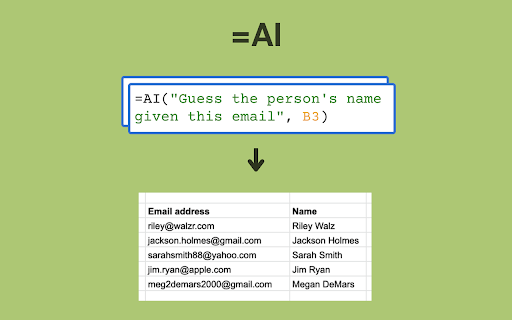
- or extracting data. Use Functions: Utilize formulas directly in cells (e.g.
- =GPT(...)) to generate content
- analyze data
- or perform web searches. Run Tasks: The Agent can handle large datasets automatically
- and you can refine results with further prompting.

GRID turns spreadsheets into RESTful APIs for AI integration.


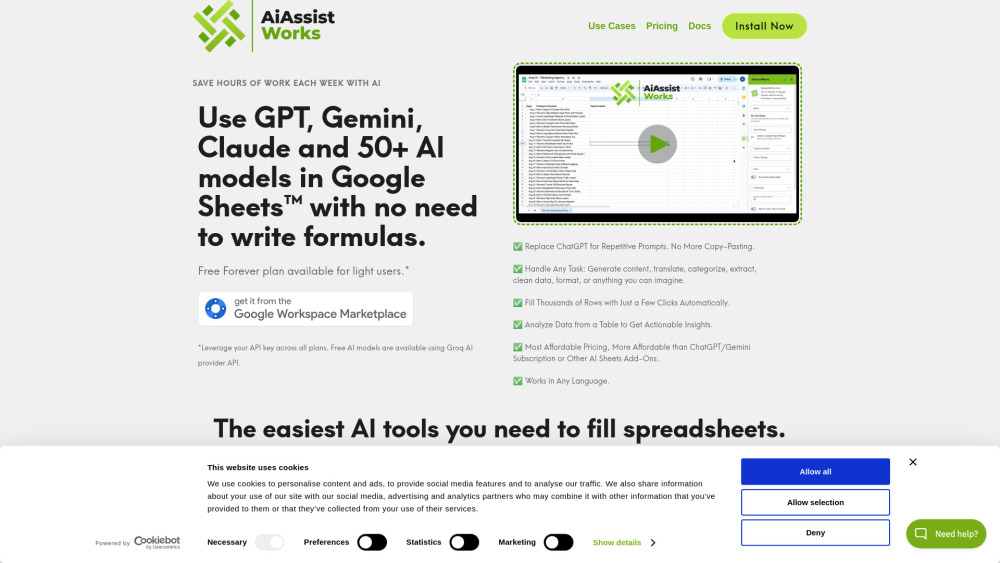
AI tool for Google Sheets, Docs, and Slides with 100+ AI models.

AI-powered platform for automatic table generation from natural language descriptions.


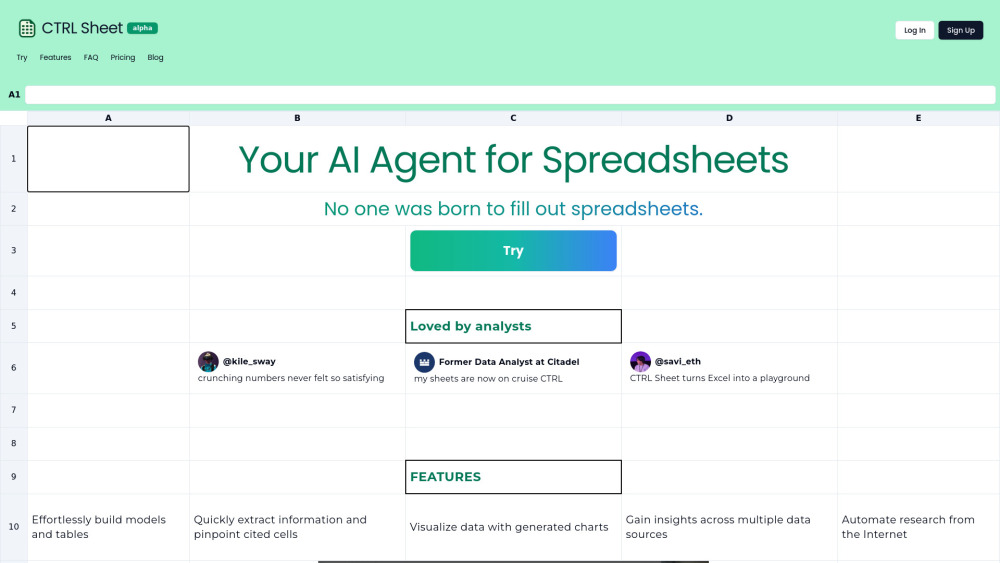
AI agent for spreadsheets to automate tasks like model building and data extraction.

AI-powered Google Sheets plugin for automation and enhanced functionality.

AI-powered spreadsheet with Python, SQL, and autonomous agents.


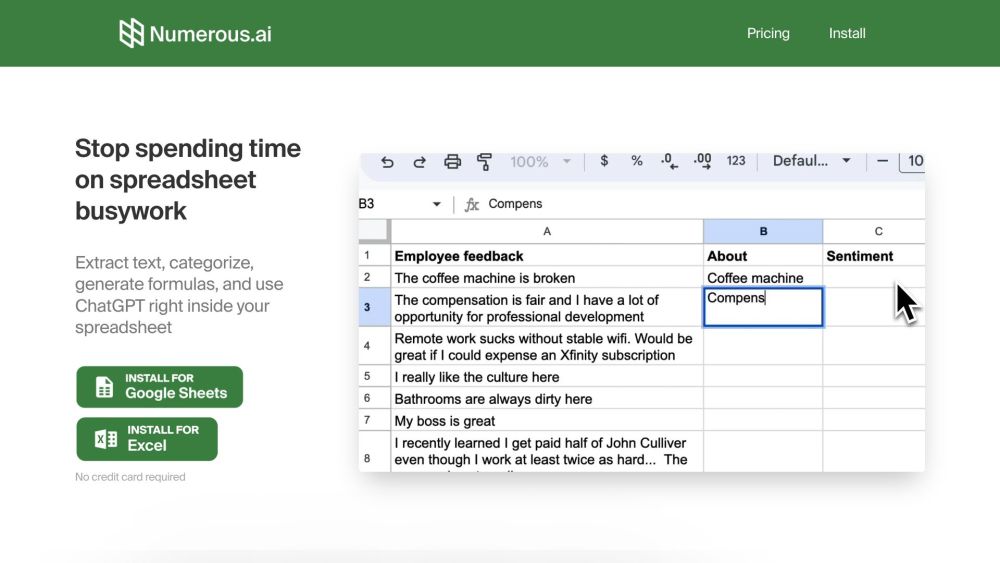
AI-powered spreadsheet plugin for ChatGPT integration in Google Sheets and Excel.

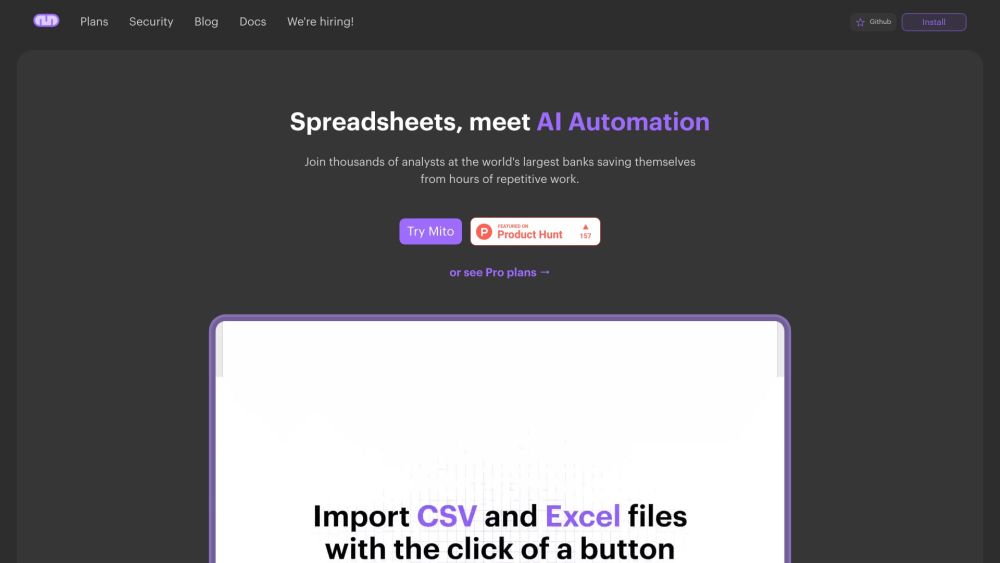
Python data science tool with spreadsheet interface and automatic code generation.

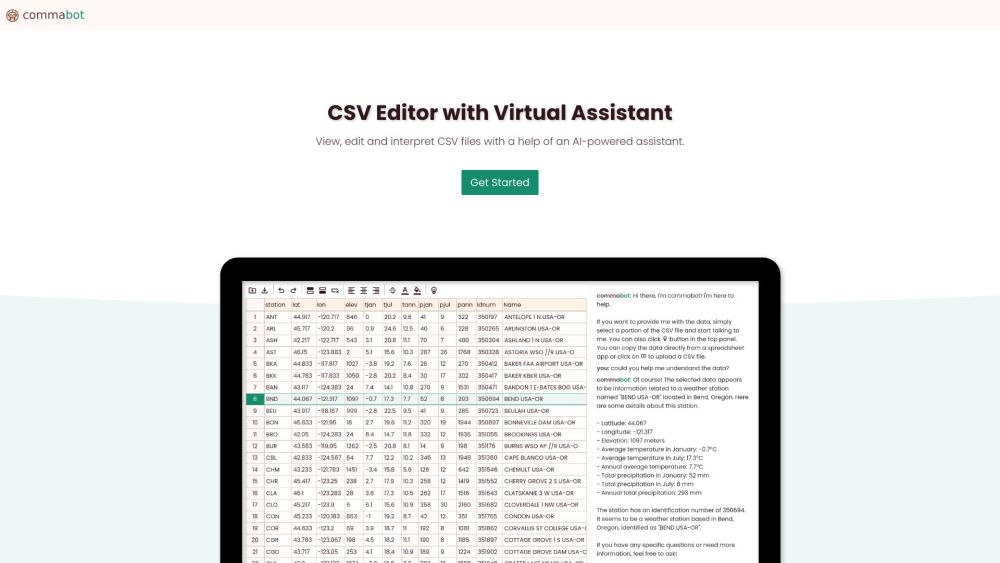
Online CSV editor with AI assistant for viewing, editing, and interpreting CSV files.