
Daivenciai



DaivenciAI is a comprehensive, all-in-one AI image generation and design platform designed for creators, homeowners, couples, and businesses. Powered by state-of-the-art diffusion models, it provides highly customized studio-grade solutions. Key Features & Studios: - AI Future Baby & Family Generator: Predict your future child's face across 5 growth stages (newborn to adult), try Pixar/Anime styles, and generate warm family portraits. - AI Interior Design & Remodeling: Transform your rooms in seconds. Choose from various room types (bedroom, balcony, office) and design styles (modern, scandinavian, japandi). - AI Professional Headshots: Create studio-quality business headshots and avatars from simple selfies. - AI Product Photography: Instantly generate beautiful, high-converting lifestyle background scenes for e-commerce products. - AI Tattoo Studio: Generate custom tattoo designs in various styles (sharp lines, watercolor, minimalist) on clean white backgrounds. - AI ID Photo Maker & Background Remover: Easily generate compliance-ready ID photos and remove backgrounds in one click. - Super Image Generator (Masterpiece): Input creative text prompts to render professional-grade artistic images powered by the Flux engine.
An all-in-one AI creative studio for high-fidelity image generation, featuring AI baby prediction, interior design, e-commerce product photos, and custom tattoos.
- For Couples & Families: Predict future baby's look, simulate twins, and render warm family portraits.
- For Job Seekers & Professionals: Generate studio-grade business headshots from casual selfies.
- For E-commerce Merchants: Create high-converting product display images in realistic lifestyle settings.
- For Tattoo Lovers & Artists: Design unique, custom tattoos with text prompts in multiple styles. DaivenciAI
- 1. Select your target studio workspace (e.g.
- Baby Studio
- Interior Design
- Tattoo Studio
- or Product Photo). 2. Upload your source photos (portraits
- products
- or empty rooms) or type in your creative text prompts. 3. Select your preferred style template
- output size
- and options. 4. Click "Generate" to render high-fidelity
- professional-grade AI images in seconds. 5. Download
- edit
- or share your high-quality creations directly from your history.

Generate pixel-perfect, candid AI portraits and edit them with a powerful suite of 20+ professional tools.


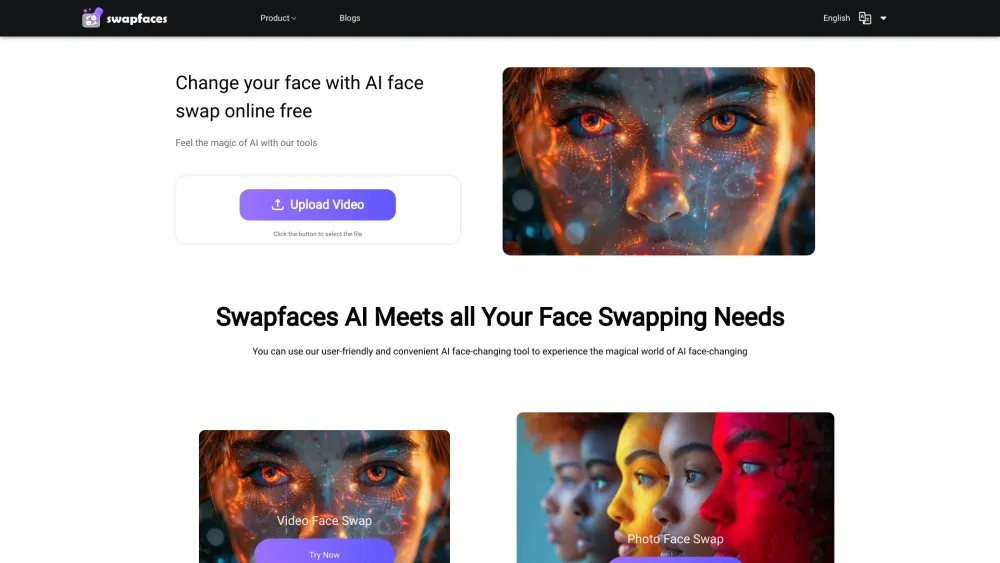
AI face swap tool for videos and photos with various AI features.

A Rich Modal Multimedia Workflow Integrated Development Environment Designed with Natural Language


Nanana AI is a professional AI image generator and AI image editor powered by Google's Nano Banana model. Key features include industry-leading 94% text rendering accuracy, lightning-fast processing in seconds, comprehensive history management with custom folder organization, and commercial-ready outputs (royalty-free, watermark-free). Experience superior Nano Banana technology with free trial access - no registration required, making it the most accessible and feature-rich AI image generator available.


AI-powered platform for personalized skincare routines based on facial skin analysis.

AI platform for generating baby videos, predictions, and art.


Free AI photo editor for precise, consistent image transformations.


Unleash Your Creativity with BananaImg.online. Welcome to the premier hub for Nano Banana and Nano Banana Pro models. Experience lightning-fast AI image generation, advanced editing tools, and a vast library of preset effects. Explore our community gallery for endless inspiration and turn your ideas into visual reality—instantly.


Image Editor – Edit Images with AI and Prompts Online Free, No Sign-Up

