Nano Bibi


NanoBibi helps creators and teams automate repetitive creative tasks. From removing backgrounds and upscaling images to generating visuals and videos in bulk, NanoBibi turns AI into a complete content production line. You can build your own workflows, create reusable prompt templates, and run batch processes — all without writing code. Spend less time editing, and more time creating.
Batch-generate, edit, and process images, videos, and audio — all powered by AI.
- Automate repetitive design tasks — remove backgrounds, upscale product photos, unify styles, and export consistent visuals in minutes. Perfect for social media, branding, and marketing materials.
- Generate clean, professional product images with one click. Batch remove backgrounds, adjust lighting, and resize for all platforms (Shopify, Amazon, Etsy, etc.).
- Create multiple ad variants and banners at once. Use prompt templates and batch workflows to instantly generate visuals for different campaigns or regions.
- Restore old photos, upscale portraits to 4K, or apply custom color tones across large albums automatically.
- Build your own automated AI workflows — combine image generation, editing, and upscaling into a single custom pipeline.
- Turn kids’ sketches into colorful artworks or illustrations. Encourage imagination by blending drawing + AI generation.
- How to Use NanoBibi Turn your creative workflow into automation in just 4 simple steps: 🥇 1. Choose a Tool Type Pick what you want to do: • AI Generation: create images
- videos
- or audio • AI Editing: remove background
- upscale
- inpaint
- erase
- or apply style transfer Each tool comes with quick instructions and examples to help you start fast. ⸻ 🖼️ 2. Upload Your Assets Upload the image or file you want to process. You can also upload multiple files at once for batch processing. ⸻ ⚙️ 3. Configure Parameters Set up how you want your AI to work: • Adjust ratio
- size
- background
- or style • Add your prompt or pick from built-in templates • Choose output format and number of results ⸻ 🚀 4. Start Processing Click Start and let NanoBibi do the work. You can monitor progress in real time and download all results when finished. ⸻ 💡 Tips • Supports batch processing and custom workflows • Save your favorite prompts and settings as reusable templates • All outputs are automatically saved in My Creations ⸻ In short: Choose a tool → Upload → Configure → Generate. One setup
- hundreds of results. ⚡

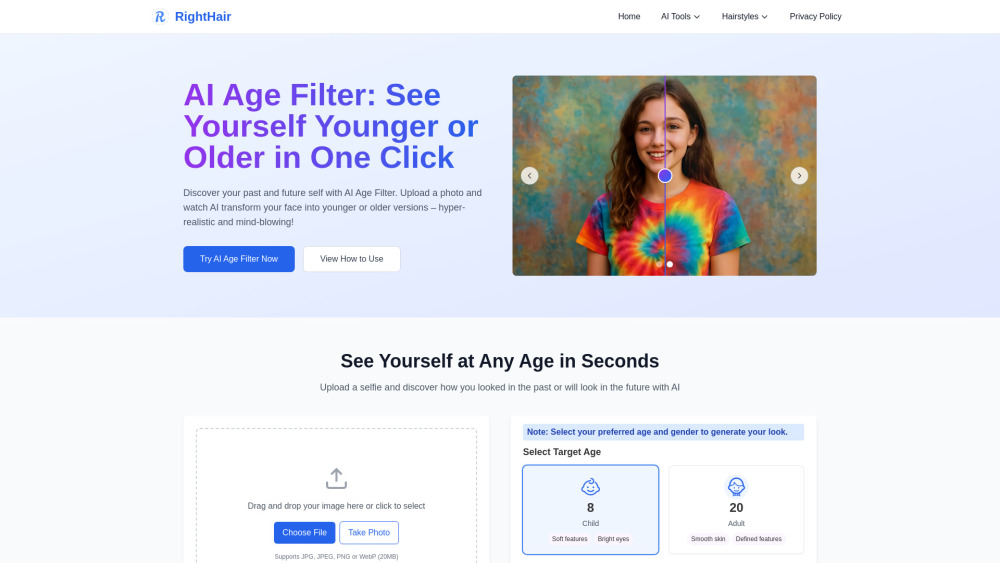
Free AI age filter to see younger or older versions of yourself instantly.

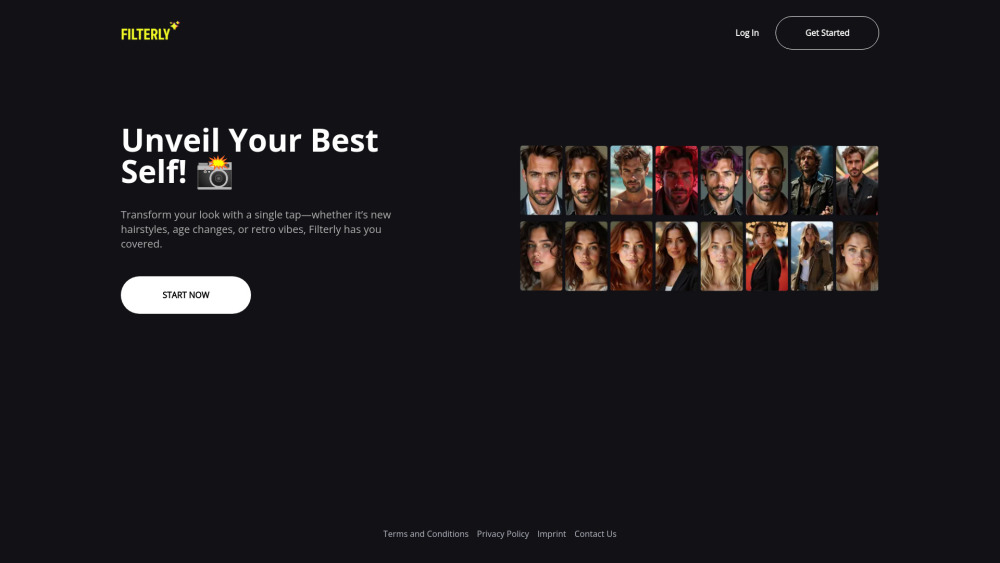
Filterly transforms your look with hairstyles, age changes, and retro vibes.

A Rich Modal Multimedia Workflow Integrated Development Environment Designed with Natural Language


AI-powered library of icons, mockups, and stock visuals with built-in AI editing


Image Editor – Edit Images with AI and Prompts Online Free, No Sign-Up


Pro-quality image creation, editing, and refinement. Start now with free credits - create, edit, and get inspired.
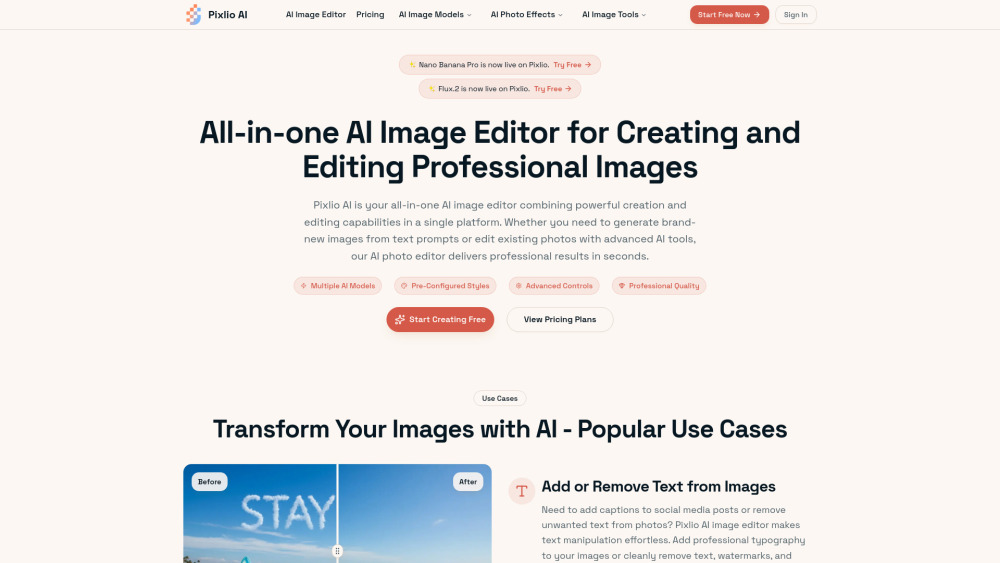

Nanana AI is a professional AI image generator and AI image editor powered by Google's Nano Banana model. Key features include industry-leading 94% text rendering accuracy, lightning-fast processing in seconds, comprehensive history management with custom folder organization, and commercial-ready outputs (royalty-free, watermark-free). Experience superior Nano Banana technology with free trial access - no registration required, making it the most accessible and feature-rich AI image generator available.

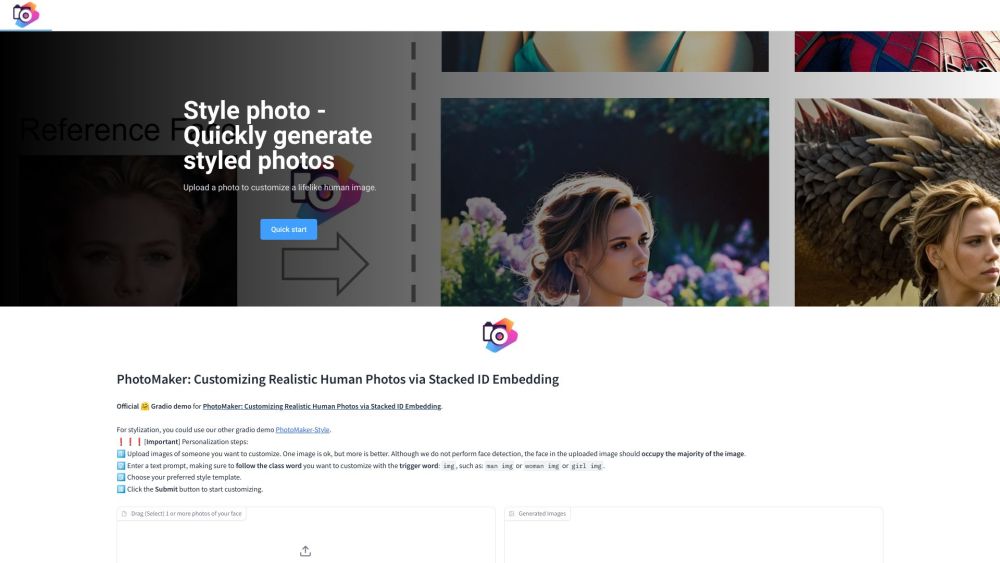
Generate stylized photos while preserving ID attributes.
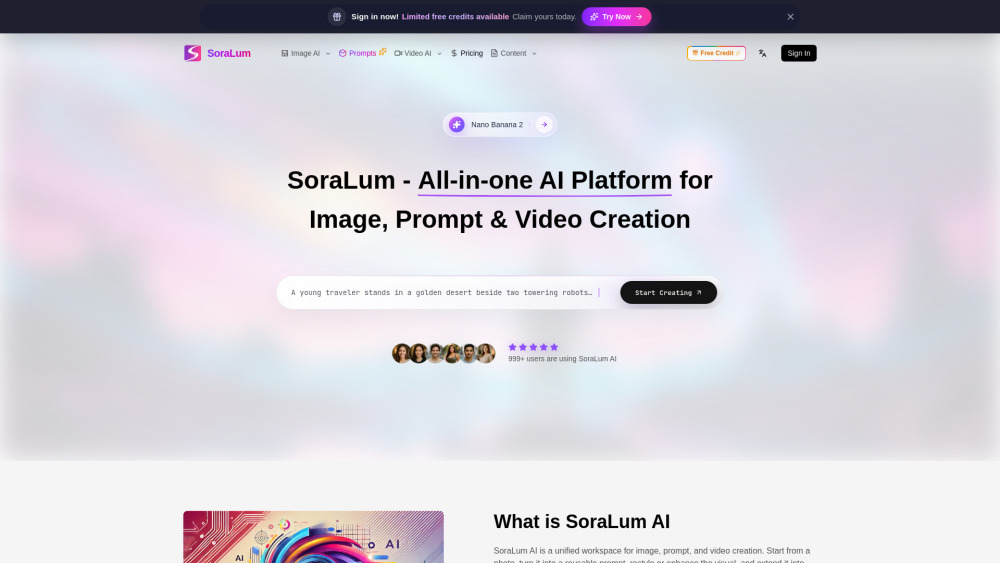
All-in-one AI platform to generate images, turn visuals into prompts, edit photos, and create videos—fast, simple, and built for creators who want more in one workflow.