
Codia Ai
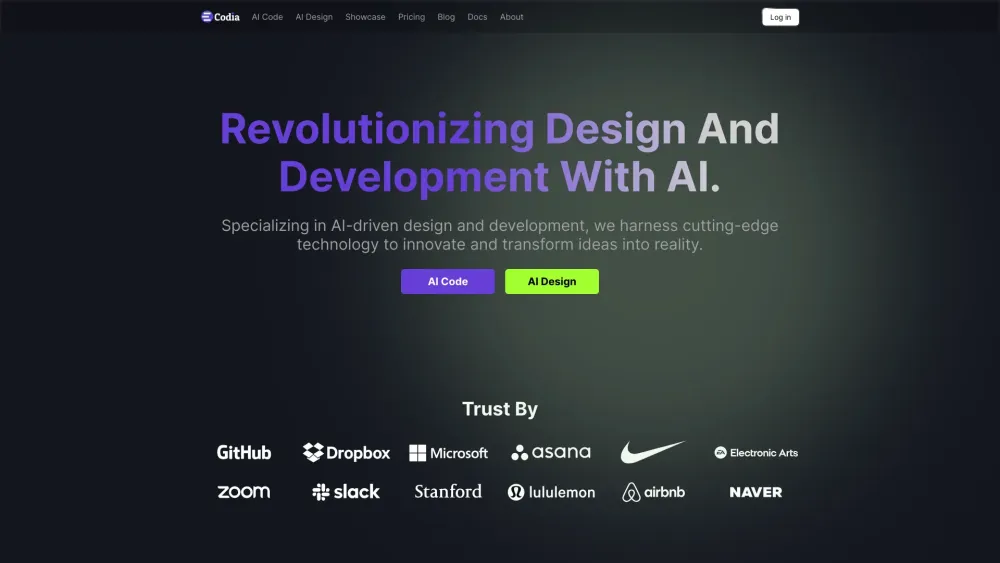



Codia AI specializes in AI-driven design and development, converting screenshots, PDFs, and webpages into Figma designs and code. It empowers designers, developers, and businesses by automating and enhancing creative workflows through advanced AI technologies. Key features include Screenshot to Figma, Design to Code, Prompt to UI, Image to SVG, PDF to Figma, HTML to Design, Photoshop to Figma, Illustrator to Figma, Office to Figma, and Canva to Figma. Codia AI uses Visual AI, LLM (Large Language Models), and Custom AI Models to revolutionize design and development.
AI-driven design and development platform converting designs to code.
- Converting design files (screenshots, PDFs, etc.) into editable Figma designs.
- Transforming Figma designs into functional code.
- Generating website UIs from simple prompts.
- Converting images into scalable vector graphics.
- Streamlining designer-developer collaboration.
- Users can upload screenshots
- PDFs
- or HTML files to Codia AI
- which then converts them into editable Figma designs and functional code. Alternatively
- users can input prompts to generate website UIs in Figma.

Agent-driven design canvas integrated into your IDE for speed and pixel-perfect code alignment.


AI IDE for structured, spec-driven coding from prototype to production.


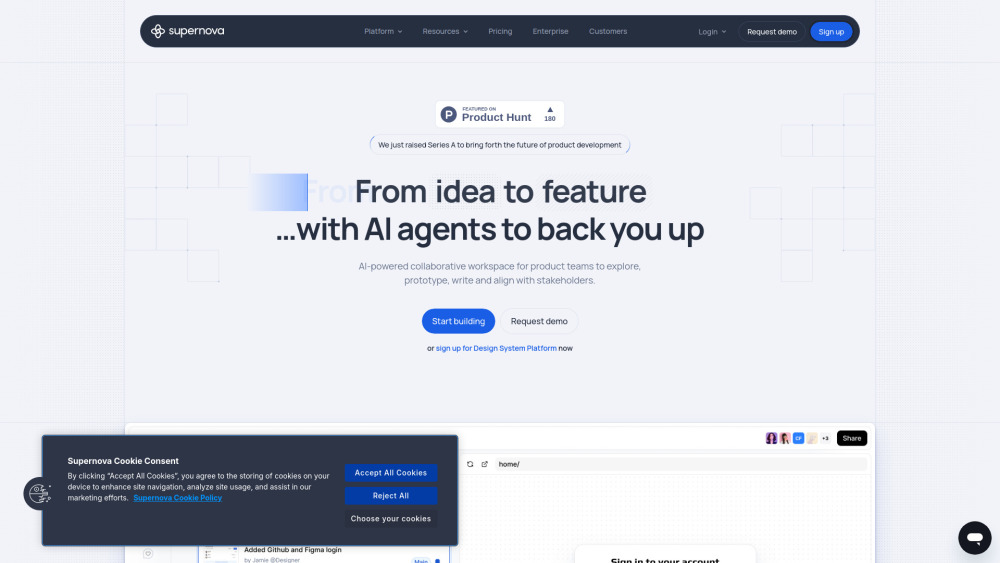
AI-powered platform for product teams, design systems, and prototyping.
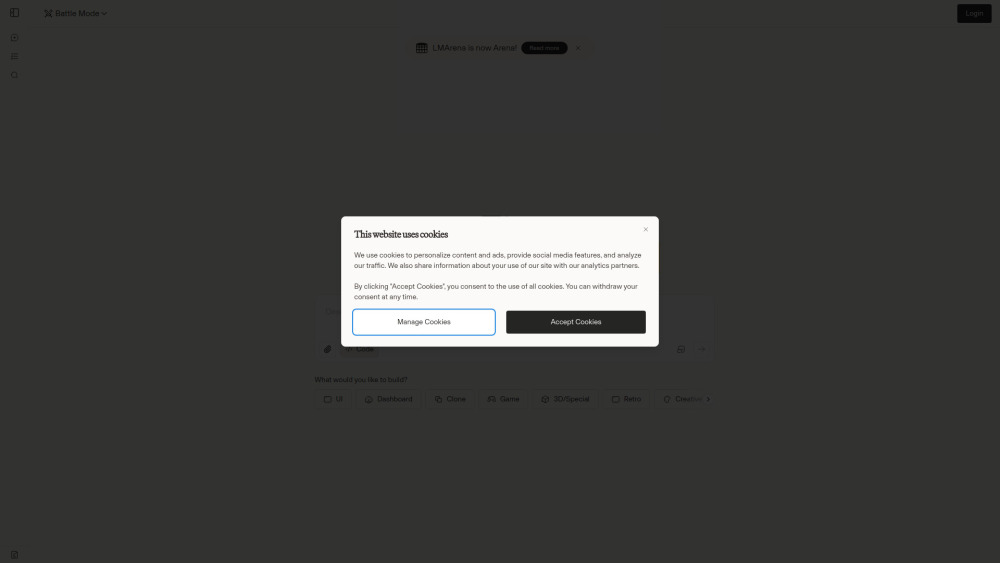
A platform to compare AI coding models and generate multi-file apps side-by-side.

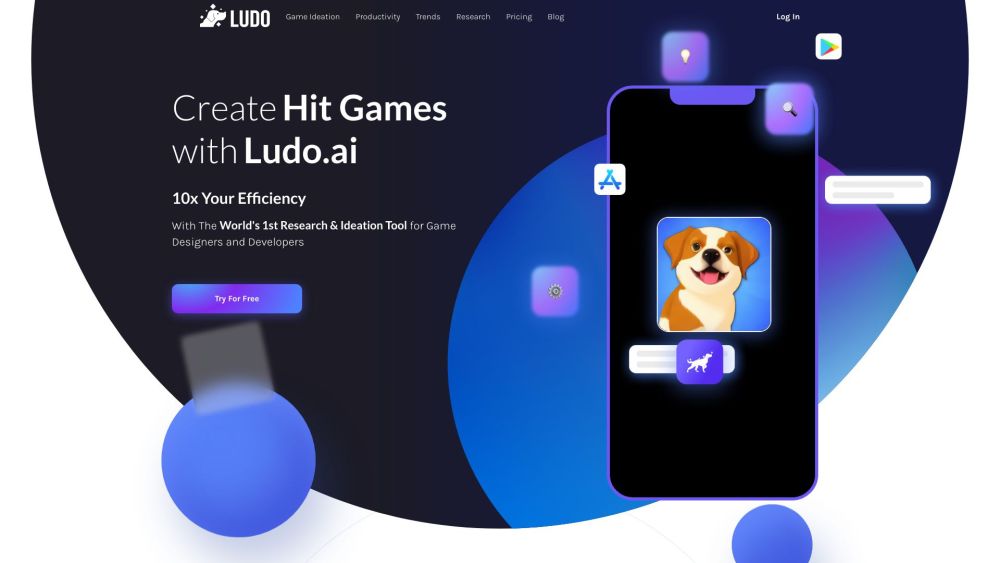
AI-powered platform for game research, design, and development.

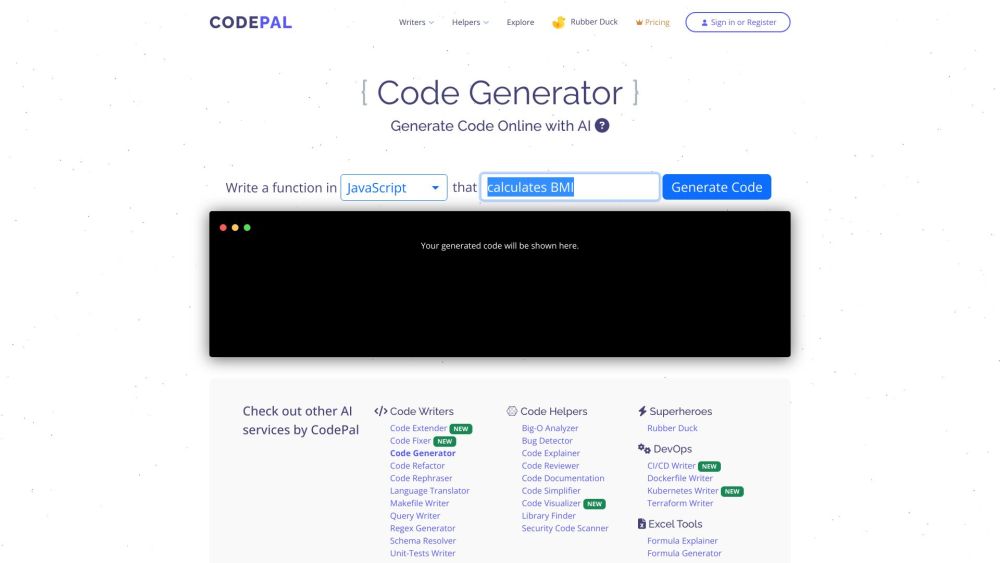
AI-powered coding tools for code generation, review, simplification, and bug detection.

Free AI code agent using frontier models from Anthropic, OpenAI.


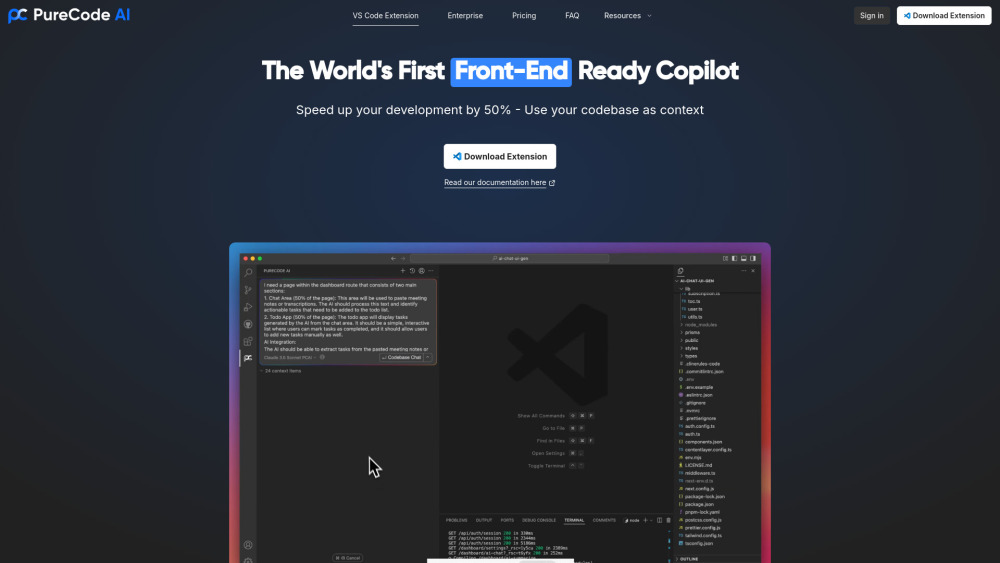
AI copilot for speeding up UI development with codebase context.

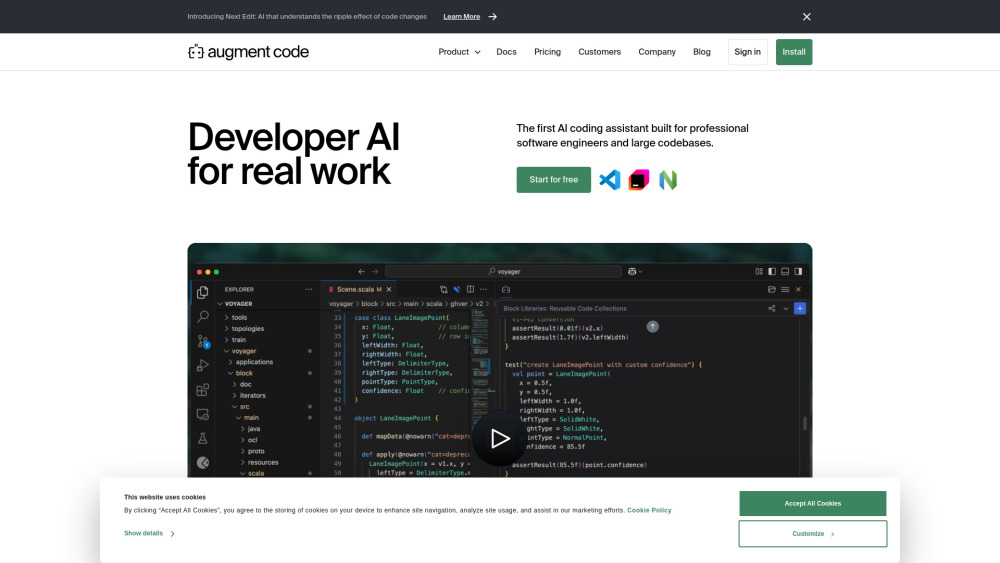
AI platform for understanding codebases, accelerating coding, and improving team collaboration.

AI to convert prompts into React Native & Expo apps.


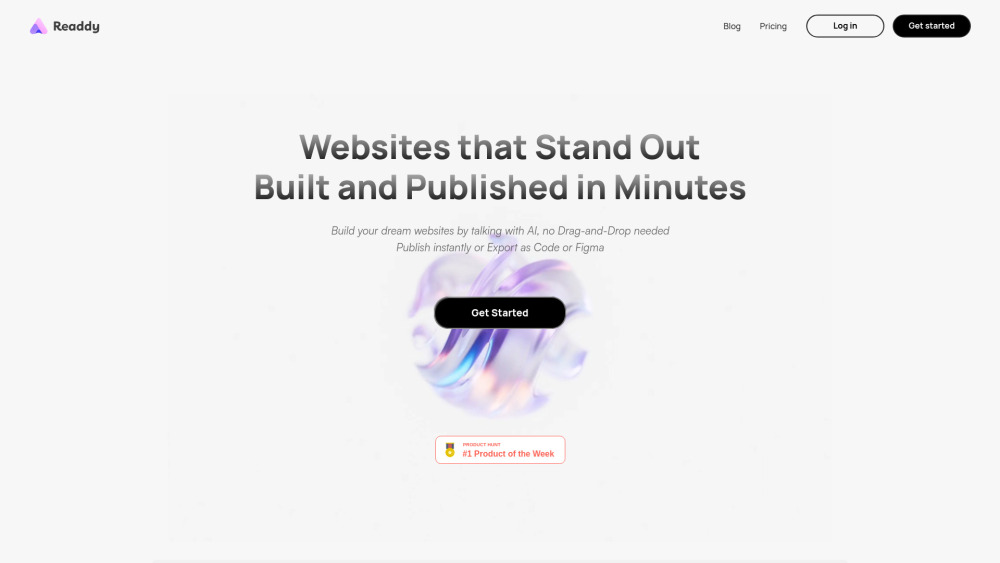
AI website builder: design with natural language, export code.

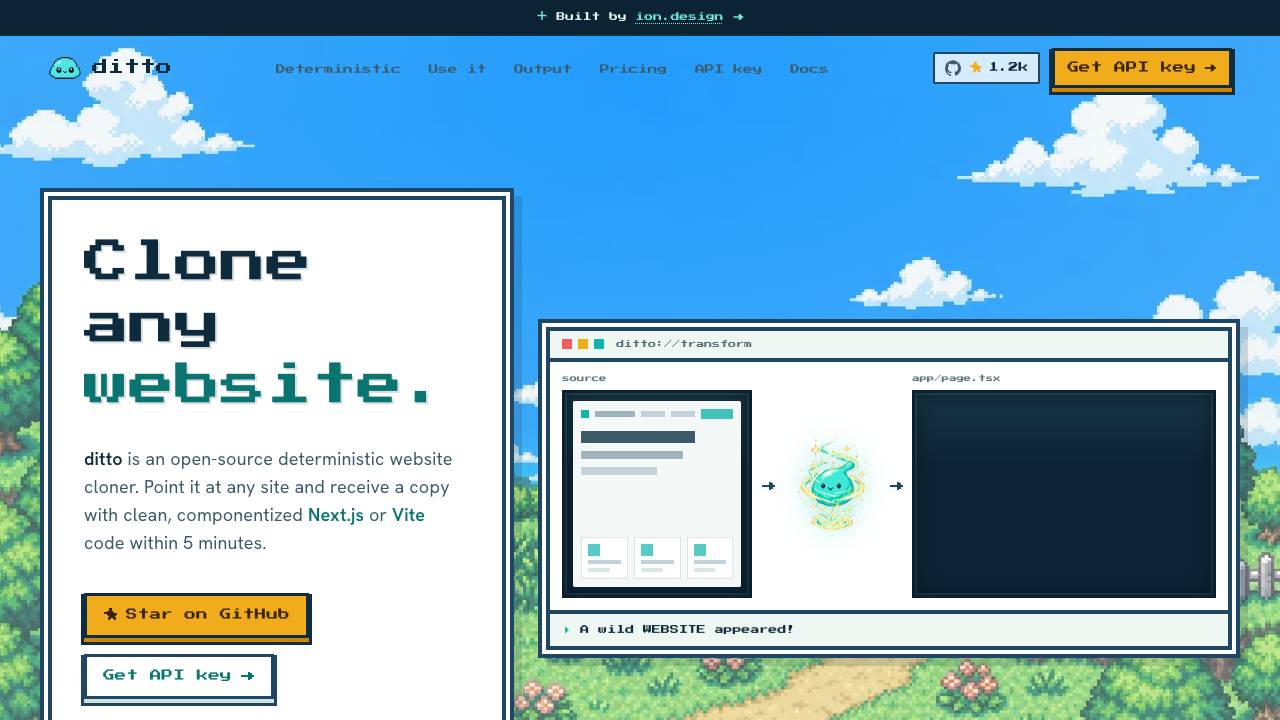
Clone any website into clean code. Free & open source

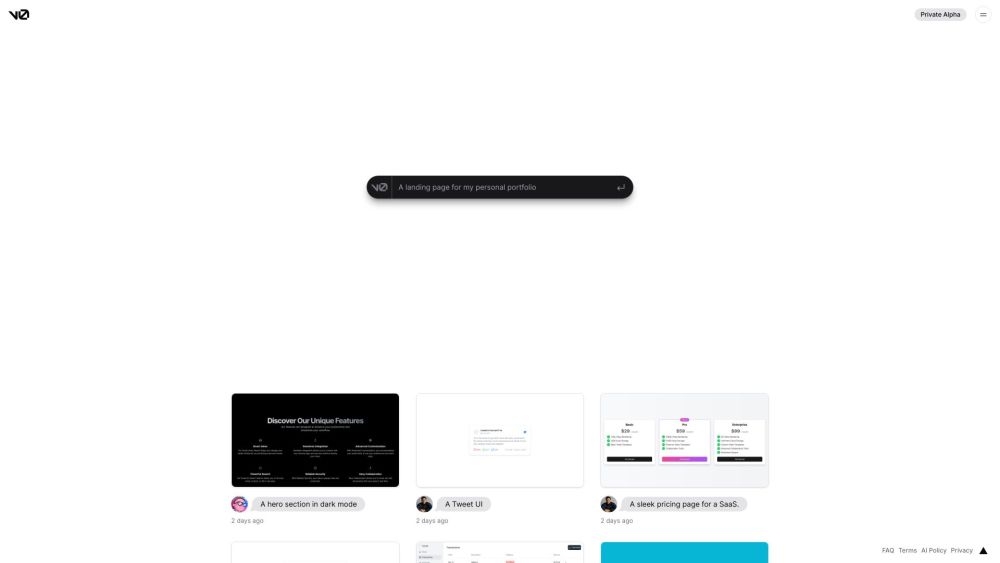
AI-powered development platform for code generation and team collaboration.


AI-powered generative UI system for React code.

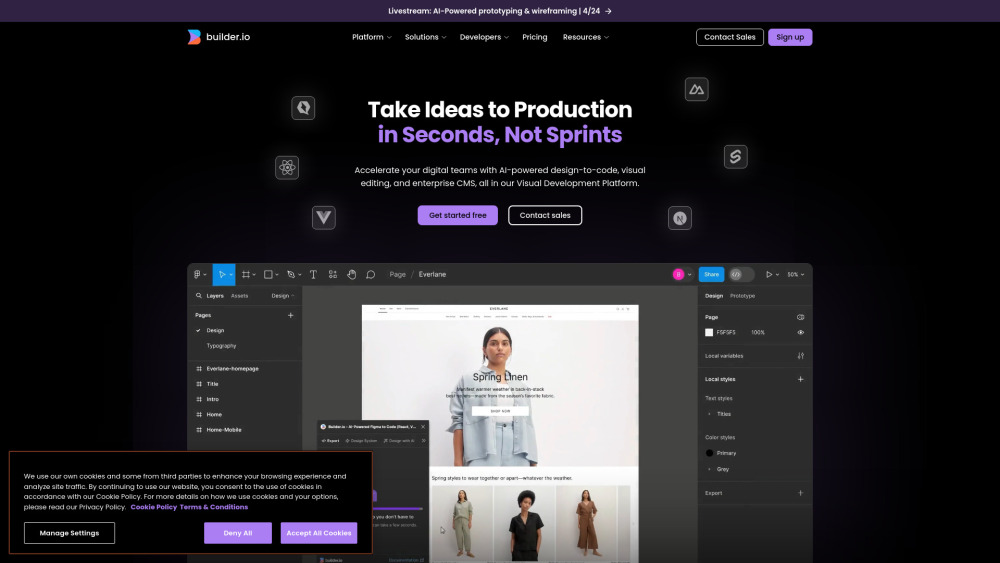
Visual Development Platform with AI-powered design-to-code, visual editor, and enterprise CMS.

Visual workspace and session manager for building with Claude Code and Codex agents.


AI-powered platform for code review, testing, and generation to improve code quality.

AI agents with virtual machines, persistent memory, and scheduled autonomous automation capabilities.

