
Bhava
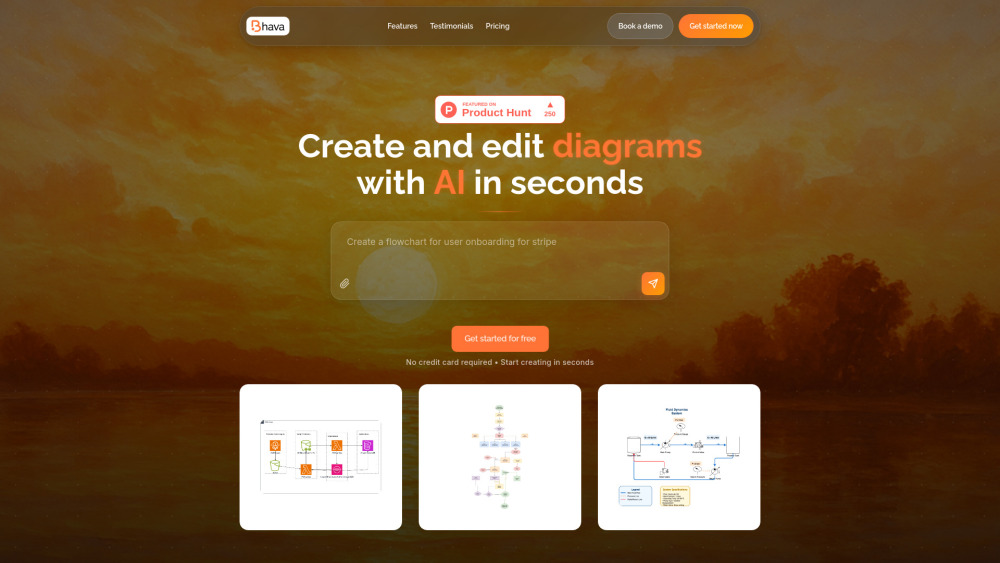


Bhava is an AI-powered diagram editor designed for PMs, engineers, and founders to create a wide range of visuals, including flowcharts, cloud architecture diagrams, swimlane diagrams, UML, ERDs, sequence diagrams, network maps, org charts, mind maps, and hardware schematics. It transforms ideas into professional diagrams instantly, leveraging AI to generate and edit diagrams in seconds. Bhava is trusted by professionals worldwide for faster, smarter diagramming.
AI-powered diagram editor for professional visuals and flowcharts.
- Quickly create system architecture diagrams for technical projects.
- Visually communicate complex ideas for product management.
- Sketch out ideas and update diagrams in real-time for project organization.
- Transform whiteboard photos or sketches into editable diagrams with correct cloud icons.
- Generate various diagrams like flowcharts, UML, and ERDs from text descriptions.
- Users can create diagrams by starting from text to generate a first draft in seconds
- then continue editing in the editor. Alternatively
- they can type text or drop an image (such as a sketch
- whiteboard photo
- or screenshot) into the editor. Bhava's AI will automatically recognize services and symbols
- placing the correct AWS
- GCP
- Azure
- Kubernetes
- and library icons. All generated diagrams remain fully editable in terms of styles
- layers
- and groups.

Automates publication-ready academic illustrations and scientific figures using multi-agent AI.


AI-powered visual collaboration platform for teamwork and project management.
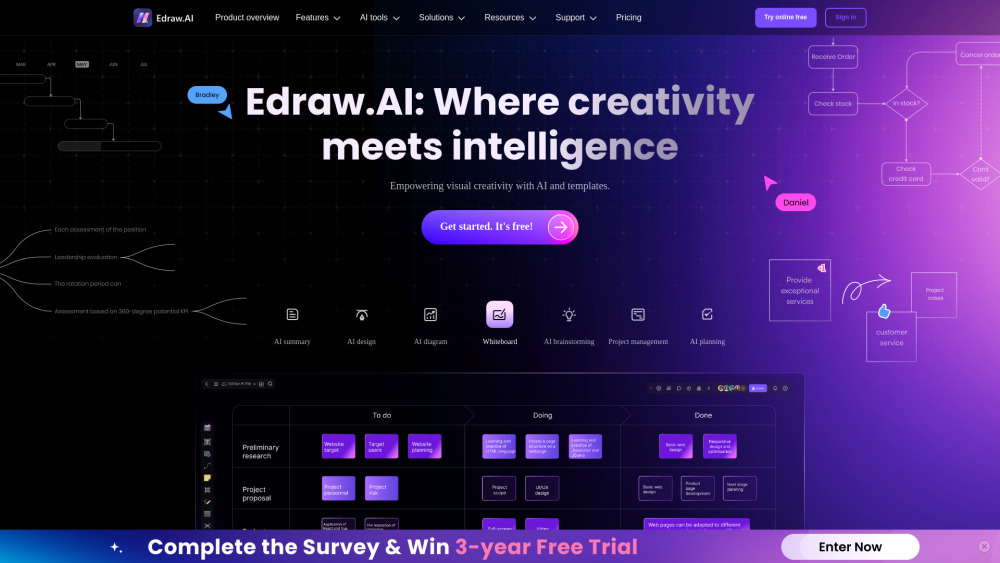

AI-powered tool that converts text into live, editable diagrams.
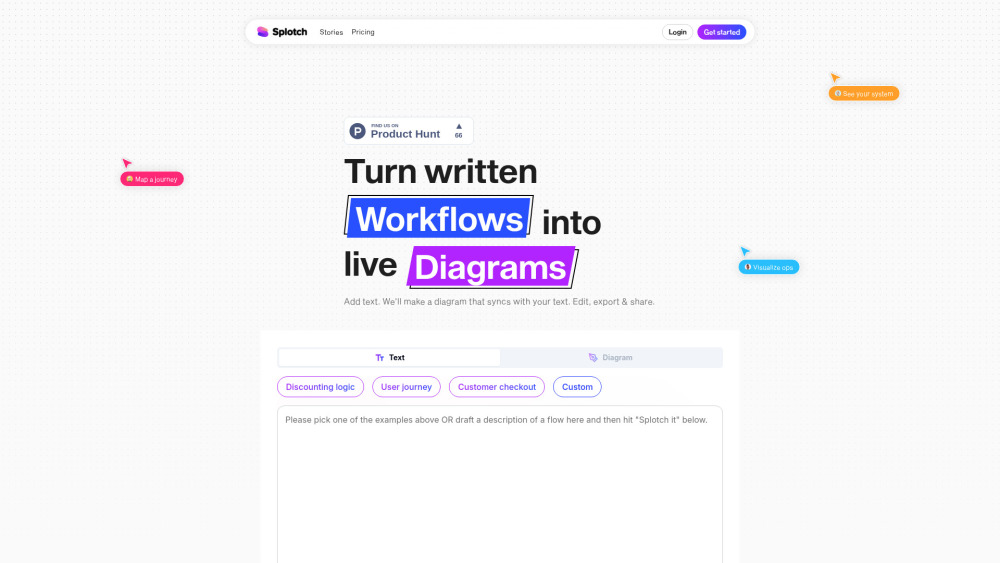

Online AI mind mapping software with free templates for brainstorming and planning.


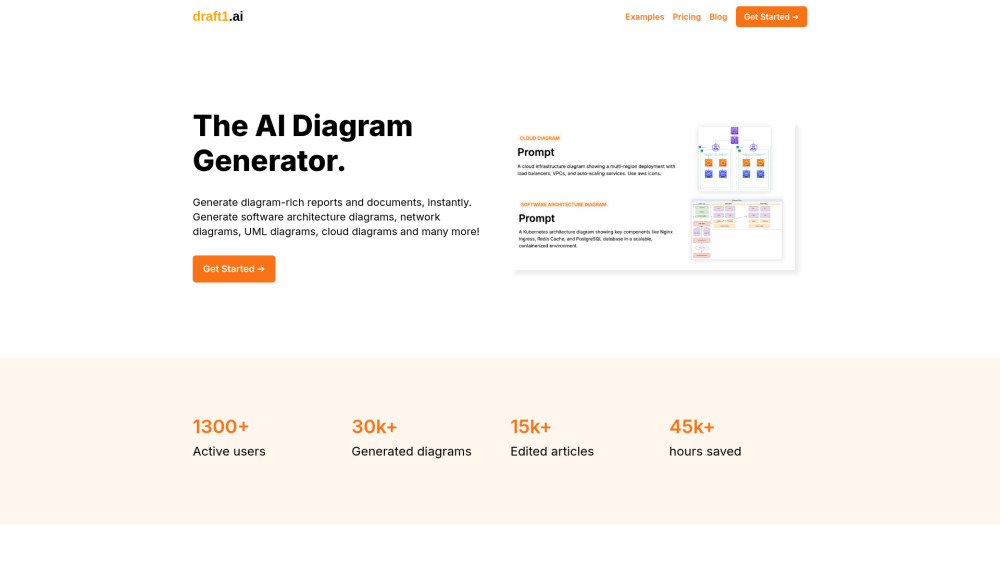
AI diagram generator creating ER, UML, Kubernetes, and network diagrams from text.

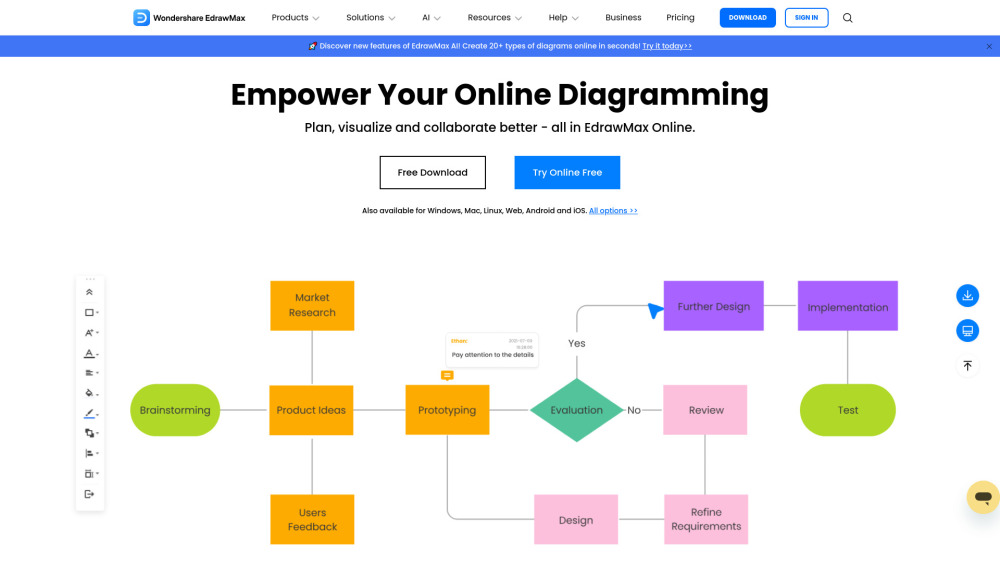
All-in-one online diagramming tool for creating 280+ types of diagrams with collaboration features.

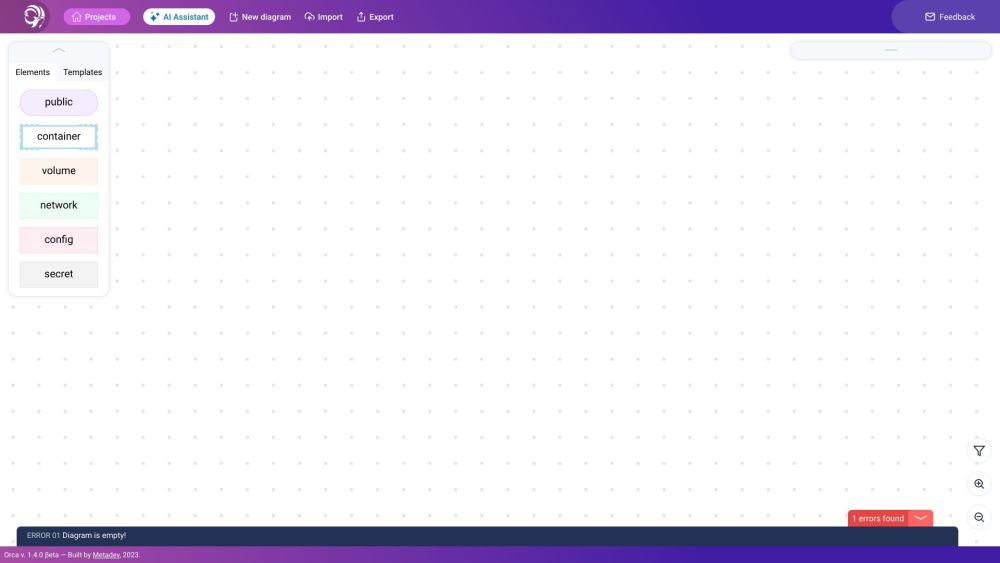
Orca is a graphical editor for Docker-Compose files with AI integration.

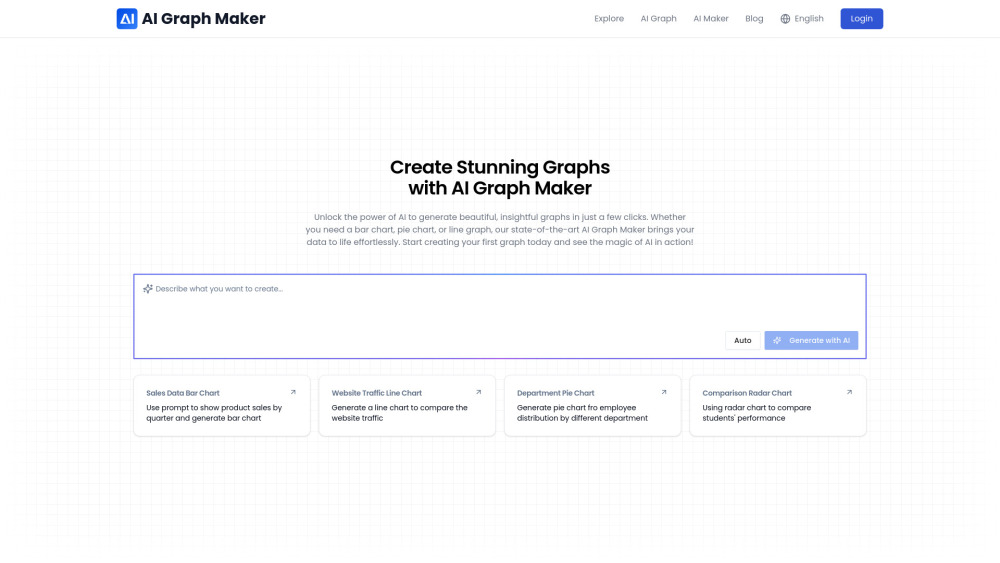
AI-powered tool to create stunning data visualizations effortlessly and quickly.

Free, open-source diagram engine with AI, Mermaid.js support, and Figma vector export.

