
Ai Graph Maker
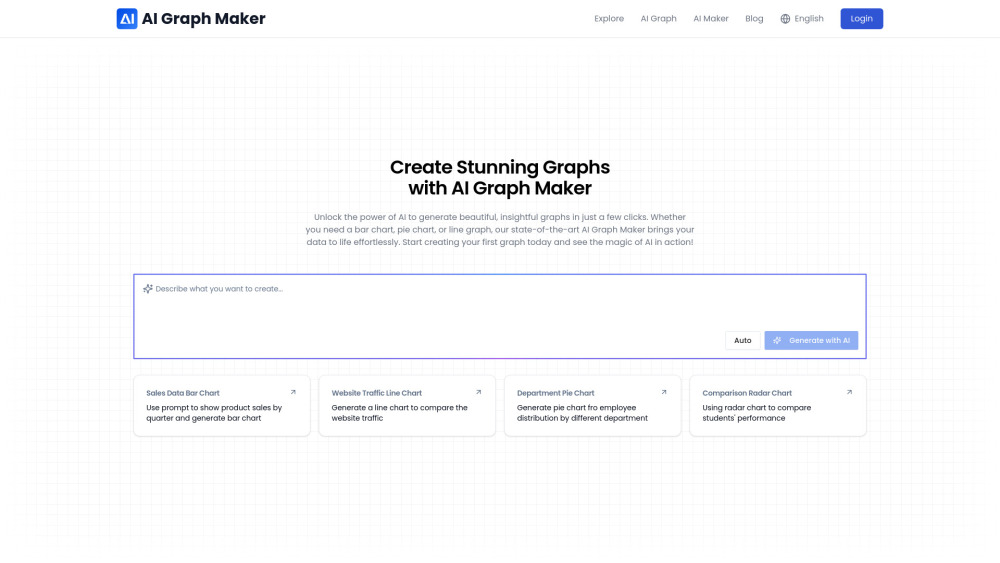



AI Graph Maker is an AI-powered tool that transforms data into stunning visualizations effortlessly. It allows users to create charts, graphs, and diagrams in minutes. The tool supports various chart types, including bar charts, line charts, flowcharts, pie charts, scatter plots, and more. It is designed for both professionals and beginners, offering a user-friendly interface and flexible editing and export options.
AI-powered tool to create stunning data visualizations effortlessly and quickly.
- Visualizing sales data by quarter using a bar chart
- Comparing website traffic with a line chart
- Showing employee distribution by department with a pie chart
- Comparing students' performance using a radar chart
- Project management, personal planning, historical tracking, or event planning using timelines
- Planning tasks, tracking progress, and optimizing resource allocation using Gantt charts
- Representing the steps of a process or task using flowcharts
- To create a graph
- input your data
- choose your graph type
- generate the graph with AI
- customize colors and labels
- and then download or share it.

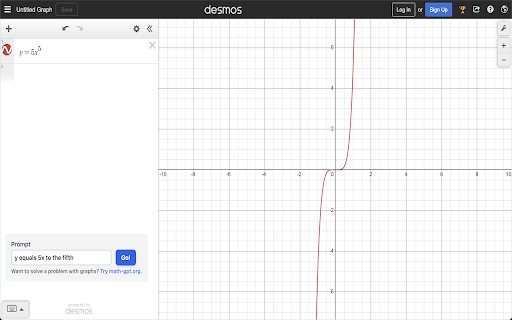
MathGPT graphs functions on Desmos and solves integrals and derivatives using AI.

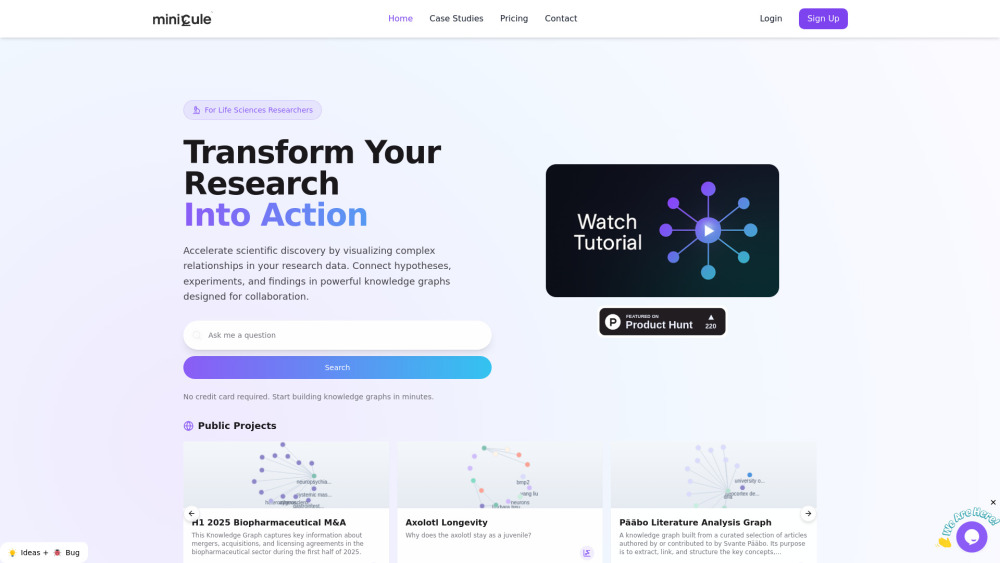
AI-powered research web app for building scientific knowledge graphs.

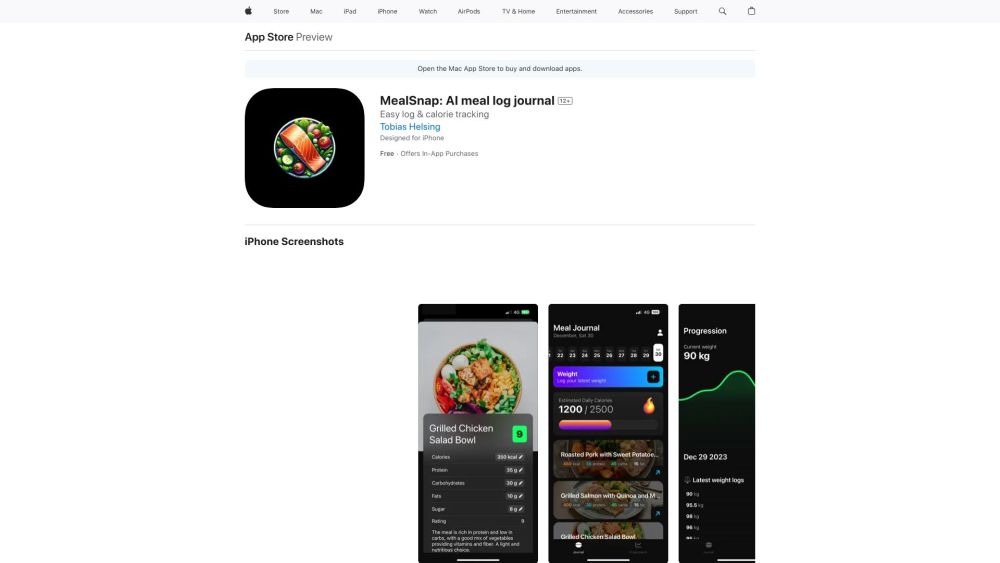
AI-powered meal logging and calorie tracking iPhone app.

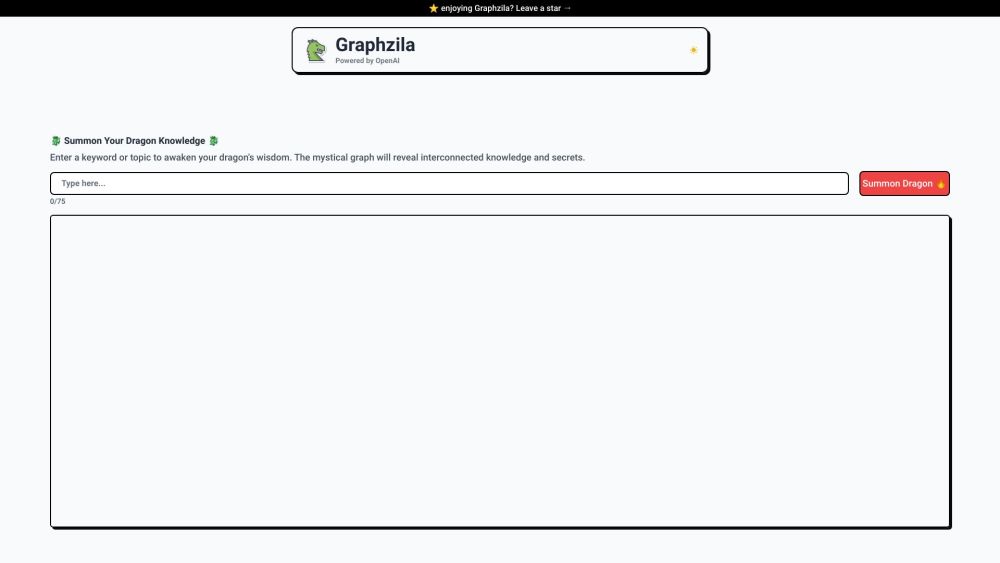
Graphzila creates knowledge graphs from text using OpenAI's GPT-3.5 Turbo.

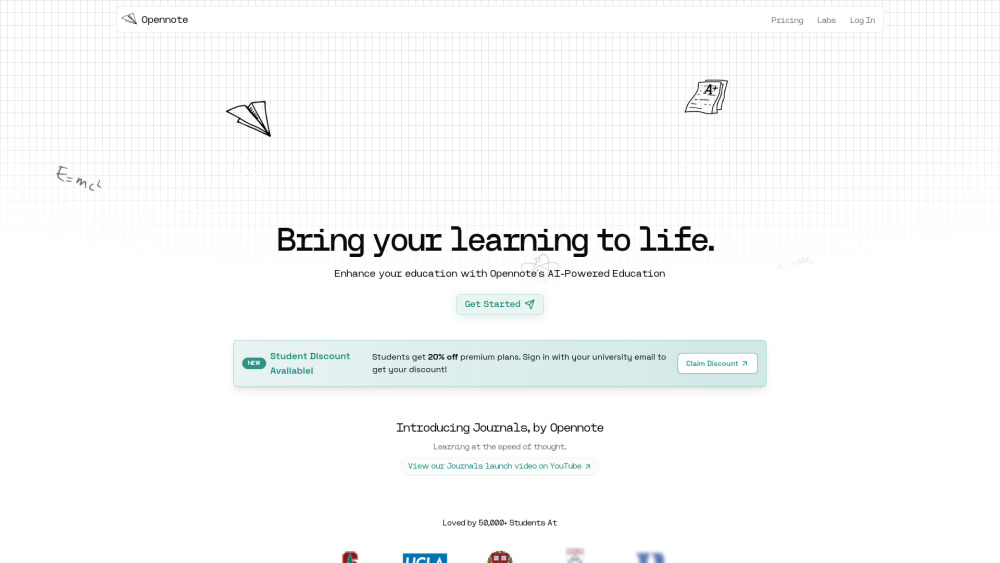
Opennote is a deep research and open notes platform for students with AI-powered tools.

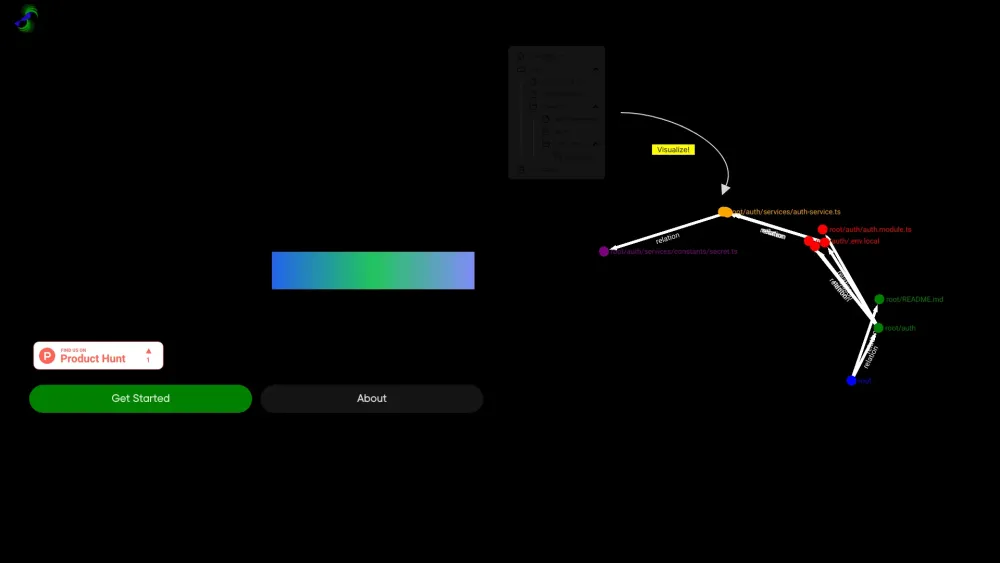
AI tool visualizing codebases as network graphs, aiding open-source contributions.

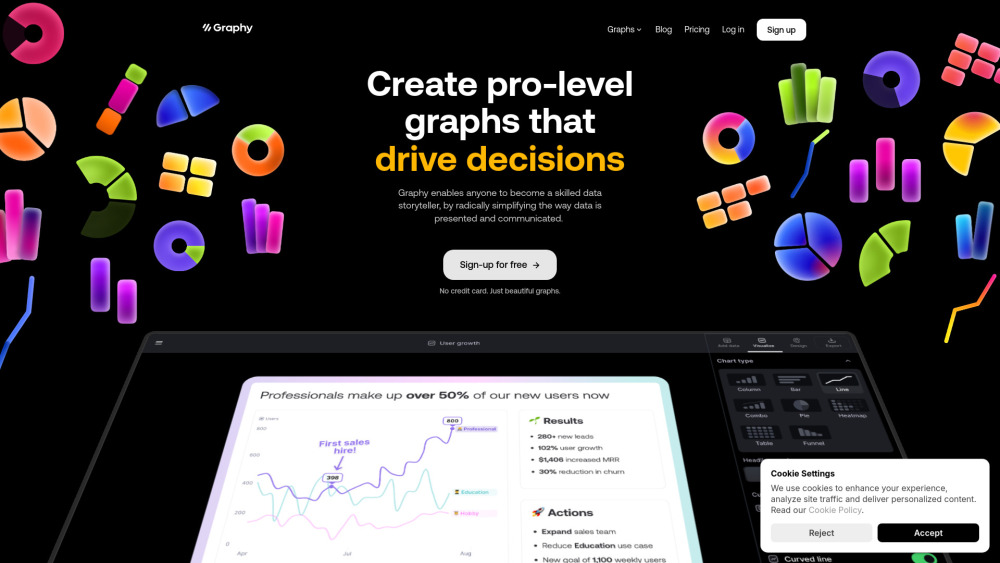
Graphy simplifies data storytelling with easy, fast, and beautiful graph creation for everyone.

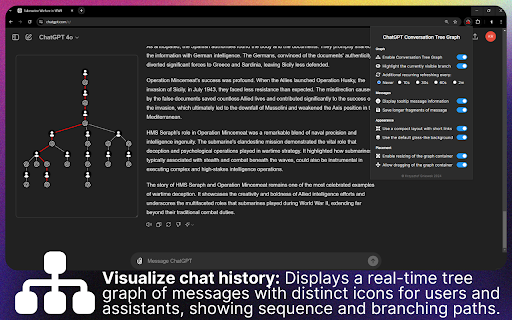
A ChatGPT extension visualizing conversation flow with a dynamic, interactive tree graph.

AI analytics tool that answers questions about your business data in plain English. Instead of manually digging through spreadsheets and reports to understand why numbers changed, ask Scoop "why did sales drop?" or "which customers are likely to leave?" and it investigates automatically. Connects to your business tools (Salesforce, databases, spreadsheets) and explains what it finds in normal language. For teams who need quick answers without technical skills.

