Daglo
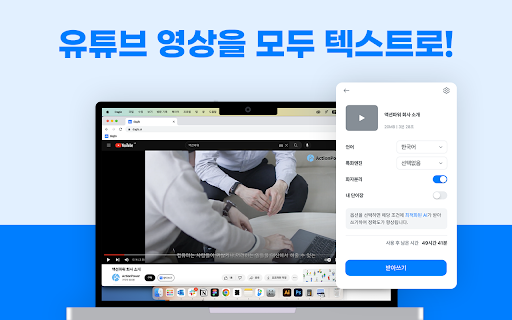



Daglo ai chrome extension? Daglo is a service that transcribes audio from YouTube videos into text, allowing users to create subtitles or documents. The transcribed results can be viewed on the Daglo website, where users can quickly edit the content using a web editor and easily search for specific text within the transcription.
YouTube audio transcription service for subtitles and documents.
- Creating subtitles for YouTube videos
- Generating text documents from video content
- Searching for specific information within video transcripts
- Quickly editing and correcting video transcriptions
- 1. Install the Daglo Chrome extension from the Chrome Web Store. 2. View a video on YouTube to activate the Daglo extension. 3. Log in to Daglo and click the 'Transcribe' button below the video to transcribe the video into text. 4. Once the transcription is complete
- you can view the results on the Daglo website (https://daglo.ai).

Accurate and affordable human-verified transcription services with AI enhancement.

Bulk YouTube subtitle downloader for playlists and channels, optimized for AI data prep.

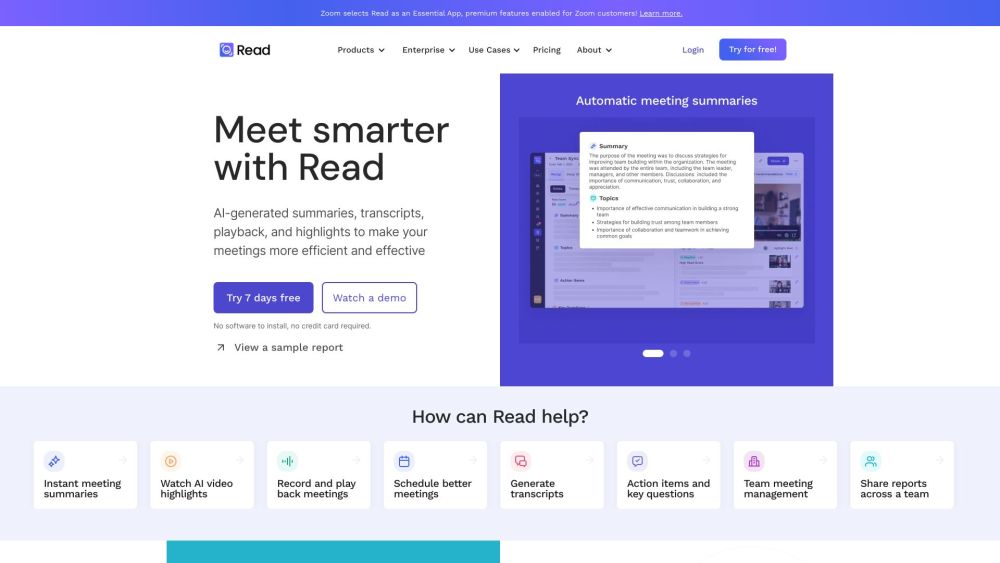
AI meeting assistant for transcription, summaries, and AI-powered search across platforms.

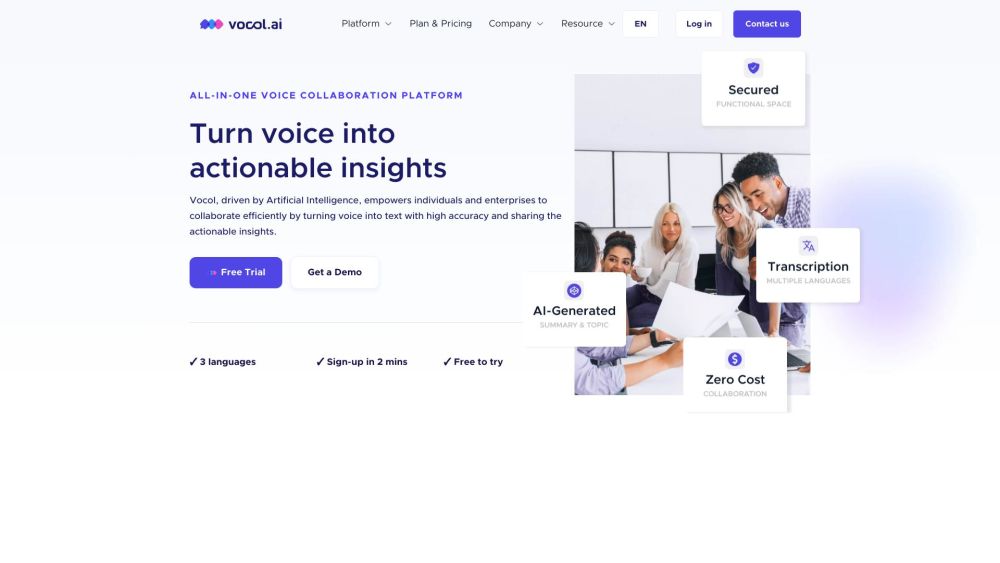
AI-powered voice collaboration platform for transcription, summarization, and actionable insights.

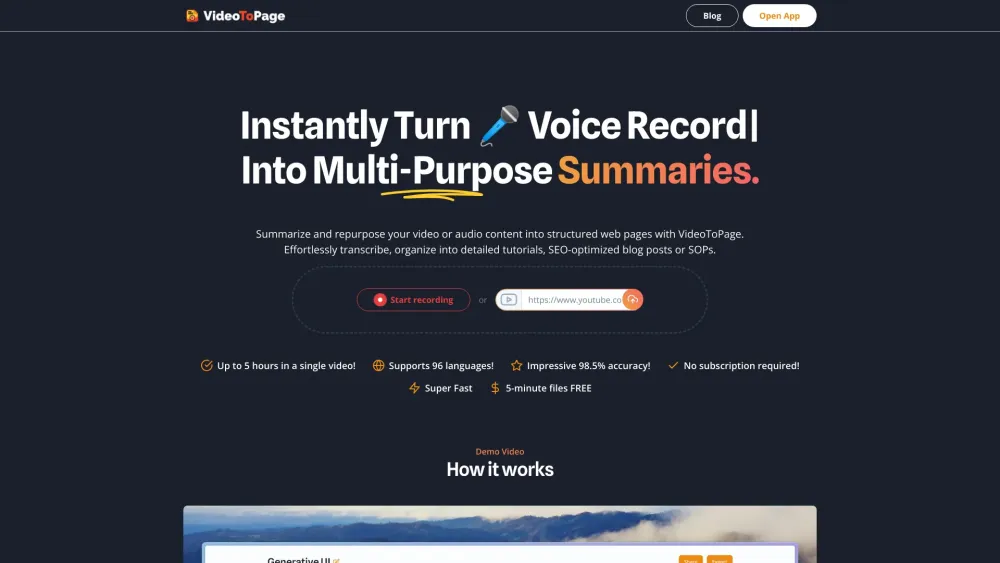
VideoToPage summarizes and repurposes video/audio into blogs, articles, and social media posts.

Transcribe Videos to Text with AI Free Online, Unlimited & No Sign-up.


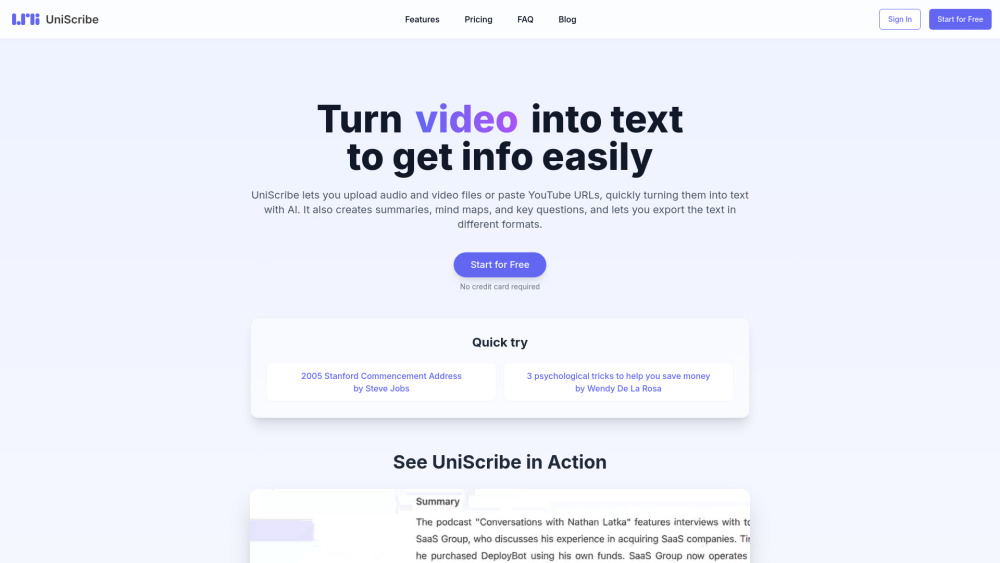
UniScribe is an AI-powered platform for audio and video transcription, summarization, and mind map generation.

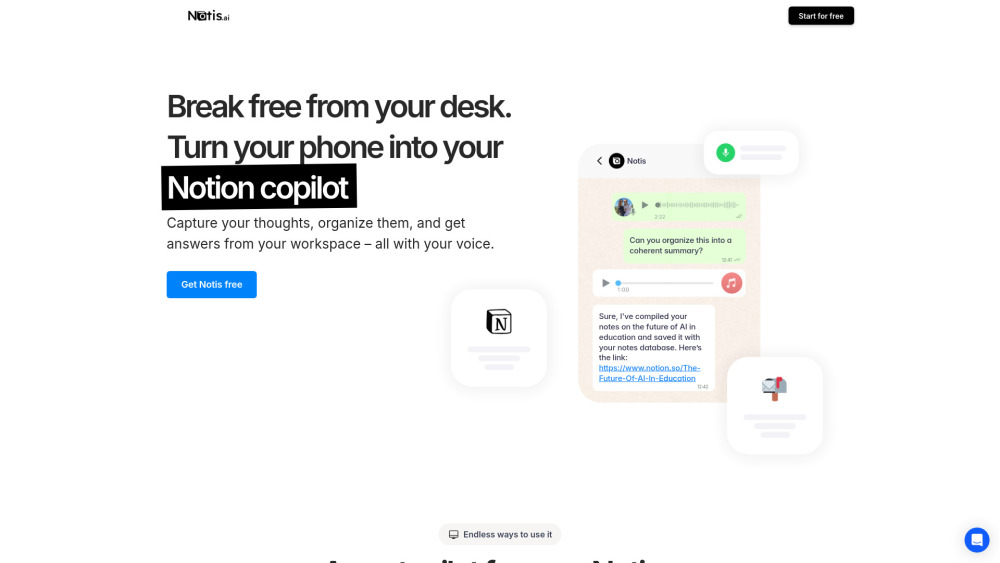
AI assistant for Notion, using voice to automate tasks and organize information.

AI meeting assistant for recording, transcribing, and summarizing meetings.

AI-powered interactive video hosting platform for enhanced engagement and sales.

AI note-taker to transcribe voice notes and meetings in 100+ languages.

AI-powered audio and video transcription service with high accuracy and multi-language support.

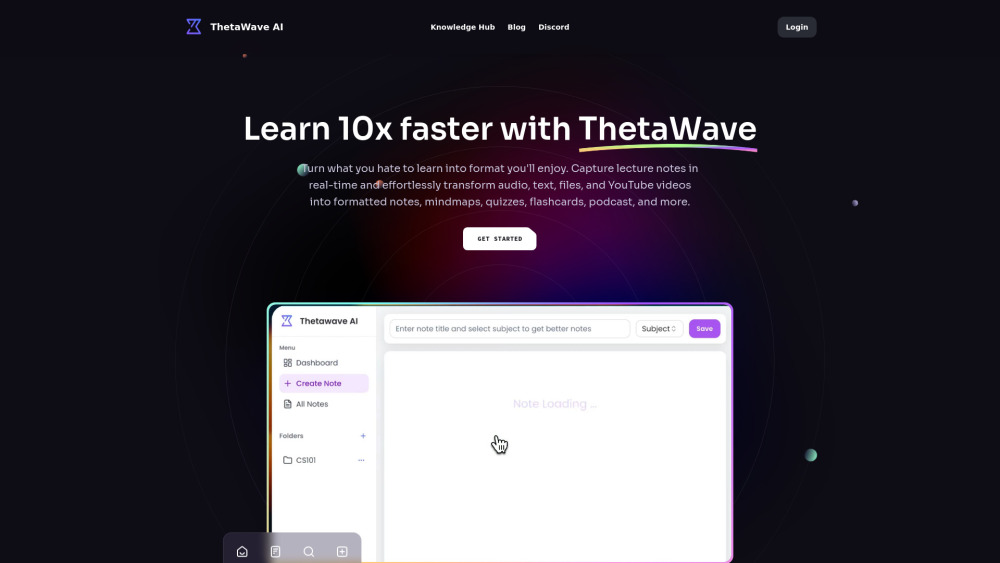
AI note-taking tool for students, converting various formats into study materials.

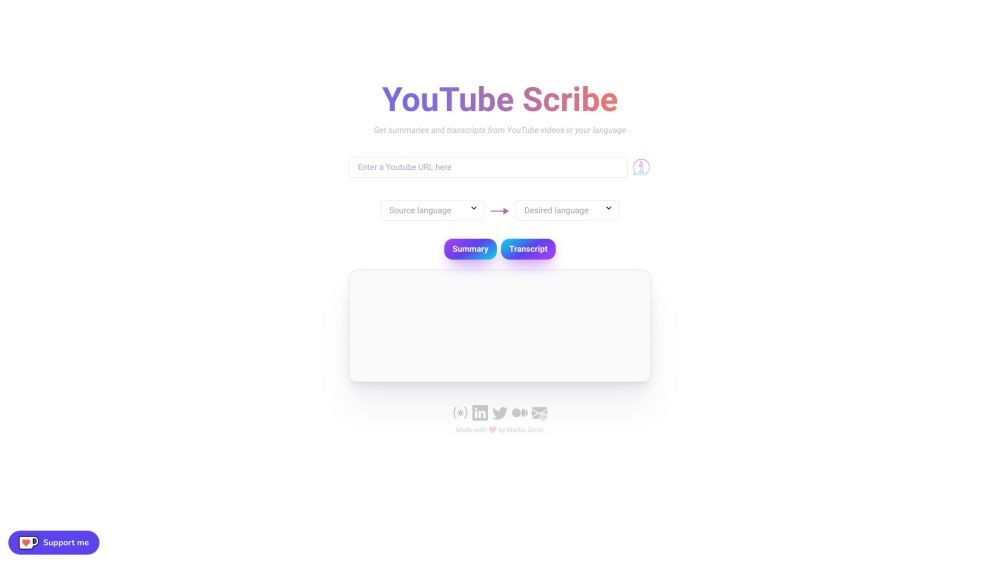
YouTube Scribe provides English summaries and transcripts from Japanese YouTube videos.

AI tool to extract Spotify transcripts, generate summaries, and chat with podcast episodes.


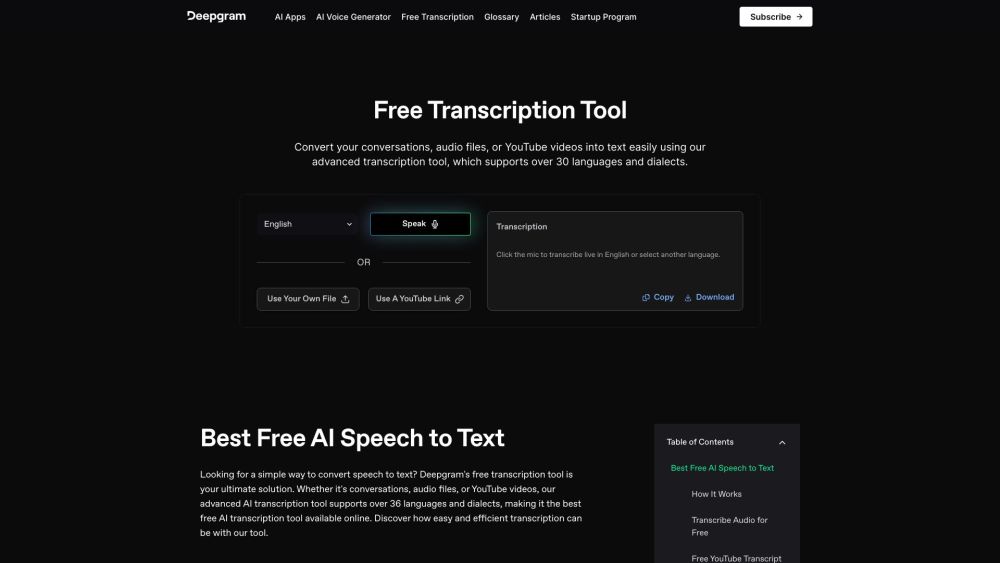
Free AI transcription tool for audio, video, and conversations, supporting 36+ languages.

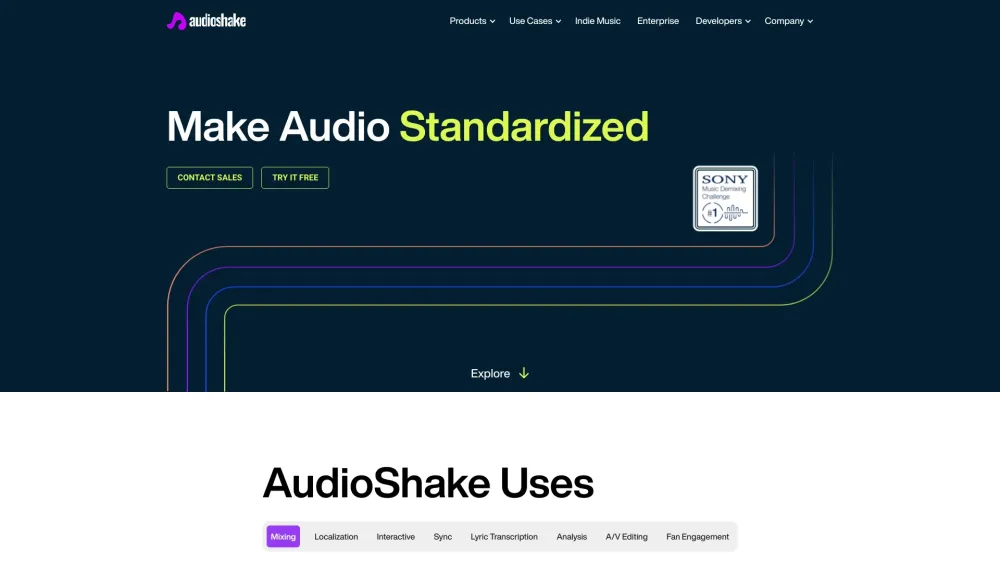
AudioShake uses AI to split audio recordings into stems for various interactive and customizable uses.

AI software to transcribe music into sheet music, MIDI, and MusicXML.