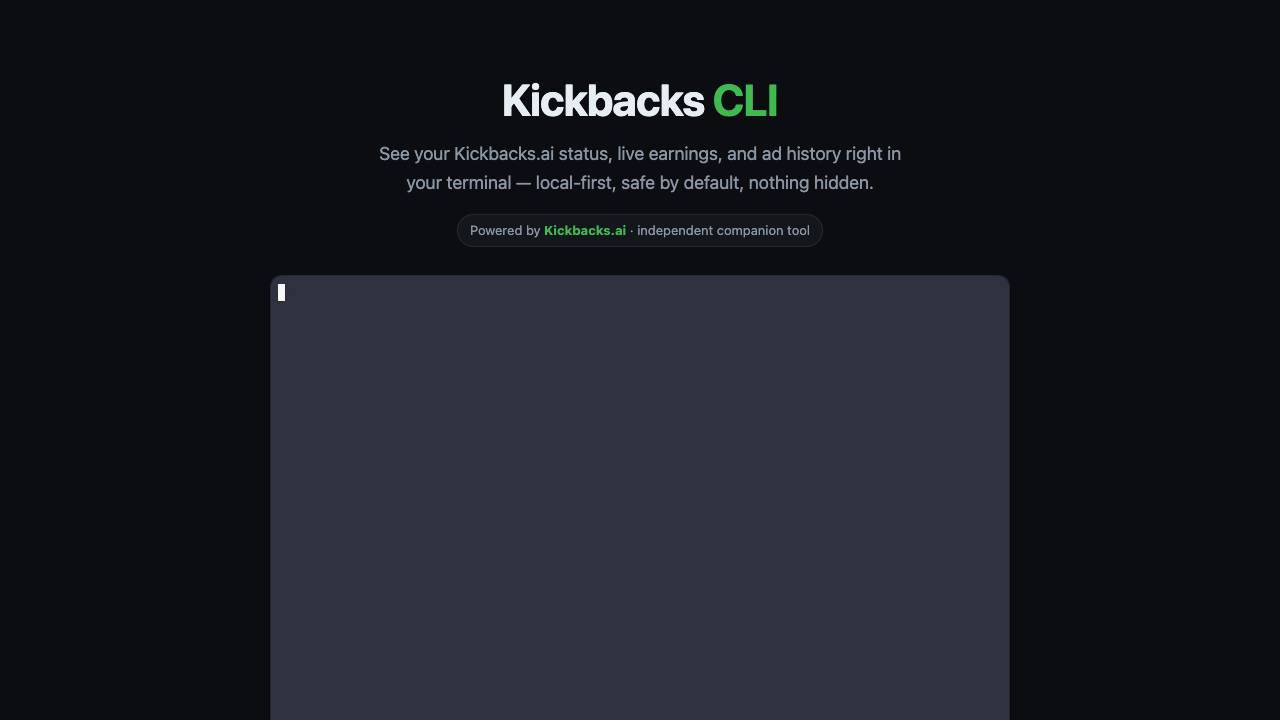


Kickbacks CLI is a terminal and macOS menu bar companion for Kickbacks.ai that displays your status, live earnings, and ad history locally. It is safe by default, read-only until you enable writes, and fully transparent.
The terminal and Mac menu bar companion for Kickbacks.ai
- Check your Kickbacks.ai earnings and status directly from the terminal without opening a browser.
- View ad history and daily earnings charts in a glance.
- Use the macOS menu bar app for quick access to live stats.
- Run diagnostic commands to ensure everything is working.
- Integrate into scripts or workflows that need to fetch earnings data.
- Install Kickbacks CLI using Homebrew (brew install kickback) or download the .zip from the menu bar app page.
- If you are new to Kickbacks.ai, run 'kickback setup' to install the extension and 'kickback login' to sign in.
- Use 'kickback status' to see your current status, 'kickback earnings' for live earnings, and 'kickback history' for ad history.
- Optionally, launch the menu bar app 'Kickbacks Bar' for click-based access.
- Run 'kickback doctor' to verify all dependencies are correctly installed.
- Edit the config file at ~/.config/kickback/config.json to customize settings.

Approve AI agent data access with Face ID

The open source Ahrefs alternative

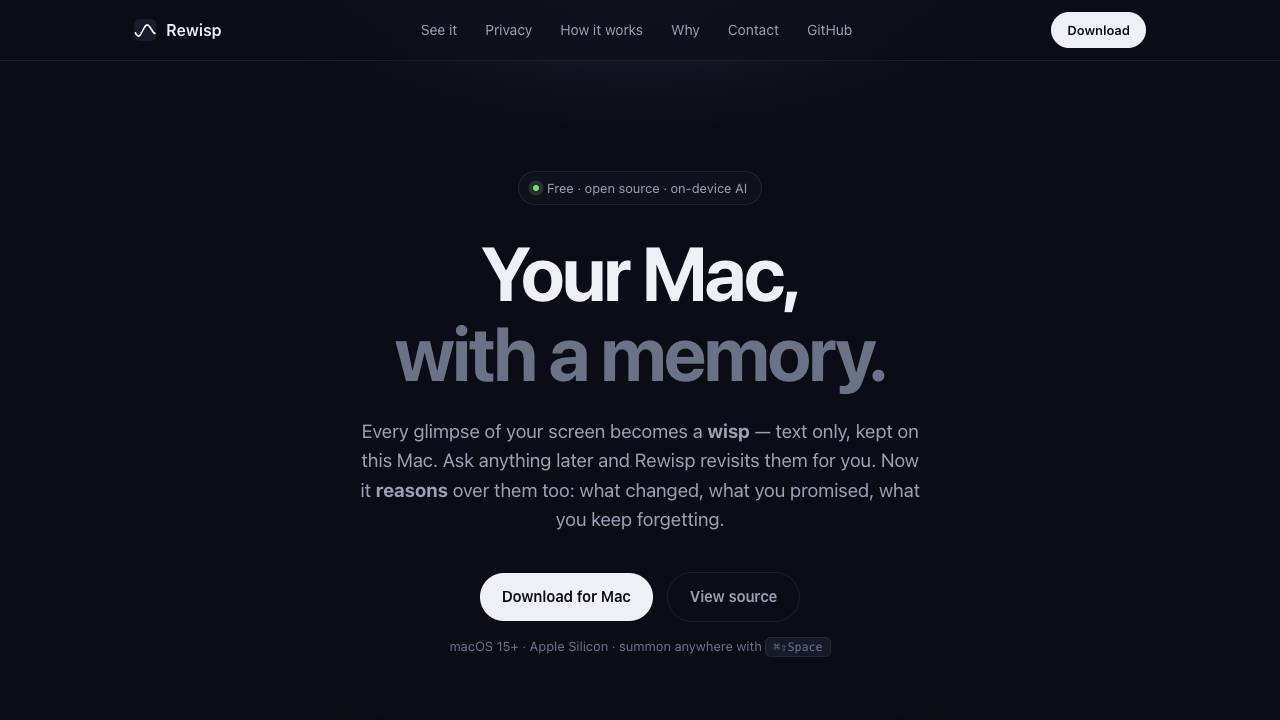
See it once. Ask forever.

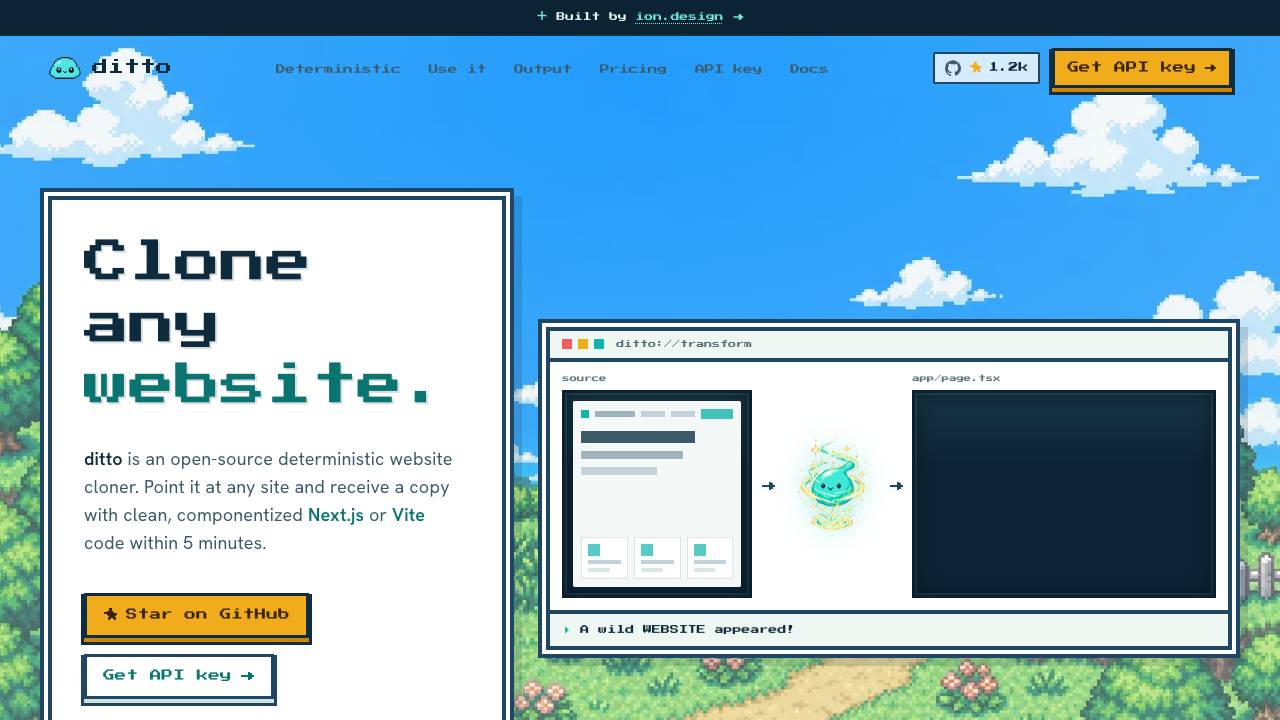
Clone any website into clean code. Free & open source

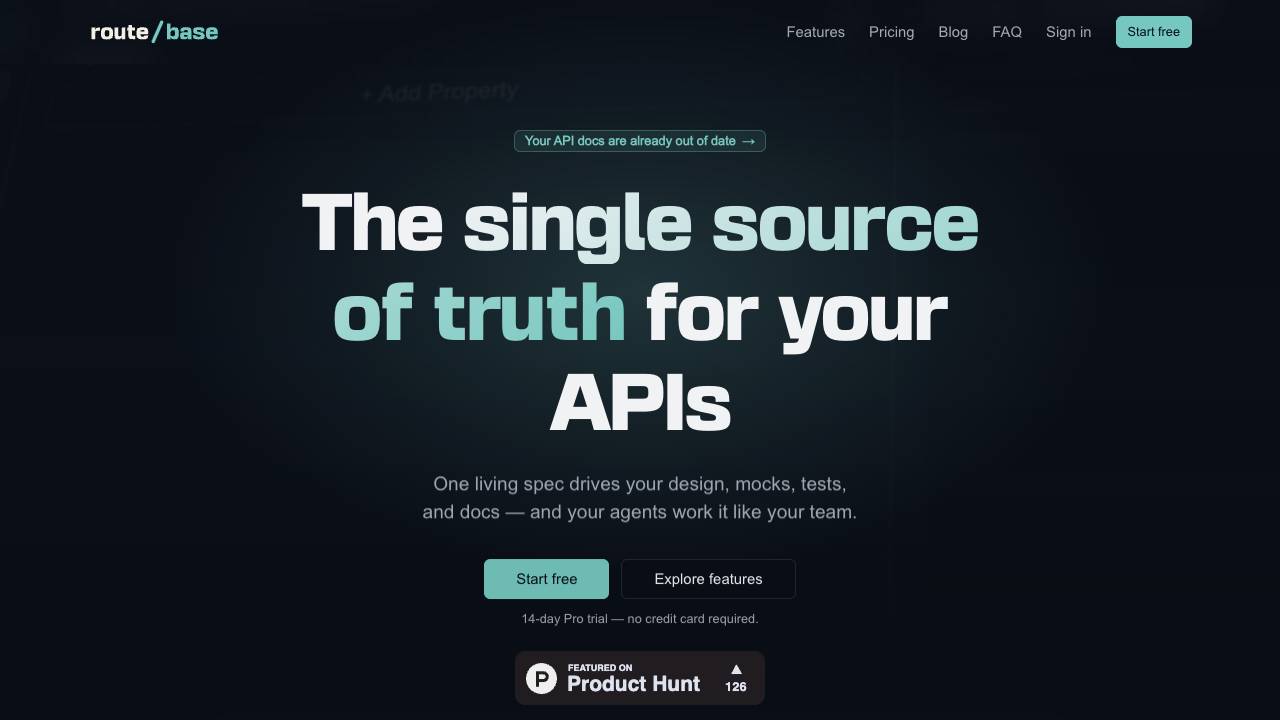
Catch API drift before your customers do

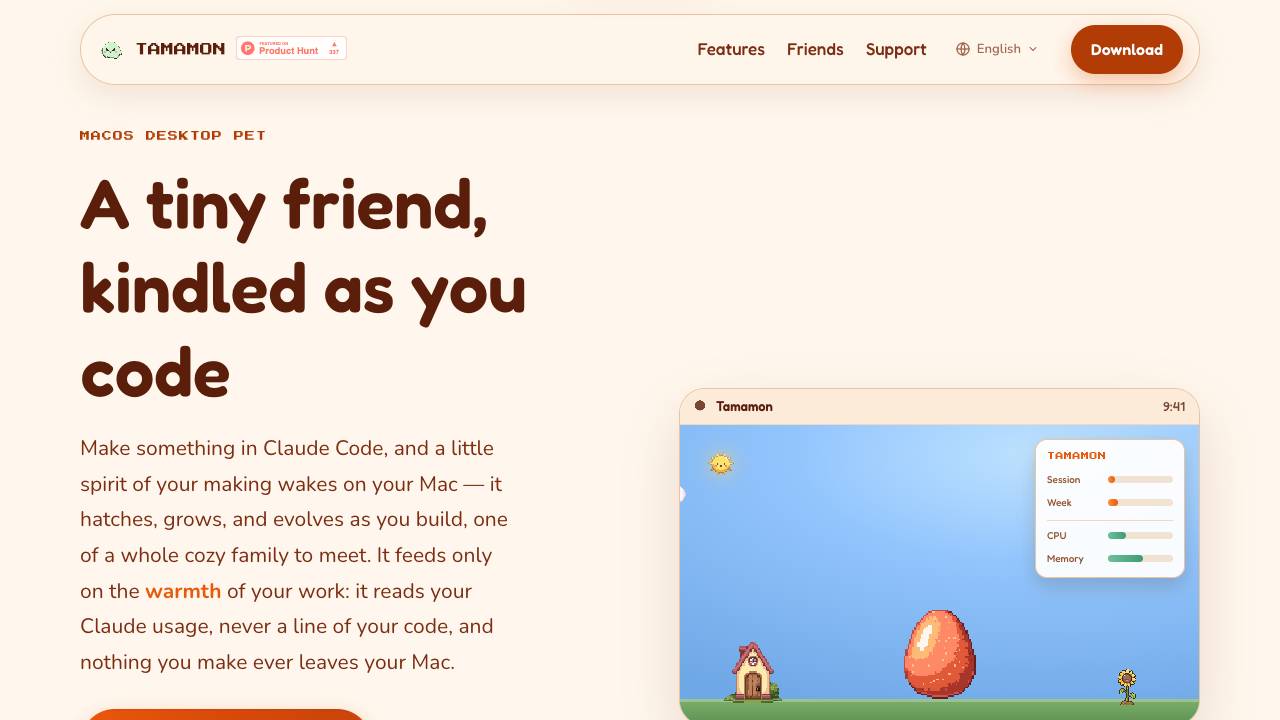
Tamamon is a free macOS desktop pet that grows as you code with Claude Code. It reads your Claude usage to evolve the pet, but never accesses your code or data. The pet appears on your desktop, reacts to your activity, and can be fed and played with.

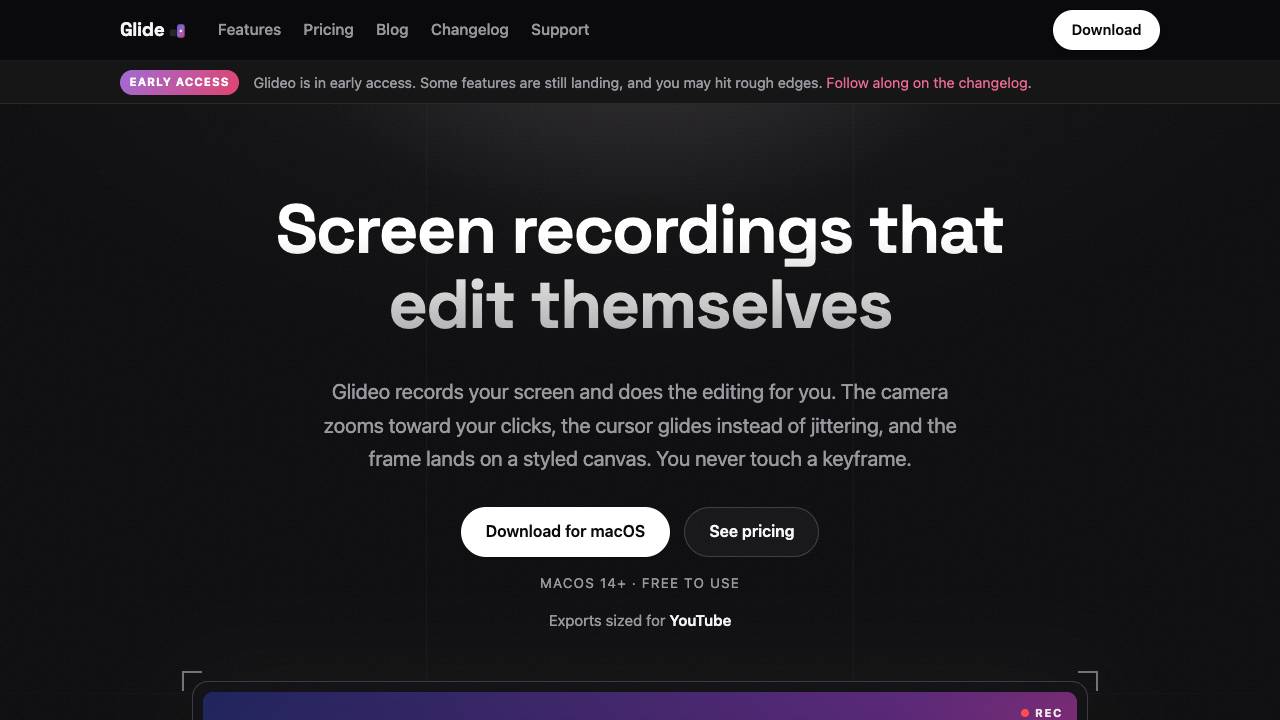
Screen recordings that edit themselves

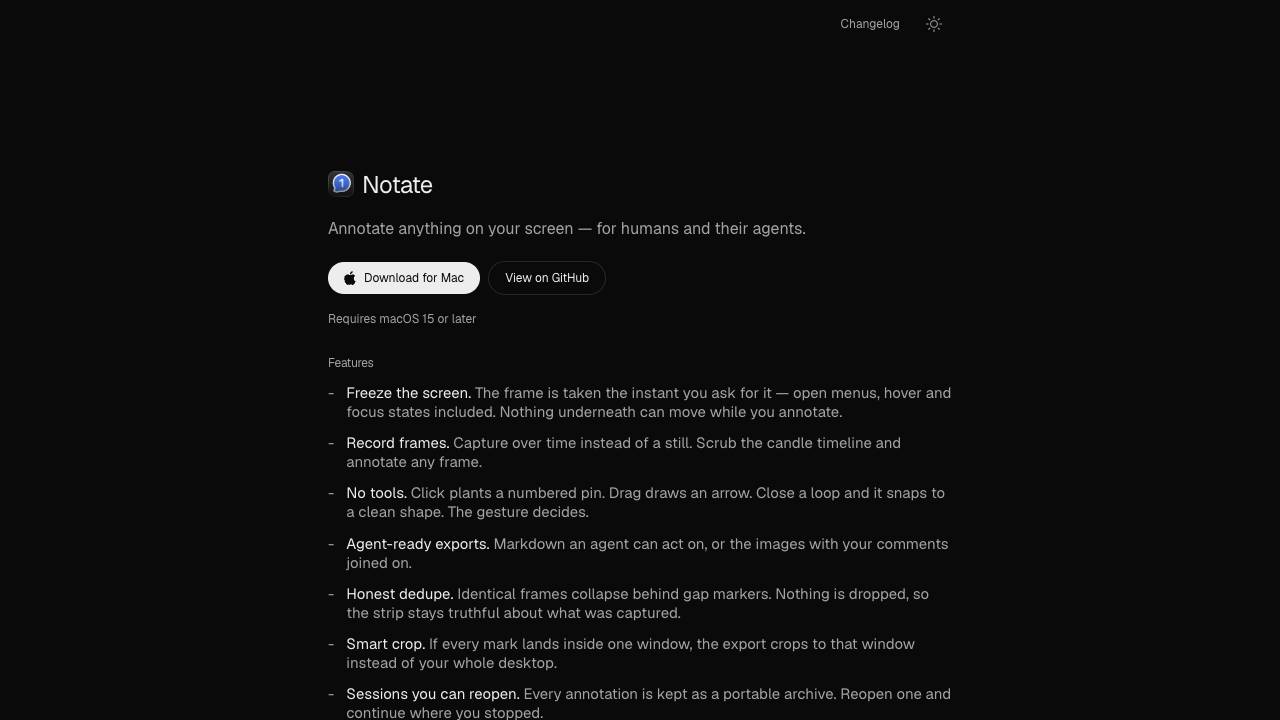
Annotate anything for humans and their agents

The Web Data API for AI Agents and Developers