Ai Enhance Image


▎ - AI Upscaling — Increase image resolution up to 4× while preserving detail ▎ - Multiple Models — Crisp mode for general sharpening, Face mode for portrait restoration ▎ - Batch Processing — Enhance up to 20 images at once (paid plans) ▎ - Before/After Comparison — Built-in slider to preview results side by side ▎ - No Installation — Works entirely in the browser, supports JPG, PNG, WebP, and HEIC ▎ Who it's for: Content creators, e-commerce sellers, social media managers, photographers, and anyone who needs better image quality without Photoshop. ▎ Pricing: Free tier available with single-image processing. Paid plans unlock batch upload, commercial use, priority processing, and instant downloads.
AI Enhance Image uses advanced AI models to transform low-resolution, blurry, or noisy photos into sharp, high-quality images — all from your browser. Simply upload a photo (JPG, PNG, WebP, or HEIC), select an enhancement mode like Crisp for general sharpening or Face for portrait restoration, and download the enhanced result in seconds. Paid plans unlock batch processing for up to 20 images at once, commercial usage rights, priority processing, and instant downloads with no wait time. No software to install, no design skills required — just upload and enhance.
- https://aienhanceimage.com
- Step 1: Upload Your Image Go to aienhanceimage.com and drag & drop your image onto the upload area
- or click "Upload Image" to select from your device. Supports JPG
- PNG
- WebP
- and HEIC formats up to 10MB. Step 2: Choose Enhancement Mode Select the AI model that fits your needs: - Crisp — General sharpening and upscaling for any photo - Face — Optimized for portraits and facial detail restoration Step 3: Enhance Click "Enhance Now" and let the AI process your image. This typically takes a few seconds. Use the Before/After slider to compare the original and enhanced versions side by side. Step 4: Download Click "Download" to save the enhanced high-resolution image to your device. Batch Processing (Paid Plans) Paid users can upload and enhance multiple images at once — up to 20 in a single session. Click "Enhance All" to process the entire batch
- then download each result individually. --- Tips: - For best results
- use source images that are at least 100×100 pixels - Face mode works best when faces are clearly visible in the photo - Free users can enhance one image at a time with a short download wait

Free AI art generator transforming text into stunning AI visuals.

All-in-one AI Workspace: Create professional slides, essays, videos, images, podcasts, and deep research in minutes.

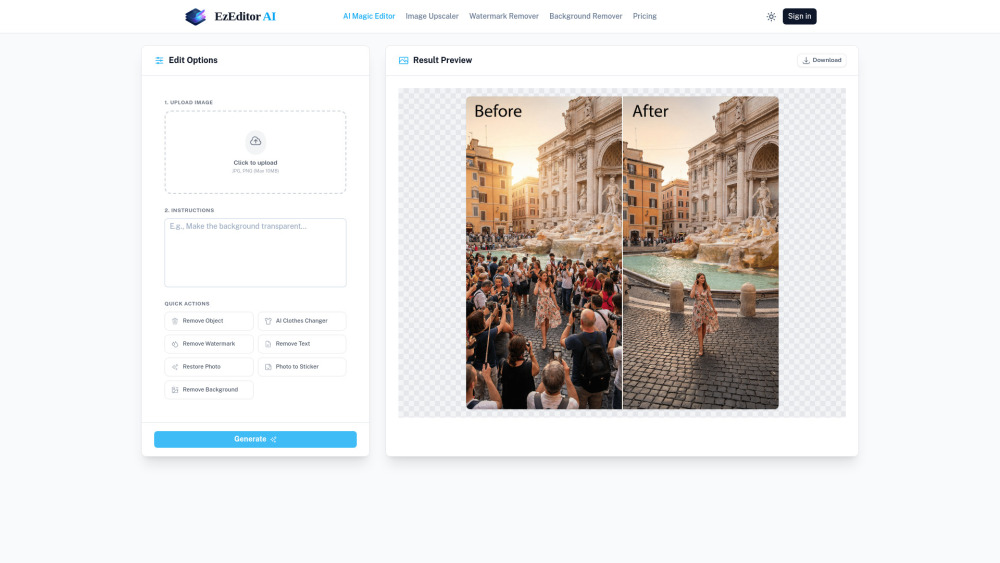
Unlimited free AI photo editor. Remove backgrounds, upscale to 4K & erase objects. No watermark & no sign-up.

Nano Banana Pro is a professional AI image generator and editor powered by Gemini Pro. Create, edit, and upscale images to 4K with high character consistency.


AI-powered tool to expand images, adjust aspect ratios, and enhance photos.


AI video and image creation platform with various AI-powered tools and editing features.

AI-powered creative toolkit for e-commerce and marketing image creation.


AI image generation and editing platform with various tools and models.

Creative photo editing app with AI tools for quick edits and pro designs.

AI creative toolkit for e-commerce and marketing, offering image generation and editing tools.


Pixflux.AI is an AI photo editor for e-commerce and creators: remove backgrounds, add scenes, make clean white backdrops, erase objects/watermarks, and enhance clarity in seconds.


AI Image to Image is an online image to image editing tool. Upload an original image and describe the changes you want in text, then it quickly applies style transfer, scene changes, or element replacement while keeping the main subject consistent. It works well for ecommerce visuals, social media graphics, posters, and profile image upgrades, and you can try it right away in the browser.


AI platform for generating custom e-commerce images without expert prompting.


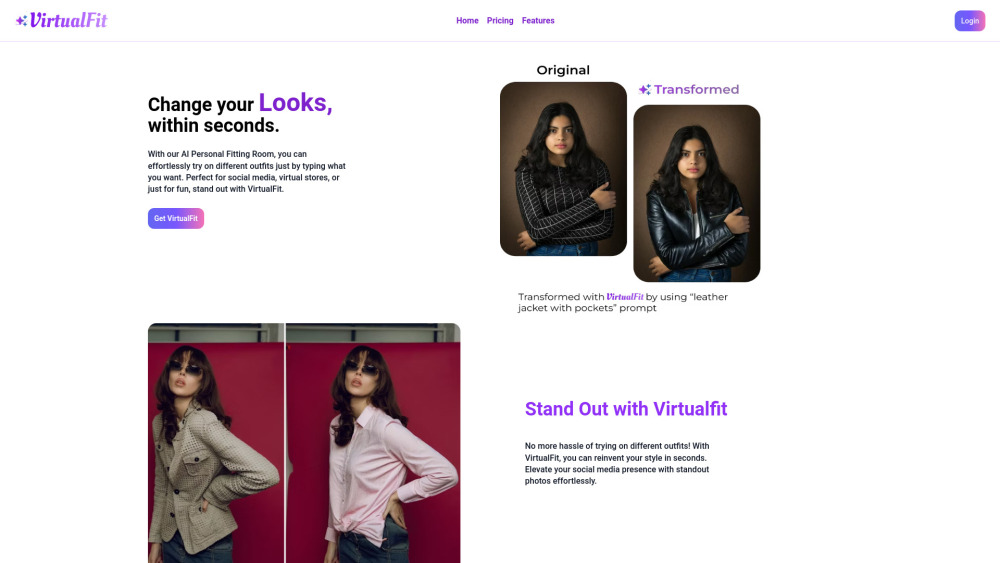
AI-powered tool to change looks and edit photos with AI.

The most cheapest of AI video generator platform.Veo3.1 Fast As low as $0.29 per video Nano Banana 2 As low as $0.01 per image.Explore top models including Seedance 1.5, Seedance 2.0, HappyHorse 1.0, Veo 3.1, Kling 3.0, Skyreels V4, and other mainstream AI video creation platforms.


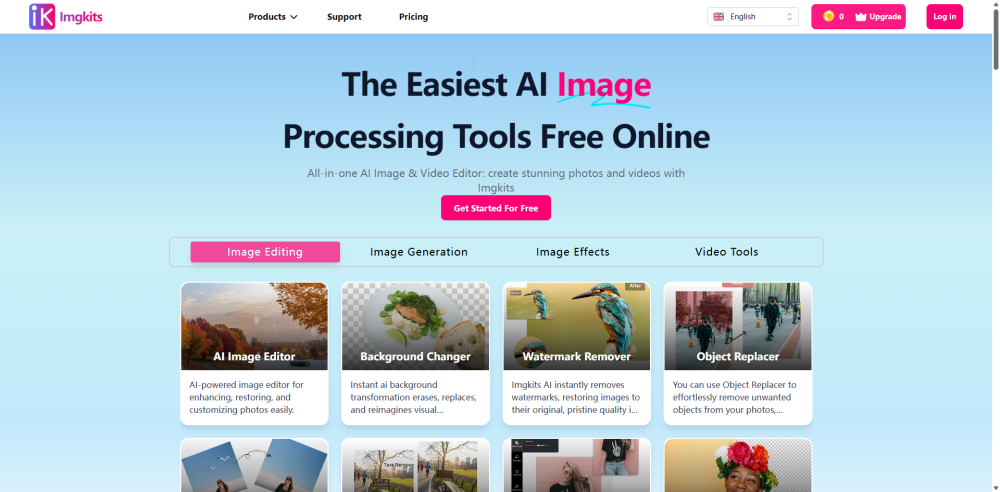
All-in-one AI Image & Video Editor: create stunning photos and videos with Imgkits

AI Image Extender expands and uncrops images naturally with generative AI.


AI-powered collaborative tool for creating and manipulating images.