
Pixflux Ai


Pixflux.AI helps you turn ordinary photos into high-converting visuals with automated, studio-style results. Use Background Remover for transparent cutouts, White Background Maker for marketplace-ready product shots, and Add/Change Background to place items into lifestyle scenes. Clean up images with Object Remover and Watermark Remover, then boost quality with Photo Enhancer and Unblur tools. Built for speed and
Pixflux.AI is an AI photo editor for e-commerce and creators: remove backgrounds, add scenes, make clean white backdrops, erase objects/watermarks, and enhance clarity in seconds.
- Remove backgrounds and export clean transparent PNG cutouts
- Create consistent scene packs from one product photo (Scene Burst)
- Generate pure white backgrounds for marketplace-ready listings
- Remove watermarks, logos, and text overlays for clean reuse
- Enhance and sharpen blurry photos for ads and product pages
- Open the Pixflux.AI tool page
- upload your original image
- and let the AI process it (background removal
- Scene Burst
- object/watermark removal
- enhancement
- or white background). Preview the result
- make quick adjustments if needed
- then download the edited image as PNG/JPG for listings
- ads
- or social posts.

AI-powered platform for photo restoration, enhancement, and album management.
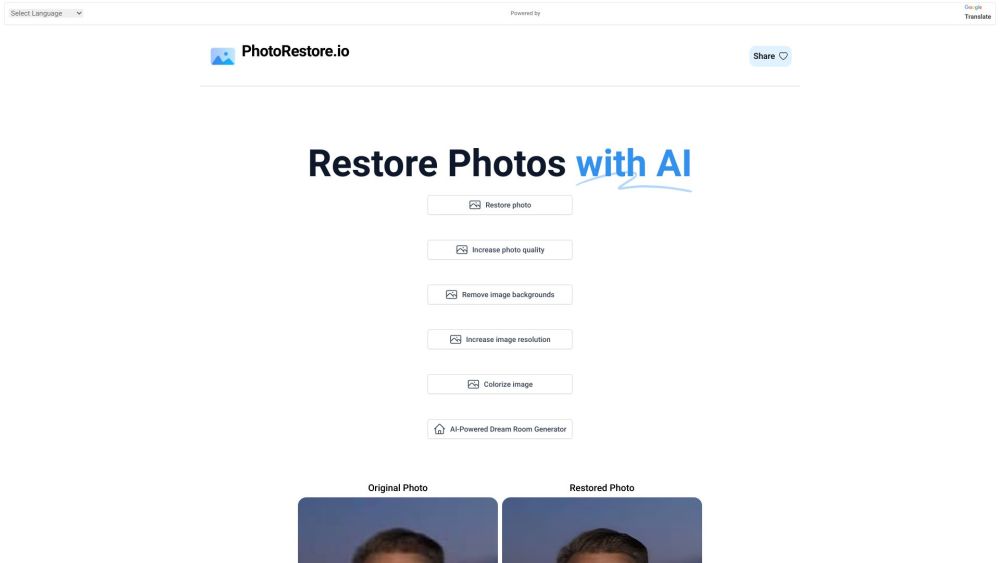

AI tool to restore, colorize, and enhance old or damaged photos in seconds.


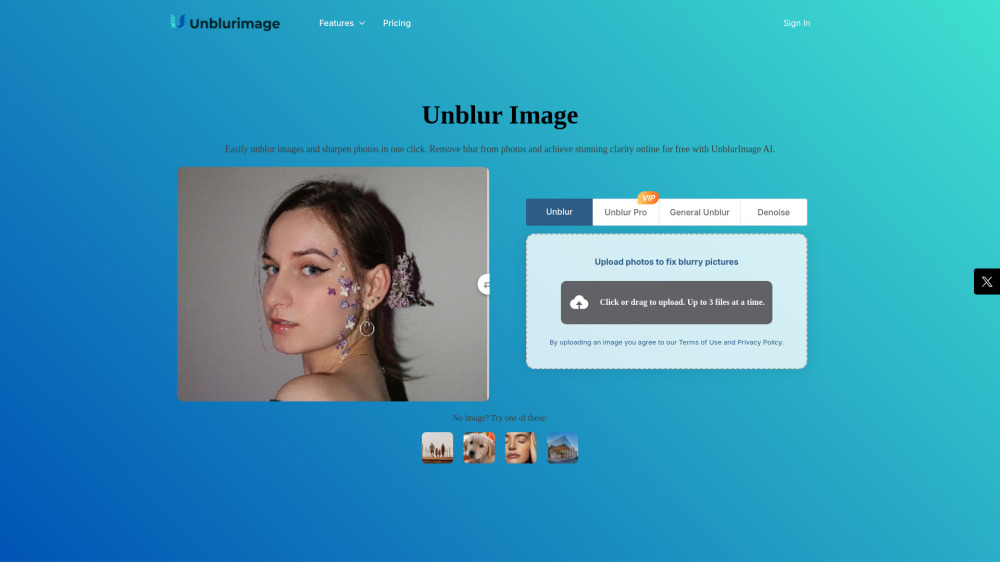
AI-powered tool to unblur, sharpen, upscale, and enhance image quality online.

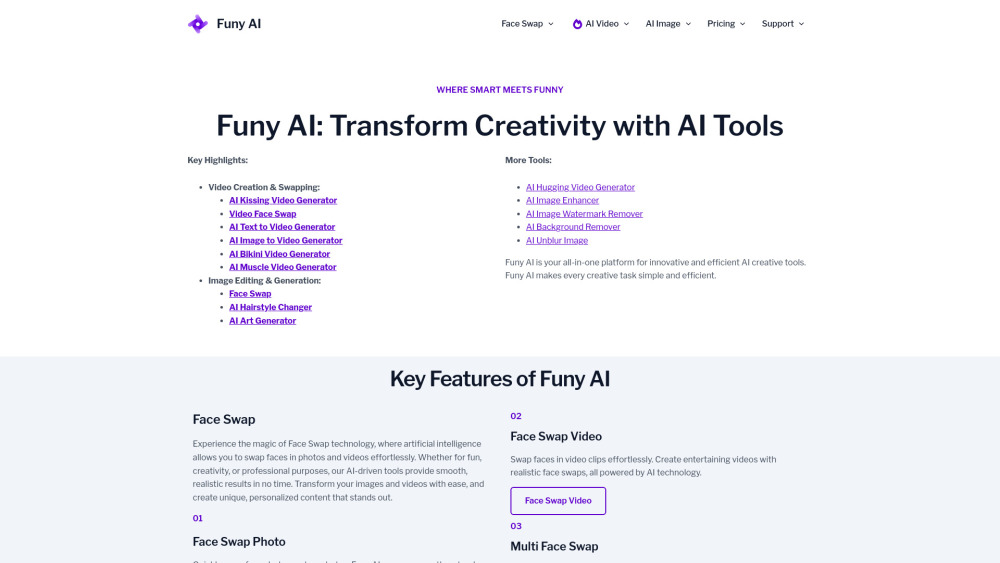
Funy AI, your premier all-in-one platform for AI creative tools without sign up, offering powerful tools like the AI Kissing Video Generator, Video Face Swap, AI Text to Video Generator, AI Image to Video Generator, AI Bikini Video Generator, and AI Muscle Video Generator. Alongside these, explore our robust Image Editing & Generation suite, featuring Face Swap, AI Hairstyle Changer, and AI Art Generator. Funy AI is designed to make every creative task remarkably simple and highly efficient.

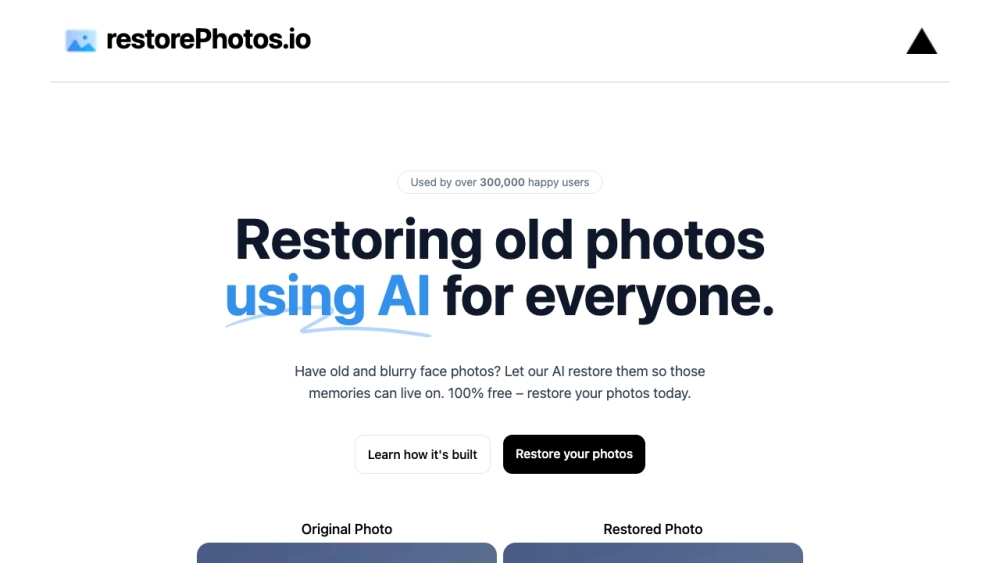
AI-powered tool to restore old and blurry face photos for free.

The most cheapest of AI video generator platform.Veo3.1 Fast As low as $0.29 per video Nano Banana 2 As low as $0.01 per image.Explore top models including Seedance 1.5, Seedance 2.0, HappyHorse 1.0, Veo 3.1, Kling 3.0, Skyreels V4, and other mainstream AI video creation platforms.


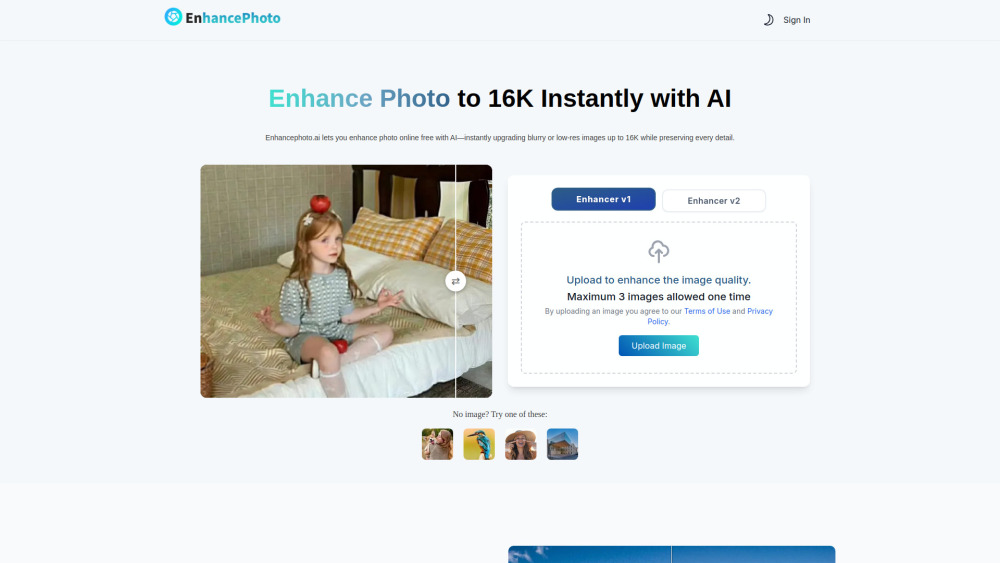
AI photo enhancer: upscale, sharpen, and restore image quality online for free.

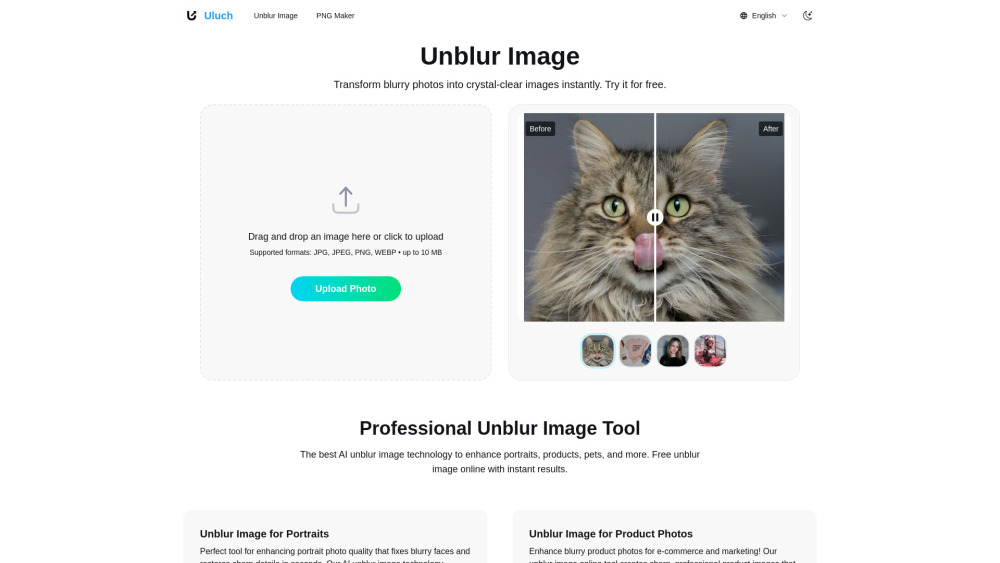
Uluch offers free AI tools for unblurring images and creating transparent PNG images.

Free AI image upscaler that enhances and scales images up to 4x.

