
Liso
要確認要確認
Highlight text on any page and turn it into audio.
WebsiteFreemiumWeb AppBrowser Extension
総合スコア
—(0件のレビュー)
getliso.app/
Lisoとは?
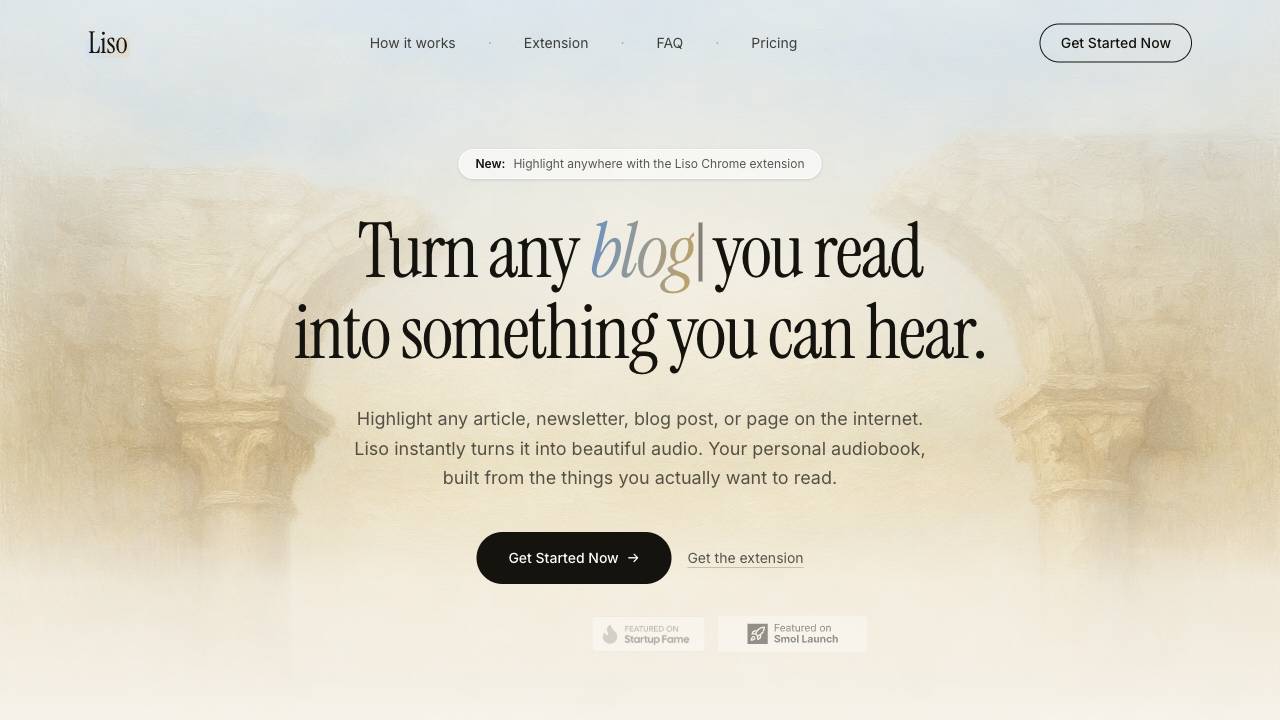
Liso is a browser extension and web app that converts highlighted text from any webpage into natural-sounding audio, allowing users to listen to articles, newsletters, and posts like a personalized podcast.
Highlight text on any page and turn it into audio.
主な機能
Highlight any text on any website and convert it to audio instantly
Right-click or paste text to send to your Liso library
Multiple natural AI voices with adjustable playback speed (0.75x to 2x)
Automatic resume across devices
Offline downloads for listening without internet
Chrome extension for one-click sending from any page
主な活用例
- Listen to articles and blog posts while commuting or exercising
- Turn newsletters and Substack posts into audio for hands-free consumption
- Create a personal podcast from your reading list
- Save and listen to long-form content offline during travel
Feature Comparison
A functional comparison based on maker input.
要確認
Comparison details are provided for informational purposes and should be verified with the official website.
使い方
- Install the Liso Chrome extension from the Chrome Web Store
- Open Liso settings to generate a pairing code and paste it into the extension popup to link your account
- On any webpage, select text, right-click, and choose 'Listen with Liso' to send it to your library
- Alternatively, paste text directly into the Liso web app
- Press play in your library to hear the audio, adjusting speed and voice as desired
- Download listens for offline playback if needed
価格
LisoはFreemiumの料金モデルを採用しています。価格と機能は変更される場合があります。
Free
$0
要確認
Pro
要確認
要確認
Team
要確認
要確認
Enterprise
要確認
要確認
キャンペーン / クーポン
クーポンは掲載されていません。
評価されているポイント
レビュータグはまだありません。
改善できるポイント
レビュータグはまだありません。
よくある質問
Verification
Tool status
要確認
Pricing verified
要確認
Founder claimed
No / To be verified
Source
Official website / Community submitted
Related Tags
AI WritingContent GenerationResearchEmail WritingSummarizationRewritingAcademic ResearchBrowser ExtensionFreemium
Own this tool?
Claim this profile to update product information, pricing, and official answers.
