Use Ai
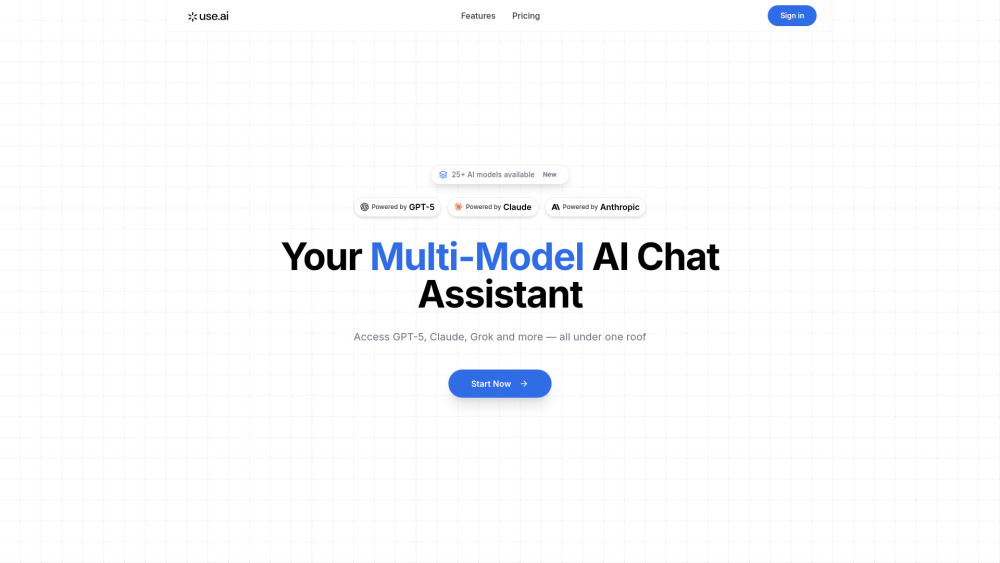


Use AI is marketed as a Multi-Model AI Chat Assistant that grants users unified access to over 25 advanced AI models, including leading technologies like GPT-5, Claude, and Grok. The platform is designed to streamline the AI experience by offering powerful features such as task-specific model selection (for research, coding, writing, or image generation), voice-enabled commands, and multilingual support (5+ languages).
Multi-Model AI Chat Assistant providing unified access to 25+ LLMs like GPT-5 and Claude.
- Accelerating research and complex data analysis
- Generating code and debugging for developers
- Creating content, articles, and marketing copy
- Generating images based on text prompts
- Users can start by accessing the platform and initiating the $1.00 trial or selecting a subscription plan. Once subscribed
- users can utilize the chat interface to interact with any of the 25+ available AI models
- selecting the best LLM for specific tasks such as research or coding
- and interacting using voice commands if preferred.

Hold a key, speak, and Lispr writes it anywhere


iPhone's Dynamic Island, brought to your Mac's notch


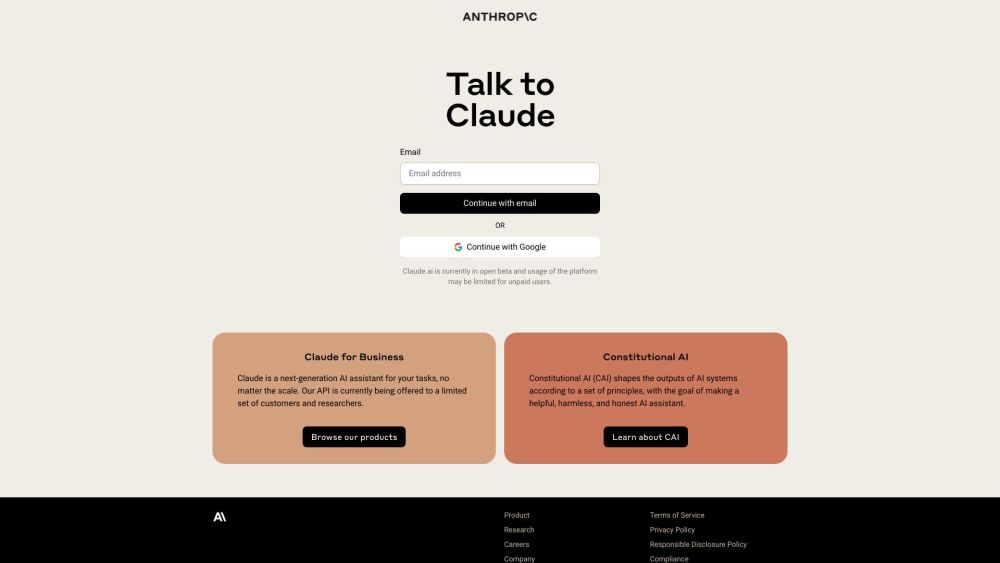
Claude is an AI assistant from Anthropic that helps with tasks via natural language.

Your people, your agents, your project — all in one place

MCP-native self-updating context layer for your AI


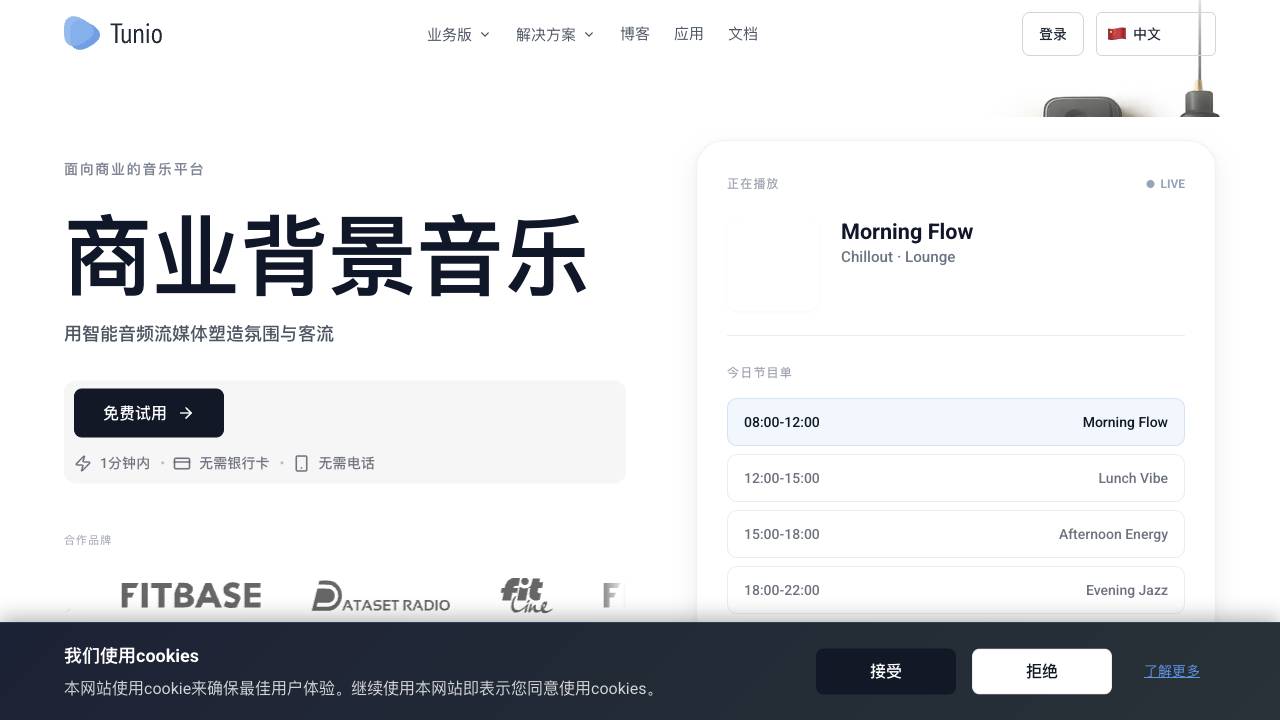
AI Music Operations Platform for Venues

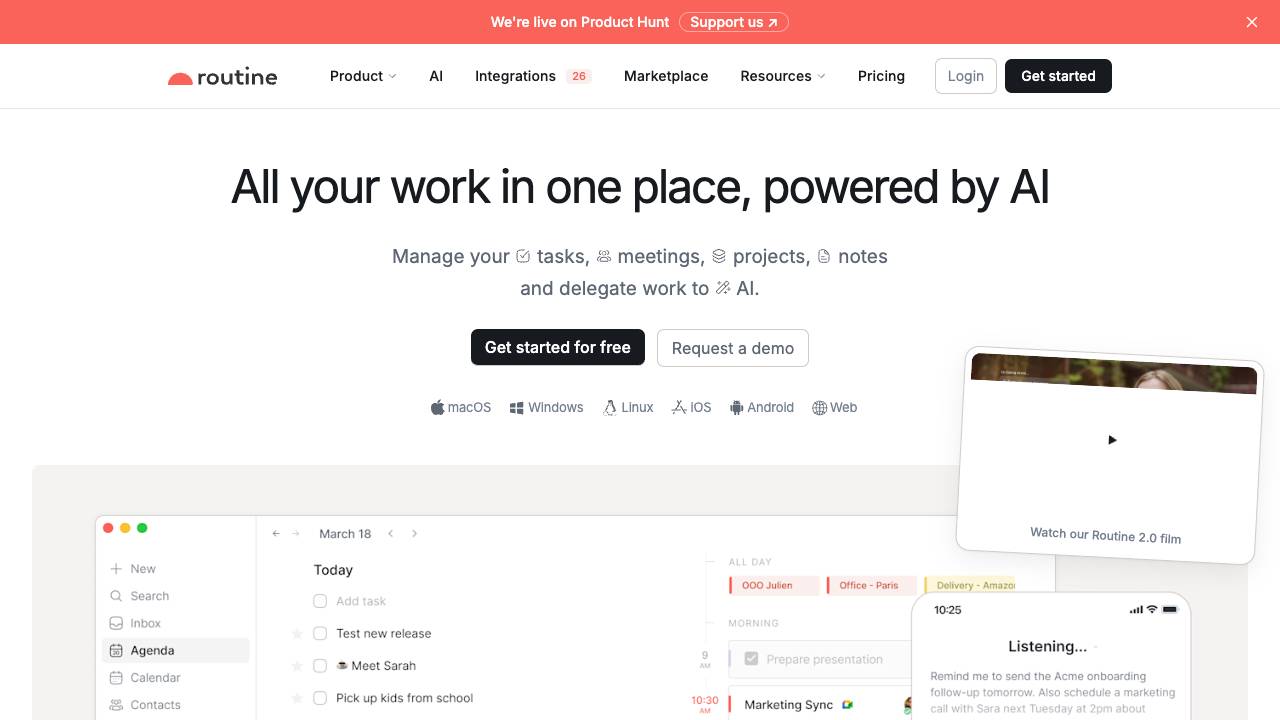
All-in-one work platform for professionals and teams

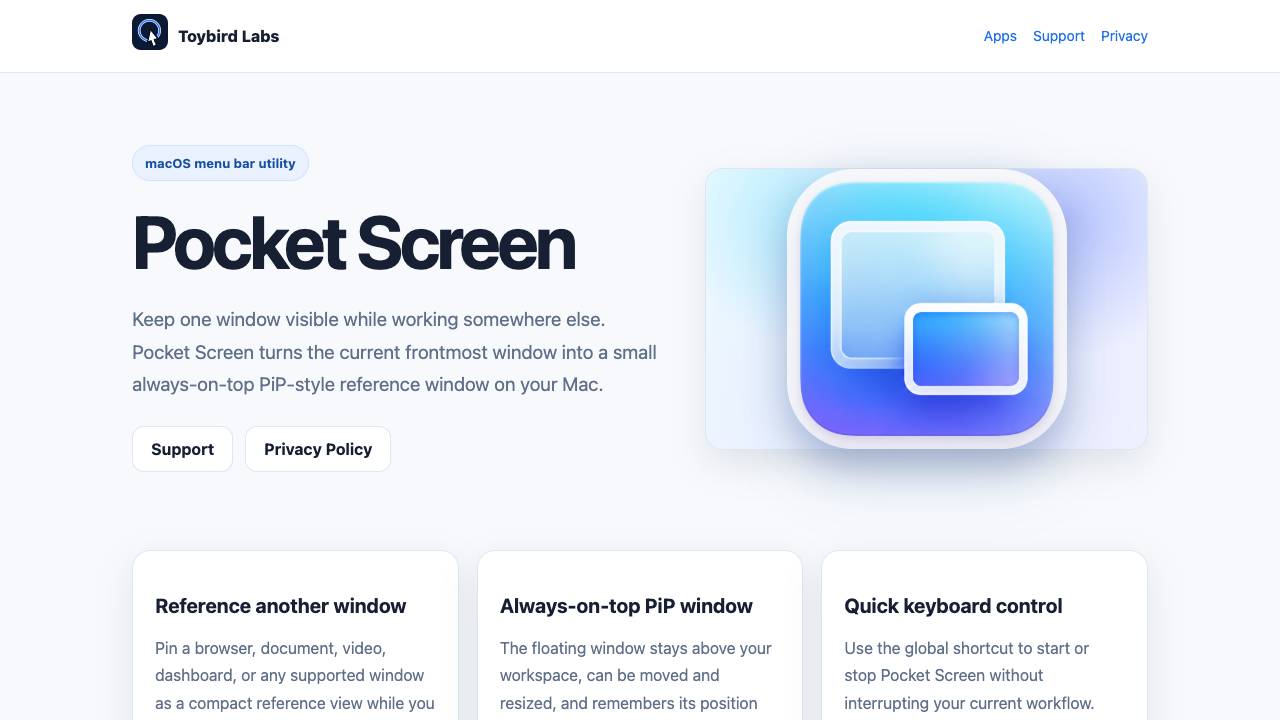
Keep any Mac window visible in a floating mini screen

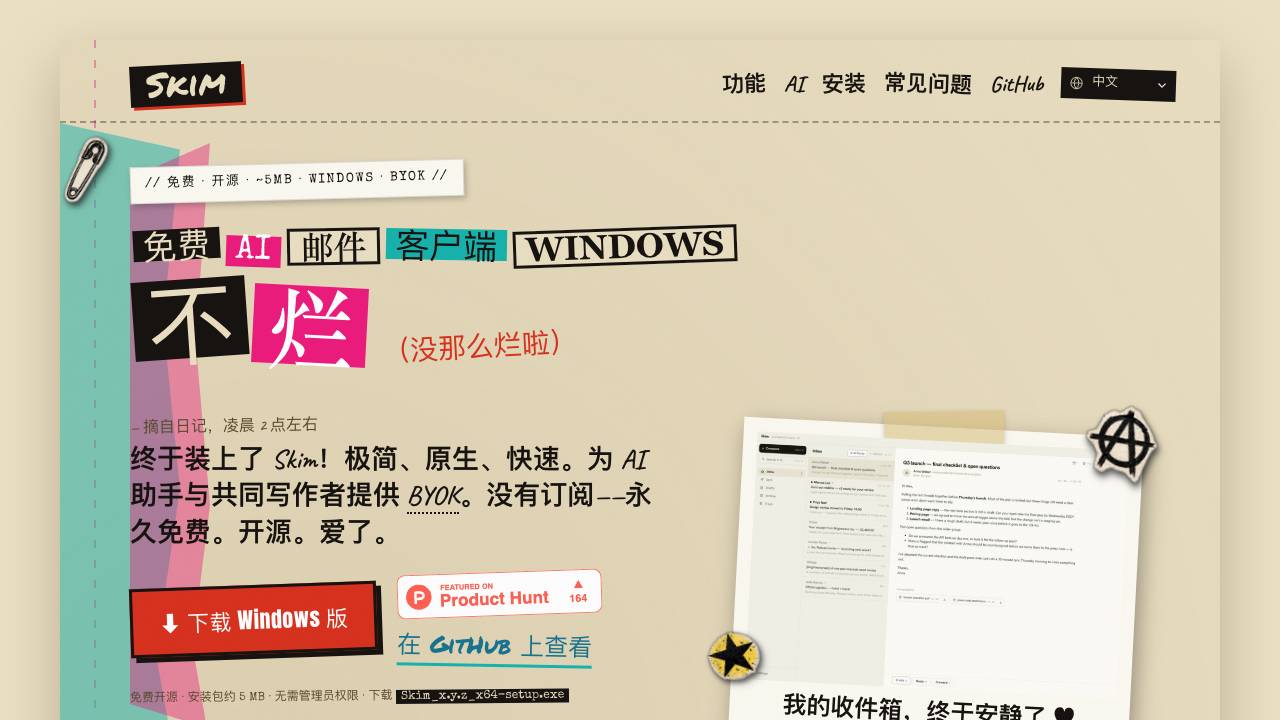
Free, open-source AI email client for Windows

Your AI video editor in ChatGPT, desktop, and web


Your teachable AI intern for everyday browser work


Caps Lock keeps your Mac awake, even with the lid closed

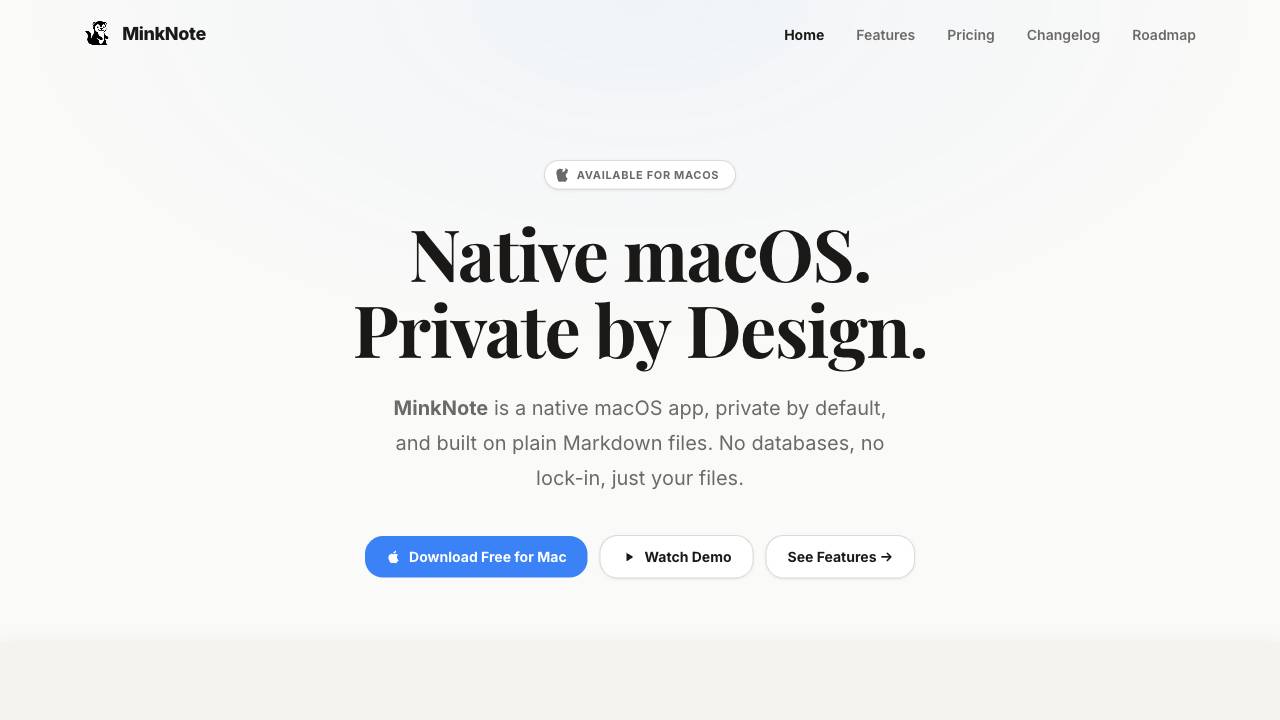
Private macOS notes built on plain Markdown files

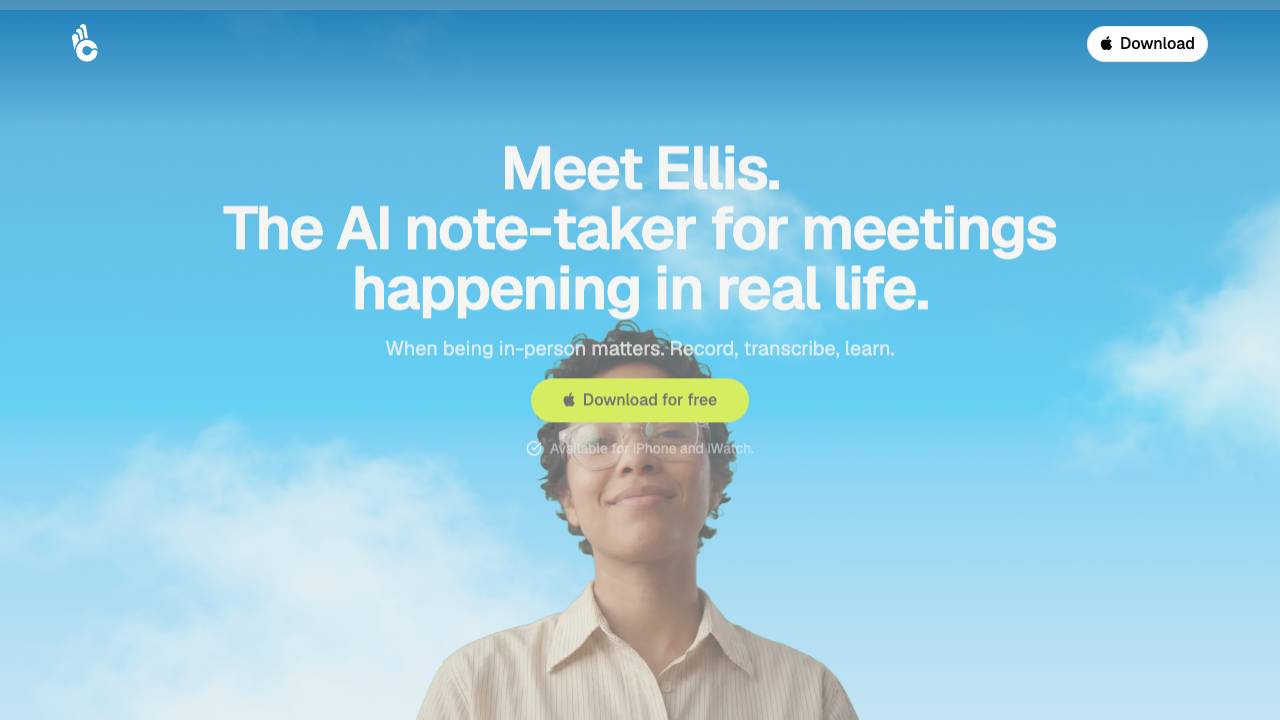
AI notes for in-person meetings

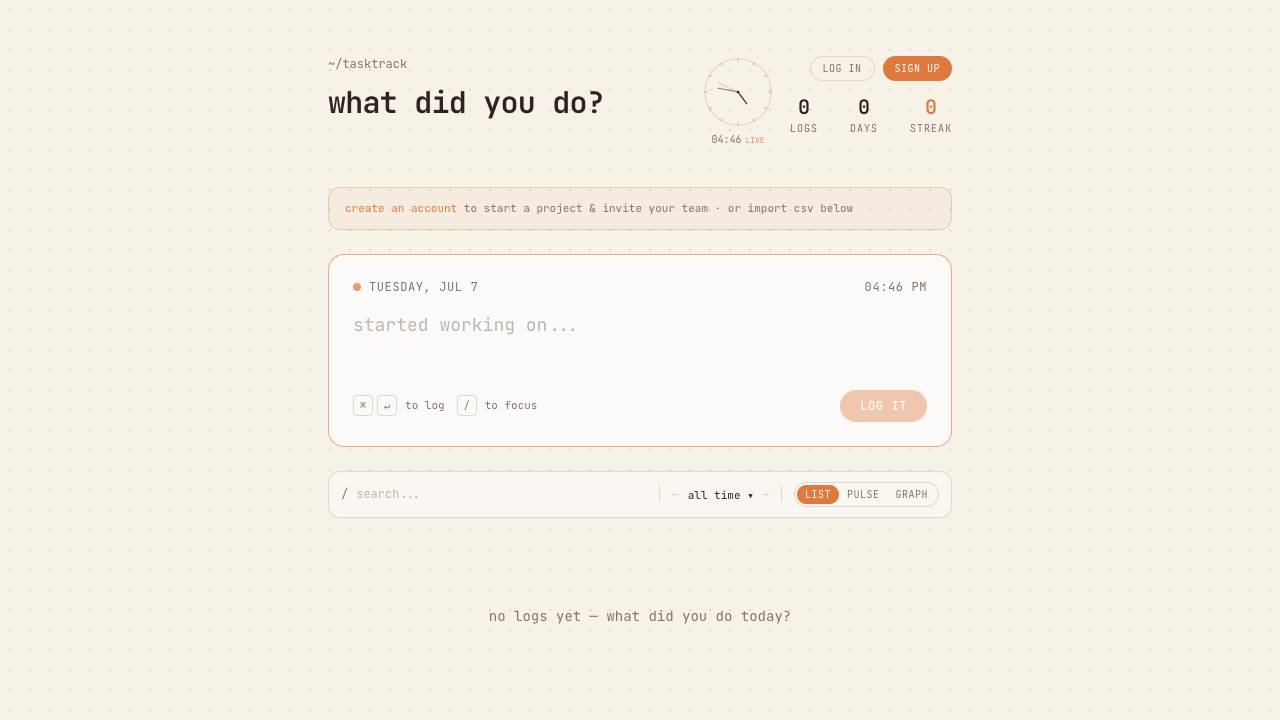
tasktrack is a minimal task tracker that lets you record what you do by simply typing. It is designed for quick logging of daily activities and allows you to review your history at any time.

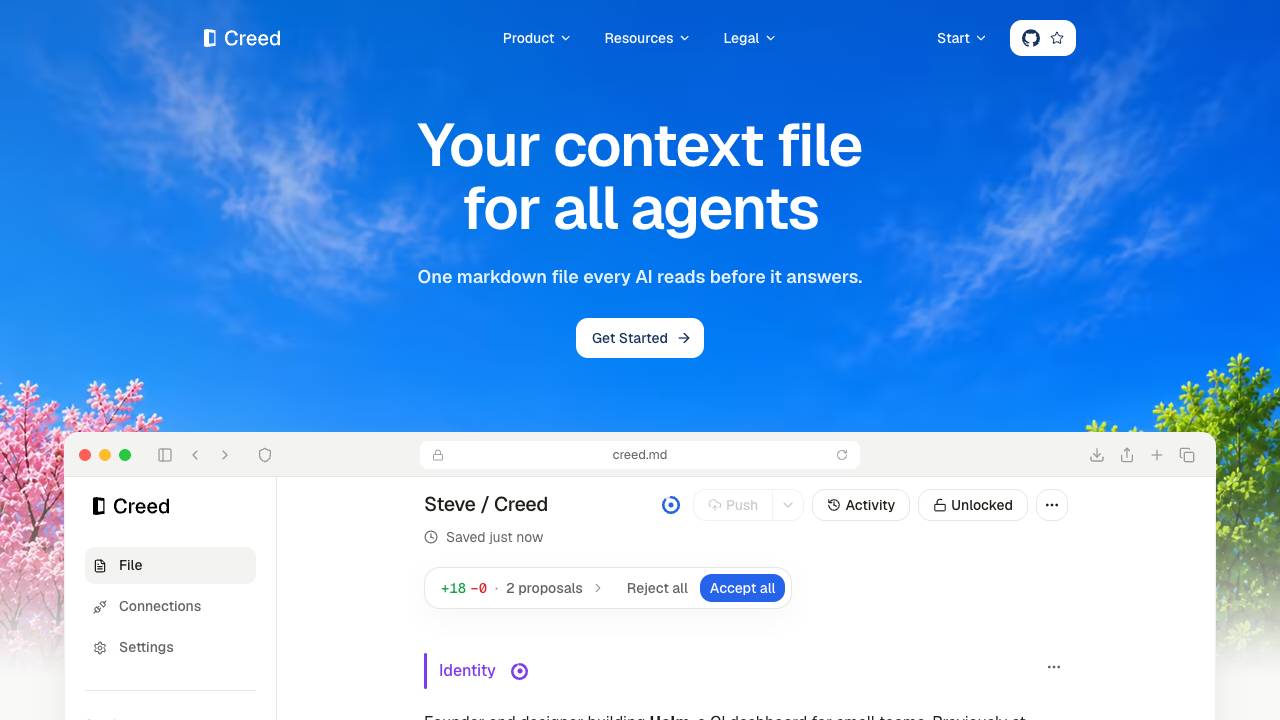
Your personal context file for every agent.

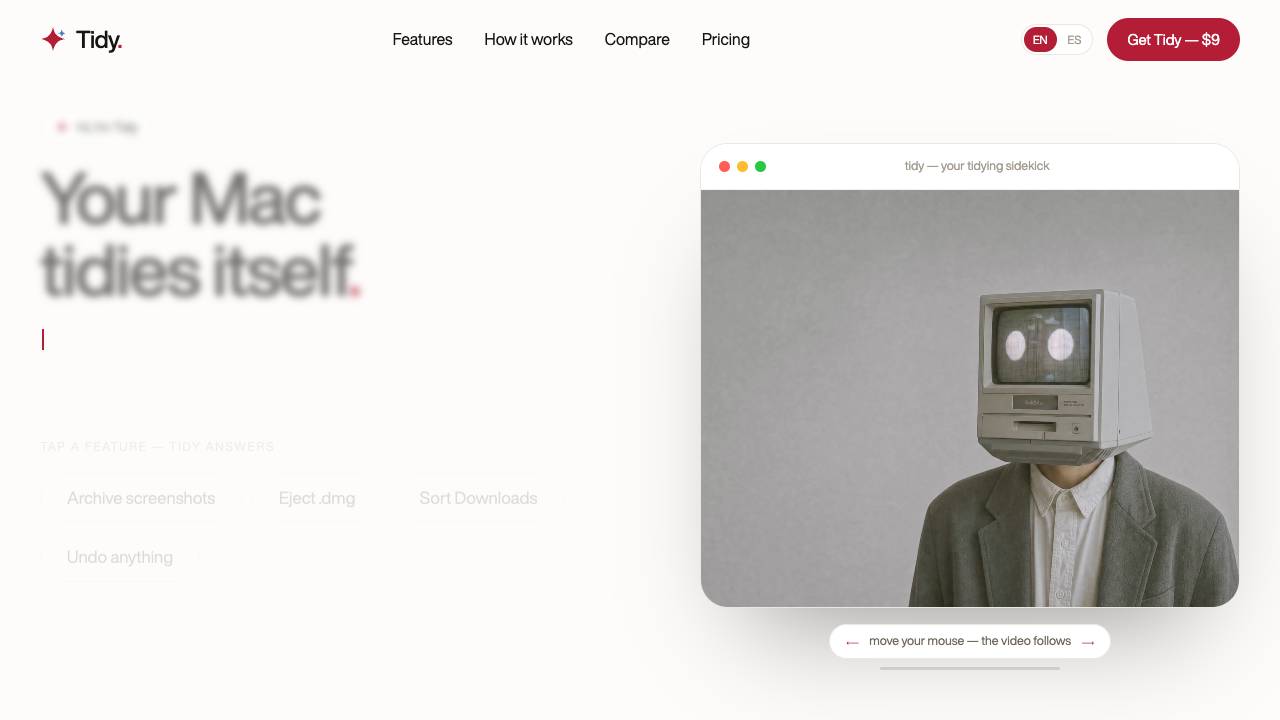
Your Mac tidies itself: screenshots, installers, Downloads

Describe your problem, get the YC startup that solves it