tterm
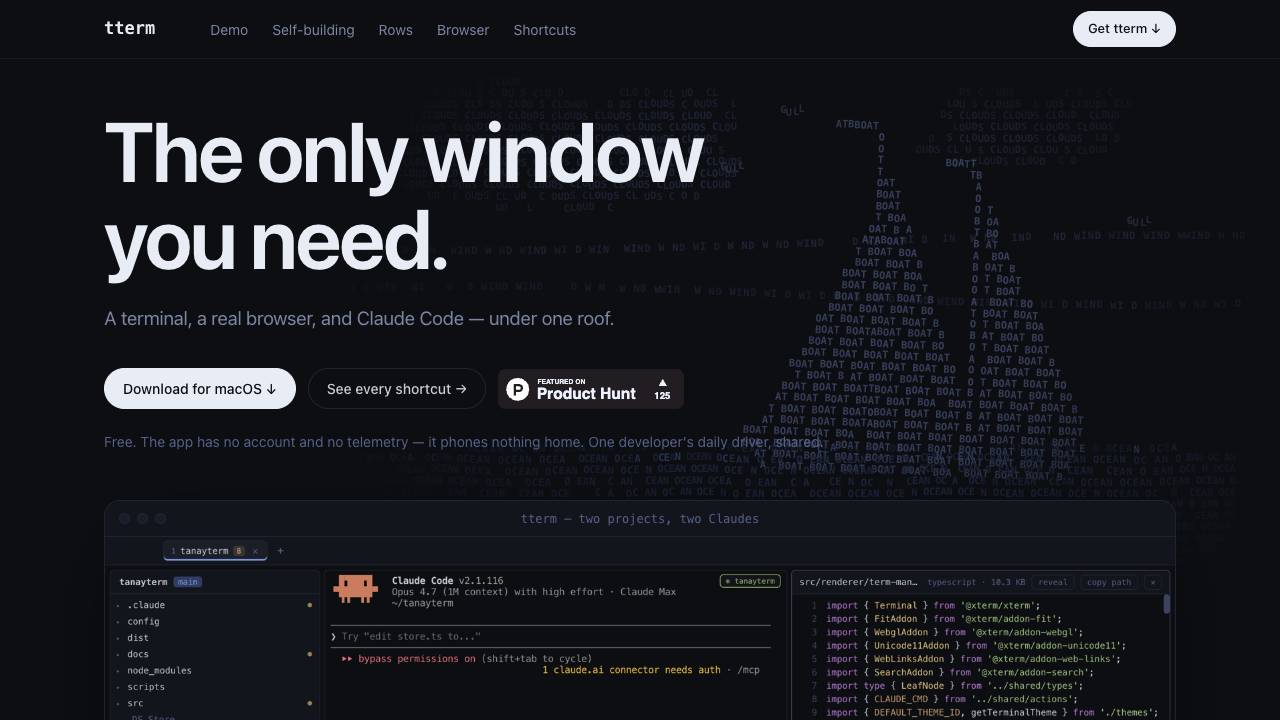


tterm is a free, privacy-focused desktop app that combines a terminal, a real browser, and Claude Code into a single window. It is designed for developers who want to manage projects, browse the web, and interact with AI without leaving their terminal environment.
A terminal, a real browser, and Claude Code under one roof
- Developing and debugging code with integrated terminal and AI assistance
- Browsing the web with full Chrome integration while coding
- Managing multiple projects in separate rows within the same window
- Using Claude Code to modify the app itself in real-time
- Reviewing and committing code changes without leaving the terminal
- Download tterm from the website and unzip the file.
- Drag tterm.app to your Applications folder.
- Clear the macOS quarantine flag by running the provided command in Terminal.
- Open tterm and use ⌘K to ask Claude for features or modifications.
- Use ⌘B to access your Chrome cookies, bookmarks, and history.
- Use ⌘G to stage and commit code changes directly.

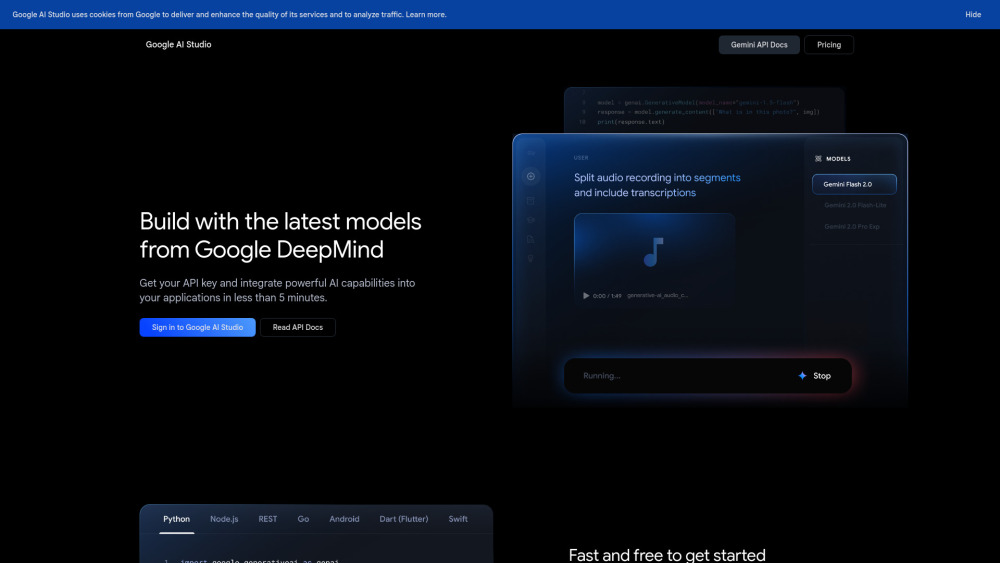
Platform for building with Google's Gemini AI models.

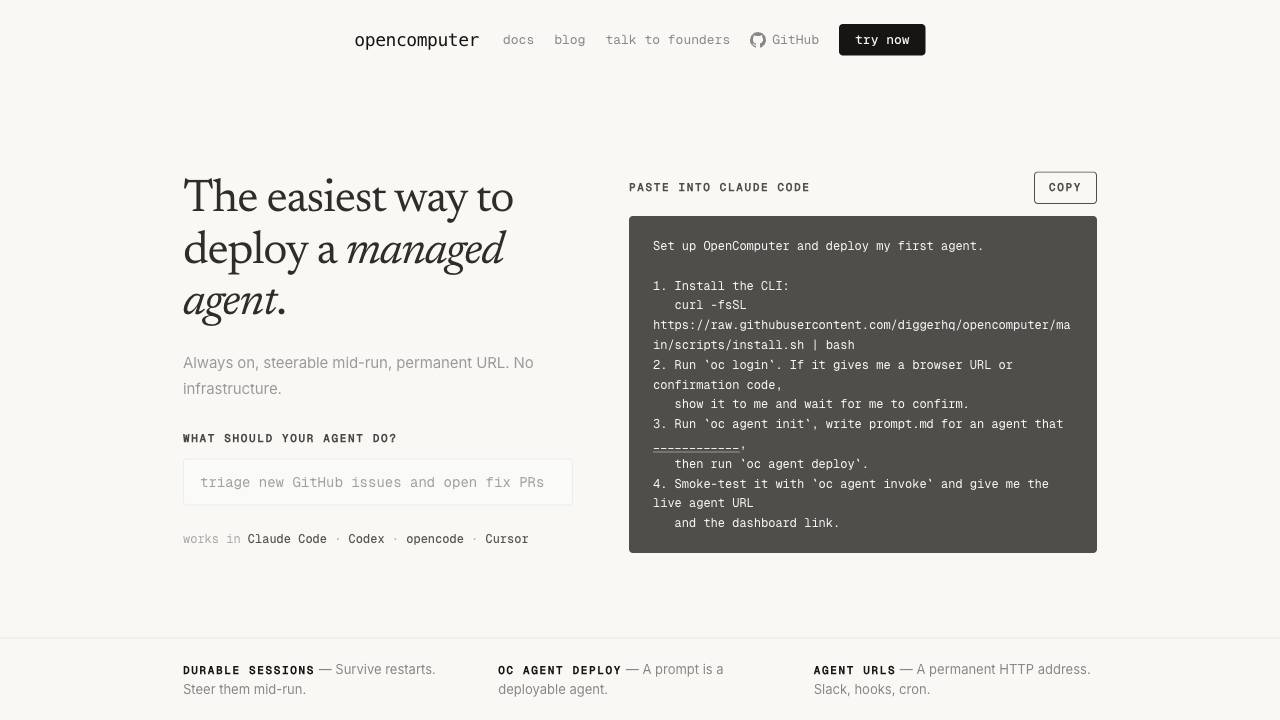
The easiest way to deploy a managed agent.

The open source Ahrefs alternative


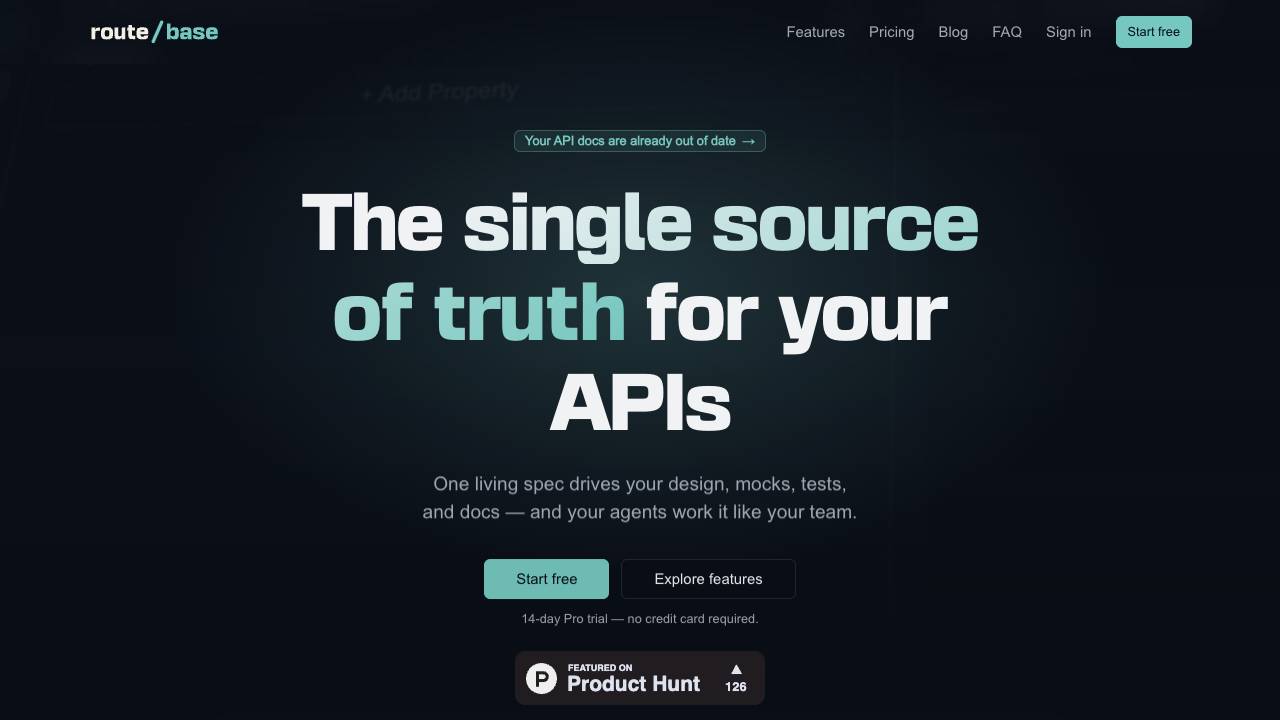
Catch API drift before your customers do

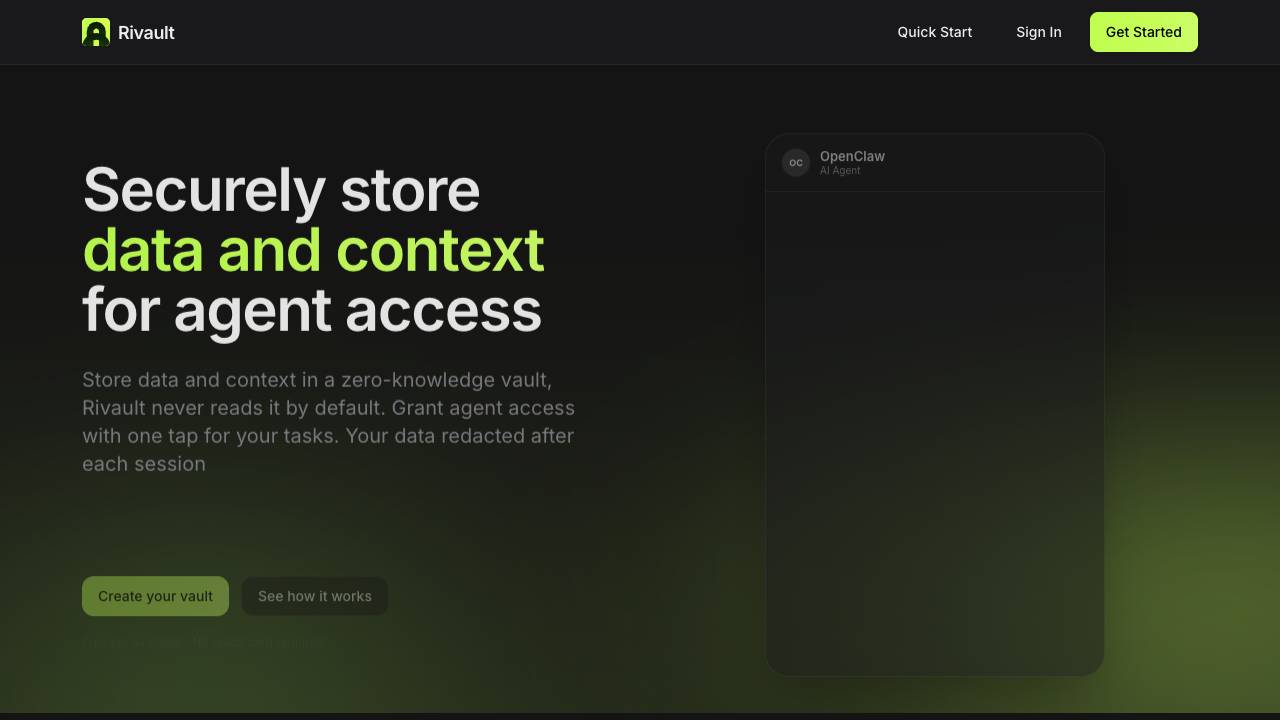
Approve AI agent data access with Face ID

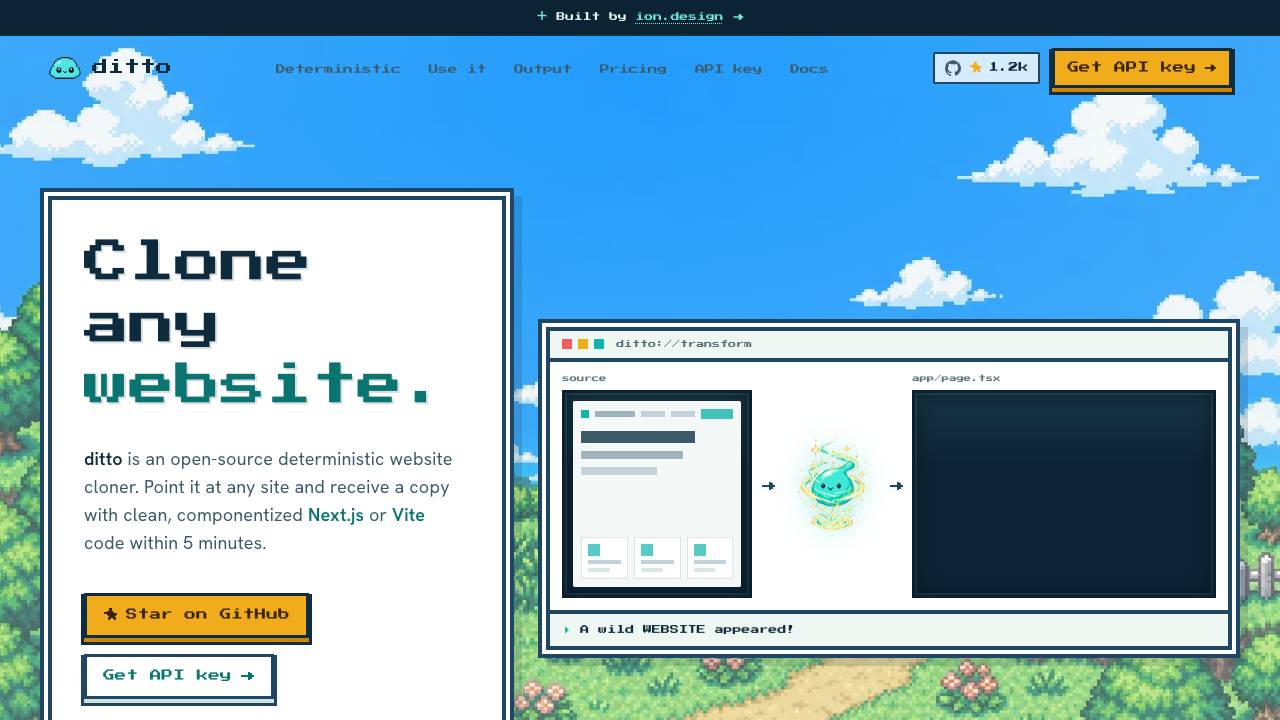
Clone any website into clean code. Free & open source

The terminal and Mac menu bar companion for Kickbacks.ai

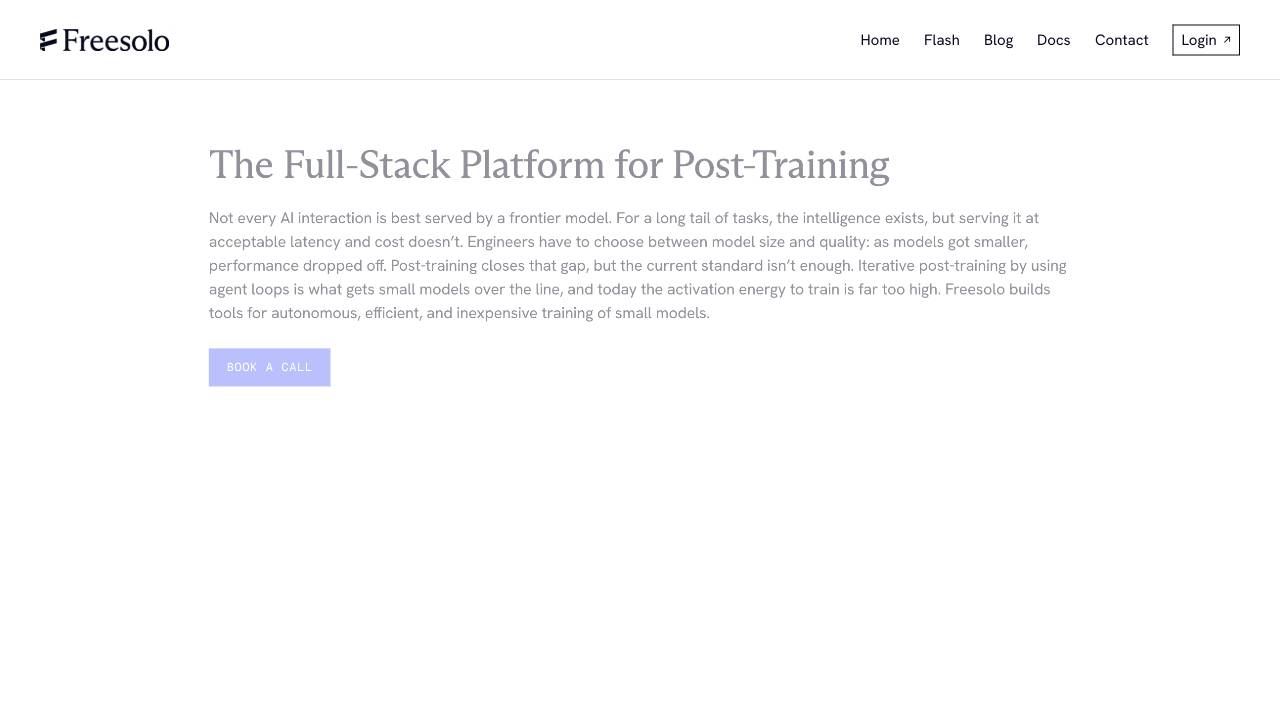
Full-Stack Platform for Training Small Language Models

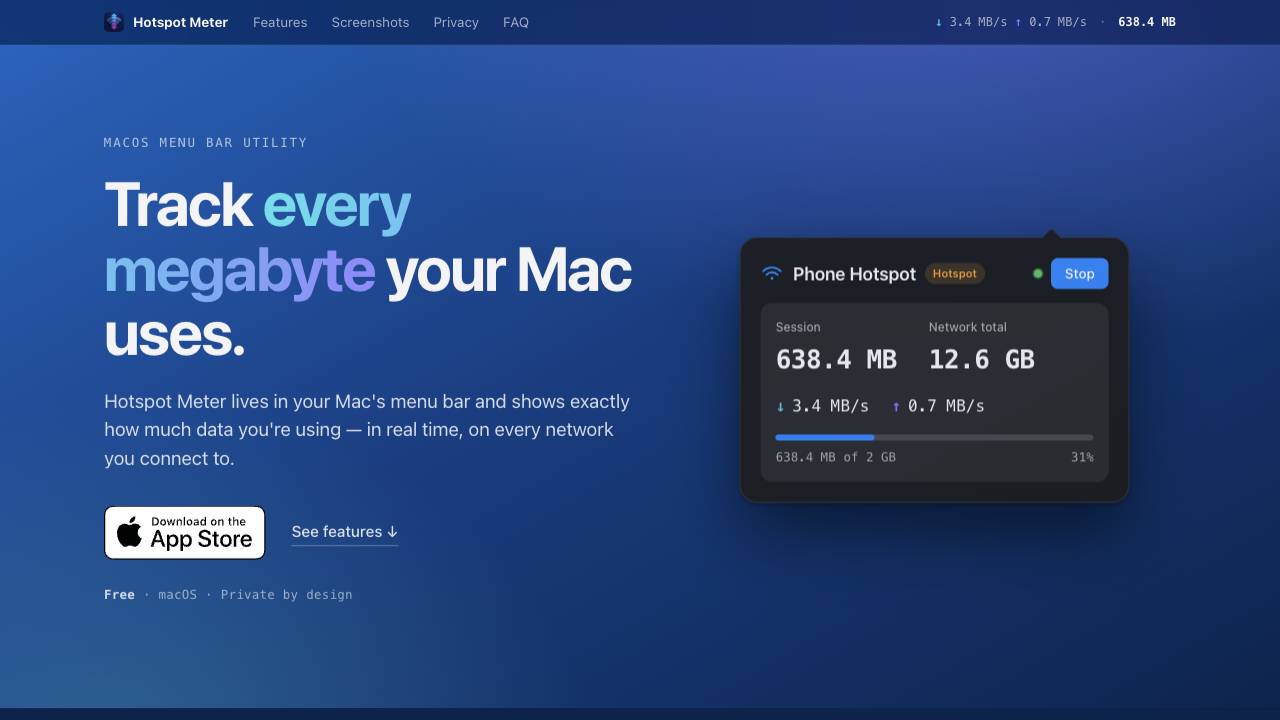
A private data-usage meter for your Mac menu bar

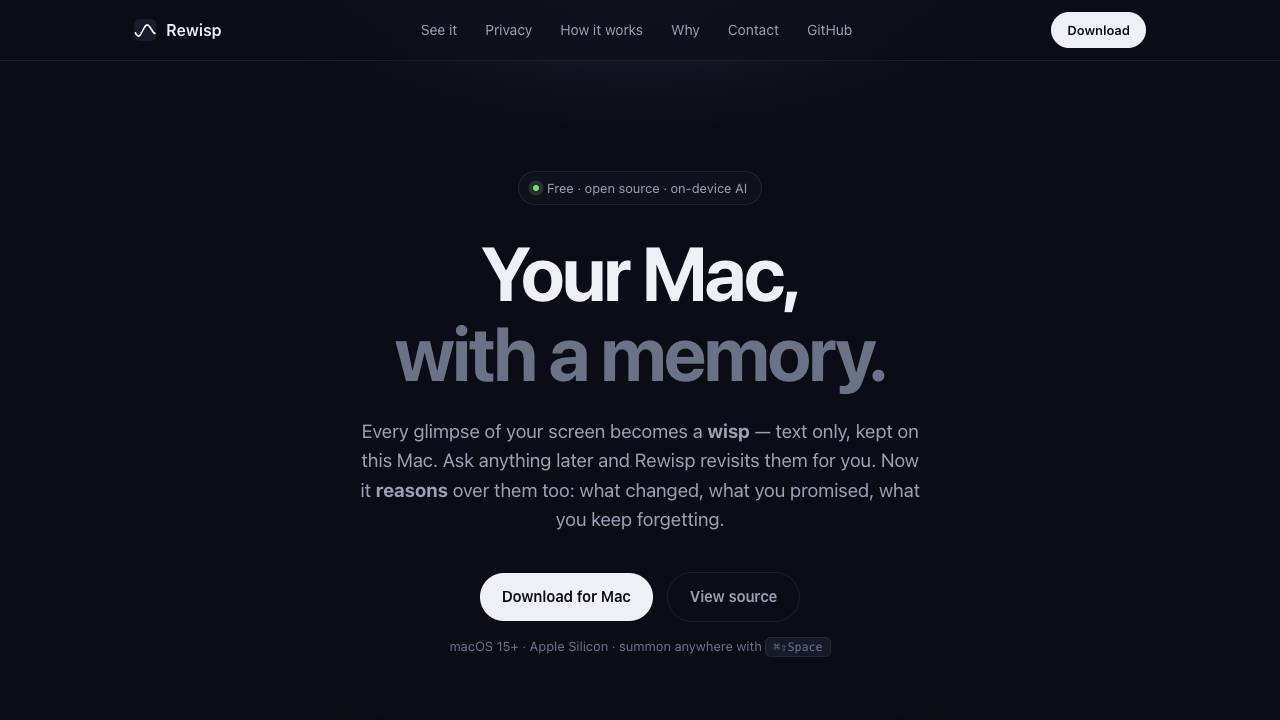
See it once. Ask forever.

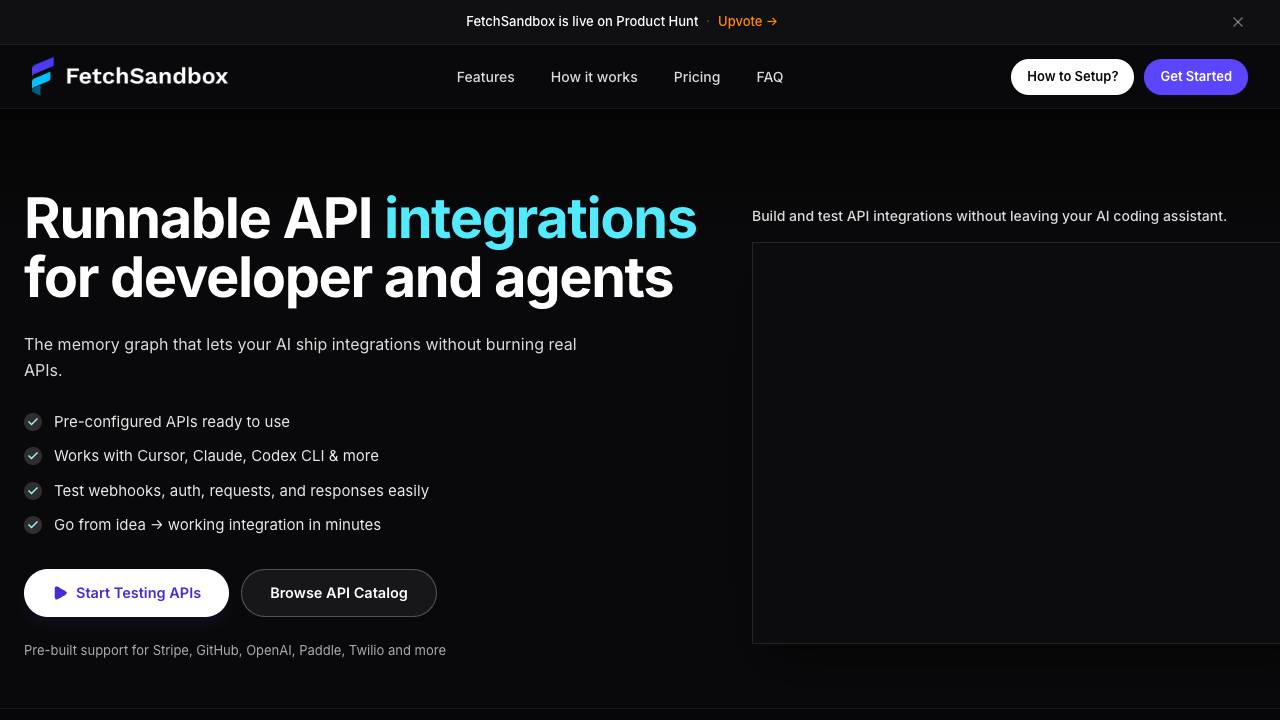
API integration testing that remembers what breaks

Fastest LLM runtime on Apple Silicon

Your time travel debugger

Give Claude Code and Codex a voice


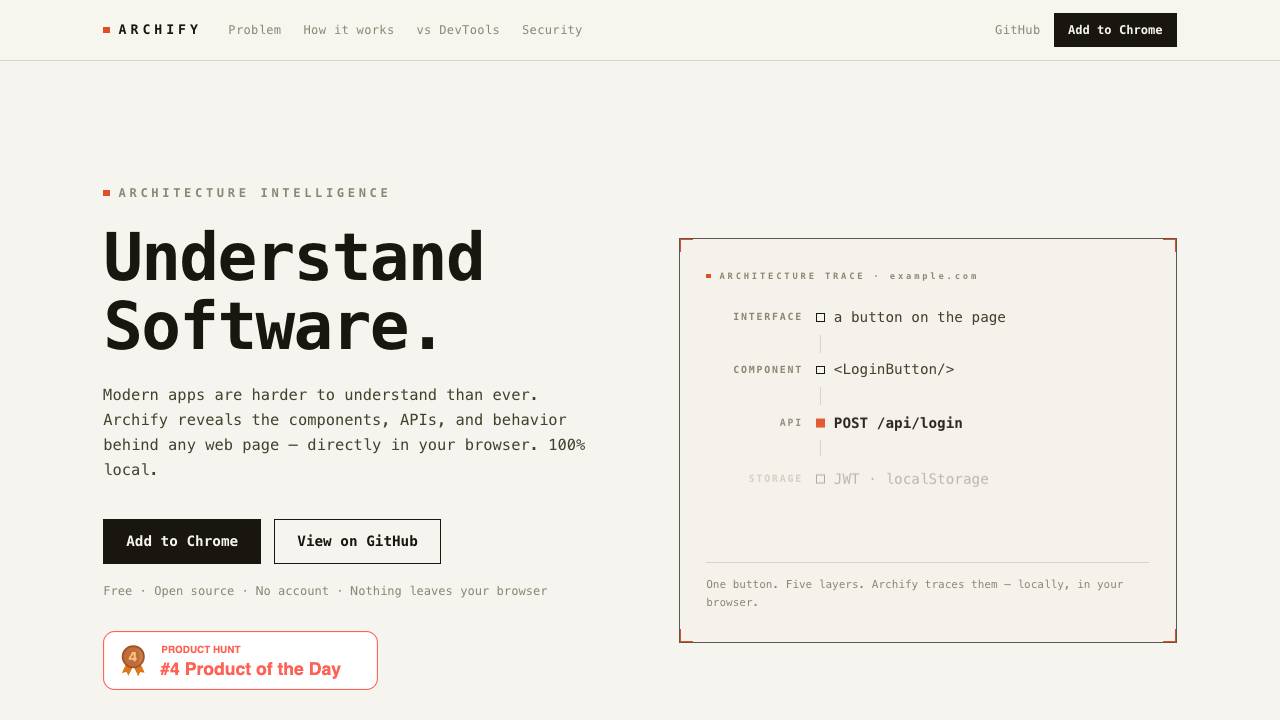
Archify reveals the components, APIs, and behavior behind any web page directly in your browser. It operates 100% locally, with no data leaving your device, and requires no account.

Instant, hardware Isolated Sandboxes for AI agents

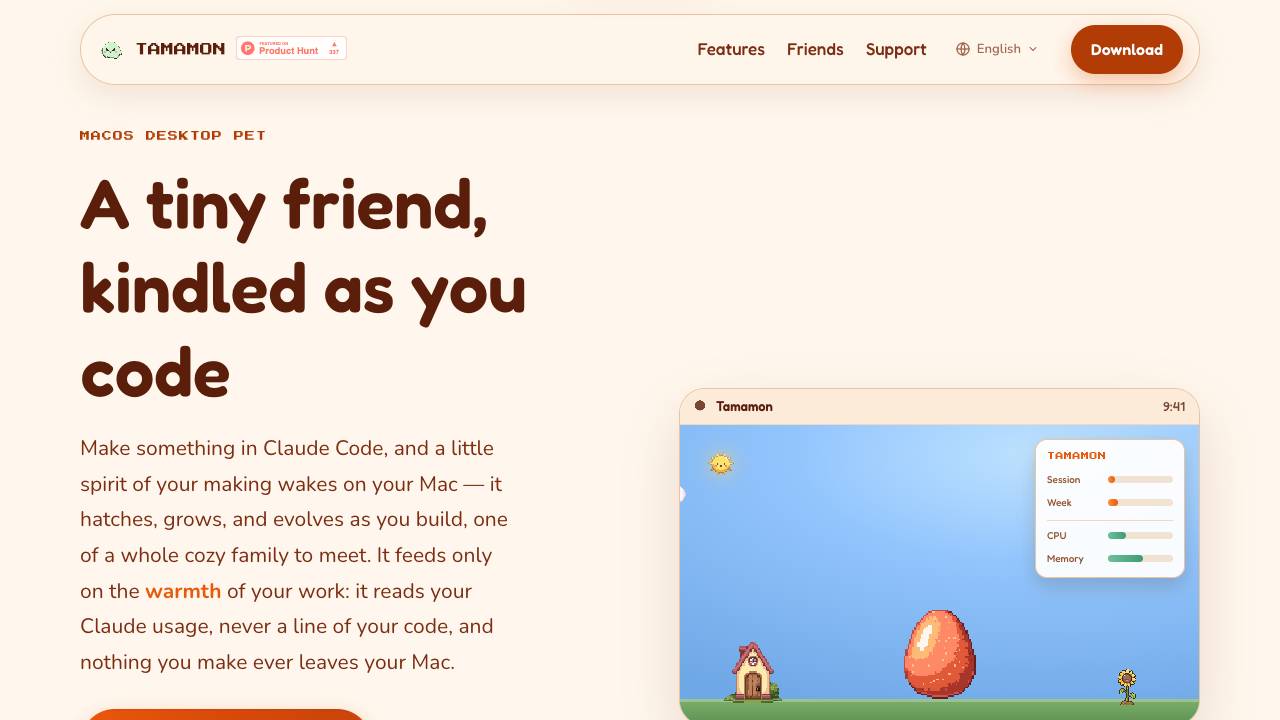
Tamamon is a free macOS desktop pet that grows as you code with Claude Code. It reads your Claude usage to evolve the pet, but never accesses your code or data. The pet appears on your desktop, reacts to your activity, and can be fed and played with.

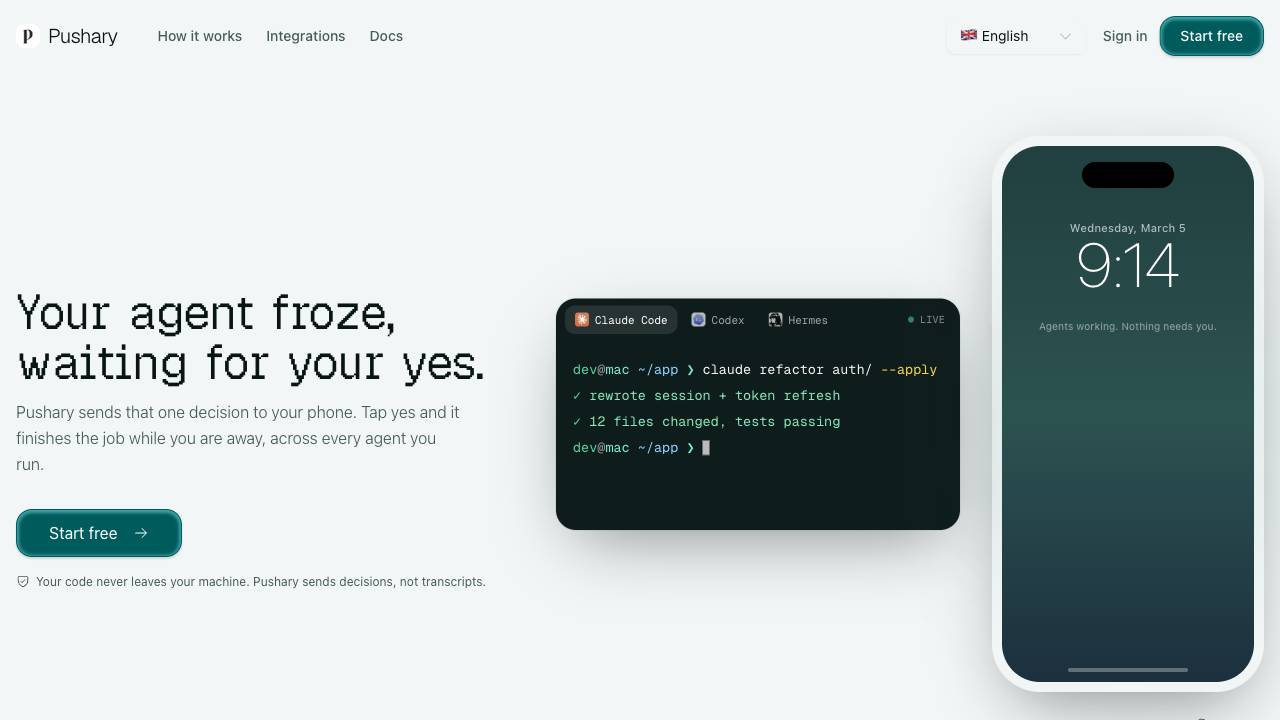
Control panel for AI agents on your lock screen