Ai Face Swap 1
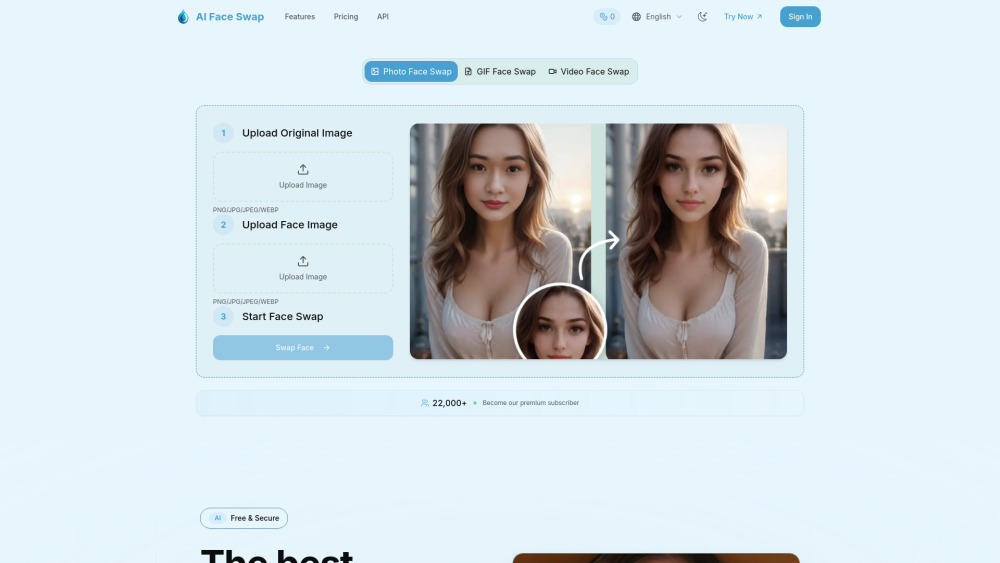


AI Face Swap utilizes cutting-edge AI technology to deliver seamless, realistic face swapping for photos, GIFs and video. The platform features an intuitive, user-friendly interface that allows anyone to create professional-quality face swaps with just a few clicks. Our advanced deep learning models analyze facial features, expressions, and lighting conditions to ensure natural-looking results every time. Users can upload their own images or choose from various preset options, with the ability to swap single faces or multiple faces in group photos. The technology maintains facial expressions, skin tones, and lighting
AI Face Swap is a smart tool that uses artificial intelligence. It can easily switch faces in photos, GIFs, and videos. In just seconds, it creates realistic changes with perfect facial expressions and details.
- Social Media Content: Create engaging, shareable content for platforms like Instagram, TikTok, and Facebook
- Entertainment: Have fun swapping faces with celebrities, friends, or fictional characters
- Creative Projects: Add unique visual elements to digital art, memes, or personal projects
- Event Marketing: Create memorable promotional materials for parties, weddings, or corporate events
- Content Creation: Develop eye-catching thumbnails and visuals for videos, blogs, or websites
- Education: Demonstrate facial recognition technology and AI capabilities in educational settings
- App Development: Integrate face swap functionality into mobile apps and web applications
- Quick Start Guide Transform your photos in just 3 simple steps with our advanced AI face swap technology: Step 1: Upload Original Image Click on the "Upload Original Image" area Select a clear photo that contains the face you want to replace Supported formats: PNG
- JPG
- JPEG
- WEBP Tip: Use well-lit photos with clearly visible faces for best results Step 2: Upload Face Photo Click on the "Upload Face Photo" area Choose the face image you want to swap into the original photo Make sure the face is clearly visible and well-centered Tip: Front-facing photos work better than side profiles Step 3: Start Face Swap Click the "Swap Face" button to begin the AI processing Our advanced AI will analyze both images and perform the face swap Processing typically takes 5-10 seconds Wait for the magic to happen!

Zzo AI Video Generator brings Seedance 2.0 — ByteDance's #1-ranked AI video model — directly into a clean, no-setup web interface. Generate cinematic short videos from text prompts, reference images, or keyframe inputs, complete with synchronized audio, in seconds. No CapCut, no Dreamina account needed. Just open zzo.ai, select Seedance 2.0, and start creating.


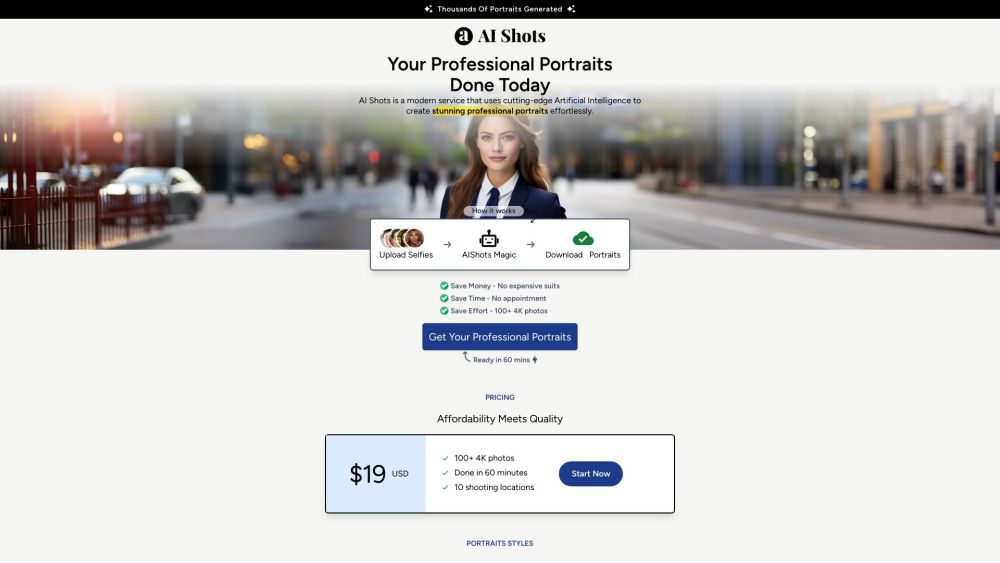
AI-powered service for generating professional portraits from uploaded photos.
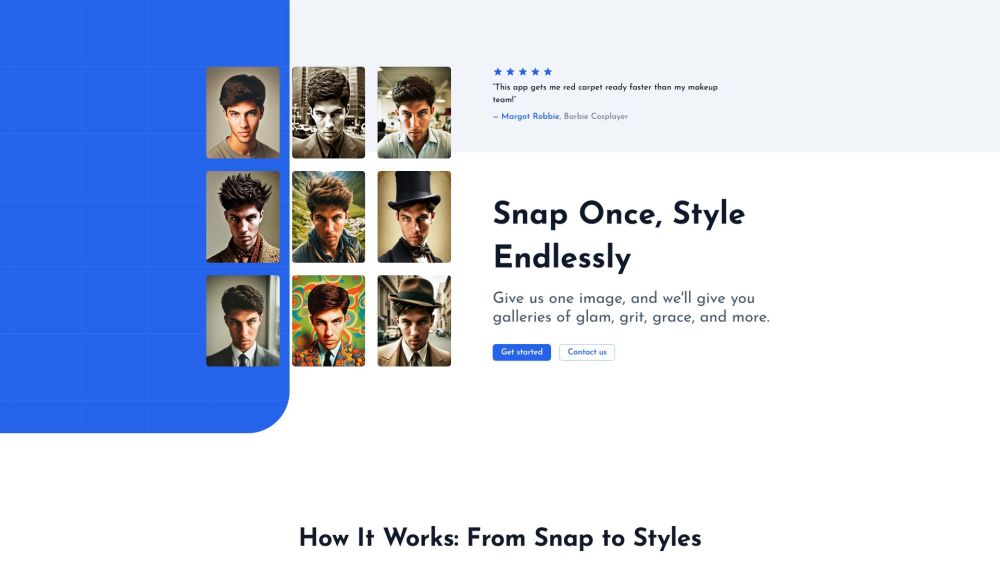
Glam Graph: Personalized styled images from your photo in 20 minutes for $10.

AI-powered platform generating professional photos from selfies for various uses.


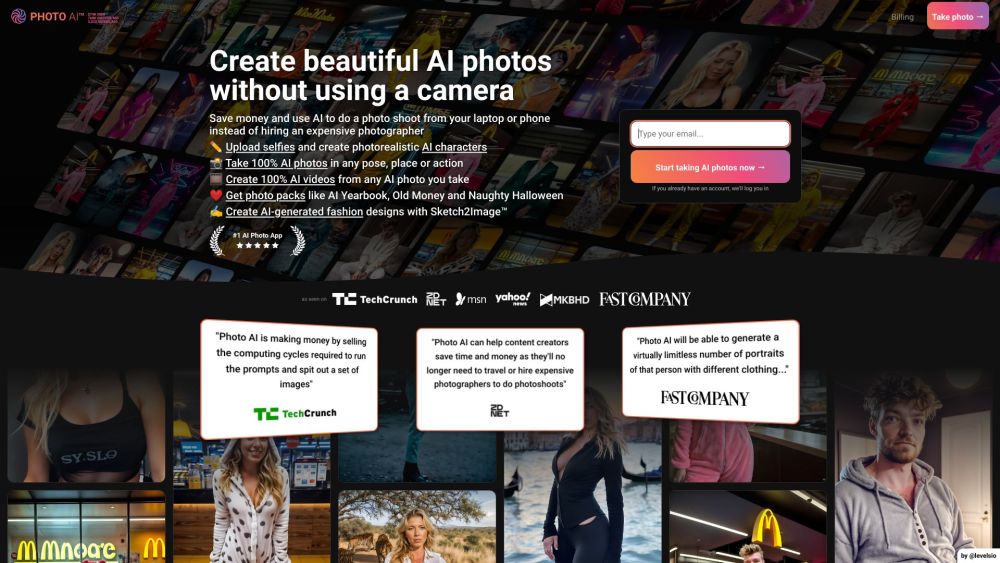
AI photo and video generator for creating photorealistic content of people.

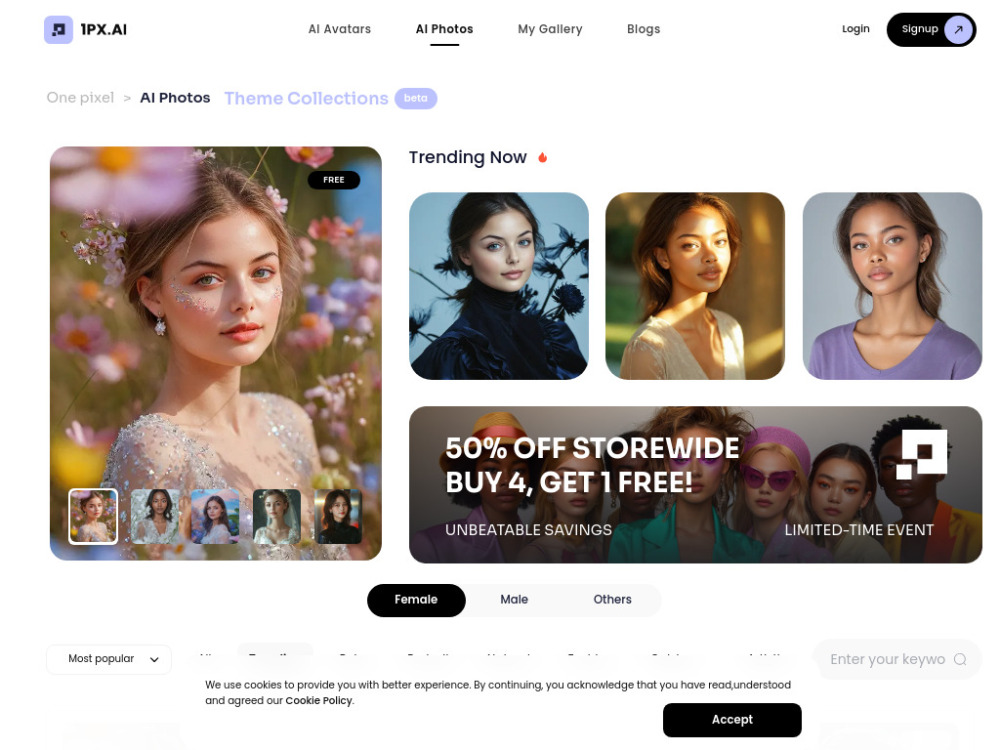
AI-powered platform for generating AI avatars and editing photos.
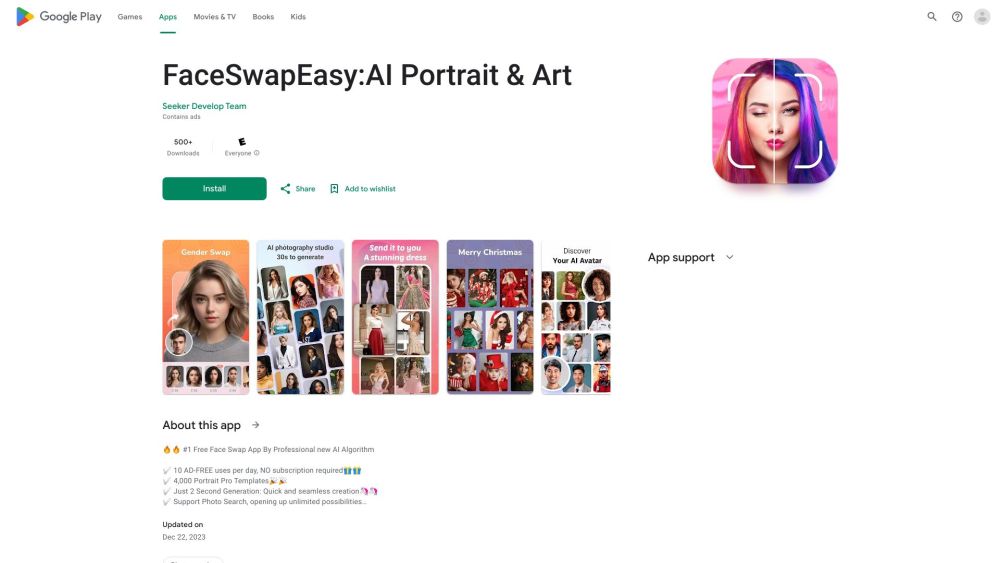
Free AI face swap app for portraits, headshots, and fun photo editing.

Transform your regular selfies into professional headshots in 60 seconds


AI photo and avatar generator and editor with various themes and styles.