Seedance 2 0 Video Generator 1


Zzo AI is an all-in-one AI creative platform at zzo.ai, offering access to the world's most advanced AI image and video models through a single unified interface. The Zzo AI Video Generator now features Seedance 2.0, ByteDance's latest multimodal video generation model — currently ranked #1 globally on the Artificial Analysis AI Video Leaderboard. Unlike standalone platforms, Zzo AI lets you compare Seedance 2.0 side-by-side with other top models without switching tabs or accounts. Seedance 2.0 on zzo.ai supports: 1. Text-to-video generation with director-level prompt control 2. Keyframe mode for precise clip entry/exit control Reference image mode for visual
Zzo AI Video Generator brings Seedance 2.0 — ByteDance's #1-ranked AI video model — directly into a clean, no-setup web interface. Generate cinematic short videos from text prompts, reference images, or keyframe inputs, complete with synchronized audio, in seconds. No CapCut, no Dreamina account needed. Just open zzo.ai, select Seedance 2.0, and start creating.
- Product Ads — Generate premium 6–15 second product showcase clips with Seedance 2.0 on Zzo AI, including atmospheric lighting and sound
- Social Media Reels — Create scroll-stopping short-form hooks for Instagram, TikTok, and YouTube Shorts using Zzo AI Video Generator
- Concept Trailers — Test visual direction and cinematic pacing for a project before committing to full production
- Fashion & Styling — Use reference-image mode on zzo.ai to maintain wardrobe and color consistency across shots
- Brand Campaigns — Rapidly produce multiple ad variations with consistent branding, no production team required
- E-Commerce Videos — Transform product photos into dynamic demo clips using Zzo AI's Seedance 2.0 reference mode
- How to use Seedance 2.0 on Zzo AI: 1. Go to zzo.ai/ai-video-generator/seedance-2.0 2. Sign in or create a free Zzo AI account 3. Select Seedance 2.0 from the model selector 4. Choose your creation mode: Text-to-Video
- Keyframe
- or Reference Image 5. Write your prompt — describe the shot like a director: subject
- camera angle
- movement
- lighting
- and expected sound 6. Toggle audio on or off based on your scene needs 7. Hit Generate and download your cinematic clip in seconds Pro tip: Use reference images for product styling or recurring visual motifs. Use keyframes when you need clean clip entry and exit for editing handoff.

Image Editor – Edit Images with AI and Prompts Online Free, No Sign-Up


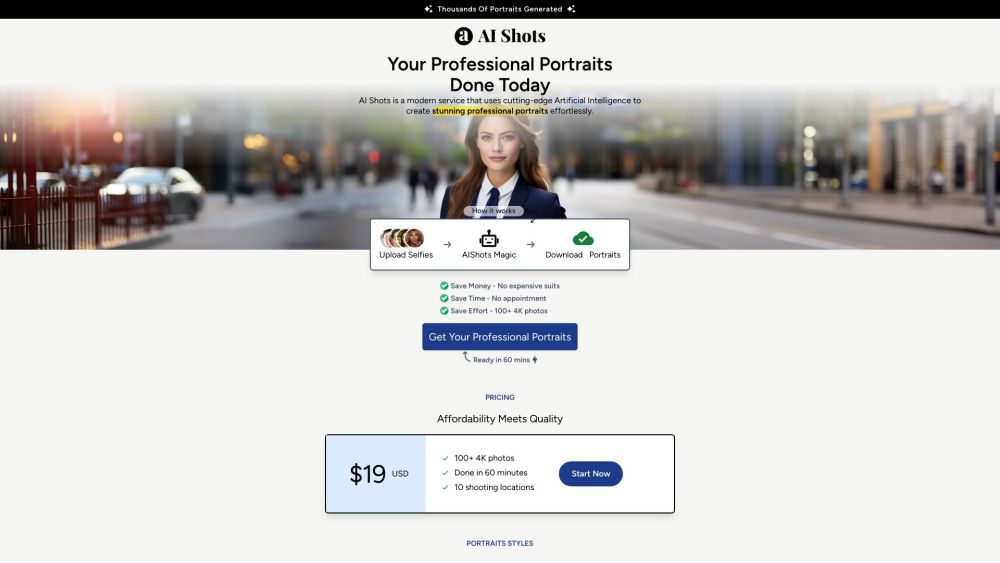
AI-powered service for generating professional portraits from uploaded photos.
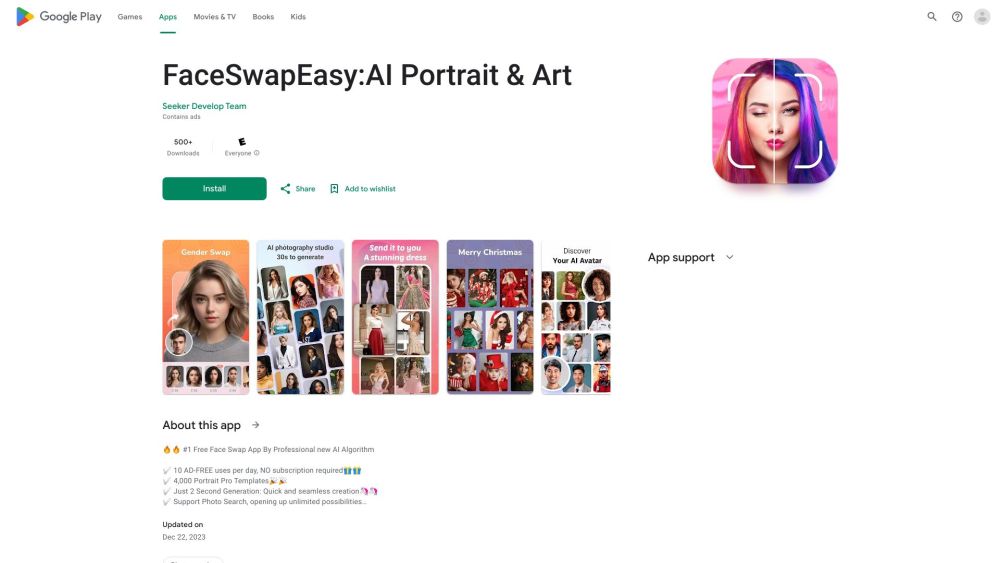
Free AI face swap app for portraits, headshots, and fun photo editing.

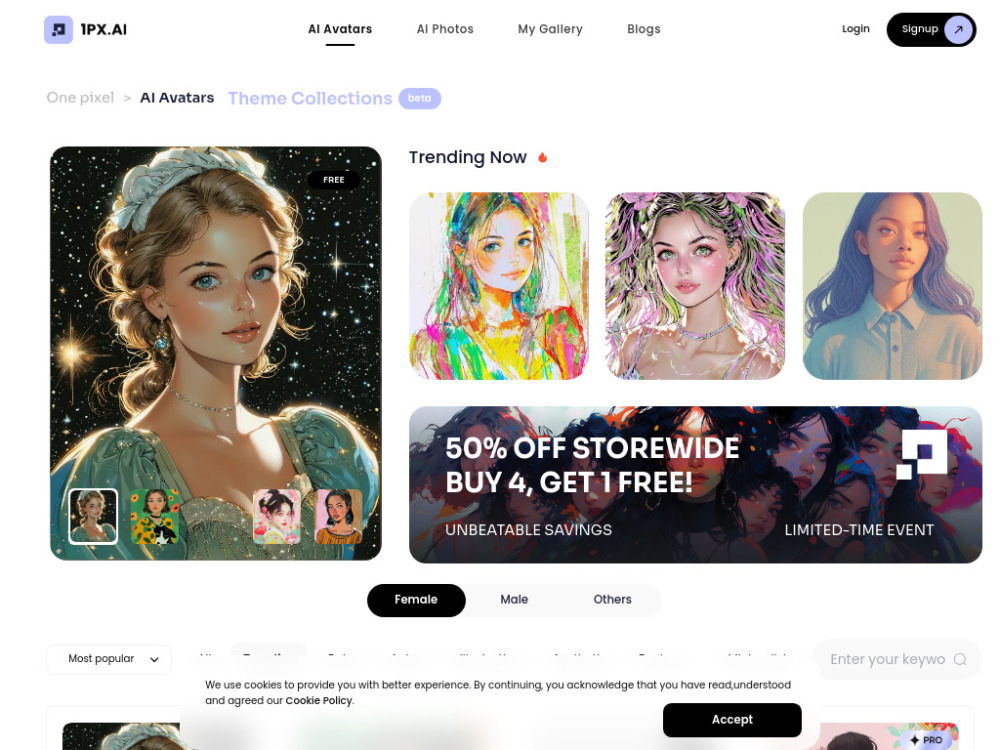
AI photo and avatar generator and editor with various themes and styles.
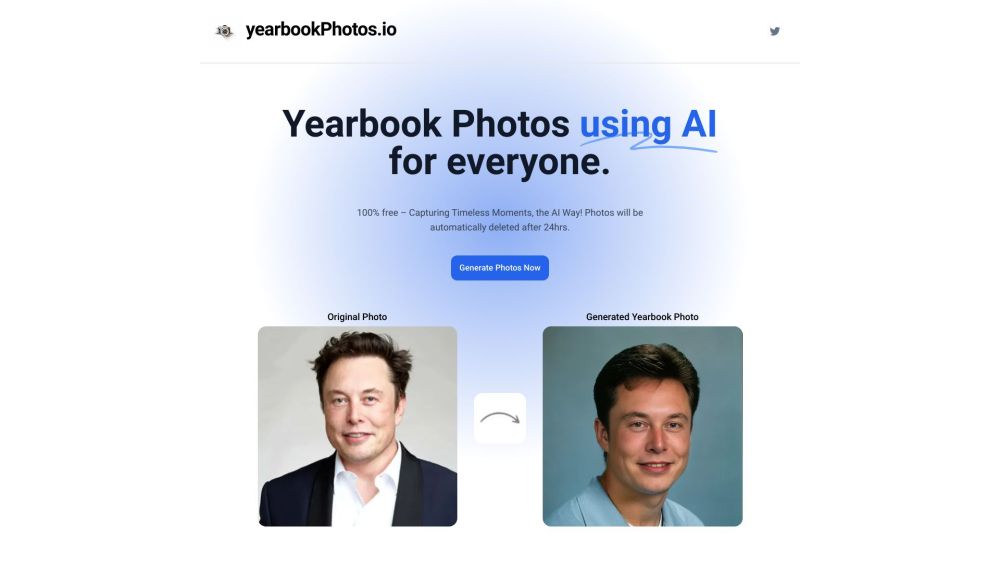
AI-powered app for generating 90's style yearbook photos instantly and for free.

The most cheapest of AI video generator platform.Veo3.1 Fast As low as $0.29 per video Nano Banana 2 As low as $0.01 per image.Explore top models including Seedance 1.5, Seedance 2.0, HappyHorse 1.0, Veo 3.1, Kling 3.0, Skyreels V4, and other mainstream AI video creation platforms.


A Rich Modal Multimedia Workflow Integrated Development Environment Designed with Natural Language

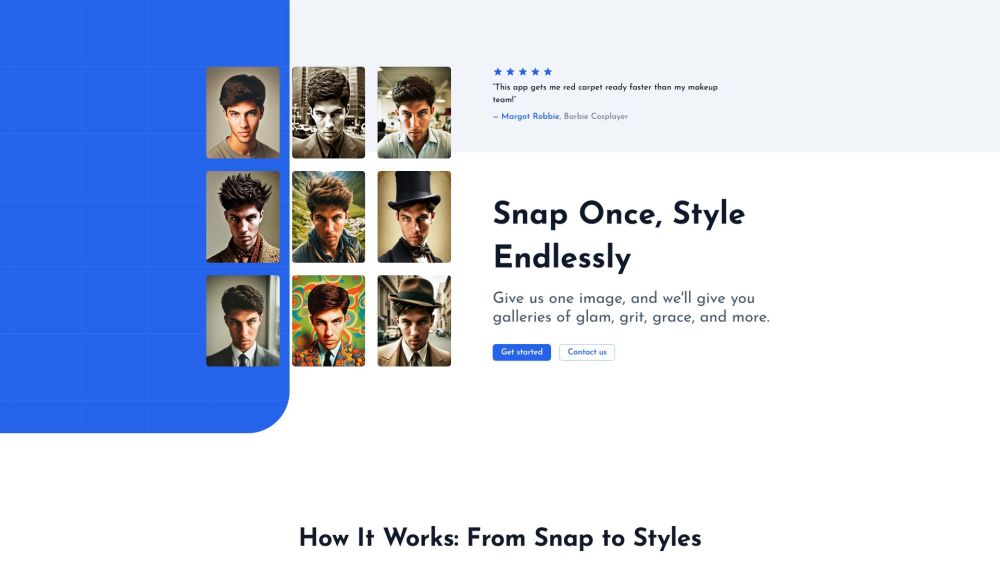
Glam Graph: Personalized styled images from your photo in 20 minutes for $10.

AI photo and video generator for creating photorealistic content of people.

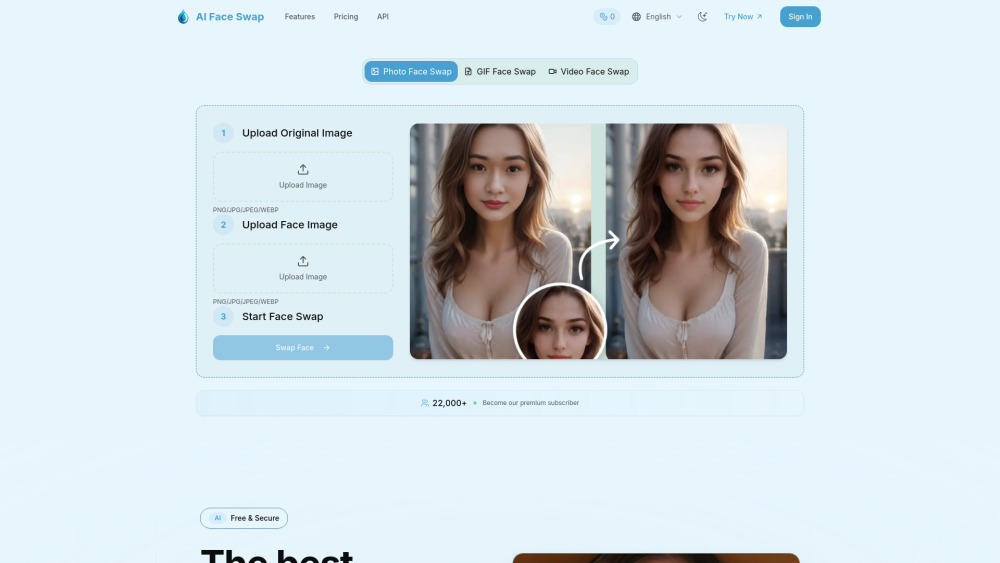
AI Face Swap is a smart tool that uses artificial intelligence. It can easily switch faces in photos, GIFs, and videos. In just seconds, it creates realistic changes with perfect facial expressions and details.

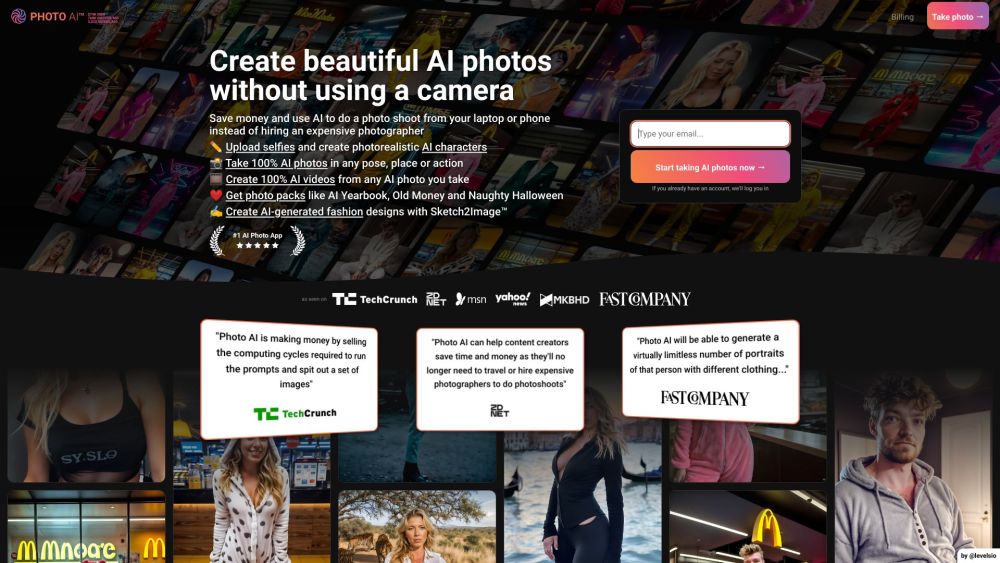
Generate pixel-perfect, candid AI portraits and edit them with a powerful suite of 20+ professional tools.


Say goodbye to blurry AI brushstrokes and garbled text rendering. Using newest GPT Image 2 model to get more controllable image results, support batch mode ,free to try


Transform your regular selfies into professional headshots in 60 seconds


Free AI tool for instant image and video transformation.

NanoBanana Pro is a scene-based AI image generator powered by Google’s NanoBanana models. It offers 30+ curated preset scenes with new community-made scenes added continuously, so you can discover fresh NanoBanana workflows every day. New users receive 14 free credits to try the tool, and a simple credit system makes it easy to scale from casual experiments to heavy production use.


VexImg is the professional GPT Image 2 studio. Master AI creation with our expert guides, vast prompt library, and real user examples for high-quality results.


AI-powered photo editing app for art, face swap, and style transformation.


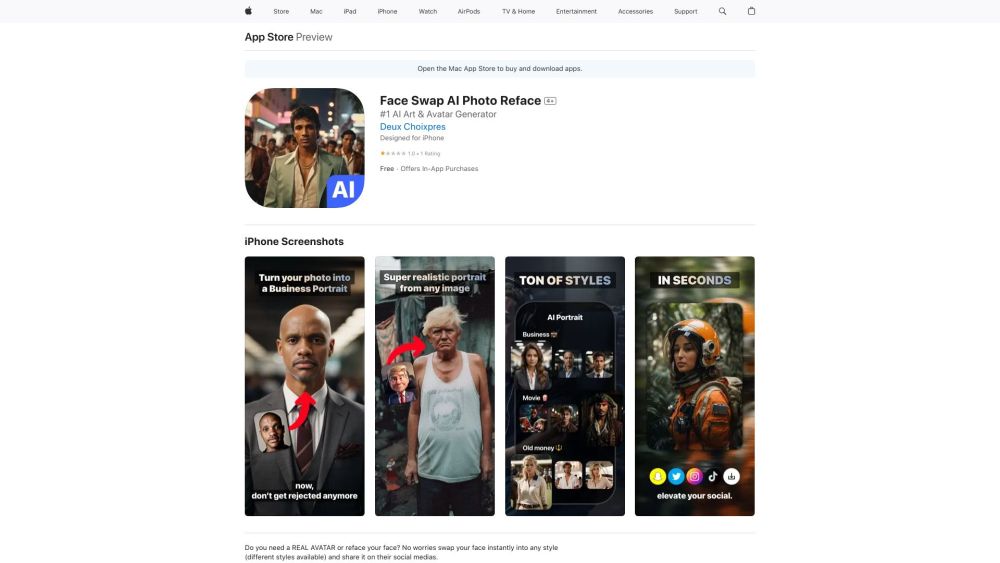
AI-powered app for instant face swapping and realistic portrait generation.