01.07.2026

Motionik
Screen recorder and editor for product demos, tutorials, and explainer videos.
AI WritingContent GenerationResearchEmail WritingSummarizationRewritingAcademic ResearchBrowser Extension


Ueberblick
Was ist Motionik?
Motionik is a screen recorder with a built-in editor designed for creating engaging product demos, tutorials, and explainer videos. Its
Screen recorder and editor for product demos, tutorials, and explainer videos.
Kernfunktionen
Auto Zoom with smart cursor tracking
Built-in editor for recording and editing in one tool
Customizable backgrounds and appearance
Webcam & Audio Recording
Mobile Recording for iPhone & iPad screens
Beliebte Anwendungsfaelle
- Creating engaging product demos
- Producing informative tutorials
- Developing clear explainer videos
- Making promotional videos
So benutzt du es
- To use Motionik
- simply record your screen (full display
- specific window
- or selected area)
- webcam
- and microphone. Then
- utilize the intuitive built-in editor to polish your videos. This includes applying auto or manual zoom
- customizing cursor styles and click effects
- trimming unwanted sections
- adding motion blur
- incorporating audio tracks
- images
Preise
Motionik verwendet ein Freemium-Preismodell. Preise und Funktionen koennen sich mit der Zeit aendern.
Free
$0
Unlimited recordings & exports, Lifetime access & updates, All recording & editing features included, Export up to 4K quality, All recordings stored locally, Exports include Motionik watermark, No credit card required, Use on up to 1 personal device.
Personal Devices (Lifetime Access)
$59.99
One-time payment, Get lifetime access, Yours forever, Unlimited recordings & exports, Lifetime access & updates, All recording & editing features included, Export up to 4K quality, All recordings stored locally, No watermark on exports, Pay once, no recurring fees, Use on up to 1 personal device.
Annual
$29.99 / yr
Billed yearly, For individuals & teams, Unlimited recordings & exports, Lifetime access & updates, All recording & editing features included, Export up to 4K quality, All recordings stored locally, No watermark on exports, Billed yearly, Use on up to 3 personal devices.
Deal / Gutschein
Kein Gutschein vorhanden.
Was gefaellt den Nutzern?
Noch keine Review-Tags vorhanden.
Was kann verbessert werden?
Noch keine Review-Tags vorhanden.
Haeufige Fragen
Produkt-Timeline
Zu pruefen
Motionik Bewertungen
The community submitted 0 reviews to tell us what they like about Motionik, what Motionik can do better, and more.
—
Based on 0 reviews
Ease of Use
Output Quality
Reliability
Value for Money
Customization
Review Motionik?
Pros (0)
No tags.
Cons (0)
No tags.
No reviews yet.
MCP Server
Verification
Tool status
Zu pruefen
Pricing verified
Zu pruefen
Founder claimed
No / To be verified
Source
Official website / Community submitted
Related Tags
AI WritingContent GenerationResearchEmail WritingSummarizationRewritingAcademic ResearchBrowser ExtensionFreemium
Own this tool?
Claim this profile to update product information, pricing, and official answers.
Top alternatives

Boom Video
Mac video app for professional live presentations and screen recordings with no editing.


Veo Co
Sports tracking cameras and AI analysis tools for recording and improving team performance.

Camtasia

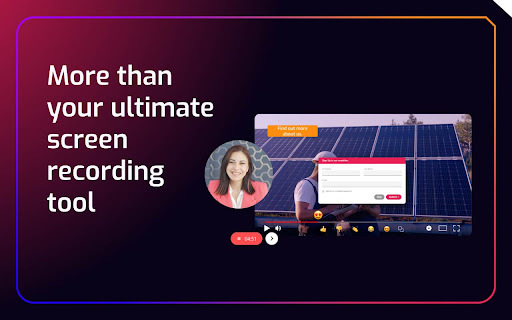
Cinema8 Screen Recording Video Engagement
Screen recording extension with interactive elements for sales and training.

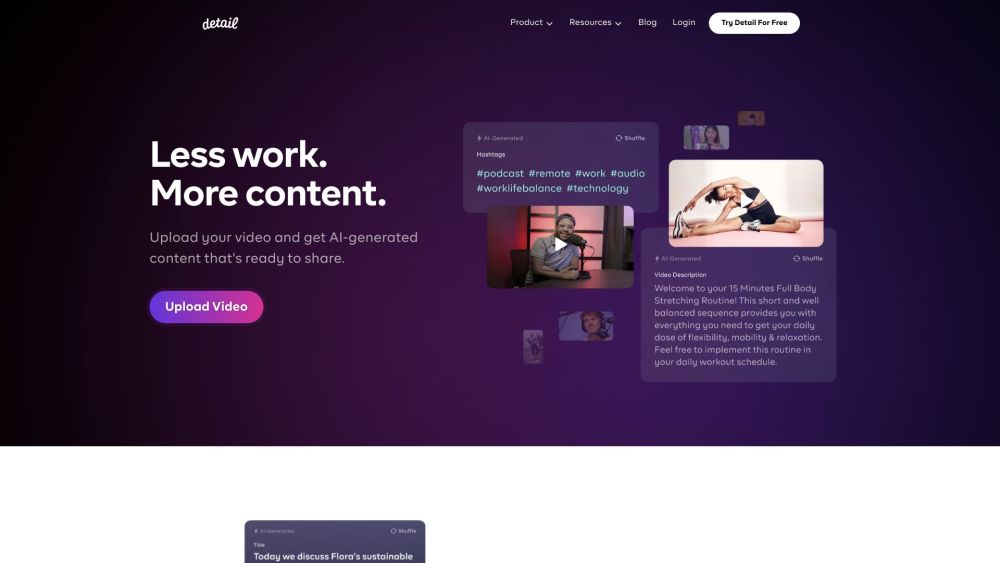
Detail AI
Video and podcast recording and editing platform with AI-powered features.

Observe Ai Screen Recording

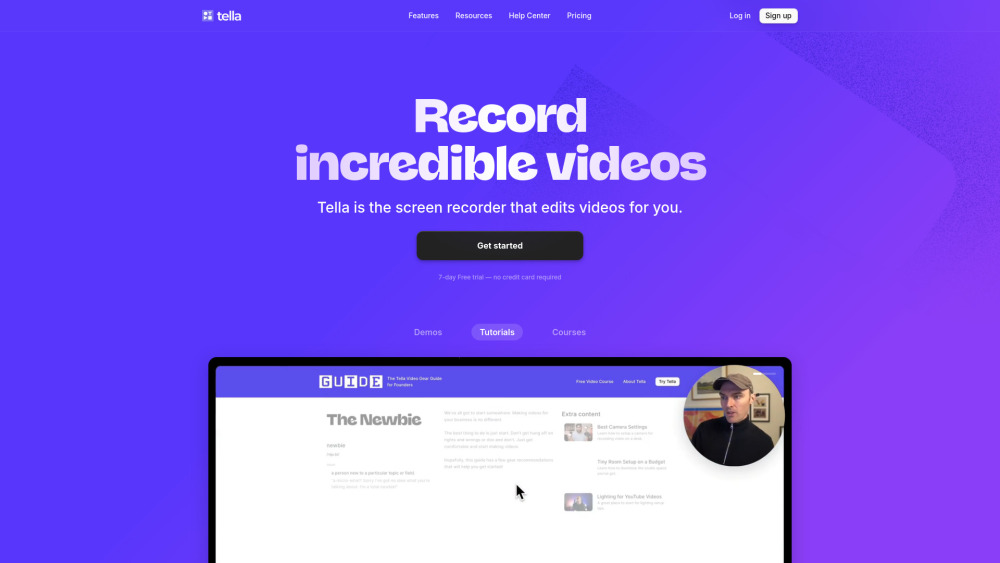
Tella
All-in-one screen recorder with AI editing for demos, tutorials, and courses.

Easyspeak

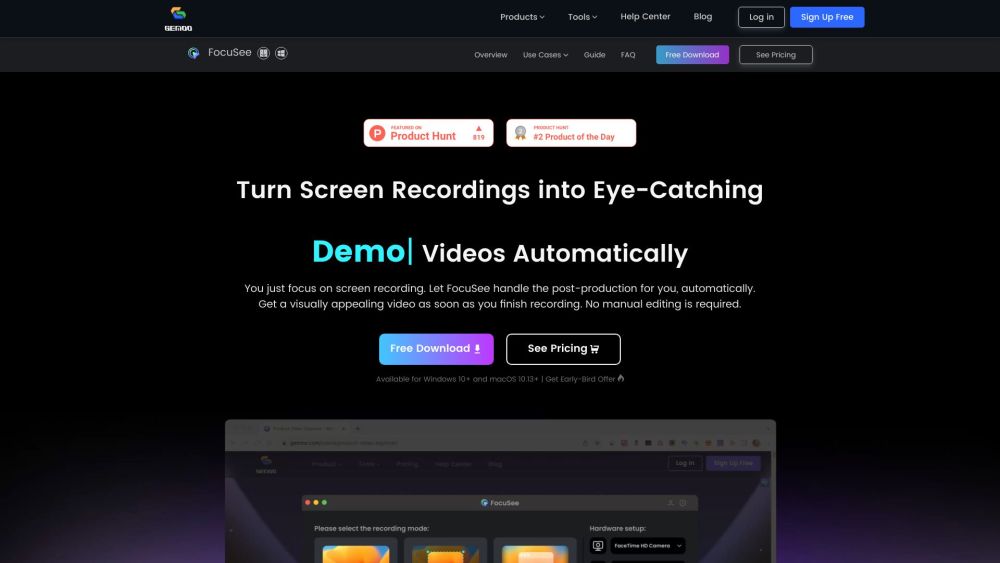
Focusee
Screen recording tool with automatic zoom and editing features.