Daglo



Daglo ai chrome extension? Daglo is a service that transcribes audio from YouTube videos into text, allowing users to create subtitles or documents. The transcribed results can be viewed on the Daglo website, where users can quickly edit the content using a web editor and easily search for specific text within the transcription.
YouTube audio transcription service for subtitles and documents.
- Creating subtitles for YouTube videos
- Generating text documents from video content
- Searching for specific information within video transcripts
- Quickly editing and correcting video transcriptions
- 1. Install the Daglo Chrome extension from the Chrome Web Store. 2. View a video on YouTube to activate the Daglo extension. 3. Log in to Daglo and click the 'Transcribe' button below the video to transcribe the video into text. 4. Once the transcription is complete
- you can view the results on the Daglo website (https://daglo.ai).

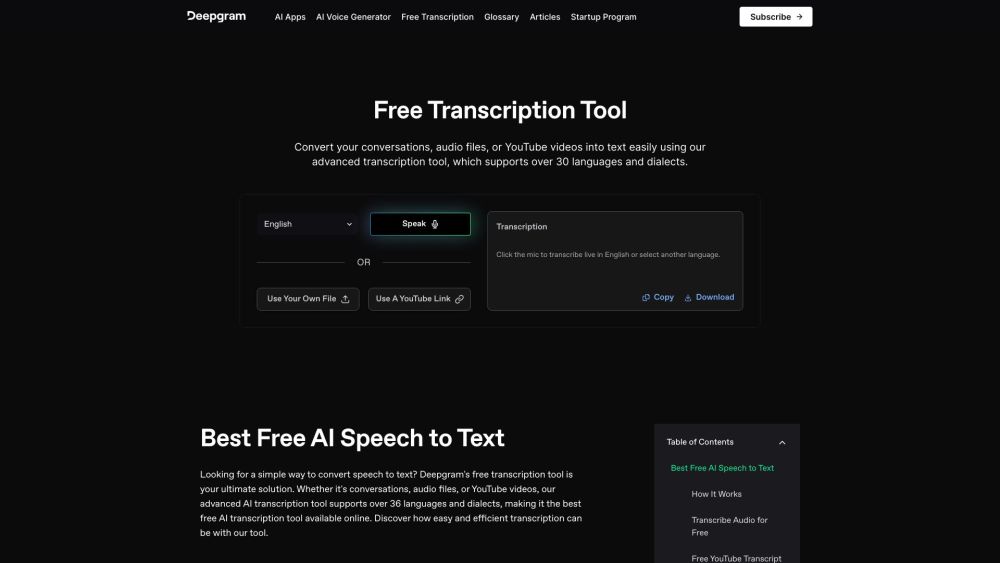
Free AI transcription tool for audio, video, and conversations, supporting 36+ languages.

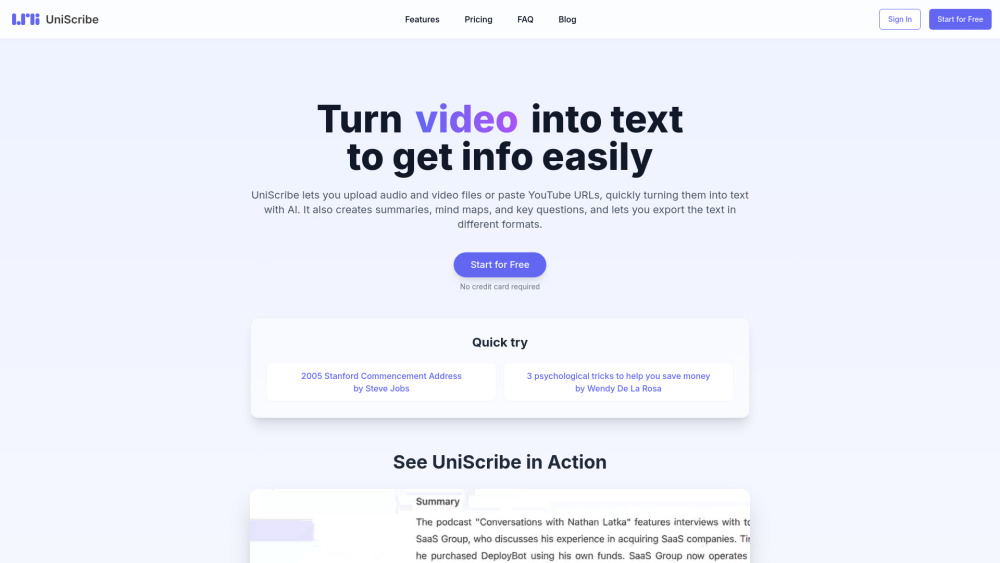
UniScribe is an AI-powered platform for audio and video transcription, summarization, and mind map generation.

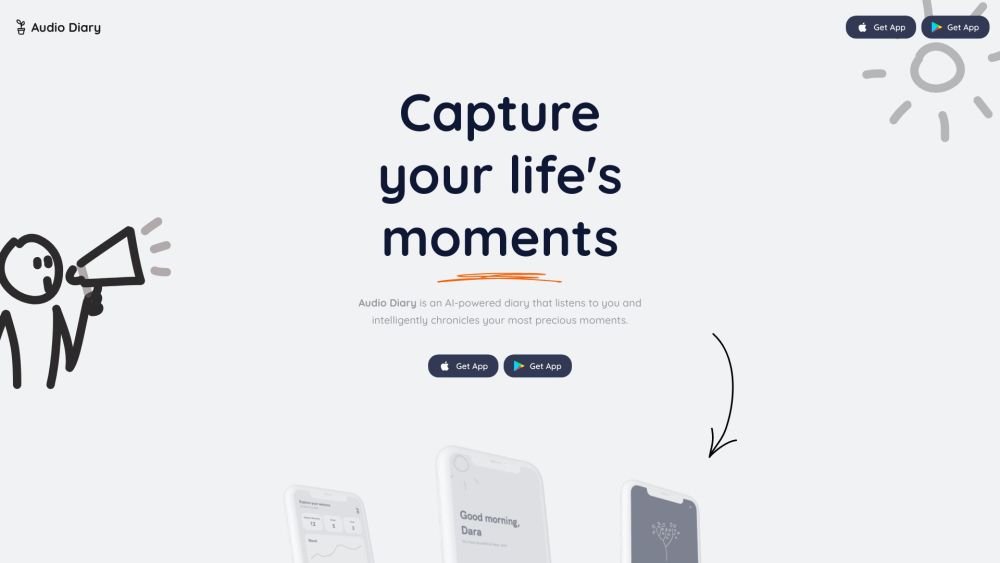
AI-powered voice journal that understands you, helps set goals, and reflects on your past.

AI-powered voice collaboration platform for transcription, summarization, and actionable insights.
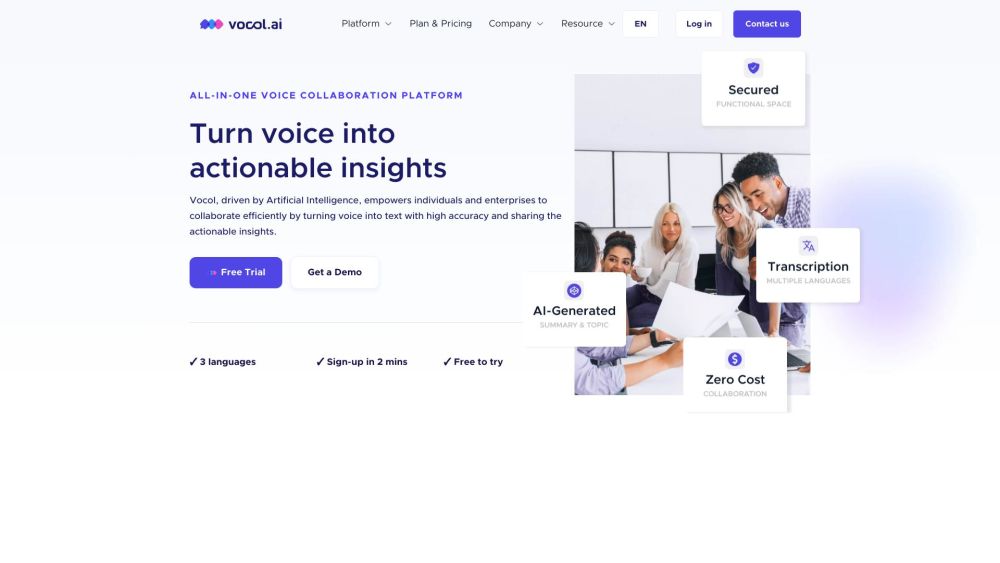

Transcribe Videos to Text with AI Free Online, Unlimited & No Sign-up.


Virtual studio for high-quality remote podcast and video recording and editing.
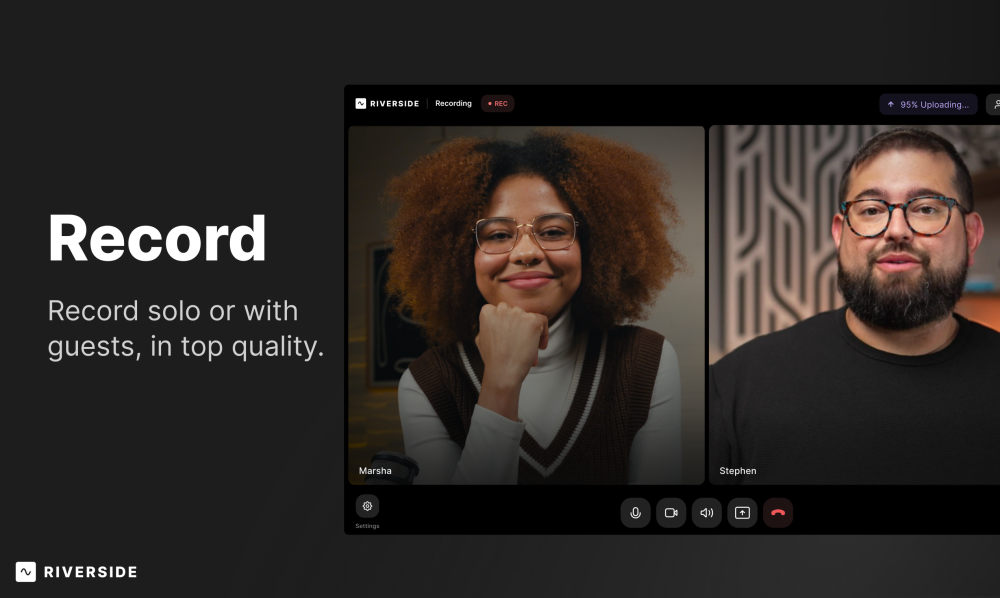

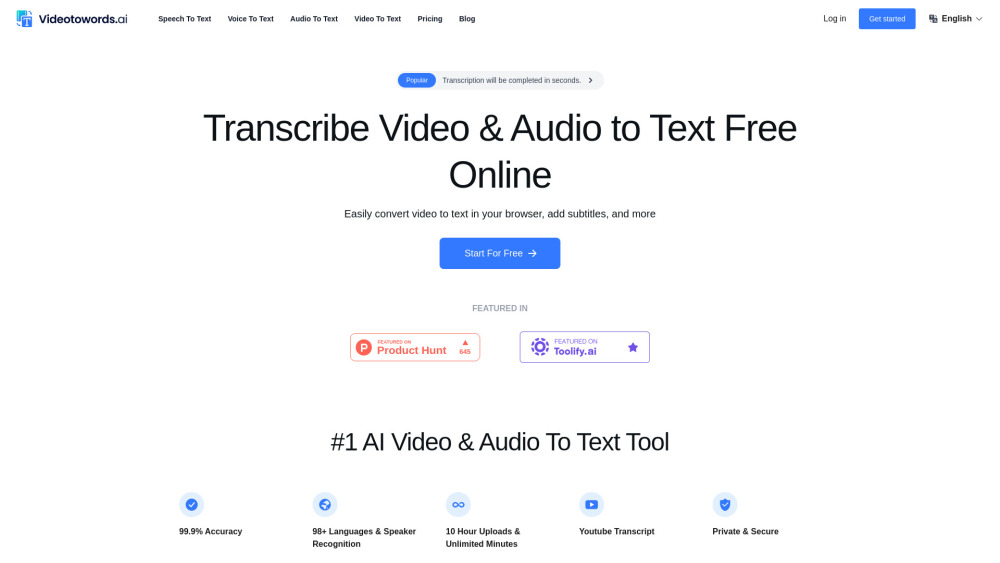
AI-powered transcription service for audio and video to text conversion.

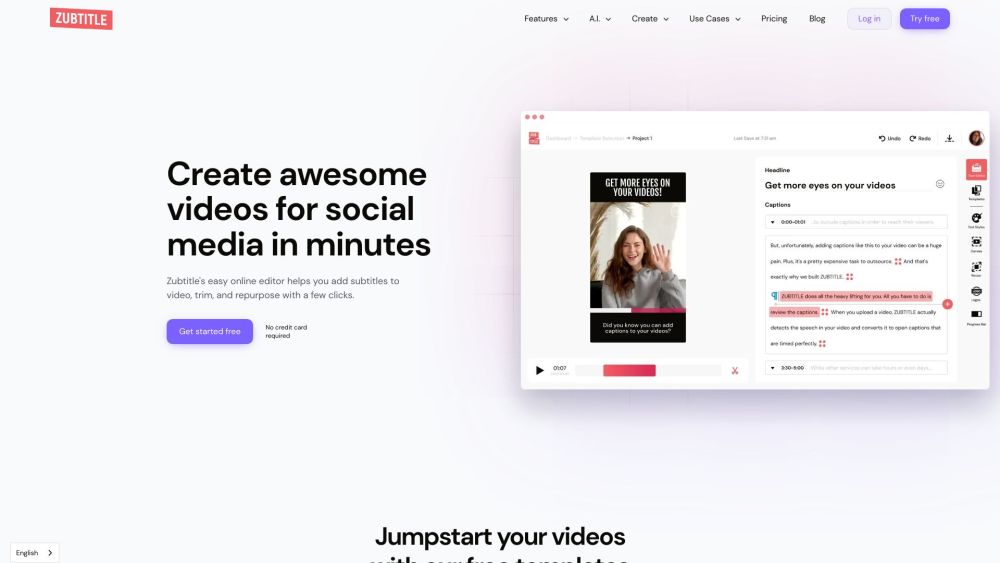
AI-powered online video editor for subtitles, resizing, trimming, and social media optimization.

AI platform for capturing, transcribing, translating, and analyzing language data.


AI-powered app for transcribing and summarizing audio and video content.
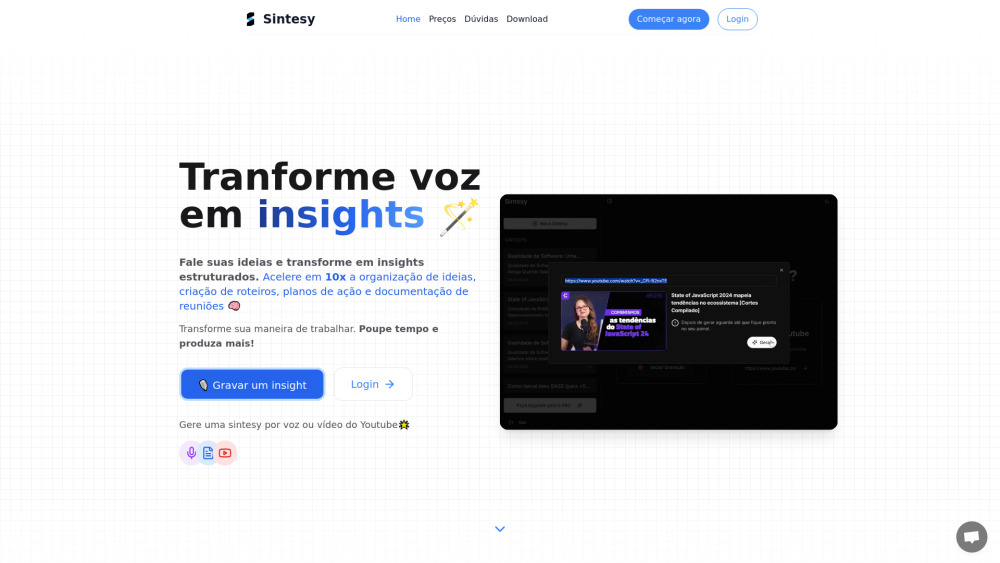

Bulk YouTube subtitle downloader for playlists and channels, optimized for AI data prep.

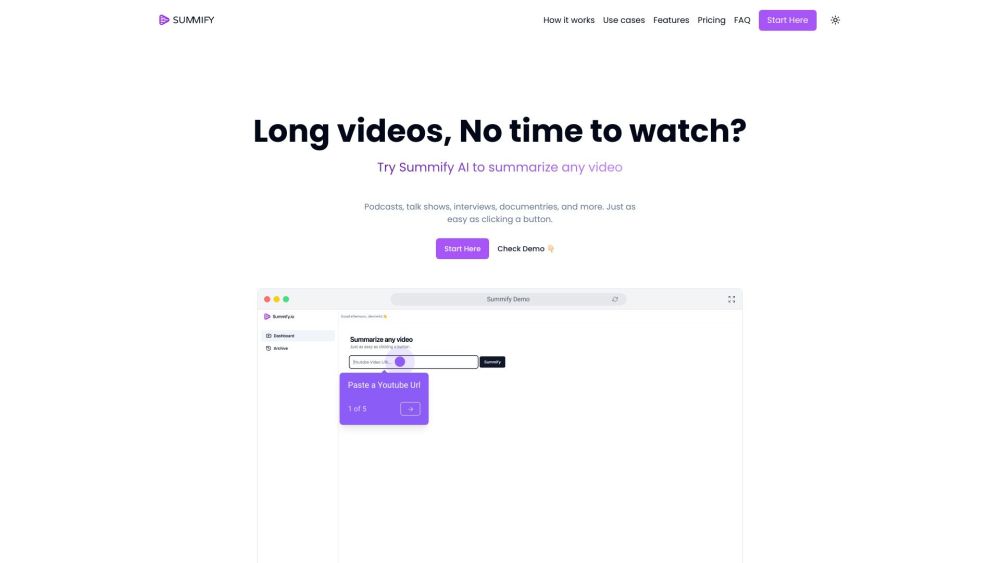
AI-powered tool to summarize and transcribe videos and audio files quickly.

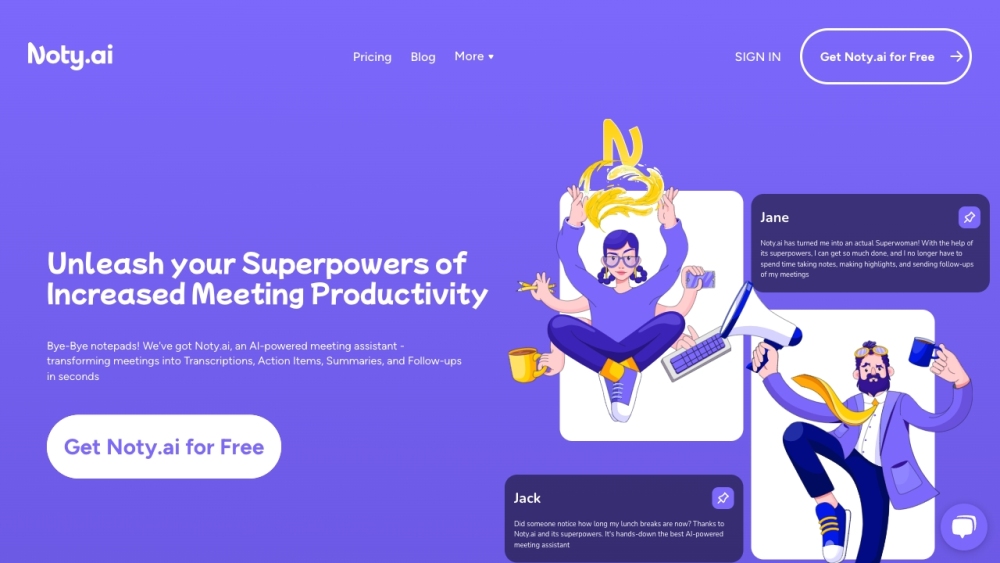
AI meeting assistant for transcription, summaries, and automated follow-ups.

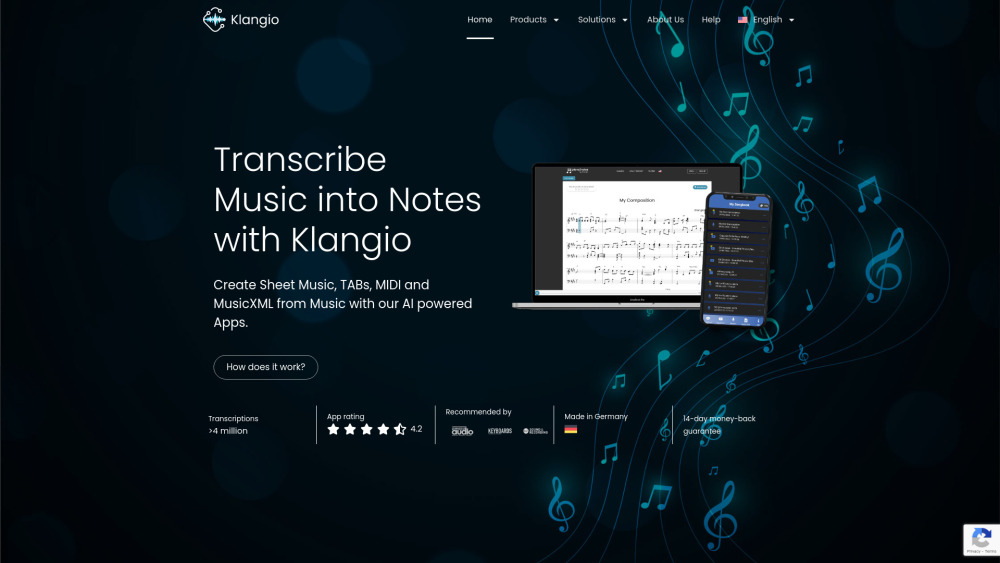
AI software to transcribe music into sheet music, MIDI, and MusicXML.

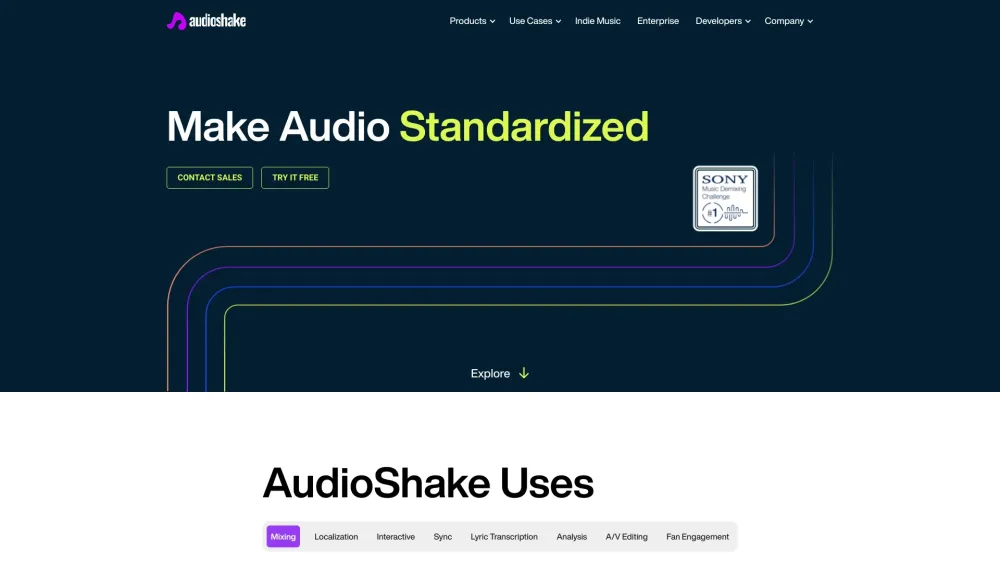
AudioShake uses AI to split audio recordings into stems for various interactive and customizable uses.

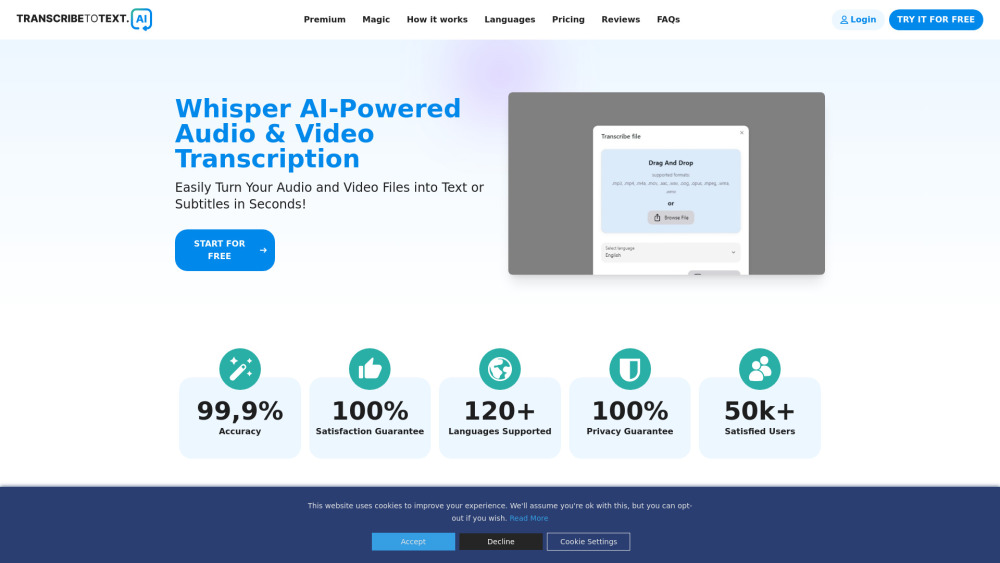
AI-powered transcription service converting audio and video to text in 117+ languages.

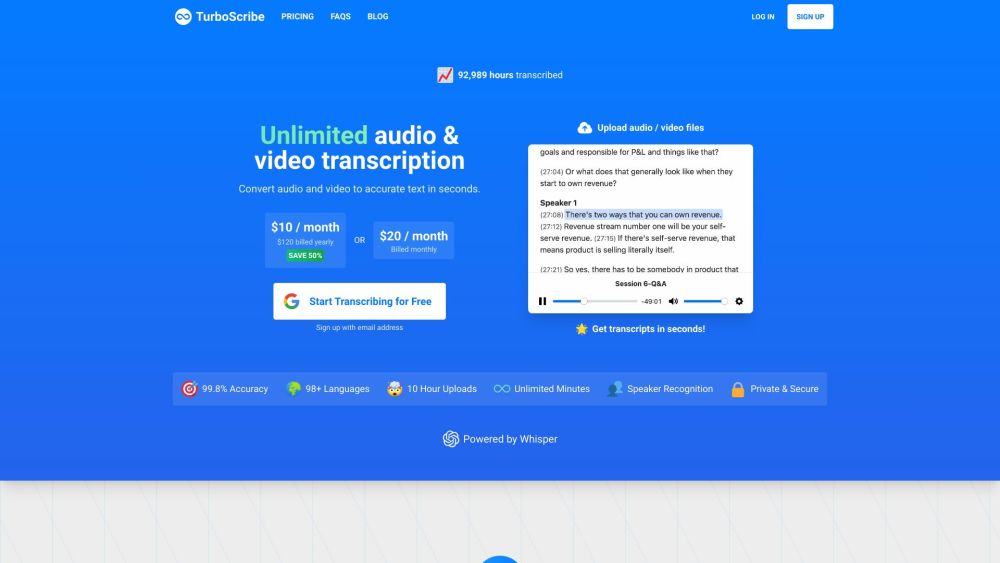
AI transcription service converting audio and video to text in 98+ languages.

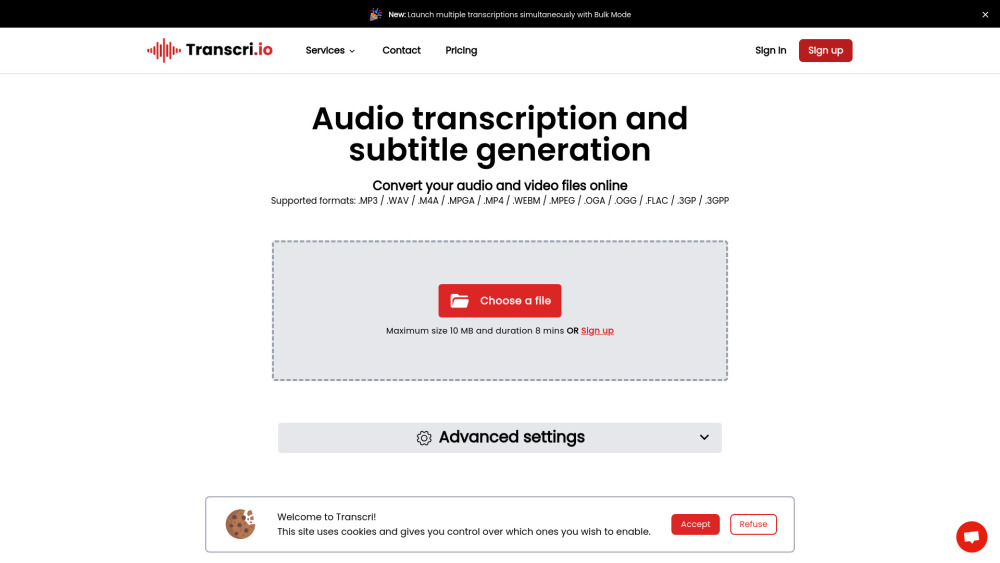
AI-powered transcription and subtitle generation service supporting 50+ languages.