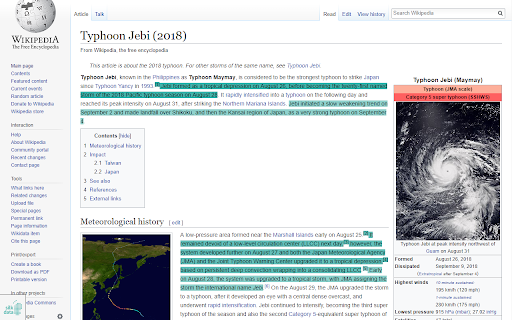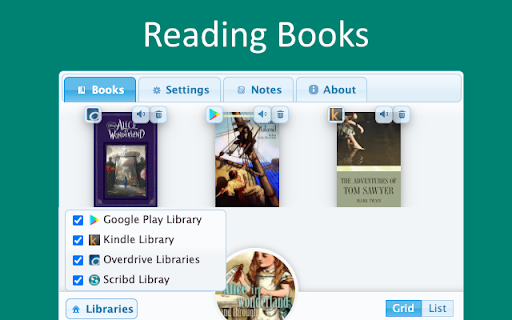


TTS Ebook Reader ai chrome extension? TTS Ebook Reader is a Chrome extension that uses Google Text to Speech Engine to convert ebooks into audiobooks. It supports popular ebook sites like Amazon Kindle Reader, Google Play, Overdrive Libraries, Scribd, and Project Gutenberg, allowing users to listen to their ebooks while reading.
Chrome extension that converts ebooks to audiobooks using Google TTS.
- Listening to ebooks while reading on supported platforms
- Install the TTS Ebook Reader Chrome extension. Open an ebook on a supported site. Click the extension icon to start reading. The extension will automatically turn pages and highlight the reading sentence.

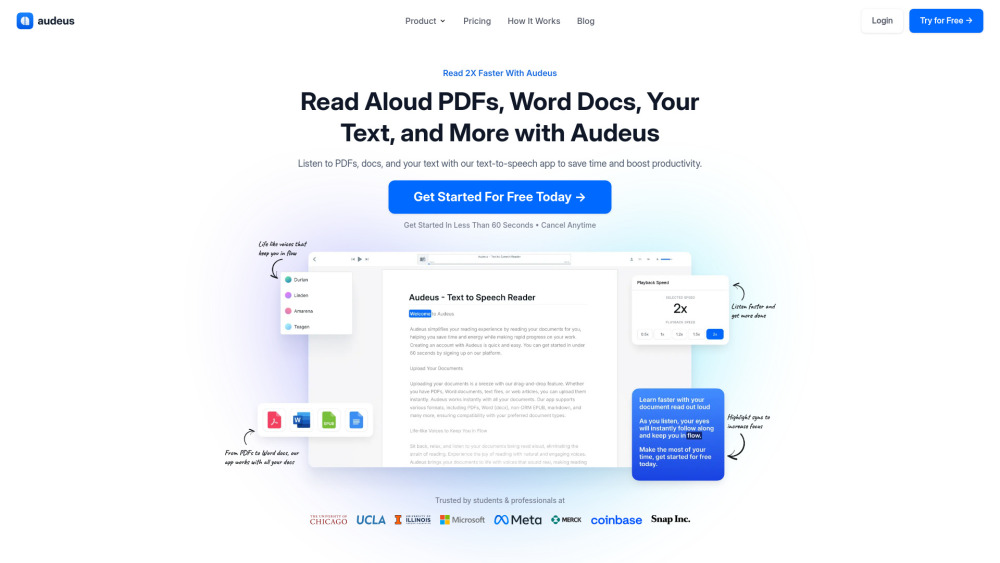
Text-to-speech app for PDFs, Word docs, and more to boost productivity.

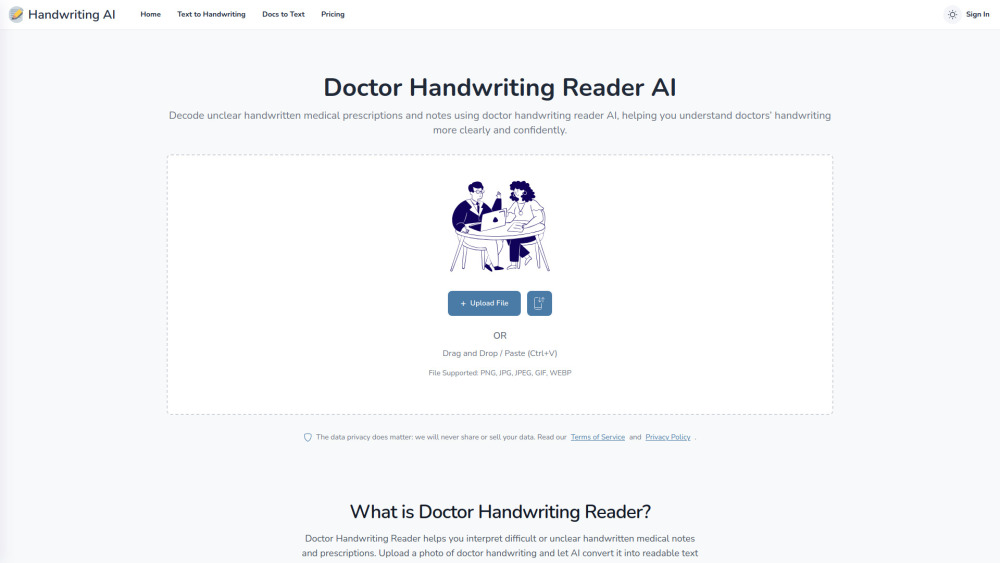
AI tool that decodes messy handwritten medical prescriptions into clear, readable, and structured text.

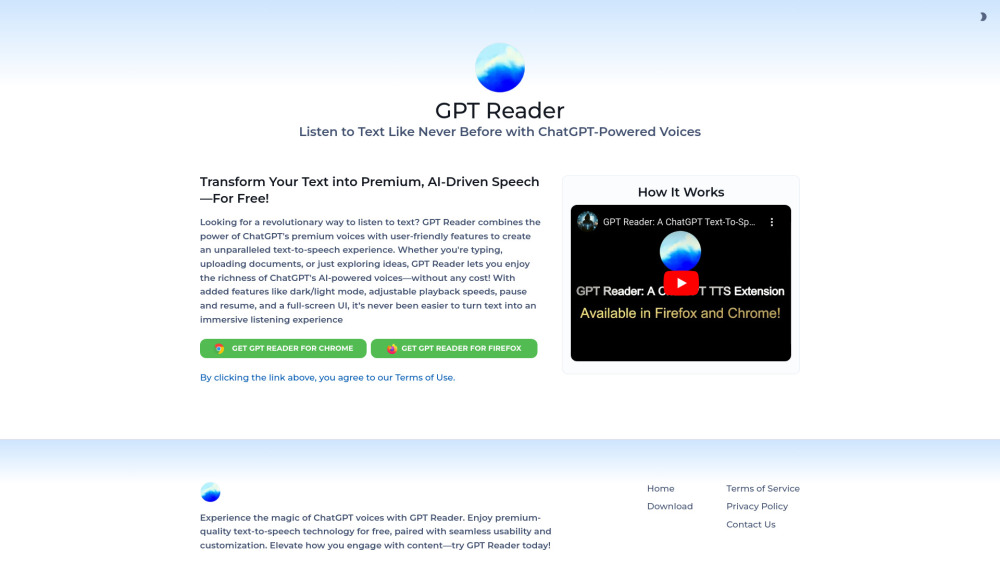
Free AI text-to-speech tool using ChatGPT voices for an immersive listening experience.

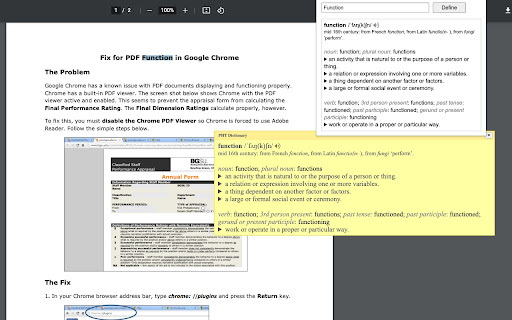
An extension for easy word definitions and pronunciation.

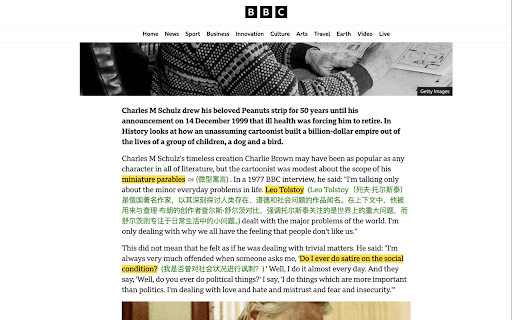
Intelligent highlighting tool for capturing, understanding, and organizing web information.

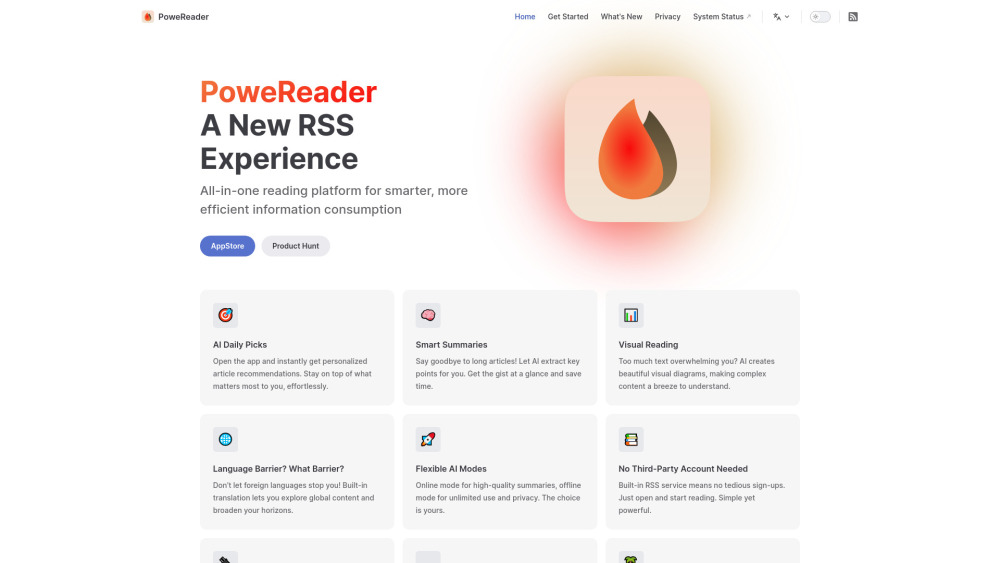
AI-powered RSS reader with summaries, visual explanations, and personalized recommendations.

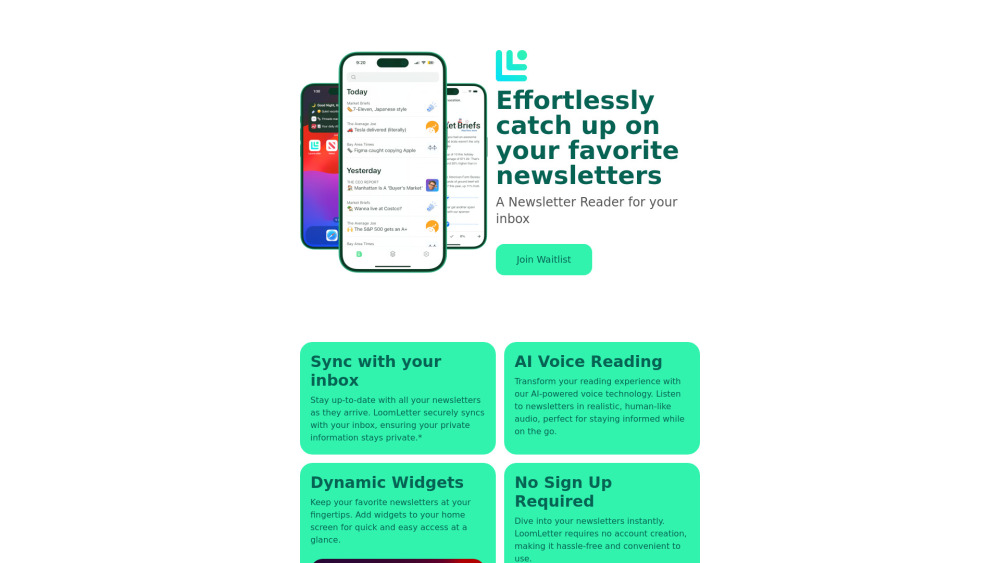
Newsletter reader app with sync, widgets, TTS, and progress tracking.

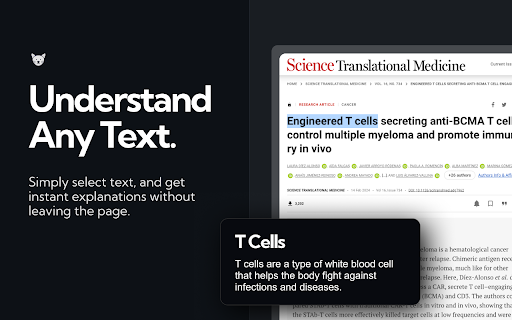
ExplainTXT simplifies complex texts in real-time across various domains and languages.

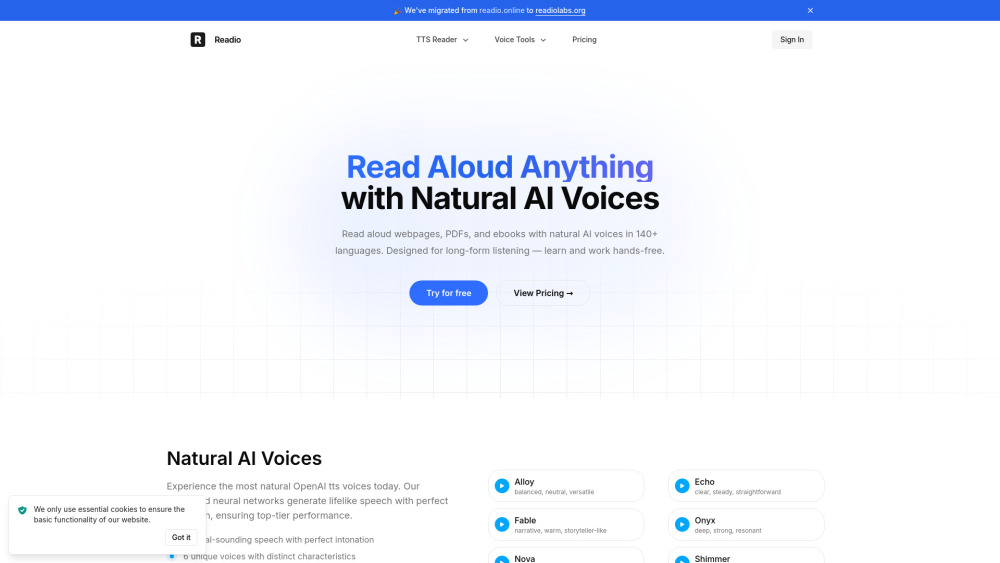
AI reader that turns PDFs, ebooks, and webpages into natural-sounding speech.

Browser extension and web app for distraction-free online reading with AI features.


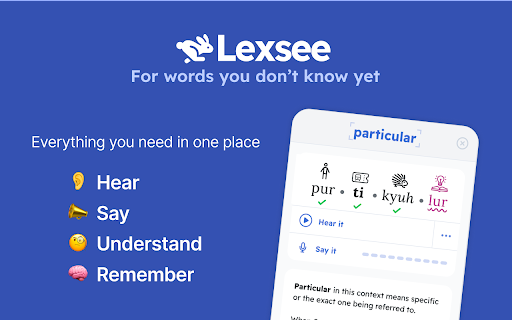
Lexsee is a reading companion and AI tutor for teens with dyslexia.

AI-powered reading companion for effortless reading with explanations, summaries, and self-tests.
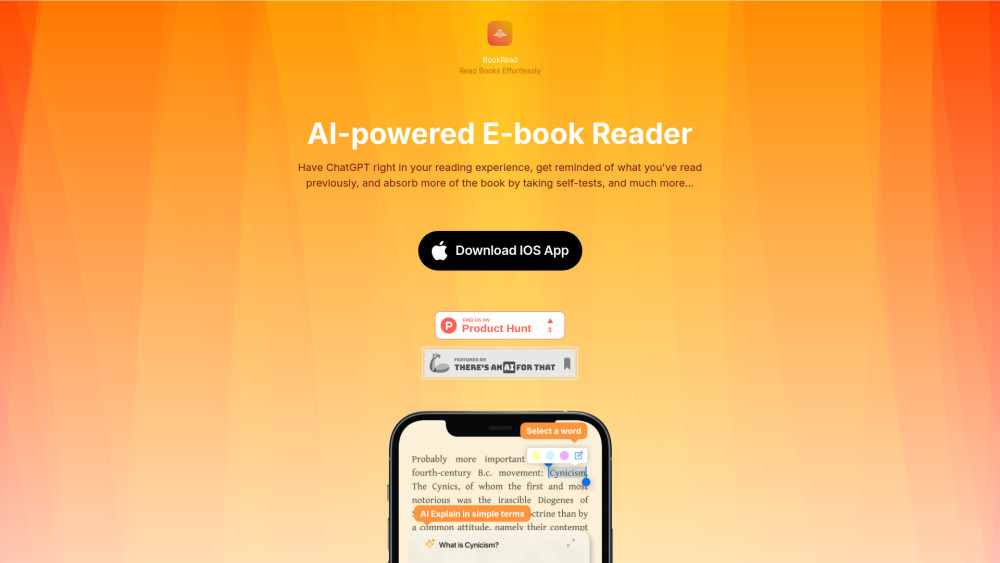

Intelligent AI reading assistant for summarization, Q&A, and translation.

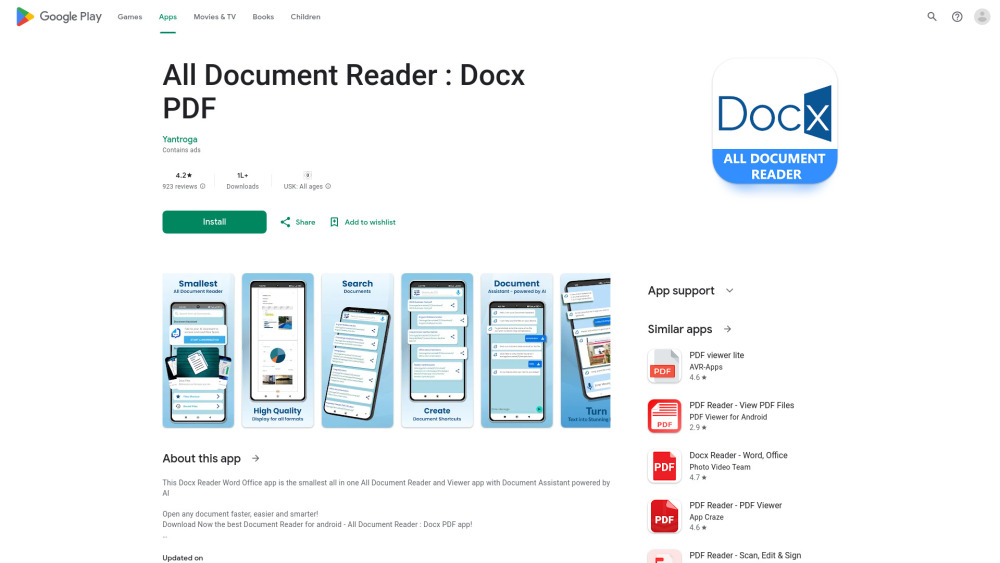
All-in-one document reader and viewer app with AI assistant.

AI-powered RSS reader with smart summarization and cross-platform support.
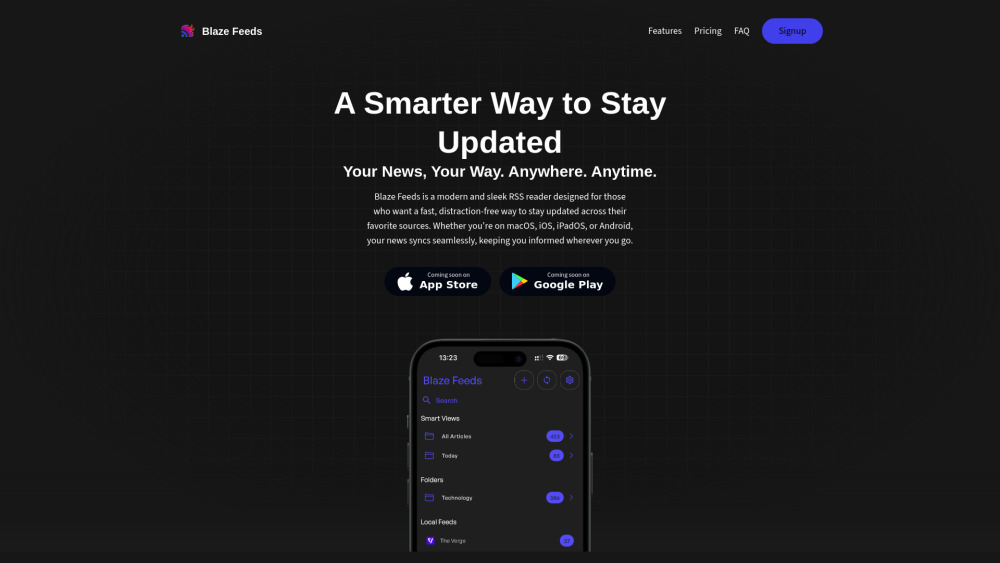

AI-powered RSS reader for a cleaner, more controlled news feed.


Pebble is an AI companion for active reading and watching content online.

AI-powered tool for optimized content reading by highlighting relevant information and keywords.