Text2Color for Canva is a Chrome extension that adds a magical "text-to-color" feature to color pickers across Canva. It uses AI to transform words into stunning colors, streamlining your workflow by generating perfect colors in seconds. It integrates seamlessly within Canva's interface, allowing you to describe colors using natural language and watch the AI generate them.
AI-powered Chrome extension for Canva that generates colors from text descriptions.
- Generating color palettes for Canva designs using natural language descriptions.
- Install the Text2Color for Canva Chrome extension from the Chrome Web Store or manually. Enter your API key after installation. Open Canva
- and you'll see the Text2Color input field in Canva's color picker. Describe the color you want
- and the AI will generate it.

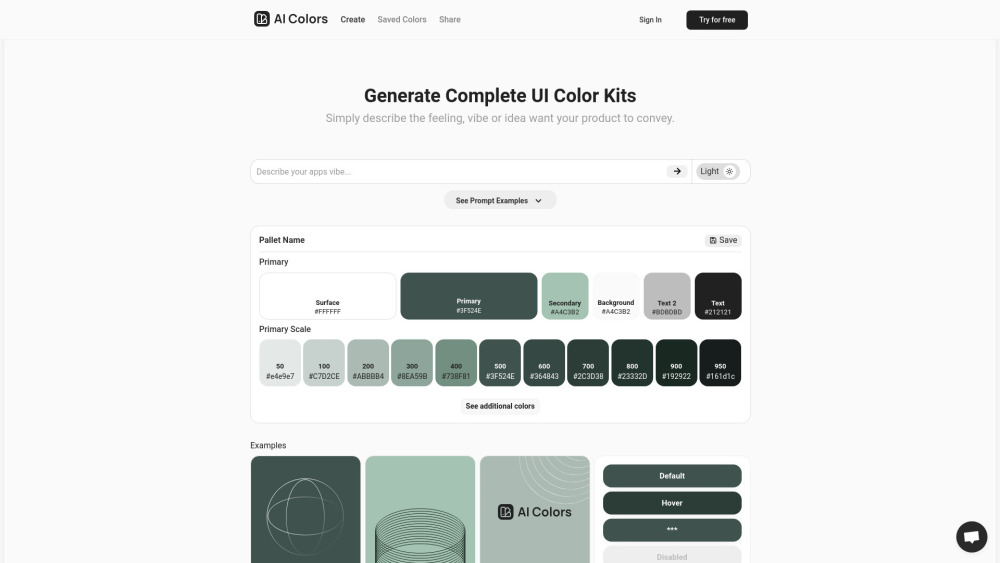
AI-powered tool for generating unique UI color palettes from descriptions.
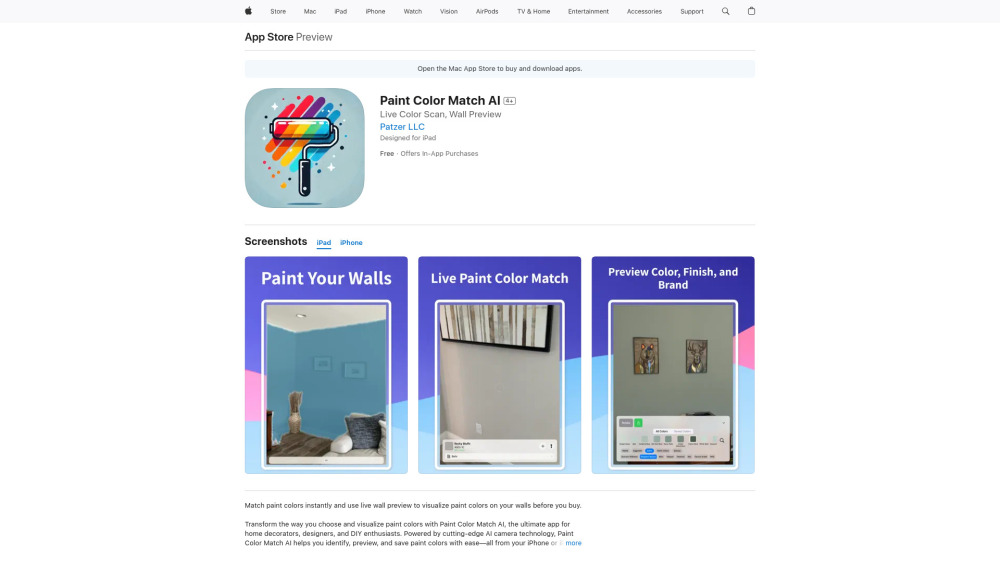
AI-powered app to match, preview, and save paint colors.

AI-powered color analysis for personalized style recommendations and virtual try-ons.


AI-powered tool for generating and customizing color palettes.

AI gradient generator for UI, websites, and branding with color code exploration.


Color analysis app for fashion enthusiasts to determine color season and make informed clothing choices.


AI-powered tool for generating unique color palettes from prompts.

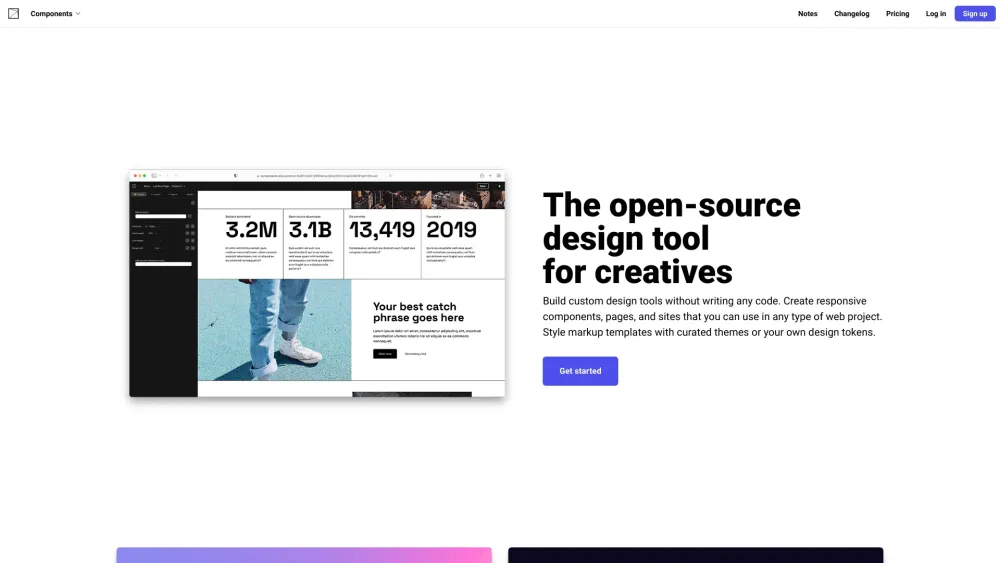
Open-source design tool for building custom design tools without code.

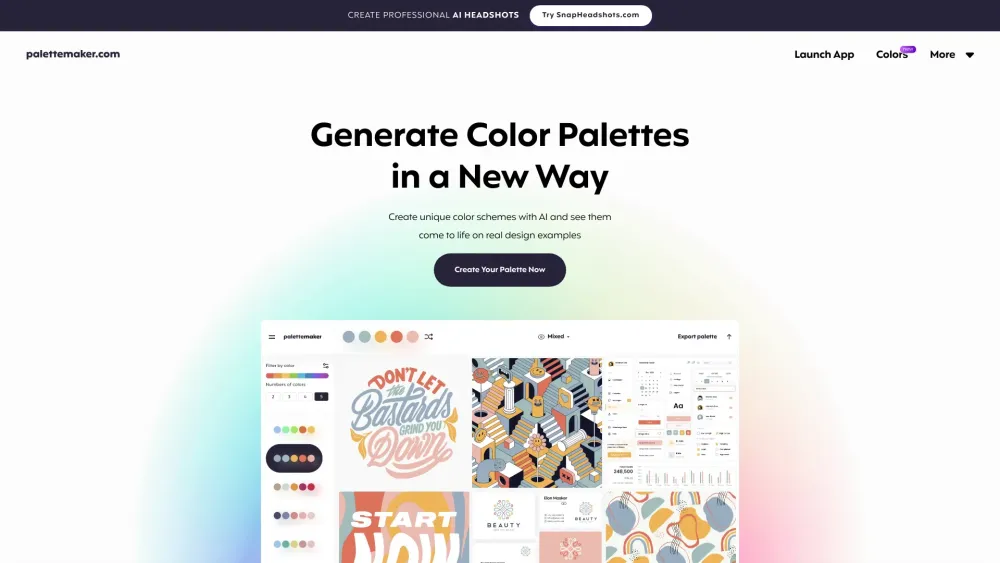
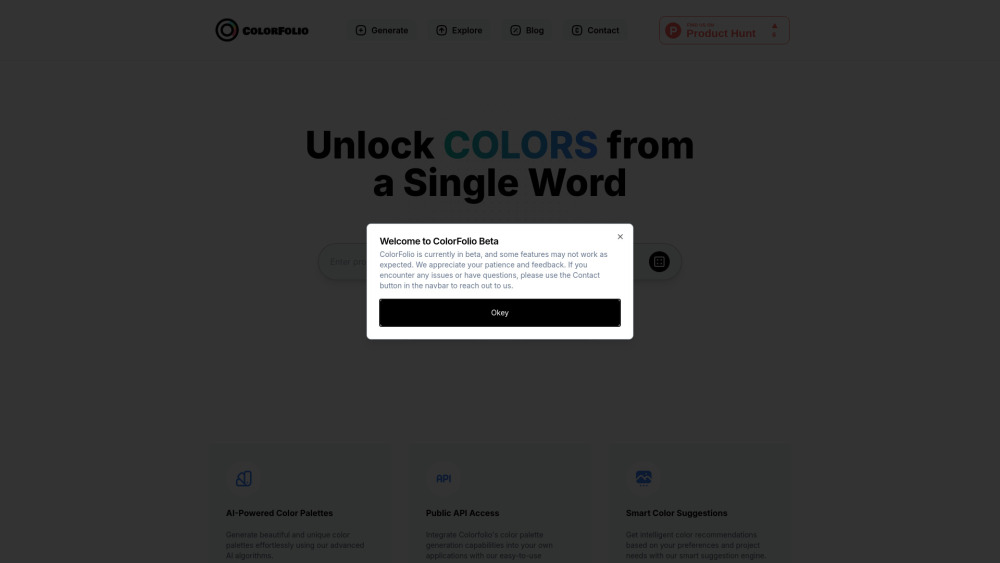
Free AI color palette generator with live design previews for creatives and color lovers.