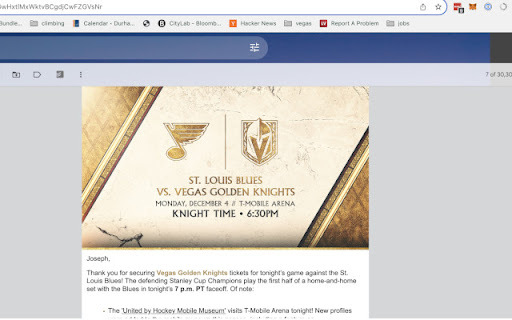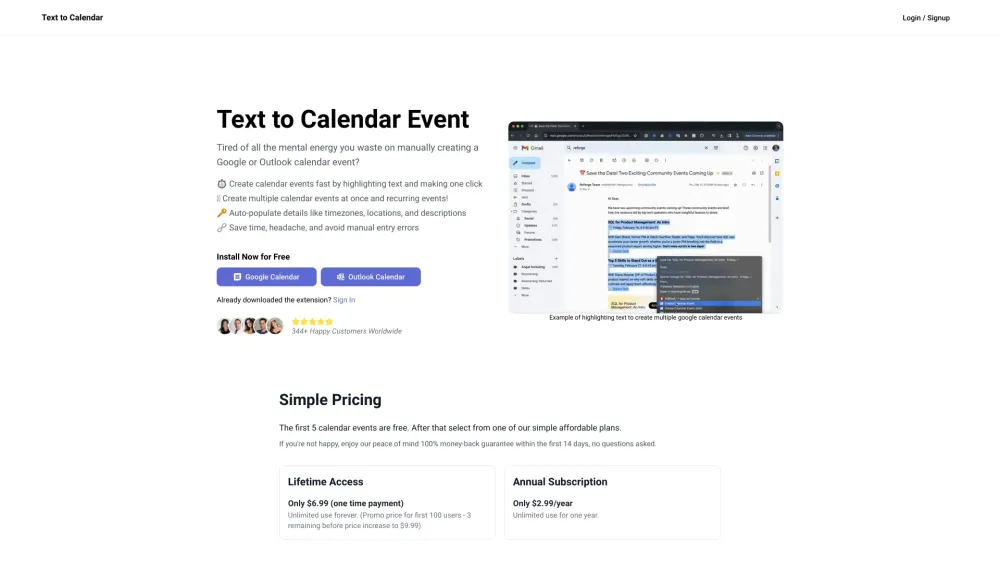


Text to Calendar is a browser extension designed to streamline the process of creating Google or Outlook calendar events. It allows users to highlight text containing event details and automatically populate the calendar event creation form, saving time and reducing manual entry errors. The extension supports creating single and recurring events, as well as populating location, timezone, and event descriptions.
Browser extension to create calendar events from highlighted text.
- Quickly create calendar events from emails containing meeting details.
- Easily schedule events based on information found on websites or documents.
- Efficiently create multiple calendar events for a series of meetings or appointments.
- Install the Text to Calendar extension. Highlight the text containing event details on any webpage or email. Click the extension icon to automatically populate a Google or Outlook calendar event creation form with the highlighted information. Adjust details as needed and save the event.

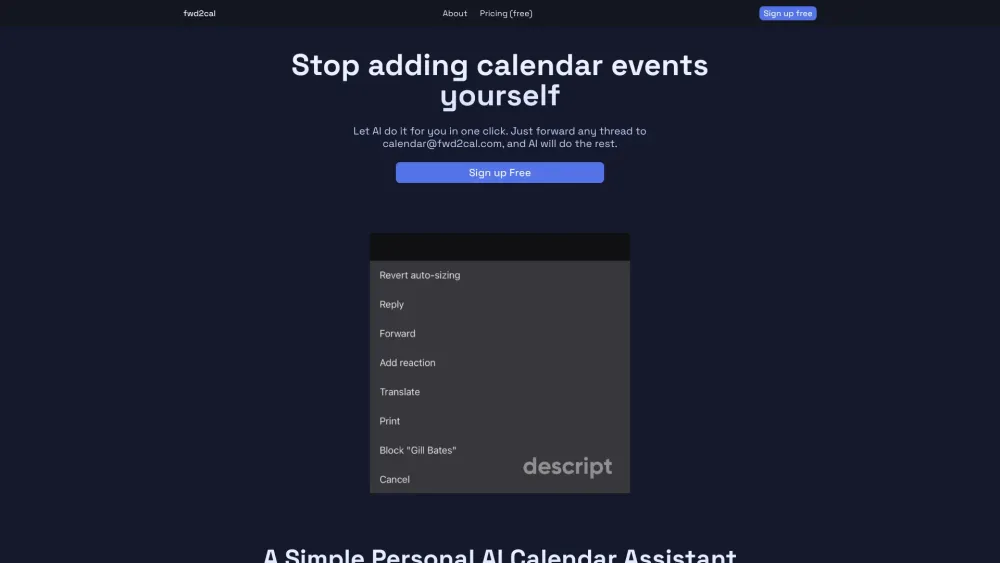
AI calendar assistant that adds events to Google Calendar by forwarding emails.

Todue automates syllabus loading into calendars for students, streamlining organization and time management.


AI calendar assistant for managing schedules via chat.

AI-powered Google Calendar feature that creates events from natural language descriptions.
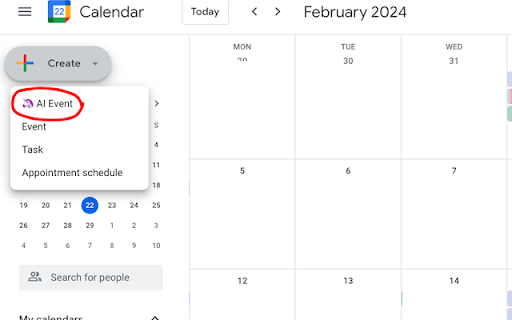

Chrome extension to create calendar entries from text in one click.
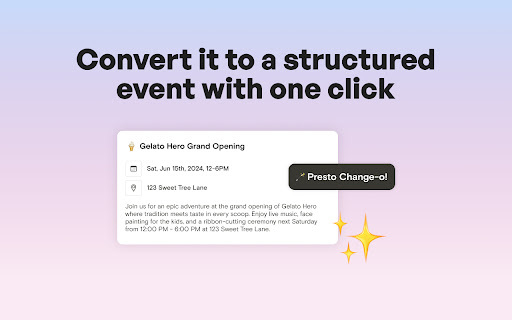

AI calendar assistant that uses natural language to intelligently schedule and manage team meetings.


AI calendar assistant managing schedules via chat and syncing with popular calendars.
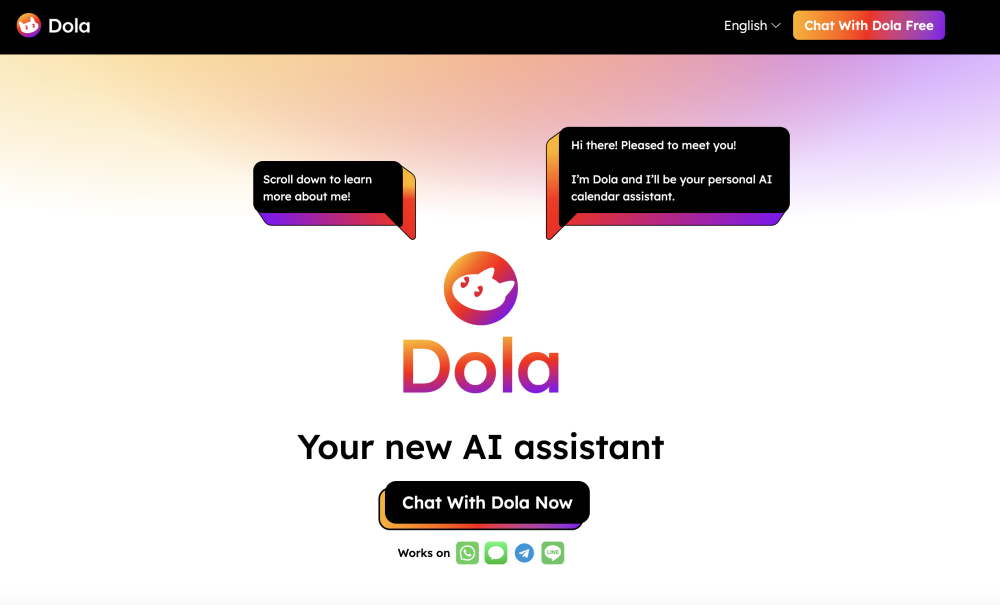

AI-powered scheduling assistant that understands your day and automates calendar management.
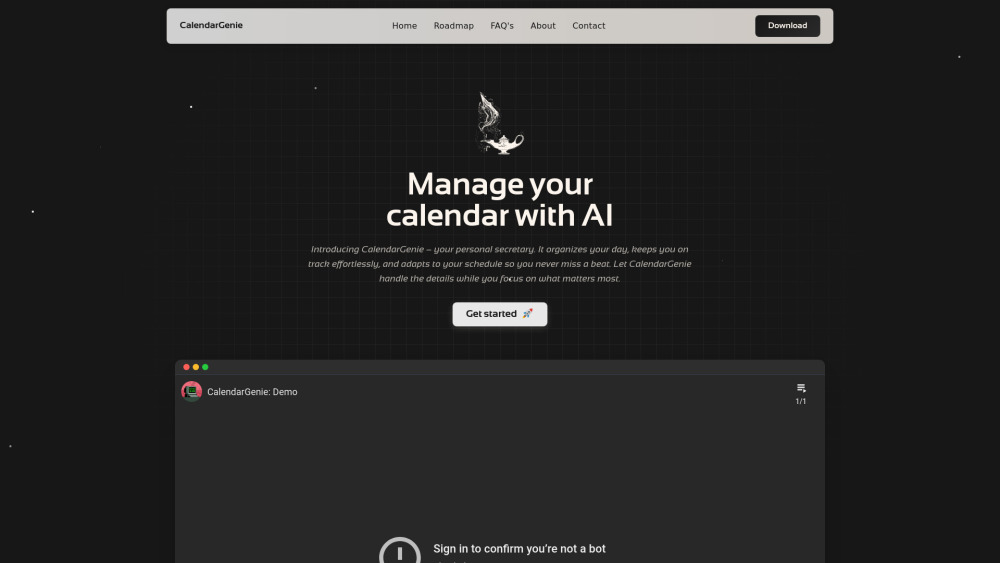

Chrome extension that uses LLMs to automatically add events from webpages to your calendar.