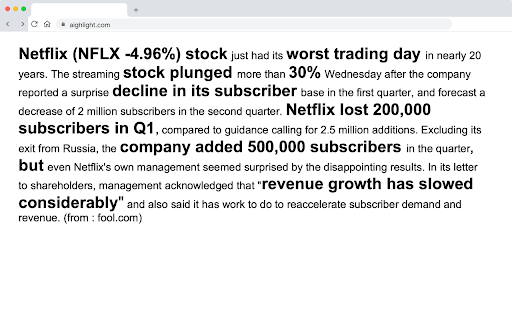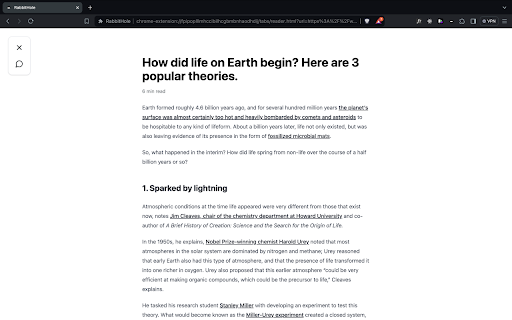


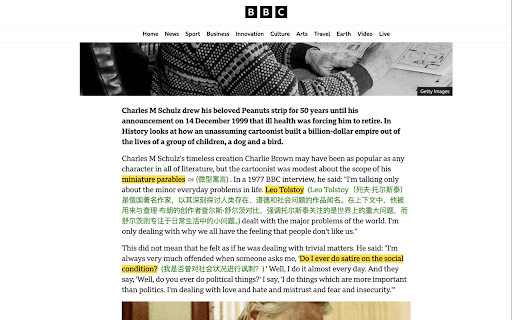
Reading Mode ai chrome extension? Reading Mode is a feature activated by the keyboard shortcut Opt+L (Alt+L on Windows) when reading articles online. It removes distractions and provides tools to enhance reading comprehension and speed.
Reading Mode removes distractions and offers tools for faster, better article comprehension.
- Quickly understand the main points of a lengthy article.
- Translate a foreign language article into your native language.
- Research unfamiliar concepts mentioned in an article without opening a new tab.
- Get direct answers to specific questions about the article's content.
- Press Opt+L (Alt+L on Windows) while viewing an article online to activate Reading Mode.

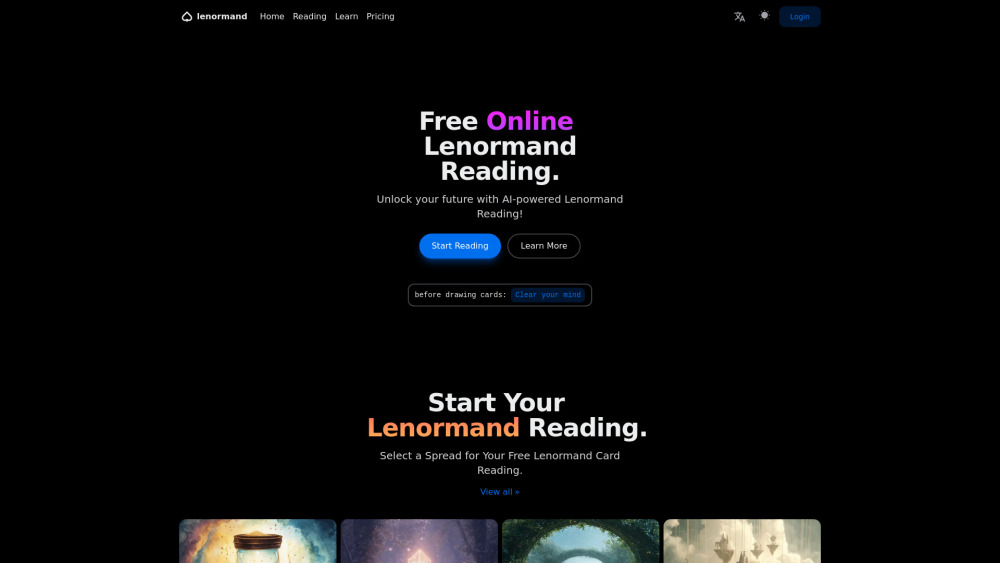
Free online Lenormand card readings with AI interpretations and learning resources.

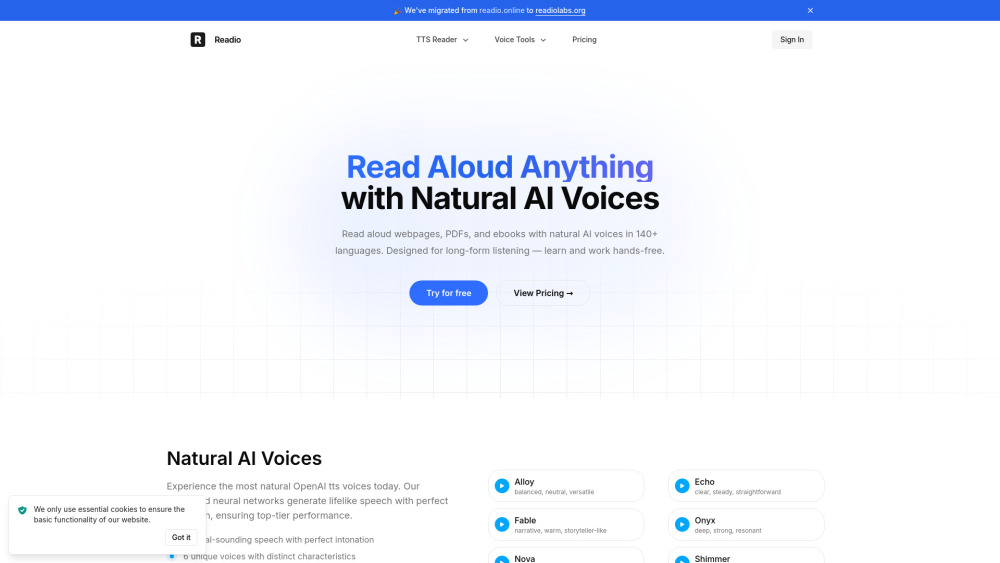
AI reader that turns PDFs, ebooks, and webpages into natural-sounding speech.

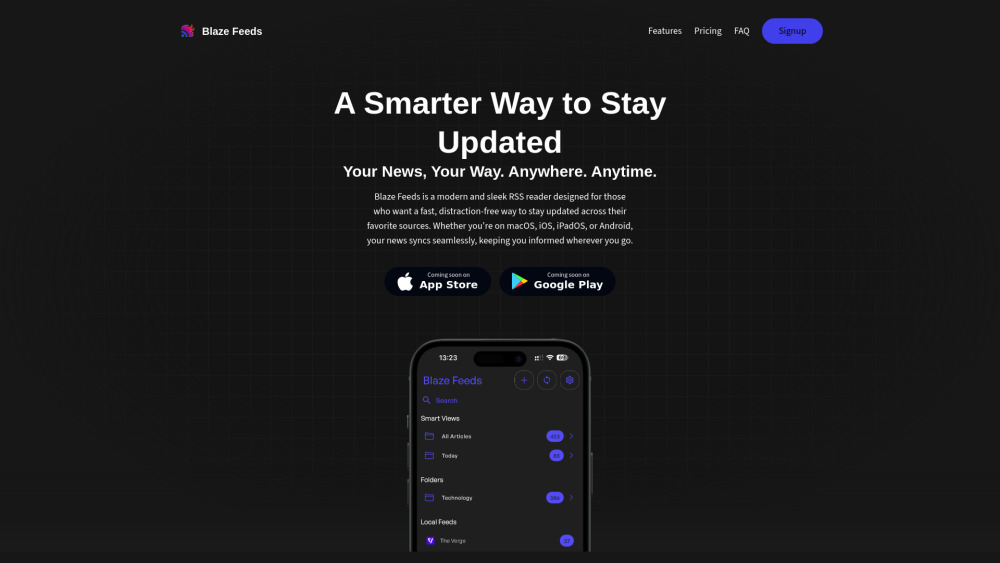
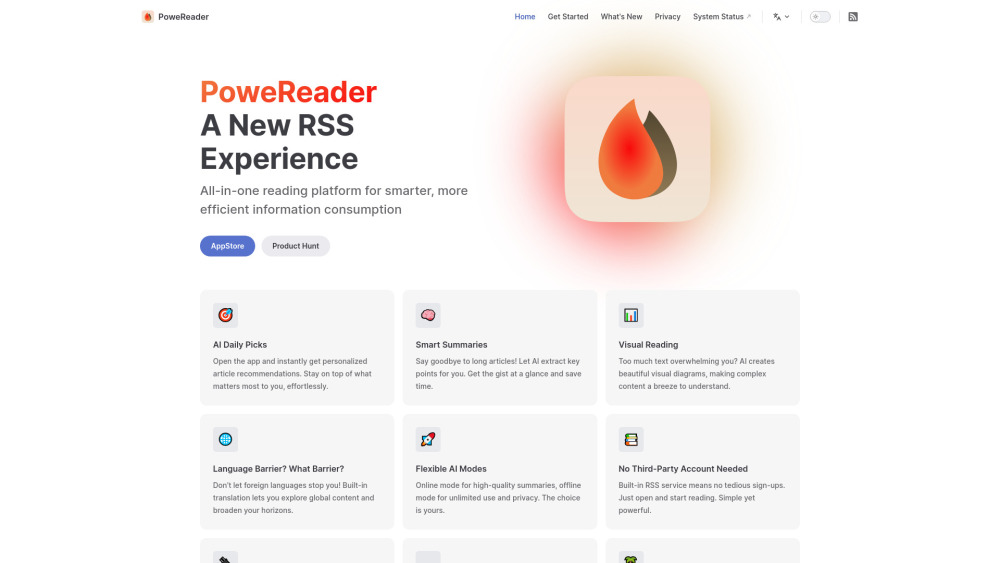
AI-powered RSS reader with smart summarization and cross-platform support.

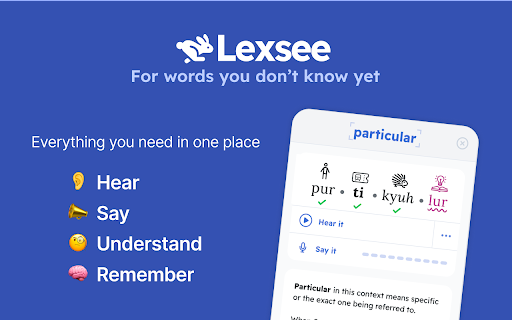
Lexsee is a reading companion and AI tutor for teens with dyslexia.

AI-powered reading and learning platform for students with personalized guidance and real-time analysis.

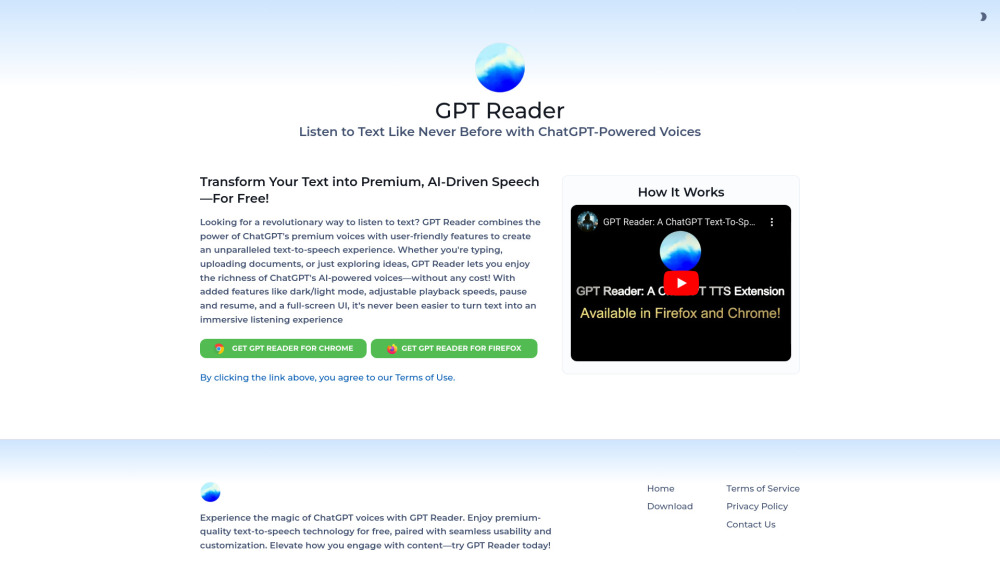
Free AI text-to-speech tool using ChatGPT voices for an immersive listening experience.

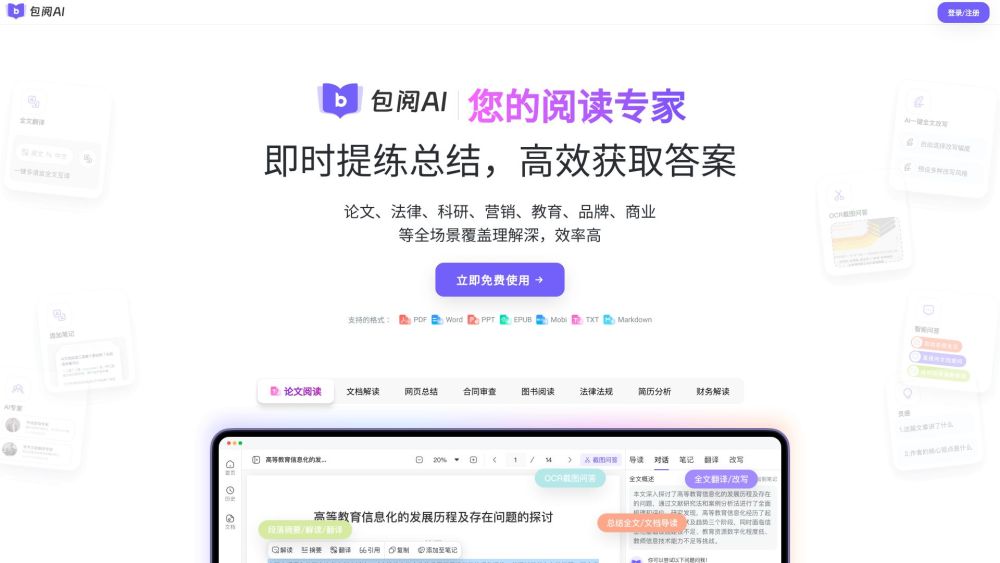
Intelligent AI reading assistant for summarization, Q&A, and translation.

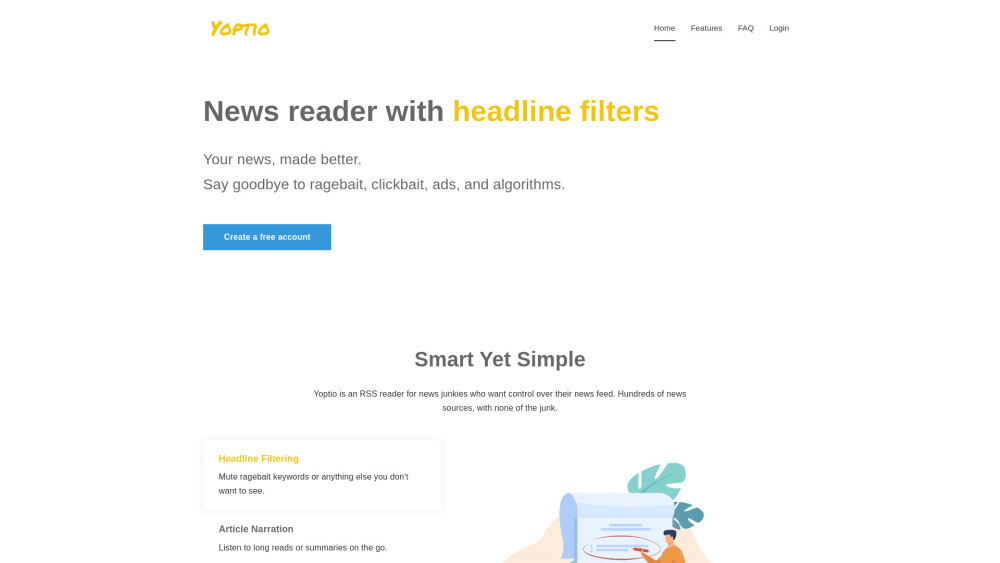
AI-powered RSS reader for a cleaner, more controlled news feed.

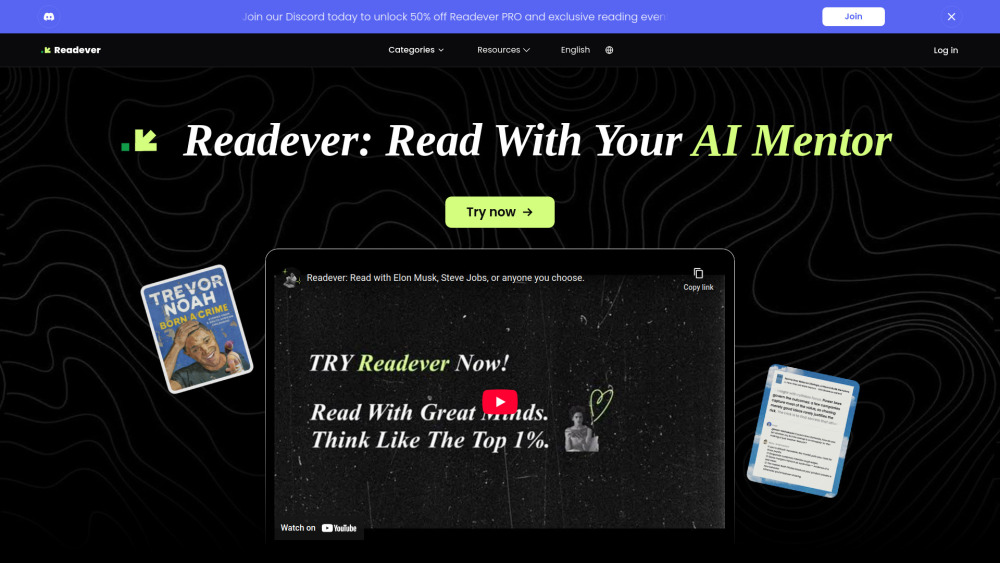
AI Reading Assistant for interactive learning, smart highlights, and personalized insights.

Unrolls Twitter threads for easy reading and saving to Notion.

Intelligent highlighting tool for capturing, understanding, and organizing web information.

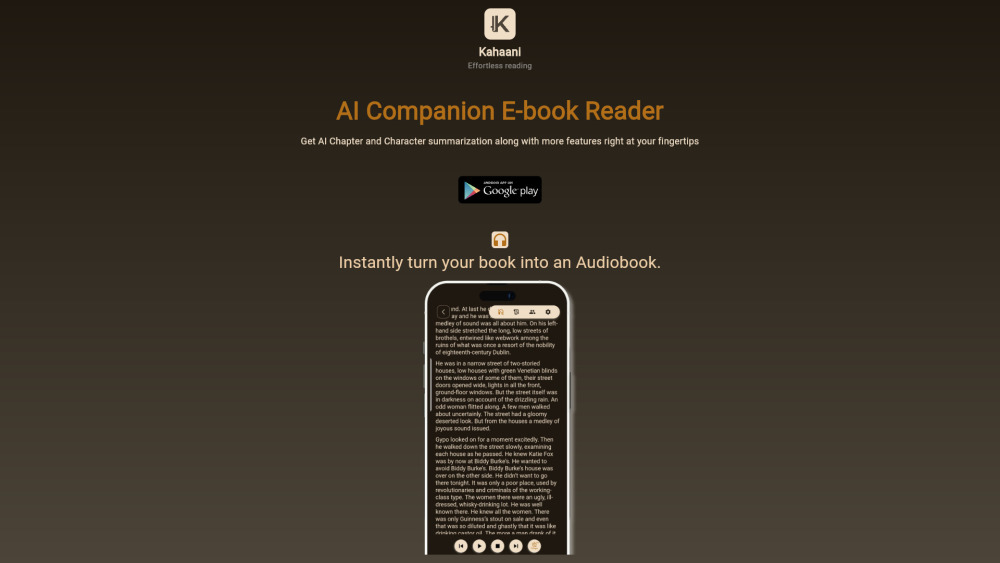
AI-powered book reader with summaries, narration, and explanations.

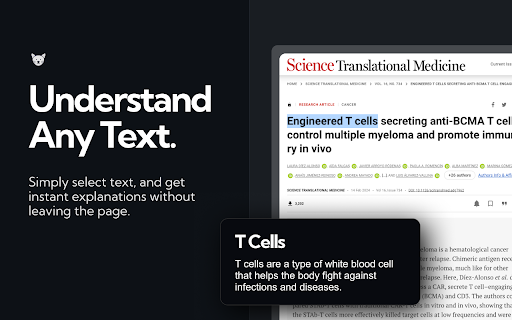
ExplainTXT simplifies complex texts in real-time across various domains and languages.

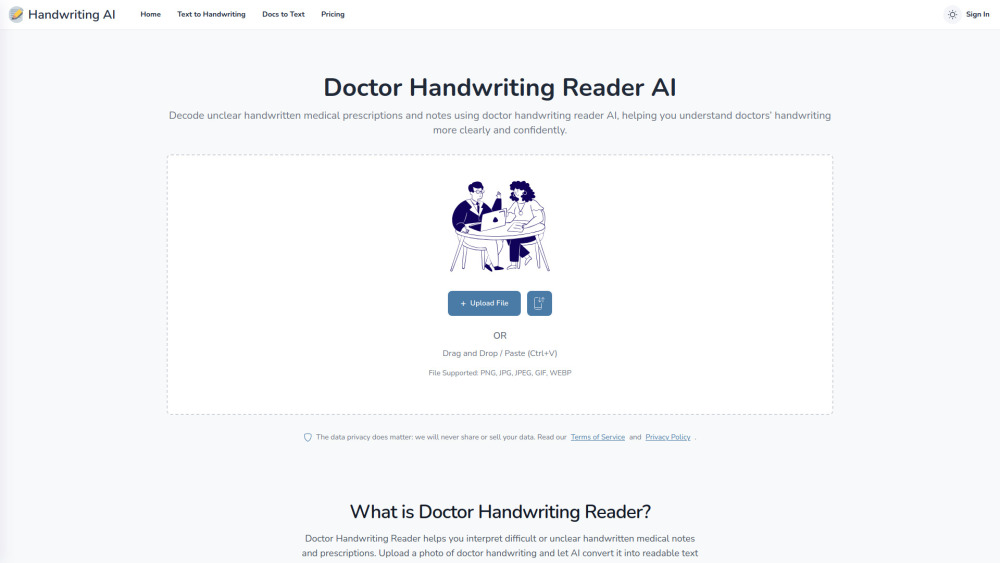
AI tool that decodes messy handwritten medical prescriptions into clear, readable, and structured text.

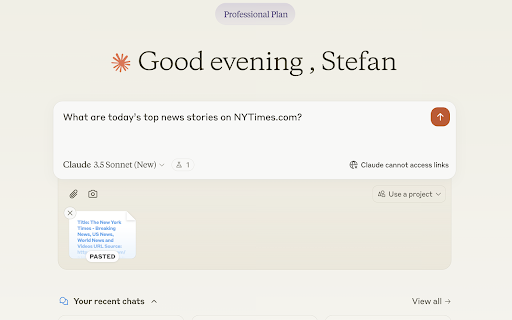
Extension to share web content in Claude conversations by extracting webpage content.

AI-powered RSS reader with summaries, visual explanations, and personalized recommendations.
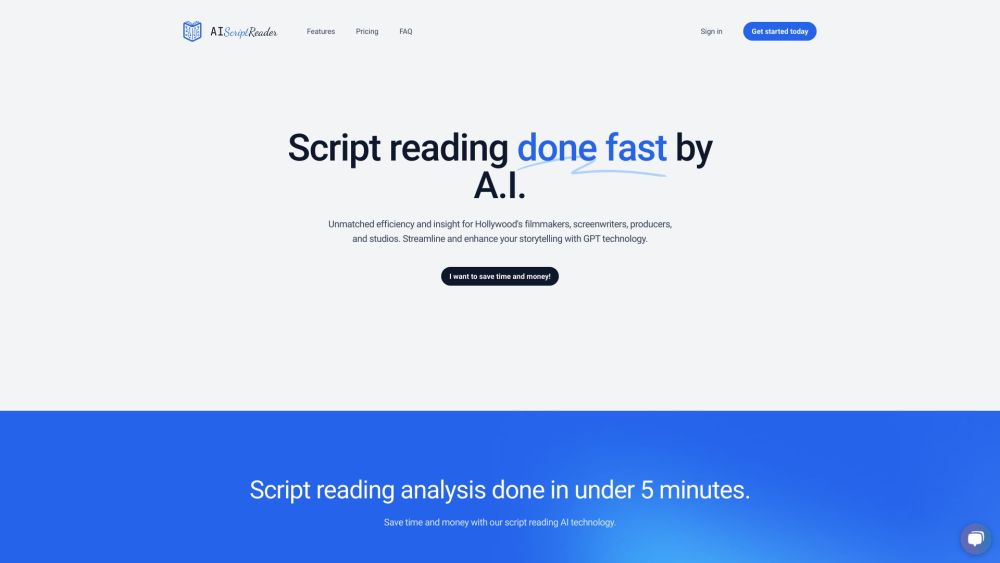
AI-powered script analysis tool for writers, producers, and production firms.

AI-powered tool to improve reading comprehension, focus, and memory retention.