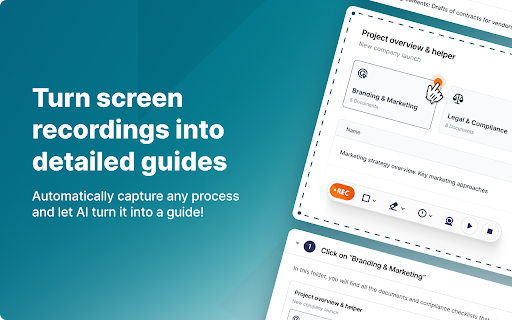




Fusebase Clarity ai chrome extension? Fusebase Clarity automatically creates guides with screenshots and descriptions of actions by recording your screen. It allows you to edit descriptions with an AI assistant, add new elements like tips, tables, and files using a powerful editor, and share guides with friends and colleagues or create your own knowledge base.
Screen recording tool that automatically creates guides with AI-powered editing and sharing.
- Creating training materials for new employees
- Documenting software workflows for users
- Sharing how-to guides with colleagues
- Building a knowledge base for internal or external use
- Record your screen
- and Fusebase Clarity will automatically generate a guide. Edit the descriptions using the AI assistant
- add elements using the editor
- and share the guide with others.

Clueso creates how-to articles and videos from screen recordings.


AI-powered workspace for content creation, analysis, and collaboration on documents.

Minerva simplifies process documentation by automatically capturing actions and creating shareable guides.
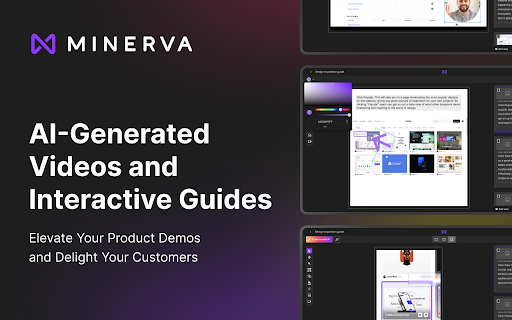

AI-powered tool for creating engaging videos and documents from complex workflows.
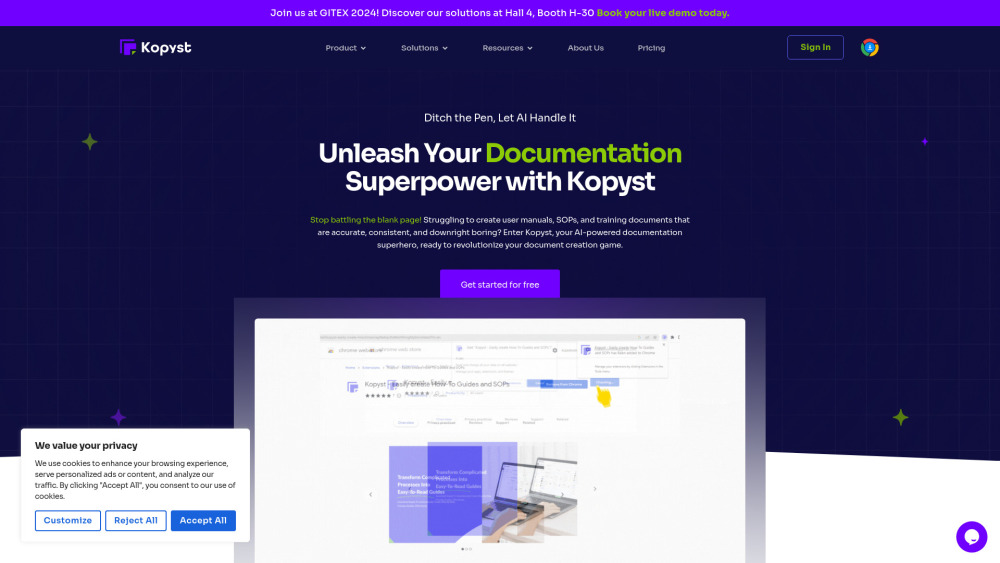
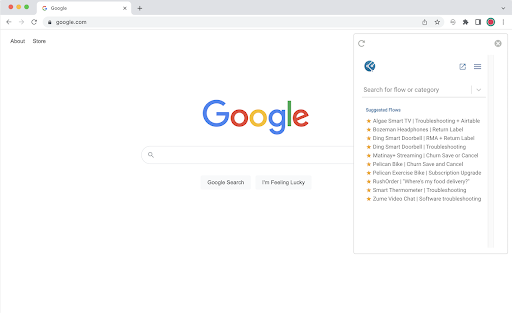
Interactive decision trees automate workflows and simplify troubleshooting through guided choices.

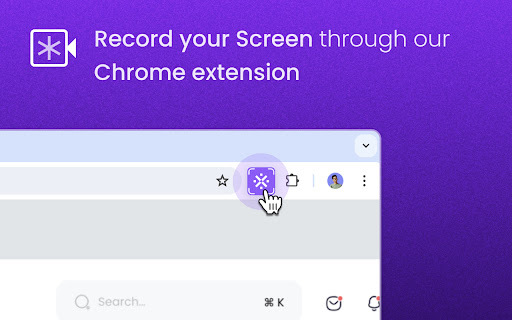
Kroto transforms screen recordings into professional how-to guides with AI.

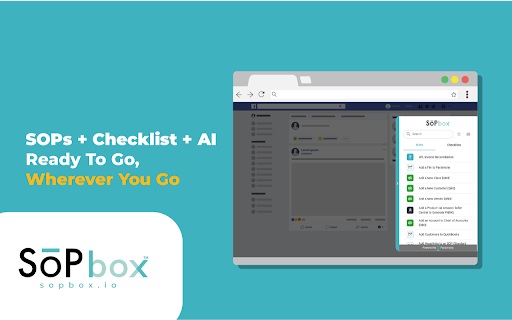
SOP and Checklist management tool accessible on any website with AI-powered SOP generation.

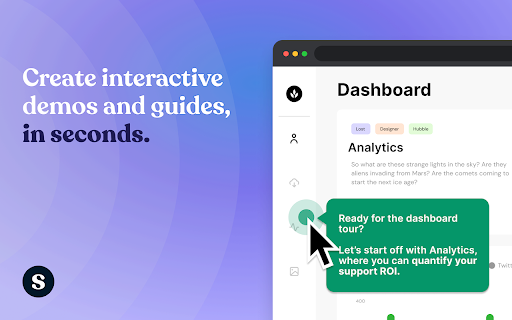
AI-powered platform for creating interactive product demos and guides.

Screen recorder & SOP generator with AI meeting notes, free for teams.